Skip to content
I activate All-Inkl SSL in just a few minutes, enforce HTTPS cleanly and eliminate typical stumbling blocks such as mixed content directly afterwards. This step-by-step guide shows you how to activate the certificate in the KAS, set redirects correctly and fully secure the encryption from both a technical and SEO perspective.
Key points
- Let's Encrypt Activate at All-Inkl in KAS and check lock
- Force HTTPS Use correctly via forwarding and HSTS
- Mixed content Reliably find and replace
- Certificate chain test and switch off old protocols
- SEO consequences Clarify with Search Console and Sitemap
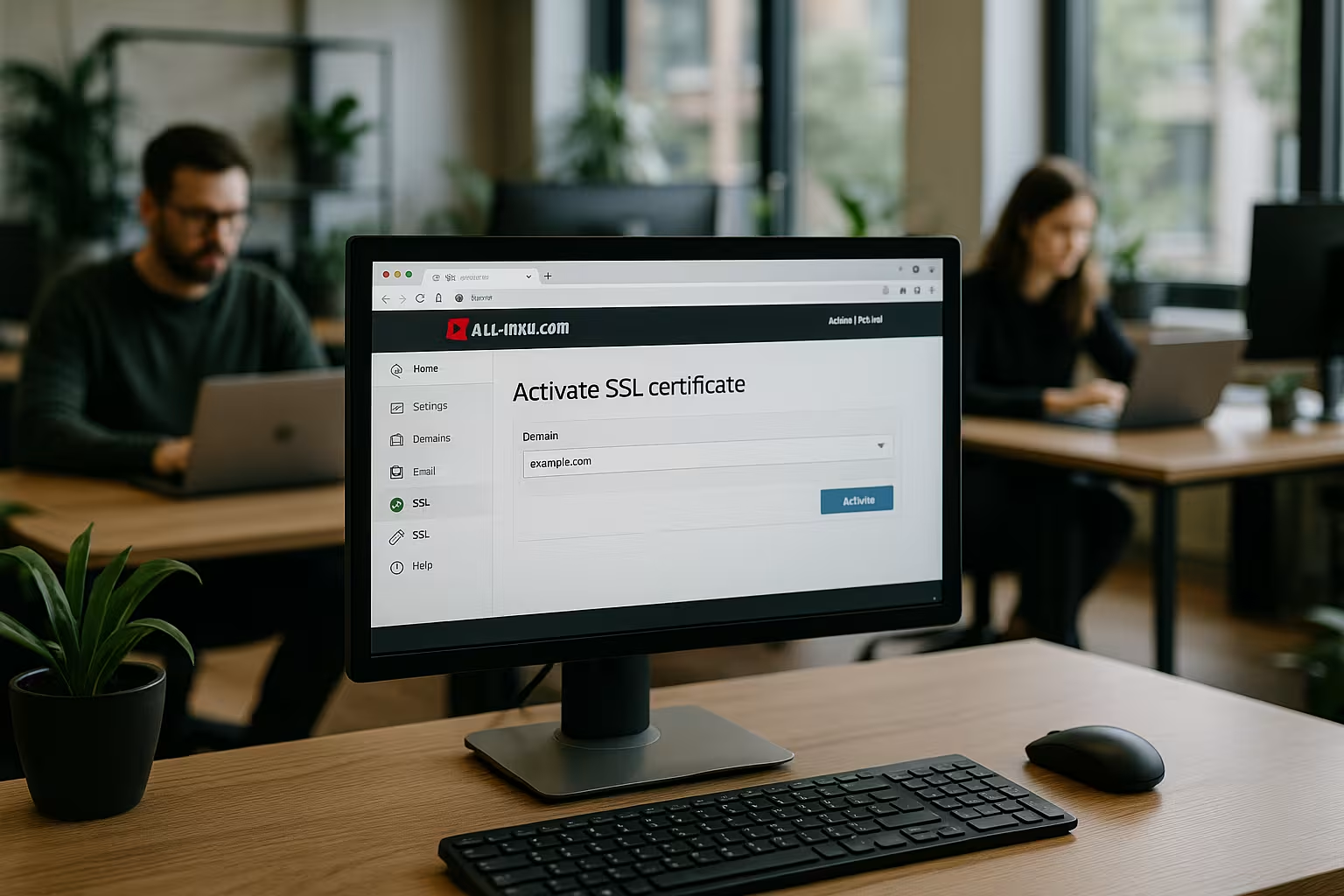
Why HTTPS with All-Inkl has an immediate effect
With an active certificate, I ensure an encrypted Connection between browser and server, which keeps forms, logins and payment data protected. At the same time, I increase trust because modern browsers visibly display the lock symbol and hide warnings. For stores and many APIs encrypted delivery has long been considered mandatory, and editorial offices also secure registration areas and contact forms. Google rates secure pages positively, which supports visibility and click-through rates in the long term. Those who omit SSL today risk abandonment, error messages and fewer conversions, although activation at All-Inkl is very quick.
Requirements and preparation at KAS
I first make sure that the domain and Hosting are at All-Inkl and the DNS entries point correctly to the package. If I have made DNS adjustments, I wait for the distribution so that the certificate check runs reliably. An admin login to the KAS (customer administration system) should be available, as well as the main domain and required subdomains. Before making major changes to WordPress, I export the Database and make a file backup so that I can go back quickly if necessary. Then I start the actual activation without losing any time.
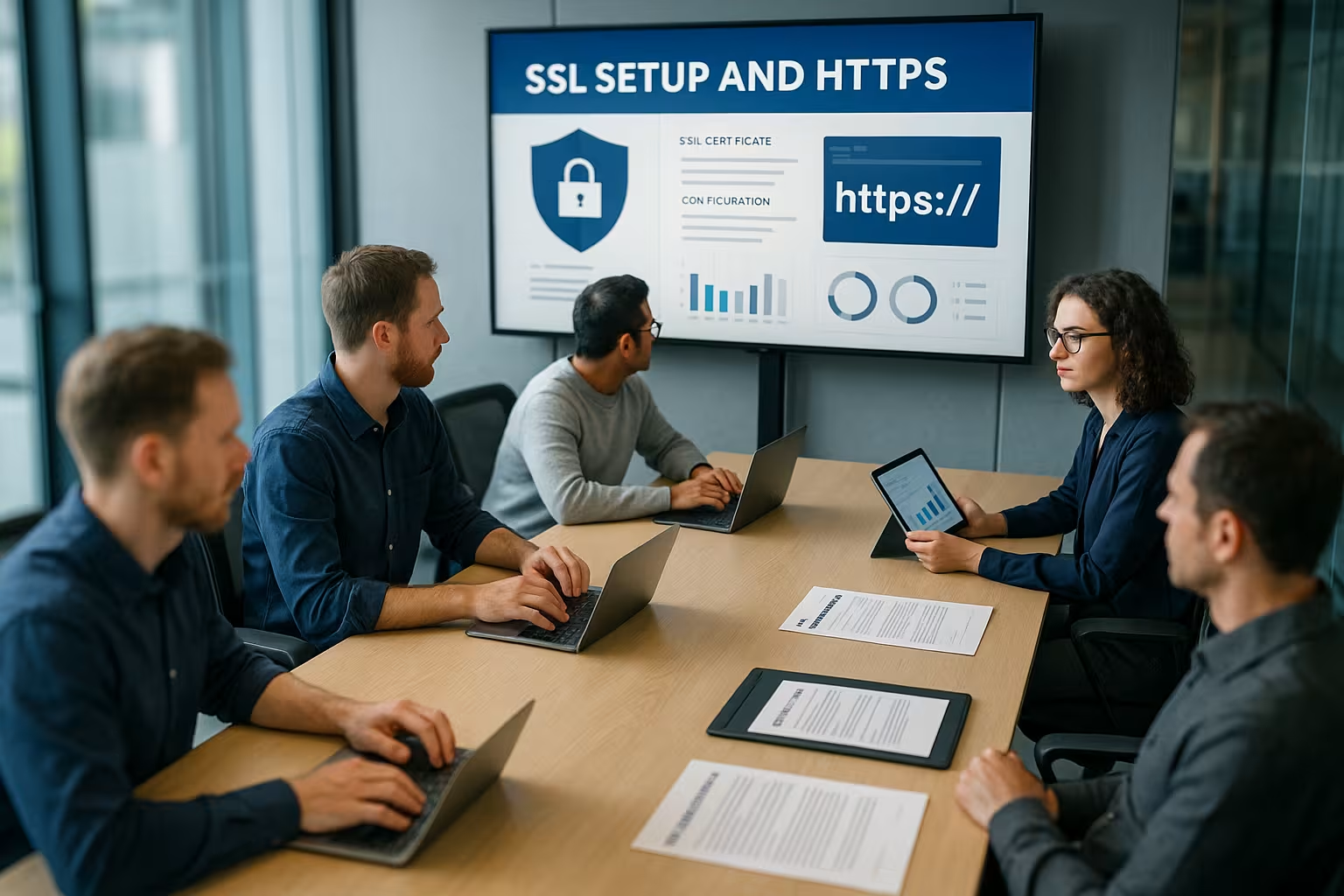
Activate All-Inkl SSL: Step by step
I log in to the KAS and select the relevant Domain from the overview. In the edit dialog, I open the "SSL protection" tab and click Edit again to see the options. In the "Let's Encrypt" tab, I confirm the notice and initiate the issuance; a few minutes later, the certificate is ready and the page loads via HTTPS. To check, I open the page in the private window, clear the cache and look at the lock symbol to the left of the URL. For more in-depth steps, the short All-Inkl Let's Encrypt Guide when synchronizing my settings.
Force HTTPS: Set redirects correctly
After activation, I redirect all HTTP traffic to HTTPS otherwise the page remains accessible via both protocols. I usually set the redirect to 301 via .htaccess using a rewrite rule, alternatively I use the All-Inkl backend for convenient redirects. At the same time, I check whether www and without www run consistently to my preferred destination to avoid duplicate content. As soon as the site runs completely without mixed content, I activate HSTS (Strict-Transport-Security) and thus minimize the attack surface for downgrade attacks. I check the success with a fresh browser start or via the command line so that no local caches falsify the result.

Practice: Setting .htaccess rules and HSTS securely
To ensure that the changeover takes effect properly, I lay down clear rules in the .htaccess on. Two typical variants for canonization:
1) from http and www to https without www:
RewriteEngine On

Force # to https
RewriteCond %{HTTPS} !=on
RewriteRule ^ https://%{HTTP_HOST}%{REQUEST_URI} [L,R=301]

# remove www
RewriteCond %{HTTP_HOST} ^www\.(.+)$ [NC]
RewriteRule ^ https://%1%{REQUEST_URI} [L,R=301]
2) from http and non-www to https with www:
RewriteEngine On

Force # to https
RewriteCond %{HTTPS} !=on
RewriteRule ^ https://%{HTTP_HOST}%{REQUEST_URI} [L,R=301]

# force www
RewriteCond %{HTTP_HOST} !^www\.
RewriteRule ^ https://www.%{HTTP_HOST}%{REQUEST_URI} [L,R=301]
HSTS I only activate it when there are no more mixed content errors. I start conservatively and increase the duration gradually:
# 5 minutes for testing
  Header always set Strict-Transport-Security "max-age=300"
If everything is stable, I set a longer validity and optionally subdomains and preload:
Header always set Strict-Transport-Security "max-age=31536000; includeSubDomains; preload"
Important: I should only activate preload if every subdomain is really reliably accessible via HTTPS, as browsers cache the entry in the long term.
Safely eliminate mixed content
A frequent cause of warnings are hard-linked http-resources such as images, scripts or stylesheets. I consistently replace such links with https or set relative paths so that the content is loaded correctly regardless of the protocol. In WordPress, I correct the addresses in the settings and check page builders, menus, widgets and theme options for hidden URLs. For larger collections, I use specific tools, such as search-and-replace in the Database or suitable plugins that convert internal links. As a compact introduction, the instructions SSL in 5 steps through the typical construction sites without long detours.
Troubleshooting: browser, console and command line
I open the browser's developer tools and check the Console on mixed content warnings and the security tab. There I can see blocked resources and their origin. A few commands help me with the server-side check:
# HTTP should return 301 on HTTPS
curl -I http://example.com/

# Check HTTPS response header (HSTS, CSP, caching)
curl -I https://example.com/

# Inspect certificate chain
openssl s_client -connect example.com:443 -servername example.com < /dev/null | openssl x509 -noout -issuer -subject -dates
With curl I can quickly recognize whether there are incorrect 302 redirects, chains or loops. If the status codes, target URL and headers are correct, the basis is correct. If there are caching problems, I clear the browser and server caches and, if necessary, CDN caches before retesting.
Check certificate chain and protocols
After the changeover, I test the Certificate chain with an SSL checker so that no intermediate certificates are missing. I pay attention to a correct chain up to the trusted root, otherwise browser warnings appear despite a valid certificate. I also evaluate the supported versions and deactivate outdated protocols such as TLS 1.0 and 1.1. Where available, I prefer TLS 1.3 and secure cipher suites that support Perfect Forward Secrecy. A final quality test shows me the grade, chain, protocols and possible weak points at a glance.

Subdomains, alias domains and forwarding matrix
I plan in advance which hosts are available and how they are canonized. Typical candidates: wwwthe naked domain, cdn-, img- or blog-subdomains, staging/dev hosts and alias domains. My matrix defined:
- which hostnames actively deliver HTTPS,
- which target domain is considered canonical,
- which hosts internally redirect to other paths (e.g. /blog),
- which subdomains are excluded (e.g. dev only via Basic-Auth).
For Wildcard certificates I cover all subdomains of a zone. With Let's Encrypt, this usually requires DNS validation. If an alias domain only works as a redirect to the main domain, a certificate for the target is sufficient; if the alias domain itself is delivered, it needs its own certificate or a SAN entry. I keep the number of forwarding jumps to a minimum, ideally a single 301 from each input URL to the target URL.
Switch WordPress cleanly to HTTPS
In WordPress I set the Website address and the WordPress address to https, delete caches and check the homepage and subpages. I check widgets, menus and page builder fields individually because old paths are often stored there. I convert external integrations such as YouTube, fonts and tracking scripts to https so that the browser does not block any content. If I use a CDN, I adjust the Endpoints and set the delivery to https, including correctly stored certificates. Only when everything loads smoothly do I set HSTS and increase the validity period step by step.
WordPress: Practical commands and stumbling blocks
For larger sites I accelerate the conversion with WP-CLI and note the special features of serialized data:
# Set base URLs
wp option update home 'https://example.com'
wp option update siteurl 'https://example.com'

# Search & replace across all tables (omit GUID column)
wp search-replace 'http://example.com' 'https://example.com' --all-tables --skip-columns=guid

# Secure admin area
wp config set FORCE_SSL_ADMIN true --raw
I change GUIDs in the database, as they serve as unchangeable identifiers. In themes, I check image URLs in CSS (background images) and hard-coded script or font sources. For page builders, I pay attention to global settings that inherit protocol properties. After the changeover, I empty all caches (page, object cache, CDN) and regenerate if necessary. Thumbnailsif screen paths are rebuilt.
Extended certificates and CSR at All-Inkl
For projects with special requirements I can offer a Wildcard-I can also use a CSR, OV or EV certificate and integrate it into the KAS. To do this, I create a CSR, have it signed by the provider and import the certificate, private key and intermediate certificates in the SSL protection tab. A wildcard certificate covers any subdomains of a zone and is suitable if many subdomains are in use. For most websites, Let's Encrypt is sufficient with a good Compatibility and short display time, which is why I usually start with it. I only plan to change or upgrade when organizational validation or special display in the browser is required.

Increase security after the changeover
In addition to the redirection, I set as soon as everything is running smoothly, HSTS with appropriate max-age and optional preload registration. I activate OCSP stapling so that browsers receive revocation data faster and fewer queries to external parties are necessary. A strict content security policy with "upgrade-insecure-requests" helps to automatically upgrade forgotten http references to https. I mark cookies with Secure and SameSite so that sessions remain protected and offer less attack surface. Where available, I use HTTP/2 or HTTP/3 to reduce latency and deliver the page faster.
Content security policy and header hardening
I take a header-structured approach and roll out restrictive policies step by step. A soft start is upgrade-insecure-requeststhen I define sources explicitly:
Header always set Content-Security-Policy "upgrade-insecure-requests"
  Header always set Referrer-Policy "strict-origin-when-cross-origin"
  Header always set X-Content-Type-Options "nosniff"
  Header always set X-Frame-Options "SAMEORIGIN"
  Header always set Permissions-Policy "geolocation=(), microphone=()"
With a strict CSP (default-src 'self' plus specific exceptions) I prevent the reloading of unwanted resources. Report-Only is suitable for tests before I block. I document exceptions to simplify subsequent audits.
Automatic renewal and monitoring
Let's Encrypt certificates usually run for about 90 days, and All-Inkl takes over the Extension automatically. I regularly check the expiry date in the browser or via monitoring so that there are no surprises. If I notice a problem, I start the renewal manually and then check the chain, logs and redirects again. I also monitor availability and respond to certificate warnings before visitors notice anything. A short calendar entry reminds me to check again, even if the automatic system is working reliably.
CDN, reverse proxy and caching traps
Do I use a CDN or a reverse proxy, I ensure "Full (strict)"-like modes and store a valid certificate at the origin. I check headers such as X-Forwarded-Protoso that the application recognizes the correct scheme (important for absolute URLs). For the Cache strategy applies: After switching to HTTPS, I invalidate the CDN cache completely to avoid mixed versions. I make sure that no duplicate caches (e.g. plugin + CDN) deliver divergent versions. For signature mechanisms (Subresource Integrity), I update hashes if resources have been moved from http to https.
SEO steps after HTTPS: Search Console, sitemap, backlinks
After activation, I add the https property in the Search Console and submit a fresh sitemap. I check internal links and canonicals in templates and headers so that everything points correctly to https. I check analytics, ads and external tools for correctly stored addresses so that tracking and conversions remain complete. Large projects benefit from having backlinks to important pages updated to save redirect chains. For an overview, I like to use the compact HTTPS guide as a checklist for the final steps.
Internationalization, Hreflang and structured data
For multilingual projects, I make sure that hreflang-tags must consistently reference the https variants. Canonicals and alternate relationships must not contain any protocol mixtures. In structured data (schema) I prefer to use absolute https URLs and the same logo, image and publisher references. The robots.txt remains accessible and contains the https sitemap URL. Redirects influence the crawling budget; stable 301 targets help to avoid unnecessary jumps.
Hosting and performance in comparison
A suitable Hosting simplifies SSL integration, provides up-to-date server stacks and ensures short loading times. In independent tests, providers with a focus on security and speed are ahead, which is clearly noticeable in everyday operation. All-Inkl scores with simple operation, reliable tools in the KAS and good certificate management. Who wants high Performance look for HTTP/2/3, fast SSDs and a clean caching concept. The following table shows a brief classification of the providers and their strengths.
| Ranking | Provider | Special feature |
|---|---|---|
| 1 | webhoster.de | Fast & highly secure |
| 2 | all-inkl.com | Reliable, simple |
| 3 | Strato | Good accessibility |
Rollback plan and safe migration
I am planning a Rollbackif critical integrations fail after the changeover. This includes: Backup in advance, clear list of changed settings, deactivatable headers (HSTS initially with short max-age) and a time window for testing outside of peak traffic. I communicate deployments internally so that editorial and marketing can reconnect caches and tools. After completion, I document redirects, headers and certificate data to facilitate maintenance and audits.
Briefly summarized
I activate All-Inkl SSL in the KAS, consistently enforce HTTPS and remove mixed content immediately after the changeover. I then check the chain, protocols and ciphers, switch on HSTS in a tailored manner and ensure automatic renewal. In WordPress, I update addresses, tidy up hard-wired paths and adjust external integrations. For the SEO-page, I add the https property in the Search Console, submit a fresh sitemap and keep canonicals clean. This way, the site is quickly secure, loads with high performance and boosts trust and visibility in equal measure.