Skip to content
Backup strategies in hosting bundle three core methods: snapshot, dump and incremental backups - I show how they reliably cushion failures, attacks and misconfigurations. If you combine these methods, you get fast rollbacks, granular database restores and efficient schedules with clear RTO/RPO targets.
Key points
- Snapshot for rollbacks within minutes after updates.
- Dump for detailed database restores and migration.
- Incremental for low storage loads and daily runs.
- 3-2-1 as a reliable rule with offsite copy.
- Automation with schedules, test restores and encryption.

Why backup strategies are crucial in hosting
I secure running systems against Hardware failures, attacks and operating errors by using a multi-level concept. The 3-2-1 rule uses three copies on two types of media with off-site storage to reduce the risk of a total failure. I keep an eye on recovery time (RTO) and data loss tolerance (RPO) and set both with suitable schedules. Hosting stacks with NVMe storage and API access noticeably speed up processes and reduce the recovery time. If you want to delve deeper, you can find Guide to backup strategies structured decision trees for typical web projects, which keeps planning lean.
Snapshot backups: how they work and how they are used
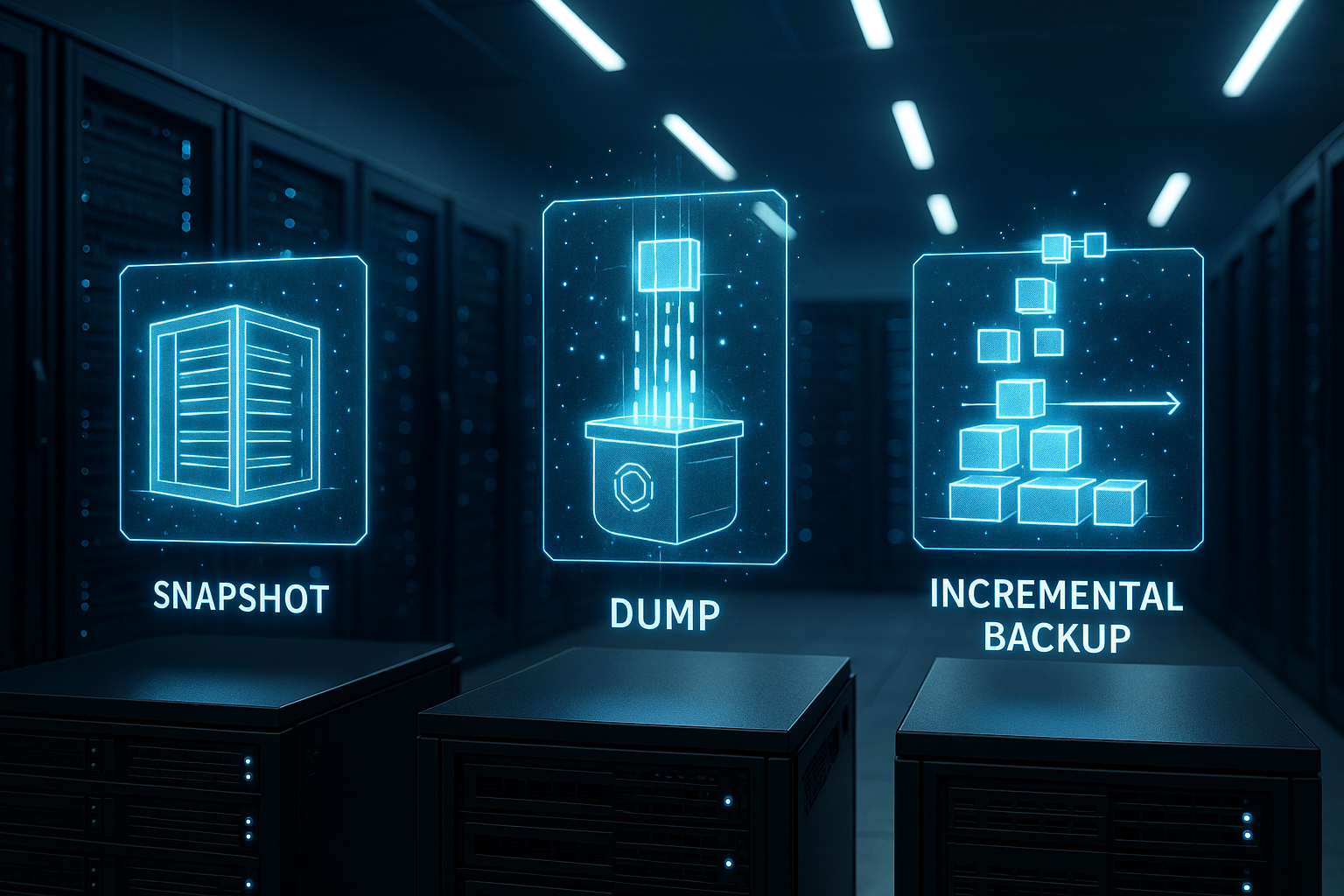
A Snapshot freezes the exact state of a volume or entire VPS at time X without stopping the service. I use it before risky updates, plugin installations or kernel changes because it allows me to jump back in minutes. Since only changes to the base state are saved, the memory requirement usually remains moderate and the creation is quick. I have hostings automatically create snapshots at night and limit storage to a few weeks, while I mark critical milestones as „permanent“. The physical or logically separate storage of the snapshot data remains important, otherwise I share a single point of failure with the Original.

Dump backups for databases
A Dump exports the contents of a database to a readable file so that I can restore tables, schemas and views in a targeted manner. With WordPress, I create an SQL dump before major work so that I can back up posts and options separately. I compress large databases during export, which saves transfer time and space while retaining readability. I always combine the dump with a file backup of the webroot so that media, themes and configurations match the database. For step-by-step instructions, I like to use the resource Back up MySQL database, as this helps me to avoid sources of error during export and import.
Incremental backups in everyday life
Incremental Backups only capture the changes since the last run, which makes daily backups fast and economical. I set weekly full backups as an anchor and supplement them with daily incrementals, which can be reassembled into a consistent state if required. The restore requires the chain up to the last full backup, so I regularly check the integrity and keep the chain short. For very active sites, a mix of daily diff or incremental backups and an additional snapshot before deployments is worthwhile. Modern tools deduplicate blocks and encrypt data, which means I can guarantee security and Efficiency together.
Comparison table: Snapshot, Dump, Incremental, Differential
I use the following table to categorize procedures according to speed, memory requirements and recovery and select them to suit the project.
| Method | What is backed up? | Speed | Memory requirement | Restoration | Suitable for |
|---|---|---|---|---|---|
| Snapshot | System status of Volume/VPS | Very fast | Low to medium | Minutes, rollback-based | Updates, rollbacks, test environments |
| Dump | Database contents (SQL/text) | Medium to slow | Low (compressed) | Granular, table by table | WordPress/shop data, migration |
| Incremental | Only changed blocks/files | Fast | Low | Requires chain | Daily runs, large amounts of data |
| Differential | Changes since last full backup | Medium | Medium | Faster than incremental | Fast restore with moderate size |
| Full backup | Complete instance/data | Slowly | High | Simple and direct | Weekly anchor, archiving |
Storage, ransomware protection and immutable storage
For each type of fuse, I create clear Retention-times: short for snapshots, longer for diffs and incrementals, and longest for monthly full backups. Immutable storage with a write-once-read-many policy helps against encryption Trojans, so that an attacker cannot change existing backups. I also keep an offline separate or at least logically isolated copy so that a compromised account does not delete all generations. Encryption on the client side with separate key management protects sensitive content from being viewed in transit and at rest. I document the path of the data from the source system to the offsite copy so that I can Audit-requirements cleanly.
Practical implementation of RTO, RPO and restore tests
I define concrete RTO- and RPO targets for each application, such as „store back online in 30 minutes, maximum data loss of 15 minutes“. I derive the frequency, storage and type of backups from this and check every month whether the targets still fit. I run restore tests on staging instances so that there are no surprises in the event of an emergency. Checksums and logs help me to detect disruptions in backup chains at an early stage. I keep an emergency playbook ready, with contact persons, access data safe and step sequences, so that in a stressful situation I can Certainty of action keep.

Consistent backups: freeze application status
I not only back up files, but also states. For consistent I briefly freeze applications for backups or use mechanisms that coordinate write accesses: File system freeze, LVM/ZFS snapshots, database flush and transaction logs. With MySQL/MariaDB I consider binlogs or GTIDs for point-in-time recovery, with PostgreSQL WAL archives. This allows me to jump exactly to the desired point in time after a restore, instead of just to the last full or incremental backup. I schedule critical write loads outside the backup windows so that I/O peaks do not collide. For highly transactional systems, I use application-aware hooks that empty caches, drain queues and temporarily throttle write operations.
Security and key management in practice
I encrypt sensitive data client-side and manage keys separately from the storage. I work with key rotation, versioned passphrases and a clear separation of backup operator and key admin roles. I separate writing, reading and deleting by roles and use „MFA delete“ or quarantine periods for delete commands so that misclicks and compromised accounts do not lead to a disaster. Service accounts are given the minimum necessary rights (least privilege), access is restricted via IP or VPC restrictions. For „break-glass“ scenarios, I maintain a sealed emergency procedure that is documented and regularly tested.
Automation: schedules, cron and rsync
I set up schedules with cron jobs and API calls so that full and partial backups can be planned and run reliably. Before every large deployment, I also trigger an ad-hoc snapshot to ensure the Rollback-time. For file backups, I use incremental transfers and deduplicate blocks, which reduces traffic and duration. For file servers, I use rsync with checksums so that only changed segments are transferred. If you want to simplify the setup, you can find Automate backup with rsync practical examples that fit well into existing jobs.
Workflows for WordPress, Joomla and VPS
For WordPress I mainly back up the database and the wp-content, uploads, themes and plugins folders so that I don't get any inconsistencies after a restore. I deactivate cache plugins before the import and only reactivate them after a successful check to avoid errors. At VPS level, I take a snapshot before system updates and keep parallel file-based backups so that I don't have to roll back the entire server in the event of file or rights problems. For Joomla and Drupal, I use tools that capture both files and databases and also use an offsite target. After every restore, I check logs, cron jobs and certificates so that Services clean start.

Containers, Kubernetes and cloud workloads
In containerized environments I secure stateless services via re-deployments and focus on states: persistent volumes, databases and configurations. For Kubernetes, I use tool-supported volume snapshots, backups of etcd/cluster state and application-aware hooks that briefly freeze deployments. In managed services, I take over native backup functions (schedules, PITR), but also export to an independent offsite target in order to Platform risks limit. I back up encrypted secrets, TLS certificates, SSH keys and .env files so that deployments can be restarted after a restore without manual rework.
Planning: 3-2-1 and hybrid approaches in practice
I combine daily Snapshots for speed, weekly full backups for clear anchors and daily incrementals for efficiency. One copy remains local for quick restores, one is in the cloud for failure scenarios, and I keep one generation offline. For larger teams, I add roles so that no one can perform deletions or retention changes alone. Monitoring and alerts report failed jobs immediately so that I can rectify delays at an early stage. I use a conservative schedule as a starting point, which I plan based on growth and Rate of change fine-tune.

Monitoring, KPIs and alerting
I measure success not only by „OK/FAILED“, but by KPIsThe age of the last successful backup per workload, duration and throughput per job, change rate (delta), error rates and expected time to complete restore. Deviations trigger alarms - for example, if the RPO window is exceeded or the duration of a job doubles. Reports are generated daily and monthly, including trend analysis of memory consumption. I check hash lists and manifests regularly (scrubbing) so that silent data corruption becomes visible at an early stage. For critical systems, I keep a „backup SLO“ and link it to on-call alerts.
Costs, capacity and lifecycle management
I plan capacity over Rates of change instead of total data: How many GB are generated each day? What compression and deduplication rates do I actually achieve? From this, I derive retention curves and storage classes (hot for fast restores, cold for archive). I take retrieval and egress costs into account in an emergency so that the recovery does not fail due to budget constraints. Throttling and time windows prevent backups from blocking bandwidth and I/O during peak usage times. For large file sets, I rely on chunking, resume-capable transfers and regular „synthetic fulls“, which combine full backups from incrementals and thus save memory.
Compliance, GDPR and data life cycle
I set up Storage I also comply with legal requirements and document which types of data are stored and for how long. Where deletion obligations apply, I use selective expire strategies to ensure that personal data is not stored in backups for longer than necessary. I maintain verifiable data residency and audit logs by logging storage locations, access and deletion processes. For legal holds, I freeze individual generations without blocking regular rotation. I implement appropriate protection classes and encryption levels through clear categorization (critical, sensitive, public).
Play through restore scenarios cleanly
I am planning different RestorationsFile-based (accidentally deleted), granular in the database (table, schema), system or bare-metal restore (total loss), through to site failures (change region). I lower DNS TTLs before planned relocations so that switchovers take effect quickly. After the restore, I test technical KPIs: Order process, logins, search index, emails (SPF/DKIM), webhooks, payments. I rebuild caches, queues and indices to avoid inconsistencies. For blue-green/rolling approaches, I have parallel environments ready to switch over with minimal downtime.
Practical decision-making aids for everyday life
I choose Snapshot, when I need quick reloads after updates or backups before deployments. I use dumps when data integrity of the database is paramount or I only want to restore individual tables. For frequent changes, I rely on incremental backups to keep loading windows short and storage costs calculable. For the shortest possible restores, I combine a nearby, quickly accessible target with a remote, fail-safe copy. If I feel unsure, I use tried and tested patterns as a guide and adapt them step by step to the Workloads on.
- Checklist - first 30 days:
- Define and document RTO/RPO for each application.
- Set 3-2-1 target image, select offsite target and Immutable option.
- Set up full backups + incrementals, schedule snapshots before deployments.
- Activate client-side encryption with separate key management.
- Separate roles and rights: Write, read, delete - dual control principle.
- Establish monitoring: Age last success, throughput, error rates, alarms.
- Introduce a monthly restore test for staging, log the result.
- Align capacity planning and retention with change rates.
- Share documentation, emergency playbook and contact list within the team.
Summary and next steps
Let me summarize: Snapshots provide speed, dumps save database details and incremental backups keep storage requirements low. Implementing the 3-2-1 rule, working with encryption and immutable storage and planning regular restore tests measurably reduces risks. I document the entire process from backup to restore so that handovers within the team are easy. For fine-tuning, I start with conservative intervals and shorten them where downtime hurts. If I'm unsure about the depth of implementation, I fall back on tried and tested checklists, because clear steps bring the best results in an emergency. Rest, that I need.