Skip to content
Backup strategies for websites give you back technical control - reliably, automatically and flexibly. This practical guide shows you how to secure your data, reduce risks and prevent downtime with a strong backup strategy.
Key points
- Automation saves time and reduces human error
- 3-2-1 rule protects against complete data loss
- External storage locations like cloud increase security
- Recovery tests ensure success in an emergency
- A Strong partner like webhoster.de increases reliability

Why backups are a mandatory task
Website data is constantly under threat - from Hacker attacksfaulty plugins, updates or human error. Without ongoing backups, you risk downtime, lost revenue and a damaged reputation. I often see websites where a small problem has led to a total shutdown - all because of a lack of backup concepts. Backups are not an add-on, they are part of any minimum protection. If you ignore them, you are being grossly negligent.
With a reliable concept you ensure all contents - from product data and customer data to blog history. Dynamic platforms such as WooCommerce, membership sites or editorial systems in particular require ongoing security. In this WordPress backup guide learn what a complete backup looks like in practice.
Basics of future-proof backup strategies
You need more than just a "backup once a month". That's not enough. I pay attention to three points with every web hosting setup these days: Automation, redundancy, recovery. Automated processes run independently and take the pressure off day-to-day business. Redundant storage prevents disasters after server crashes.
The 3-2-1 rule means: three copies on two different storage media - one of which is outside the hosting infrastructure. For customer projects, I always transfer at least one copy to the cloud in encrypted form via SFTP or API. I regularly test recoverability. Only those who know the restore know the effect of their backup.
Direct comparison of backup types
Every backup strategy is based on a specific backup type. In practice, I often combine at least two variants.
| Backup type | Description | Advantages | Disadvantages |
|---|---|---|---|
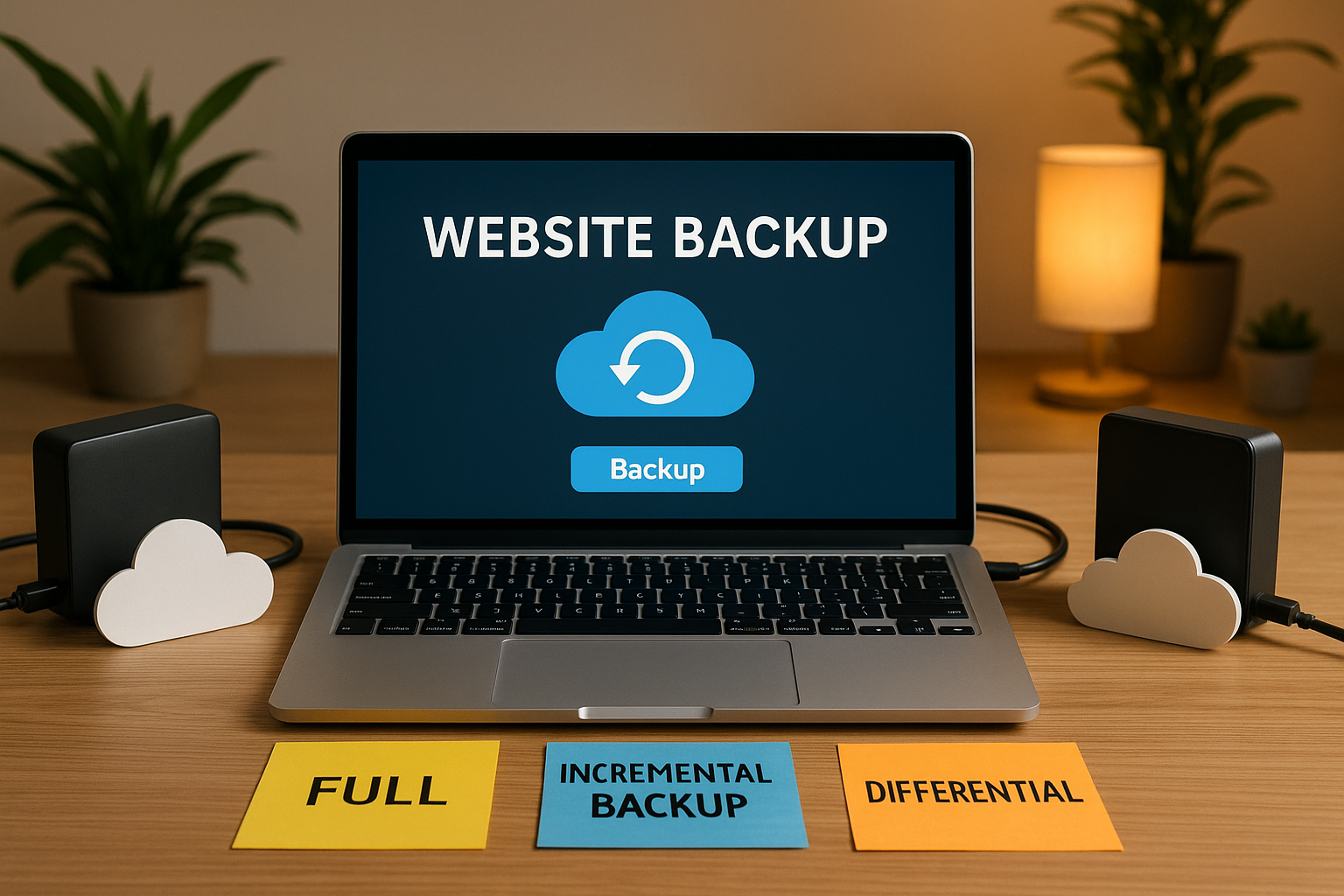
| Complete backup | Complete backup of all website files and databases | Fast recovery | Requires a lot of storage space |
| Incremental backup | Only new/changed data since last backup | Economical & efficient | Restore takes longer because chains have to be built up |
| Differential backup | Changes since the last full backup | Good compromise between space and speed | Restore also requires complete backup |
| Manual backup | Export via FTP/MySQL; no automation | Full control | Error-prone, irregular |
| Automated backup | Planned backup via plugins/service provider | Reliable and constant | Initial setup required |

Storage: Local vs. external backups
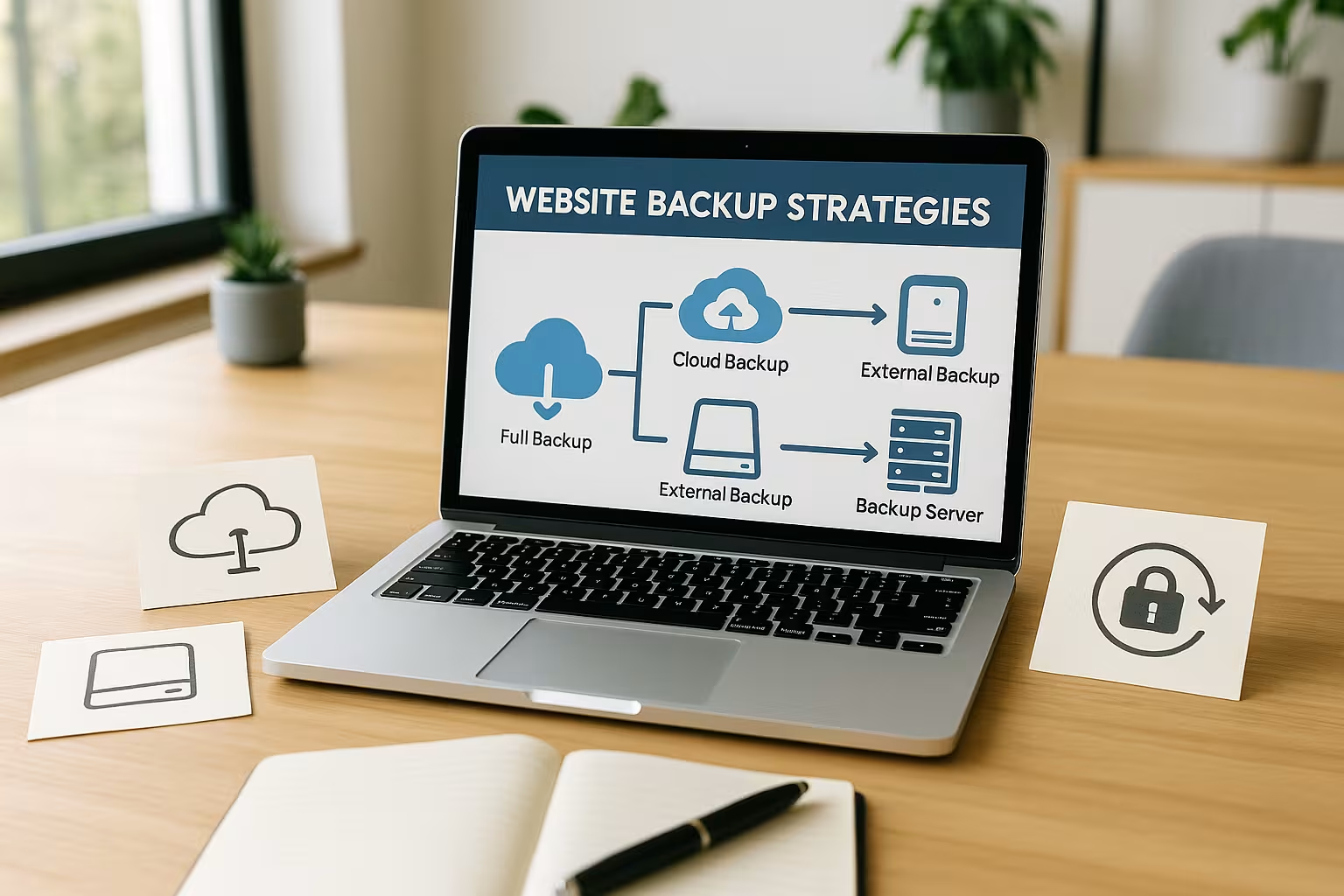
A local backup directly on the server is no insurance. If the web server is hacked or the hosting is canceled, the backup is also lost. That's why I attach great importance to a External backup copyfor example via cloud or FTP storage.
Tools such as UpdraftPlus or Jetpack VaultPress offer direct cloud uploads to Dropbox, Google Drive, S3 etc. Particularly powerful: the option to encrypt data with a password and define multiple storage locations in parallel. If you think strategically, follow the rule: at least one backup should be located in such a way that it remains available regardless of your website infrastructure.
Recommended backup tools in direct comparison
Different tools are suitable depending on the CMS, technical affinity and functional objective. I differentiate between occasional users and business systems whose uptime costs money.
| Provider/plugin | Recommendation | Strengths |
|---|---|---|
| webhoster.de | Test winner, ideal solution for professionals | Multiple storage locations, 1-click restore, daily backup |
| UpdraftPlus | Versatile & popular | Simple, cloud connection, free + premium version |
| BlogVault | Premium solution | Multisite support, high degree of automation |
| BackWPup | Solid for starters | Cloud FTP, free configuration |
| WPvivid | For developers | Backup + migration, container style |

Webhoster.de - the ideal partner for critical infrastructures
I prefer to work with hosting partners who offer an integrated backup system. webhoster.de impresses with automatic backup intervals, server-side redundancies and guaranteed restore. The provider handles technical tasks at company level - and does so in a visibly reliable manner.
Real-time backups are a must, especially for online stores or membership platforms. When new data is created daily or customers call up historical transactions, there is no room for data loss. The backup function at webhoster.de covers exactly this professionally - including restoration with just one click.
Errors that cause data loss
I see the same omissions time and again in consultations. And they are avoidable. The biggest risk is not having any backup automation at all. This is closely followed by incorrect storage in the same location as the website itself. Missing recovery tests can also be fatal - a backup that cannot be restored is effectively useless.
Check your backup logs. Are there any error messages? Have backups been completed successfully? A quick check saves hours of work in an emergency. And invest some time in test restores. If you run through the restore function at least once a quarter, you will discover weak points at an early stage.
Best practices for your daily backup routine
Backups are not a one-off action, but run parallel to the website. To make them a real lifeline, you should regularly check, document and update them. I recommend the following measures:
- 3-2-1 rule Always comply (local + external)
- Detailed documentation of backup schedules and storage locations
- Access only for defined persons (access management)
- Always encrypt backups if they contain sensitive data
- Check backup logs, set up alerts in the event of errors
Advanced users should also integrate monitoring systems or activate notifications via email. This allows errors such as aborted backups to be detected quickly - before they cause damage.
RTO and RPO: key factors for emergency planning
If you are building a solid backup strategy, there is no getting around two key performance indicators: RTO (Recovery Time Objective) and RPO (Recovery Point Objective). The RTO describes the maximum time it can take for your website to be back online after a failure or data loss. For e-commerce projects with tightly calculated margins, I often set a very short RTO, as every outage means a loss of revenue. The RPO, on the other hand, defines the maximum amount of data loss that can be tolerated - i.e. up to what point in the past the data can be restored in an emergency.
For example, anyone who books hundreds of orders a day in an online store does not want to risk double-digit losses. The RPO must then be kept correspondingly short. This in turn leads directly to the question of backup frequency. To guarantee minimal data loss, the backups should run more frequently - approximately every hour, depending on the store volume. I often see stores that only create a backup once a day. However, if the website fails shortly before the automated backup, all orders since the last run are lost. It is therefore extremely important to plan RTO and RPO realistically and to define the backup intervals and storage locations accordingly.
Multilingual websites and multi-site setups
Multilingual websites or multi-site environments are often used for international projects in particular. Here, the effort required for data backup is much higher than with a simple installation, because each sub-area can have its own configurations, plugins and language files. In such cases, I recommend using a central tool that can handle multi-site architectures - for example BlogVault with its multisite support or a professional hosting solution that can create automatic backups for each subsite. Sometimes I see that only the main site is backed up, while the subsites are neglected. In the event of a hacker attack on a specific language version, this can have fatal consequences.
When restoring, the question also arises as to whether you want to restore a complete multi-site instance or just a single language module. This is where solutions that enable differentiated restores score points. I recommend creating a complete backup of each language version or subsite involved at least once a week if there are a lot of changes. Longer intervals may be sufficient for smaller updates. It is important that you take into account all device-specific differences (desktop, mobile) and language-specific plugin files so that the backup really does cover everything in an emergency.
Surveillance, monitoring and notifications
It is very important to me that a backup system doesn't just work quietly in the background, but actively informs me of problems. That's why I rely on monitoring systems or integrated email notifications. Sometimes tools such as UpdraftPlus or BackWPup have corresponding functions on board to send a short message after every backup created. This allows me to see directly whether the backup was successful or whether an error has occurred.
In addition to the actual backup, you can track the integrity of your website using uptime monitoring. This allows you to recognize immediately if your website goes offline and an emergency backup becomes necessary. In the best case scenario, you can intervene quickly and prevent major damage before your visitors notice anything. The combination of backup tools, monitoring and a reliable host with responsive support is the foundation for a stable online presence.

Data protection and GDPR
One point that I always emphasize: As soon as you process data from EU citizens - including addresses, comments, order information, for example - the GDPR applies. The retention obligations for certain data records often only end after a few years. So if you create a backup, you automatically store personal information multiple times. This is legal as long as you Principles of data security and purpose limitation, i.e. only use the backups for recovery purposes.
An inadvertent breach can already occur if unencrypted backups are stored on publicly accessible servers. So make sure that all storage media are protected and the transfer is encrypted. Many cloud services offer integrated encryption with access controls. I recommend additionally protecting backup files if necessary (e.g. via AES-256) and only granting access rights to defined persons. Data protection audits by external bodies can help to keep your backup strategy GDPR-compliant.
Additional aspects for a successful backup strategy
To ensure that a backup strategy not only sounds good on paper, but also works smoothly in practice, you should consider a few additional points. Firstly, plan the time required realistically. Especially with large websites, full backups can take several hours and put a strain on the server. That's why I often schedule nightly backup windows when there is little traffic. Secondly: Security updates and compatibility. Make sure that your CMS, your plugins and the backup tool itself are always kept up to date so that there are no security gaps that could compromise your backup system.
It is also worth taking a look at the Service Level Agreements (SLAs) of your hoster. Some providers guarantee recovery times or a certain level of availability. If a certain Response time is contractually regulated, you can rest assured that nothing will fall by the wayside. Those who work professionally conclude precise agreements with the hoster on the subject of restoration, data security and access. This also puts you on the safe side in legal terms.
Review and recommendations
A watertight backup strategy is not a luxury, but a prerequisite for lasting online success. I have seen websites that have not recovered financially from a data loss. Those who are prepared remain capable of acting and save costs in an emergency.
Conclusion for your backup practice
Back up your website intelligently, regularly and outside your infrastructure. Automated systems, coupled with various storage locations and regular tests, form the basis of any successful backup strategy. Tools such as UpdraftPlus or webhoster.de make this setup possible without much effort.
Make backup management a habit, not an exception. If you design your backup strategies correctly, you will never lose more than a few hours of time - but never your customers, data or reputation.