Skip to content
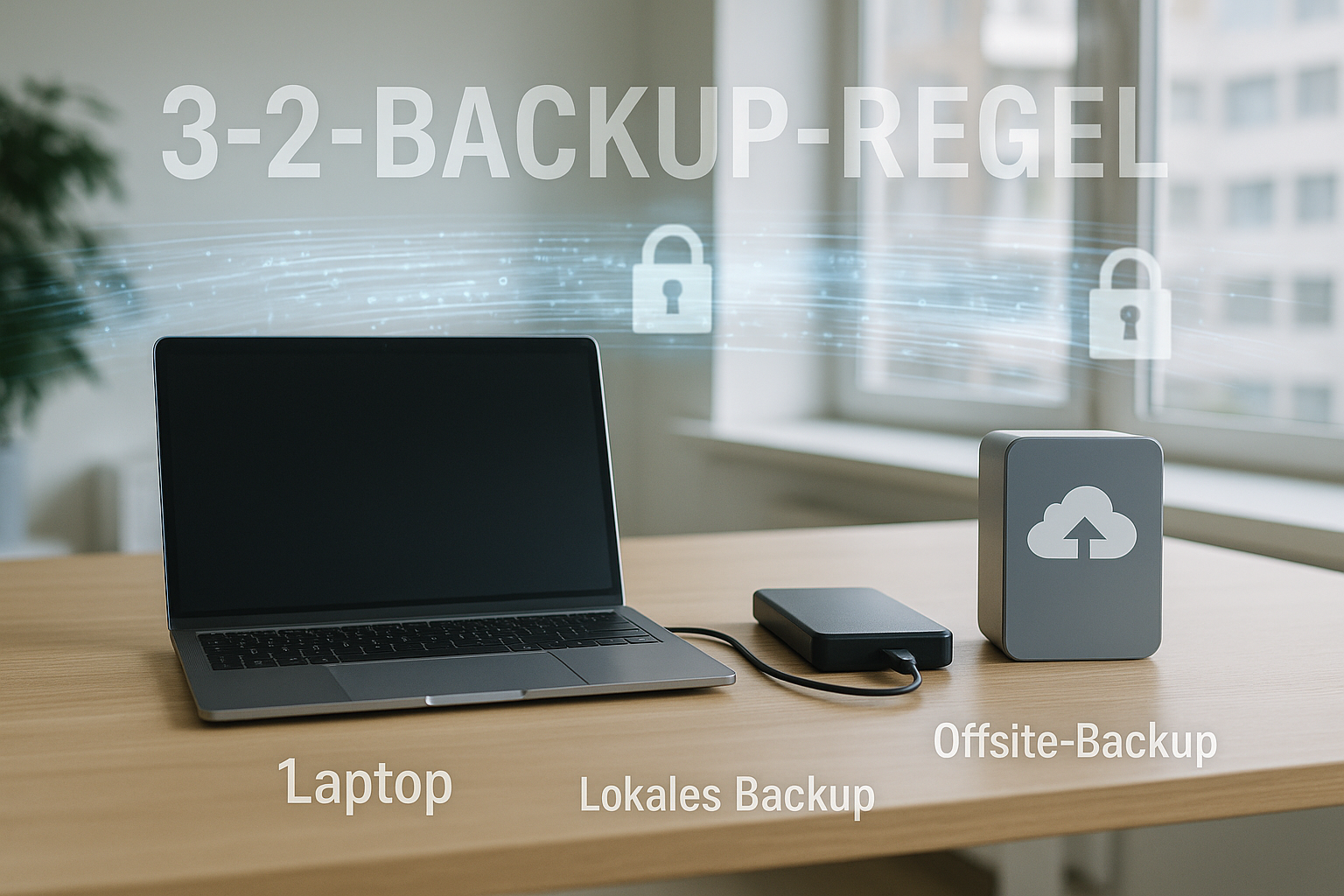
Backups according to the 3-2-1 backup rule reliably protect web projects from failures, ransomware and operating errors because I keep three copies on two types of media with an external copy. This ensures that no single defect, incident or location problem affects all data at the same time and that I can restore it at any time [1][2].
Key points
- Three copies hold: Original plus two fuses
- Two media combine: local and cloud
- One copy External storage: offsite/cloud/offline
- Automation activate: Schedules and monitoring
- Immutable and Air-Gap: Protection against deletion
What does the 3-2-1 rule actually mean?
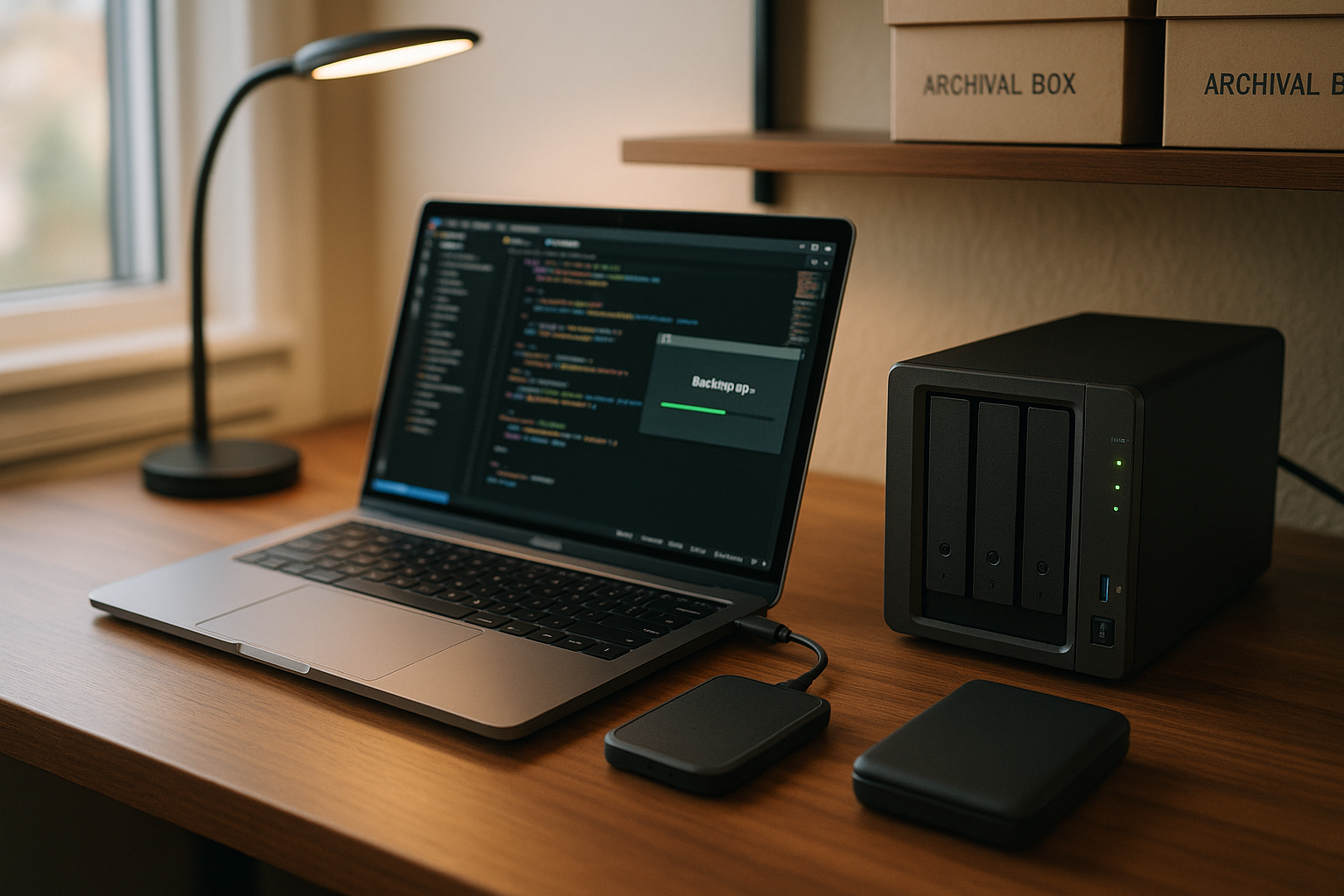
I always keep three copies of my data: the productive original and two backups. These backups are stored on at least two media typesfor example, a local NAS plus a cloud storage destination so that a single failure does not trigger a disaster [1][2]. I store at least one copy in a different location so that fire, theft or power damage at the primary location does not create a complete data gap [3]. For web projects, this means that I back up files, database dumps and configurations separately and consistently so that I can realistically reassemble applications. I also plan retention periods so that older versions remain available in case an error slips unnoticed into several generations.
Why web hosting backups are mandatory after 3-2-1
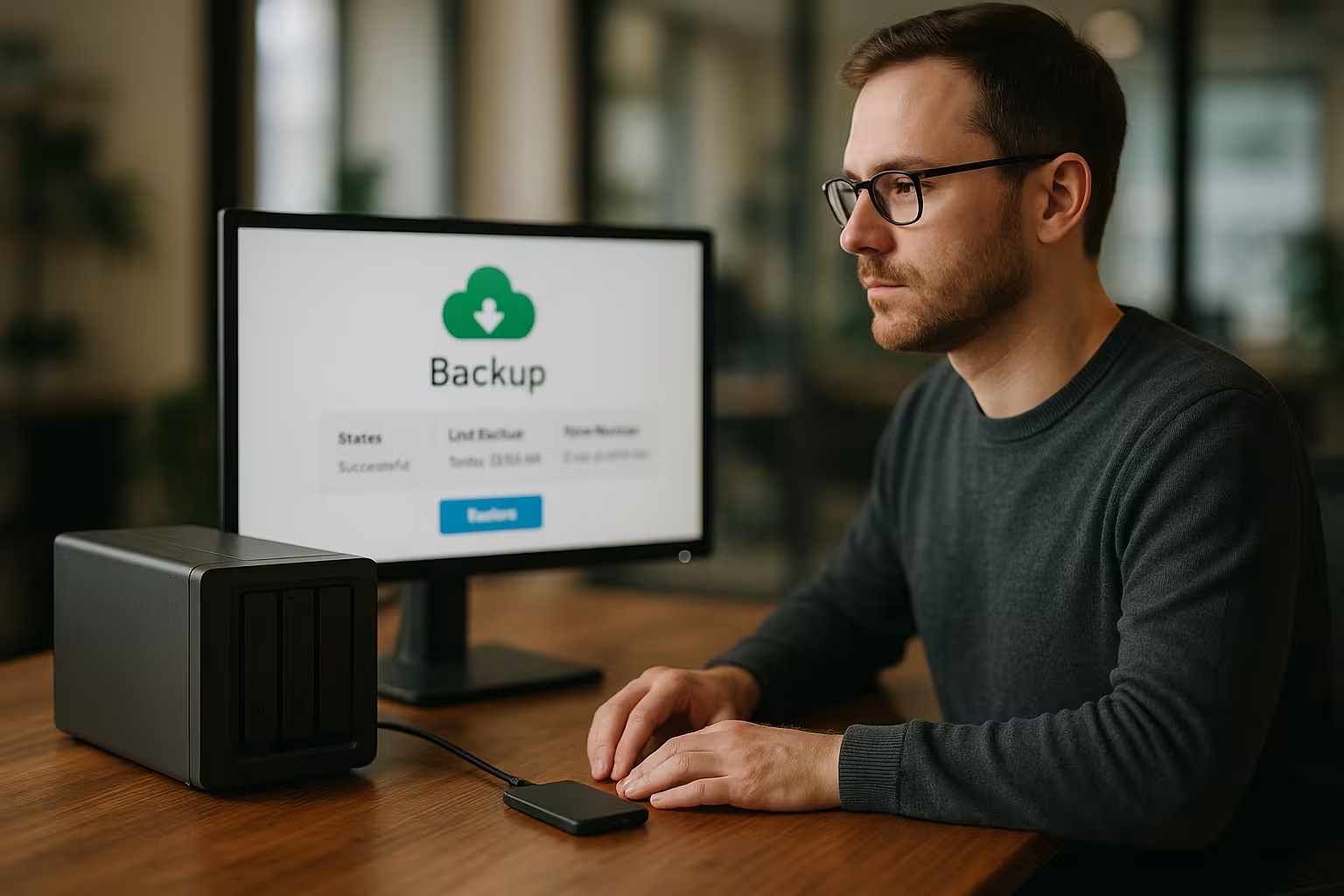
A backup on the same server seems convenient, but a Total lossRansomware or a faulty update can hit both system and backup at the same time. I drastically reduce this risk by combining local speed with off-site storage to create real Redundancy can be achieved. In the event of an attack, an immutable or offline copy remains untouched, allowing me to roll back cleanly [4][2]. Even simple operating errors, such as deleted media folders, can be quickly undone using version-based cloud snapshots. Anyone operating web stores or customer data can thus avoid downtime, contractual penalties and loss of trust.
How I implement the rule in everyday life
I start with a clear backup plan: daily to hourly backups, separate destinations and defined Storage. I then activate automation, encrypt data during transfer and at rest and document recovery steps. For file-based project data, I use incremental jobs; I back up databases consistently with snapshots or dump tools. If I need file-based synchronization, the procedure from Automate backups via rsyncto transfer changes efficiently. I test every change to the stack - such as new plugins or an update - with a restore on a separate instance, so that I don't have to make any changes in the event of an emergency. Surprise effect experience.

Combine storage destinations and media correctly
For speed in everyday life, I rely on a local NAS or a backup appliance so that restores of smaller files take seconds. The second copy ends up in a cloud with versioning and region selection so that I can mitigate geographical risks. For particularly strict protection requirements, I add an offline copy, e.g. via removable media or tape, which remains physically separate. Clear processes are important: When do I change media, how do I check integrity and how do I document the chain? This creates a resilient mix of speed, distance and separation for web projects of any size.
Backup types: Full, incremental, differential
I combine Full backups with incremental backups to keep recovery and storage requirements in balance. A weekly full serves as an anchor, daily incrementals capture changes with a minimal time window. Differential backups provide a middle ground when I prefer more uncompromising restore times. For databases, I plan additional points in time so that transactions are captured cleanly. The decisive factor remains: I document which chain my restore is based on and I regularly check whether all generations are readable.
| Backup type | Description |
|---|---|
| Full backup | Copies all data completely; serves as a periodic reset for clean restores. |
| Incremental | Only backs up data that has changed since the last backup; saves time and memory. |
| Differential | Saves changes since the last full backup; faster restore than pure incrementals. |
Determine RPO and RTO wisely
I first define how much Data loss I accept as a maximum (RPO) and how quickly the site has to be live again (RTO). A blog often tolerates daily statuses, whereas a store needs shorter intervals. I derive frequencies, targets and retention periods from these values. For tight RPOs, I set shorter incremental intervals and replicate databases more frequently. The stricter the RTO, the more important local copies, documented processes and test restorings on target systems become.
| Project type | Typical RPO | Typical RTO | Frequency proposal |
|---|---|---|---|
| Blog / Portfolio | 24 hours | 4-8 hours | Daily + weekly Full |
| CMS with editing | 6-12 hours | 2-4 hours | Incremental several times a day |
| E-Commerce | 15-60 minutes | 60-120 minutes | Hourly + local snapshots |
| SaaS/Apps | 5-30 minutes | 15-60 minutes | Short intervals + replication |
Comparison: providers and functions
When choosing a host, I pay attention to Automationencryption, versioned storage and clear restore paths. A dashboard with schedules, notifications and granular restores of individual files or databases is helpful. I also check whether offsite locations, immutable options and role-based access are offered. A test winner like webhoster.de scores with high security and flexible backup strategies that fit the 3-2-1 implementation. For further practical aspects, we recommend the Guide to backup strategiesplanning and implementation.
Immutable, versioning and air-gap
To ward off attacks on backups, I use immutable Memory where no one can delete or change data before a retention period expires [2][5]. Versioning preserves previous states in case an error or malicious code creeps into new generations. An air gap - whether physically via offline media or logically via an isolated account - separates backups from everyday access. For web projects, this means: I activate object locks/write-once-read-many mechanisms, define retention periods and separate administrative roles. This means that at least one copy remains untouchable even if access data is compromised.
Monitoring, testing and recovery
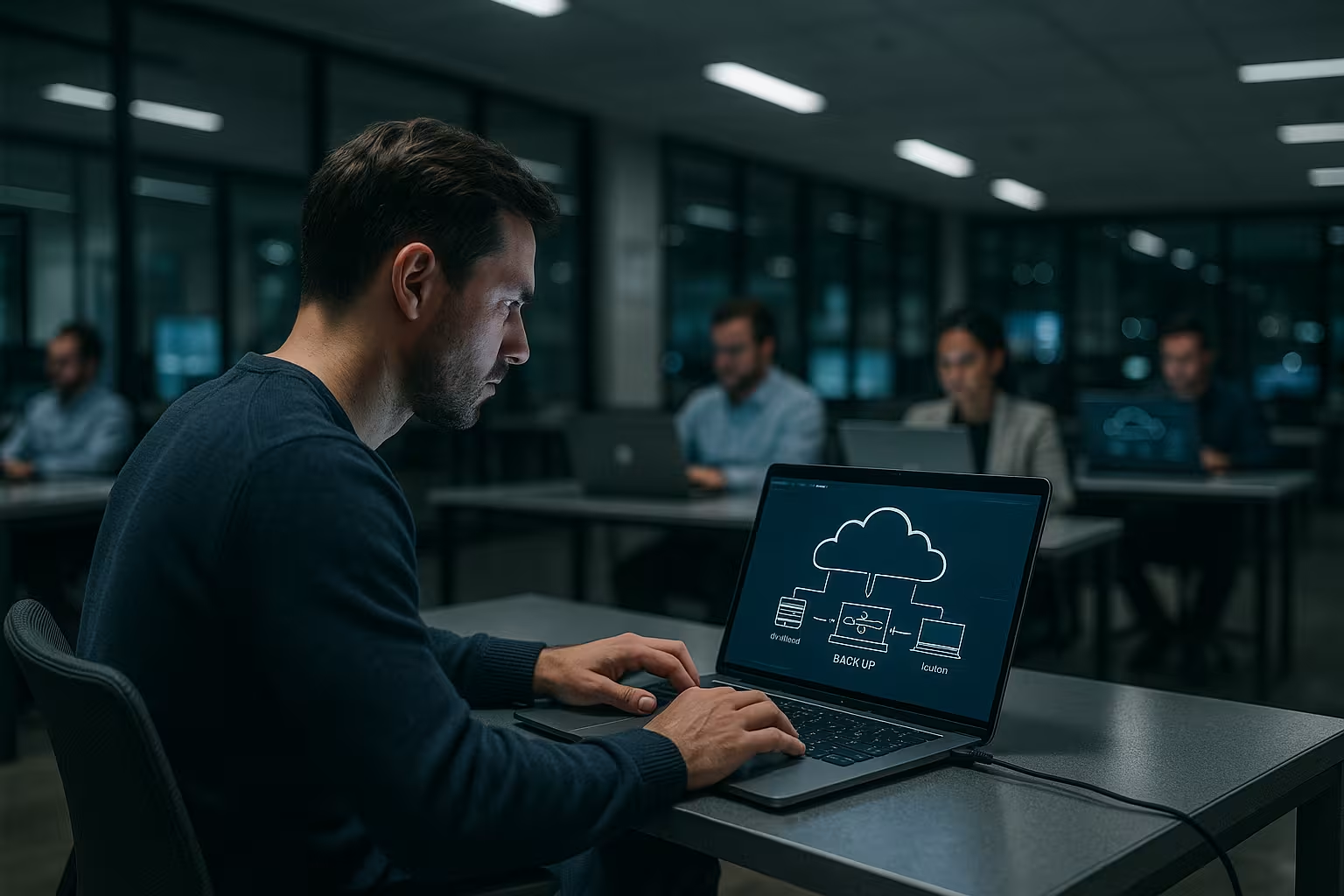
I monitor every Backup job with notifications, check logs and run regular test restores. A defined recovery playbook describes steps, priorities and contacts. I test critical websites with an isolated staging environment so that I have a firm grasp of the process when it goes to print. In the event of an emergency, I adhere to a clear Disaster recovery guidewhich also includes alternative storage targets and temporary servers. Practicing restores measurably reduces downtimes and avoids typical errors under time pressure.
Common mistakes and how to avoid them
I avoid the classic Single point of Failure by never relying on just one storage medium. I save backups on the same server because they become worthless in the event of failures. I resist the temptation to postpone test restorings, because missing tests lead to nasty surprises. I also plan naming and storage properly so that I can quickly access the correct status. Finally, I strictly limit access rights and log changes so that accidental deletions and misuse are made more difficult.

Practical storage and rotation planning
I rely on a tried-and-tested rotation scheme so that I have both fresh and historical stocks available. A GFS plan (Grandfather-Father-Son) has proven its worth: daily incrementals (Sons) for 7-14 days, weekly full backups (Fathers) for 4-8 weeks and monthly full backups (Grandfathers) for 6-12 months or longer. For projects with compliance requirements, I add quarterly or annual statuses as an archive. I document when chains end and make sure that I don't keep any "hanging" incrementals without a valid full status. I also define freeze points before major releases so that I can quickly jump back to a known, stable status.
Costs, capacity and lifecycle rules
So that backups don't get out of hand, I calculate the Base size of my data and the daily change rate. I derive storage requirements per week/month from both and take deduplication and compression into account. In the cloud, I use Lifecycle policiesto automatically move older generations to more favorable memory classes without sacrificing versioning or object locks. I am also planning Restore costs (Egress) so that I am not surprised by a large restore. For strict RTO, I keep a "warm" target environment or at least prepared templates ready to start up servers in minutes. Important: I reserve sufficient throughput for the backup window and distribute jobs over time so that productive systems are not slowed down.
Encryption and key management
I encrypt data in transit (TLS) and at Rest with strong algorithms. Key management is crucial: I store keys separately from the backup storage, use role-based access and activate MFA. Whenever possible, I use KMSI also use a key-supported locksmith service and document rotation cycles. For emergencies, I define a "break-glass" procedure with a strict four-eye principle. I make sure that backups cannot be decrypted even if productive accounts are compromised - for example, by using separate service accounts or isolated tenants. Checksums and signatures help me to detect manipulation at an early stage.
Law, data protection and GDPR
Backups often contain personal data - which means that the requirements of the DSGVO. I conclude a data processing agreement (DPA) with my provider, select EU regions and check whether deletion and information requests are in line with retention obligations. As a rule, I do not selectively delete personal data in backups, but shorten retention if necessary or separate data pools in order to fulfill obligations. I log access to backups, encrypt them consistently and minimize the number of people who are allowed to access raw data. This is how I combine legal security with practical operation.
Extending the backup scope: more than just files and databases
For a complete recovery, I back up all the components that make up a website:
- DNS-Zones and registrar data (name servers, zone exports, TTLs)
- TLS certificates and private keys, ACME/Let's Encrypt accounts
- Server/stack configuration (web server, PHP-FPM, caches, cronjobs, firewall rules)
- Deploymentsbuild scripts, CI/CD pipelines and .env/secret files
- Object storage-Buckets, media CDNs and upload directories
- Auxiliary systems such as search indices, queues, image converters or mail relay configurations
I describe how I put these components together in the event of a restore so that no "forgotten" setting delays the go-live.
Containers and cloud-native workloads
Do I use Docker or KubernetesI not only back up container images, but above all PersistenceVolumes, databases and configuration states. I use pre/post hooks to bring applications into a consistent state (e.g. short write locks or log flushing). In Kubernetes, I document manifests/helm charts (infrastructure as code) and secure etcd or use snapshots of the persistent volumes via CSI. For databases, I add logical dumps (e.g. mysqldump/pg_dump) or hot backup tools so that I can also selectively restore tables or points in time.
Extended rules: 3-2-1-1-0
In high-risk scenarios, I extend the rule to 3-2-1-1-0: In addition to three copies on two media and one offsite copy, I consider a immutable or offline stored copy. The "0" stands for Zero error in verification: I regularly check checksums, test restores and integrity. For particularly critical projects, I can even rely on 4-3-2 (more copies, additional media and two external locations) in order to broadly cushion location and supplier risks.
Recovery drills and measurable quality
I plan fixed Restore exercisesmonthly a partial and quarterly a full restore on staging. I measure RTO/RPO, document obstacles and update my playbook. A minimal process includes:
- Define incident classification, roles and communication
- Select the correct backup status and validate the checksum
- Prepare target environment (network, DNS, certificates, secrets)
- Restore data, start services, perform smoke tests
- Release, sharpen monitoring, root cause analysis and lessons learned
I keep backup paths ready (e.g. temporary domain or static fallback page) to ensure accessibility while more complex parts are rolled out. Each exercise noticeably shortens the real downtime.
Brief summary
The 3-2-1 rule works because I Diversification multiple copies, different media, an external location. With automation, encryption, immutable options and air-gap, I protect myself against common failure scenarios and attacks [2][5]. A practiced restore process, clear RPO/RTO targets and visible monitoring make all the difference when every minute counts. Combining local speed with cloud resilience saves projects quickly and avoids consequential damage. This ensures that websites, stores and applications remain reliably online - even when things go wrong.