Skip to content
I'll show you what to look out for in 2025 WordPress hosting you really need to pay attention to: technology, data center, security, support and fair prices. This way, you can quickly choose the right package for your blog, company website or store and avoid expensive mistakes.
Key points
Before you compare tariffs, determine the technical minimum values and your requirements. This will save you money, keep loading times low and remain compliant with data protection regulations. Here is a brief summary of the most important points.
- PerformanceNVMe SSDs, HTTP/2/3, powerful PHP workers for fast TTFB
- SecurityDaily backups, WAF, DDoS protection, free SSL certificates
- DSGVOEU location, order processing, transparent protocols
- ScalingFlexible resources, upgrade without downtime, CDN option
- Support24/7, German-speaking, real WordPress expertise
These points directly influence the visibility and conversion of your site. Plan with reserves so that peaks do not pose a risk. Pay attention to clear limits for CPU, RAM, I/O, PHP workers and inodes. Also check tools such as staging, Git and WP-CLI for speedy processes. This will keep your project on Course.

Technology check 2025: Performance, caching and CDN
High speed starts with memory: Set to NVMe instead of SATA SSD, so that requests run noticeably faster. You can achieve short TTFB values with the latest PHP, OPcache and a web server engine such as LiteSpeed or NGINX. Server-side caching speeds up dynamic content without the need for many plugins. For international target groups, an integrated CDN with HTTP/3 and Brotli compression helps. Finally, pay attention to edge caching and image optimization so that even large media packages can be load.
Security, backups and GDPR in practice
I plan security in multiple layers: WAF, DDoS protection, malware scanners and login rate limits significantly reduce the risk. I never save daily, versioned backups with simple one-click restores. I also back up the database and uploads separately so that I can act quickly in an emergency. For GDPR compliance, I choose providers with an EU location and clear data processing agreements. Protocols, audit logs and a clean SSL implementation give me the necessary security. Transparency.

Managed vs. unmanaged: which type of hosting will fit in 2025?
I decide on the basis of time and responsibility: managed hosting takes care of updates, patches, monitoring and often caching. This saves effort, but costs a little more and relies on provider standards. Unmanaged offers more control, but requires admin expertise for security and performance. Managed usually pays off for agencies and stores because downtimes are expensive. Hobby projects or test environments often run on unmanaged, provided you can rely on the technology. maintain.
Scalability and resource planning without headaches
I plan growth early on: tariffs with upgrades without relocation prevent stress during launch phases. I check limits for CPU seconds, RAM, processes, PHP workers and database connections. Caching reduces server load, but I keep an eye on peak loads such as sales campaigns. A CDN reduces the load on the origin servers and increases the delivery speed. This keeps the site responsive during traffic peaks and delivers consistently Turnover.
Provider comparison 2025: prices, features and locations
Transparent tables help me to assess tariffs fairly. I compare location, technology, range of functions and real entry-level prices without hidden surcharges. Clear information on backups, caching, staging and support times is important. Those who deliver across Europe benefit from nearby data centers and a global CDN. For a deeper look, I recommend the detailed comparison with measured values and criteria that really count.
| Place | Provider | Server location | Special features | Price from/month | Highlights |
|---|---|---|---|---|---|
| 1 | webhoster.de | Germany | NVMe SSD, 24/7 support, GDPR-compliant | from 2,99 € | Daily backups, WooCommerce-ready |
| 2 | Hostinger | International | Inexpensive, LiteSpeed, AI setup | from 2,75 € | Global locations, SSD speed |
| 3 | SiteGround | Europe/Global | Cloudflare, top support | from 2,99 € | Excellent performance |
| 4 | Bluehost | USA/EU | WordPress-certified, 1-click installation | from 3,67 € | Automatic backups, beginner-friendly |
| 5 | DreamHost | USA | Flexible cloud, fair conditions | from 2,38 € | Unlimited storage, backups |
Prices vary depending on the term and promo campaign, so I always calculate the total costs over 12 to 36 months. Also check whether domains, email and SSL are included or whether there are extra charges. Pay attention to staging, SSH, Git and WP-CLI if you work agile. If you use WooCommerce, you will benefit from hosts with special worker and object cache optimizations. This keeps the decision well-founded and long-term smart.
Why webhoster.de convinces in everyday testing
webhoster.de impressed me with its fast NVMe setups and responsive 24/7 support. Especially during traffic peaks, the packages keep the site fast thanks to clean caching, solid PHP workers and good I/O limits. Migration is easy, backups are available daily and SSL is immediately active. For projects with a high load, I have had good experiences with the High CPU setup made. In addition, there are transparent prices with no hidden fees, which makes planning and growth much easier. relaxed.

Practical hosting tips 2025 for everyday life and launches
I start new projects with staging so that I can test functions without risk. I then activate server-side caching and only add a few well-maintained plugins. I optimize image sizes automatically, check SVGs critically and deliver fonts locally. For deployments, I use Git or SFTP with clear roles and backups before each release. If you want to go deeper, you can find additional tips in my Hosting tips 2025 for planning, security and Speed.
Tuning WordPress performance: Core Web Vitals under control
For short loading times, I remove unnecessary plugins and blocking scripts. I split CSS into critical parts, load the rest asynchronously and use HTTP/3. I compress images and videos without impairing readability. I use object cache and transients to reduce database load, which improves TTFB and interactivity. Regular lighthouse checks ensure sustainable performance. Values.
Decision-making aid: My checklist for the selection
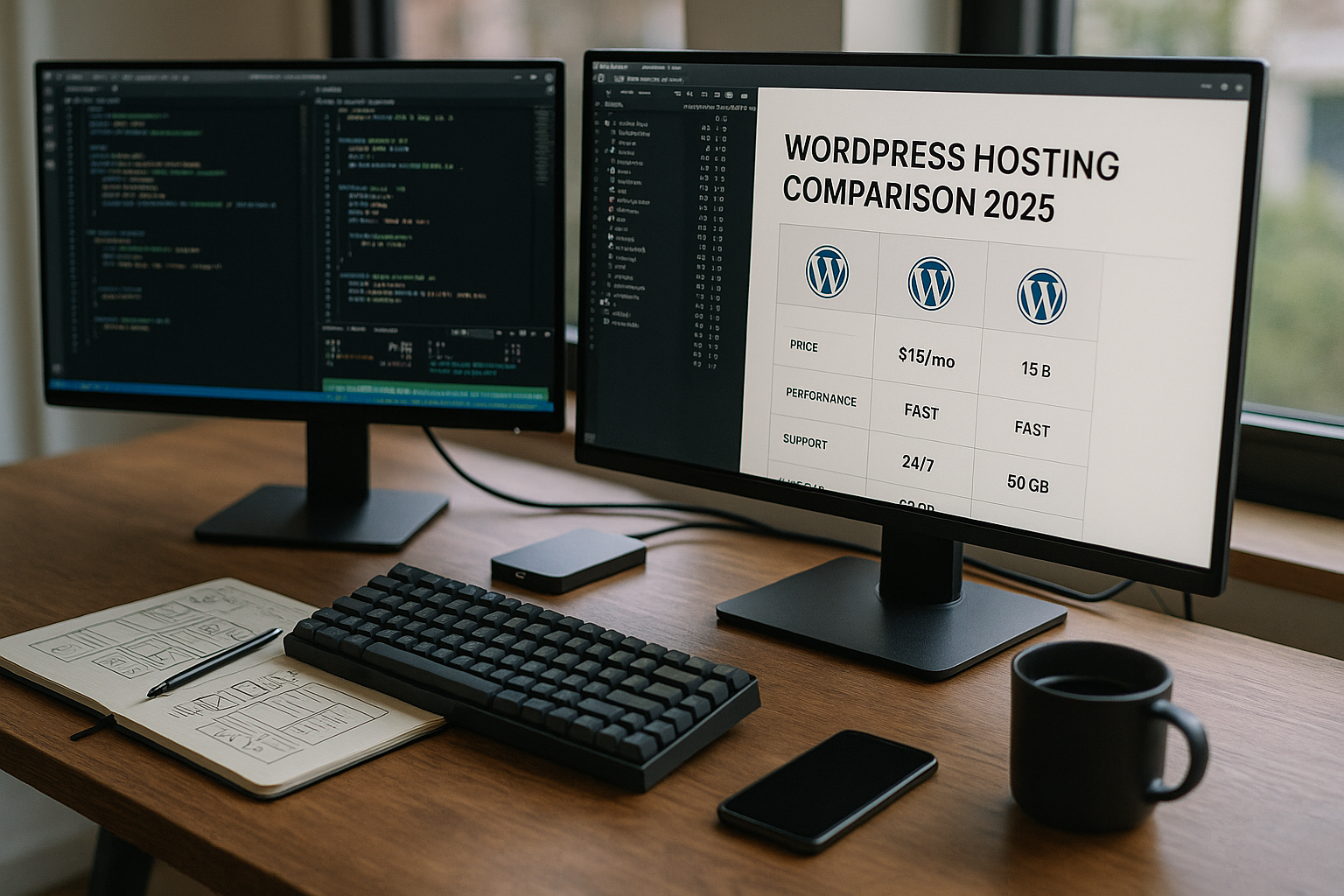
First, I define the target group and the main origin of the traffic; the appropriate data center location is derived from this. Then I plan bandwidth reserves for the next 12 months and check upgrade options without moving. I look at hard limits such as PHP workers, I/O and inodes so that the site does not stall under load. Support should be available, knowledgeable and German-speaking, because response time costs money in an emergency. Finally, I compare total prices including domain, e-mail, SSL, backups and CDN so that the budget is realistic. remains.
DNS, e-mail and domain management
I plan DNS and mail at the same time because they are often overlooked in everyday life. A high-performance DNS with short TTLs accelerates moves and feature launches. DNSSEC and clean zones prevent manipulation, and I only use wildcard entries selectively. For email deliverability, I check SPF, DKIM and DMARC as well as limits for outgoing emails (rate limits per hour/day). I separate transactional emails (orders, password resets) from newsletters so that purchase processes arrive reliably regardless of marketing peaks. I ask about bounce handling, dedicated SMTP access and whether sender domains are verified. Tools that allow me to manage mailboxes, aliases and forwarding myself and receive logs for diagnostics are practical. This keeps communication and checkout robust without me having to create external workarounds.
Correctly dimension databases and object cache
The database is often the bottleneck. I pay attention to current MySQL/MariaDB versions, InnoDB optimization and limits for simultaneous connections. A persistent object cache (e.g. Redis) significantly reduces repetitive queries; authentication, custom namespaces and hit rate monitoring are important. I keep autoload options lean and regularly tidy up option tables. I schedule off-peak times for reporting jobs or imports so that checkout and frontend remain prioritized. I leave slow query logs active, test indexes before going live and keep an eye on the DB size (revisions, transients, sessions). For multisites or stores with many products, a clear strategy for search functions and filters is worthwhile - caching, taxonomy optimization and selective precalculation save CPU and noticeably reduce TTFB.
Monitoring, logs and SLAs in everyday life
I don't just rely on gut feeling, but on metrics. Hosting with a status page, clear SLAs (e.g. 99.9%+ uptime) and transparent maintenance windows creates trust. I want access to access and error logs, ideally also PHP slow logs and resource statistics (CPU, RAM, I/O, PHP worker). I don't spare myself alerts for error spikes, 5xx quotas, TLS renewal and expiring certificates. I replace WP-Cron with a real system cron so that scheduled tasks run reliably. For security, I check TLS 1.3, HSTS and regular certificate rotations. This allows me to identify bottlenecks early on, document performance gains after changes and act quickly in the event of an incident - without blindly poking around in the fog.

Migration without downtime: my checklist
- Inventory: PHP versions, plugins, cronjobs, redirects, mailboxes, DNS responsibilities
- Reduce TTL: Reduce DNS TTL 24-48 hours before the move to speed up the changeover
- Staging import: Migrate files and DB, check salts, perform a clean search/replace for URLs
- Tests: Login, checkout, contact forms, image delivery, caching for logged-in users
- Backups/restore: Last incremental backup and restore test before switching over
- Cutover: change DNS, clear caches, reissue certificates, verify redirects
- Validation: Monitor metrics (TTFB, error logs), test e-mail dispatch, check webhooks
- Rollback plan: time window, responsible persons, clean return points documented
I plan the date outside of peak times, inform stakeholders and maintain a short freeze phase before and after the change. In this way, risks remain calculable and the move is almost invisible to users.
WooCommerce and transactional load under control
Stores have special requirements: The checkout is sensitive and must not be cached hard. I rely on a clean object cache, session strategies and enough PHP workers so that parallel orders don't have to wait. I plan resources for campaigns such as sales, drops or campaigns with retargeting - traffic is then uneven and creates short-term load peaks. I test webhooks, tax rates, shipping rules and payment gateways under load in staging. For emails, I use reliable SMTP setups and queueing so that documents and status messages are sent independently of frontend loads. I keep timeouts conservative, avoid blocking admin jobs during peak times and clear out cron tasks in real system crons. Result: Fast product pages, stable shopping cart interactions and a smooth checkout.
Legal depth: AVV, TOMs and protocols
GDPR compliance does not end at the location. I check the order processing (AVV) for clear technical and organizational measures (TOMs), data classes, storage locations, subcontractors and reporting deadlines in the event of incidents. Defined deletion concepts, retention periods for logs and backups and the handling of support data (access only after approval, auditability) are important. I prefer providers with transparent logs that I can view and archive myself. For international data flows, I pay attention to clear contractual regulations and the separation of data flows. I also evaluate options for encryption at rest, key sovereignty and separate backup locations within the EU. This ensures that compliance remains practical and verifiable.
Sustainability and data center quality
I include sustainability in the decision: energy efficiency (PUE), use of renewable energies and modern cooling reduce the footprint and often also costs. A data center with certified standards and redundancy concepts (power, air conditioning, network) increases availability. Network quality with multiple carriers, IPv6, fast peering connections and DDoS mitigation improves accessibility worldwide. I also look at hardware lifecycle, reparability and consistent firmware and security updates. Those who deliver large amounts of data benefit from edge strategies and short paths to the user - performance and sustainability then go hand in hand.
Summary 2025: How to make the right choice
The best hosting fits the size, goals and growth of your project, not just marketing numbers. Look for NVMe, strong caching solutions, daily backups and EU locations for data protection and speed. Reliable 24/7 support saves time and protects revenue during stressful periods. Webhoster.de impresses here with fast setups, fair prices and good scaling. Test two or three providers in parallel, compare TTFB, admin convenience and support quality - then you'll be able to make an informed decision lighter.