I explain why Block Themes Hosting needs a different server focus than Classic Themes: Block Themes push work to the frontend and reduce PHP load, while Classic Themes trigger more dynamic processing. I show which architectural differences influence hosting and how to choose the right platform for performance, security and scaling.
Key points
- ArchitectureHTML templates vs. PHP rendering
- Performance: Fewer plugins, less overhead
- Hosting focusStatic Serving, HTTP/3, Caching
- Security: Fewer attack surfaces due to fewer add-ons
- ScalingCDN-First instead of CPU scaling
Why block themes have different hosting requirements
With Block Themes, I see a clearly different Load distribution than with Classic Themes. Block-based templates are available as HTML, the engine calls fewer PHP functions per page call. This shifts bottlenecks away from CPU-bound PHP towards fast static file serving. Classic Themes render many parts dynamically, which increases CPU time and database queries. That's why I prioritize strong delivery of static assets for block themes and the PHP performance.

Architecture: HTML templates vs. PHP rendering
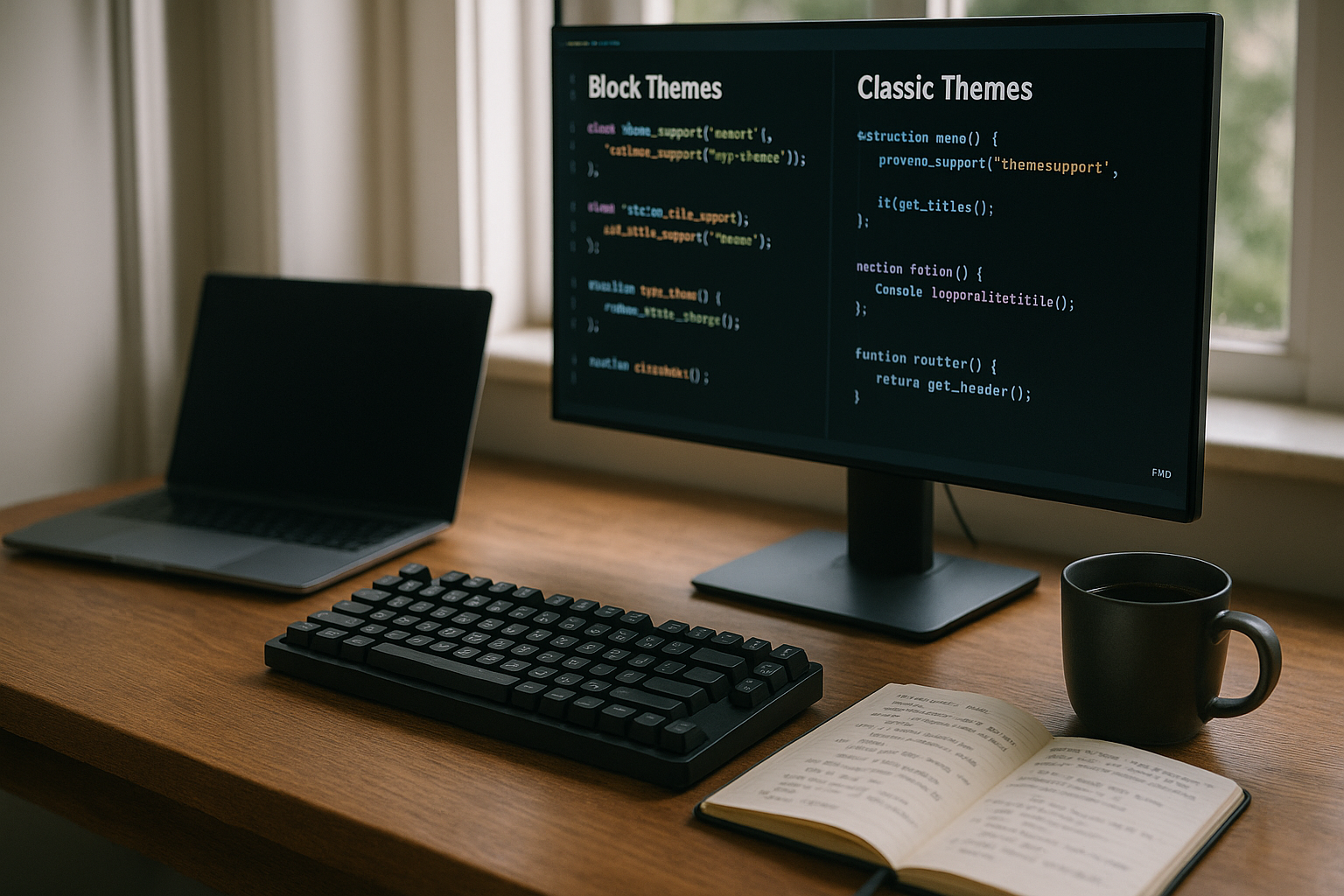
Block Themes save templates in templates and parts in parts, controlled by theme.json. This reduces PHP calls because HTML is delivered faster and the server interprets less. Classic themes work with header.php, footer.php and feature-rich templates that traverse logical paths with each request. This architecture generates more MySQL queries and increases the CPU time per visitor. I therefore plan hosting so that Block Themes benefit from fast file systems and caching, while Classic Themes benefit from stronger Processors need.
Gutenberg performance and plugin requirements
With the Full Site Editor, I rarely need Page Builder, the additional Overhead generate. Block themes only load styles for used blocks, which keeps CSS and JS leaner. In tests, loading times decrease measurably, often in the range of 1-4 seconds, depending on the setup and cache. Classic themes often add up several plugins, which increases calls and memory requirements. I therefore rely on Gutenberg blocks early on and minimize the use of plugins for better performance. Loading times.

Server resources and PHP load
Classic themes often scale over more CPU and RAM because PHP processing dominates. Every additional builder, every WooCommerce extension and every shortcode plugin increases this load. Block themes generate leaner code and save work on the server side. This means I can often get by with well-configured shared hosting for moderate projects. For classic themes, I first check the PHP version and performance, so that all dynamic processes run smoothly and opcode caches take effect.
Static file serving, HTTP/3 and caching
Block Themes benefit greatly from fast Static Serving via NGINX or LiteSpeed. HTTP/3 with QUIC reduces latencies, especially with many small assets. I combine server cache, CDN and browser caching so that the server hardly touches PHP. Caching is also important for classic themes, but the effects are smaller due to the high dynamics. For deeper optimization, compare Page cache vs. object cache and selects suitable strategies for the project to reduce the load on the database and PHP.
File structure and theme.json
Block Themes separate assets into /assets and bundle global styles in theme.json. This facilitates minification, critical CSS and consistent colors. Classic themes often mix files in the root, which complicates build processes and loading order. With a clearer structure, I tend to use NVMe storage and efficient caching chains for block themes. This allows me to read files faster and keep TTFB low before the first byte ends up with the user.
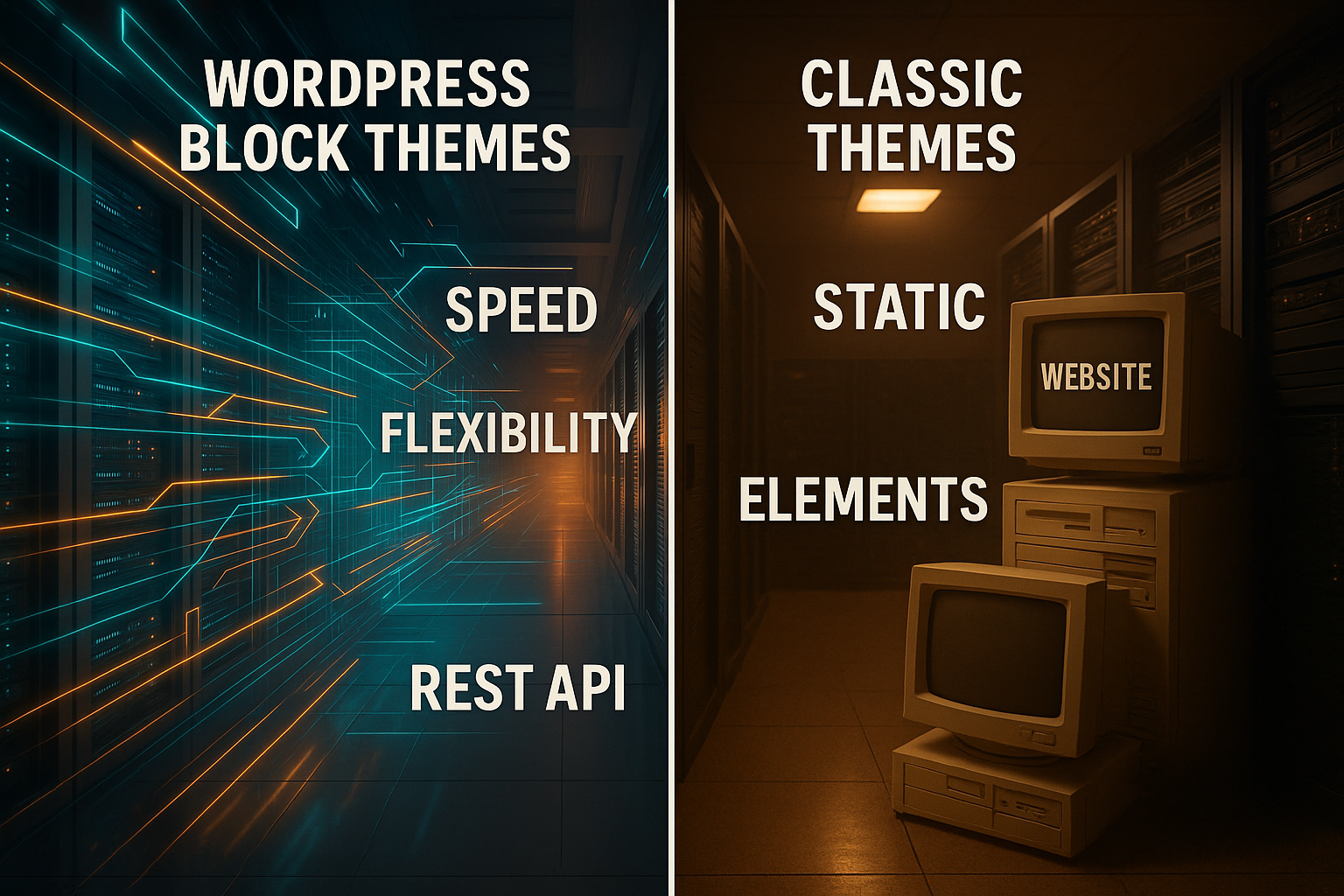
Technical differences at a glance
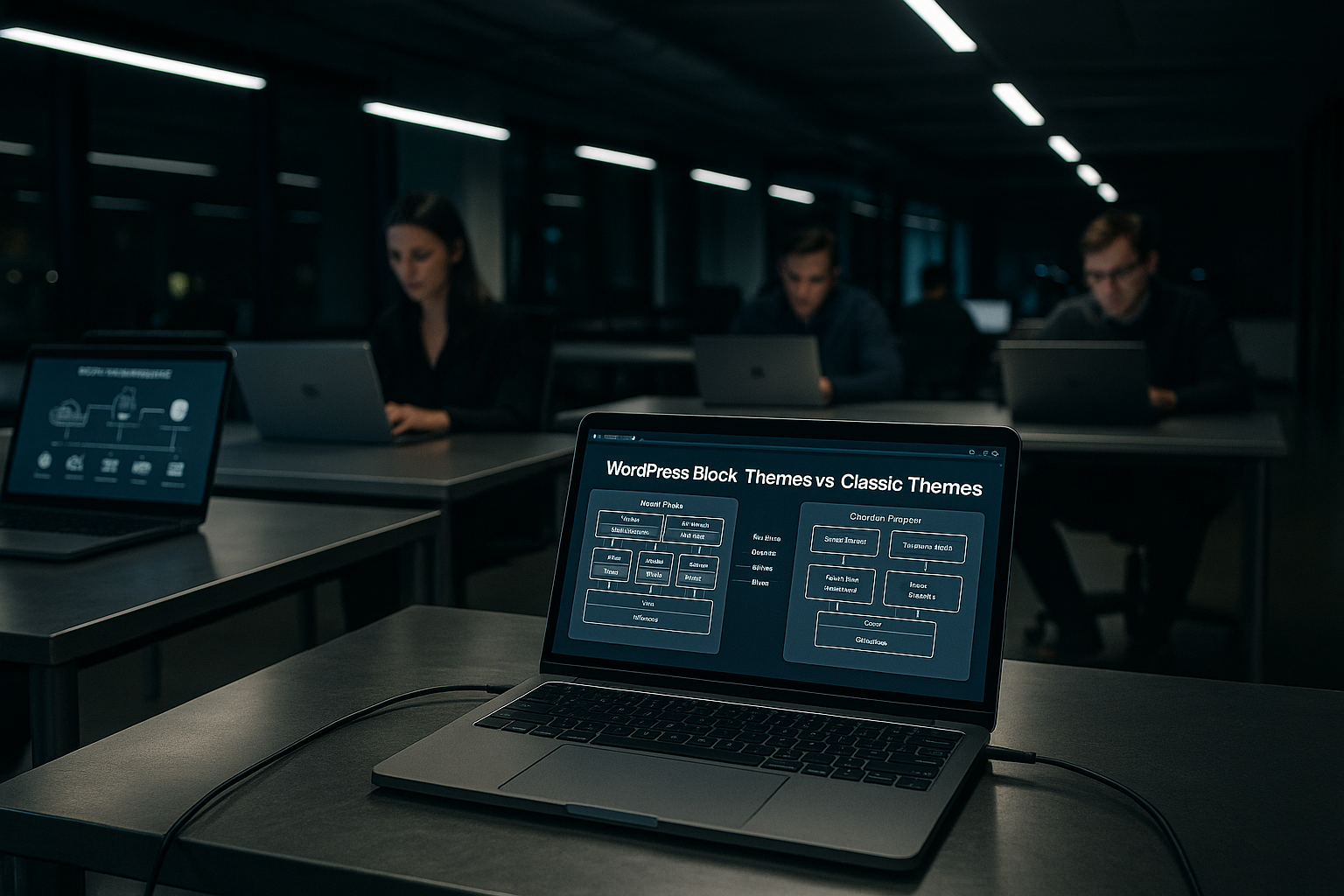
I summarize the most important Contrasts in a table to make selection and tuning quicker. The rows show where resources are effective and which server priorities count in each case. I can see why block themes need more frontend optimization and classic themes need more PHP power. The overview helps with planning, budget and priorities. From this I derive clear hosting decisions for both Approaches from.
| Aspect | Block Themes | Classic Themes |
|---|---|---|
| Template structure | HTML-based, theme.json controls styles | PHP-based, header.php/footer.php |
| Rendering | Less PHP, more static delivery | More PHP logic and DB queries |
| Plugins | Fewer add-ons required | Frequent page builder and shortcodes |
| Hosting focus | Static Serving, HTTP/3, CDN, Cache | CPU, RAM, current PHP, database |
| Scaling | Horizontal via CDN easier | Vertical with more CPU/RAM |
Security and updates
Fewer plugins reduce potential Attack surfaces. At the same time, the Site Editor requires current WordPress versions and reliable update processes. I rely on WAF, malware scans and regular backups, regardless of the theme type. I often use classic themes with additional hardening because plugin landscapes are larger. Automatic updates and checked rollbacks ensure fast reactions in the event of a Patch triggers problems.
Scaling: horizontal vs. vertical
I prefer to scale block themes horizontally by using CDN and edge caching strengthen. Static content is distributed well, TTFB decreases worldwide. I tend to extend classic themes vertically, as PHP logic remains local and limits CPU time. For high traffic, I also plan read replicas for MySQL to decouple queries. This way I keep response times stable, even when visitor numbers rise.
Migration from Classic to Block
I start migrations in a Staging-environment so that I can check shortcodes, widgets and builder functions. Not everything has block counterparts, so I plan alternatives or my own blocks. I empty caching several times to avoid artifacts from old assets. I use tools that allow one-click copies and rollbacks for the changeover. This article provides a compact introduction to benefits and tuning Block Themes Hosting, which I like to use as a starting point.
Hosting recommendations according to project size
For small sites with block themes, good Shared Hosting with HTTP/3, Brotli and active server cache. If traffic grows, I add CDN, object cache and database optimization. For classic themes with lots of dynamic routes, I use VPS or dedicated machines early on to prevent CPU peaks from throttling. I keep an eye on I/O values so that caches can write and read. From a store turnover in the five-digit euro range, I calculate buffers so that peaks don't become a problem. Waiting times produce.
Measure and continuously improve performance
I measure performance with TTFB, LCP, CLS and FID, because these values describe the user experience better than just „page loads“. Then I optimize bottlenecks: render blocking, large images, unused CSS and too many fonts. I version assets so that browsers reload them cleanly. On the server side, I check HTTP/3, TLS, compression and cache hits. After making changes, I test again and compare before/after, only then do I make major changes. Conclusions.
Practical tuning tips for block themes
I only activate the blocks that I use and remove superfluous ones. Styles. I deliver critical CSS early, everything else asynchronously. For images, I choose modern formats such as WebP and use lazy loading consistently. I load JavaScript modularly so that the editor does not slow down the visitor view. On the server side, I pay attention to edge caching rules so that static blocks are maximized. cache.

Plan PHP requirements for classic themes correctly
Classic Themes react strongly to PHP-version, opcode cache and database latency. I keep PHP at least at 8.1, test plugins against incompatibilities and use isolated pools. Under load, I prioritize MySQL tuning and object cache when sessions or cart data are involved. I limit cron jobs so that they do not interfere with the main requests. This keeps response times stable, even when background tasks run.
When block themes are still dynamic
Even with block themes, many things remain dynamic: shopping carts, user accounts, personalized content, search pages, comments or forms often prevent complete caching. I plan selective exceptions for this. For store pages, I use targeted „hole punching“ so that only small areas (e.g. mini cart, login status) remain uncached, while headers, footers and category pages are cached by the edge. Clean cache-vary rules for cookies and language are important so that visitors receive correct variants.
For logged-in users, I reduce the PHP load by continuing to have the static basic structure delivered by the CDN and only rendering the personalized fragments dynamically. This way, the page benefits from the block approach despite active sessions. I plan query loop blocks carefully: complex filters or sorting can drive up the DB load if they are not additionally cached or pre-aggregated.
Cache validation, preload and warmup
A fast site stands and falls with the Invalidation. I trigger cache purges when posts, menus, templates or global styles are changed via theme.json. Navigation and template changes often affect many URLs, so I work with targeted purge lists instead of global wipes. For large sites, I create warmup jobs that automatically rebuild important routes after a purge so that users do not encounter „cold“ pages.
I use sitemap-based preloading. In addition, I use „stale-while-revalidate“ so that the Edge delivers a slightly outdated but fast version in case of doubt while updating in the background. For media files, I keep high TTLs and only invalidate them if file names change (versioning). This reduces origin hits sustainably.
PHP-FPM, web server and network tuning
I size PHP-FPM according to real load: pm.dynamic with reasonable pm.max_children, pm.max_requests against memory leaks and request_slowlog_timeout for debugging. Fewer but stable workers beat many that are constantly hanging in the swap. I base my choice of web server on the project: NGINX scores with static serving, LiteSpeed integrates a strong server-side cache, Apache can also deliver solid performance with event MPM and reverse proxy. Keep-alive times, HTTP/3-enabled TLS and Brotli pre-compression for assets are important.
I set clear cache control headers, ETags only if they are generated consistently, and compress static assets in advance. For large CSS/JS bundles, I plan split points so that the browser blocks less. At network level, I limit simultaneous upstreams so that the database is not flooded by short-term load peaks.
Database strategies and object cache in interaction
InnoDB buffer pool size, decent log file sizes and an active slow query log are my basis. I regularly check indexes on postmeta and option tables, as bottlenecks occur there. When the load is high, I distribute reading and writing: Read replicas decouple complex SELECTs from write operations, especially for archives or search functions.
The object cache intercepts recurring queries. I define TTLs so that editorial workflows are not permanently purged. Persistent caches speed up logged-in users who are excluded from the page cache. A clean namespace separation for staging and production is important so that caches do not cross-spark. I use transients for expensive aggregations, but with a central invalidation plan so that they do not become obsolete.
Admin, editor and preview performance
The Site Editor brings a lot of JavaScript into play. Admin performance is less about CPU on the server and more about fast delivery of the editor assets and good caching of the REST API endpoints. I make sure that admin assets are also compressed and versioned. I treat previews like logged-in traffic: no full page cache, but maximum object cache. This keeps editing reactive without slowing down productive users.
Multisite, languages and CDN strategies
For multisite setups, I plan cache keys per blog ID, domain and language. This keeps policies cleanly separated and purges precise. For multilingual sites, I segment by locale and currency if stores are involved. I optimize media with multiple sizes, consistently use srcset and deliver WebP where it is supported. The CDN gets high TTLs for assets, while HTML remains more ephemeral. Edge rules take cookies such as login or cart into account so that variations are played out correctly.
Security in operations: policies and processes
In addition to WAF and backups, I rely on consistent assignment of rights: a separate system user per site, restrictive file rights, no write access to core files in live operation and deactivation of the theme/plugin editor in the admin. Rate limits for login and XML-RPC endpoints, 2FA for admins and regular malware scans are mandatory. Content security policy and strict referrer policies reduce risks from embedded content. For uploads, I strictly check MIME types and restrict executable file types.
Operation, monitoring and deployment
I operate sites with clear SLOs: target values for TTFB, LCP and error rates are part of the planning. Synthetic checks check important URLs worldwide, RUM data reflects the real user experience. On the server side, I monitor CPU, RAM, I/O wait times, PHP FPM queue and cache hit rates. Alerts should trigger early, before users notice anything.
Deployments are reproducible: staging before live, database and media synchronization with clear time windows, maintenance mode for schema changes. I build assets deterministically and provide them with version hashes so that the CDN never delivers outdated files. I use WP-CLI for cron, cache purges and search/replace runs without having to click into the admin. This keeps releases predictable and reversible.
Briefly summarized
Block Themes shift the hosting focus to Static Serving, cache and CDN; Classic Themes require more CPU, RAM and an up-to-date PHP environment. Those who use block themes save noticeable server resources thanks to fewer plugins and clean structures. Classic themes deliver good results if the caching, database and PHP stack are carefully coordinated. I therefore first decide on the theme architecture and then choose the host: Block Themes with fast delivery, Classic Themes with strong computing power. With clear measurement values, a clean file structure and consistent caching, I get reliable results in both worlds. Performance out.