Skip to content
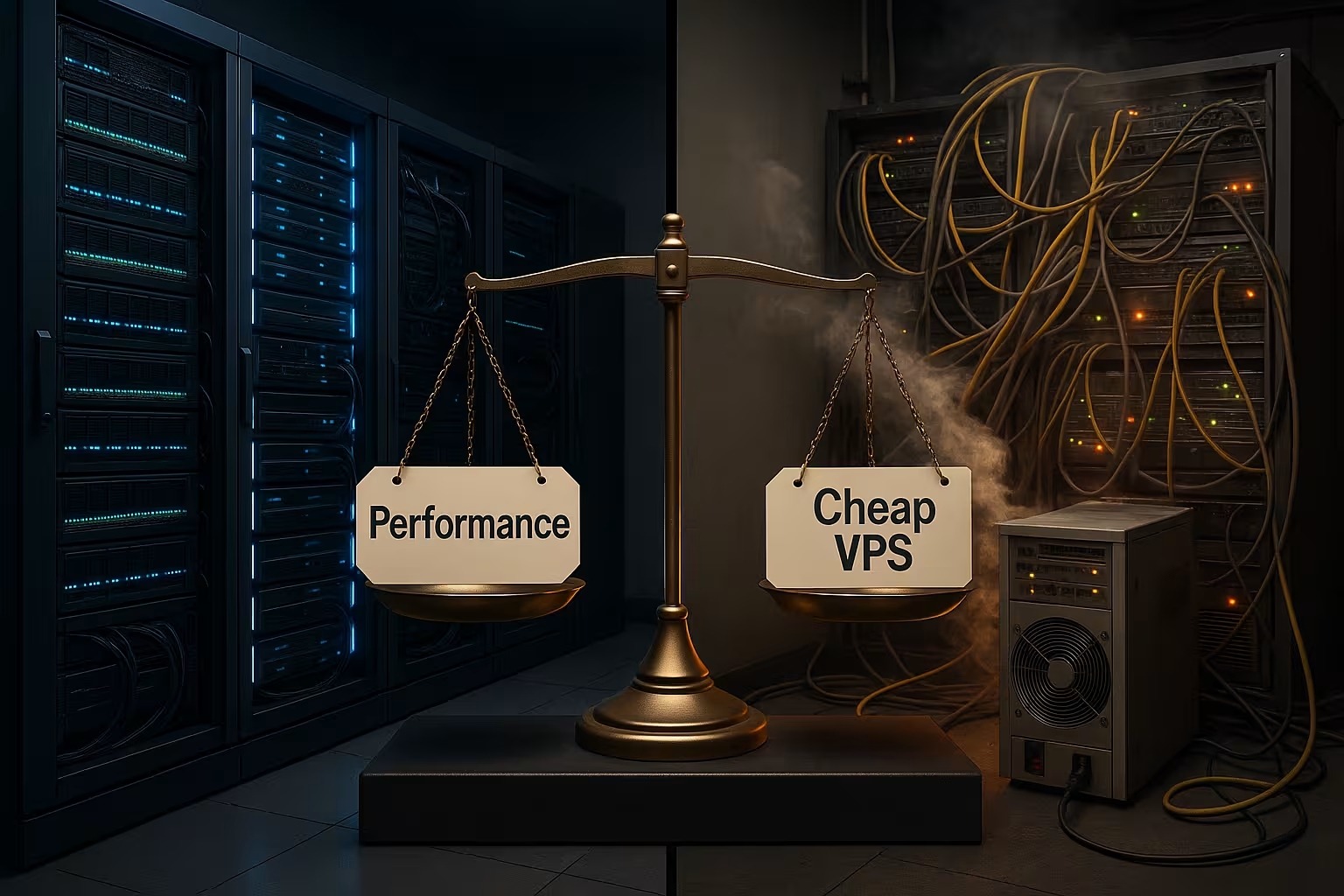
Inexpensive VPS often deliver fluctuating computing power because many virtual machines share CPU, RAM, memory and network on a host, resulting in queues and delays. I explain why the noisy neighbor effect and overcommitment slow down performance, how I measure problems and which alternatives deliver consistent results.
Key points
These key points show the most important causes and remedies.
- Noisy NeighborCo-users generate load peaks that drive latency and jitter.
- CPU StealVirtual cores are waiting, real CPU time is missing.
- OvercommitmentToo many VMs share too few physical resources.
- I/O bottlenecksSSD/network fluctuate, transactions collapse.
- StrategyMonitoring, right-sizing, migration or bare metal.
Why low-cost VPSs often falter: shared resources explained
Virtual servers share Host resources, and this is where the problem begins. As soon as multiple neighbors demand CPU time, RAM and I/O at the same time, the queue lengthens and response times jump up. I then see spikes in latency and inconsistent throughput, which slows down web apps and degrades search engine signals. Short but frequent load spikes are particularly insidious because they fragment the user experience like pinpricks. Those who rely on constant performance must actively keep an eye on this division of resources.

Noisy neighbor and CPU steal: what really happens in the background
A sprawling neighbor triggers backups, cron jobs or traffic peaks. Flood of resources and my VM waits for real CPU time. In Linux, I measure this as steal time, i.e. the percentage of time the VM wanted to run but the hypervisor was unable to execute it. Values above five percent over minutes indicate waiting times, above ten percent the server becomes noticeably sluggish. I check this with top, vmstat and iostat and set alarms so that I can react in good time. If you want to find out more about the background, click on CPU steal time and consistently implements the measurement.
How to schedule hypervisors: vCPU run queues, SMT and CFS
Under KVM, vCPUs share the physical cores and hyperthreads, controlled by the Completely Fair Scheduler (CFS). If the run queue of the vCPUs increases, processes get stuck in „runnable“, but do not get a physical slot. I then observe that more vCPUs do not automatically mean more throughput: A 2 vCPU instance on a relaxed host can respond faster than 4 vCPUs in an overbooked setup. SMT/hyperthreading sometimes exacerbates this because two vCPUs share the same physical core. I therefore reduce the number of vCPUs as a test, check the resulting steal time and prioritize cores with a high base frequency instead of a pure core count. Where possible, I have the provider guarantee dedicated cores or lower contention.
Memory and I/O fluctuations: Figures from practice
With low-cost providers, the SSD performance sometimes massive, because many VMs use the same storage backplane and cache. On individual hosts I see write values of 200 to 400 MB/s, on others 400 to 500 MB/s, but in between there are dips at intervals of seconds. Sysbench tests show drastic differences in transactions per second; some nodes deliver ten times as much as others. Such deviations indicate overbooked hosts and competing I/O paths. For productive applications, these jumps create unpredictable response times that even caches cannot fully compensate for.

Ballooning, swap and memory pressure: how to prevent thrash
RAM bottlenecks are quieter than CPU problems, but just as destructive. When the hypervisor balloons memory pages or the VM drifts into swap, latencies explode. I monitor page-fault and swap in/out rates as well as pressure states in /proc/pressure (PSI). I reduce swappiness conservatively, keep a free memory buffer and only use huge pages where they bring real advantages. I run database VMs strictly without swap or with a narrow swap file and alarms to prevent creeping thrashing. In short: RAM reservation and clean limits beat blind cache increases.
Overcommitment: vCPU is not the same as CPU core
Suppliers often sell more vCPUs than are physically available, thereby increasing the Utilization rate of the host. Sounds efficient, but under simultaneous load it leads to CPU queues, which show up as steal time and jitter. A VM with four vCPUs can then feel slower than a well-dimensioned 2-vCPU instance on a less full host. I therefore not only check the number of vCPUs, but also the actual runtime under load. If you want to be on the safe side, plan for reserves and check whether the provider communicates limits transparently.
File system, drivers and I/O tuning in everyday life
In VMs, I consistently use paravirtualized drivers such as virtio-blk or virtio-scsi with multiqueue. The choice of I/O scheduler (e.g. none/none or mq-deadline) and the readahead size have a noticeable effect on latency peaks. I test with fio not only sequentially, but also random 4k, different queue depths and mixed reads/writes. Important iostat key figures are await, avgqu-sz and util: High queue lengths with low utilization at the same time indicate shared storage bottlenecks or throttling. Where available, I activate Discard/TRIM in quiet windows so that SSDs keep their wear leveling clean.
Network, latency, jitter: when the bottleneck cascades
Not only CPU and storage, but also the Network brings surprises, such as busy uplinks or overcrowded virtual switches. Short congestion increases P99 latency, which affects APIs, store checkouts and database accesses in equal measure. These effects cascade in VPS farms: CPU waits for I/O, I/O waits for network, network waits for buffer. I therefore not only measure mean values, but above all high percentiles and vary the test times. Noticeable peaks often indicate backup windows or neighboring jobs that I address with support or a host migration.
Network tuning: from vNIC to TCP percentiles
On the VM, I use virtio-net with multiqueue, check offloads (GRO/LRO/TSO) and monitor SoftIRQ load. Inappropriate offloads can exacerbate jitter, so I test both: with enabled and disabled offloads under real load. For throughput checks, I use iperf3 against several targets and log P95/P99 latencies in addition to the average value. In practice, I limit burst workloads with queueing (e.g. fq_codel) and ensure that critical ports are given their own priority. This prevents a large upload from slowing down the entire response behavior.
10-minute diagnosis: how to identify bottlenecks quickly
At the beginning I start a Baseline check with uptime, top and vmstat to estimate load, run queue and steal time. I then check iostat -x and fio short tests to classify queue lengths and read/write rates. In parallel, I run ping and mtr on multiple targets to detect latency and packet loss. I then simulate load with stress-ng and observe whether the CPU time really arrives or the steal time jumps away. The final step is a short sysbench run on CPU and I/O so that I can cleanly separate discrete bottlenecks or combined effects.
Realistic benchmarks: avoid measurement errors
I warm up tests so that caches and turbo mechanisms don't gloss over the first few seconds. I run benchmarks at several times of day and in series to make outliers visible. I fix the CPU governor (performance instead of powersave) so that frequency changes do not distort the results, and log the core frequency in parallel. For I/O tests, I separate page cache and direct IO scenarios and note queue depth and block sizes. Only when the results are consistent do I draw conclusions about the host instead of my test setup.
Immediate help: Priorities, limits, timing
For short-term relief, I use Priorities with nice and ionice so that interactive services run before batch jobs. I limit CPU-intensive secondary jobs with cpulimit or systemd restrictions so that peaks don't slow me down. I move backups to quiet time windows and break up large jobs into smaller blocks. If steal time still occurs, I request a migration to a less busy host from the provider. Such measures often take effect in minutes and create breathing space until I adjust the structure in the long term.

Workload-specific quick wins
For web stacks, I trim PHP-FPM, node or application workers to a concurrency that matches my vCPUs instead of blindly starting maximum processes. Databases benefit more from stable latencies than from peak IOPS: write-ahead logs on fast volumes, careful commit settings and quiet backup windows bring more than a larger plan. I encapsulate build and CI workers with cgroups and limit them to a few cores so that production services do not fall behind. I never let caches such as Redis or Memcached slip into swap; the rule here is: either the RAM fits or the cache has to be reduced in size.
Thinking long-term: right-sizing, migration, contracts
I start with Right-Sizingfewer vCPUs with a higher base frequency often beat many vCPUs on overcrowded hosts. If the performance is still not right, I agree limits, SLA parameters and host balancing or actively migrate to quieter nodes. A provider that offers hot migration and proactive monitoring is helpful. If you are comparing options, you will find a guide to affordable vServer useful criteria for constant resources. This way I can ensure reproducible results instead of hoping for luck with the host.
Right-sizing in detail: clock, governor, turbo
I not only check the number of vCPUs, but also the effective core frequency under load. Many inexpensive hosts clock down aggressively, resulting in latencies in the millisecond range, which are clearly noticeable in the total. With a fixed performance governor and a moderate number of cores, I often achieve more stable P95/P99 values than with „a lot helps a lot“. Turbo can shine in a short benchmark, but collapses under continuous load - another reason to map practical load instead of just measuring peak throughput.
NUMA, affinity and interrupts
On the host side, NUMA plays a role, on the VM mainly CPU and IRQ affinity. I bind noisy interrupt sources (network) to specific cores, while I place latency-sensitive services on other cores. In small VPSs, it is often enough to use a handful of cores consistently instead of constantly moving threads around. This reduces cache misses and stabilizes the response time.
Classify alternatives: Managed VPS, Bare Metal, Shared
For sensitive workloads I use Managed offers with host balancing and limited steal time or I rent bare metal with exclusive resources. Small projects with moderate traffic sometimes even benefit from good shared hosting that uses clearly defined limits and clean isolation. It is important to know the risks for each model and to plan appropriate measures. The following overview helps with classification and shows typical steal time margins. The comparison provides a further introduction Shared hosting vs VPS for initial decisions.
| Hosting type | Noisy neighbor risk | Expected CPU steal time | Typical measures |
|---|---|---|---|
| Affordable shared VPS | High | 5–15 % | Check limits, request migration |
| Managed VPS | Low | 1–5 % | Host balancing, vCPU customization |
| Bare Metal | None | ~0 % | Exclusive resources |

Checklist: Provider selection and VM specification
Before booking, I clarify specific points that save trouble later on:
- Are there CPU credits or hard baselines per vCPU? How is burst limited?
- How high is the oversubscription for CPU, RAM and storage? Does the provider communicate limits transparently?
- Local NVMe vs. network storage: What are the IOPS/QoS and what is the impact of snapshots/backups?
- Dedicated cores or fair shares? Are host migration and proactive throttle detection available?
- What maintenance and backup windows exist and can I adjust my jobs accordingly?
- Virtio driver, multiqueue and current kernel available? What is the default configuration of the VMs?
Align monitoring stack and alarms to percentiles
I collect metrics in short intervals (1-5 seconds) and visualize P95/P99 instead of just averages. Critical metrics: cpu_steal, run-queue, context switches, iostat await/avgqu-sz/util, SoftIRQ share and network drops/errors. I trigger alarms if the steal time remains above thresholds for several minutes or if P99 latencies exceed defined SLOs. I correlate logs with load events in order to detect neighboring activities or host events. I make this picture part of capacity planning and contract discussions with the provider.
Plan costs realistically: when it makes sense to upgrade
I calculate the Time value of my minutes under load: delays in the checkout or in APIs cost sales and nerves. For business-critical services, I calculate the opportunity costs against the monthly fee of a better plan. From around €15-30 per month, there are offers with significantly fewer fluctuations, and above that, reliable resource pools. If you serve a lot of users or have to meet tough SLAs, you should consider bare metal or high-quality managed plans. In the end, this often saves me more money than the difference to a bargain VPS.

Concise summary for quick decisions
Cheap offers often suffer from Overcommitment and noisy neighbor effects that cause CPU steal, I/O drops and jitter. I measure this consistently, respond with priorities, limits and adjusted time windows and request a host migration if necessary. In the medium to long term, I choose right-sizing, clear SLAs and providers with hot migration. For consistent performance, I rely on managed VPS or bare metal and consider shared options for small projects. This way, I ensure predictable performance, better user experiences and cleaner SEO signals - without being dependent on chance on overcrowded hosts.