Skip to content
WordPress block themes shift the technical requirements for hosting: less code, clearer architecture, new priorities for server setup and caching. I'll show you how these themes Performance increase, make plugins redundant, and which hosting parameters really matter now.
Key points
- FSE Replaces rigid templates and introduces visual theme building.
- Lightweight code significantly reduces loading time and server load.
- Fewer plugins reduces risk and maintenance effort.
- hosting setup with PHP, OPcache, CDN, and HTTP/3.
- Future-proof thanks to core features and global styles.
Technical architecture and functionality
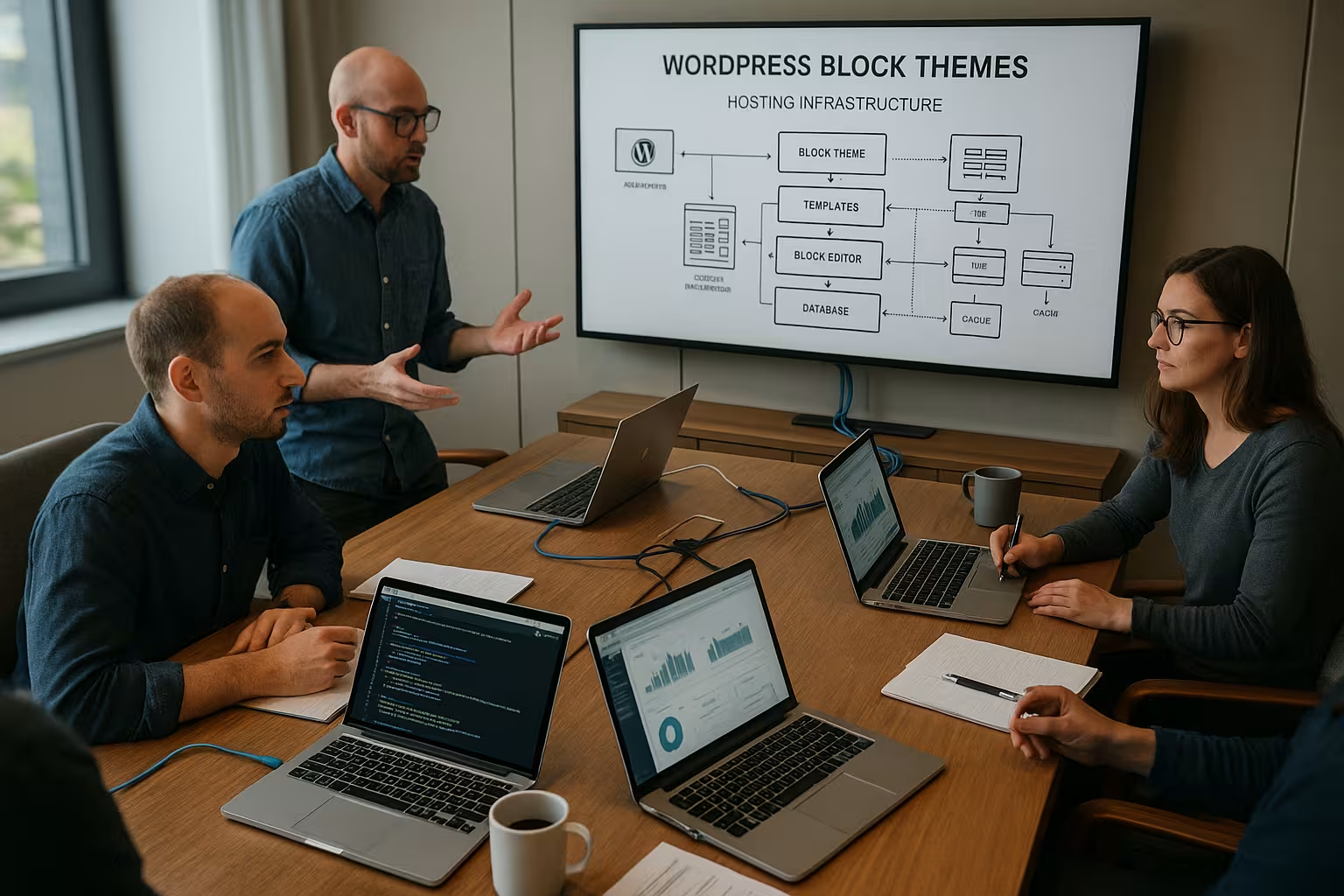
Block themes rely on HTML templates, template parts, and the site editor instead of numerous PHP files and CSS clutter, which reduces the technical complexity. Ballast noticeable. Each page element is available as a block and can be changed in the editor, including headers, navigation, and footers, without any extra code. I use global styles for colors, typography, and spacing, so that adjustments are immediately consistent. Everything is controlled via WordPress Core; I don't use any external Dependencies. Full Site Editing (FSE) makes the theme structure visible and malleable, allowing minor corrections to be made quickly. This allows me to remain flexible without compromising maintainability.
Particularly important is the theme.jsonHere, I centrally define design tokens (colors, fonts, spacing), block settings, style variants, and layout rules. This often results in much smaller individual CSS files, and I create consistent outputs across all blocks. With style variations, I give the same theme multiple „faces“ without changing the markup. Block locking protects against accidental changes in the editor, while templates and patterns provide repeatable structures that speed up design.

Caching strategies in detail
Because block themes are delivered in a compact format, it is worth using the Caching fine-tune. I combine page cache for anonymous visitors, object cache for database queries, and browser/edge cache for static assets. Clean invalidation is important: when I save templates or global styles in the site editor, relevant pages should be regenerated promptly. For first-time visits, I rely on prewarming so that the first request does not fully utilize the PHP stack. I deliberately separate „fully static“ pages from areas with dynamic blocks (e.g., personalized content) so that the page cache does not accidentally become too aggressive.
When dynamic fragments are necessary, I plan „hole punching“ strategies: I specifically exclude certain areas from the cache so that shopping carts or user menus remain correct. I combine longer TTLs at the edge (CDN) with short TTLs at the origin to cushion global load peaks. Static file caching (images, fonts, CSS, JS) is given generous runtimes with version query strings so that changes are immediately visible and browsers still cache efficiently.
Server practice: PHP, processes, and resources
For PHP-FPM I don't plan the number of workers „on suspicion,“ but based on simultaneous requests and RAM. I monitor queues (queue length) and respond with adjusted max_children and a reasonable memory_limit to prevent swapping. OPcache is mandatory; I increase the memory buffer and ensure that .php files are kept in order to minimize bytecode compilation. This also includes a sensible realpath_cache configuration so that file lookups remain fast.
On the web server side, I use HTTP/2 or HTTP/3 for parallel requests and apply compression (Brotli/Gzip) appropriate to the CPU capacity. TLS 1.3 reduces handshake overhead, while session resumption and 0-RTT (where appropriate) speed up recalls. For media directories, faster is better. NVMe-Storage noticeable; I monitor IOPS and latencies because block themes often deliver many smaller but optimized files that particularly benefit from fast storage.
Performance gains in hosting
Block themes only load the CSS and JS components that are actually used; this reduces requests and data volume and relieves the load on the Server. I observe short time-to-first-byte and faster largest contentful paint because there is little overhead getting in the way. Well-known block themes such as Ollie or Rockbase show how clean code allows for near-ideal measurements, even without heavy cache plug-ins. For initial calls, I use server-side strategies and compare the effects with the WordPress Caching Comparison. This allows me to reliably achieve better results because the theme architecture Optimization supports rather than hinders.
Fewer plugins, less risk
I don't use page builders like Elementor or Divi, because the block editor can handle layouts and patterns provide the basic framework; this reduces the Source of error Plugins. GenerateBlocks is a great choice as a lean block add-on because it offers lightweight elements that hardly bloat the code. The fewer plugins I use, the fewer conflicts, security vulnerabilities, and update stress I have to deal with. I notice this in faster pages, stable edits, and less maintenance time. This benefits the Security as well as the performance.
Dynamic blocks and SSR
Not every block is purely static. Server-side rendered blocks (e.g., lists, queries, forms) bring Dynamics into play. I identify these components early on and define clear caching rules: integral content may be placed in the page cache, but personalized fragments may not. The object cache pays off for query loop blocks, as recurring queries against posts and taxonomies end up in RAM. This allows dynamic pages to be served quickly without having to disable the entire cache.
WooCommerce and block themes
With shop functionality, the requirements grow. The WooCommerce block components (cart/checkout) integrate neatly into FSE, but require sensitivity Caching: Shopping cart and checkout pages remain uncached for logged-in users, while category pages and product detail pages benefit from page caching. For large catalogs, I ensure stable database indexes, a strong object cache, and check transients for reasonable runtimes. I strictly optimize product images, set responsive variants, and avoid unnecessary scripts on product pages to keep LCP and INP stable.
Hosting requirements for block themes
Even though block themes are resource-efficient, I still pay attention to the basics: the latest version of WordPress (5.9 or higher), PHP 8.x, OPcache, HTTP/2 or HTTP/3, TLS 1.3, and SSD/NVMe for fast performance. I/O. When traffic increases, I scale using caching, CDN, and sufficient processes; I deliberately plan the number of PHP processes and monitor queues. The guide to PHP workers. An object cache (Redis) reduces database accesses, which noticeably speeds up the editor and dynamic blocks. This is how I combine lightweight themes with a tailor-made Stack.
| Component | Recommendation | Benefits for block themes |
|---|---|---|
| PHP | 8.1–8.3 + OPcache | Faster execution and less CPU load |
| Web server | HTTP/2 or HTTP/3 | Better parallelism for assets |
| Storage | SSD/NVMe | Shorter response times for media access |
| Caching | Page + Object Cache | Fast editor and rapid front-end delivery |
| CDN | Global edge cache | Low latency for visitors worldwide |
Configuration: small levers, big effect
I pay attention to slim HTTP header, I set sensible cache control rules and avoid unnecessary cookies for anonymous visitors so that caches work better. For font files and images, I use long TTLs plus file name versioning. At the server level, I ensure that Brotli or Gzip do not work twice and sharpen prioritization for critical assets. For the editor, I allow debug information in staging environments, but not on live systems: WP_DEBUG remains off there so that no additional overhead is created.
Full site editing in practice
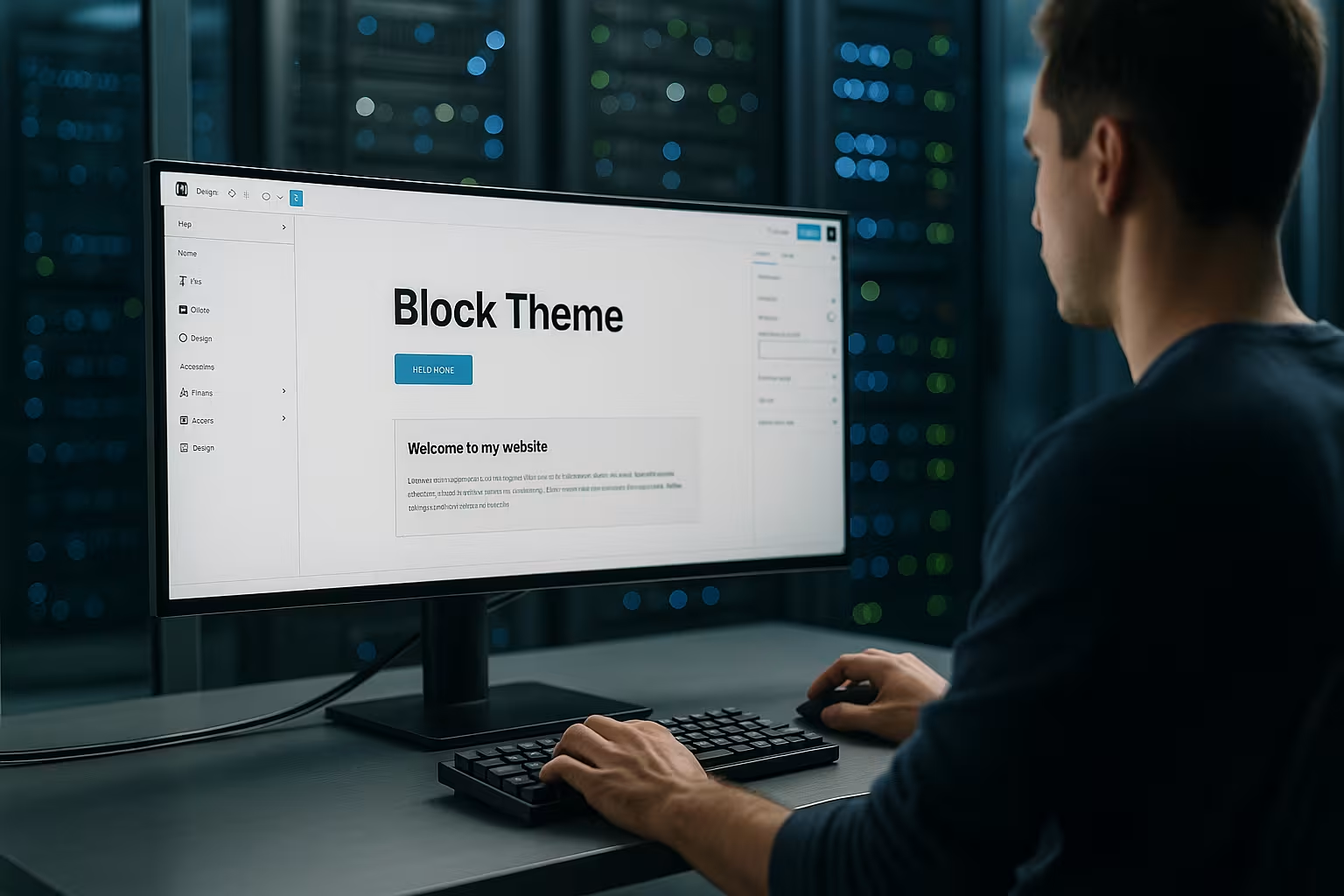
In the site editor, I change the layout, colors, and typography centrally; the changes take effect immediately on all pages, which saves me a lot of time. Clicks I save time. I choose different header variants, swap footer parts, and save combined templates for specific pages. Patterns speed up the creation of landing pages because I can simply insert tested building blocks. CSS adjustments are still possible, but I solve most issues with core options so that updates run smoothly. When changing themes, styles and templates are largely retained, which gives me the fear of migration takes.

Global styles and theme.json in detail
With the theme.json I regulate not only colors and typography, but also block features: which column widths are allowed, whether custom colors are enabled, how spacing works. This keeps the design tightly controlled and prevents style proliferation. I use presets for color palettes and typography scales so that editors can make reliable decisions without having to resort to CSS every time. Thanks to the style engine in the core, this results in cleanly generated stylesheets that contain only what is necessary.
Migration: From classic themes to block themes
I start with a full backup and create a staging environment to test changes safely; that's how I keep things running smoothly. Risk low. I then remove unused plugins, especially page builders, and check widgets, menus, and sidebars for block alternatives. After that, I switch to the new theme step by step, import patterns, and set up global styles. I carefully check media and internal links to ensure that no rendering issues remain. Finally, I test Core Web Vitals and loading time before going live to ensure that the Quality fits.
Common migration pitfalls and countermeasures
- Shortcodes In the content: I replace old shortcodes with block equivalents or build small block variants so that the layout and logic remain the same.
- Widget-dependent sidebarsI map content to template parts or block patterns and check visibility rules.
- Custom CSS In the Customizer: I transfer relevant rules to theme.json or block-specific styles to avoid redundancy.
- Image sizesI clean up old, unused sizes and define useful new thumbnails for block layouts.
Comparison: Block themes vs. classic themes
Classic themes often require template hacks and a lot of CSS, while block themes focus on the editor and make changes more visible. make. While page builders inject multiple layers of code, the block approach remains lean and predictable. If you want to experience the difference in your daily work, take a look at the Block editor vs. classic editor I see block themes as offering the best balance between flexibility, effort, and loading time. This allows me to keep projects smaller, the maintenance requirements decreases.

Accessibility and GDPR
Clean markup and reduced scripts help the AccessibilityI plan readable hierarchies, sufficient contrasts, focus indicators, and meaningful ARIA attributes right from the start. Block themes provide a good basis if I consistently maintain semantics and alternative texts. For GDPR, I rely on locally integrated fonts and icons, avoid unnecessary third-party requests, and only load external services after consent has been given. Fewer external dependencies make the legal situation clearer and at the same time speed up the loading of the page.
Multilingualism and multisite
In multilingual projects, I benefit from global styles because I define design specifications once and only exchange content per language. Patterns can be adapted for each language without losing the basic structure. In multisite setups, I keep the Reusability high by sharing central patterns and style variations and only overwriting where necessary. This saves maintenance time and prevents layouts from becoming „inconsistent“ on individual sites.
SEO and Core Web Vitals at a glance
Less render-blocking code and lean styles deliver better LCP and INP values, which improves ranking opportunities because Loading times Block themes make it easier to clean up CSS, script order, and fonts, so I see fewer CLS spikes. I use critical CSS sparingly, load fonts locally, and enable HTTP/3 to shorten the start phase. I optimize images with modern formats and correct dimensions to prevent layout shifts. Together with clean hosting, the architecture creates a noticeably better User experience.
Measurement and monitoring
I monitor real user metrics (RUM) and supplement them with lab measurements. In Google Search Console, I check Core Web Vitals at the URL level, while I perform reproducible tests in the browser using DevTools and Lighthouse. On the server side, I track latency, TTFB, error rates, cache hit ratios, and resource consumption. Warning thresholds help me scale in time before performance drops. The combination of front-end and back-end perspectives is crucial so that I achieve not only fast metrics in the lab, but also noticeable speed in everyday use.
Best practices for operators
I keep my plugin landscape small, test updates in staging first, and document changes briefly; this prevents Error in live operation. For international visitors, I put a CDN in front of it and set clear cache rules so that dynamic blocks work correctly. I embed fonts and icons locally to avoid unnecessary external requests. I upload media in appropriate sizes and make sure to use responsive variants so as not to overload mobile devices. Monitoring for uptime and vitals is part of this, so that I can detect deviations early on. recognize.
Safety and maintainability
I work with minimal rights: only those who need to edit are given access; deployments run automatically, not via individual uploads. I keep automatic minor updates active and test major updates in staging. I receive backups in a versioned and encrypted form, and restore tests are scheduled in the calendar. Since block themes offer less code space, the attack surface is reduced; nevertheless, I regularly check logins, XML-RPC status, REST endpoints, and rate limits. Paired with lean plugins, the platform remains stable and easily patchable.
Costs and profitability
Without heavy page builders, I often save license costs in the range of $40–120. Euro per year and reduce maintenance time at the same time. Fewer plugins mean less error analysis and fewer update cycles, which translates directly into hours and thus costs. Due to the lower resource requirements, I can start with hosting rates with moderate performance and only upgrade when there is a real need. This makes planning easier because the performance curve of block themes is more favorable. This keeps the budget and Performance in balance.
Briefly summarized
WordPress block themes provide clear structures, less code, and better loading times, which reduces the load on hosting and increases Maintainability. I work more directly in the editor, need fewer plugins, and benefit from core updates. For hosting, the most important factors are up-to-date software, caching, fast storage, and a sensible CDN setup. Migrations can be planned successfully if I take testing, backups, and step-by-step conversions seriously. Combining lean themes with a clean stack allows you to get the most out of WordPress. WordPress out.