Skip to content
Cheap vserver today offer full control, root access and fast NVMe SSDs from just a few euros per month - ideal for websites, apps, backups or game servers. I'll show you specifically how to recognize quality, plan sensible resources and compare providers fairly so that you can get the best value for money. Performance get.
Key points
These key aspects will help you make a quick, well-founded decision.
- PerformanceRAM, vCores, NVMe storage and virtualization determine the speed.
- ConnectionFlat rate, bandwidth and data center location ensure short loading times.
- SecurityDDoS protection, updates, backups and clear responsibilities.
- SupportCheck availability, response time and costs for assistance in advance.
- ContractsCompare term, termination, set-up fees and transparent prices.
What is a vServer - briefly explained
A vServer (VPS) is a virtual machine on shared hardware that provides you with your own isolated environment with Root access gives. You install software freely, manage services and control resources independently. Compared to shared hosting, you gain Freedomfor your own stacks, special databases or caching, for example. Modern virtualization such as KVM guarantees fixed resources and clean scheduling. This allows stores, WordPress, mail servers or small databases to run cost-effectively and yet quickly.
These criteria determine quality and price
I check RAM, vCores and NVMe storage first, because these three factors determine the perceived Performance most strongly. For small websites, 2-4 GB RAM is sufficient; data-intensive projects benefit from 8 GB and fast NVMe drives. Secondly, the network connection counts: 1 Gbit/s and a traffic flat rate or clear limits create predictability. Thirdly, I look at the location, uptime commitments and DDoS protection for Availability. As an introduction to the market comparison, this compact cheap vServer comparison.

Dimension power correctly
I start realistically: Which services run simultaneously and how much RAM do they need on a daily basis? really? For WordPress with caching I plan 2-4 vCores and 4-8 GB RAM, for store systems rather 4-6 vCores and 8-16 GB RAM. NVMe storage makes queries noticeably faster, especially for many small files or database accesses. For databases, I rely on sufficient RAM so that frequent queries remain in the cache. If you measure the CPU load and adjust it regularly, you will pay less in the long term with constant Speed.
Network, traffic and location
A clear traffic policy avoids surprises, which is why I check limits or flat rates and the real traffic volume. Bandwidth. 1 Gbit/s is common today; a stable peering policy and short distances to target groups in DACH are important. German or European data centers help with data protection and improve latencies. I also pay attention to DDoS filters and SLA information on uptime from 99.9 %. A clean connection determines fast delivery and satisfied customers. Users.
Security and responsibility on the vServer
With a vServer, you bear responsibility: I keep systems up to date, secure access and automate Backups. SSH keys instead of passwords, firewall rules, Fail2ban and regular updates form the basis. I also recommend unattended upgrades and monitoring to detect anomalies at an early stage. Encrypt data at rest, especially for sensitive content. If you make security a routine, you protect availability, data and Reputation.
Avoid typical mistakes
Many underestimate the RAM requirement and thus throttle the Performance. Others choose a contract that is too long, even though the costs are hardly foreseeable at the beginning. Some save backups and lose days of work in an emergency. I test support channels before booking and check set-up fees and hidden items. Those who calculate clearly and actively use monitoring avoid downtime and additional costs. Costs.
vServer vs. web hosting: the differences
Web hosting is suitable for simple sites with low Expenditure. A vServer gives you more control, your own software packages and higher load reserves. In return, you take care of updates and security yourself. If you value independence or need special stacks, a VPS is cheaper in the long term. This table shows the most important points in direct Comparison:
| Feature | Affordable web hosting | Cheap vServer |
|---|---|---|
| Price | from 1-3 € / month | from 2-5 € / month |
| Control | Restricted | Full control |
| Performance | For simple pages | For demanding projects |
| Root access | No | Yes |
| Own software | No | Yes |
| Responsibility | Low | High |
Provider overview 2025: price and data
I start with entry-level tariffs and only scale up when load or Growth demand it. In current comparisons, webhoster.de impresses with very good performance, clear prices, reliable support and flexible tariffs. For quick orientation, the Comparison 2025 with a focus on value for money. This allows you to recognize coherent packages without expensive extras. The following table will help you make an initial Check:
| Place | Provider | RAM | vCores | SSD/NVMe | Monthly price | Location |
|---|---|---|---|---|---|---|
| 1 | webhoster.de | from 4 GB | from 2 | SSD/NVMe | from 3,99 € | EN |
| 2 | Contabo | from 4 GB | from 2 | SSD/NVMe | from 5,99 € | EN |
| 3 | 1blu | from 8 GB | from 2 | SSD | from 5,90 € | EN |
| 4 | Netcup | from 2 GB | from 1 | SSD | from 3,25 € | EN |
| 5 | Xentos | from 1 GB | from 1 | SSD | from 4,90 € | EN |

Practical setups: three scenarios
For a WordPress site with caching, I use 2-4 vCores, 4-8 GB RAM and NVMe, so that page cache and object cache grab. A WooCommerce store benefits from 4-6 vCores, 8-16 GB RAM and clean PHP-FPM tuning. For Nextcloud, I rely on a lot of memory, RAM for preview generation and high IOPS. For a game server, I look for single-core performance and low latency in the Net. VPN and backup servers require less CPU, but regular backups and clear firewall rules.
Virtualization, overcommitment and fair resources
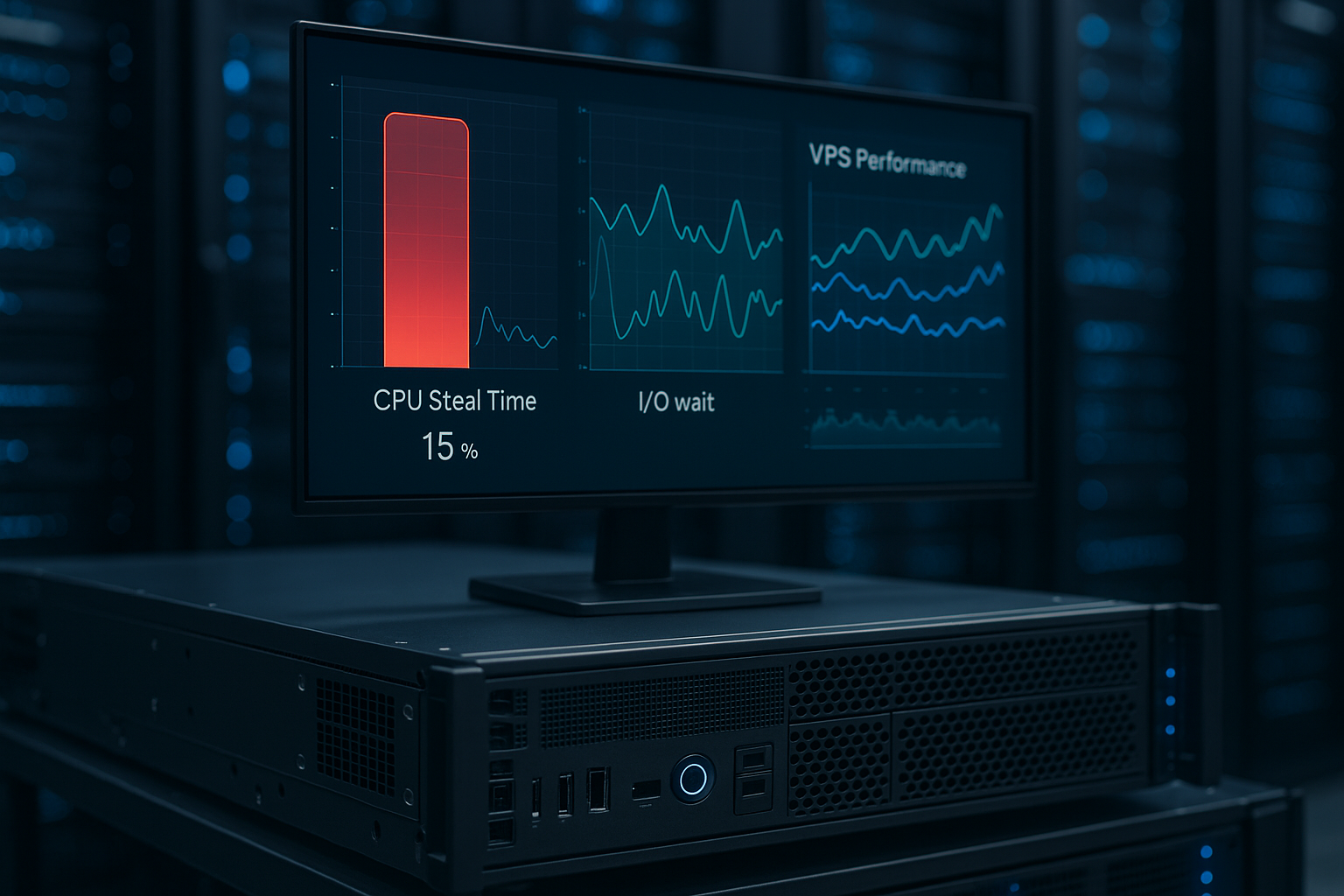
I pay attention to KVM or comparable full virtualization because it provides dedicated resources and clean scheduling. Inexpensive vServers share host hardware - that's why I check OvercommitmentIf CPU or RAM is heavily overbooked, the steal time (CPU steal) increases and processes wait. I monitor load, iowait and steal% in top/htop. Constant peaks indicate overloaded hosts. Good providers document fair-use rules, pin vCores sensibly and rely on current CPU generations with a high single-core boost. For storage, it is important to me that NVMe SSDs with RAID and battery-backed write cache so that write performance does not come at the expense of data security. Those who understand virtualization read bottlenecks correctly and choose tariffs that are stable at night as well as during the day. perform.

Operating system, panel and automation
I rely on lean, well-maintained distributions such as Debian or Ubuntu LTS and start with a Minimal image. This allows me to maintain control over installed packages and the attack surface. If you want an admin panel, plan for resources and license costs; panels make email, web servers and SSL easier, but increase RAM requirements and complexity. For reproducible setups, I use Cloud-Init or configuration management (e.g. Ansible), store variables and play roles in a repeatable manner. Logs are stored centrally in a journal or a syslog stack so that I can find errors quickly. I build scripts or timers for processes such as deployments, certificate renewal and user onboarding. This turns a cheap VPS into a reliable platform, which I maintain with little manual work.
Set up backups and snapshots correctly
I plan according to the 3-2-1 rule: three copies, two media, one offsite. Provider snapshots are practical, but do not replace Application backups. For databases, I combine dumps (consistent) with incremental file backups. I encrypt backups before transferring them and store them in versioned form - for example in an S3-compatible target. Important: Test restore! I regularly restore in a test VM and check checksums and the startup behavior of the services. Rotation plans (e.g. 7 daily, 4 weekly, 6 monthly) protect against silent data errors. Those who also use file system snapshots (e.g. LVM/ZFS) minimize downtime during rollbacks. This turns backups from a gut feeling into a reliable Strategy.

Email, DNS and IPv4/IPv6 under control
I deliberately set up DNS and mail on a vServer. For good delivery, I set up rDNS/PTR to match the host name and sign mails via SPF, DKIM and DMARC. I check whether you need your own mail server - an external mail service is often less stressful. IPv4 can cost extra; a dedicated address improves reputation, while shared IP environments harbor risks. I consistently activate IPv6 (don't forget the firewall rules), set clean AAAA records and test accessibility. I plan DNS with sensible TTLs: short TTLs for migrations, longer TTLs for stable zones. If you pay attention to e-mail and DNS basics, you avoid blacklists and save yourself lengthy Troubleshooting.
Cost traps, general terms and conditions and scaling
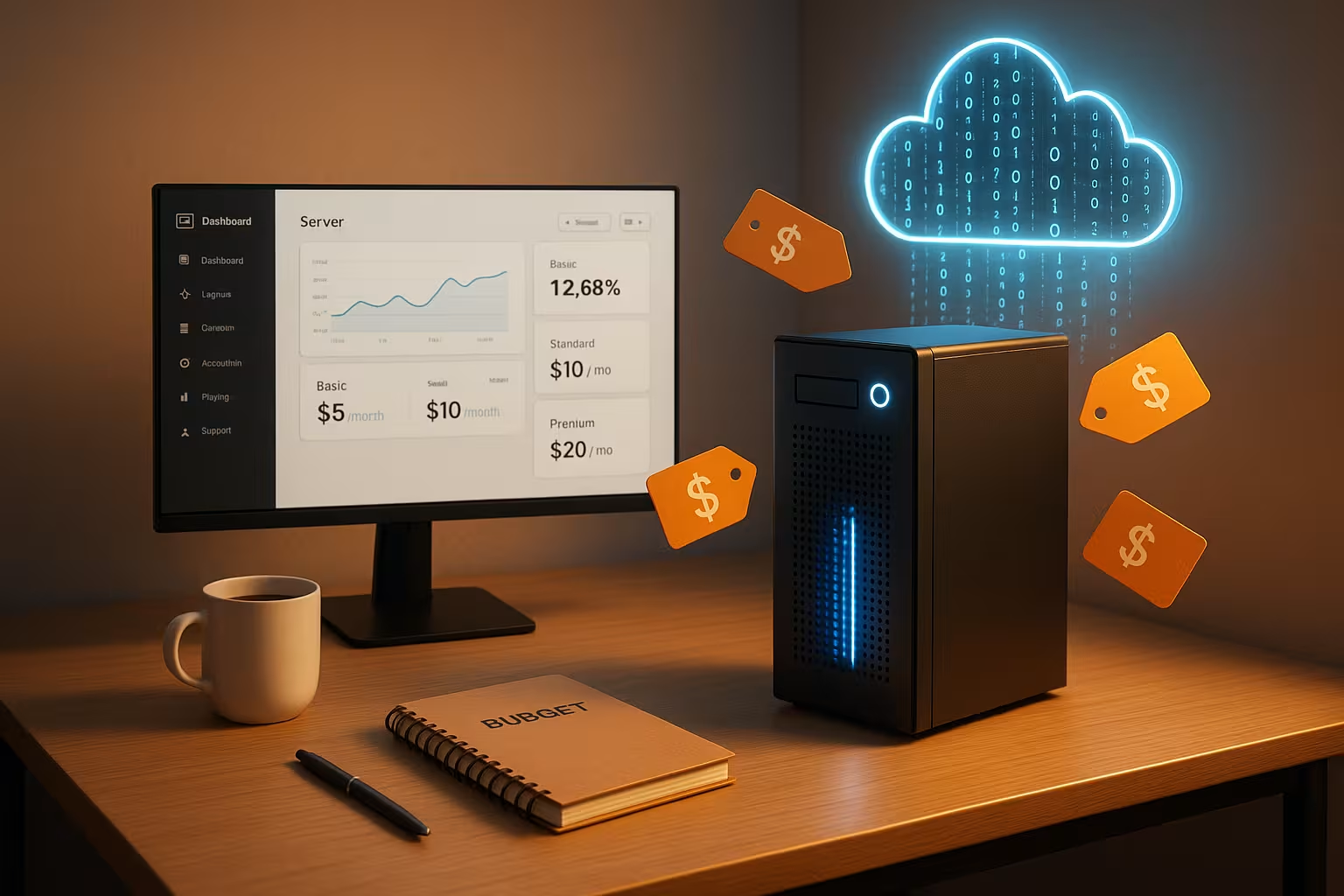
I read price lists carefully: setup fees, prices for additional IPv4, snapshots, Backup storagetraffic average and VAT can make a noticeable difference to the bill. Some tariffs advertise "up to" bandwidth or burstable CPU - I check what performance is guaranteed. For growth, I plan for vertical scaling (more RAM/CPU) and optional block or object storage. Important is a Exit strategyHow do I migrate images, how do I export snapshots, are there notice periods, and how quickly can resources be reduced? Transparent providers make upgrades and downgrades possible without long downtimes. If you think about scaling in both directions, you remain flexible and cost-efficient.
Acceptance check: measuring performance and stability
After deployment, I test the machine systematically. I measure CPU and RAM behavior with Sysbench, I/O with fio and ioping, network with iperf or simple download tests. At the same time, I monitor load, iowait, steal% and the Temperature of the system. A short real-world test - e.g. a WordPress installation with caching - shows how latencies and TTFB behave. I also check:
- Disk latencies under simultaneous read/write load
- Stability under 5-10 minutes continuous load (no throttling, no errors in the dmesg)
- Bandwidth to target regions (DACH) at peak times
- Availability of snapshots/backups and restore duration
- DDoS filter: Does it block legitimate traffic? How adjustable is it?
If a vServer passes these checks, I scale productively. In the event of deviations, I document values and approach support in a structured manner - good providers respond solution-oriented.
How to make your choice in 5 minutes
I briefly define the purpose, calculate minimum and target resources and then check three tariffs with clean Price list. I then test the support contact and check the SLA, DDoS protection and location. I then book a monthly subscription, avoid setup fees and monitor the load. After two weeks, I decide whether I need more RAM or CPU. You can find compact instructions in the Rent a vServer Guide for a quick Start.
My selection check: short and crisp
I choose the location close to the target group and check the Uptime-promise from 99.9 %. Then I compare RAM, vCores, NVMe size and connectivity. I pay attention to contract details, notice periods and potential additional costs. I put security, backups and updates on autopilot from day one. If you prioritize clearly and test systematically, you get a lot out of a cheap VPS. Value.
To take away
Inexpensive vServers today deliver a strong ratio of price, control and Speed. Tailoring resources appropriately, checking the connection and automating security saves money without sacrificing performance. Providers with a transparent price structure, reliable support and modern storage pay off. Start small, measure the load and scale according to demand - this keeps the budget relaxed. With this approach, you will find quality at a low price and secure a reliable Base for your projects.