Skip to content
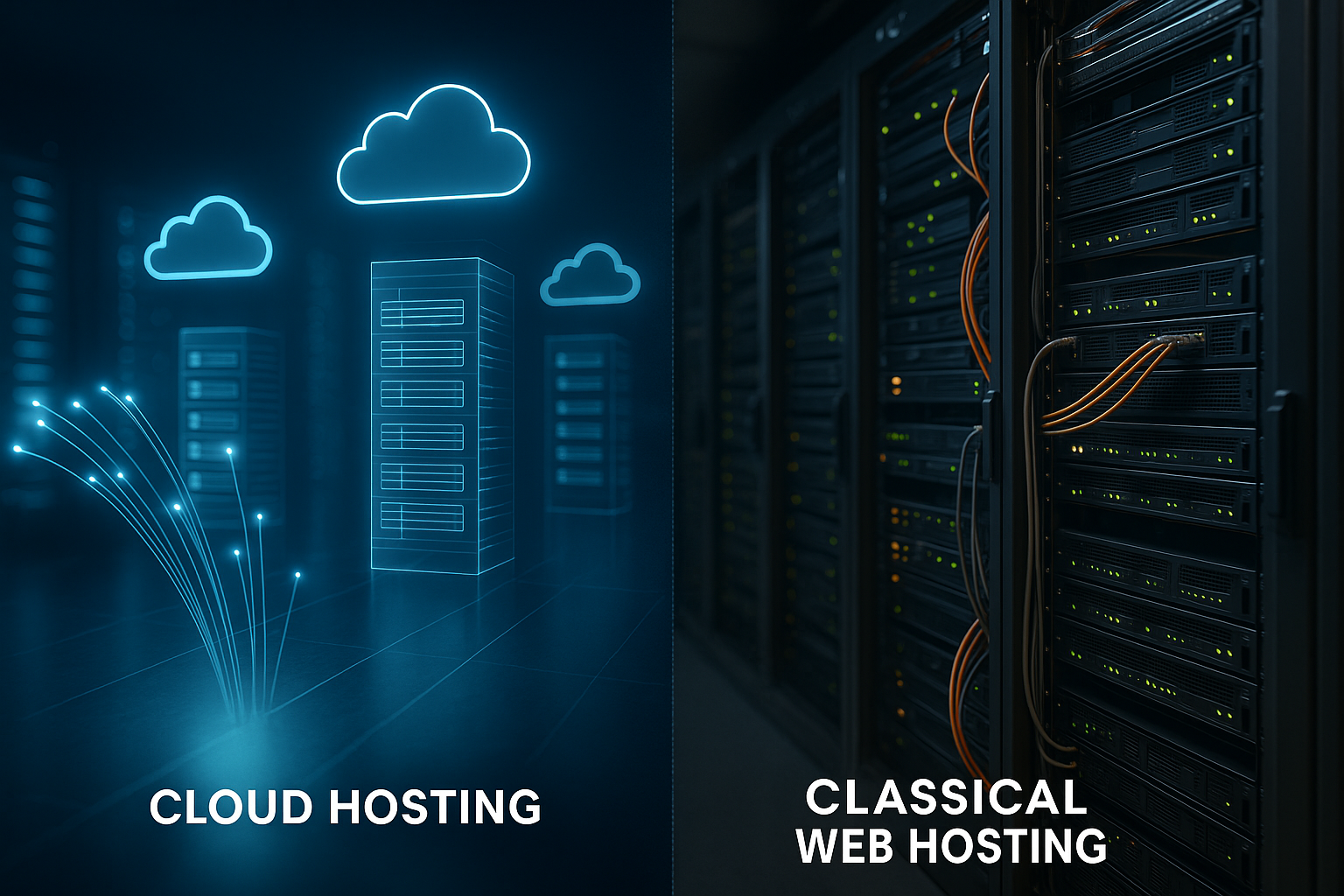
I border cloud hosting clearly different from traditional web hosting: Cloud uses virtual clusters with dynamic allocation, while classic hosting works with fixed physical servers and rigid packages. You will immediately understand the technical differences between scaling, reliability, performance, costs and administration.
Key points
- ArchitectureSingle server vs. distributed clusters
- Scalingmanual-vertical vs. automatic-horizontal
- AvailabilitySingle point vs. redundant failover
- PerformanceFixed limits vs. dynamic allocation
- Costs: Fixed price vs. pay-as-you-go
Technical architecture: server vs. cluster
In classic web hosting, websites are hosted on a single physical server, often as a Shared Hosting with fixed resource packages. This architecture remains clear, but puts you at the limits of CPU, RAM and I/O of the one system. Cloud hosting is built differently: virtual machines or containers run on a cluster of many hosts and draw resources from a shared pool. An orchestrator distributes loads, starts instances on other nodes and keeps services available if individual hosts fail. This allows you to separate workloads cleanly, use isolation mechanisms such as hypervisor or kernel isolation and benefit from hardware diversity behind the abstract layer.

Scaling and „cloud limits“ in comparison
In classic hosting, you expand performance vertically: you switch to a larger tariff, which requires planning and often Downtime means. In the cloud, I scale horizontally and automatically by having policies start additional instances as soon as CPU, RAM or latency exceed thresholds. This elasticity covers load peaks and scales back resources later, which keeps costs under control. „Cloud limits exist as quotas, API limits and budget caps rather than hard technology barriers; I set warnings and caps to avoid surprises. If you lack the basics, getting started with Cloud vs. shared hosting, to understand the most important parameters.
Performance and latency: dynamics instead of bottlenecks
Performance depends on CPU time, RAM, I/O and network latency, all of which are managed in shared hosting by „noisy neighbors“ are influenced. I see fast start times there, but full processor queues and tight I/O budgets slow things down at peak times. In the cloud, I combine load balancing, edge caching and geographically close resources to reduce time-to-first-byte. NVMe SSDs, up-to-date PHP with OPcache, HTTP/2 or HTTP/3 and TLS offloading on the load balancer also boost performance. Monitoring at instance, database and CDN level shows me bottlenecks, which I resolve with scaling or caching rules.

Availability and failover: From 99 % to 99.99 %
In the classic setting, a Single Point of failure: If the server fails, the website is offline until hardware or services are up and running again. RAID, backups and monitoring help, but they do not prevent the machine from failing. In the cloud, I create redundant instances, replicate data synchronously or asynchronously and switch over automatically in the event of an error. This enables me to achieve SLAs of 99.99 %, which greatly reduces annual downtimes. In addition, multi-zone operation reduces the risk of regional disruptions and brings real peace of mind.
Network, topology and traffic management
The network layer determines how stable and fast requests arrive. In traditional hosting, I share switches and firewalls, usually without deep intervention options. In the cloud, I encapsulate workloads in virtual networks (VPC/VNet), segment them into subnets and regulate access granularly with security groups and network ACLs. An L4/L7 load balancer distributes connections, terminates TLS and performs health checks. About DNS I control routing strategies: Weighted or latency-based routing supports blue/green rollouts and directs users to the nearest region. CDN and anycast shorten paths, while rate limiting and WAF rules slow down abuse. I am also planning egress-costs: Data leaving the cloud is more expensive than internal traffic - caching and regional replication save a significant amount of budget here.
Security: living shared responsibility properly
In dedicated or shared hosting, you block services via Firewall, I strengthen SSH, keep software up to date and secure logins. Cloud hosting shares responsibility: the provider protects the data center, hypervisor and network, I secure the operating system, applications and data. I use identity and access management (IAM), encryption at rest and in transit as well as WAF rules. DDoS protection, patch automation and security groups reduce attack surfaces without me having to master deep network tricks. Regular penetration tests, secret management and minimal authorization close the most important gaps.
Data and storage strategies
Data determines architectural decisions. I differentiate between Block‑, File- and Object-Storage: Block provides low latency for databases, file shares simplify sharing, object storage scales favorably for media, backups and log archiving. Lifecycle rules migrate rarely used objects to cold classes, snapshots and point-in-time recovery secure data statuses. For databases, I choose between self-managed and managedThe latter offers automatic patches, multi-AZ failover and read replicas. I dimension connection pools, activate slow query logs and place caching (e.g. query or object cache) in front of the database. For global users, I reduce latency with replication and read regional, while I centralize write workloads or carefully coordinate them via multi-primary to meet consistency requirements.
Compliance, data protection and governance
Legal requirements shape the design. I pay attention to Data protection in accordance with the GDPR, order processing contracts and data residency in suitable regions. I encrypt dormant data with provider-side or customer-managed keys; rotation, access separation and audit trails are mandatory. IAM enforces Least Privilege, sensitive secrets are stored in a secret store, and guidelines (policy-as-code) prevent misconfigurations through guardrails. Logging and audit-proof storage support audits; masking, pseudonymization and deletion concepts cover data subjects' rights. In this way, I build governance into the platform not as a hurdle, but as an automated safety belt.
Cost models and budget control
Classic hosting often starts with just a few Euro per month and remains constant as long as your tariff remains unchanged. This is suitable for blogs, landing pages and small portfolios with an even load. In the cloud, I pay based on usage: CPU hours, RAM, storage, traffic, database I/O and CDN requests add up. Peak loads cost more, but I throttle back at night or via auto-scaling so that the monthly budget lasts. Budgets, alarms, reservations and tagging give me transparency over every euro and show me where optimization is worthwhile.
Cost optimization in practice
I start with RightsizingInstance sizes and storage classes match the actual consumption. Reservations or committed use reduce basic costs, Spot/Preemptible capacities cover tolerant batch jobs. Schedules shut down dev/stage environments at night, scale-to-zero reduces idle time. I optimize storage via tiering, compression and object lifecycle; I save on traffic through CDN hit rates, image transformation at the edge and API caching. Architecture decisions have a direct impact: Asynchronicity via queues smoothes load peaks, reduces peaks and therefore costs. I track expenditure by project/team using tagging, set up budgets and forecasts and regularly check reserved coverage so that I don't miss out on a single euro.
Administration and automation
In classic hosting I often use cPanel or Plesk, which standardizes administration but limits individual workflows. Cloud environments link infrastructure to APIs and allow infrastructure as code with Terraform or similar tools. This allows me to document and version setups, review changes and roll them out in a reproducible manner. I automate backups, certificate renewals, patching and rollbacks to reduce human error. This saves time and makes releases predictable, even with frequent product updates.

Operating processes and observability
Reliable operation needs visibility. I collect Metrics (CPU, latencies, error rates), logs and traces centrally and correlate them via distributed tracing. Synthetic checks and real user monitoring measure user experience, health probes safeguard rollouts. SLOs define target values, error budgets control the speed of releases: If the budget is used up, I prioritize stability and fixed causes instead of pushing new features. Alarms are based on symptoms instead of noise, runbooks describe steps for incident response, postmortems anchor learning. This way, operations are not reactive, but methodical.
Typical application scenarios
A simple website with few visitors runs reliably and cheaply on classic hosting, often for 3-10 € per month. Anyone operating e-commerce with peak loads, campaigns or a global audience benefits from an elastic cloud infrastructure. APIs, progressive web apps or data-intensive workloads require flexible resources that grow on demand. I quickly clone test and staging environments in the cloud from templates without ordering hardware. Hybrid solutions combine fixed resources with CDN, object storage and managed databases to get the best of both worlds.
Practical focus: CMS, stores and APIs
At CMS and stores, caching strategies count. I combine full-page caching with edge caching, keep sessions and transients in an in-memory store and relieve the database through indexes and query optimization. I store media libraries in object storage and deliver variants (WebP/AVIF) via CDN. I move cron jobs and image processing to worker queues so that web processes return responses quickly. For headless setups, I separate the render layer and backend and use API gateways with throttling and aggregation. Security increases a Least privilege-model, isolated admin backends and rate limiting on login and checkout routes. This means that time-to-first byte and conversion remain stable even during traffic peaks.
Migration path and hybrid strategies
I start with an audit: I deliver traffic, latency, memory, database access and dependencies as Profile. I then equalize the architecture, separate data from code and activate caching and image optimization. A reverse proxy takes the load off the source, while I outsource parts such as media to object storage. I gradually move services to the cloud and have a fallback ready for critical systems. For more in-depth considerations between data center and cloud, it's worth taking a look at On-premise vs. cloud with strategic criteria.

Deployment patterns, tests and resilience
Releases should be low-risk. I build CI/CD-pipelines that deliver infrastructure and application together. Blue/green or canary deployments switch traffic in a controlled manner; feature flags decouple release from activation. Database migrations are forward and backward compatible (expand-migrate-contract), rollbacks are practiced. For resilience, I define RPO/RTO, practise restore procedures regularly and choose an emergency pattern: pilot light, warm standby or active-active. Chaos tests uncover weak points, circuit breakers and bulkheads prevent cascading errors. This keeps the platform robust, even if individual components fail.
Decision criteria at a glance
The following table summarizes the most important technical differences in a compact format and helps you to identify the Priorities to compare.
| Feature | Classic web hosting | cloud hosting |
|---|---|---|
| Infrastructure | Physical server, shared resources | Virtual clusters, dynamic resources |
| Scalability | Vertical, manual via tariff change | Horizontal, automatic via policies |
| Availability | Dependent on a machine (~99 %) | Redundant with failover (up to 99.99 %) |
| Performance | Predictable, but limited by package | Dynamic with burst capacity |
| Costs | Fixed price, favorable for small sites | Usage-dependent, scaled with demand |
| Administration | Standardized, often fully managed | API-controlled, automation possible |
Portability, lock-in and multi-cloud
I take a sober view of portability: containers and orchestration create a sustainable Abstraction, IaC maps resources in a repeatable way. Managed services save on operating costs, but often increase the link to proprietary APIs. I therefore separate core logic from integrations, encapsulate access behind interfaces and keep data formats open. Multi-region strengthens availability, multi-cloud increases independence, but brings complexity in terms of network, identity, observability and cost control. Data gravity and egress fees urge proximity of compute and data. A documented exit strategy - backups, IaC state, migration paths - prevents nasty surprises.
Outlook: Serverless and next steps
Serverless increases elasticity even further because I do not reserve capacity, but use it per appeal pay. Event-driven functions, managed databases and edge routing noticeably reduce operating costs. So I concentrate on code and content instead of operating systems and patches. If you are interested in this, get started with Serverless web hosting and checks which parts of a website benefit from it. For classic sites, a managed cloud setup with caching, CDN and auto-scaling remains a safe step.

Summary: Making the right choice
For a constant load and a small budget, classic hosting is sufficient because you can work with fixed Tariffs planning and little administration. If the traffic grows, you need scaling, failover and global delivery in the cloud. I decide according to demand: peaks, latency, data criticality and team expertise set the direction. With monitoring, budget limits and automation, you can keep costs and quality under control in the cloud. A flexible setup today saves migration costs tomorrow and keeps websites fast and available even under pressure.