Skip to content
Cloud server give me full control over performance, security and costs - from the first order to ongoing operation. In this guide, I show you step by step how I rent, manage and use servers sensibly so that projects run reliably and budgets remain predictable.
Key points
- Scaling according to demand instead of oversizing
- Security with firewalls, encryption, backups
- Transparent Costs thanks to pay-as-you-go
- Full Control through admin rights
- Managed Options for relief in everyday life
What is a cloud server?
A cloud server runs virtually on a distributed pool of resources CPURAM and storage, instead of on a single device. I use virtualization to use exactly the performance I need and adjust it during operation. If traffic increases, I increase cores, RAM or IOPS without moving or downtime. If a host fails, the platform automatically takes over other nodes and keeps services online. In this way, I reduce the risk of bottlenecks and optimize the Availability.
If you want to gain a deeper understanding of how it works, it makes sense to start with an overview of Cloud hosting functionality. There it becomes clear how hypervisors, networks and storage work together. What counts for projects is that resources can be shifted elastically and that images, snapshots and replication allow rapid changes. I actively control the architecture instead of being bound by rigid limits. This freedom makes virtual servers ideal for modern Workloads so attractive.
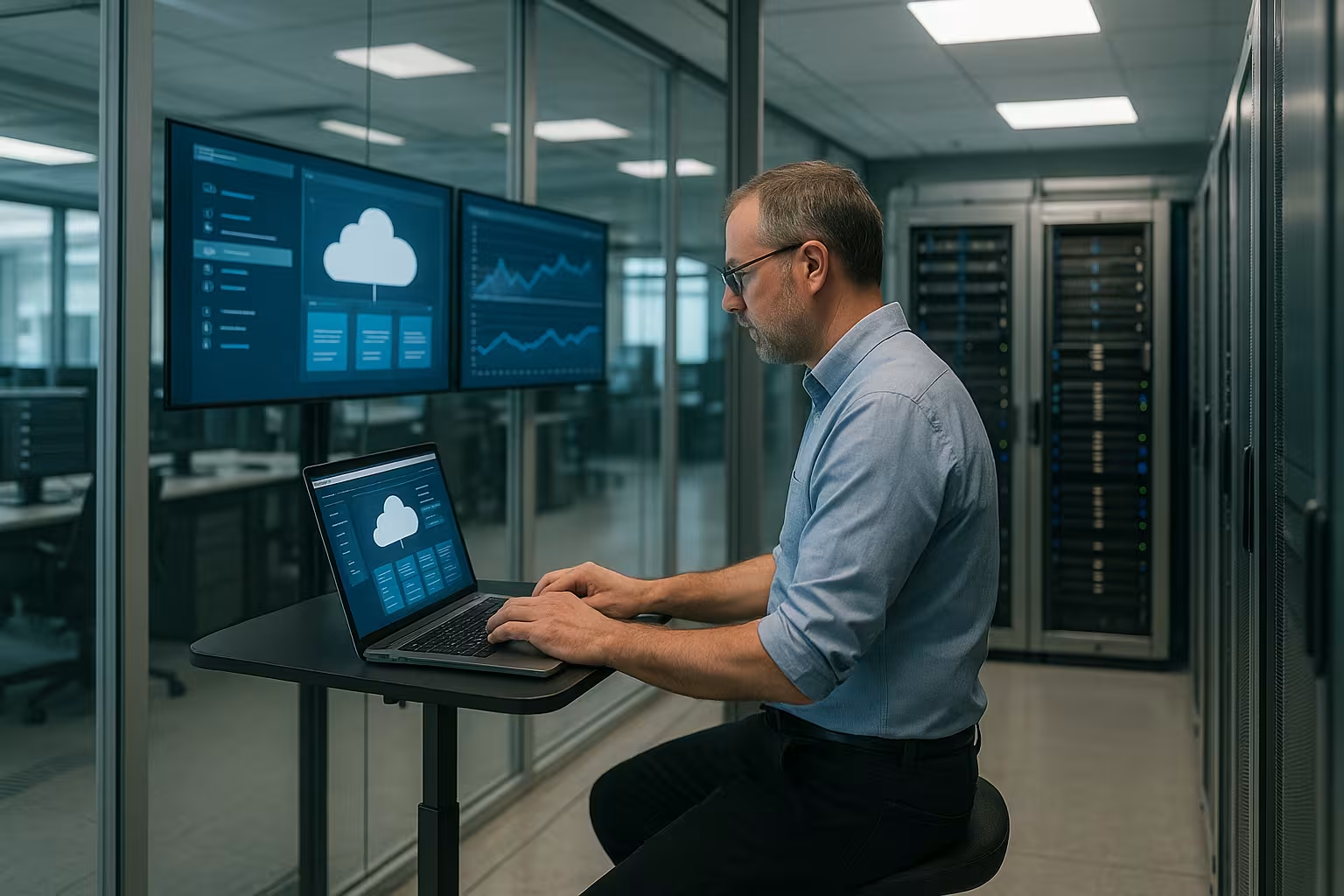
Rent a cloud server: Advantages for projects and teams
I scale resources Flexible by load, instead of making expensive provisions in advance. Pay-as-you-go avoids upfront costs and creates planning security. Global locations, block storage and network routes ensure fast access close to the user. CDN connection, caching and images support fast deployments and rollbacks. This reduces release risks and keeps response times short.
For security, I use firewalls, encrypted connections and daily backups with restore tests. If a component fails, redundancies absorb the disruption and services remain available. I set monitoring alarms to react to anomalies at an early stage. The interplay of technology and processes ensures quality in day-to-day operations. This keeps the platform Reliableeven when load peaks occur.
Administration in practice: responsibility, tools, processes
A cloud server gives me full ControlI need clean system and security management for this. I keep the operating system up to date, harden ports, activate automatic updates and use SSH keys instead of passwords. Role-based access and 2FA protect sensitive access. Logs and metrics are centralized so that I can quickly identify anomalies. This discipline saves a lot later on Time.
A managed approach is worthwhile for companies because a team takes care of maintenance, patches, monitoring and support. This allows me to concentrate on applications and data while specialists look after the platform. In growth phases, this accelerates releases and reduces downtime risks. If you want more personal responsibility, you can factor in know-how and on-call service. Both together lead to a strong Operating strategy.
Network and storage design in detail
A well thought-out network design protects services and reduces latencies. I separate public and private networks, operate internal services (DB, cache, queues) without public IP and use security groups with the smallest necessary rules (Principle of Least Privilege). A bastion host or VPN (e.g. WireGuard) bundles admin access, while management ports (SSH, RDP) remain blocked from the outside. For scaling, I use load balancers with health checks and distribute traffic across multiple instances. I consciously activate IPv6 and secure it just as consistently as IPv4 so that there is no backdoor. Clean DNS entries, short TTLs for planned switchovers and clear naming conventions help during operation.
I make a strict distinction when it comes to memory: Block storage for high-performance data carriers per VM (transactional DBs, logs), Object storage for large, unstructured data (backups, media, artifacts) and local ephemeral disks only for caches/temporaries. Important key figures are IOPS, throughput and latency - I measure them under real conditions. I plan snapshots incrementally with retention periods, encrypt data at rest and test restores regularly. For consistent performance, I isolate noisy neighbors, e.g. by placing write load (DB) and read load (web/cache) on separate volumes.

Using cloud servers sensibly: typical fields of application
What counts for websites and stores is fast Performancestable databases and clean caches. I isolate the frontend, backend and database on separate instances or containers. Updates, blue-green deployments and staging environments reduce the risk of changes. In the event of seasonal peaks, I increase cores or replicate the database. This keeps loading times short and the Conversion high.
In SaaS and app scenarios, I need flexible scale-up and scale-out options. I scale API servers, workers and queues separately so that bottlenecks do not affect the overall system. For AI and analysis jobs, I rent more computing power or GPU resources at short notice. Backups and object storage keep large data safe. This results in a agile Platform for experiments and operation.
Architecture patterns for high availability
I design services as far as possible statelessso that I can freely add or remove instances. Sessions end up in Redis or the database, file uploads directly in the object storage. A load balancer performs health checks and automatically removes faulty nodes from traffic. I operate databases with primary replica setups, read replicas relieve read traffic. For critical systems I plan Multi-AZ or at least hosts on different physical nodes so that a hardware failure does not disrupt the entire application.
I define failover explicitly: which metrics trigger switchovers, how long a switchover takes, which data may be lost (RPO) and how much downtime is tolerable (RTO)? I reconcile these values with SLOs. For maintenance, I use Blue-Green or Canary to take risks in controllable steps. This keeps the platform robust - even under stress.
Containers, orchestration and VMs: the right mix
Not every task needs Kubernetes. VMs with Systemd services or Docker Compose are sufficient for smaller, clearly defined workloads. Containers help me to standardize deployments, encapsulate dependencies and make rollbacks faster. Orchestration is worthwhile for many services, dynamic scaling requirements and teams with DevOps expertise: I then distribute workloads, isolate namespaces, rotate secrets and control resources granularly.
In mixed operation, I separate responsibilities: State-heavy components (DBs, message brokers) often on VMs with block storage, stateless services in containers. I define clear build and release processes (CI/CD), sign images and keep base images lean. This is how I combine the stability of classic VMs with the flexibility of modern container workflows.
Web hosting vs. cloud server: quick comparison
The following table shows when classic Web hosting is enough and when it is better to use a cloud server. Those planning growing projects usually benefit from scaling, admin rights and deep security. Shared hosting is often sufficient for small sites with little traffic. The decisive factors are predictability, availability and access rights. I evaluate these points before each Migration.
| Feature | Web hosting | Cloud server |
|---|---|---|
| Performance & reliability | Depending on the provider | High availability, scalable |
| Scalability | Limited upgrades | Elastic resources |
| Security | Basic measures | Advanced controls, encryption |
| Costs | Fixed, cheap | Usage based, pay-as-you-go |
| Administration | Provider-led | Full admin rights |
As a reference, I consider benchmarks, support quality and data center locations. In tests webhoster.de regularly performs very well, especially in terms of reliability and help in the event of problems. As a provider example for entry and scaling, a short Hetzner Overview. I compare the selection soberly: performance, price, support and GDPR compliance. This combination ultimately determines the Success.

Set up a cloud server: Step-by-step
Step 1I analyze workloads, user numbers, data sensitivity and latency requirements. From this, I derive cores, RAM, storage type and network requirements. I also plan backup targets, test windows and recovery times. This preparation saves expensive rework. This is how I define a clear Frame.
Step 2I choose the provider based on price/performance, location, certifications and support times. Benchmarks and field reports provide orientation for I/O and network. I test images, snapshots and restores in advance. Pilot projects quickly show where the limits are. More input is provided by the VPS Guide 2025 as a compact Reference book.
Step 3I set up the operating system, harden access and tightly configure firewall rules. SSH keys, Fail2ban and automatic updates protect the basis. I plan versioned backups with rotation and restore tests. I manage secrets and configs separately from the code. Order beats Expenditure in an emergency.
Step 4I set up monitoring for CPU, RAM, I/O, latencies and logs. Alarms inform me by e-mail or chat so that I can react quickly. Dashboards show trends for capacity planning. This allows me to recognize whether scaling up or scaling out makes sense. Visibility is the best Early warning.
Step 5I establish an update and patch rhythm. I announce maintenance windows and test patches in staging first. After each update, I check services, ports and backups. Documentation keeps all steps traceable. This routine preserves the Security long-term.
Automation and infrastructure as code
Repeatable processes save me manual errors. I describe servers, networks, volumes and firewalls as Code and version these definitions. This allows me to roll out environments reproducibly, review changes and roll them back if necessary. Configuration management ensures idempotency: a playbook or script always brings systems into the desired state - no matter how often I execute it.
For basic setups, I use Cloud-Init or images that I prepare with common hardening, agents and logs (Golden Images). I keep secrets strictly separate, encrypted and with rotation. Automated tests (linting, security checks, smoke tests) run before every rollout. CI/CD pipelines take over build, test and deployment so that I have a clear, tested path from commit to productive change.
Safety in shifts: Technology and processes
I think safety in LayersNetwork, system, application, data and people. At network level, I use segmented firewalls, rate limits and DDoS protection. I harden systems with minimal services, up-to-date packages and strict policies. Applications are given secure defaults, input validation and secret protection. Encryption via TLS protects Data in transit.
For identities, I use role-based rights, short token runtimes and 2FA. I store backups separately, encrypted and with regular restore samples. Data centers with access controls and video surveillance increase physical security. GDPR-compliant locations secure personal data. Security remains a Tasknot a one-off project.

Compliance, data protection and governance
I regulate access, data flows and retention periods with clear Policies. This includes AV contracts, data classification and encryption layers (in transit and at rest). I record audit logs unalterably and store them in accordance with legal requirements. I assign roles and rights according to the need-to-know principle, production access is time-limited and logged.
Governance starts with order: naming conventions, tags for cost centers, environments (dev, stage, prod) and responsible parties. I define approval processes for changes, regularly check rights and remove legacy data. Data minimization applies to personal data - I only store what is really necessary and delete it consistently. In this way, compliance and everyday practice remain compatible.
Costs and budget control: realistic planning
I plan costs along the lines of CPURAM, storage, traffic and IPs. Pay-as-you-go billing is usage-based and creates transparency. An example: 4 vCPU, 8 GB RAM and 160 GB SSD are often between €25 and €45 per month, depending on the provider. Added to this are data transfer and backups, usually a few euros extra. With rightsizing and schedules, I reduce the Invoice noticeable.
I use budget alerts and tagging to keep projects clearly separated. Reservations or long-term commitments are worthwhile for permanent loads. I let short-running projects or experiments run on-demand. This is how I combine savings potential with flexibility. If you use these levers, you keep the Costs under control.
Capacity planning and cost control in practice
I combine usage data with trends: utilization by time of day, day of the week, releases. From these curves I derive Schedules (e.g. smaller instances at night) and check whether vertical or horizontal scaling is more favorable. I plan storage with a growth corridor and set warning thresholds before the limit. For network traffic, I define caching strategies and CDN rules that reduce expensive egress. Reports and monthly reviews prevent cost surprises - many small corrections are better than one big one at the end of the quarter.
Performance tuning and scaling: pragmatic levers
I start with Profilingnot with hardware. Caches, database indexes and query optimization often bring the biggest gains. I then decide whether to scale up (more cores, more RAM) or scale out (more instances). For static content, I use CDN and object storage to reduce the load on the server. I move background jobs to workers with queues so that the Front end remains fast.
I associate autoscaling with metrics, not with feeling. I set clear thresholds for CPU, latency and error rates. Blue-Green or Canary reduce deploy risks. Observability with logs, metrics and traces shows bottlenecks promptly. This allows me to scale in a targeted manner and keep the Performance stable.

Migration and rollout strategies without downtime
I plan migrations with a clear Cutover strategyCopy data in bulk first, then synchronize incrementally (files, DB replication). I lower DNS TTLs in good time so that switchover takes effect quickly. During the switch, I briefly freeze write operations or redirect them to the new stack to avoid inconsistencies. A defined backout plan brings me back quickly in the event of problems.
Smoke tests run before the go-live: Does every service start? Are ports, certificates, health checks and backups correct? Synthetic monitoring checks core paths (login, checkout) from the user's perspective. After switching, I closely monitor error rates and latencies. Documentation and lessons learned flow into the next migration - making every project more predictable.
Avoid common mistakes: my checkpoints
Without Backups I test restores regularly, not just the creation. Leaving standard ports open invites attackers - I harden services and log access. Forgotten updates open doors, so I schedule fixed time windows. Missing alarms cost minutes in the event of a failure, which hurts. Better are clear Limit values with notifications.
Oversizing burns money, undersizing frustrates users. I measure load and adapt instances in small steps. A provider lock-in makes subsequent changes more difficult, so I rely on portable images and standards. Documentation saves heads on vacation or when changing providers. Those who take these points to heart will keep projects efficient and safe.

Incident response, SLAs and day-to-day operations
I define SLOs (e.g. availability, response time) and derive alarms and readiness levels from this. On-call plans, runbooks and escalation levels ensure that everyone knows what to do in an emergency. After incidents, I create post-mortems without apportioning blame: What happened, why, how do we prevent recurrences? I document triggers, detection, rectification and prevention in a comprehensible manner.
Reliability is also communication: status pages, planned maintenance and clear timelines for workarounds keep stakeholders informed. I establish processes for change management, peer reviews and approvals. This creates a company that does not live from heroic deeds, but from Routine and clarity - and that is exactly what makes systems stable.
Briefly summarized
A Cloud Server provides me with scaling, control and security for professional projects. I rent resources as needed, keep systems clean and measure continuously. For companies, a managed offer takes the pressure off day-to-day business, while for tech-savvy people, it's the freedom of admin rights that counts. Those planning growth benefit early on from flexible performance and clean governance. This is how a virtual server becomes a sustainable IT platform for web, apps, data and AI.