 Skip to content
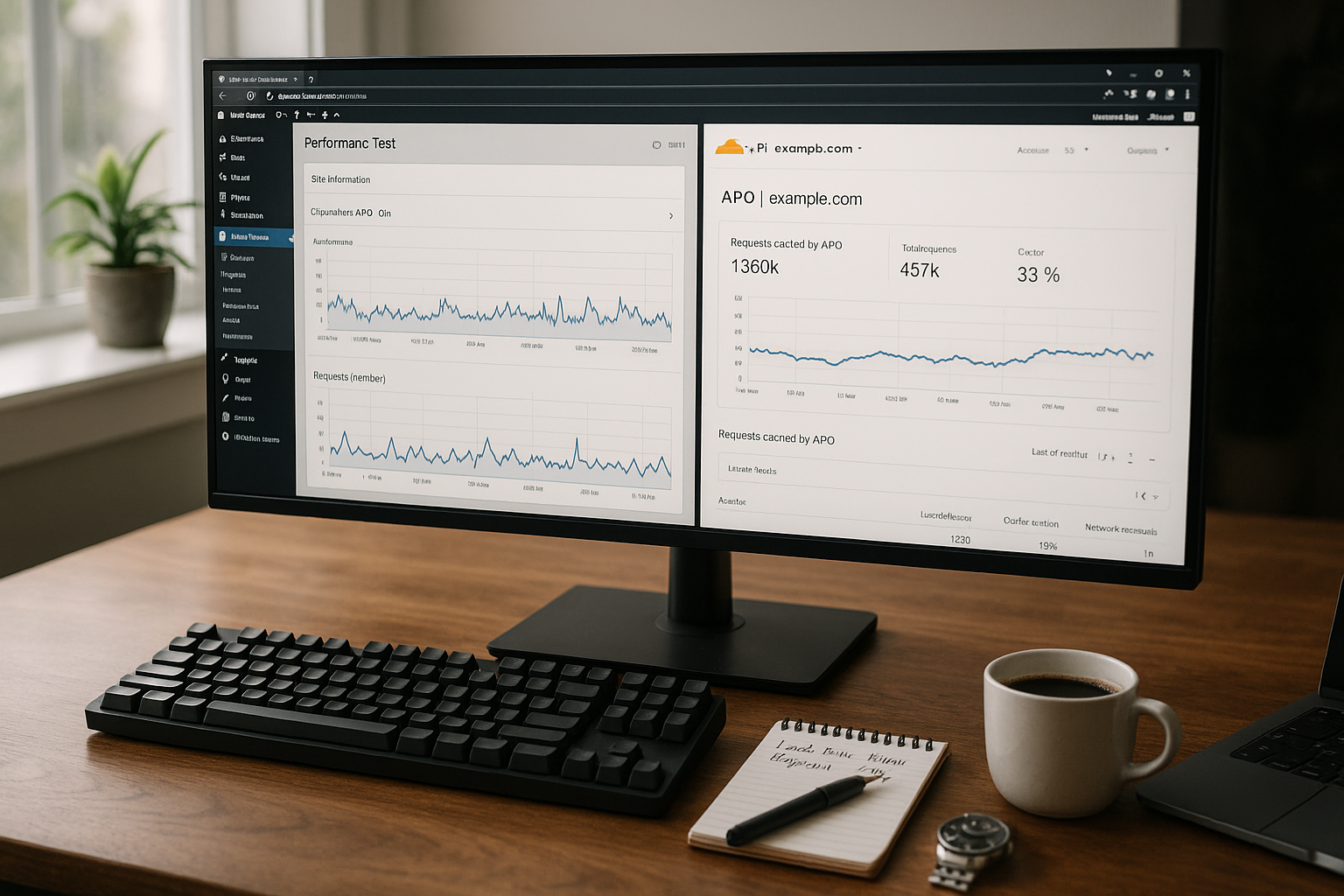
In a practical test, cloudflare apo wordpress shows how consistent edge caching lowers TTFB and delivers HTML globally. I measure significant gains in FCP and interactivity, even with access from distant regions.
Key points
- Edge HTML instead of just assets: APO caches complete pages, not just images and scripts.
- TTFB decreases significantly: measurements show up to 72% less waiting time [3][4].
- Simple Setup: Activate plugin, connect account, done.
- SEO benefits: Faster loading times support better rankings [3][4].
- Combination possible: APO harmonizes with common optimization plug-ins.
What are the benefits of APO in real use?
I test APO on productive WordPress sites and see clear effects on TTFB and FCP. International visits in particular load almost equally fast because HTML is available directly at the next Edge location. The often quoted 72% TTFB reduction and 23% faster FCP are consistent with my observations [3][4]. Even high load peaks are less critical, as the origin server receives far fewer requests. The perceived speed increases because the first content is available quickly and the rest loads in the background. Mobile users also benefit as fewer round trips to the origin are necessary.

How APO works on the Edge
Cloudflare delivers with APO not only static files, but also the HTML body. The system creates cache variants based on important signals, such as device class and cookies, and automatically cleans up content when I update posts. This keeps pages fresh without me having to purge manually. Visitors receive the page from one of over 300 edge locations, which significantly reduces latency [4][7]. Logged-in sessions and shopping carts remain separate so that personalized content appears correctly. This mixture of aggressive HTML caching and targeted invalidation results in the greatest time gains in practice.
Installation in WordPress - step by step
I start with the official Plugin in the WordPress backend and connect it to my Cloudflare account. I then activate APO with one click and let the default settings take effect. I set exceptions for admin areas and logged-in users so that nobody sees cached dashboards. If you use Plesk, connect Cloudflare at server level; the instructions for Cloudflare in Plesk helps with a quick start. I then check whether posts and pages trigger a purge when they are updated. Finally, I use WebPageTest to validate whether the first response comes from the Edge.

Measured values and test setup
For a resilient Rating I use several tools: PageSpeed Insights, WebPageTest and Lighthouse. I measure without and with APO, from locations in Europe, the USA and Oceania. The TTFB drops particularly sharply in distant regions because the Edge compensates for the distance [2][3][4]. FCP also falls, as the browser can start rendering earlier. For high-traffic pages, the Origin remains more relaxed, which further reduces server latency. The following table shows an exemplary series of measurements on a typical WordPress installation:
| Key figure | Without APO | With APO | Delta |
|---|---|---|---|
| TTFB (Sydney) | 820 ms | 230 ms | -72% [3][4] |
| FCP (global funds) | 1,7 s | 1,3 s | -23% [3][4] |
| Requests to the Origin | 100% | 35% | -65% (caching) |
Comparison with plugins and CDNs
Many caching plugins accelerate Assetsbut APO caches the HTML in the first place. This distinguishes the approach from pure optimization such as Minify or Critical CSS. Compared to classic CDNs, APO trumps with WordPress integration and smart invalidation [2][4][6][7]. For hosting itself, it's worth taking a look at the market; my ranking highlights webhoster.de as a strong option for WordPress. This combination of fast hosting and edge HTML provides the best overall real-world scores. The table summarizes my current impression:
| Provider | Performance | Support | Price | WordPress optimization | Overall ranking |
|---|---|---|---|---|---|
| webhoster.de | ★★★★★ | ★★★★★ | ★★★★ | ★★★★★ | 1st place |
| Cloudways | ★★★★ | ★★★★ | ★★★ | ★★★★ | 2nd place |
| Kinsta | ★★★★ | ★★★★★ | ★★★ | ★★★★ | 3rd place |
E-commerce and dynamic content
Stores need Accuracy for dynamic components such as shopping baskets and accounts. APO respects sessions and cookies so that personalized parts are not cached incorrectly [5][6]. Product and category pages deliver the nodes from the Edge, while sensitive areas continue to use the Origin. I like to strictly separate cart and checkout paths and check their cache status. Reviews, price filters and faceted searches also benefit because static parts appear quickly. This keeps conversion and speed in balance.

Fine-tuning: rules, exceptions, cookies
For Fine tuning I use page rules or cache rules to prioritize paths. I cache the start page and important landing pages more aggressively. I define exceptions for admin, REST API, checkout and specific query parameters. I set extended logic with Cloudflare Workers on the Edge, for header manipulations, for example. This ensures that only suitable variants end up in the cache. This keeps the setup robust against changes to the theme or plugins.
Hosting, localization and reach
Global audience benefits massively from the Edge-cache, while local projects are more dependent on the host. If the target group is almost entirely located in one region, good hosting already brings a lot. In such cases, APO can still stabilize TTFB, but the absolute gain is lower. For internationally growing sites, the benefit increases with each additional region. I therefore decide for each project based on user distribution, SLA requirements and costs. webhoster.de provides a solid basis for fast databases and PHP response.

Costs, billing and ROI
APO costs monthly 5 US dollars, i.e. around €4.70 at the current exchange rate. For international or rapidly scaling sites, this often pays for itself after a short time. Less Origin load saves server costs and reduces timeouts. In addition, faster Core Web Vitals pay off in terms of visibility and revenue. For small, purely local projects, I first check whether my host is close enough to the audience. Then I decide whether the additional benefit of Edge HTML is worthwhile.
Limits and typical stumbling blocks
Some features such as the removal of unused CSS is not covered by APO; I use additional plugins for this. Incorrectly set rules can cache login areas or forms unexpectedly. That's why I test sensitive workflows after every change. With very local traffic, the advantage is less, especially if the hosting is already very close to the user. Anyone planning load balancing or redundancy will find starting points in the Load balancing comparison. How to coordinate edge caching, origin setup and failover.

Checklist for the start
First I activate APO in the Cloudflare dashboard and connect the WordPress plugin. I then define exceptions for login, checkout and REST API so that entries remain secure. Thirdly, I check purge events when publishing new posts and when deleting them. Then I measure TTFB and FCP from several locations and record baselines. Fifth, I check cookies and cache variants, especially on mobile devices and under Safari. Finally, I set up monitoring in order to be able to react quickly in the event of a drop in performance.
Measuring and interpreting key figures correctly
When comparing with and without APO, I pay attention to consistent Test conditionssame test agents, fresh Incognito mode and several runs to smooth outliers. I differentiate between cold cache and warm cache: after a purge, the first request is naturally slower, all subsequent requests benefit from the edge HIT. In reports, in addition to TTFB, I also check the Server timing-header and First Byte vs. Content Downloadso that I don't inadvertently attribute improvements to other optimizations. I also evaluate FID/INP and LCP for the decision-making process, because a fast first byte is only valuable if the visible content follows just as quickly.
Cache strategy in detail: TTL, variants and purge
In practice, I drive with a clear TTL strategy best: Landing pages and articles receive longer edge TTLs, while I keep browser TTLs conservative so that clients do not show outdated statuses when changes are made. APO automatically invalidates the relevant URLs when publishing; I plan additional purges specifically after major structural changes. For variants, I pay attention to Cache keysDevice class (mobile/desktop) and important cookies can extend the key. I ignore unnecessary query parameters via cache rules so that a new copy is not created for each tracking variant. This increases the effective HIT ratio without personalized areas ending up in the cache.
Debugging: Understanding HIT/MISS
I check the response headers for troubleshooting: cf-cache-status (HIT, MISS, BYPASS) and APO-specific notifications show me whether the Edge has delivered. If the status remains permanently on BYPASS or MISS, I proceed step by step: Check cookies (set plugins to the Compatibility mode), validate rules to see if /wp-admin, /wp-login, /cart, /checkout and /wp-json are correctly excluded, and whether certain query strings are unintentionally bypassing the cache. I warm up the cache with a handful of representative URLs until I see a stable HIT rate. Only then do I evaluate scores in PageSpeed or Lighthouse.
Interaction with other optimizations
APO does not replace Front-end optimizationbut reinforces them. JavaScript cleanup (defer/async), image optimization, lazy loading and efficient critical CSS continue to contribute to LCP and INP. At protocol level, I use HTTP/2 or HTTP/3 and Brotli compression, which also helps with HTML from the edge. Important: Aggressive JS optimizers can impair admin or checkout flows. I therefore keep separate Optimization profiles for public pages versus sensitive areas and exclude them in the corresponding plugins.
Multilingualism, currencies and multisite
At Multilingualism with paths (e.g. /de/, /en/), the URL separates the variants cleanly. If language or currency switches work via cookies, I ensure clear variants in the cache or targeted exceptions on the affected pages. In multisite setups, I treat each subsite with its own purge events; this way I avoid an update in site A triggering unnecessary invalidations in site B. For faceted filters, I rely on query parameter normalization: I ignore unimportant parameters so that thousands of almost identical pages do not dilute the cache statistics.
Staging, deployments and content workflows
At Staging I only activate APO when I want external testers to experience realistic performance. During go-live, I plan a coordinated purge and warm up central landing pages so that search engines and campaigns do not encounter cold cache. I set clear processes for editorial teams: After major layout updates, I check purge hooks, previews are always excluded from the cache, and for mass publications (e.g. many product imports) I temporarily activate Development Modeso as not to fragment the hit rate.
Headless, REST API and external integrations
At Headless-setups and heavily used REST APIs, I consistently leave /wp-json out of the equation. If API endpoints still need to be accelerated, I encapsulate them separately - for example with my own cache rules with short TTLs or with workers that granularly control validation and edge caching. For decoupled frontends, it is worth taking a look at build and revalidation strategies: static generation with on-demand revalidation combines well with APO, because HTML updates land directly at the edge and still purge reliably.
Operation under load: warm-up, monitoring and stability
When campaigns start or seasonal peaks are approaching, I warm up my Critical paths proactively. A simple cron job or an external synthetic monitor retrieves the most important pages shortly after a purge. This is how I ensure that real users receive Edge HITs immediately. In monitoring, I observe TTFB by region, cache HIT rate and error codes. If the origin latency increases, APO benefits twice: fewer direct requests to the origin and more stable response times at the edge. For long-term data, I evaluate field data (CrUX, RUM) to look at real user experiences alongside laboratory values.
Security and data protection at the Edge
APO works hand in hand with WAF and DDoS protection. I leave security-relevant paths untouched and ensure that no personal information ends up in cached HTML responses. For forms, I pay attention to nonces and cache-busting headers so that validations remain reliable. TLS 1.3, modern ciphers and HSTS complete the setup and reduce handshakes. By reducing the load on the origin, more resources are also available for complex security checks.
Frequent error patterns and quick fixes
- Login or checkout pages are cached: check rules, respect cookies, exclude paths.
- Many MISS by query strings: Ignore unimportant parameters, cache only canonical variants.
- Different mobile/desktop views: Consider device variants in the cache key, check theme responsive logic.
- Comments or forms fail: Do not cache nonces, test POST flows, worker bypass if necessary.
- Unstable measured values: Separate cold/warm cache, average several runs, nail down edge location in the tool.
- Staging is indexed: consistently exclude staging domains, set noindex, only use APO there specifically.
Operational tips for reliable purges
I group content logically: when an article is updated, I also invalidate teaser and category overviews in addition to the detail page. For home page widgets (e.g. "Latest posts"), I plan shorter TTLs or react with targeted purges after editorial sprints. I test plugins that change HTML significantly (shortcodes, page builders) in combination with APO and check whether their hooks trigger clean purges. A small "smoke test" plan after deployments (start page, two category pages, one article, one form) catches 90% of the typical problems.
When APO brings less - and what I do then
At ultra-local Traffic with hosting in close proximity can reduce the advantage. In such cases, I focus more on backend optimization: PHP-OPcache, query optimization, object cache (Redis), image sizes and clean theme structure. APO is still useful for smoothing out latency peaks and delivering stable HTML. The ROI here depends heavily on the load profile and change frequency - I decide on the basis of a 7 to 14-day A/B test and keep an eye on conversion and crawl statistics.
Practical impression and recommendation
Under real conditions APO very constant loading times and noticeably reduces the TTFB. The biggest jump occurs as soon as HTML comes from the Edge and the Origin is significantly relieved. Combined with high-performance hosting, this creates a powerful duo for global reach. I use APO wherever international user flows and SEO success count. If you serve local target groups, check the added value with an A/B test over a few days. This allows you to make an informed decision and get the most out of WordPress.


