Skip to content
CloudPanel Hosting bundles administration, performance and security in a streamlined web UI for cloud servers, which I use productively without any detours. The interface speeds up my daily operations because I can control deployments, resources, SSL and protection mechanisms centrally and thus bring projects live more quickly.
Key points
- NGINX-only: Maximum efficiency and short response times for demanding sites.
- Web UI: Clear interface for domains, SSL, databases and protocols.
- Security: Firewall, IP restrictions, bot blockers and isolation.
- Backups: Automated offsite backups with fast recovery.
- Languages: PHP, Node.js, Python plus static sites in one panel.
CloudPanel briefly explained
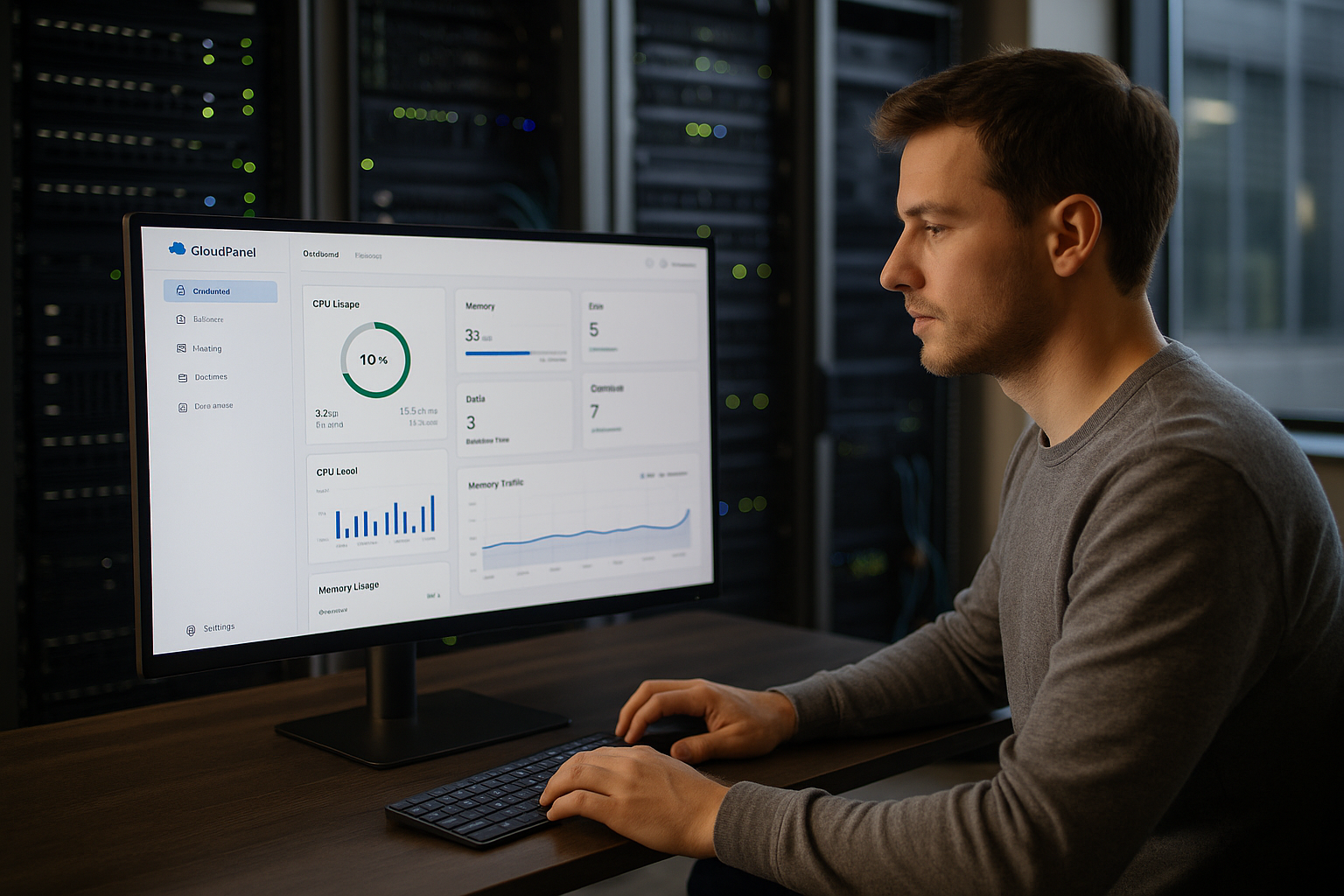
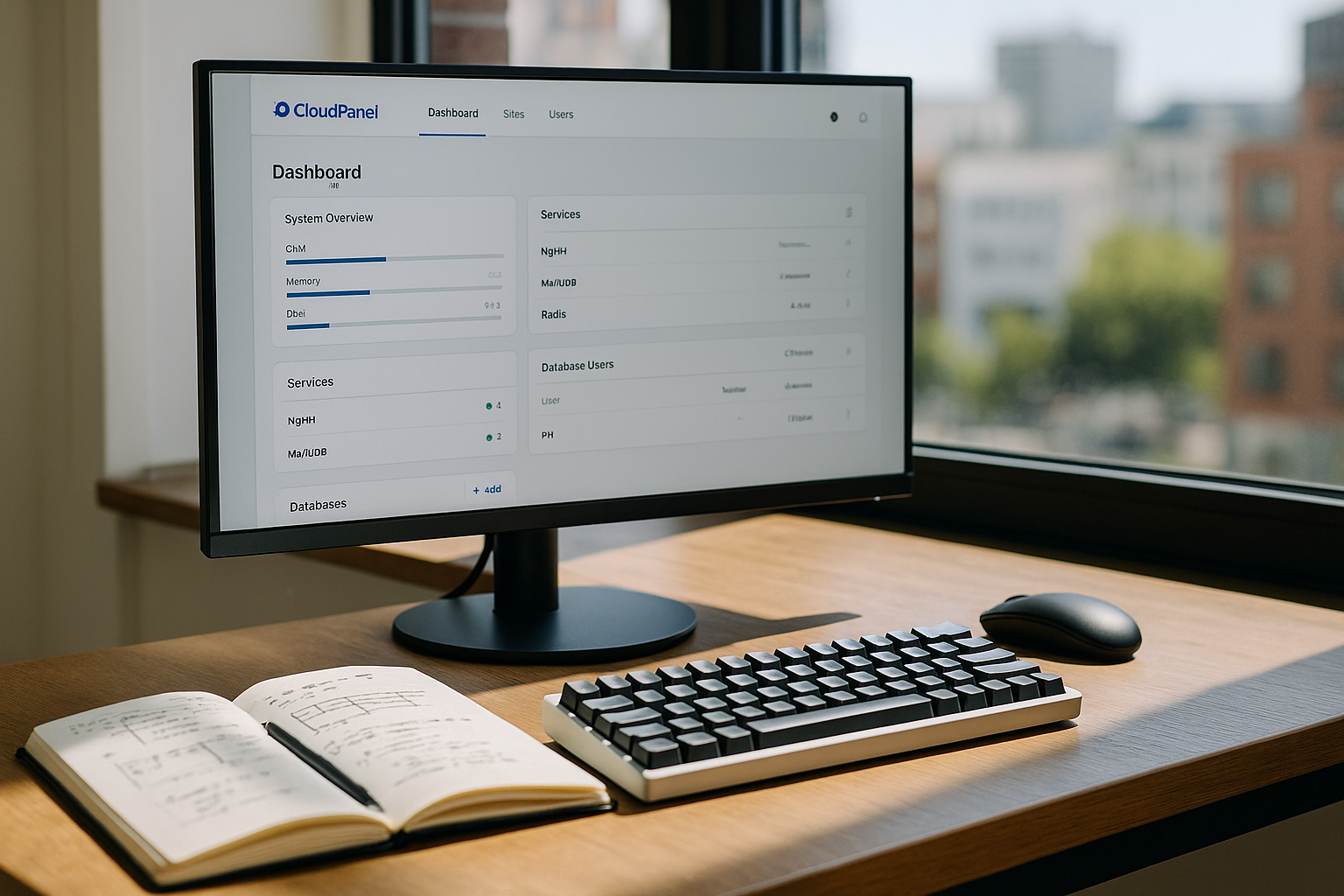
I set CloudPanel to run several web projects on one server and set them up without scripts. The UI bundles domains, SSL, databases, user rights and services in a central dashboard that I can operate without any detours. Thanks to the lean architecture, response times remain short, which brings noticeable advantages, especially during traffic peaks, and CPU and RAM. I set up applications such as PHP, Node.js or Python on a project-by-project basis and separate them cleanly from each other. Real-time displays help me to identify bottlenecks at an early stage and trigger targeted countermeasures.
Modern web UI for admins and teams
The interface follows a clear structure, which means I can complete routine tasks quickly and need fewer clicks to achieve results. I create new sites, store SSL certificates, organize Resources and implement deployments in just a few steps. The search and filters make it easier for me to find logs, services and users quickly. Teamwork also works because I distribute rights finely and restrict sensitive actions. This keeps the Security high, while the operation remains pleasant.

Functions that I use every day
For new projects, I first set the domain, activate HTTPS and select the appropriate PHP-version so that the application has the best possible conditions. I switch on automatic renewals for certificates and thus save myself recurring tasks. For monitoring, I use the live views of memory, RAM and CPU, to address load peaks in good time. A strong firewall, IP restrictions as well as bot and IP blockers significantly reduce attack surfaces. Data backups are time-controlled and stored externally so that I can restore quickly after incidents.
Technology: NGINX, PHP-FPM and caching in combination
The performance is mainly due to NGINX as the main server, combined with PHP-FPM, Redis and optimized cache strategies. HTTP/3, TLS 1.3 and Brotli provide me with short loading times and save data volume, which users notice immediately. Compared to hybrid stacks, I benefit from lower overheads, fewer services and clear configuration. For architectures with multiple containers or services, it is worth taking a look at Enhance vs CloudPanel, to categorize the strengths of each approach. Especially with dynamic stores or APIs, I am impressed by the efficient delivery and the reliable Latency.

Who benefits from CloudPanel
Agencies bundle many projects, separate customers cleanly and retain Rollers and logs under control. Companies set up corporate websites, stores or microservices and control deployments without long distances. Start-ups test ideas quickly because the panel requires few resources and simplifies the setup process. Developers appreciate the parallel support of PHP, Node.js and Python, which enables diverse stacks. All in all CloudPanel Speed in teams that want to remain productive without additional DevOps capacities.
CloudPanel in comparison: features at a glance
For a classification against other solutions, I check functions, operation and cost components very carefully. A short CloudPanel vs HestiaCP The comparison shows the impact of a modern UI and NGINX-only in terms of speed and resource utilization. At the same time, I pay attention to security options, as IP limits, firewall rules and bot filters largely mitigate attacks. Backup strategies also play a role, as offsite backups save valuable time in an emergency. The following overview compares key points and makes it easier to quickly Decision.
| Feature | CloudPanel | HestiaCP | Plesk |
|---|---|---|---|
| Modern UI | ✔️ | Partly | ✔️ |
| Performance (NGINX-only) | ✔️ | Hybrid (Apache+NGINX) | Partly |
| Languages/Frameworks | ✔️ (PHP, Node.js, Python, static) | PHP, static | PHP, static, Node.js |
| Resource monitoring | ✔️ Real time | Fundamental | extended |
| Security features | ✔️ (IP limits, firewall, bot/IP blocker) | basic | extended (partly with costs) |
| Automated backups | ✔️ Offsite possible | Yes | yes (partly with costs) |
| Provider recommendation | webhoster.de | various | various |

Run WordPress faster
For WordPress, I set up sites in just a few steps, activate HTTPS and define limits for RAM and CPU per project. Caching via FastCGI, targeted object caching and NGINX rules deliver short response times even under high load. Static files are sent to the client without detours, which noticeably speeds up images, CSS and JS. I isolate each WordPress instance to reduce risks and keep permissions clean. Updates and backups are scheduled so that I can quickly revert to the latest version in the event of an error. Version jump back.
Installation and infrastructure
I operate CloudPanel preferably on current Linux distributions, because the packages are available there quickly and securely. Small vServers with a few cores are often sufficient, and I scale up quickly as I grow. Providers such as DigitalOcean, AWS, Hetzner, Microsoft Azure or webhoster.de work smoothly, which makes my choice of location flexible. I set up separate instances for several stages so that tests and production remain cleanly separated. I use API and template functions to adapt setups to recurring requirements. Processes on.
Setting up security and updates correctly
I start with a clear Firewall-policy, which only releases necessary ports and secures administrative access. IP restrictions, bot and IP blockers reduce attacks, while rate limits throttle brutal requests. I assign admin accounts sparingly and track every important action via traceable logs. I keep automatic updates active, check changelogs and test critical changes for staging first. I plan backups offsite so that I can be back up and running in just a few steps after incidents. Instance return.
Monitoring, logs and automation
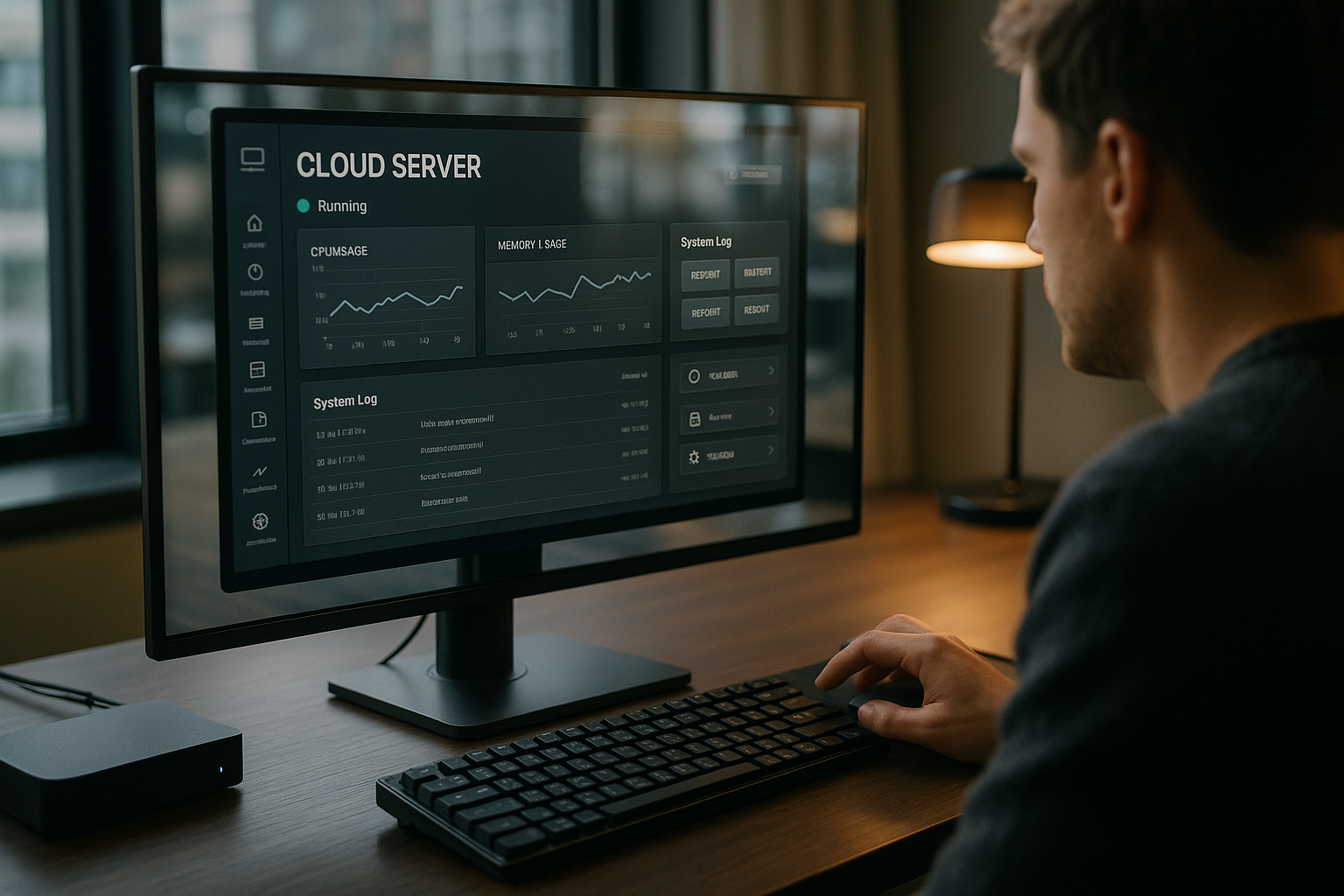
Real-time graphs show me utilization, error rates and response times so that I can identify and adjust hotspots early on. Detailed logs for the web server, PHP-FPM and database help me to quickly narrow down the causes. I set alerts for threshold values to prevent load peaks and align deployments with quiet times. For recurring tasks, I use scripts and workflows, which I can set up with Automation in the hosting panel further streamlined. This saves me time, keeps me consistent and increases the Reliability of my surroundings.
User and rights concept in detail
To ensure that teams work securely and efficiently, I create a fine-grained rights concept. I strictly separate administrative tasks (servers, services, global settings) from project-related rights (sites, databases, deployments). In this way, I prevent a single account from being given too far-reaching powers. I set up time-limited access for external partners or freelancers so that control is maintained.
- Principle of Least Privilege: Only exactly the rights that are required for the task.
- Separate service users: A separate user for each site and separate paths for clean isolation.
- Auditability: Important changes are logged so that I can quickly trace the causes.
- Temporary elevation: Elevated rights only for maintenance windows, then automatically revoked.
In practice, I keep sensitive areas such as SSL private keys, .env files and deploy keys strictly separate and rotate accesses regularly. This keeps the risk low without losing speed.
Deployment workflows in practice
I structure deployments consistently so that releases are predictable and reversible. For PHP apps I use symlink-based releases, for Node.js and Python I rely on separate build and runtime phases. Configurations such as ENV variables, secrets and paths are outside the code so that builds remain reusable.
- Build: Install dependencies, build assets, run tests.
- Release: Create new directory, provide artifacts, run migrations.
- Switch: Move symlink atomically, reload services, check health check.
- Rollback: Reactivate previous symlink if a check fails.
For Node.js or Python services, I restart processes in a controlled manner so that requests do not abort. I define cron jobs for maintenance (cache warm-up, image optimization, database optimization) for each project, which helps to avoid load peaks.
Migration of existing projects
When I migrate from other panels or manual setups, I take a structured approach. First, I analyze the target environment: PHP versions, required extensions, databases, cronjobs, file permissions. Then I plan the cutover with short TTLs in the DNS so that I can switch over quickly.
- Inventory: domains, subdomains, SSL, redirects, rewrite rules, upload limits.
- Data transfer: Files via rsync/SFTP, databases as dump and import.
- Validation: Set up stage, check logs, run profiling.
- Cutover: Change DNS, tighten monitoring, prepare fallback.
Especially with WordPress or stores, I test payment flows, caches and webhooks in advance. This way, I avoid surprises after the go-live and can roll back within minutes if necessary.
Performance tuning in concrete terms
In addition to the NGINX-only basis, I get additional performance through targeted tuning. For PHP workloads, I optimize PHP-FPM (pm, max_children, process_idle_timeout) to match the vCPU and RAM size. I do not limit OPCache too tightly so that hotcode remains in memory. With NGINX, I reduce latencies via microcaching for short time windows without „obsoleting“ dynamic content.
- FastCGI cache: Short TTLs for anonymous users, exceptions for sessions/cart.
- Prioritize Brotli: Better compression for static assets if CPU budget fits.
- HTTP/3 active: Lower latency on mobile networks, noticeable at high RTTs.
- Use Redis in a targeted manner: Object caching for CMS/shop, keep TTLs monitored.
- Header hygiene: Combine cache control, ETag, HSTS and Gzip/Brotli cleanly.
I provide thumbnails and modern formats for media and serve them directly from NGINX. I secure large uploads with suitable limits (client_max_body_size) and timeouts so that deployments and imports run stably.
Backup strategies, restore tests and emergency plans
Backups are only as good as their recovery. I plan RPO/RTO targets and test restores regularly, including partial scenarios (DB only, files only, individual sites). I set up offsite targets redundantly, encrypt data before transfer and log every backup.
- Planning: Daily incremental, weekly full - storage according to project criticality.
- Isolation: Store backups separately from the production environment.
- Probes: Check recovery in staging instances automatically.
- Documentation: Clearly record step sequences and responsibilities.
A practiced restore saves hours in an emergency. I therefore keep a „runbook“ that can be followed by everyone in the team.
Boundaries and architectural decisions
CloudPanel deliberately focuses on web workloads. I use external, specialized services for email mailboxes or extensive DNS zones. This keeps the server interface lean and reduces the attack surface. I also plan the roles clearly and decoupled for high-availability setups with distributed components (multiple app servers, separate database clusters, edge caches).
- Web-heavy stacks: Ideal for APIs, CMS, stores, microservices on one host or a few hosts.
- External services: Consciously outsource mail, managed databases, object storage and CDN.
- Scaling: Start vertically, then grow horizontally with dedicated roles (app/DB/cache).
As soon as container orchestration, service meshes or multi-region are required, I evaluate alternatives and consciously combine them with the panel approach instead of squeezing everything into one instance.
Cost and resource planning
I size instances according to concurrency instead of just visits. A small vServer with 2-4 vCPU and 4-8 GB RAM is sufficient for many sites. For memory-intensive workloads, I plan generously for caches (OPCache, Redis) and file system cache. I/O is critical: fast NVMe volumes and reliable IOPS save me waiting times for deployments and backups.
- CPU: Sufficient headroom for build processes and compression.
- RAM: Reserves for PHP-FPM-Worker, Redis and file cache.
- Storage: Keeping an eye on NVMe, snapshots, throughput and latency.
- Network: Consider egress costs and bandwidth for media-heavy sites.
I scale at an early stage and measure after each growth step instead of reacting to „perceived“ bottlenecks. This keeps costs and performance in balance.
Compliance and operating processes
For regulated environments, I pay attention to clear processes: Access is logged, backups are versioned and sensitive data is encrypted. The separation of stages, restrictive IP releases and secure default values (e.g. no standard logins, strong keys) are set. Where necessary, I have contract processing agreements with providers in place and select locations in accordance with legal requirements.
- Least privilege and regular rights reviews.
- Planned maintenance windows with change logs and rollback plan.
- Log retention tailored to audit requirements.
- Store sensitive configurations centrally, versioned and protected.
This discipline pays off when audits are pending or teams are growing and responsibilities need to remain clearly traceable.
Troubleshooting and typical stumbling blocks
In everyday life, I come across patterns that can be quickly rectified: incorrect file permissions, limits that are too tight (upload_max_filesize, memory_limit), timeouts that are too restrictive or missing upstream headers. A quick look at NGINX, PHP-FPM and application logs usually reveals the cause.
- 502/504 error: Upstream too slow or limits too tight - check PHP-FPM and timeouts.
- Slow admin panels: activate object cache, perform query monitoring.
- Missing assets: Check rewrite rules and paths, especially for headless/SPA setups.
- Memory pressure: reduce worker numbers, limit caches, monitor swap.
I keep checklists ready for this and automate fixes where possible. This keeps downtimes to a minimum and the platform stable.
Summary: My recommendation
I set CloudPanel because speed, overview and security measures come together in a modern web UI. The NGINX-only architecture provides me with consistently short loading times and saves server resources. Multi-language support, automated backups and granular rights make my everyday life easier and more secure. Anyone who manages a lot of sites benefits in particular from a clear structure, reliable Automation and fast rollbacks. For productive cloud servers, I consider CloudPanel to be a reliable basis that starts projects quickly and operates them efficiently in the long term.