Skip to content
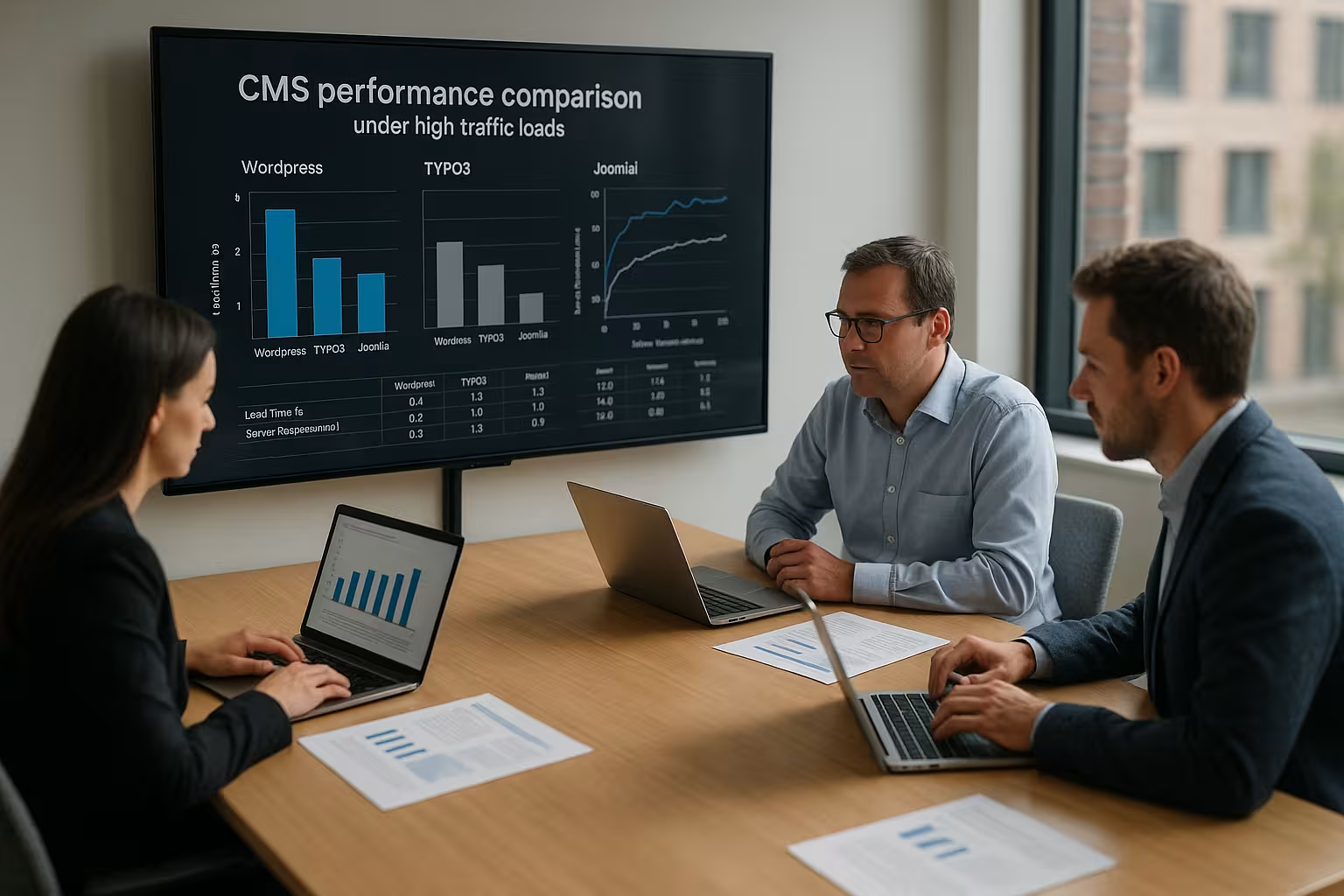
In the cms performance comparison I show how WordPress, TYPO3 and Joomla react under heavy traffic and which tuning levers really count. I summarize measurable effects Performancescaling and operation together so that you don't experience any nasty surprises during peak loads.
Key points
I will summarize the following key points briefly and clearly before rolling out the details.
- Hosting decides: CPU, RAM, SSD and network access set the performance limit.
- Caching has the strongest effect: page, object and opcode cache reduce server load.
- Extensions select: Add-ons and templates influence queries and TTFB.
- Database optimize: Indexes, queries and persistence determine response times.
- Monitoring introduce: Measured values show bottlenecks early on and guide investments.
For every project, I first focus on Caching and slim Templatesbecause both directly reduce the rendering time. Then I check extensions, because a single add-on can reduce the Database with hundreds of queries. With a clean structure, Joomla can be very constant while TYPO3 can be operated at peak serene remains. WordPress reacts sensitively to plugins, but performs with cache and modern PHP version speedy. The decisive factor remains the Hosting: Without fast I/O and sufficient threads, any tuning will fall flat.

What really drives peak loads
High Traffic generates three things: more concurrent requests, more database queries and more cache misses. I always plan load as a combination of CPU time per request, I/O wait time and network round trips, because it is precisely these three variables that determine the Loading time shape. Templates and plugins determine how many PHP operations and queries are required. A CDN reduces the load on the origin server, but without well-set cache headers, TTFB and transfer times remain high. If you want to reach a limit, you need key figures such as requests per second, 95th percentile of response time and cache hit ratio.
Measurement methodology: clean testing instead of guesswork
To ensure that the results are reliable, I always separate the cold and warm cache and vary the Competition (concurrent users). A typical setup includes:
- Separate tests for anonymous Visitors and logged in user (no full-page cache).
- Classic scenarios: Home page, category pages, search, form submit, checkout/comment.
- Ramp-up (1-2 minutes), constant phase (5-10 minutes), ramp-down and metrics per phase.
- Measurement of TTFBtransfer time, error rate, CPU and I/O waiting time and DB query figures.
As a guide, I aim for a TTFB of 50-150 ms for cached pages and 250-600 ms for dynamic, DB-heavy pages. Important: The 95th and 99th percentile determines whether the platform remains stable if many users suddenly do the same.
Cache strategies: Edge, server, application
The biggest lever is the right cache layering. I differentiate between three levels:
- Edge cache (CDN): takes the maximum load off Origin. Correct cache control headers are required, short TTL with Stale-While-Revalidate and clean Invalidations according to publications.
- Server cache (Reverse Proxy/Microcache): intercepts peaks if Edge fails or is bypassed regionally. Short TTL (5-60 s) smoothes load.
- Application cache (full-page and object): reduces PHP and DB work; Redis for key values, OPcache for bytecode.
The decisive factor is the cacheKey education (Vary by device, language, currency) and avoiding cookies that blow up the cache. I encapsulate personalized areas via ESI/Fragment Caching or reload them to fully cache the rest of the page.
WordPress under load: opportunities and risks
WordPress shines with Flexibilitybut quickly suffers from plugin ballast and complex themes. I start every performance project with a full-page cache, object cache (Redis) and a lean theme, because this combination maximizes the performance. Server load drastically. Autoload options, query monitoring and the removal of unnecessary hooks often result in double-digit percentage values. If a project needs enterprise functions, I check alternatives from the comparison WordPress vs. TYPO3. For stores or multisite, I rely on dedicated resources, separate databases for sessions/cache and orchestrated deployments.
WordPress: typical bottlenecks and remedies
The biggest brakes are a bloated wp_options (autoload > 500 KB), unindexed postmeta-queries and expensive menus/widgets. My standard measures:
- Check and streamline autoload entries; only autoload options that are really necessary.
- Set indexes for common meta keys, simplify complex WP_Querys and load selective fields.
- Remove cron jobs from the web flow (real system cron) and execute resource-intensive tasks in off-peak times.
- Clean up the asset pipeline: inline critical CSS, load unnecessary scripts only on affected pages.
- Use targeted fragment caching for logged-in areas; do not keep sessions/transients in the file system.
For multisite, I separate log and cache stores, limit MU plugins to the bare essentials and keep image sizes/generations in check so that deploys and backups remain fast.
Joomla in live operation: Tuning for visitor surges
Joomla offers natively Multilingualism and fine-grained permissions, which helps a lot with organized projects. I achieve the best effect with activated system cache, modern PHP version, HTTP/2 or HTTP/3 and customized Templates. modules, because every widget causes additional database calls. For admin workflows and server maintenance, I use instructions such as Optimize Joomlato avoid everyday bottlenecks. If access figures increase, CDN, breadcrumb caching and image compression have an immediately measurable effect.
Joomla: Caching variants and module hardening
The choice between more conservative and progressive Caching directly influences the cache hit ratio. I prefer conservative for consistent output and encapsulate dynamic modules separately. Menu and breadcrumb logic should be cached; I load search modules with throttling/server-side cache. With many languages, it is worth having a separate Vary key for each language/domain combination so that hits do not displace each other.
TYPO3 for enterprise traffic: caching and scaling
TYPO3 brings Page- and Data-caching already in the core, which means that response times remain constant even with larger volumes. I combine this with Redis or Memcached and separate cache stores so that the frontend and backend do not slow each other down. Editors benefit from workspaces and versioning without load testing or deployments suffering. For large portals, I plan several web nodes, a separate database instance and central media distribution via CDN. This keeps the render chain short, even if millions of page impressions come together.
TYPO3: Cache tags, ESI and editorial load
The strengths of TYPO3 lie in Cache tags and invalidation-specific control. I tag content granularly so that publications only empty affected pages. ESI/fragment caches are suitable for personalized blocks, so that the main page remains fully cacheable. I isolate editorial peaks with separate backend workers, separate DB connections and limited scheduler slots so that frontend performance remains unaffected.
Hosting factors that make the difference
Without a powerful Hosting no CMS can be saved, no matter how well the software is configured. I choose CPU cores, RAM and NVMe SSD according to expected concurrent users and the query load of the project. Network latency, HTTP/3 and TLS termination determine the start of the Transmissionwhile PHP-FPM-Worker and OPcache reduce the CPU time per request. If you need comparative values, take a look at a compact CMS comparison and sets the requirements against it. For peaks, I first invest in caching level, then in vertical resources, then in horizontal scaling.

Server and PHP tuning that really works
Many projects do not make full use of the runtime environment. My standards:
- PHP-FPM: Align worker to concurrency, enough pm.max_childrenbut without swap pressure. Short max_execution_time for frontend, longer for jobs.
- OPcacheGenerous memory pool, interned strings active, preloading for frequent classes; deploy with low invalidation.
- HTTP/3 and TLS0-RTT only selective, session resumption and OCSP stapling active; compression per Brotli, otherwise Gzip.
- Nginx/LiteSpeedKeep-Alive high enough, caching bypass for cookies, microcache for dynamic hotspots.
I deliver static assets cacheable for a long time with fingerprinting. This keeps HTML invalidations small, while CSS/JS/images can be cached for a very long time.
Database tuning in detail
The database decides on the 95th percentile. Note:
- InnoDB-Buffer pool as large as the workload, separate log files, appropriate flush strategy.
- Slow query log active, check query samples regularly, add missing indexes.
- For WordPress: wp_postmeta selective indexing, keep option tables small, revision/trash policy.
- For Joomla: common tables such as #__content, #__finder optimize; limit or outsource full-text searches.
- For TYPO3: Check Extbase/Doctrine queries, separate cache tables cleanly and place them on fast stores.
I keep sessions and transients out of the main database (Redis/Memcached) so that OLTP workloads are not slowed down by volatile stuff.
Security and traffic hygiene
Security measures can reduce load if they are placed correctly:
- Rate limiting and bot filter in front of the app to stop crawls/attacks early.
- WAF with caching coexistence: design rules so that they do not prevent cache hits.
- Login/form protection with Captcha/Proof-of-Work only selectively; otherwise it slows down legitimate users.
I correlate log files with APM and load time metrics to quickly identify layer conflicts (e.g. WAF vs. HTTP/2 streams).
Technical measured variables: TTFB, queries, cache hit
I measure TTFB (Time to First Byte), because this value indicates early on whether PHP, the database or the network is slowing down. The number of queries per request and their proportion of the total duration show whether indexes are missing or an add-on is doing too much. A high cache hit ratio in the page or edge cache makes all the difference, especially during traffic peaks caused by campaigns. The 95th and 99th percentile protects against misinterpretation, as mean values mask outliers. Without regular tests before deployments, errors otherwise end up directly in the live system.
Target values and leading indicators
I set the following practical goals:
- Cached pages: TTFB ≤ 150 mserror rate < 0,5 %, Cache-Hit-Ratio > 90 % during campaigns.
- Dynamic pages: TTFB ≤ 500 msDB share < 40 % of the total duration, < 50 queries/request.
- Server load: CPU < 70 % in the 95th percentile, I/O wait low, no swap utilization under peak.
Early indicators of stress are falling cache hit ratios, increasing queue lengths (cron/jobs) and rising TTFB with unchanged traffic. At the latest then I scale before the peak.
Comparison table: Strengths with high traffic
The following table classifies the key properties of the three systems and focuses on Load behavior and Operation.
| Criterion | WordPress | Joomla | TYPO3 |
|---|---|---|---|
| User friendliness | Very high | Medium | Medium |
| Flexibility | High | High | Very high |
| Security | Medium | High | Very high |
| Extensions | Very large selection | Medium | Manageable |
| Scalability | Medium | Medium | Very high |
| Performance under load | Good with optimization | Reliable with a good structure | Excellent, even at peak times |
| Multisite capability | Possible, additional effort | Possible | Natively integrated |

Practical setup: Stack recommendations according to CMS
For WordPress I am planning Nginx or LiteSpeedPHP-FPM, OPcache, Redis object cache and a full page cache at edge or server level. Joomla runs well with Nginx, PHP-FPM, active system cache and cleanly configured modules. With TYPO3, it pays to have a dedicated cache store, separate backend and frontend processes and a media setup with CDN. I set up databases with InnoDB, suitable buffer pools and query logs to quickly add indexes. Brotli, HTTP/2 Push (where appropriate) and image formats such as AVIF speed up all three CMSs.
Scaling blueprints for peaks
- Phase 1 (Quickly effective): Enable edge cache, microcache on Origin, increase OPcache/Redis sizes, short TTLs with stale rules.
- Phase 2 (Vertical): More vCPU/RAM, increase FPM worker, DB instance larger, storage on NVMe.
- Phase 3 (Horizontal): Multiple web nodes behind load balancer, centralize sessions/uploads, DB read replicas for reporting/searches.
- Phase 4 (decoupling): Background jobs/queues, asynchronous image and search indexing, API outsourcing.
What is important Sticky freedomSessions in Redis, shared file system for uploads only, keep configuration reproducible via environment variables and builds.
Monitoring, tests and rollouts
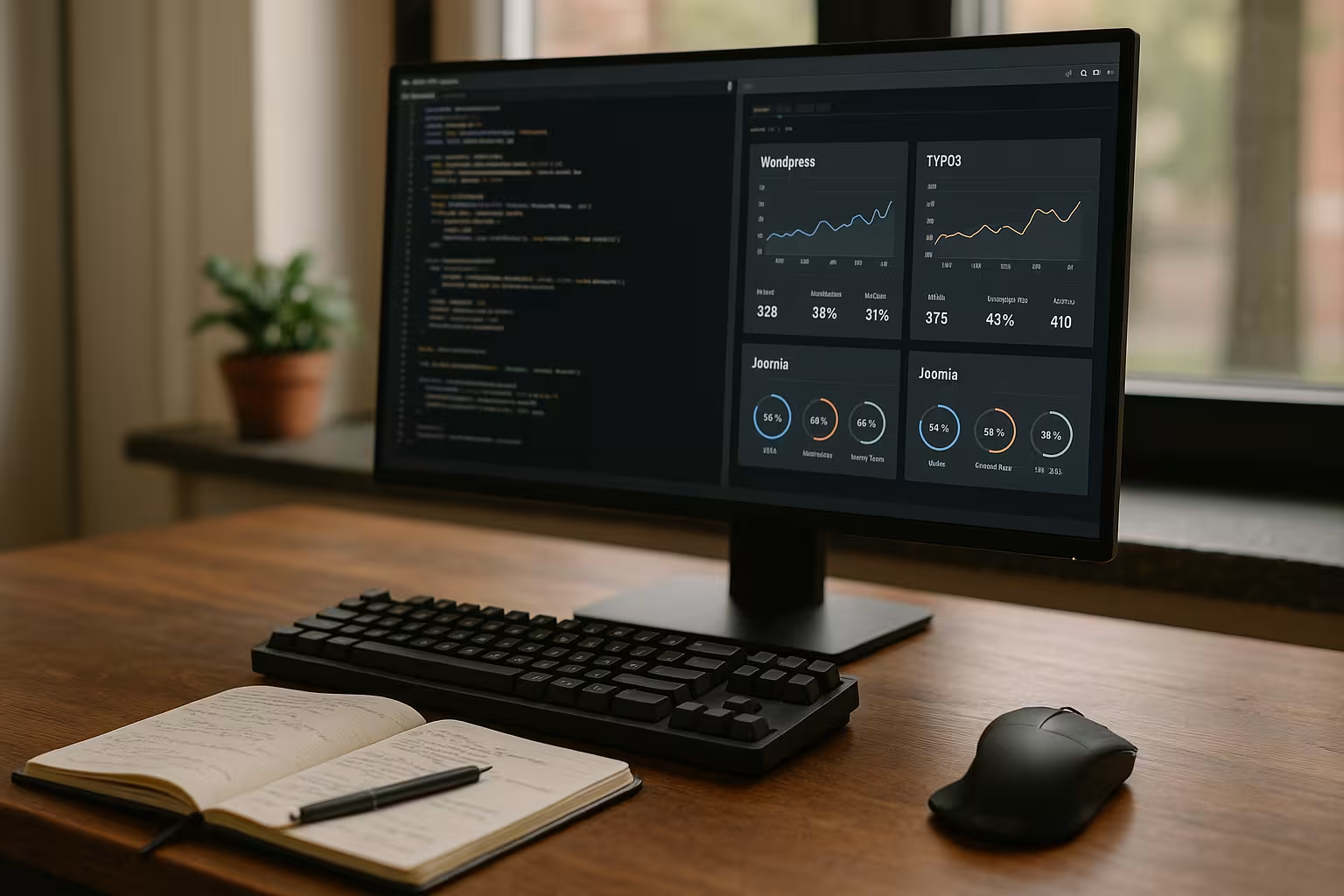
In everyday life I rely on APM-data, web vitals and server metrics so that live operation remains transparent. Synthetic checks monitor TTFB and error rates from several regions. Before releases, I run load tests with realistic scenarios, including cache warm-up, because cold start values are often deceptive. Blue-green or canary rollouts reduce the risk and allow errors to roll back quickly. Without these routines, small problems accumulate and end up looking like major failures.
Operation: Content workflow and background tasks
Content pipelines directly influence the load. I rely on automatic image derivatives (WebP/AVIF) and srcsetcritical CSS, bundled/minimized assets and a deployment that specifically invalidates caches. I decouple background tasks such as sitemap generation, indexing, feeds, newsletter exports or import jobs and do not run them in parallel with large campaigns. The following applies to all three CMSs: the built-in scheduler/cron is sufficient if it scheduled and resource-saving is configured.
Cost-benefit: Where budget brings the most
- 1 Euro in cache header and strategy brings more than 5 euros in raw hardware.
- Code diet (templates/add-ons) beats CPU upgrades because it permanently saves load.
- APM/Monitoring pays for itself quickly, as bottlenecks become visible early on.
- CDN-Offloading saves Origin capacity and bandwidth, especially for media.
I prioritize software/configuration levers first, then edge/cache, then hardware. This keeps costs predictable and effects measurable.

Concrete decision-making aid: project profiles
Small sites with a manageable range of functions often benefit from WordPressas long as the cache and plug-in hygiene are right. Medium-sized portals with a clear structure and multilingualism run with Joomla very good. Company-wide platforms with many editors, roles and integrations play to TYPO3's strengths. Anyone planning very rapid growth should design architectures for horizontal expansion at an early stage. A professional provider with managed offerings and 24/7 monitoring can reliably withstand peaks.
Summary: the right choice
TYPO3 carries high Load with built-in cache concepts and remains constant with millions of calls. With a good structure and careful module selection, Joomla delivers reliable Response times. WordPress scores with usability, but needs discipline and strong hosting for top performance. What counts in the end is the fit between the project goal, team experience and investment in infrastructure. If you evaluate these factors properly, you will make a decision that will last a long time and be easy on the budget.