 Skip to content
Containerization In hosting, WordPress projects are taken to a new level of performance: With containerization, I can cleanly separate each site, scale as needed, and keep deployments reproducible. At the same time, I can address limitations such as kernel sharing, persistent data, and administrative overhead in a clear and predictable manner.
Key points
- Insulation Prevents neighbor effects and keeps each project independent.
- Scaling Orchestration ensures performance during traffic peaks.
- Portability Facilitates migrations, staging, and backups.
- Security increases through clear separation of instances.
- Expenditure for operation and monitoring remains higher than with shared hosting.

What containerization means in WordPress hosting
I encapsulate each WordPress instance in a container that includes the application, dependencies, libraries, and configurations and shares the host kernel. This reduces overhead compared to VMs because no separate operating system is required per site and containers start up in seconds. Different PHP versions, extensions, or database systems do not conflict because Separation at the process level prevents mutual interference. For WordPress, this results in consistent behavior from development to production, making tests more reliable. I can cleanly duplicate, migrate, and roll back projects as needed without risking environment drift.
Architecture blueprint: Components and network
For a robust platform, I clearly assign functions and responsibilities: A web server/reverse proxy (e.g., NGINX) terminates TLS, speaks HTTP/2 or HTTP/3, and distributes requests to PHP-FPM containers running WordPress. Databases and caches run as separate services; uploads and media are stored on persistent volumes or in external object storage. An ingress layer handles routing and SSL, so certificates are maintained centrally. For multi-domain setups, I strictly separate routing and app logic, allowing wildcard certificates, HSTS, and rate limits to be consistently enforced. Network policies limit cross-traffic—the front end never reaches the database directly, only the app layer. This keeps the stack traceable, extensible, and secure.
Advantages for WordPress sites in everyday use
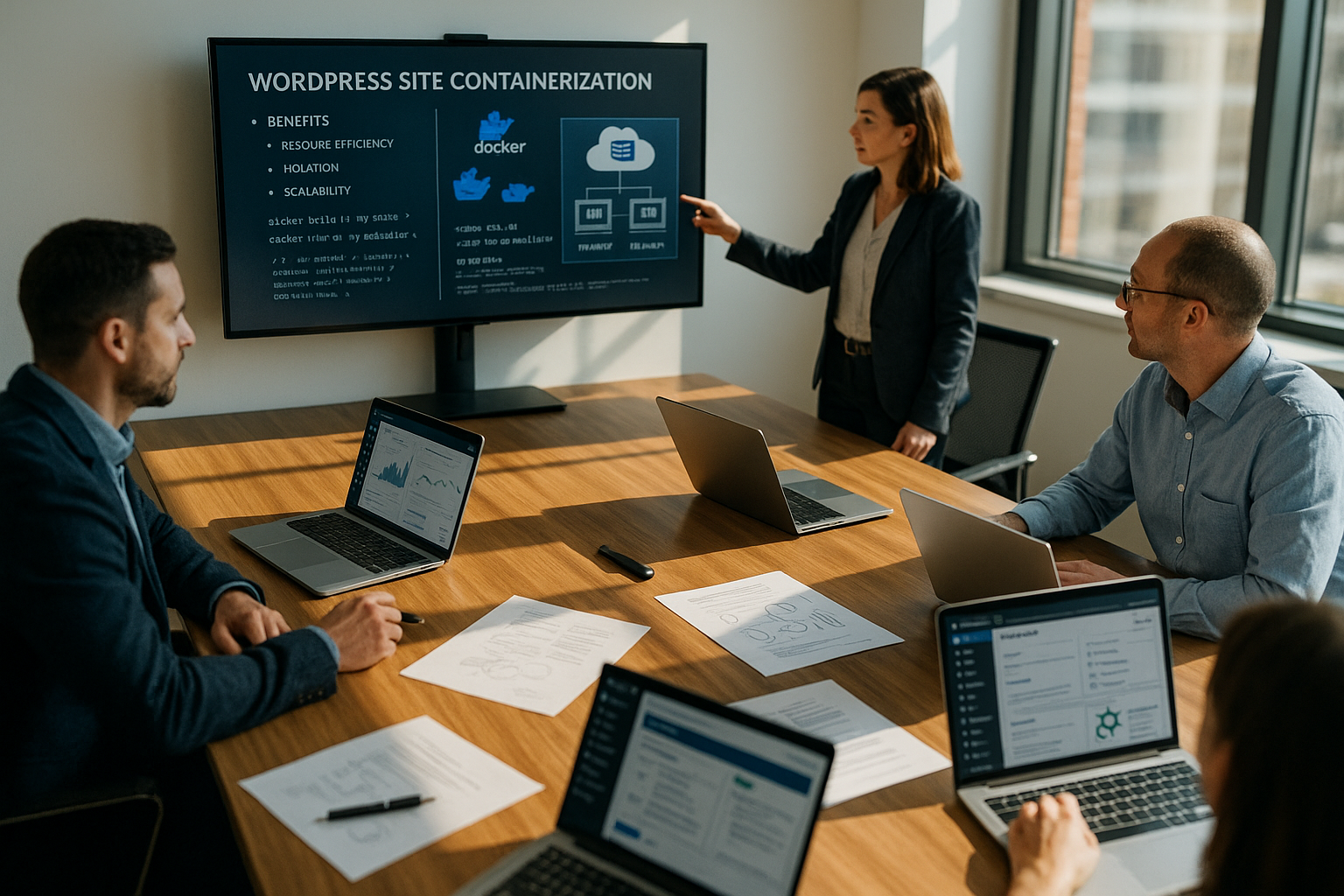
The most noticeable effect is in performance isolation: a faulty plugin does not affect neighboring sites because each container has its own resource limits. I set CPU and RAM limits, perform health checks, and keep deployments reproducible with standardized images. I can deploy new projects in seconds, which saves agencies and teams with many clients a tremendous amount of time. Sources of error reduced by different setups. Portability speeds up moves between hosts or cloud zones and simplifies staging workflows. And for modular architectures such as headless, multisite, or specialized cache stacks, I assign each component to its own container.
Caching and performance tuning
To maximize the speed of containers, I calibrate the cache and execution levels: OPCache shortens PHP execution times, while an object cache (such as Redis) reduces database access for transients, options, and sessions. A full-page cache in the proxy layer delivers unmodified pages without PHP and relieves the app containers during peaks. At the code level, I activate fragment caching for expensive components and monitor query times to eliminate N+1 patterns. In PHP-FPM, I define the number of processes and pm settings to match the number of CPUs so that no queues are created. HTTP compression (Gzip/Brotli), cache control headers, and conditional requests save bandwidth and reduce time-to-first-byte. In practice, I use a tiered approach: first page cache, then object cache, and only then database tuning—each layer has clear responsibilities.
Scaling and orchestration: Kubernetes, Swarm, and others.
If traffic increases, I scale horizontally by starting additional container instances and placing a load balancer upstream. Orchestrators take care of auto-healing, rolling updates, service discovery, and ensure that pods or services remain available. This pays off especially in dynamic phases. Auto-scaling as unused capacity can be shut down and costs reduced. Those who work with teams benefit from declarative manifests and Git workflows, which make changes traceable and reproducible. The topic provides a good introduction to architectural issues. container-native hosting, that clarifies the relationships between build, registry, deploy, and operation.
High availability and recovery strategies
I plan high availability from the user's perspective: The ingress layer runs redundantly, app containers have multiple replicas, and databases use replication or cluster setups. For recovery time, I define RTO/RPO targets and test failover, not just backups. Point-in-time recovery of the database, versioned media snapshots, and automation for DNS switching are all part of the runbook. For orchestration, I set anti-affinity rules so that replicas do not end up on the same host. This allows sites to survive hardware failures and maintenance windows without any significant interruption.
Clean solutions for data storage and persistence
WordPress is stateful: databases, uploads, and cache must be preserved independently of the container lifecycle. That's why I use volumes, network storage, or external databases so that no content is lost when replacing application containers. I avoid write access in the container file system and decouple media with object storage or an NFS/SMB share. I plan backups at the database and file system level, automate snapshots, and test restores regularly – a recovery test counts more than any theory. In addition, I document migration paths so that I can reliably return to previous versions in the event of major updates.
Observability: Logs, metrics, and tracing
Continuous observability is a must: I write structured logs and forward them centrally so that error correlation works across container boundaries. Metrics on requests, latencies, error rates, PHP-FPM queue lengths, and database load form the basis for SLOs and alerting. Tracing shows where time is lost—between the proxy, app, and database. For WordPress, I use debug and slow log functions in a targeted manner and keep log noise low. I link alerts to runbooks: Each notification has a clear recommendation for action so that on-call assignments remain efficient.
Security: Isolation, kernel, updates
Containers isolate processes, but all instances share the same host kernel—which is why regular kernel updates and hardening remain mandatory. I use namespaces, cgroups, read-only file systems, non-root users, and signatures for images to reduce the attack surface. Network policies limit traffic between services, while WAF and rate limiting specifically shield WordPress. Secret management prevents access data from ending up in the image, and image scanning detects vulnerabilities early on. With these measures, I achieve a strong shielding, without slowing down deployments.
Clearly map the supply chain and compliance
I keep my images minimal, reproducible, and traceable. Multi-stage builds, rootless runners, and removing unnecessary packages reduce the attack surface. A software bill of materials (SBOM) makes dependencies transparent; image signatures ensure that only verified artifacts are deployed. I never store secrets in code or images, but rotate them regularly. I address data protection and compliance through data localization, encryption of stored and transported data, and audit-proof logs. This keeps audits manageable and maintains a balance between security and speed.
Containers vs. virtualization: Which is right for you?
Virtual machines provide greater separation because each instance uses its own operating system; however, they start up more slowly and consume more resources. Containers start up in seconds, share kernel resources, and excel at high density and short release cycles. VM hosting can be useful for very strict isolation requirements or legacy stacks, while modern WordPress workloads benefit from containers. I combine both approaches when compliance or licensing dictates, such as database VM plus app container. If you want to weigh up the options, you'll find Comparison of containers vs. virtualization clear guidance.

Container vs. Shared Hosting: Quick Comparison
Shared hosting is inexpensive, but neighbor effects, limited configurations, and restricted scaling slow down more demanding WordPress projects. Container hosting offers clear separation, reproducible deployments, and finer resource management. Those who operate many sites or have variable loads experience noticeable benefits through orchestration. At the same time, operating costs increase, which is why I automate processes and define standards. With this comparison the difference becomes clear:
| Criterion | Containerized hosting | Classic shared hosting |
|---|---|---|
| Performance isolation | Very high | Low (neighbor effects) |
| Scalability | Very good, automated | Low to moderate |
| Efficient use of resources | High | Low to moderate |
| Security | High (with good insulation) | Low to moderate |
| Portability | Very high | Difficult, depending on the provider |
| Administrative burden | Higher, requires expertise | Low (for Managed) |
| initial costs | Medium to high | Very low |
Migration: From shared hosting to container platform
I plan migrations in phases: inventory, clarify dependencies, create images and compose/manifests, test data transfer. Before the switch, I perform test runs with content freeze and synchronize media and database shortly before the switch. I lower DNS TTLs early to minimize the transition time. For WordPress, I factor in plugin compatibility, cron jobs, and caching. A clear fallback (rollback plan, backups, documented DNS status) is mandatory—this keeps the risk manageable and stakeholders confident.
Local development and parity
To ensure that deployments don't bring any surprises, I keep local and production environments as identical as possible. I use the same images, a shared Compose file (with local overlays), and scripts for seed data. WP-CLI automates routine tasks, and feature branches get their own review environments. This way, bugs are found early, builds are reliable, and releases are predictable.
When containerization is appropriate—and when it is not
I use containers when multiple WordPress sites are running in parallel, when I need clear separation, or when load peaks are predictable. Projects with microservices, headless front ends, or multisites also benefit because each component can be controlled separately. Individual projects with constant traffic are often more cost-effective with managed WordPress hosting, as operation and monitoring are included. If internal DevOps expertise is lacking, a managed container offering can help reduce the effort involved. Performance-oriented providers with a strong container pipeline – test winners such as webhoster.de – score points here with infrastructure and support.

Practice: CI/CD, staging, and rapid deployments
I consider build, test, and release to be a pipeline: code ends up in the registry, tests check images, and deployments run as rolling updates without downtime. Staging environments mirror production, allowing me to reliably validate changes before they go live. Feature flags and blue-green deployments enable controlled switching for new releases. For admin workflows on individual servers, the Plesk Docker integration to streamline processes. Such practices promote Reliability and make releases predictable.
Cost control and sizing
I scale WordPress according to profile and target: CPU-bound for computing load (complex plugins), IO-bound for lots of media and database access. As a starting point, I plan for moderate CPU and RAM reserves per PHP container, increase replicas for parallelized requests, and secure the database with enough RAM for buffers and caches. I use auto-scaling to respond not only to CPU, but also to latency or queue lengths. I optimize costs through right-sizing, sleep modes for staging environments, and a clear separation of fixed and variable costs. Transparent tagging of resources creates clarity in billing and prevents cost surprises.
Calculation: Effort, expertise, and budget
Containers save hardware costs through higher density, but they require time for design, security, and monitoring. I consider orchestration, registry, logging, metrics, alerting, and backup to be recurring tasks. Training and clear runbooks prevent operational errors and speed up responses to incidents. When planning budgets, I factor in tooling, support, and occasional architecture reviews in addition to server costs to ensure that systems remain viable in the long term. This is how I maintain the balance. Performance and effort transparent – particularly important in growing project landscapes.
Briefly summarized
Containers make WordPress hosting faster, more portable, and more consistent because each site runs in a clearly separated instance. I benefit from short start-up times, reproducible deployments, and fine-grained resource management. Limitations arise in kernel sharing, data persistence, and operating costs, which I address with hardening, volumes, and orchestration. For many sites, more demanding requirements, or growth curves, containers offer significant advantages, while small projects often fare better with managed offerings. Those who leverage the advantages in a structured manner will obtain a future-proof hosting architecture for WordPress—without any unpleasant surprises in everyday use.


