Skip to content
With this cPanel explanation, you will get a complete overview of the most widely used web hosting panel and learn how to manage your hosting account professionally, securely and efficiently - without any in-depth technical know-how. The versatile functions, simple structure and broad compatibility make cPanel the first choice for private projects, companies and agencies.
Key points
- User friendliness: Intuitive interface with icons and clear categories
- Variety of functionsManagement of domains, e-mails, databases and more
- Security featuresSSL management, IP blockers, backup systems
- Compatibility: Runs on most Linux servers; supports many tools
- AutomationsSoftware installations, cronjobs, regular backups
What exactly is cPanel?
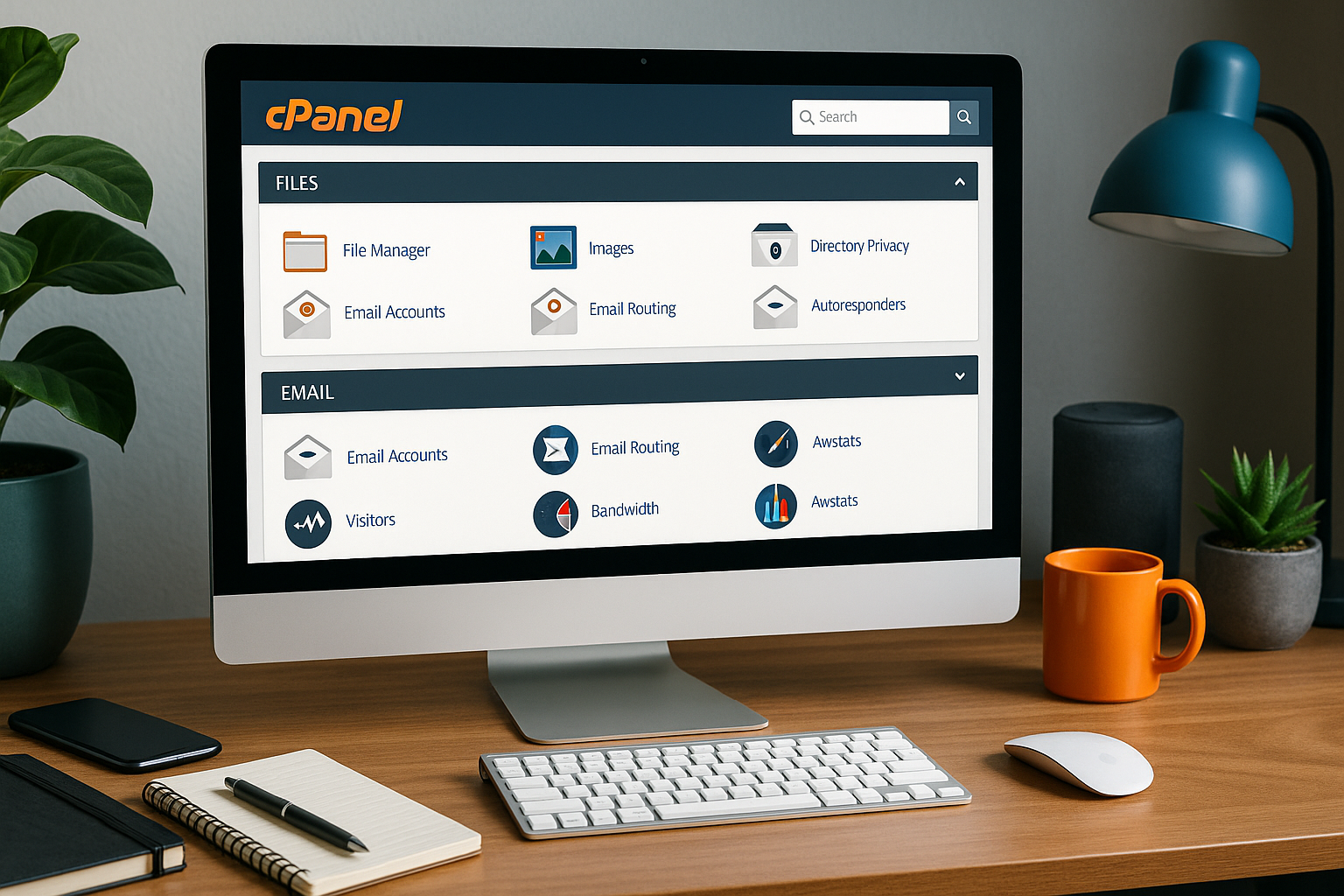
cPanel is a web-based hosting control panel that runs on the Linux platform and is particularly characterized by its Graphical user interface stands out. It enables comprehensive management of hosting functions within a very short time. Thanks to its clear structure, even beginners can easily create email accounts, manage files and install software. It forms the backbone of many shared, VPS and dedicated hosting offers worldwide.
From website uploads via FTP to database control via phpMyAdmin, cPanel covers everything that is necessary for operating and securing websites. Particularly practical functions - such as the 1-click installation of WordPress - make the tool the standard solution for many web hosts.
Why cPanel has prevailed
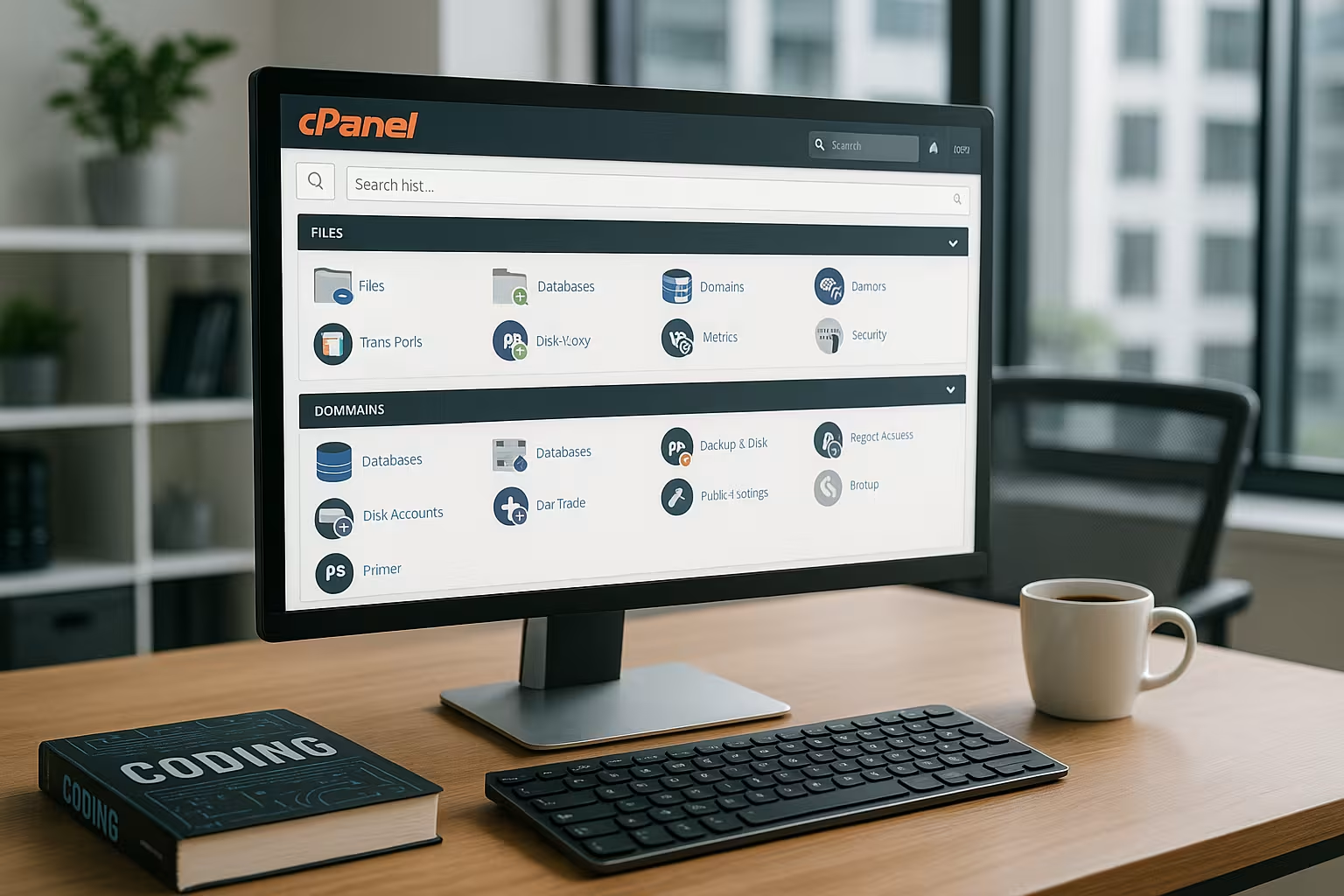
cPanel has established itself as the industry standard because it solves several challenges in web hosting in a simple way. The interface is logically structured and categorized according to functions such as Files, Databases and Security organized. Icons and tooltips provide support at every step and ensure a low learning curve - ideal for teams with little technical experience.
In addition, cPanel is compatible with almost all common content management systems such as WordPress, Joomla or Drupal and offers interfaces for many automation tools. Even experienced developers benefit from the extensive server settings and cronjob functions.
The most important functions at a glance
The depth of functionality is one of the biggest advantages of cPanel. The following modules in particular help with day-to-day administration:
- File managerEdit, upload or delete files directly in the browser
- EmailsCreate addresses, define forwarding and regulate spam filters
- DNS managementCustomize subdomains, A-Records or redirects
- DatabasesManage MySQL or PostgreSQL with access rights and backups
- Softaculous: Automated app installations like WordPress in seconds
There are also advanced functions such as SSL/TLS management, IP blocker and backup manager. A practical tool for beginners to professionals is also the resource display, which shows CPU usage, RAM and bandwidth transparently.
First steps with cPanel
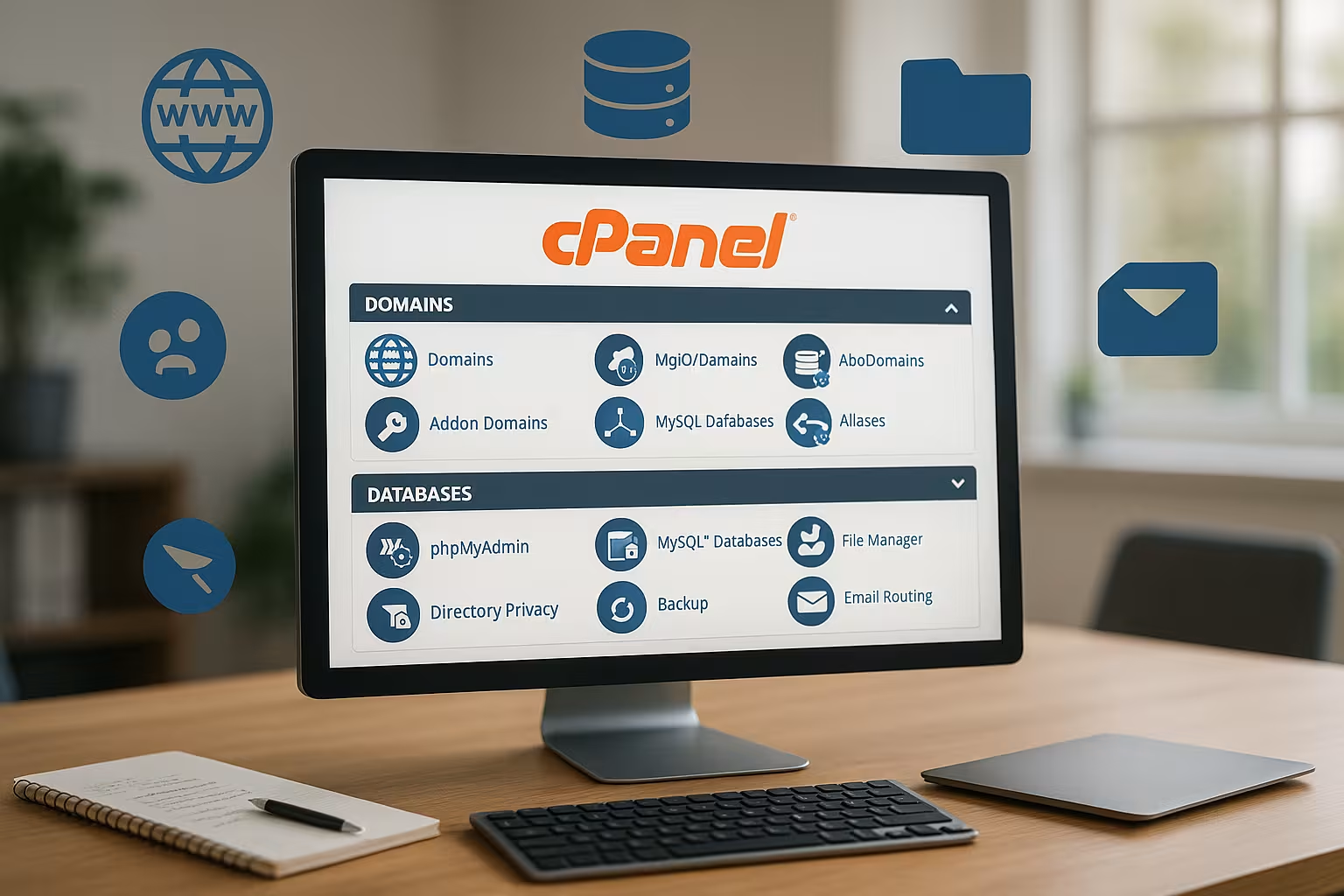
You usually receive your access data directly from your hosting provider. The login is typically done via your domain supplemented by /cpanelor via a special link. Immediately after logging in, the dashboard appears with an overview of your most important account information - including memory usage, bandwidth statistics and email usage.
From there, you can create email addresses, set up a database or upload files with just a few clicks. Anyone who runs several projects will particularly benefit from this option, multiple domains and subdomains in one account. Settings can be adjusted later at any time.

Comparison: The best providers with cPanel
If you want to use cPanel efficiently, you need a reliable hosting partner. The following table shows providers with convincing cPanel integration:
| Place | Provider | Special features |
|---|---|---|
| 1 | webhoster.de | Excellent performance, strong security, German support |
| 2 | Provider XY | Solid equipment at an affordable price |
| 3 | Provider Z | Basic functions for smaller projects |
Especially with Provider comparison it is worth checking factors such as storage space, availability and SSL certificates - not every tariff offers the full range of functions.
Useful tips for professional use
There are a few ways to make working with cPanel more efficient and secure. Start by defining a strong password for your access and email accounts right from the start. Activate SSL/TLS with just a few clicks - especially if you want to collect personal data or run a store.
You should create backups regularly - at least weekly, ideally daily. Also test the restore before an incident occurs. You can easily update your installed applications via Softaculous. A secure, fast website is thus possible permanently and without great effort.

Specialized applications: WordPress and more
A highlight for many users is the app installer called Softaculous. This can be used to install over 400 web applications in seconds - the best-known representative is WordPress. Especially if you want to start a blog, a company website or an online store, this is an enormous time saver.
The app installer also manages updates, backups and even clones of existing installations. You can change themes, test plugins or set up test environments at any time - everything is complete Graphically controlled.
These features make cPanel a true all-in-one solution for content creation, online marketing and sales platforms.

cPanel for agencies and developers: What advantages does it offer?
Developers benefit from direct database access, extended file permissions and the integration of their own scripts via shell access. Tools such as cronjobs, DNS editors and advanced PHP settings help to implement projects precisely. SSL certificates from Let's Encrypt can also be implemented without external requests.
Agencies that manage several clients can set up separate hosting environments via sub-accounts. Separate e-mail addresses, subdomains or installations are available for each project. This means that cPanel can also be optimally integrated into scalable hosting concepts.
I have been working with various hosting environments for many years and no tool has been as efficient and reliable. beginner-friendly like cPanel. Especially for projects with frequent access, multiple domains or changing requirements, it offers a successful mix of technology and user-friendliness.
For example, if you are still unsure which tool is the right one for you in the long term, you should consider a direct comparison between Plesk and cPanel but in my opinion, cPanel remains the most complete tool.
Advanced security configuration in cPanel
Especially in times of increasing cyberattacks, the Security is a key issue in the hosting environment. cPanel offers not only basic tools such as IP blockers or spam filters, but also advanced functions. These include the option of regulating access via SSH so that only authorized users with the corresponding keys can access the server data. You can also use the Security Center-section to make settings that, for example Brute force attacks effectively. A typical scenario is that you only allow a certain number of incorrect login attempts before the respective IP address is temporarily (or permanently) blocked.
Another important point is the use of ModSecurity. This web application firewall module monitors incoming traffic and can block suspicious requests before they cause damage. In cPanel, you can activate ModSecurity at the click of a mouse and even configure your own rules if you want to exclude certain attack vectors. This combination of firewall, login protection and IP blocking offers a high level of security without restricting user-friendliness.
Performance optimization with cPanel
In addition to security, the speed of your website also plays a decisive role. cPanel offers various settings to optimize the Performance to increase. On the one hand, PHP versions can be flexibly selected and adapted depending on the hosting tariff. Newer PHP versions such as PHP 8 or higher offer significant speed advantages over older versions, but are not always 100 % backwards compatible. It is therefore worth testing in a staging environment before you make the final switch.
Another approach is Caching solutionswhich can be activated either at software level (e.g. with WordPress plugins) or in cPanel itself. Some hosters integrate special tools such as LiteSpeed Cache or other mechanisms in cPanel to compress static resources in advance and thus significantly speed up the page load. The minification of CSS and JavaScript files can also be implemented more quickly using the file manager or plugin functions available in cPanel. The result: fast loading times and satisfied visitors.
Automated workflows and their advantages
One of the great strengths of cPanel is its comprehensive Automation. In addition to the familiar cronjobs, which you can use to define regular tasks in the background, there is also integration with Softaculous. You can not only install WordPress, but also have automated backups created at set intervals. It is also possible to have updates for your CMS installations carried out automatically - which quickly pays off in terms of security and convenience.
Cronjobs make regular maintenance easier, especially in agency environments. Whether daily database backups or checking log files for errors - once set up, these processes run reliably in the background. This reduces manual effort and ensures that important routines are never forgotten. In addition, automation of this kind also ensures consistent Quality assuranceas all steps can be carried out uniformly for each project.
White label and corporate branding
For agencies or resellers, it is often an advantage if the hosting control panel can be visually adapted to their own corporate design. In many tariffs, cPanel allows you to adapt the interface at least partially to your own requirements. Logos can be exchanged and color schemes changed to provide customers with a consistent brand image.
With the so-called White labeling the cPanel brand disappears almost completely from the user interface, giving your customers the impression that you are offering a own hosting system. This is often a decisive competitive advantage for the professional appearance of an agency. Some hosters now allow this individualization as standard in their reseller packages, which greatly promotes customer loyalty and branding.
Organize multiple projects efficiently
cPanel is predestined for this, several websites or domains under the same account. You can set up a separate database, separate email addresses and individual FTP access for each website. This simplifies the management of customer projects or different business areas enormously. Instead of operating several control panels, you can bundle everything in one interface. Thanks to clear icons and segmentation, you can immediately find the modules you need.
Especially if you have a large number of different projects, this is Add-On Domain-concept. You simply create another domain, store it in a corresponding directory and can manage email accounts, subdomains and SSL certificates independently of each other. This means that both hobby websites and sophisticated company websites can be easily managed on the same web space without sacrificing convenience.
Interaction with external services
Anyone who loves linking different tools and services together will benefit from the wide range of connection options. In cPanel, you can use external DNS services or integrate CDNs (Content Delivery Networks) such as Cloudflare. Many hosting providers offer special wizards for this, which appear directly in cPanel. This makes setup easier and reduces configuration errors.
Compatibility with external backup solutions is also practical. Some providers connect cPanel to cloud services such as Amazon S3 or Google Drive so that your backups are automatically transferred to the cloud. This is not only convenient, but also increases the reliability of your hosting. In the event of a malfunction or server problem, you can access your backups at any time and restore your website quickly.
Troubleshooting and support
Despite its user-friendliness, it can of course happen that something does not run smoothly in cPanel. Then it is worth taking a look at the Error Logs or the extended logs, which you can view in the panel. Here you can quickly determine whether there is a plugin error, whether files are missing or whether a database query was not executed correctly. The advantage: you don't have to work on the command line, but can see the most important error messages clearly in a GUI. This is helpful for beginners as well as for experienced users who do not want to access the server via SSH first.
In the event of major difficulties, the Hosting support often your first port of call. Many providers are very familiar with cPanel and can offer quick solutions. This includes, for example, restoring a backup, reinstalling certain packages or configuring DNS entries. This is where it pays to have a reliable hosting partner who responds quickly and provides competent help when complicated errors occur.
Customization of cPanel
In addition to branding and white label options, you can also control the display of the individual cPanel modules individually. This is particularly interesting if you only want to release certain functions for your customers. For example, highly complex options can be hidden so that less technically experienced users are not overwhelmed. This is a common practice in reseller packages or managed server environments in order to Application error to minimize.
The user interface can also be customized in terms of language. Although English and German are usually available as standard, many providers also give you the option of integrating other language packages. For international agencies or companies with a global clientele, this is a great advantage to lower barriers and simplify access.
Long-term prospects: cPanel in transition
Technology is evolving rapidly, and cPanel is no exception. In recent years, the team behind cPanel has continued to deliver new features and security updates to meet the demands of a digital world. The integration of PHP 8, improvements in terms of accessibility and the constant expansion of Softaculous are just a few examples of this drive for innovation. In the future, topics such as containerization (Docker for web applications) or more complex cloud integrations are likely to play an even greater role. Anyone who is familiar with cPanel is therefore well positioned to keep pace with modern web development.
Especially in the area of server virtualization (e.g. with KVM, Virtuozzo or VMware), cPanel remains a reliable tool. Many providers already allow the panel to be installed on virtual machines without any loss of functionality. This makes it easy to scale hosting resources and adapt them to current requirements without having to give up the familiar user interface.
A word about licenses and costs
cPanel is offered in different license models, which are often scaled according to the number of managed accounts. This means that as an operator or reseller, you can decide how many customers or domains you want to host and which functions you need. Each additional license option can increase the monthly or annual costs, but is usually easy to book with the respective hosting provider.
For beginners or small projects, the entry-level model, which allows a certain number of accounts, is often sufficient. However, those who many customer projects or runs its own hosting business must switch to higher models. The costs for this can vary, but should be in relation to the revenue or the utility value of the service. In view of the numerous features and the smooth workflow, the investment is worthwhile in most cases.
Final thoughts
The cPanel explanation shows impressively why this tool is the backbone of successful hosting concepts. Thanks to automation, security features and a clear structure, it offers real advantages for both private users and companies. Especially with a strong hosting provider like webhoster.de, cPanel unfolds its full potential - and makes hosting management easier and more efficient than ever before.