Skip to content
Hosting Control Panels shape how smoothly I manage servers, emails, databases and domains - cPanel and DirectAdmin offer two different approaches. In this direct comparison, I will show you the strengths of each panel in 2025 and where there is a clear advantage depending on project size, budget and workflow.
Key points
- Comfort vs. EfficiencycPanel scores with its wealth of functions, DirectAdmin with its lean speed.
- Costs: cPanel more expensive, DirectAdmin cheaper licenses for small setups.
- PerformancecPanel reliable under high load, DirectAdmin economical with CPU/RAM.
- Security: cPanel with more integrated tools, DirectAdmin is specifically expanded.
- ExtensibilitycPanel has many plugins, DirectAdmin remains minimal and flexible.
What does a panel do in everyday life?
A good panel saves me time as an admin every day because I can Routine tasks with just a few clicks. I set up email inboxes, add SSL certificates, set up subdomains and manage backups - all centrally and without detours. A clear interface reduces errors and speeds up changes to DNS, databases and files. Automations take over recurring jobs and create space for important Tasks. This is how I keep hosting projects clear, transparent and easy to maintain, from small blogs to reseller setups.
cPanel at a glance 2025
cPanel provides a very wide range of functions and bundles them in a modern, icon-based interface with clearer Structure. WHM allows me to manage accounts conveniently, set limits and separate resellers cleanly. I appreciate the WordPress toolkit, Git integration, 2FA, IP rules and granular backups for ambitious setups. The strong API access makes deployments and provisioning reproducible and fast. If you want to delve deeper, you can find cPanel comparison additional insights into admin workflows and efficiency.
DirectAdmin at a glance 2025
I use DirectAdmin when I need speed, a small resource load and a tidy operation. The panel starts up quickly, runs smoothly on smaller VPSs and still offers all the core functions for domains, e-mail and databases. I customize layouts and theme variants to suit my style, without clutter. An SPF wizard helps me with clean mail authentication, while I can add DKIM and other policies as required. For technical fine-tuning, I access configuration files directly and use the CLI, which gives me a direct control.

Performance and resources
I observe: cPanel holds large hosting environments with many users and high parallelism Reliable running. The architecture shows its strengths when many services are active at the same time and backups, scans and email queues are running. DirectAdmin, on the other hand, shines when RAM and CPU are used sparingly, giving small VPSs more breathing space in terms of performance. On systems with limited resources, DirectAdmin reacts more quickly and remains responsive, even if several services are running in parallel. For enterprise loads I tend to use cPanel, for compact projects I usually use DirectAdmin.
User-friendliness and workflows
cPanel guides beginners quickly to their goal with clear icons, a search bar and helpful explanations, which Familiarization and error rate reduced. I find functions grouped logically and get hints in the right places. DirectAdmin remains minimalist and focuses on the essentials; this allows me to work in a concentrated manner and without distraction. Both offer consistent structures, but cPanel provides noticeably more convenient functions at the touch of a button. If you need more orientation, take a look at the Detailed panel comparison, to specifically assess operating concepts.
Security and updates
I prefer to save projects in layers - and cPanel already offers many integrated Protection mechanisms. 2FA, IP blocking, monitoring, SSL management and fine-grained rights assignment are centrally accessible. DirectAdmin provides solid basic functions, but gives me scope for targeted hardening using additional tools. This narrow core has advantages when I put together individual security stacks. I keep systems up to date independently of the panel and activate automatic Updates, so that known gaps are closed quickly.
Extensions and ecosystem
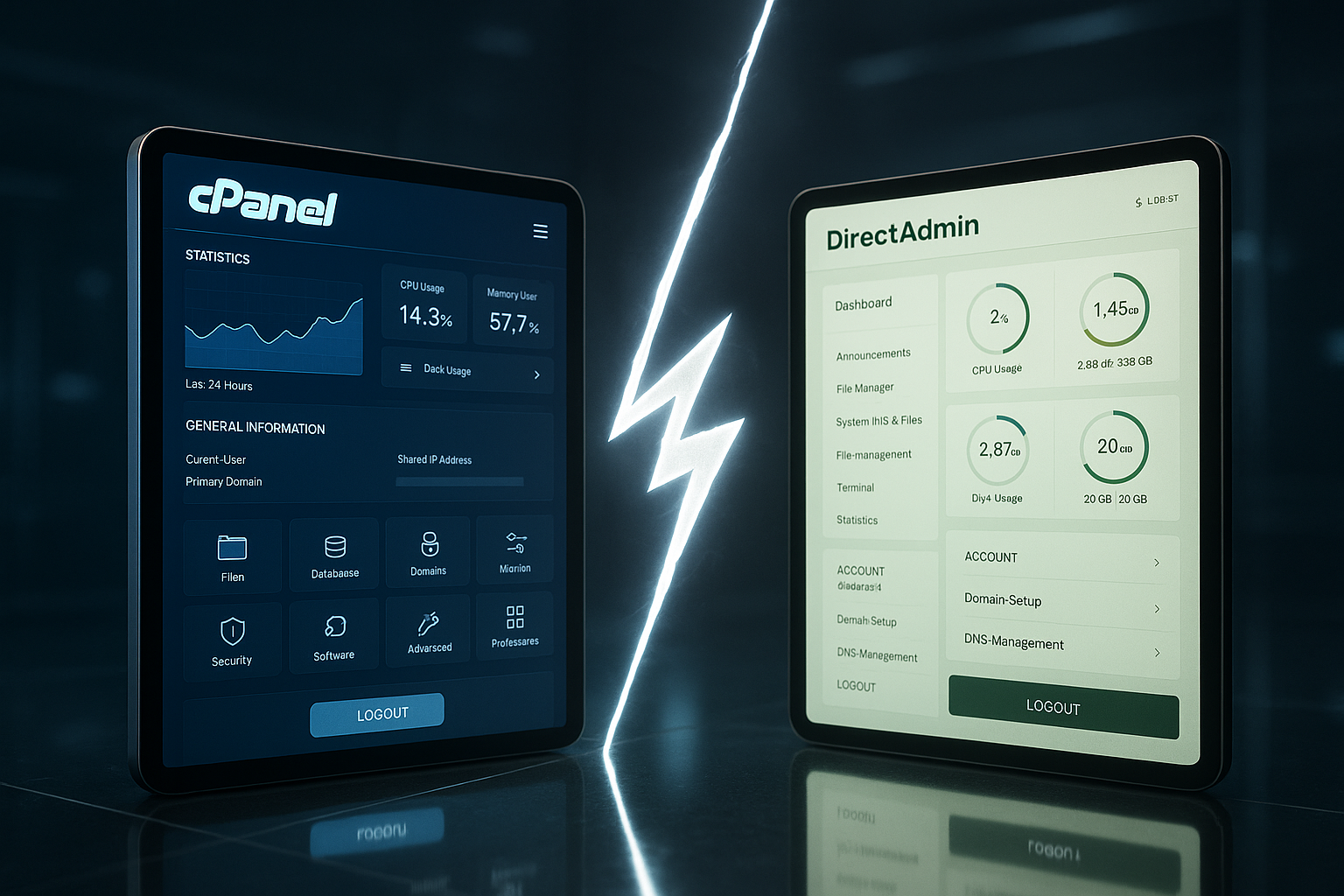
cPanel convinces with many plugins, integrations and a strong API universe, which makes my DevOps-everyday life noticeably simplified. I seamlessly integrate WordPress tools, scanners, caching and staging environments. DirectAdmin takes a lean approach and deliberately keeps the list of extensions small. This keeps the system clear and makes updates easier; I add missing components as and when they are needed. If you want to compare the overall picture, you can find big comparison further clues.
Price and license models
I calculate licenses early on because the running costs exceed the Return of a project. cPanel works with staggered models and is more expensive in comparison, especially with many accounts. For smaller setups, DirectAdmin, which scores with fair packages and included support, often pays off. The decision depends on the number of accounts, planned expandability and degree of automation. I therefore always assess whether a wealth of functions or an inexpensive license is the better choice. Advantage brings.

Migration, support and community
Migration tools from both panels help me to migrate accounts, emails and databases. smoothly to transfer. I plan the sequence, test for staging and only switch when everything is right. cPanel has a large community and plenty of learning material, which helps quickly with special questions. DirectAdmin has a small but efficient community and offers reliable support in all license packages. For beginners, clear migration playbooks are helpful so that on migration day none Surprise happens.

Comparison table: cPanel vs DirectAdmin
The following overview summarizes the most important criteria that I regularly apply to projects. valued. It shows what the panels focus on and how they work in day-to-day business. cPanel shines with its variety of functions and automation, while DirectAdmin saves resources and remains focused. I weigh up the points according to my goals: convenience, cost, speed or expandability. This is how I make a clear Decision with a view to operations and growth.
| Category | cPanel | DirectAdmin |
|---|---|---|
| Surface | Modern, icon-based UI with search bar | Slim, multiple layouts, focused |
| Domains & DNS | Convenient, quick to set up | Simple, incl. SPF assistant |
| E-mail management | Strong integration, policies centralized | Basic functions, DKIM manually expandable |
| Databases | Advanced tools, automation | phpMyAdmin by default |
| Backups | Granular, incl. cloud targets | Simple, automated |
| Extensions | Many plugins/APIs, large ecosystem | Few plugins, targeted addition |
| Security | 2FA, monitoring, IP rules integrated | Solid base, additional hardening possible |
| Price | Higher license costs | Cost-efficient packages |
System requirements and installation
When setting up, I pay attention to a clean basis: current LTS distribution, stable kernel, consistent package sources. cPanel feels particularly at home on RHEL-compatible systems. probably and also supports selected Ubuntu LTS versions. DirectAdmin is more broadly based and also runs very well on Debian-based systems. solid. In both cases, I do not plan too few resources: enough RAM for services, sufficient IOPS for backups and logs, as well as a separate partition or a separate volume for /backup. I keep the installation reproducible - using a script or configuration template - so that subsequent hosts are provisioned identically. This is how I minimize drift in the cluster.
Web server stack, PHP management and caching
I manage the web server stack conveniently in cPanel: Multi-PHP with PHP-FPM per account, dedicated handlers and a clear separation of versions. This makes it easier for me compatible Upgrades, because legacy sites continue to run while new projects start with the latest PHP version. NGINX as a reverse proxy or alternatives such as LiteSpeed can be integrated, which enables HTTP/2 or HTTP/3 and modern caching strategies. DirectAdmin also offers flexible stacks - from Apache to OpenLiteSpeed and NGINX variants. I decide depending on the project: high static traffic often leads me to LiteSpeed/OpenLiteSpeed, I often leave complex rewrites and .htaccess freedom with Apache. A consistent caching concept (OPcache, page cache, object cache) that harmonizes cleanly with the panel workflow is important to me.
Email deliverability and anti-spam
Email is a perennial favorite: I always set up SPF, DKIM and DMARC, no matter which panel. cPanel offers me the policies very compact in the interface; I also check rDNS and FCrDNS to avoid a bad reputation. The SPF wizard helps me in DirectAdmin, I add DKIM specifically and activate strict TLS policies where appropriate. I segment dispatch IPs for newsletters, keep an eye on the queue and measure bounce rates. I adjust blacklist monitoring, greylisting, rate limits and ClamAV/SpamAssassin profiles so that customer emails arrive without accumulating false positives. For larger environments, I calculate dedicated gateways so that the panel servers are not slowed down by spikes in delivery. block.
Backups, restores and disaster recovery
Backups are only as good as the restore: In cPanel, I use granular account backups, incremental and to external targets (e.g. Object Storage). I plan retention schedules with daily, weekly and monthly depth and test regularly Backups to staging hosts. I deliberately keep DirectAdmin lean: simple, automated backups that I outsource via rsync or S3-compatible targets. The separation of backup and production storage is particularly important to me so that a server failure does not affect both levels. For critical projects, I add snapshots at volume level and document RTO/RPO - so I know how quickly I can get back online after a failure and the maximum amount of data that can be lost.
Multi-user, reseller and roles
Multi-client capability is a key argument: with WHM in cPanel, I create packages with limits (inodes, bandwidth, e-mail quotas), activate feature lists and clearly assign roles - from reseller to end customer. This is for hosting providers comfortable, because onboarding and billing are standardized. DirectAdmin works with the Admin, Reseller and User levels - lightweight, fast and easy to understand. Both panels allow secure delegation, but cPanel provides more predefined levers for large teams. In smaller setups, DirectAdmin is often enough for me because the reduced complexity saves real time in day-to-day work.
Automation: API, hooks and IaC
I automate recurring tasks so that no manual maintenance is required. cPanel provides a sophisticated API world for this, including user and WHM endpoints, as well as hooks for events (create account, change DNS, complete backup). This is how I build lean pipelines for provisioning, DNS updates, certificate renewals and deployments. DirectAdmin also provides APIs and CLI tools; here I appreciate the direct Scriptability and transparent configuration files. For Infrastructure as Code, I incorporate both into playbooks, which pull up new servers identically. The result: consistent environments, faster rollouts and reproducible changes - a big Lever for reliability.
Monitoring, logs and observability
Without visibility, performance remains a matter of luck. I monitor services (web, mail, DB), resource utilization, error logs and certificate status. cPanel provides me with integrated overviews and alerts for this; the interface bundles the most important information. Signals, so that I can go deeper into the logs if necessary. In DirectAdmin, I keep the paths short: systemd status, journal and web server logs, plus lean agents for external monitoring systems. It is important to me that alarms are actionable: clear thresholds, escalations, defined playbooks. This allows me to react before customers experience latency or outages.
Compliance and data protection
In projects with personal data, I plan data protection from the outset: minimal authorizations, separate roles, logging of relevant actions, encryption in transit and - if possible - also at rest. With 2FA, IP rules and central certificate flows, cPanel makes it easy for me to manage policies continuous implement. In DirectAdmin, I add targeted hardening measures, for example stricter SSH policies, additional audit logs or mail encryption requirements. Deletion concepts and data minimization are also important to me - backups only contain the data that is really necessary and have clear retention periods.
Migration checklist and typical stumbling blocks
- Record inventory: Domains, subdomains, DNS zones, mailboxes, cronjobs, certificates, databases, redirects.
- Clarify dependencies: PHP versions, modules, caching, special Apache/Nginx directives.
- Test environment: Restore of accounts in staging, functional tests for login, e-mail, uploads, feeds, webhooks.
- DNS strategy: Reduce TTLs at an early stage, switch gradually, Rollback prepare.
- Data consistency: Define freeze times to avoid write operations during the cutover.
- Monitoring: keeping an eye on error and access logs after go-live, checking metrics, preparing customer communication.
I often see errors with forgotten cron jobs, mail filters that have not been migrated, contradictory PHP handlers or different file permissions. I rectify this by working through checklists in advance and, after the changeover, specifically Smoke tests drive.
Costs, scaling and TCO
License costs are only one part of the equation. I also factor in admin time, migration effort, hardware or cloud resources, support levels and downtime risks. cPanel often justifies higher license costs by Time saving in operation: less manual work, more automation, faster problem solving thanks to the ecosystem. DirectAdmin comes into its own when every CPU core counts and budgets are tight - it delivers a very good cost-benefit ratio, especially on small VPSs. As a project grows, I regularly re-evaluate: does cPanel's wealth of functions scale my workflow better, or do I deliberately stay minimal with DirectAdmin in order to remain lean?
Practical scenarios and recommendations
For startups with a small VPS, I prefer DirectAdmin because I can save CPU and RAM. spare and still have all the basic functions. If the requirements grow, I scale up extensions as needed. For resellers who manage many customers, cPanel pays off with WHM, automation and comprehensive security features. If I develop several WordPress sites in parallel, I benefit from the WordPress Toolkit and Git workflows. If the focus is on short loading times on a tight server budget, DirectAdmin provides a effective Way.
In a nutshell: my decision-making aid
I choose cPanel when maximum Comfort, many integrations and advanced security and automation functions have priority. I use DirectAdmin for economical VPS, simple workflows and clear operation. Both panels cover the essential tasks with ease and can be operated reliably. The decisive factors are goals, budget, expected number of accounts and the desired degree of automation. If you want to compare details, check the function list, price model and future extensions against your own. Plans.