 Skip to content
In virtual hosting, CPU steal time describes the lost CPU time that a VM must give up to the hypervisor, and explains many latency spikes due to Noisy Neighbor effects. I show specifically how these signals arise, how I measure them, and what steps ensure lasting performance without neighbors affecting your vCPU slow down.
Key points
- Steal Time: Waiting for the vCPU because the host is serving other guest systems
- Noisy NeighborCo-tenants consume excessive CPU, RAM, or I/O.
- Measurement: Interpreting %st in top, vmstat, and iostat correctly
- Thresholds: Below 10 % usually okay, above that negotiate
- SolutionsRight-sizing, limits, migration, bare metal
What CPU steal time really tells you
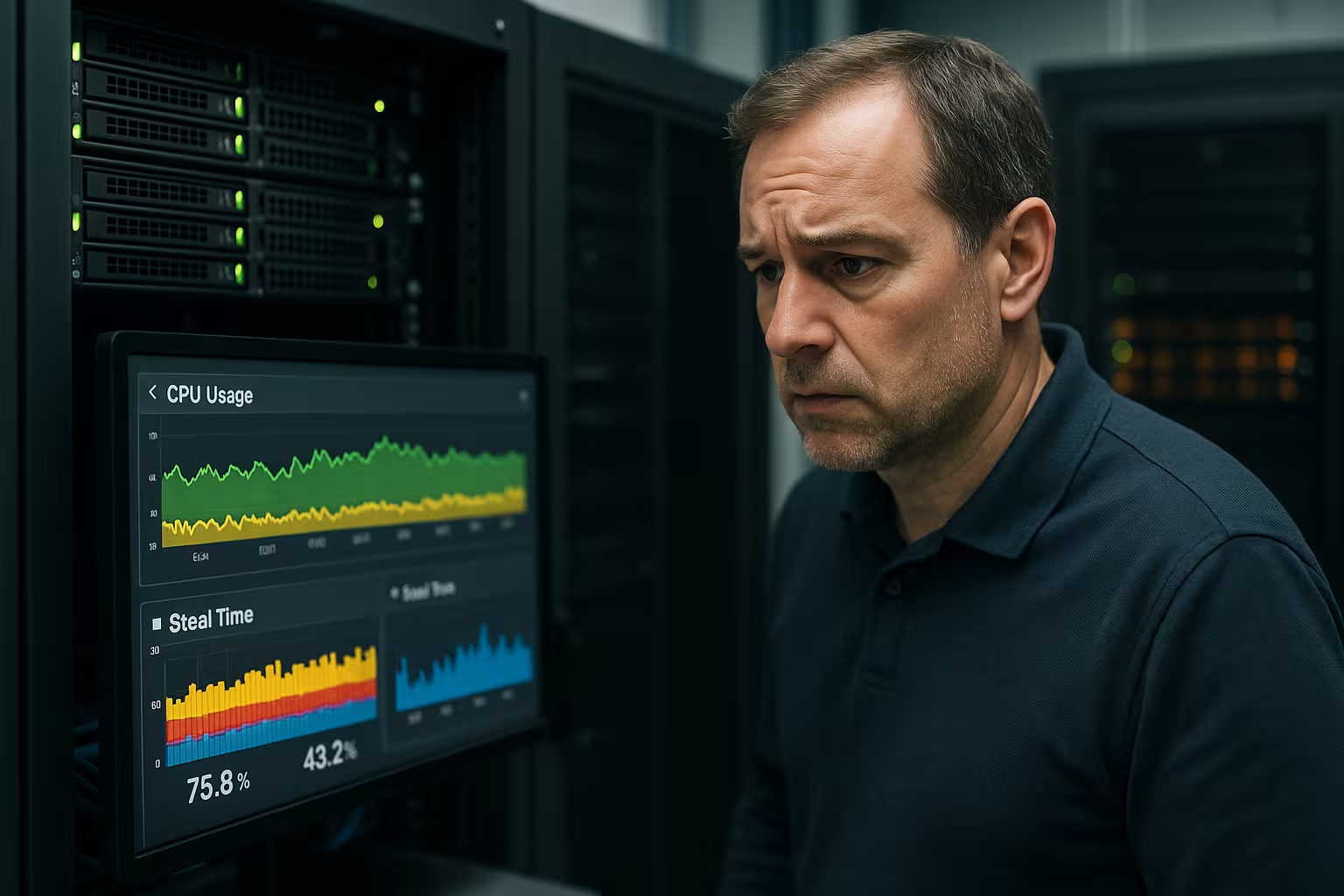
I define steal time as the proportion of time during which a vCPU is available but does not receive any computing time on the physical CPU because the hypervisor gives preference to other guest systems, thereby CPU-Slots occupied. This value appears in tools such as top as %st and does not describe idle time, but rather actual lost execution windows for your processes, which manifest themselves as noticeable delays and thus Latency generate. Values of up to around ten percent are often considered acceptable, with short peaks being tolerable, but longer plateaus marking real bottlenecks and requiring action to prevent workloads from stalling and producing timeouts that frustrate users and cost conversions because Requests get stuck. I make a strict distinction between idle time and steal time, because when there is idle time, it is not the host that limits you, but your guest, whereas when there is no idle time and high steal, host utilization slows down and thus Throughput falls. For me, Steal Time provides an early warning signal: when response times increase and the vCPU waits, there is often host contention, which I can measure and eliminate before bottlenecks escalate and applications become unreliable because scheduler Slots are missing.
Noisy Neighbor in Virtual Hosting
I define a noisy neighbor as any tenant that uses excessive CPU, RAM, or I/O, thereby delaying the execution of your processes on the same host, which results in noticeably higher Steal Time shows. This effect occurs in multi-tenant environments when backups, cron jobs, or traffic spikes take up more computing time than the host can fairly distribute, causing your latency to jump and the Performance fluctuates. In containers, VM farms, and Kubernetes clusters, shared network and storage paths amplify the effects because bottlenecks cascade and block multiple levels simultaneously, making response times unpredictable and Jitter I often find that short-term spikes are not caused by a single troublemaker, but by many tenants at the same time, causing the overall utilization to tip and the CPU queue to grow until the hypervisor vCPUs later. If you want to identify the cause more quickly, you should also check possible Overselling in hosting, because overbooked hosts increase the likelihood of conflicts and significantly drive up steal time when limits are missing and containment is growing.

Measurement methods and threshold values
I start the diagnosis on the shell with top or htop and consistently note the value %st, which shows me the waiting time for host resources, as well as %id to detect idle time and Correlation For finer gradients, I use vmstat every second, because the st column shows peaks, while iostat and sar provide additional I/O and CPU time shares, which I compare with app latencies to Causes If %st repeatedly exceeds the ten percent mark over many minutes, I set alarms and correlate the time windows with web server logs, APM traces, and database times so that I can distinguish host bottlenecks from application problems and don't rush into blind optimization, which Error hidden. I also pay attention to CPU ready times in hypervisor tools, as these show the queue on the host and explain why individual cores sometimes provide hardly any slots when many vCPUs are running simultaneously and schedulerPressure is mounting. Anyone who suspects additional throttling should check patterns for CPU limits and read measurements together, an approach I describe in this guide to Detecting CPU throttling Delve deeper to avoid misinterpretations and ensure consistent diagnosis.
How steal time technically arises and how I measure it
I don't just rely on percentages, but look directly at system sources. Under Linux, /proc/stat The basis: The column steal counts jiffies in which the kernel would have liked to run but was not allowed to by the hypervisor. From this, I calculate proportions per interval and obtain robust curves, which I overlay with app metrics. mpstat -P ALL 1 shows how severely individual logical CPUs are affected per core – important when only a few „hot“ cores are scheduling. With pidstat -p ALL -u 1 I can also see which processes consume how much usr/sys consume while %st high; this prevents false causes.
I measure additionally CPU Ready in the hypervisor (e.g., as milliseconds per second) and correlate: High ready time without idle and increasing %st clearly indicate host pressure. Important: I/O wait is not a steal – if %wa is high, storage/network slots are more likely to be lacking; then I optimize queue depths, caches, and paths instead of looking for CPU. For container hosts, I read /proc/pressure/cpu (PSI) and consider „some“/„full“ events, which show fine-grained waiting patterns when many threads compete for cores.
In practice, I resort to a simple loop test when I suspect incorrect readings: A short, CPU-intensive benchmark (e.g., a compression run) should deliver a nearly constant time on a stable host. If the runtime varies greatly and %st jumps, this is an indication of contention. This is how I check whether metrics and noticeable performance match.
Clearly interpreting hypervisor and OS differences
I differentiate between metrics depending on the platform: Under KVM and Xen, %st From the guest's perspective, this is essentially the CPU time that is being withheld. In VMware environments, the key figure CPU Ready plays a greater role; here I translate „ms ready pro s“ into percentages (e.g., 200 ms/s corresponds to 20 % Ready) and evaluate in combination with %id in the guest. Windows guests do not provide a direct „steal“; there, I read Hyper-V/VMware counters and interpret the values together with processor utilization and Length of the run queue. I document these differences so that teams don't compare apples with oranges and set incorrect limits.
In addition, I take energy-saving modes into account and SMT/Hyper-Threading: Logical cores share execution units – high utilization on one thread can dampen the twin without the host being overbooked. I therefore check via lscpu the topology and assign threads to cores to detect „phantom overload“ caused by SMT.
Delimit containers, cgroups, and steal time throttling
In container setups, I separate three things: Steal (Host withdraws CPU), Throttling (CFS limits slow down) and scheduling pressure within the pod. In cgroup v2, cpu.stat the fields throttled and throttled_usec, which I compare with the steal curves. If throttled_usec, while %st is low, your own configuration limits you, not the host. That's why I plan in Kubernetes Requests and Limits realistically, assign critical pods the QoS class „Guaranteed“ and use cpuset, when I need hard isolation. This prevents a pod from being blamed, even though the limit is tighter than the workload.
I consciously set priorities: build jobs, backups, and batch processes are given lower nicevalues and limits so that interactive or API workloads are given priority during peak times. This simple prioritization measurably smooths out latency and reduces Jitter, without having to migrate immediately.

CPU topology: NUMA, pinning, and governor
I consider the physical structure: On NUMA systems, remote memory access worsens latency when vCPUs run distributed across nodes. I therefore pin vCPUs specifically for sensitive services (CPU pinning) and keep storage local so that Throughput remains stable. In the guest, I set the CPU governor to „performance“ or fix frequencies in load windows when boost fluctuations drive variance. For tough real-time requirements, options such as isolcpus and nohz_full System noise cores; this is not a panacea, but it reduces interference factors that would otherwise be misinterpreted as „steal.“.
Differences by hosting type
In practice, I make a clear distinction between shared VPS, managed VPS, and bare metal, because these variants have very different risk profiles for noisy neighbor effects and thus for Steal Time. Shared VPS shares cores without hard guarantees, which is why noticeable wait times regularly occur on busy hosts, leading to fluctuating response times and your SLAs Put pressure on. Managed VPS with clear limits and active host balancing show significantly more stable values, provided that the provider limits overcommitment, performs monitoring, and uses hot migration, which is reflected in logs as more consistent Latency becomes visible. Bare metal completely eliminates this effect because there are no other tenants and the CPU belongs exclusively to your application, which provides consistent predictability and Peaks The following table summarizes the differences in a compact form and helps to link decisions to workload targets rather than purely to price, which otherwise entails follow-up costs due to failures and Revenue reduces.
| Hosting type | Noisy neighbor risk | Expected CPU steal time | Typical measures |
|---|---|---|---|
| Shared VPS | High | 5–15 % | Check limits, request migration |
| Managed VPS | Low | 1–5 % | Host balancing, vCPU right-sizing |
| Bare Metal | None | ~0 % | Exclusive cores, reservations |

Causes: Overcommitment, peaks, and proprietary code
I see three main drivers: an overbooked host, tenants pacing simultaneously, and inefficient code that unnecessarily ties up the CPU and waiting time Overcommitment occurs when providers allocate more vCPUs than physical cores can reliably serve, which leads to ready queues during peak load periods and can raise the %st metric, even though your App runs cleanly. At the same time, poor code can generate polling loops that consume a lot of CPU, causing your VM to appear highly loaded even when the host is free, meaning that the actual bottlenecks lie elsewhere and Optimization is necessary. In addition, there are host jobs such as backups, compression, or live migration, which require slots at short notice and cause peaks that I only really weigh up after a certain duration, because micro peaks are normal and Operation can have a negative impact. Separating causes clearly saves time: first measure, then test hypotheses, then act; otherwise, you will merely postpone problems instead of solving them. Stability to achieve.
How I separate Steal Time from app problems
I correlate system metrics with application data such as trace duration, query times, and web server logs to separate host contention from my own code and specifically fixes If %st increases synchronously with ready times and without idle, I would suggest host pressure, while high CPU utilization within the VM combined with low steal time would indicate app optimization, which I would validate with profilers and Hotspots reduce. For workloads with peaks, I plan capacity reactively and statically: in the short term, I increase cores; in the long term, I set limits, reservations, or dedicated cores so that predictability remains and QoS is adhered to. If load profiles appear irregular, I prefer short-term surcharges that cover peaks without incurring permanently high costs, as this keeps the cost curve flat and burst performance prevents bottlenecks when campaigns start and Traffic increases. I document every change with a timestamp, which allows me to recognize the effect and quickly roll back bad decisions if metrics change and Impact becomes visible.

Specific countermeasures in everyday life
I'll start with right-sizing: adjusting the number and clock speed of the vCPUs to the workload so that the scheduler finds enough slots and the Queue short. I then set resource limits and quotas so that individual processes do not monopolize cores, which is particularly helpful in containers and reduces host conflicts because Boundaries If Steal Time remains high, I ask the provider to perform a live migration to a less busy host or make the change myself, if policies allow it. Downtime minimize. For sensitive systems, I choose dedicated cores or bare metal, because this completely eliminates neighborhood effects and makes latency predictable, which protects SLOs and Tips At the same time, I optimize code, caches, and database indexes so that less CPU power is required per request, which makes steal time less painful and the Resilience increases.
Cost-benefit and migration criteria
I base my decisions on a simple calculation: How much revenue or internal productivity is lost with each additional second of latency, and how much does a resource upgrade cost per month in Euro. If the savings from faster response times cover the additional cost, I'll go for it; otherwise, I'll opt for optimization until measurements make the point clear. Budget fits. My migration criteria are sustained %st values above ten percent, recurring latency spikes during peak times, and no improvement after code optimization, because then the only option is to change hosts or go bare metal. SLIs be adhered to. For setups with critical windows, I define a tiered concept: short-term autoscaling, medium-term dedicated cores, long-term isolated hosts, so that risk and costs remain balanced and Planning I also calculate opportunity costs: missed leads, lower conversion rates, and support costs arise when pages load slowly and users bounce, which indirectly becomes more expensive than more cores or RAM.

Monitoring playbook in 7 days
On day one, I set up basic metrics: CPU‑%st, %id, load, ready times, I/O‑wait, and app latencies, so I can immediately see correlations and Baseline On days two to four, I check load profiles, identify peaks by time and job types, deactivate unnecessary cron jobs, and regulate worker numbers until the curves run more smoothly and Threads Work evenly. By day five, I test limits and priorities, distribute workloads across cores, and verify that background jobs do not run during peak hours, which reduces the host queue and Jitter decreases. On day six, I simulate load with synthetic tests, observe %st and response times, and decide whether to increase vCPUs or initiate migration if plateaus remain and Limit values On day seven, I document the results, save dashboards and alerts, and close gaps so that future peaks are noticed in time and Incidents become less common.
Alerting and SLO design for consistent latency
I formulate alarms in such a way that they trigger action and do not cause noise: warning from 5 % %st over 10 minutes, critical from 10 % over 5 minutes, each correlated with p95/p99 latencies. If latencies do not increase, the alarm is „observing,“ and I collect data instead of escalating. I add a second line: CPU Ready > 5 % over 5 minutes at the hypervisor level. Both conditions together are my strongest indicator of host pressure. For SLOs, I define hard targets (e.g., 99 % of requests under 300 ms) and measure how much error budget steal spikes consume. This allows me to make structured decisions about when to scale or migrate, rather than acting on gut instinct.
Operationally, I keep the alarm texts concise: „%st > 10 % and p99 > target – check: neighbor load, ready, limits, hot migration.“ This saves minutes in the incident because the runbook is provided immediately. In addition, I set „Quiet Hours“Rules for known maintenance windows so that planned peaks do not generate false critical alarms.
Capacity planning: Headroom and overcommitment rules of thumb
I plan deliberately headroom: 20–30 % free CPU during peak times is my minimum requirement to prevent random coincidences from traffic and host jobs triggering chain reactions. When it comes to vCPU:pCPU ratios, I calculate conservatively – the more latency sensitivity, the lower the overcommit (e.g., 2:1 instead of 4:1). For workloads with periodic peaks, I combine horizontal and vertical scaling: more replicas in the short term, higher clock speeds/cores in the medium term, clear reservations in the long term, or dedicated cores. This allows me to keep costs predictable and remain capable of acting during peak periods.
When providers use burst-based models, I separate „missing credits“ from genuine theft: If CPU time breaks down without an increase in %st one, limits the credit budget; increases %st, host capacity is lacking. This distinction avoids wrong decisions such as premature migration, even though only one instance type does not match the profile.
Practical checklist for quick results
- Calibrate metrics: %st, %id, Ready, p95/p99, PSI, cgroup cpu.stat
- Load equalization: Move cron window, limit workers, set nice/ionice
- Adjust limitsKubernetes requests/limits, quotas, cpuset for critical pods
- Check topologyTesting SMT, NUMA, pinning, governor performance
- Adjust sizingIncrease the number of vCPUs and clock speed incrementally, measure the effect
- Integrate provider: Initiate live migration, query host balancing
- Insulate if necessary: Dedicated cores or bare metal for tough SLOs
Summary for quick decisions
I consider CPU steal time to be a clear indicator of host contention, which requires active intervention when it exceeds ten percent over a longer period of time before users abandon the site and SEO suffers. Right-sizing, limits, host migration, and, if necessary, dedicated cores or bare metal help combat noisy neighbors, ensuring that latency remains predictable and SLAs Hold. Measurement is successful with %st, ready times, and APM data, always interpreted in combination so that cause and effect are not confused and Decisions If you want to keep an eye on costs, link upgrade steps to revenue or productivity gains in euros instead of just looking at server prices, because availability pays off directly. Yield If I measure Steal Time accurately, isolate the causes, and take consistent action, virtual hosting remains fast, reliable, and free from noisy neighbors that steal performance and Users frustrate.


