Skip to content
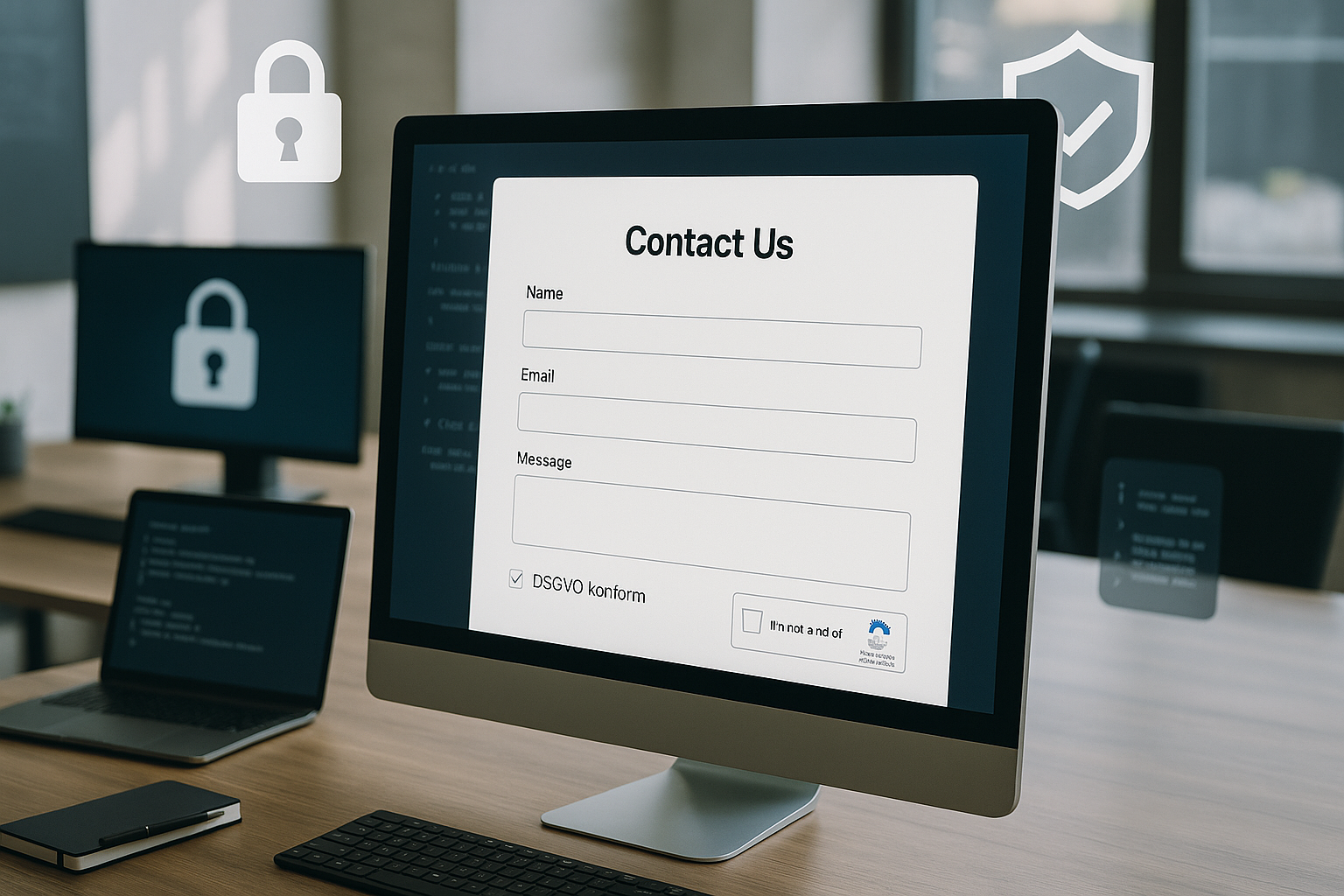
A secure contact form determines whether I record inquiries in a legally compliant manner, keep out spam and process data in a technically clean way. In this article, I will show you how to meet GDPR requirements, combine effective spam protection and set up the technology in such a way that confidentiality, integrity and availability go together.
Key points
The following key aspects give me a clear orientation for the concept, implementation and operation of a secure contact form.
- DSGVO Consistent: data minimization, consent, purpose limitation, deletion concept [1]
- Technology clean: HTTPS/SSL, validation, CSRF token, whitelists [1]
- Spam stop: Honeypot, time checks, rate limits, tokens, double opt-in [2]
- UX clear: few mandatory fields, good error messages, mobile compatible
- Maintenance at a glance: Updates, monitoring, log review and access control
I hold the List and set priorities according to risk and benefit. Every measure has an impact on Usability and conversion, which is why I balance security and convenience. I make sure that I not only document legal requirements, but also enforce them technically. I set test intervals for operation so that protection mechanisms do not become obsolete. This ensures that my form remains trustworthy.
Why security is essential for contact forms
Transport forms personal data, which is why I treat them like confidential messages. If you transfer data without encryption, you risk it being viewed by third parties and a legal problem [1]. I prevent insecure transmissions by enforcing HTTPS and setting HSTS. Relevant errors often occur silently, for example when backups store data for too long or logs contain unredacted email addresses. I set clear Retention periods and check which systems generate copies. I also test error scenarios so that the form does not reveal any details that could be exploited by attackers in the event of malfunctions.
GDPR: Functions that I incorporate
I only ask the necessary information and clearly mark mandatory fields [1]. A short, clearly visible data protection notice in the form describes the purpose, storage period and rights. I document consent via an opt-in checkbox with a time stamp and origin. A deletion concept defines deadlines and responsibilities so that I do not keep data longer than necessary. For the practical design, I use compact Text modules and, if necessary, refers to further references, for example to Contact form Best Practices.

Technical measures and architecture
I enforce HTTPS with SSL/TLSredirect old URLs via 301 and activate HSTS. I check all fields on the client side for user convenience and on the server side for security. To prevent cross-site request forgery, I set a fresh CSRF token for each form and verify it when it is sent. Whitelist validation reduces the attack surface by only accepting expected characters. I severely restrict or deactivate file uploads; if necessary, I scan uploads, save outside the webroot and remove metadata. The following table shows tried and tested components and their role.
| Measure | Purpose | Reduces risk | Note |
|---|---|---|---|
| HTTPS + HSTS | Confidentiality secure | Eavesdropping, manipulation | Schedule certificate monitoring |
| CSRF token | Authentic Inquiries | External calls of the form | Check token per session/submit |
| Whitelist validation | Clean Inputs | Injection, XSS | Force on server side |
| Rate limiting | Abuse Brake | Spam floods, DoS | IP/user/fingerprint-based |
| Logging + Alerts | Visibility create | Late Detection | Define warning thresholds |
I keep the configuration documented so that changes remain traceable. For CMS form plugins, I deactivate unnecessary features that increase the attack surface. I include regular updates in maintenance windows so that I can plan outages in a controlled manner. I encrypt backups and test the restoration. This is how I keep Control on technology and operation [1].
Security headers and caching rules
I add strict HTTP headers to my architecture. A content security policy restricts script and frame sources so that XSS has hardly any attack surface. I prevent clickjacking with frame-ancestors and X-Frame-Options. Referrer policy, X-Content-Type-Options and a lean permissions policy reduce unwanted data transfer and browser functions. For form pages and endpoints, I set cache control to no-store and prevent CDN caching so that tokens, personal data and error messages do not end up in the cache. I mark cookies with Secure, HttpOnly and SameSite=strict/lax - this keeps session and CSRF protection stable.

Prevent e-mail delivery and header injection
Many forms end in an email. I prevent header injection by never copying user values into the subject, From/Reply-To or additional headers without checking them. I strictly filter line breaks, control characters and unusual Unicode characters. I use libraries that set MIME correctly and separate display name and address cleanly. For delivery, I enforce STARTTLS/SMTPS, set a stable envelope-from address and monitor delivery errors. I already have SPF, DKIM and DMARC in the test plan; I also check bounces and install a queuing system so that temporary mail server problems do not lead to data loss.
Spam protection without losing real users
I combine inconspicuous and effective Methods against bots [2]. A honeypot field exposes simple scripts, time checks detect unrealistically fast submissions and IP rate limits throttle mass requests. A server-side token blocks external POSTs when the form is loaded. Double opt-in is suitable for newsletter proximity or when abuse is very high; I use it specifically so that the response time for interested parties does not increase unnecessarily. If you want to delve deeper, you can find ideas for clever combinations in these Spam protection methods. I measure false positives and make adjustments to maintain user-friendliness.

Data economy and user guidance
I ask as little as possible and as much as necessary from [1]. I clearly mark optional fields so that nobody feels rushed. Short labels, help texts and meaningful placeholders lead quickly to the goal. For selection fields, I use values that I process internally instead of allowing free text. Anyone who wants to delve deeper into the legal structure will benefit from the compact GDPR guide. So my fields remain clearconversion is high and the legal situation is clean.
Clearly separate legal bases
I clearly separate purpose and legal basis: I often base pure contact on legitimate interest, newsletters or promotional follow-up emails only with separate consent. Checkboxes are never pre-ticked and I make it clear what each consent applies to. For minors, I use age-appropriate language and - where necessary - additional consent. I log when and how consent was given or withdrawn and ensure that this status is consistent in all connected systems [1].
Accessibility, mobility and error messages
I set labels correctly and link them to the Fields (for/id) so that screen readers work properly. Contrasts, sufficiently large touch targets and a responsive layout make input easier. Error messages are precise, friendly and reveal nothing about server details [1]. Inline feedback helps to detect errors early on, while server-side feedback takes over the final check. I test with keyboard, screen reader and common smartphones so that real users can easily send off can.
International data transfer and third-party providers
I document which service providers I use (e.g. email, helpdesk, ticketing) and which data flows to them. If I use external systems, I only transfer what is absolutely necessary (e.g. an internal ticket ID instead of a full message) and check order processing contracts. When transferring data to third countries, I assess the risks, use encryption and minimize the data. Where it makes sense, I offer an alternative without a third country transfer and record this decision, including a risk assessment [1].
Monitoring, logs and deletion concept
I do not archive requests endlessly, but delete them after Purpose and deadline [1]. The deletion concept applies to databases, backups and exports to third-party systems. I pseudonymize logs if content-related data could emerge and minimize their retention period. Alerts are triggered if error rates, sender IP patterns or response times change noticeably. A short monthly review of the block lists and the spam rate shows whether my protection is still effective. effective works.
Error tolerance, delivery and idempotence
I decouple sending from sending: The web server writes requests to a queue and confirms acceptance to the user, while a worker generates emails or tickets. This allows me to cushion maintenance and load peaks. I build in idempotency so that resending (refresh, double-click) does not create duplicates. Time-controlled retries with backoff increase the probability of delivery. If the delivery finally fails, I provide transparent but reliable feedback and offer an alternative contact channel - without disclosing internal details.
Hosting strategy and updates
I rely on a Infrastructure with regular security updates, active server hardening and certified data centers. Automatic renewal of certificates prevents expired TLS connections. Web application firewalls and Fail2ban provide additional layers against misuse. For CMS/plugins, I define update windows and test on a staging instance before going live. This is how I reduce Failures and close gaps promptly [1].

Serverless, edge and API integrations
When I use serverless functions or edge routing, I think CORS and CSRF together: CORS remains restrictive (no wildcards for credentials), tokens are validated on the server side, and preflight responses do not contain sensitive data. I keep secrets centrally and rotate them on a scheduled basis. I encapsulate incoming API calls to CRM or helpdesk so that misconfigurations there do not compromise my form endpoint. For performance, I only activate static caches; dynamic responses with personal data remain uncacheable.
Tests before going live
I check validation and error messages with realistic Inputs, special characters and limits. I deliberately test for incorrect tokens, duplicate submissions and empty fields. I check email delivery including SPF, DKIM and DMARC so that replies don't end up in spam. Several browsers and devices uncover display problems. Before going live, I secure the configuration, backups and monitoring and simulate a Failureto practise emergency procedures.
Safety audits and quality assurance
I add security modules to the test plan: Dependency checks against known vulnerabilities, static analyses of my form logic, fuzzing of endpoints and targeted negative tests. Checklists (e.g. for common web vulnerabilities) prevent basics from being overlooked. Code reviews by a second pair of eyes catch logic errors that the automatic system misses. I briefly document the results and set clear deadlines for implementation - this keeps the quality reproducibly high.
Legal documentation and processes
I document this Form with data flow, storage locations, deadlines and roles. I file order processing contracts with service providers and maintain them when changes are made. I keep an information and deletion routine ready so that I can respond quickly to inquiries from data subjects [1]. Training for team members ensures that no one copies or shares export files unnecessarily. A short audit check every quarter keeps my documents current.

Data protection-friendly measurement
I do not use invasive Tracker in the form and only measure what is necessary. Events such as form access, start of input and successful submission are sufficient for optimization. Where possible, I anonymize or pseudonymize IPs and use server-side counting. I only use heat maps or mouse tracking if the legal basis and benefits are clear [2]. This allows me to gain insights without trusting risk.
Risk and incident management
I have a lean incident plan ready: Who do I inform in the event of anomalies, how do I secure traces, and what deadlines apply to data protection incidents? I train the minimum program annually: log evaluation, narrowing down the scope, notification chain, lessons learned. In this way, I remain capable of acting when it counts and can inform those affected and the supervisory authority in a timely and well-founded manner [1].
My brief summary
A strong contact form is created when Lawtechnology and UX interlock. I reduce fields, secure transmission and storage, keep clean logs and delete with little data. To combat spam, I use a coordinated combination of honeypots, time checks, rate limits and tokens. Accessibility and clear error messages enhance the user experience without sacrificing security. With maintenance, monitoring and documentation, my system remains Reliable - and inquiries arrive where they belong.