Skip to content
Cron time zone issues throw cron jobs off track: Different time zones, daylight saving time changes, and inconsistent server configuration postpone execution times or duplicate tasks. I clearly show how these effects arise, how I test them, and how I use cron jobs in international scheduled I reliably plan environments.
Key points
The following key aspects provide targeted guidance on the topic:
- UTC strategyUniform basis without daylight saving time changes.
- DST risks: Jump hours cause duplicate or missing runs.
- CRON_TZ: Time zone per job in new cron versions.
- App-TZConfigure PHP, Node, and Python in a time-conscious manner.
- MonitoringLogs, alerts, and test runs for time changes.
Why time zones distort cron jobs
A cron job always runs according to the local system time, which may differ from Time zone immediately leads to a shift. If the server is set to UTC, Cron interprets every expression relative to UTC, while teams often have local business hours in mind. If someone schedules „daily at 9 a.m. EET,“ this corresponds to UTC+2 or UTC+3, depending on daylight saving time, and requires a specific conversion. If you forget this difference, you will start daily reports too early or too late, or miss payment windows. I therefore first check the active time zone of the system and compare it with the application's expectations before defining cron expressions.
Server Configuration in Practice
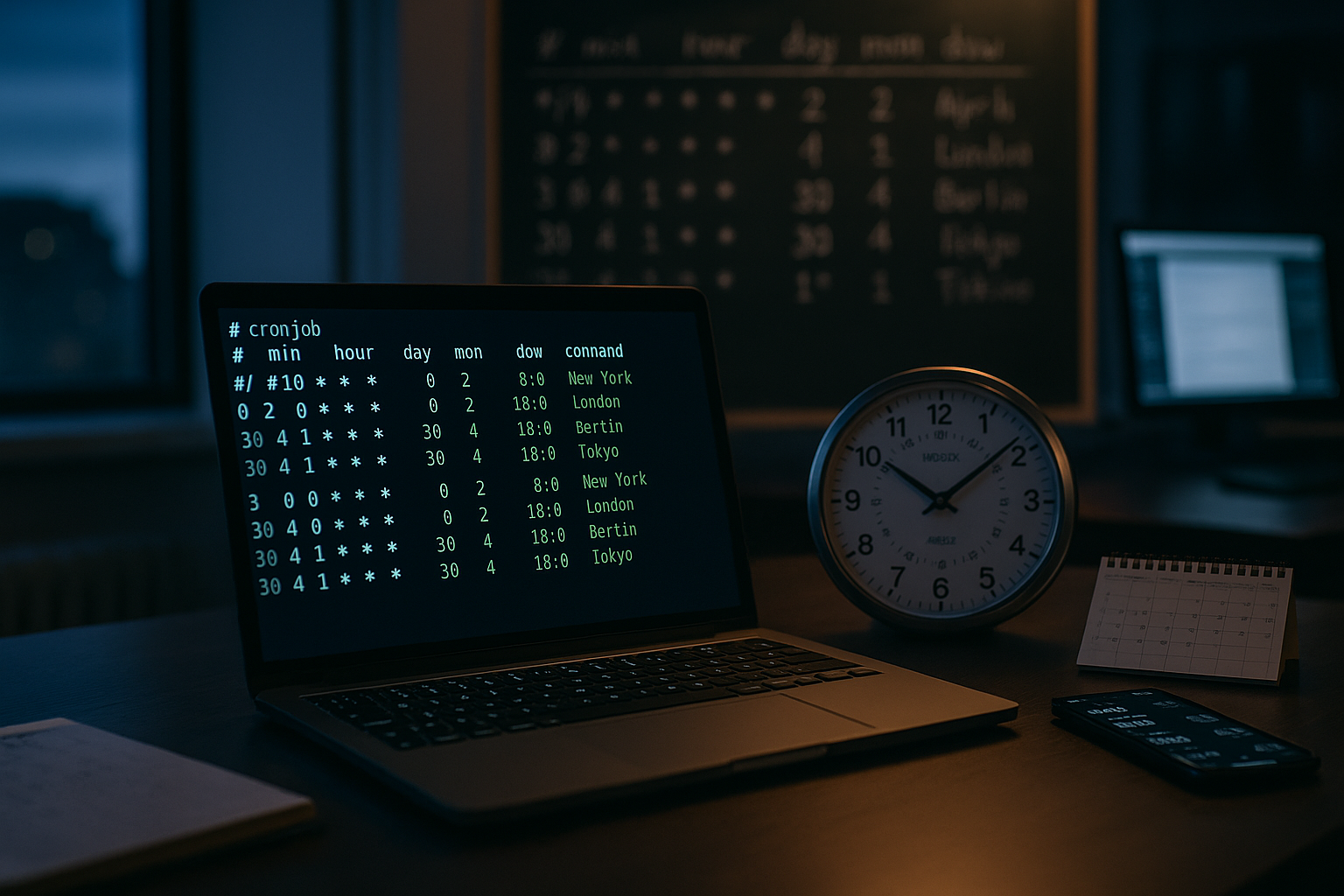
I start every analysis by looking at timedatectl and date to see the time zone, NTP status, and offsets. A „timedatectl set-timezone UTC“ provides a reliable basis, whereby I then convert cron expressions to UTC. Discrepancies often occur in hosting setups when the target application calculates in „Europe/Berlin“ but the server is set to UTC. The same applies to CLI-PHP and web server PHP: a different „date.timezone“ leads to different Timebases. I document the final decisions visibly in the project documentation so that no one later expects local time instead of UTC.
UTC as standard and handling business hours
UTC as server time reduces many sources of error because the clock does not Summertime I then schedule each local execution as a fixed UTC time, such as „9 a.m. EST“ in winter as 14:00 UTC. This ensures that recurring reports, backups, and exports remain consistent, regardless of regional clocks. If I use CRON_TZ, I define the time zone for each job if several regions are to run in parallel. I also document a table with frequent offsets, so that the conversion remains transparent.

Summertime pitfalls and tests
Summer time changes create the most typical error patterns: Runs between 1 and 3 a.m. may be canceled or run twice. I therefore deliberately plan critical jobs in these regions outside this window. In addition, I simulate the switchover time in a test environment and check logs, timestamps, and exit codes. I keep the time zone database up to date with tzdata so that new rules take effect correctly. In case of deviations, I analyze cron logs, application logs, and system time together to Causes separate safely.
CRON_TZ in detail and differences between cron implementations
CRON_TZ allows one time zone specification per job, e.g., as a header „CRON_TZ=Europe/Berlin“ before the actual entry. Newer cron derivatives support this reliably, while minimalist variants (such as in embedded or BusyBox environments) ignore the directive. I therefore test the active implementation („cronie,“ „Vixie,“ „BusyBox“) and the specific behavior:
- interpretationCRON_TZ only affects the following line or block, not the entire crontab globally.
- DST behavior: With „0 2 * * *“ at local time during the forward changeover, 02:00 does not exist – some implementations skip, others catch up at 3:00 a.m. The postponement (2:00 a.m. double) may result in two races.
- DiagnosisI create an explicit job that outputs the calculated local and UTC time, and observe the actual trigger time for at least two days around the changeover.
Where CRON_TZ is missing or uncertain, I stick with Server UTC and consistently apply the local time logic in the application.
Special cases: @daily, @reboot, Anacron, and Catch-up
Abbreviations @hourly, @daily, @weekly are convenient, but not always clear on DST nights. „@daily“ means „once per calendar day,“ not necessarily every 24 hours—time jumps therefore actually shift the runtime. For laptops or VMs that are turned off at night, add Anacron missed runs; classic Cron does not do this. I explicitly document for each job whether catch-up is desired and implement this technically:
- No catch-ups: Financial or import window – if you are behind schedule, it is better to deliberately skip it.
- catch-upsConsistent daily reports – make up for missed runs and mark them as „Late Run“ in the app.
- @reboot: Useful for initial clean-ups, but never a substitute for missed time slots.
Keep PHP, cPanel, and WHMCS configurations clean
Settings often conflict, especially with PHP stacks: Web server PHP often uses a different Time zone than the CLI, which causes cron jobs to calculate different times. I check with „php -i | grep date.timezone“ and, if necessary, set „php -d date.timezone=’Europe/Berlin‘ script.php.“ In cPanel or jail shell environments, I put „date_default_timezone_set()“ in a central config if I am not allowed to change the system time zone. If delays or duplicate runs occur, I first look at the app's automation view and the cron mail reports. For hosting situations, I like to refer to background information on Cron jobs in shared hosting, because limited resources and dependencies often lead to time deviations.

Databases and time zones
If I store timestamps in UTC, comparisons, retention logic, and backfills remain robust. I make sure that DB events or internal schedulers (e.g., MySQL Event Scheduler, PG extensions) provide the desired Timebase Use: Set session time zone explicitly, add UTC and local time to job outputs, and do not allow implicit conversions in migration scripts. For business logic with local „start of operation,“ I store rules in the application (holidays, offset changes) and save the Source (e.g., „Europe/Berlin“) so that historical evaluations remain reproducible.
Configure containers and Docker reliably
In containers, I explicitly set the time zone, for example with „ENV TZ=Europe/Berlin“ in the Dockerfile. Without this specification, the container does not necessarily inherit the host time and calculates incorrectly internally. For pure UTC workloads, I deliberately set „TZ=UTC“ and keep logs strictly in UTC so that correlation across services is successful. In orchestrated environments, I document the specifications in the image readme and test the run with date-dependent fixtures. This prevents a single container from Planning of an entire workflow.
Kubernetes and cloud schedulers at a glance
Many orchestrated environments interpret cron expressions at the controller level and often in UTC. I therefore check for each platform whether time zone-specific information is supported or ignored. If native time zone support is missing, I use the tried-and-tested pattern: cluster in UTC, cron in UTC, and the application calculates local times. It is important to have clear behavior for Misses: Should runs be repeated if a controller fails, or do they expire? I document this decision together with SLOs (maximum delay, tolerance window) and deliberately test failover scenarios.
Application-side control and frameworks
Many scheduler libraries allow real time zone specifications, which greatly simplifies the handling of DST. Simplify can. In PHP, I start with „date_default_timezone_set()“ and let the app calculate locally, while the server remains on UTC. In Node.js or Python, I rely on timezone-aware schedulers such as node-schedule or APScheduler. For WordPress, I reduce dependencies on mechanical cron calls via Optimize WP-Cron and then use server cron, which triggers a specific hit. The app controls times, cron only delivers the Trigger.

Idempotence, locking, and overlaps
Time zone issues are particularly noticeable when jobs overlap or run twice. I design tasks idempotent and use locking:
- flock: „flock -n /var/lock/job.lock — script.sh“ prevents parallel starts, exit code 1 triggers alert.
- DB locksFor distributed systems, I rely on DB-supported mutexes; this keeps the control independent of the host.
- De-DupeEach run is assigned a run ID (e.g., date+slot). Before write operations, the app checks whether the slot has already been processed.
- Safe WindowsDefine processing windows in which a run is valid (e.g., 8:55–9:10 a.m. local time). Outside of these windows, abort with a signal.
Monitoring, logging, and alarms
I never redirect cron output to „/dev/null,“ but rather to dedicated Logs with timestamps in UTC and local time. Structured output with JSON fields makes subsequent evaluation much easier. I check alerts for failures, latency, and duplicate execution, especially during DST night. For jobs with business impact, I track the runtime and the last successful timestamp separately. This allows me to identify trends and Anomalies intercept before the malfunction occurs.
Auditable time formats
I consistently write timestamps in ISO 8601 format (UTC with „Z“), optionally adding the local time in brackets and a unique run ID. When correcting the system time (NTP step), I note the offset. This keeps analyses clean, even if the clock has jumped.
Typical scenarios and concrete solutions
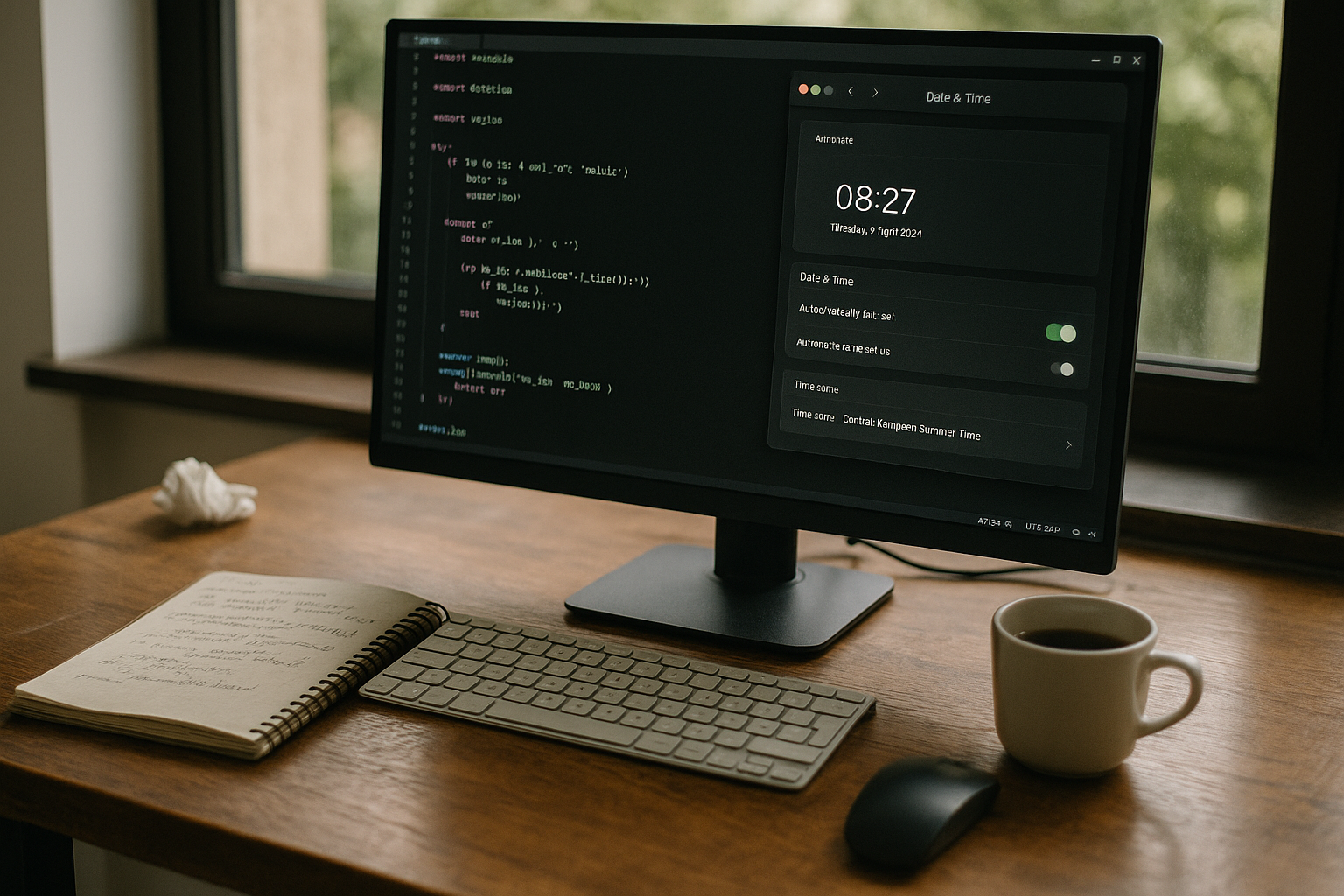
Internationally active teams often plan the same job for customers in several Regions. I solve this either with separate cron jobs for each time zone or with app logic that converts UTC times locally at runtime. For environments with restricted rights, such as jail shells, I move the control to the application configuration. In Docker, I prioritize clearly defined TZ variables and test with controlled system times. Where both worlds meet, I separate responsibilities: Cron delivers start times, The app knows rules, holidays, and local offsets.
systemd timer as an alternative
On Linux hosts, I like to use systemd timer, if I need features such as „Persistent=“, „RandomizedDelaySec=“ or defined accuracy. By default, the time logic interprets the local system time zone; therefore, my basic rule remains: set the host to UTC, define the timer, and the app calculates locally. Persistent timers catch up on missed runs, which is useful for maintenance windows. With „AccuracySec,“ I smooth out thundering herd effects without giving up the desired slot logic.
Comparison of different environments
The following overview helps to classify different Setups. I evaluate consistency, effort, and typical stumbling blocks. In many teams, a global UTC server is worthwhile, supplemented by CRON_TZ or App-TZ if local times are required. Docker wins as soon as deployments require reusable images and clear specifications. Cloud services remain flexible, but require a clean Configuration the parameters relating to time zone and database jobs.
| Surroundings | Advantages | Disadvantages | Recommendation |
|---|---|---|---|
| UTC server | Uniform, no DST | Local conversion required | Server time to UTC; app or CRON_TZ for local times |
| Local time zone | Intuitive for teams | DST risks | CRON_TZ per job; tests on the night of the changeover |
| Docker | Reproducible images | Host dependency without TZ | ENV TZ in Dockerfile; logs in UTC |
| Cloud-managed | Rapid scaling | parameter limits | Services on shared TZ/TRIGGER check |
Time sources, NTP, and time drift
Even correct time zones are of little help if the system clock drifts and Cron is affected by this. incorrect Times accepted as correct. I rely on NTP/Chrony and check offsets regularly, especially on VPS and containers. A consistent time source prevents creeping shifts that make reports noticeable just when it becomes critical. For further background information, please refer to Time drift and NTP, because clean synchronization is the basis of any planning. Without this step, all cron optimizations only work as pavement.

Test methods and reproducibility
I test time logic deterministically: containers with fixed „TZ,“ simulated system time via isolated namespace, and validation via „zdump“/„date“ against known DST changes. For each cron expression, there is a small matrix with expected UTC/local times, including special days. I encapsulate jobs that depend on calendars (e.g., „last working day“) in app logic with fixed test cases—cron only triggers the framework.
Implementation steps as a continuous text checklist
I start with the decision „UTC server or local time,“ document it, and stick to it consistently. Rule. Then I check the system time zone, PHP time, container time zone, and scheduler libraries of the app. For all productive cron jobs, I write the intended local time next to them and the corresponding UTC time in parentheses. I move critical jobs out of the DST window and schedule a test night around the changeover. Finally, I set up logging, mail reports, and alarms so that any deviation is clearly Note leaves behind.
In addition, I define: desired catch-up behavior, acceptable latency per job, locking mechanism, unique run IDs, and SLOs for downtime. For multi-regional setups, I decide whether to use CRON_TZ per job or app-side time zone logic. I keep tzdata up to date, check the cron implementation for CRON_TZ support, and document exceptions (BusyBox, restricted panels). Finally, I check whether all timestamps log ISO-8601 in UTC and whether the alerts specifically cover DST night.
Briefly summarized
Cron time zone issues disappear when I make time zone mechanics visible and actively record decisions instead of leaving them in the breastfeeding UTC as server time plus CRON_TZ or App-TZ covers most use cases. I avoid the DST window, keep tzdata up to date, and test switchover times specifically. Docker images and cloud tasks run reliably when TZ variables are set and logs are kept in UTC. If you also use WordPress, you can reduce the time required for scheduling by using Optimize WP-Cron and only allows Cron to Start trigger.