Skip to content
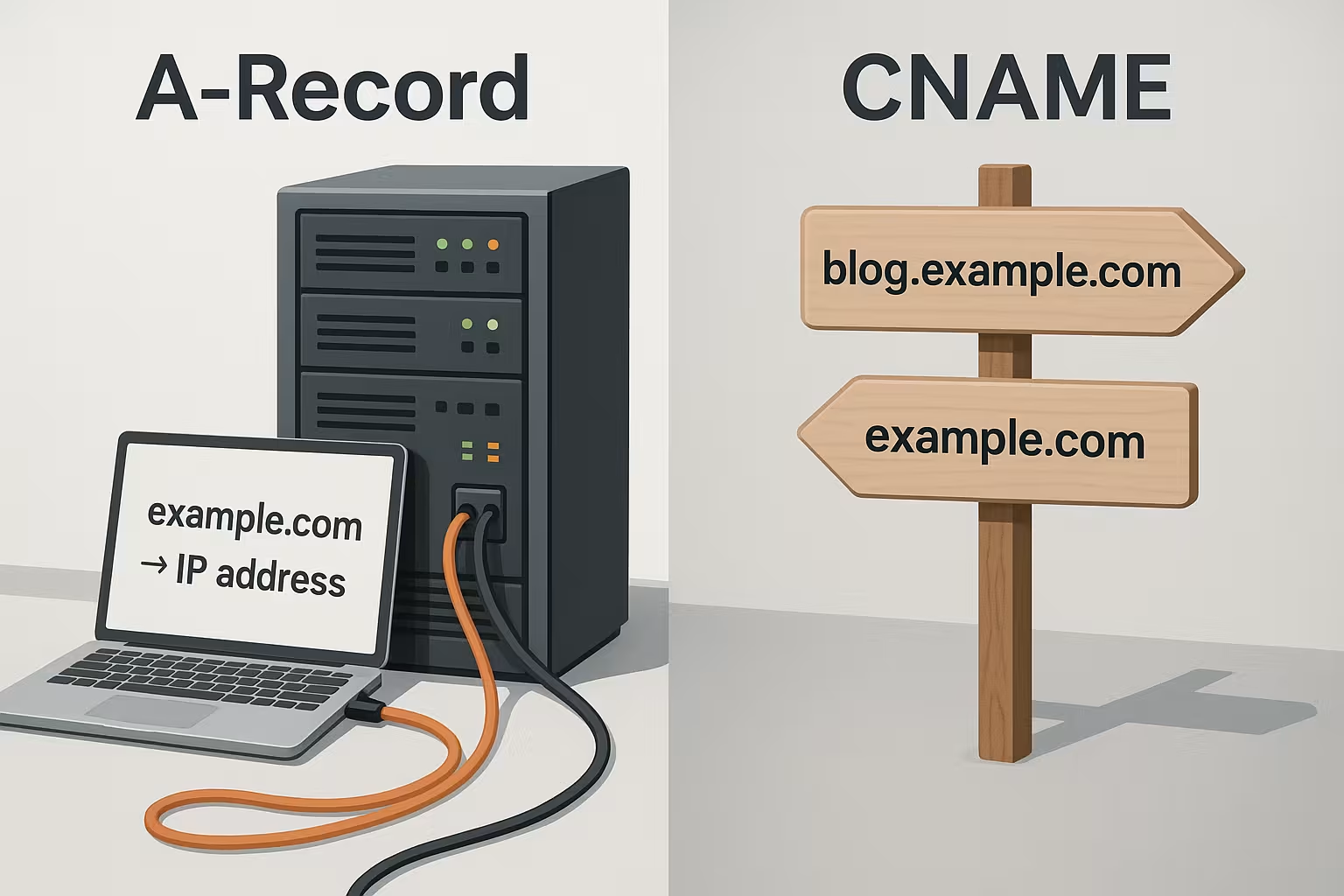
A-Record CNAME sounds similar, but performs two different tasks in the DNS: The A record assigns a domain directly to an IPv4 address, the CNAME sets an alias to another hostname instead. In this article, I explain the practical difference, where each type of record shines, and how you can use both correctly so that subdomains, www and external services are reliably assigned to the right hostname. Address show.
Key points
- A-RecordDirect assignment of a domain to an IPv4 address
- CNAMEAlias from a subdomain to another hostname
- PerformanceA-Record usually faster, CNAME more flexible
- Apex domainfor the root domain usually use A-Record
- MaintenanceIP change only at the A-record, CNAMEs follow
DNA explained in a nutshell
I compare DNS like a telephone book: people remember names, computers speak IPs, and DNS translates between the two. When you call up example.de, the resolver retrieves the matching entries from authoritative name servers and provides the IP so that the browser can send the request to the correct Server is sent. To keep this process running smoothly, resolvers work with temporary storage and respect the defined TTL, which regulates how long a result remains valid. For a compact introduction, I recommend the explanation of DNS and Domain Name Systemwhich summarizes the most important building blocks. As a basic rule: without the correct DNS entries, a user will not be able to reach your website, even if the web server is tip-top. runs.

A-Record: direct assignment to the IPv4 address
A A-Record connects a domain or subdomain directly to a specific IPv4, such as 203.0.113.10, so the request lands directly on the desired machine without any detours. This directness brings speed, because the resolver normally only needs one query, which can deliver noticeably short response times. Use A-Records for main domains and for subdomains with their own target server, if you control the IP and do not change it constantly, so you keep the Sovereignty via the resolution. Plan the TTL so that it matches your change frequency: infrequent changes allow a longer TTL for less DNS traffic, frequent moves benefit from a short TTL so that new IPs spread faster. If you also use IPv6, add the AAAA record, because the A record only covers IPv4 from.
CNAME: Alias for hostnames and subdomains
A CNAME does not point to an IP, but to another host name, which is why it is understood as an alias that simplifies the administration of many subdomains. Example: www.beispiel.de points as CNAME to example.de, the actual IP is only on the root domain and remains your single customization point. If the server IP changes, only adjust the A record of the main domain, and all dependent CNAMEs automatically follow the new Goal. This is how I keep setups with blog, store or app subdomains lean, especially when several services use the same backend. I also connect external platforms in this way, such as cdn.provider.net, without having to know or maintain the underlying IP. must.

Direct comparison: properties, performance and use
Both entry types fulfill clear tasks, but differ in terms of target, resolution and focus of use, which you will notice in your daily work. For the Apex domain, usually use the A-Recordbecause email entries such as MX have to be in parallel and a CNAME causes problems there. For subdomains, the CNAME is more appealing because it reduces your maintenance effort and keeps the configuration clear, especially in large environments. In terms of response time, the A-Record scores points because a lookup is sufficient, while a CNAME requires at least one additional step, which is hardly measurable depending on the resolver, but can be noticeable for many chains. The following table summarizes the core data and shows why I consciously choose both depending on the objective. mix:
| Feature | A-Record | CNAME |
|---|---|---|
| Target type | IP address (IPv4) | Hostname (Alias) |
| Resolution | mostly 1 lookup | at least 2 lookups |
| Main domain (Apex) | suitable | problematic with MX |
| Maintenance for IP change | Change all affected A-Records | only A-record at destination, CNAMEs follow |
| Application profile | solid, critical Goals | many subdomains, external services |
Practice: Examples of clean configurations
For new projects, I start with a clear separation: the Apex domain gets a A-Recordwww points to the Apex via CNAME, and further subdomains follow as required. If a store points to a SaaS platform, I set store.yourdomain.com as CNAME to store.example.net so that later changes work without IP knowledge. For internal tools with their own machine, such as monitor.deinedomain.de, I choose an A-Record, as I consciously control the IP and prefer direct resolution. The following mini-matrix makes the difference tangible and shows how flexible CNAMEs are in larger setups. This is how I keep the DNS management clear and responsive:
| subdomain | Type | Goal |
|---|---|---|
| www | CNAME | example.com |
| blog | CNAME | example.com |
| shop | CNAME | store.external.com |
| example.com | A-Record | 192.0.2.10 |
TTL, performance and chains of CNAMEs
The TTL (Time to Live) influences how long resolvers cache responses, which directly affects performance and timeliness. For static targets, I use longer TTLs to reduce the number of DNS queries, while I lower the TTL early before planned moves so that changes arrive quickly worldwide. For CNAMEs, each additional chain increases the number of resolutions, which is why I keep chains short and check alias paths regularly. Make sure that you don't create any loops and that the final destination can actually be resolved with A or AAAA records, otherwise the website unreachable. Test changes with tools such as dig or nslookup, observe the response times and check whether the resolver respects the expected TTL.
AAAA record and IPv6: doubly accessible, cleanly prioritized
In addition to A-Records, I consistently use AAAA Records so that clients can also connect via IPv6. Modern stacks use the "happy eyeballs" method and automatically select the faster path - you gain range and resilience. Important: Only publish an AAAA record if the service is fully accessible via IPv6 (firewall, routing, TLS certificate, VirtualHost/SNI). A broken IPv6 path will otherwise lead to timeouts, although IPv4 would work. I keep the TTL of A and AAAA identical so that both paths age synchronously and regularly check with dig AAAA whether the response is correct.
Wildcards: Use wildcards in a targeted manner
With a wildcard entry (*.yourdomain.com) you can intercept unknown subdomains - practically as a fallback or for short-lived test hosts. I usually set a CNAME to a central target or an A-record to a landing page. Note the priority: Explicit entries beat wildcards. Avoid wildcard MXs or wildcard NSs that could unintentionally change the mail or zone structure. Keep wildcards transparently documented so that you know which subdomains are actually resolved via the placeholder.
Multiple A-records: correctly assessing round robin and failover
If you wear several A-Records for the same label, resolvers often distribute the responses round-robin. This is simple load balancing, but not a health check: If a target fails, caches still deliver it until the TTL expires. For real high availability, I combine DNS with upstream checks (e.g. load balancer or CDN) or use provider features such as weighted/active-passive. Plan the TTL deliberately: short enough for fast switching, long enough against unnecessary load. With separate A and AAAA sets, you can also subtly control per-family without risking asymmetrical accessibility.
Apex domain, e-mail and CNAME alternatives
On the Apex-In addition to the A or AAAA record, there are often other entries such as MX for e-mail, TXT for SPF and sometimes SRV, which is why a CNAME leads to conflicts there. Some providers offer so-called ALIAS or ANAME types, which act like CNAME at the Apex, but present an IP to the resolver so that parallel entries exist without interference. If your provider does not offer this, stick with A and AAAA records on the Apex and only use CNAMEs on subdomains, so the setup remains stable and low-maintenance. For email delivery, I always check that MX is set correctly and that SPF, DKIM and DMARC are complete so that delivery and reputation are correct. This order ensures that the web and email work together reliably and that you have the right Position change.

E-mail, MX and CNAME: rules that save trouble
I adhere to two principles: 1) A label that has MX or other records gets no CNAME (rule "no CNAME and other data"). 2) The target hostnames in MX should ideally point directly to A/AAAA and not to a CNAME, so that mail servers do not run into nothing. For DKIM, I like to use CNAMEs on vendor selectors, because only the CNAME exists on the selector label, which works properly. For the delivery itself, I set dedicated A/AAAA records on the mail host (e.g. mail.yourdomain.com) and maintain SPF, DKIM and DMARC via TXT so that mail flows remain robust.
Stumbling blocks: recognize typical mistakes quickly
I see the most frequent problems with too long CNAME-chains, alias loops and CNAMEs on the Apex domain where MXs already exist and trigger conflicts. In such cases, I check the zone file from top to bottom, reduce chains to a minimum and set the A-record where other entries are needed. Another classic: don't mix up the order of www subdomain and apex, otherwise certificates and redirects will diverge. Also monitor the propagation after changes, as caches around the globe take some time for new values to appear, depending on the TTL. Structured monitoring saves you troubleshooting, and your Visitors reach their destination reliably.
Implement changes cleanly with the provider
Before I change DNS records, I reduce the TTLwait for the cache runtime and then set the new values so that users receive the fresh data quickly. For common hosters, there are clear interfaces with fields for A, AAAA, CNAME, MX, TXT and SRV, which allows predictable processes. If you would like to use a specific example as a guide, take a look at the compact Guide to DNS settingswhich shows the input fields and typical combinations. After saving, I use dig/nslookup to check whether the answers and TTL are correct and then test web and e-mail accessibility via several networks. This ensures that the change does not cause any unexpected problems. Gaps leaves behind.
Diagnosis in practice: dig and nslookup patterns
I use clear commands for quick checks. With dig +trace you can see the entire resolution chain up to the authoritative server - ideal for visualizing CNAME chains or delegation problems. With dig www.deinedomain.de A +ttlunits I check which TTL the resolver actually returns. And with dig cname.ziel.tld CNAME you can see whether the alias points to a resolvable target. It is also important to test with AAAA so as not to forget IPv6. On Windows delivers nslookup similar results; I set the server to 8.8.8.8 or 1.1.1.1 to get independent responses and exclude local caches.

Certificates and CNAMEs: what the browser really checks
Even if a host name points to a different destination via CNAME, the browser validates the Certificate always against the originally called name. The certificate must therefore contain the alias name (SAN/CN), not necessarily the target host. I often use DNS-01 challenges for automation: The label _acme-challenge can be delegated via CNAME to a provider who manages the validation without me having to manually adjust TXT records. Just make sure that the CNAME is resolved correctly and that there are no parallel records on the same label.
CDN and SaaS integration: host headers and Apex strategies
With CDNs or SaaS services, the Host header Crucial: The target server expects the original domain in the HTTP header, even if you point to a different hostname via CNAME. Check whether your provider has stored "Custom Domains" incl. TLS for your hostnames, otherwise SNI will fail. For the Apex domain without ALIAS/ANAME, I work with 301 redirects to www, which points to the CDN as CNAME - this keeps the resolution clean and SEO consistent.
Split-horizon DNS: internal vs. external
In corporate networks I like to use Split horizonInternal resolvers provide different responses than external ones (e.g. private IPs for internal services). Clear separation of zones and uniform labels are important here. I document which names differ internally and prevent internal host names from inadvertently becoming public. Set CNAMEs sparingly here to avoid chains across zone boundaries and keep the TTL short internally for fast rollouts.
Security: Avoid dangling CNAMEs and subdomain takeovers
Particularly critical are dangling CNAMEs to external providers whose target endpoint no longer exists. Attackers can then register the free endpoint and deliver content under your subdomain. My countermeasures: Regularly audit the zone, remove unused CNAMEs, document external dependencies and actively clean up the DNS records when the project expires. In addition, I set CAA records to restrict certificate issuance and minimize wildcards to the extent necessary.
SEO aspects of aliases and redirects
DNS entries resolve names, they do not replace Forwardingso I also pay attention to HTTP redirects and consistent canonical tags so that search engines recognize the main address. If you use www as the CNAME to the Apex, then direct all users to a preferred URL so that signals are bundled together. For subdomains that act like aliases, I pay attention to internal linking and canonicals so that content does not appear twice and the crawling budget remains reasonable. You can find practical tips on aliases and reach in the compact article on Domain alias and SEOthat sets priorities for clean structures. Keep DNS and SEO separate: DNS solves quickly and Reliable SEO controls visibility and consistency.

Summary in plain text
The A-Record connects a domain directly to an IPv4 address and provides speed and control, especially on the Apex domain with parallel MX and TXT entries. The CNAME sets an alias to a host name and shines when many subdomains are to point to the same target or external services are integrated. For changes to the target, it is usually sufficient to access the A-record of the main domain, while all CNAMEs follow automatically and maintenance remains low. Pay attention to short chains, suitable TTLs and avoid CNAMEs on the apex if there are email entries there, otherwise you risk failures. With this clear division of tasks, you select the appropriate entry for each host, keep the zone tidy and ensure fast, reliable resolution.