Skip to content
DirectAdmin cPanel shows in a practical comparison how I control servers efficiently, affordably and without ballast. I summarize the most important differences to cPanel, explain useful functions and show where DirectAdmin scores in daily use.
Key points
- Costs and license structure clearer and more favorable
- Performance due to low resource requirements
- Operation with a flat learning curve
- Integrations for common webstacks
- Migration facilitated with tools
What is DirectAdmin? Quickly explained
I use DirectAdmin to control a server via a graphical user interface and manage Web hosting-tasks without detours. These include websites, databases, email inboxes, DNS and SSL, which I manage centrally. The interface remains tidy, menus are logical and I can find settings without having to search for them. Thanks to its streamlined design, the panel also runs reliably on smaller VPSs and saves time. Resources. This enables me to achieve short loading times and noticeably reduce the load on the CPU and RAM.
Why do I choose the alternative to cPanel?
I pay attention to cost, usability and performance, which is why I choose DirectAdmin as my Alternative in view. cPanel offers a lot, but the license models are a significant factor for many accounts. DirectAdmin remains cheaper and keeps the functions compact for everyday use without overloading me with menus. For agencies, start-ups and freelancers, it is precisely this mix of price, speed and Overview. This allows me to keep budgets lean in euros and maintain control over the server.

DirectAdmin vs. cPanel in everyday life
In day-to-day operations, I check how quickly I complete typical tasks, and DirectAdmin feels directly on. I set up backups, mail routing, databases, cron jobs and SSL in just a few clicks. cPanel boasts a wealth of additional modules that I appreciate when needed, but rarely use in full. That's why I compare both solutions in a practical way and like to use the compact Comparison cPanel vs. DirectAdmin. In the end, what counts for me is that I complete tasks quickly and that the interface doesn't overload, which DirectAdmin consistently implements and productive does.
Surface and productivity
In everyday life, I work with the modern Evolution-theme, which offers me a clear structure, favorites and a quick search. I pin frequently used areas such as domains, SSL or e-mail to the top and save myself a lot of clicks. The interface adapts to roles, hides superfluous information and therefore stays context-related. I also find the uniform logic practical: settings are structured in a similar way, regardless of whether I'm working for a user, reseller or as an admin. This allows me to switch smoothly between projects without having to constantly rethink. If you work in the evening, switch to dark mode - this reduces fatigue and keeps your focus high. Overall, the UI shortens my paths and increases my productivity. Throughput rate noticeable in routine tasks.
Performance and resource consumption
I like to use smaller VPSs, so I benefit from a panel that can protects. DirectAdmin requires little memory, starts services quickly and keeps the user interface lean. This is particularly beneficial for setups with LAMP or LEMP, where every resource counts. I continue to work smoothly under load because the panel itself is hardly noticeable. This leaves more capacity for PHP, databases and caching, which makes the Performance for websites.
Web server and PHP options in detail
I appreciate the flexibility in the stack: Apache as a proven standard, Nginx as a reverse proxy or standalone, and optionally OpenLiteSpeed for particularly high efficiency. Per domain I choose the PHP variant (FPM, FastCGI, LSPHP) and use different PHP versions in parallel when projects require it. I use the convenient handler and opcode cache settings to optimize runtimes without getting lost in configuration files. Particularly with mixed environments - such as WordPress, store systems and individual apps - I can keep compatibilities clean and remain future-proof. I make targeted changes and test them on a domain-specific basis, which simplifies rollbacks and limits risks per project.
Migration without detours
When switching from cPanel, I import accounts with official tools and thus reduce the manual effort noticeable. I plan the sequence, test on a staging server and only move domains at the end. I check mailboxes, databases, DNS zones and SSL individually so that nothing is missing later. Some processes are different, so I prepare a short checklist. With proper preparation, I keep downtimes to a minimum and achieve a safe Handover.
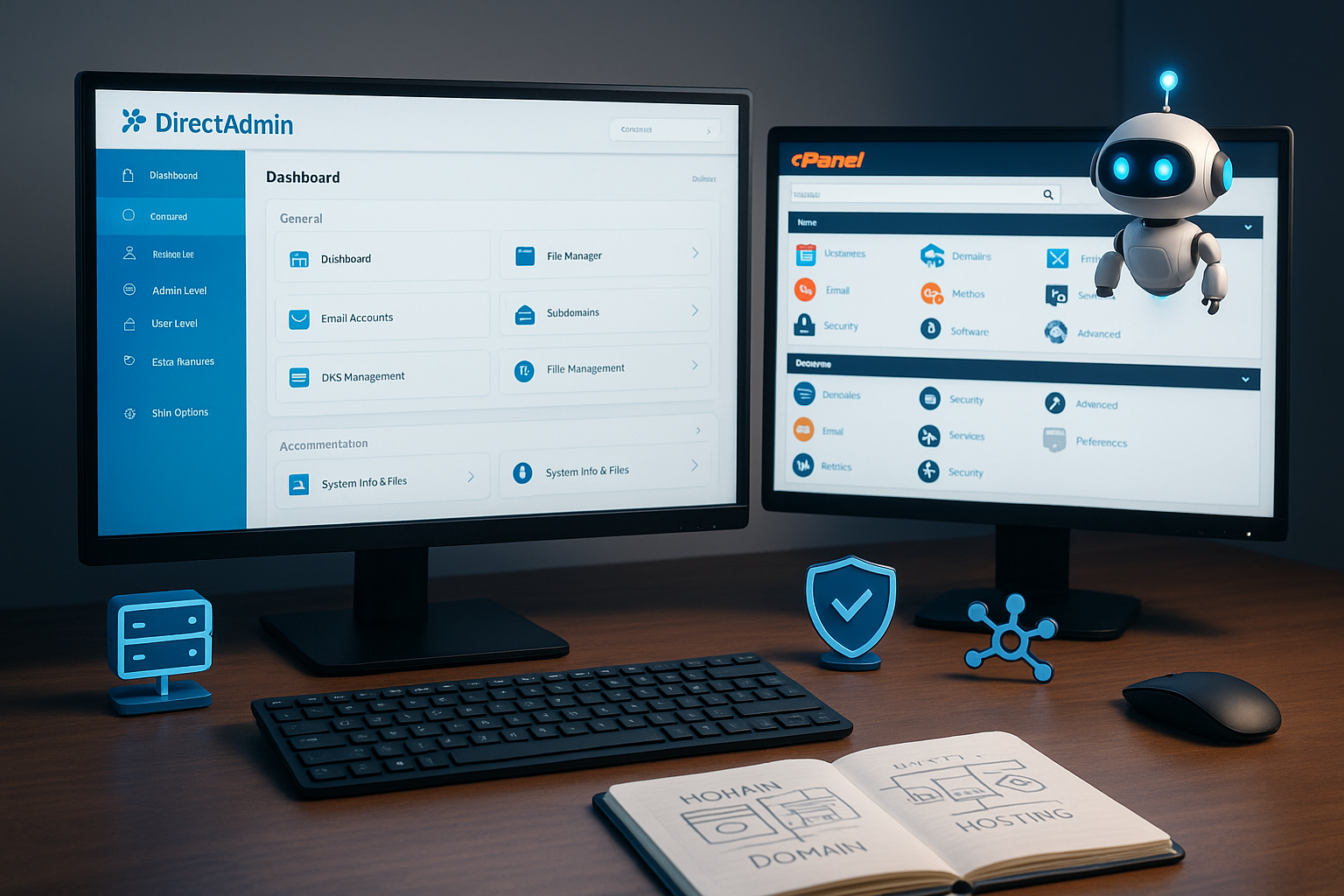
Migration: typical stumbling blocks and checklist
I check in advance Database versions (MySQL/MariaDB) to import dumps without incompatibilities. Ideally, I move e-mails via IMAP sync and check folder structures, quotas and aliases. With DNS I lower TTLs in good time so that the move takes effect quickly and document external records (e.g. for SaaS or CDN). I cleanly renew SSL certificates after the switch and keep an eye on Let's Encrypt limits. I clean up paths, cron jobs and absolute URLs so that tasks and applications run immediately. Finally, I set a Fallback strategy with a short rollback option if a partial service fails. This routine makes the migration reproducible and avoids unpleasant surprises in live operation.
Technical integration and interfaces
I use common stacks such as LSPHP, FastCGI and mod_php and integrate them in DirectAdmin Seamless on. The panel offers me a CLI with which I can script routines and automate recurring tasks. This allows me to distribute user packages, create domains and trigger scheduled backups. This is a big advantage for power users because admin tasks remain plannable and reproducible. At the same time, the interface remains clear so that I can visually check configurations and, if necessary, change them. customize.
API, hooks and automation
For deep integrations I use the API with token-based access and automate provisioning, package changes or suspend/unsuspend. Particularly practical are Hooks, which I trigger for events such as „Create user“, „Add domain“ or „Backup ready“. I use this to link ticket systems, notifications or billing and achieve a consistent workflow. I use small scripts to standardize naming, quotas and security defaults so that new accounts can be created in just a few seconds. compliant are available. Recurring administrative tasks end up in jobs that I execute in a planned manner and monitor centrally.
Administration for admins, resellers and users
I clearly separate the roles in DirectAdmin, which helps me when working with several customers. Helps. As an admin, I take care of servers, IPs, name servers and packages. Resellers receive their own quotas and manage end customers without access to server functions. Users concentrate on websites, e-mail and databases, which reduces misunderstandings. This structure keeps processes clean, ensures clear responsibilities and protects Accesses.
Resource and limit control
I define Packages with memory, inodes, bandwidth and process limits so that projects remain predictable. For high-traffic sites, I specifically set higher PHP FPM workers or increase memory limits, while I deliberately keep small sites lean. Optionally, I use OS extensions such as isolated environments to ensure a clean CPU/IO cap and avoid „noisy neighbors“. Reports and statistics help me to recognize outliers and to optimize capacities in good time. Scale. This keeps servers stable and gives customers comprehensible limits instead of surprises later on.

Price models understandable
I choose between Personal, Lite and Standard, depending on the number of accounts and Requirements. The entry-level version is often sufficient for small projects, while agencies with several clients opt for the medium level. For many accounts, the standard license pays off because it expands the scope. Calculated in euros, I remain significantly more economical compared to some alternatives. This allows me to control running costs and I prefer to invest the budget in Performance or backup storage.
Provider comparison
I check hosting partners carefully, because a harmonious combination of panel, storage and support brings Speed. I particularly like the fact that webhoster.de integrates DirectAdmin with high performance and offers fast support. Short response times and clear SLAs are important for demanding setups. Other providers also deliver decent performance, but lag behind the frontrunner in details such as I/O or network. The following table provides a quick Overview:
| Hosting provider | Server panel | Test winner | cPanel alternative | Performance |
|---|---|---|---|---|
| webhoster.de | DirectAdmin | 1st place | Yes | Very high |
| Provider 2 | DirectAdmin | 2nd place | Yes | High |
| Provider 3 | DirectAdmin | 3rd place | Yes | High |
Comparison with Plesk in a nutshell
I decide between Plesk and DirectAdmin on the basis of operation, automation and Costs. Plesk scores with extensions and features that I appreciate for special applications. DirectAdmin remains leaner and plays to its strengths in terms of speed and price. If you want to see both options side by side, the compact Plesk-to-DirectAdmin comparison a quick classification. I measure the benefits against my everyday life and choose the solution that best suits my processes. shortened.
DirectAdmin vs. ISPConfig: When is it worth it?
I like the flexibility of ISPConfig, but I would like more familiarization and Care. DirectAdmin provides a faster start and saves me a lot of configuration in advance. For single servers with a high degree of customization, I consider ISPConfig. However, if I operate several customer accounts, I save time in daily handling with DirectAdmin. A quick look at the Comparison with ISPConfig clarifies subtleties and supports a clever Decision.

Functions that help every day
I often work with automated backups and rely on clean backups. Restore-paths. I obtain SSL certificates directly and renew them automatically to keep projects secure. I set up e-mail filters, DKIM and SPF strictly to reduce spam. I manage DNS zones centrally, which makes rollouts clearer. I manage databases in the panel, control access and maintain the setup. slim.
E-mail deliverability in detail
For reliable delivery, I rely on DKIM, SPF and DMARC with clear policies. I pay attention to clean reverse DNS entries and a coherent HELO. I separate sender domains for each project to protect reputation and define Rate Limits against mass mailings. I combine spam filters such as SpamAssassin or alternative engines with RBL checks and greylisting if appropriate. For incoming problems, I systematically check the mail queue, logs and headers, evaluate IP reputation and, if necessary, consider a relay with a good history. This keeps mailboxes clean and campaigns reach their destination Reliable.
Security without ballast
I keep the system up to date, activate notifications and check Logs regularly. I consistently implement Fail2ban, firewall rules and strong passwords. I assign rights minimally so that services only get what they really need. I test backups with targeted restores to verify processes. In this way, I minimize risks and keep the server running smoothly. safe.
Updates, monitoring and compliance
I maintain the stack with a clear Update window and test larger jumps in staging. I use the build tool to update web servers, PHP and mail services in a targeted manner and keep versions consistent. The internal service monitor alerts me to outages, while external checks also monitor availability, TLS and latency. For Compliance I define retention periods for logs, encrypt backups and document changes. I increase two-factor authentication and IP restrictions where appropriate to harden surface access. This keeps operations predictable, traceable and resistant to typical disruptions.
Practical tips for getting started
I start with a fresh VM, install DirectAdmin according to the instructions and create Packages for user groups. A standard package for small sites, a second for stores, a third for larger projects - this keeps quotas clear. I then set up automatic backups and try out the restore with a test domain. For the DNS, I use my own name servers or use an external DNS if I'm distributing globally. This way, the basic structure is set up quickly, remains maintainable and feels frictionless on.
Backup strategies, rotation and restore tests
I rely on the principle 3-2-1At least three copies, two storage media, one copy external. I write backups locally for quick restores and also via SFTP/SSH to an external storage device. For large projects I use incremental runs, plan daily, weekly and monthly cycles and limit storage demand-oriented. Granularity is important to me: I restore individual mailboxes, databases or home directories without overwriting entire accounts. Regular restore tests on staging ensure that setups, permissions and paths are correct - because only tested backups are reliable. valuable.
Developer workflow and staging
For development I activate SSH per user, work with Git and Composer and keep deployments lean. I separate staging and production in separate domains or subdomains, set separate credentials and pay attention to caching policies. I deliberately synchronize database dumps so as not to jeopardize live data and automate rollouts via cron or CI. I control PHP versions and modules per project so that tests are realistic. This means that releases can be planned and I can implement changes quickly. turn back, if something is stuck.
Summary
DirectAdmin provides me with a focused control center that keeps costs in euros within limits and processes Simplified. Compared to cPanel, I am impressed by the ease of use and the low demand on system resources. Features such as backups, SSL, e-mail and DNS cover the daily requirements perfectly. With roles for admins, resellers and users, structure is maintained and migration tools make the changeover easier. Anyone comparing DirectAdmin with cPanel will quickly realize that the compact approach is sufficient for many projects, while high-end scenarios with special modules are more likely to use the top dog. Speed count.