Skip to content
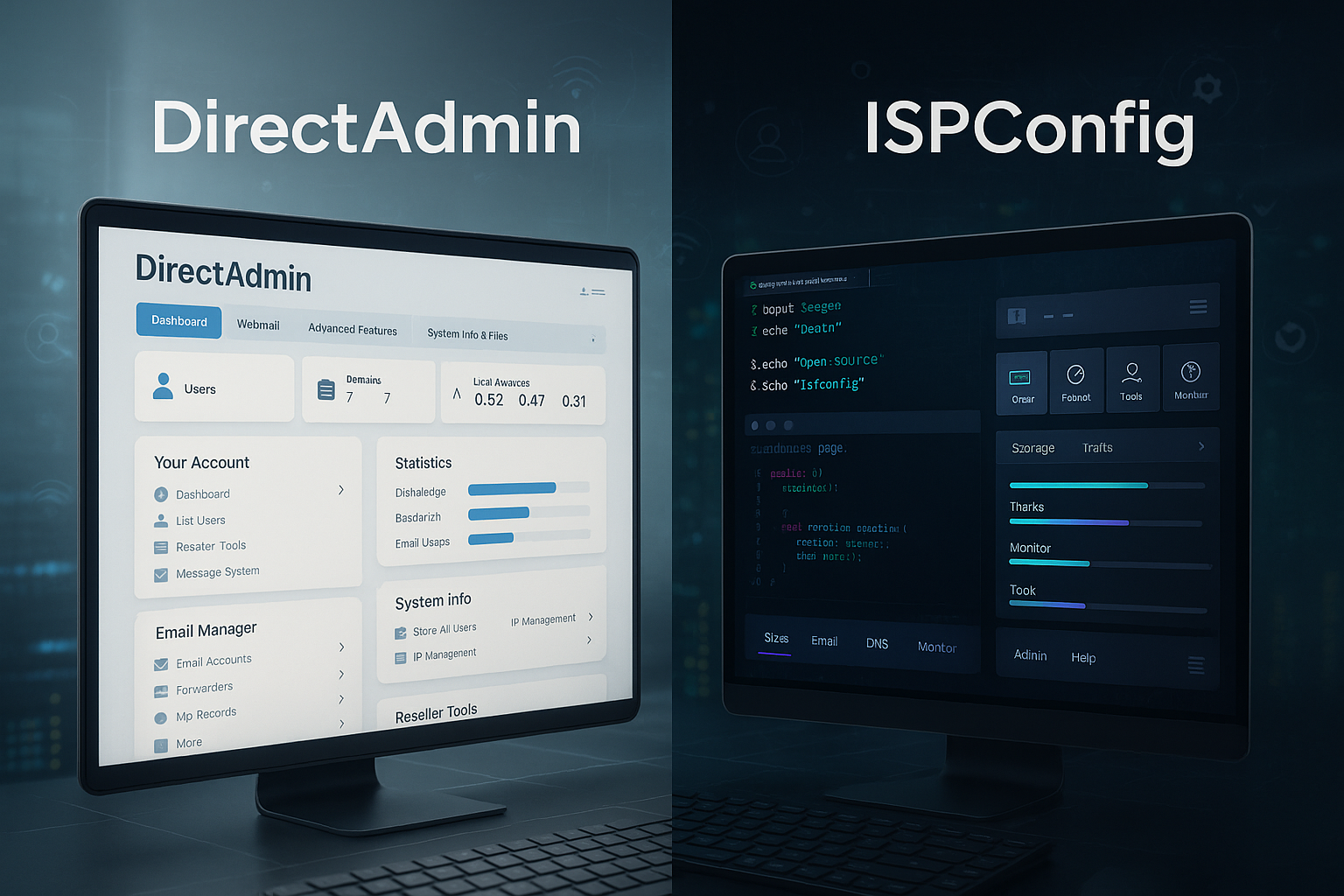
I compare DirectAdmin ISPConfig practical: ease of use, automation, security, scaling and costs in a direct duel for hosting and server professionals. I will show you when the lean, commercial DirectAdmin time and when the open ISPConfig architecture with multi-server setup is the better route.
Key points
To start with, I will summarize the most important differences in a few key points so that you can quickly make an initial Tendency recognize. I derive these points in the article and illustrate them with examples from the Admin everyday life. Both panels deliver good results, but focus on different priorities. DirectAdmin focuses on speed and simple processes. ISPConfig offers full control without a license fee.
- OperationDirectAdmin appears lean and fast; ISPConfig is functional, but requires training.
- Range of functionsISPConfig brings multi-server and reseller features; DirectAdmin efficiently covers core tasks.
- AutomationBoth offer APIs; DirectAdmin scores with easy integration, ISPConfig with depth.
- SecurityDirectAdmin provides 2FA and brute force protection; ISPConfig convinces with Fail2Ban and SSL setup.
- CostsDirectAdmin costs license fees in €; ISPConfig is free and open source.
This short list does not replace Practical check, but helps with initial orientation. I will go into more detail on performance, security and operating costs below a and show which profile fits which project.

Why DirectAdmin 2025 is convincing
What I appreciate about DirectAdmin clear Interface: I complete tasks such as domains, e-mail, SSL and backups in just a few clicks. The menus load quickly, even on economical VPS instances with few RAM. This saves teams minutes every day and reduces the error rate because actions are logically structured. The API helps me to script recurring jobs and standardize deployments. DirectAdmin runs smoothly for first-time installations without me having to tweak the default settings for a long time.
The security features cover typical hosting requirements: 2FA, brute-force detection, Let's Encrypt and firewall options ensure a solid security level. Basic protection. I deploy updates promptly and thus keep attack surfaces small without a lot of manual work. The resource requirements remain low, which means I can increase density on hosts without having to overload. For comparisons with alternative panels, it is worth taking a look at the compact Plesk vs DirectAdmin. If you need a panel for customer access, DirectAdmin will get you there quickly.
License models in € make the calculation transparent. I add up the time savings against the license and see a clear advantage in many projects. Amortization. For agencies and freelancers, this is exactly what is attractive: fewer clicks, fewer support tickets, fast handover to end customers. This leaves more time for projects while keeping admin overheads low. remains.
The multi-server setup also works well as the environment grows. I scale services without managing each host separately and keep standard policies consistent. The documented API, to dovetail workflows with CI/CD and automate provisioning.
The bottom line is that DirectAdmin provides a modern, streamlined way to handle everyday tasks. I like to use it when speed, simplicity and predictable license costs are paramount. stand. Small to medium-sized hostings in particular benefit.
Why ISPConfig 2025 scores points
ISPConfig really comes into its own when I have a larger environment centrally. Multi-server installations, reseller structures and granular roles can be mapped very flexibly. I control web, mail, DNS and databases via one interface and keep an eye on hundreds of services. This reduces tool silos and simplifies audits, because configurations can be managed across the board. uniform remain. For teams with Linux experience, this freedom feels very valuable.
The source code is open, license costs are completely eliminated. This is easy on the budget, especially for many Instances. I use community knowledge, forums and documentation to reliably solve typical tasks. Those who like support from the community will find plenty of examples and best practices. Beginners invest some time in the operating logic, but later benefit from the wide range of functions.
When it comes to security, I like to rely on Fail2Ban, SSL profiles and log analyses. Updates come regularly and I can make adjustments deep in the system. This Freedom of design makes ISPConfig a strong choice for providers, universities and ambitious agencies. For a cross-sectional view of a commercial comparison, read the compact article Plesk vs ISPConfig. This allows the classification to be sharpened.
Automation is possible and extensive. I integrate provisioning into existing pipelines and scale new hosts at Demand. Thanks to the open basis, I can intervene in special cases without having to wait for manufacturer approvals.
If you value technical depth, ISPConfig is a strong choice. The learning curve pays off with high Control as soon as multi-server or individual role models come onto the agenda.

Performance and resources
I pay close attention to Resources, because they drive up operating costs. DirectAdmin impresses with low memory utilization and fast response times. This is particularly evident on VPS or smaller dedicated hosts. With ISPConfig, the performance depends more on the setup, but remains reliable with a clean configuration. Both panels deliver solid results if I keep services lean and use caching strategically. use.
I isolate workloads, separate mail and web during peak loads and implement monitoring consistently. This allows me to recognize bottlenecks early on and react with clear measures. DirectAdmin makes it easy to realize quick profits because the panel itself requires little demands. ISPConfig comes up trumps as soon as I orchestrate several hosts and distribute resources better. Then the multi-server functions pay off in the long term.
For cost estimates, I calculate CPU, RAM and storage against licenses. DirectAdmin often wins with small setups thanks to short operating paths. If the fleet grows, ISPConfig works well with zero license fee. Anyone planning a large number of container or VM nodes will benefit from the open Architecture.
Fine-tuning remains important: PHP versions, OPcache, HTTP/2 and TLS parameters have a noticeable impact on practice. I set up tests, compare response times and measure mail interfaces under real-life conditions. Load. This is how I back up decisions with data instead of gut feeling.
In the end, it's the target image that counts: small, fast projects favor DirectAdmin, while broad-based environments often shine with ISPConfig. Both can run with high performance if I manage configuration and deployments in a disciplined manner. lead.
Safety in practice
I plan security with clear Standards2FA, secure password policies, regular updates and automated backups. DirectAdmin comes with 2FA, brute force detection and Let's Encrypt. This saves time and reduces risks. ISPConfig offers Fail2Ban, SSL management and log transparency; here I benefit from the open structure and quick Adjustments. Both approaches are suitable for hosting environments with customer access.
I recommend hardening with firewall rules, SSH policies and restricted sudo rights. This includes a clean backup plan with restore tests. Without a restore test, every backup is just a Promise. I renew certificates automatically to avoid failures. Alerting informs me when services react conspicuously.
For e-mail, I rely on SPF, DKIM and DMARC. DirectAdmin simplifies this setup, ISPConfig also offers suitable Options. Mail logs and queue monitoring belong in every dashboard. On the web server side, I check TLS configurations and deactivate old protocols. In this way, I noticeably reduce attack surfaces.
I document roles and rights so that I can check changes quickly. Audits help to find misconfigurations. In both panels, I rely on role-based Accesses, so that customer access remains secure. Logging and rotation avoid full partitions and secure forensic traces. I install updates promptly.
Security is not a state, but a routine. Panels provide functions, but discipline is crucial. I anchor processes, check warnings and keep configurations clean. This keeps both panels safe to use. The effort bears fruit in the form of quiet Nights.
Automation and multi-server
I use automation at an early stage because repeatable processes Quality secure. DirectAdmin provides an easy-to-use API for provisioning, user management and certificates. I marry it with CI/CD and create consistent environments. ISPConfig allows deep intervention in multi-server topologies and scores with centralized administration. This provides an overview when many customer environments need to be set up in a short space of time. arise.
For both, scripts and playbooks prevent manual work. I use IaC tools, document variables and check changes before the rollout. This keeps deployments reproducible. I use hooks to populate events and ensure that post-deploy tasks run smoothly. This routine saves support time and strengthens Reliability.
Those who operate multiple locations benefit from distributed roles. DNS, mail, web and databases can be cleanly separated. ISPConfig plays its card here. DirectAdmin counteracts this with pragmatic simplicity and remains pleasantly nimble. Both methods work when processes are clearly defined are.
Monitoring is a mandatory component of this. I measure latency, error rates and capacities centrally. Alerts help to expand capacities in good time. In this way, I prevent failures and plan resources in advance. The panel selection complements this Basics, but does not replace them.
I use versioning and test environments to keep changes controllable. I practise rollbacks and document lessons learned. This creates a routine that works in stressful situations. Automation pays off every day, regardless of whether DirectAdmin or ISPConfig is calling the shots. holds.
Stack, compatibility and ecosystem
Before the rollout, I check the BasisOperating systems, web servers, databases and mail stacks. Both panels support common Linux LTS distros. In practice, I rely on stable kernels and clearly defined package sources so that updates remain predictable. For the web server, I usually use Apache or NGINX; I run PHP as PHP-FPM with several versions in parallel. DirectAdmin makes multi-PHP and switching per domain very easy. ISPConfig also allows clean separation via templates and policies when projects have different Runtime requirements have
I encounter different standards in the mail area: DirectAdmin is typically used with Exim and Dovecot, ISPConfig often works with Postfix and Dovecot. Both stacks are fully developed. The correct setup of DKIM keys, clean rDNS entries and reasonable rate limits are crucial so that the reputation of the sender IP does not suffer. I store transport maps and check queue statistics regularly to detect delays early. See.
For DNS, I use the classic BIND or integrated name server options. Consistent zones, DNSSEC if required and automated ACMERenewals (Let's Encrypt). I plan wildcard certificates with DNS Challenge. Both panels let me manage certificates per domain or globally and offer hook points for special cases.
I implement modern protocol tuning via TLS 1.3, HSTS, OCSP stapling and HTTP/2/3. DirectAdmin often quickly delivers production-ready defaults here. In ISPConfig, I define the finer details using templates if special ciphers or HSTS durations are required. are.
On the ecosystem side, I pay attention to integrations such as Billing and provisioning (e.g. modules for resellers, shopping cart systems or ticketing). DirectAdmin scores with mature modules and clear API documentation, which makes it easier for agencies to get started. ISPConfig provides the openness to anchor your own automation, role models and reports deep in the stack. For container or Kubernetes setups, I use the panels as a reliable Edge and app gateway level, not as an orchestrator. This keeps responsibilities clearly separated.
E-mail and DNS units in practice
I invest time in Detailed questions, because they prevent support tickets later on. These include:
- AntispamGreylisting, spam filters and training processes should be clearly documented. Empty quarantine folders regularly and set limits.
- DKIM/DMARCPlan key rotation and standardize it for resellers. Evaluate reports and detect misconfigurations early recognize.
- Rate limitSending limits per user/domain prevent abuse. Alerts for anomalies protect the sender's reputation.
- Mailing listsDefine moderation and double opt-in rules to ensure compliance and deliverability.
- DNS organizationIntroduce zone versioning and staging zones. Release changes via review before they go live Go.
DirectAdmin simplifies daily mail administration with clear masks and sensible defaults. ISPConfig offers me the depth with which I can also map complex routing rules, separate relay hosts or client separation right down to DNS and mail. can.
Compliance, data protection and auditability
I always rate panels under DSGVO-aspects. These include: access separation, audit-proof logs, deletion and export paths for customer data and encrypted backups. DirectAdmin provides 2FA and practicable rights profiles that I can use to properly restrict access. ISPConfig gives me the levers to strictly isolate clients and granulate roles. Define.
Clear Processes:
- Backup encryption with key management outside the panel.
- Log retention according to policy, including rotation and central dispatch (e.g. syslog).
- Least Privilege for sudo, SSH and panel roles. Regular rights audits.
- Documentation of changes so that audits can be traced quickly.
Both panels can be part of a GDPR-compliant environment - the difference lies in the routines in place and the care I take with roles, deletion concepts and log policies. realize.
Direct comparison in the table
The following table summarizes the core differences compactly together. It shows where DirectAdmin brings speed and where ISPConfig shines with its wealth of functions and freedom from licenses. After the table, I explain brief assessments to help you make decisions. Both options run productively, but require different Focal points. Check your use case against these criteria.
| Criterion | DirectAdmin | ISPConfig |
|---|---|---|
| License model | Commercial, chargeable | Open Source, free of charge |
| User interface | Slim, modern, intuitive | Functional, less beginner-friendly |
| Scope of functions | Everything you need for SMEs and web hosters | Very comprehensive, multi-server ready |
| Performance | Resource-saving, quick start | Depending on the setup, solid performance |
| Security | 2FA, Brute-Force, Let's Encrypt | Firewall, SSL, logging |
| Automation | API control, integrations | Good automation, deep customization |
| Community | Official documentary, active forum | Strong community, many tutorials |
| Support | Commercial, quick bug fixes | Community-driven |
| Costs | Monthly & Lifetime license | Permanently free of charge |
I use this overview to make preliminary decisions on validate. Those with limited admin time often use DirectAdmin. If you want to operate a large fleet without license costs, ISPConfig is a good choice. The question of personnel remains important: team skills determine the Choice more than any feature box. Only then do prices, add-ons and existing scripts play the next role.

Price/performance and operating costs
I always calculate total cost of ownership in € through. DirectAdmin comes with license costs, but saves working time for provisioning, SSL and customer management. This time saving often weighs heavily in agencies. ISPConfig does without licenses, but requires a little more training. In large fleets, the calculation often tips in favor of open Solution.
Clearly calculate server costs, storage and support costs before you decide on the panel. This will help you to avoid paying twice later on. I recommend a test run with a test server and realistic data. Only real tasks will show how much time a panel needs every day. saves. A clear view of backup and restore paths is part of this.
Both panels deliver good values for dedicated servers or high-performance VPSs. DirectAdmin starts quickly and remains agile. ISPConfig shines when I distribute many clients across several hosts. Important is the repeatable Furnishings, so that relocations and upgrades remain on schedule.
Anyone comparing offers also takes a look at the SLA and support channels. Response times and predictability are particularly important for commercial support. Community support, on the other hand, impresses with its variety and speed when it comes to frequently asked questions. I make my decision based on the project profile and the SLA requirements. This way, the cost structure fits the target picture without Surprises.
I like to use webhoster.de as my hosting provider, because the server selection is wide and panels are well supported. Without a link, the reference is sufficient as a starting point for Tests. It remains important: First collect requirements, then calculate, then select.
Lifecycle, updates and upgrades
I am planning the Life cycle of panels and hosts early on. This includes distribution release cycles, major panel upgrades and migration paths for PHP, databases and web servers. I block time windows for tests and stage upgrades on non-production systems first. DirectAdmin scores points here with its compact release packages and rapid bug fixes. ISPConfig is convincing when I want to update distributed components step by step and keep configurations under control via template versioning. keep.
Proven practice:
- Blue/Greenapproach for major changes and step-by-step switching via DNS/proxy.
- Compatibility lists (PHP extensions, MySQL features, mail filters) before upgrades start.
- Rollback document: Validate backups, test snapshots or re-deploy paths.
- Change Freeze around peak times so that teams can work quietly.
Through this discipline, I minimize risks and ensure that both DirectAdmin and ISPConfig grow in a predictable manner instead of unexpectedly growing. stop.
Monitoring and observability
Without Visibility the basis for stable services is missing. I collect metrics (CPU, RAM, I/O), ports, latencies and error codes centrally. I forward logs to a central store so that correlations across hosts are successful. DirectAdmin provides practical status views and hooks to trigger alarms. ISPConfig integrates well with existing monitoring stacks, giving multi-server installations a common Situation picture.
I define metric thresholds for each role (web, mail, DB, DNS) and define clear response paths. For mail, I pay attention to queue sizes, defer and bounce rates. For web, I pay attention to error rates per vHost, TLS errors and 95/99 percentiles of response times. Alerts end up in a central channel - with escalation if no one confirmed.
The panel is the data provider, not the sole single point of truth. I combine panel information with system exporters and synthetic checks. This allows me to recognize whether a failure is panel-specific or in the infrastructure lies.
Applications and recommendations
I categorize typical scenarios so that the decision is tangible. becomes. For small to medium-sized projects, agencies and freelancers, the DirectAdmin formula works: fast, clear, efficient. ISPConfig is often better suited to providers, universities and agency-based multi-server setups: unlimited hosts, flexible roles, full control. Both work if the team lives the processes properly. Skills beat features, clear processes beat Ad-hoc-actions.
If you compare community panels, you can also evaluate alternatives. A quick introduction to neighboring panels is possible via short comparisons such as ISPConfig vs HestiaCP. This sharpens the feeling for strengths and trade-offs. I like to test with real domains, mail setups and databases because theory rarely replaces practice. It then becomes clear which panel offers the team the fewest advantages. Stones in the way.
Set up roles and rights early on and document them. Only give customers the access they need. This keeps admin interfaces tidy and secure. A small rights concept saves later Support. This reduces costs and protects against breakdowns.
When projects grow, backups, monitoring and patch management should run in sync. The panel is a tool, not an end in itself. I therefore check processes independently of the chosen system. If you take this to heart, you can deliver reliably and plan your capacities. expand.
This creates a clear picture: DirectAdmin when things need to be fast and customer interfaces need to remain lean. ISPConfig, if flexibility and many hosts are a priority. Both can be sustainable in the long term if the team and processes are fit.

Frequent stumbling blocks and troubleshooting
In practice, I rarely come across major bugs, but rather Little things with effect:
- File rightsIncorrect owners or missing execute bits slow down deployments. I set consistent umask values and check permissions in CI.
- PHP-MixDifferent PHP versions per vHost are a blessing and a risk. I define default versions, document deviations and test extensions.
- FirewallOpen service ports are not enough; return channels, passive FTP and MTA ports (Submission/SMTPS) belong in the regulations.
- SELinux/AppArmorConfigure security profiles deliberately instead of switching them off globally. Logs help to detect denials quickly Find.
- ACME limitsAvoid certificate floods through automation. Use staging CA for tests, plan wildcards via DNS challenge.
DirectAdmin does a lot of the small stuff for me by setting common defaults. ISPConfig lets me intervene more deeply, allowing me to address complex boundary conditions. In both cases, a clean Runbook documentation the troubleshooting enormously.
Proof of concept: checklist for the test
Before I make up my mind, I drive a compact PoC with real tasks:
- Take a domain with SSL, WWW redirect, HSTS and HTTP/2 live.
- Two PHP versions in parallel, incl. Composer and Cron setup.
- Mail domain with SPF/DKIM/DMARC, submission port, quotas and autoresponder.
- DNS zone with subdomains, CAA and TXT records, TTL strategy.
- Backup job with restore test on separate host.
- API-supported provisioning for a new customer plus rollback.
- Simulate monitoring alarm (disk full, TLS error) and check reaction chain.
This course shows how round daily work and whether the panel fits the team profile. This is where convenience and complexity come together.
Migration paths and suitability for everyday use
I plan moves in small steps so that services online remain. Backups, test restores and pilot customers come first. Then rollouts follow in waves, with clear checklists and rollback options. DirectAdmin makes it easier for me to get started thanks to its simple interfaces. ISPConfig allows me to manage even tricky constellations with roles and distributed services. map.
For email, I migrate mailboxes, DNS records and TLS profiles in the package. For web, I migrate files, databases and cron jobs. I test access, check logs and only switch over when everything is running smoothly. This saves me night-time operations and long Downtimes. Planning beats hectic.
I rely on automation and monitoring in my day-to-day work. I reduce click work so that errors don't occur. Alerting helps me to recognize incidents quickly. Documentation ties knowledge to the team instead of to individual heads. This keeps operations running smoothly, no matter which panel the Surface supplies.
If you want to switch later, you will benefit from clean standards: SPF/DKIM/DMARC, TLS profiles, structured home directories and reproducible deployments. Then the switch becomes a project, not a drama. It is precisely this discipline that pays off with growth. Panels come and go, proper processes stay.
I recommend an annual assessment of the current situation: what does the operation cost, where do waiting times occur, what does automation bring? With these answers, you can improve results without major changes. This keeps hosting quiet and reliable. Every day invested in standards saves a lot later on. Hours.
My short verdict 2025
I make pragmatic decisions: DirectAdmin, when speed, overview and short distances count; ISPConfig when multi-server, roles and freedom from costs have priority. Both panels support productive setups. Team skills and the processes in place are the deciding factors. Those with limited admin time benefit from DirectAdmin. If you operate a large number of hosts, ISPConfig is the right choice. Freedom.
For beginners, DirectAdmin immediately feels well-rounded. Professionals get the most out of distributed architectures with ISPConfig. Both remain secure and fast when hardening, monitoring and backups are in place. Check your target image and test realistically. After that, the choice is usually clearly in favor of the Table.
If you want to look at other alternatives, take a look at compact panel comparisons. This allows you to adjust your expectations and recognize limitations early on. This protects your budget and prevents dead ends. I keep decisions transparent and make data-based decisions. This keeps hosting predictable and scalable.
Whether agency, freelancer or provider: if the automation and processes are right, every panel delivers reliably. This is precisely where the greatest leverage for smooth operation lies. Weigh up the costs against the benefits and start with a pilot project. Small steps reduce risk and create Clarity. Then the environment grows in a controlled manner.
With this grid, projects can be set up cleanly and run quickly. DirectAdmin saves time in small to medium-sized setups. ISPConfig shines when many hosts and roles come into play. Both methods work - the choice depends on the profile of your team. This keeps the admin work manageable and the result consistent good.