 Skip to content
DNS prefetching and preloading actively shorten the time to first visible content by triggering DNS, TCP and TLS early and providing critical files in advance. I will show you how to use DNS prefetching, Preconnect and Preloading the Website speed noticeably - including code, WordPress setup and tried-and-tested priorities.
Key points
- DNS PrefetchEarly name resolution reduces latency.
- PreconnectOpen DNS, TCP and TLS in advance.
- Preload: Actively prefer critical files.
- PrioritizationFew, but decisive domains.
- MonitoringCheck effects in the waterfall.
DNS prefetching: briefly explained
With DNS prefetching the browser resolves the IP of a domain in advance before it loads a file, saving 20-250 ms per domain - especially on mobile connections with high traffic. Latency. I set the hint for external hosts that I need in the above-the-fold area, for example for fonts, analytics or a CDN. The browser performs the DNS lookup in the background and thus shortens the critical path to the first rendering. Modern browsers sometimes use prefetching automatically, but I ensure the effect with a clear hint in the head. In this way, I reduce round trips, stabilize the early render start and accelerate the Core Web Vitals.
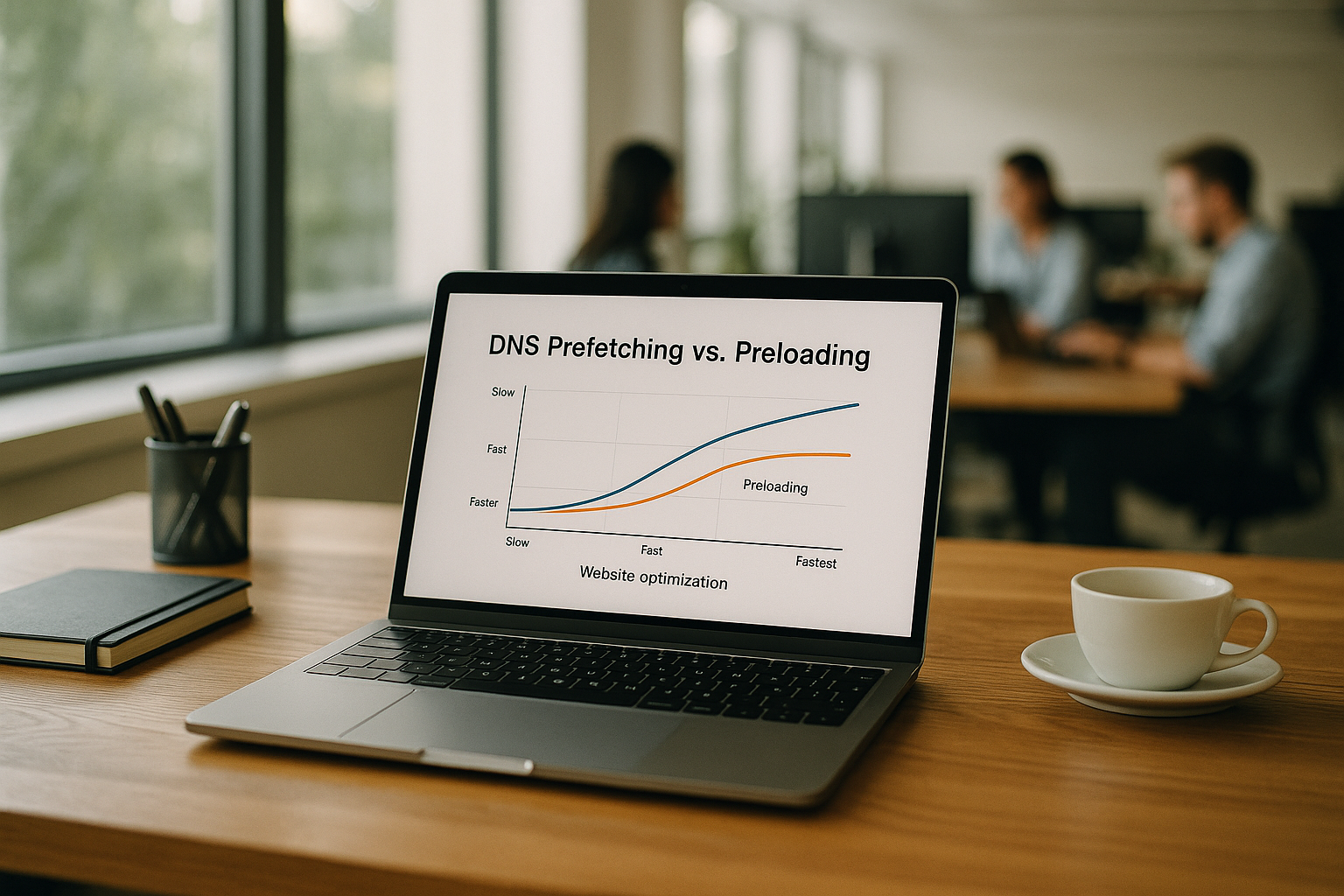
Difference: DNS prefetching vs. preconnect
Prefetch only triggers the DNS-names, while Preconnect also opens the TCP and TLS handshake and keeps the connection warm. For critical hosts, such as a CDN for render CSS or web fonts, I prefer Preconnect to just Prefetch. I use it sparingly, as every open socket takes up browser slots. The attribute crossorigin belongs to all hosts with CORS so that later requests are not slowed down. You can find a clear overview of the selection and sequence in the compact Guide to Prefetch.
Preloading: Preloading specific files
Preload loads specific Files actively into the cache before the parser usually requests them, thus speeding up FCP and LCP. I only use it for resources that are sure to be needed, such as critical CSS, hero images or WOFF2 fonts. The attribute fetchpriority directs the weighting upwards without completely displacing other important transfers. I check that the MIME type, the as attribute and the actual usage match, otherwise I lose bandwidth. HTTP/3 is a good addition, as described in the article on HTTP/3 and Preload described.

Performance gain in the hosting setup
A quick Hosting increases the effect of the hints because low RTTs, HTTP/3 and a nearby CDN reduce the wait times per stage. I regularly see TTFB drop by up to a second when DNS, TCP and TLS start preheated and the Origin responds quickly. On mobile devices with high latency, this pays off twice over because every round trip saved goes directly into the LCP. I pay attention to stable TLS handling, OCSP stapling and a lean TLS configuration. This way, the browser makes optimum use of its few simultaneous connections and accelerates the Website Speed.
Quick comparison: which technology for what?
The following table summarizes effect, usage and example tags and helps me to choose the right measure per host. I combine prefetch for width, preconnect for critical hosts and preload for essential files. I keep the number of simultaneously open connections low. This leaves enough room for parser discoveries and late-critical assets. This overview makes decisions about Prioritization easier.
| Technology | What happens | Typical use | Example tag | Impact on FCP/LCP |
|---|---|---|---|---|
| DNS Prefetch | Early Name resolution | External hosts with later requests | <link rel="dns-prefetch" href="//fonts.googleapis.com"> | Moderately positive, depending on latency |
| Preconnect | DNS + TCP + TLS preheat | CDN, fonts, critical APIs | <link rel="preconnect" href="https://cdn.example.com" crossorigin> | Clearly positive, saves round trips |
| Preload | File active preload | Critical CSS, WOFF2, Hero-Image | <link rel="preload" as="style" href="/critical.css"> | Very positive, if chosen correctly |
WordPress integration: clean and maintainable
In WordPress, I set the hints very early in the Head, so that the browser sees them before the parser bottleneck. I deduplicate hosts, check the presence of https and add crossorigin only if required. The following code places entries at the top, which maximizes the effect. I also check after deployments whether new external hosts have been added. This keeps the hint list lean, up-to-date and efficient.
function add_dns_prefetch() {
    $domains = ['//fonts.googleapis.com', '//www.googletagmanager.com', '//cdn.webhoster.de', 'https://fonts.gstatic.com'];
    $printed = [];
    foreach ($domains as $domain) {
        $key = preg_replace('#^https?:#', '', $domain);
        if (isset($printed[$key])) { continue; }
        $printed[$key] = true;
        echo '' . "\n";
        if (strpos($domain, 'https://') === 0) {
            echo '' . "\n";
        }
    }
}
add_action('wp_head', 'add_dns_prefetch', 1);

Best practices: concise but effective
I limit Preconnect to three to five Hosts, otherwise the browser will block too many sockets prematurely. I always place hints at the beginning of the head, followed by preloads, then styles and scripts. For fonts, I combine Preconnect with font-display: swap, so that text appears immediately and CLS remains low. I make sure that preload files are guaranteed to be used, otherwise I'm wasting bandwidth and not prioritizing what is needed. For third-party scripts, I critically check whether every Domain is necessary.
Measurement and monitoring: making success visible
In the Network tab of the DevTools, I look at the order of DNS, TCP and TLS and check whether they start earlier than before. A before and after comparison in the waterfall clearly shows whether the hints are working. I use Lighthouse or PageSpeed Insights to observe FCP, LCP and CLS as well as the TTFB trend. WebPageTest also provides connection views and filmstrips that document the render start. After major changes, I repeat the measurement and remove outdated Hosts from the Hint list.

HTTP/3, QUIC and connection coalescing
With HTTP/3 via QUIC I save additional round trips, because connection setup, loss handling and multiplexing work more efficiently. I check whether my CDN and my Origin offer HTTP/3 and continue to use Preconnect selectively. Connection coalescing reduces the number of separate connections if certificates and IPs match. This allows hosts with the same certificate to serve multiple subdomains via a common Connection. Overall, the early render path benefits significantly, especially with many small files.
Combine CDN warmup and prefetch
I heat up my CDN when I expect traffic spikes and combine this with Prefetch and Preconnect for Edge hosts. This means that important objects are stored in the edge cache and the handshakes are already prepared. This reduces latencies, especially on initial calls and under mobile conditions. Practical instructions can be found in the article on CDN warmup, which I like to use as a checklist. Before rollouts, I test cache hit rates and observe the TTFB-development.

Governance: Keep hint list up to date
I am leading a short Inventory of all external hosts and check quarterly whether new scripts, fonts or images have been added. I delete removed integrations along with the hint to keep the list lean. For each host, I note the purpose, criticality and the technology used (prefetch, preconnect or preload). I enter changes to the CDN or fonts immediately so that no orphaned entries are left behind. This allows me to maintain control, reduce overhead and ensure a consistent Performance.
Browser support, heuristics and limits
I calculate that browser hints as Signals not as a command. With low bandwidth, an active data saver or in the background tab, the browser can adjust priorities or throttle hints. Safari is more conservative with preconnects, Firefox sometimes has different heuristics for DNS caches, and mobile variants reduce parallel sockets. That's why I formulate hints precise and avoid over-signaling: few hosts, clear as-values, correct type-information. For fonts I pay attention to crossorigin, otherwise there is a risk of double fetches or late CORS blocking. If I want to control prefetch completely, I can use <meta http-equiv="x-dns-prefetch-control" content="on"> or off influence the automatic heuristics.
HTTP header and 103 early hints
Besides HTML tags I use Link header, so that hints fly in with the first server response - ideal for server-side rendering. 103 Early Hints even send these headers before of the final 200 response and thus gain another dozen milliseconds on long lines.
# NGINX: Preconnect and preload via link header
add_header Link '; rel=preconnect; crossorigin' always;
add_header Link '; rel=preload; as=style; fetchpriority=high' always;
add_header Link '; rel=preload; as=font; type=font/woff2; crossorigin' always;
# Apache (htaccess)
Header add Link '; rel=preconnect; crossorigin'
Header add Link '; rel=preload; as=image'
Does the server support 103 Early Hints, I also send the link headers early. Important: I keep the list short, because each entry generates parsing effort and potential connection openings.

SPA and Service Worker: route and data prefetch
For single-page apps, I move hints condition-based: As soon as the hero is visible, I start a targeted preload for the next route (JS chunk, critical image, API schema). In the Service Worker, I can cache preload results and use them after navigation events. I define clear abort criteria (tab hidden, CPU overloaded, weak network) so that prefetch does not become a cost driver. For ES modules I set early module preload, so that the dependency chain does not slow down.
<link rel="modulepreload" href="/assets/js/app.entry.js">
<script>
// Vorsichtige SPA-Vorladung
if (navigator.connection?.saveData !== true) {
  const idle = window.requestIdleCallback || ((cb) => setTimeout(cb, 300));
  idle(() => {
    const l = document.createElement('link');
    l.rel = 'preload';
    l.as = 'script';
    l.href = '/assets/js/route-checkout.js';
    document.head.appendChild(l);
  });
}
</script>
Security, data protection and guidelines
I consider policy frameworks: A strict CSP can block preloads if font-src, style-src or img-src do not allow the targets. crossorigin is mandatory for fonts, otherwise the cache will not work across all origins. For sensitive third-parties, I don't spread any pre-connects if I could remove the domain in the future - every hint is a signal to the browser and can accelerate tracking scripts. I also check Save-Data and Data SaverIn these modes, I reduce the aggressiveness of preloads and only leave DNS prefetch active for central hosts.
Deepen measurement practice: Timing API and logs
In addition to waterfalls, I use the Resource Timing API and PerformanceObserverin order to in the field to measure whether hints land in front of the parser and how domainLookupStart, connectStart and secureConnectionStart move. This allows me to see whether a preconnect has really been used or has been rejected by the browser.
<script>
new PerformanceObserver((list) => {
  for (const e of list.getEntriesByType('resource')) {
    if (e.name.includes('fonts.gstatic.com')) {
      console.log('DNS:', e.domainLookupEnd - e.domainLookupStart,
                  'TLS:', e.secureConnectionStart > 0 ? e.connectEnd - e.secureConnectionStart : 0,
                  'Start:', e.startTime.toFixed(1));
    }
  }
}).observe({ type: 'resource', buffered: true });
</script>
I compare this data with server logs and CDN statistics (TLS resumption rate, HTTP/3 share, cache hits). If I see that TLS almost always resumes, I can reduce the number of active preconnects and free up slots for parser detections.
WordPress in-depth: Using core filters cleanly
WordPress already comes with an infrastructure for resource hints. I attach myself to wp_resource_hints, instead of printing raw HTML myself, and only pass deduplicated targets. For preload I set wp_enqueue_style/wp_enqueue_script and add the correct as-attributes via wp_style_add_data.
// Preconnect and DNS prefetch via core filter
add_filter('wp_resource_hints', function($urls, $relation_type) {
    $critical = [
        'preconnect' => ['https://fonts.gstatic.com', 'https://cdn.example.com'],
        'dns-prefetch' => ['//fonts.googleapis.com', '//www.googletagmanager.com', '//cdn.webhoster.de']
    ];
    if (!empty($critical[$relation_type])) {
        foreach ($critical[$relation_type] as $u) {
            if (!in_array($u, $urls, true)) { $urls[] = $u; }
        }
    }
    return $urls;
}, 10, 2);

// Enqueue preload correctly
add_action('wp_enqueue_scripts', function() {
    wp_enqueue_style('critical', get_stylesheet_directory_uri() . '/assets/css/critical.css', [], null);
    wp_style_add_data('critical', 'preload', true);
    wp_style_add_data('critical', 'as', 'style');

    wp_register_style('font-inter', false);
    wp_enqueue_style('font-inter');
    add_action('wp_head', function() {
        echo '' . "\n";
    }, 2);
}, 1);
I also make sure that optimization plugins (defer, combine) Do not let hints slip behind the parser. After activation, I test whether the order in the head is retained and whether there are no duplicate preloads.
Troubleshooting and anti-patterns
- Too many preconnects: More than 3-5 hosts waste sockets. I shorten to the first critical Targets (Fonts/CDN/API).
- Wrong as/type: A
as="font"withouttype="font/woff2"can lead to missed priority or duplicate request. - Unused preloads: Every unused resource clogs the line. I remove preloads that are not safely used in the above-the-fold.
- Crossorigin forgotten: With fonts or external CDNs, this leads to CORS problems and cache loss.
- HTML orderHints must be placed at the beginning of the head. Preloads before styles, then render CSS, then critical JS.
- Imagesrcset without sizesI add
image sizes, so that the browser selects correctly and downloads remain lean.
<link rel="preload" as="image" href="/assets/img/hero.webp"
      imagesrcset="/assets/img/hero.webp 1x, /assets/img/[email protected] 2x"
      imagesizes="(min-width: 1024px) 1200px, 100vw">
Make a well-founded prioritization
I decide on the basis of a few questions: 1) Is the host/asset guaranteed early needed? 2) How high is the latency (mobile, global, cold CDN)? 3) Are there alternatives (inline CSS subset, self-hosting of fonts)? 4) Is the connection reusable (coalescing, H3, resumption)? 5) Impaired the measure parser discoveries? It follows: Prefetch for broad, favorable gains; preconnect selectively for warmups; preload only for guaranteed required files with clean typing and correct prioritization.
Summary in brief
I use DNS Prefetching for broad, favorable latency gains, preconnect for a few but central hosts and preload for files that are guaranteed to be needed. The sequence in the head and a sparing selection deliver the greatest effects. I measure every change, check waterfalls and adjust the hint list regularly. In combination with HTTP/3, a nearby CDN and smart resource prioritization, I visibly increase FCP and LCP. This is how I use browser optimization dns effectively and sustainably increase the Website Speed.


