Skip to content
I manage e-mails more efficiently by creating a separate e-mail account for each task. email alias and thus clearly separate inbox, sender and data protection. In this article, I will show you in a practical way how I set up aliases, use them in everyday life and which Advantages in the company and in private life.
Key points
- Data protection through separate addresses for stores, newsletters and logins
- Spam control via precise deactivation of individual aliases
- Organization of roles such as support, sales, accounting
- Cost savings compared to separate mailboxes
- Quick setup in the customer menu of the provider
What is an email alias?
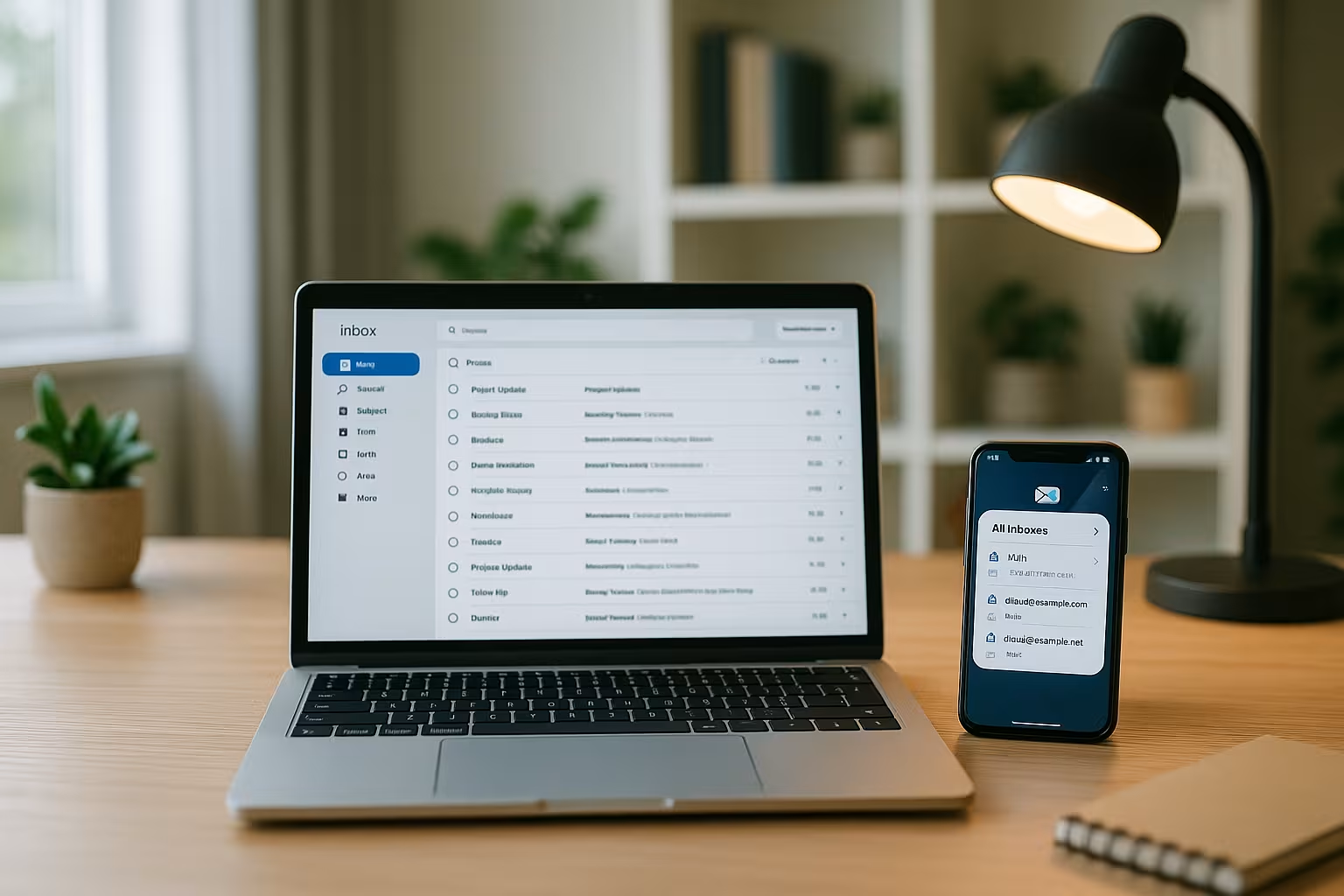
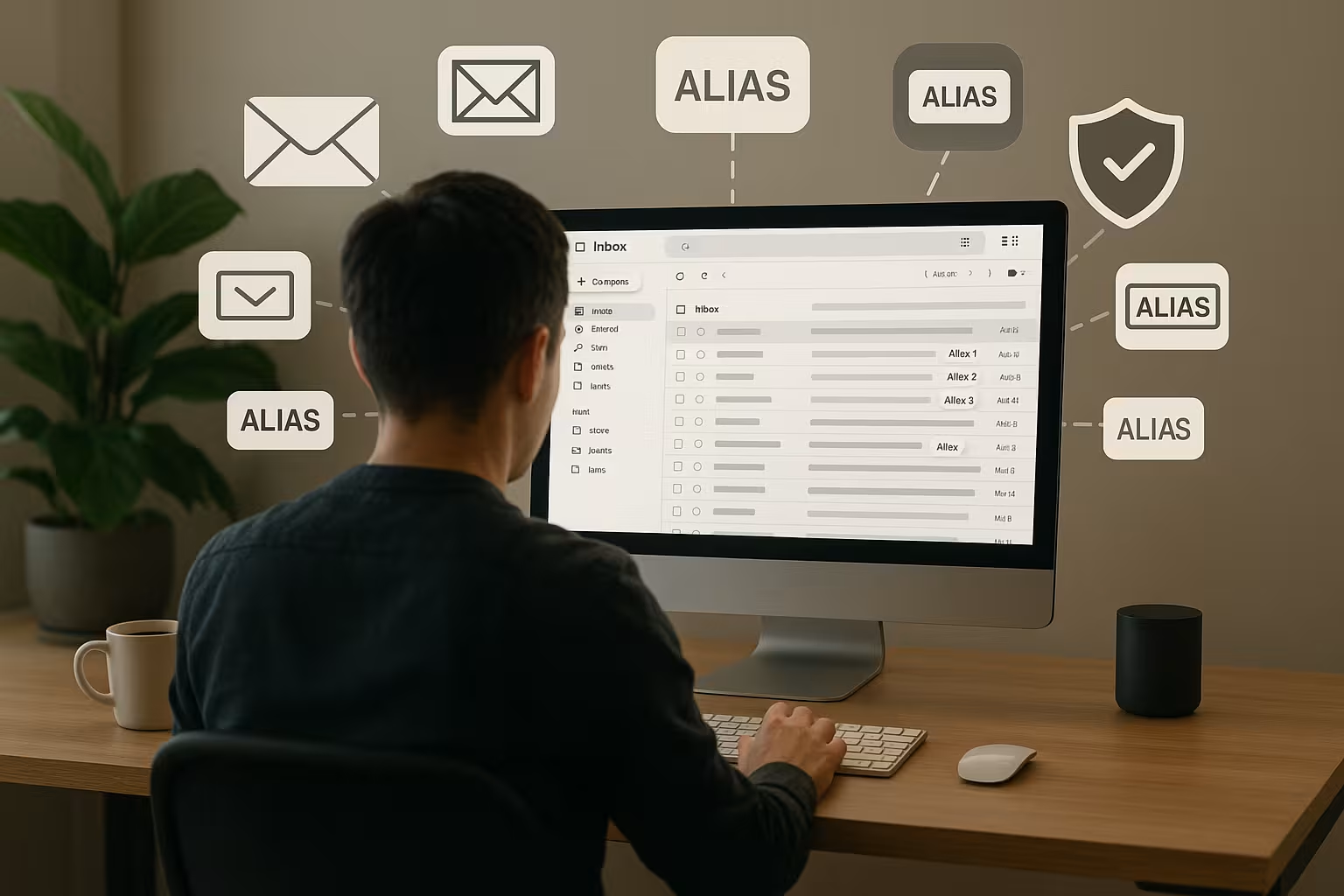
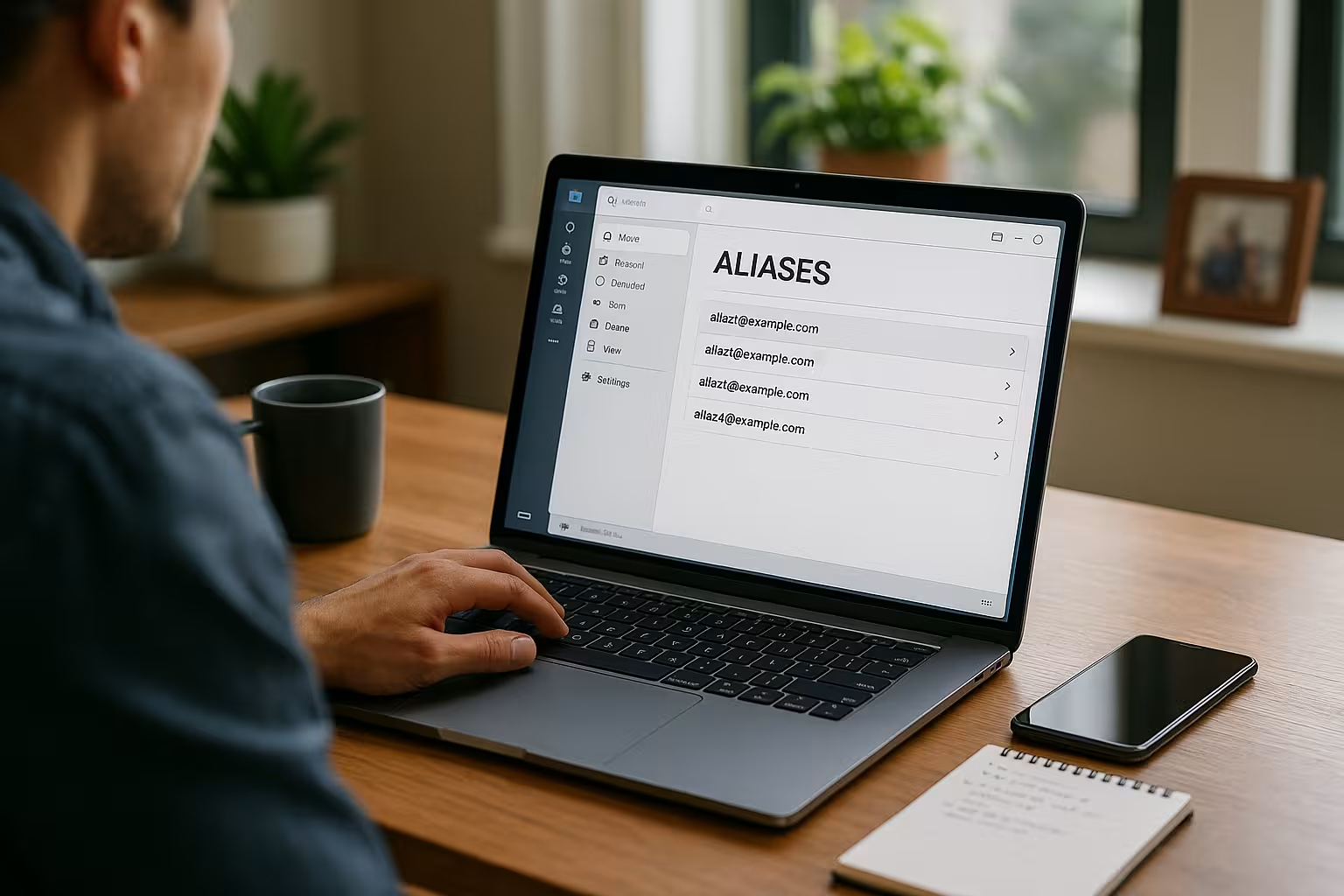
An email alias is an additional address that sends all messages to my email address. Main mailbox forwarded without a separate login or password. I use it like a filter: emails to [email protected] end up directly in the same inbox as all other messages. This allows me to separate occasions and recipient groups without having to create another P.O. Box to have to maintain. I can assign as many aliases as I like and still keep a central inbox. If spam arrives at an alias address, I deactivate exactly this alias and keep my core access clean.
Alias or separate e-mail account?
A separate account has its own login, its own memory and its own filters - this generates more Expenditure. An alias, on the other hand, is leaner: no additional passwords, no additional synchronization and no new folder structures. An alias is often sufficient for role addresses such as sales@ or support@ because everything arrives in the main mailbox. However, if I need separate outboxes, quotas or my own archiving, then I rely on an independent Account. So I choose depending on the purpose: alias for easy separation, own account for complete isolation.
Alias vs. plus addresses
In addition to classic alias addresses, I also use "Plus-Addressing" ([email protected]) with some providers. This is fast and doesn't require an admin interface, but it has its limits: Many forms block the plus sign, some systems truncate everything after the plus, and I can't change a plus address on the server side once it has been published. switch off. A real alias is more flexible: I assign clear names (e.g. jobs@) and deactivate it with one click in the event of spam. Plus addresses are suitable for spontaneous tests or one-off logins; for roles, projects and external communication, I use clearly named aliases with fixed delivery.
Advantages in everyday life
I protect my real address by creating a separate address for each platform. Alias use. This allows me to immediately recognize who has forwarded my address because spam goes to the exact alias address used. I use separate names for customer communication, invoices and applications and automatically sort the emails by recipient address. I keep the Overviewbecause everything still arrives centrally and I don't have to maintain accounts twice. If an alias becomes public unintentionally, I switch it off and have peace and quiet again in minutes.
Setup step by step
I create aliases directly in the customer menu of my mail provider and assign them to my main mailbox, done - no additional Configuration. If I use my own domain, I check the correct MX entries beforehand; if you are still unsure, you can find instructions at Set up MX-Records. I then assign descriptive names such as contact@, jobs@ or shop@ and test receipt with a short message. If necessary, I activate the "Send as" option so that I can send mails with the alias address as Sender send. I document my aliases in a short list so that I can deactivate individual addresses later.
Alias in teams and companies
In the team, I assign clear addresses for roles such as [email protected], [email protected] or [email protected] and direct everything to a common P.O. Box continue. This way, I reply faster because nobody has to switch between accounts. I assign responsible persons to each alias and define rules that identify emails by recipient address. For external contacts, the brand appears uniform because the sender and signature provide a clear External impact. As the volume grows, I convert individual roles into separate accounts as required.
Scaling: From alias to shared inbox
If the volume of mail grows, I scale from an alias to a Shared Inbox or a helpdesk. The alias address (e.g. support@) remains the same externally, while internally the emails end up in a shared mailbox or ticket system. Advantages: clear responsibilities, SLA tracking, substitution rules and transparent history per customer. I deliberately start lean with aliases and rules; only when response times or escalations suffer do I introduce a shared mailbox or a tool for assignment, notes and templates. I adopt existing filters and keep the change invisible to customers.
Security: curbing tracking and profiling
I make profiling more difficult by giving each app and each store its own Alias assign. In this way, different addresses prevent third parties from merging accounts across platforms more easily. If an address falls into the wrong hands, I stop the inflow immediately by switching off the alias in question. For sensitive services such as banking or public authorities, I don't use public addresses, but particularly long alias names. This increases my digital Privacy without additional expense.
Deliverability and "send as" technically correct
For clean shipping with alias senders, I pay attention to three points: SPF, DKIM and DMARC. I make sure that my provider is allowed as a sending server in SPF, set DKIM signatures for my domain and check DMARC reports for misalignments. When forwarding or responding via aliases, I also pay attention to the Envelope-From (Return path): Some providers always set it to the main mailbox. This is okay as long as DKIM is correctly signed and DMARC-aligned. For pure forwarding without readdressing, the provider should SRS (Sender Rewriting Scheme) so that SPF checks do not break at the destination. I test sending and receiving before the rollout - including responses to external domains - and check the headers to see whether SPF/DKIM report "pass".
I plan deliberately for bounces: if undeliverables are returned on an alias campaign, they usually end up in the main mailbox. I filter such NDRs by subject and headers (e.g. "Mail Delivery Subsystem") and sort them per Aliasto clean lists quickly. This keeps the delivery rate high and I avoid reputation problems at an early stage.

Workflows and filters in the inbox
I set up rules that filter according to the "To me" header and send mails per Alias mark them in color. This allows me to recognize priorities at a glance and respond more quickly to support or sales requests. Invoices automatically end up in a folder, while newsletters go into a read-later label. I use short prefixes in the subject line, which my client adds based on the recipient address, such as [SUPPORT] or [JOBS]. This is how I structure my day, without the need for additional accounts or additional Logins to open.
Automation: Header, Sieve and rules
In addition to the visible "To" field, I use technical headers such as Delivered-To, X-Original-To or Envelope-Towhich are often more reliable when mails have been redirected. In systems with Sievesupport (server-side filter), I create rules before the message reaches the client. This reduces the load on devices, works even when the laptop is switched off and keeps the structure consistent. I mark each alias (e.g. jobs@) with a color, assign a label, automatically attach a note or forward internally - but always with logging so that I can trace the path. For sensitive aliases (e.g. billing@), I block automatic forwarding and force a manual check.
Alias vs. Catch-All
A catch-all address intercepts every mail to a non-existent address on my domain, an alias is a specifically defined address. Address. I only use Catch-All temporarily, for example when moving domains, because otherwise a lot more spam arrives. If you want to learn more about the difference, read my guide to Catch-All address. I rely on clearly named aliases with a fixed target mailbox for clean working in day-to-day business. This allows me to maintain control, reduce Risks and remain flexible.

Tools & Admin: Plesk, clients, sender address
In admin interfaces such as Plesk, I create aliases in just a few clicks and link them to the correct P.O. Box. For day-to-day work, I save the alias sender in the mail client and select the appropriate address when replying. If you want to orientate yourself on the interface, you can find practical tips at E-mail accounts with Plesk. I test sending and receiving with short messages to each alias address before I go live. My client then provides each role with its own Signatureso that external communication remains consistent.
Mail clients: "Send as" in practice
- Outlook: I create additional From-addresses or use account settings for "More senders". Rules sort incoming messages based on Sent to.
- Apple Mail (macOS/iOS): I enter several email addresses for one account. When composing, I select the alias in the sender line.
- Thunderbird: I set up one alias per Identity including my own signature and reply address. I use filters on Receiver and Header.
- Android clients: Many apps support multiple senders per account. I test in advance whether replies automatically set the correct alias.
- Webmailer: I save the alias senders permanently and block the default sender for certain folders (e.g. support inbox) so that replies remain consistent.
Regardless of the client: I control the Default identityso that spontaneous replies do not accidentally go out with the private address. For each alias, I store a suitable signature and - if necessary - my own Reply-To-address if responses are to be centralized.
Law & compliance: GDPR, storage, consent
I comply with data protection more easily with aliases: I document the purpose and person responsible for each alias (e.g. bewerbung@ only for recruiting). For newsletters, I observe consent per alias and archive double opt-in proof. For invoices, I take into account retention periods and separate private from business aliases. Deletion concepts are clear: when a project is completed, I delete or deactivate the associated alias and remove it from forms. For requests for information, I can bundle all relevant messages more quickly based on the recipient address - this saves time in GDPR processes.
Overview of providers and tariffs
For aliases, I pay attention to the number per domain, sending with alias as sender and simple Administration. Many providers offer the alias function at no extra cost, but differ in terms of limits and operation. I check the monthly price, the number of aliases that can be used and whether they can be created quickly via API or GUI. For small teams, simple maintenance is convincing; for growing companies, unlimited flexibility counts. The following table shows typical Performance features from current offers.
| Provider | Aliases per domain | Price/month | Special features |
|---|---|---|---|
| webhoster.de | unlimited | from 2,99 € | Test winner, full alias function, simple administration |
| Standard provider A | 10 | from 3,99 € | Limitation depending on tariff |
| Standard provider B | 20 | from 4,49 € | Alias system at extra cost |
Operational guard rails: naming conventions & lifecycle
I define fixed patterns, e.g. rolle@, projekt-kunde@, kampagne-kwXX@. This allows me to recognize the purpose and time period straight away. I document the status (active/paused), person responsible, filter rules and last check in a short list. I set an expiration date for campaigns: when it expires, I deactivate the alias or redirect it. For critical addresses (legal@, security@) I store 24/7-notifications. And I randomly test the delivery on a quarterly basis to ensure that no rule causes silent errors.
Practical examples for freelancers and stores
As a freelancer, I separate requests, offers and invoices over three Aliasesso that deadlines don't get lost. For a store, I use service@, revocation@ and rechnung@ so that customers quickly end up with the right team. In projects with suppliers, I assign project-related addresses that I deactivate again after completion. For form entries, I use aliases for each campaign and evaluate the feedback in a targeted manner. This increases the speed of response, keeps processes lean and ensures my Privacy.
Avoid common stumbling blocks
- "Send as" active, but wrong default identity: I check the default sender per folder and per client.
- Filter only on "On" field: I add rules on Delivered-To/X-Original-Toso that redirects are reliably recognized.
- Too many generic aliases: I choose precise names and document them, otherwise I lose the overview.
- Missing backup and archive strategy: I plan storage per alias (legal, operational) and test recovery.
- Without 2FA on the main mailbox: I always secure access and admin panel with Two-factor authentication.
Short balance sheet
I use aliases to separate identities, keep spam in check and stick to the Organization fast. It only takes minutes to set up, and the effect on order and data protection is huge. I choose between alias and account depending on the need for sender separation, storage and rules. For teams, role aliases provide clear visibility and fast delivery to the same mailbox. If you set up your domain correctly and document aliases, you keep Control - and noticeably speeds up your everyday e-mail work.