Skip to content
MX-Records determine where emails for your domain are delivered - I'll show you how to create a email own domain correctly, check and secure it. I will explain the necessary DNS entries, useful Tools and typical mistakes that you avoid.
Key points
- MX-Records: Define responsible mail servers per domain
- SPF/DKIM/DMARCShipping authorization, signature, guidelines
- Priority/TTLDelivery order and DNS update speed
- ToolsCheck setup, make errors visible
- Provider selection: Suitable package, good support

What are MX records?
I define with MX-Recordswhich mail server accepts emails for my domain. As soon as someone writes to my address, the sending server queries the relevant entries in the DNS. The relevant entry points to the target server, which accepts and forwards the mail. Without correct MX records, you risk delivery errors or rejections. I consider these entries to be clear, unambiguous and free of contradictory information. reliable Delivery.
Advantages of an e-mail with your own domain
With my own address I work professional and strengthen my brand. I retain control over provider changes, as I maintain the MX records myself. I quickly add new mailboxes for teams, projects or services. Recognition increases because recipients immediately recognize my domain. This ensures trust and increases the Control about my mail traffic.

Create conditions
I start with my own domain and access to the DNS management with the registrar or hoster. An active email service such as Google Workspace, Microsoft 365, Proton Mail or a hosting package must be available. The providers will later show me the exact MX targets, host names and priorities. In the case of IONOS or similar registrars, a compact IONOS DNS instructions when finding the DNS zone. I make a note of all the data from the mail provider so that I can enter it correctly into the Zone enter.
Setting up MX-Records step by step
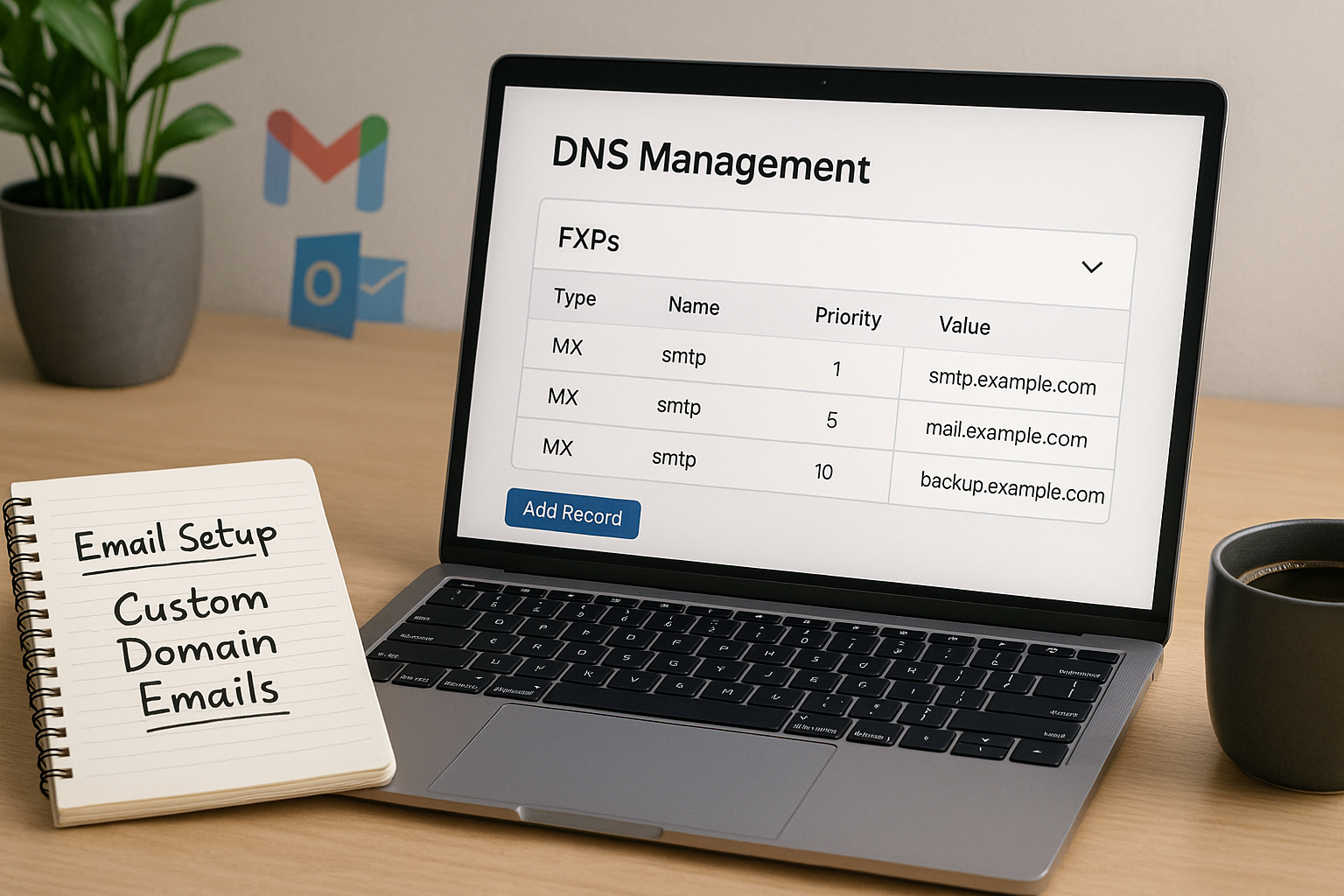
I log in to the registrar, open the DNS settings and first check whether old MX records exist. I remove outdated entries so that no competing servers remain responsible. I then copy the MX data from my provider exactly, for example, Google Workspace often "smtp.google.com" with a low priority such as 1 and host "@". I make sure to select a moderate TTL value so that changes take effect more quickly. Finally, I save the DNS zone and plan a waiting time, as the distribution takes some time globally.
Understanding priority, host and TTL
The Priority controls which MX server is contacted first: a lower number means priority. Additional MX entries with a higher number serve as a fallback in the event of failures. I usually use "@" as the host so that the entry applies to the root of the domain; subdomains require their own MX entries. I often use a rather short time for the TTL value so that adjustments are visible more quickly. I keep the information consistent and avoid mixing different providers with the same Prioritybecause this confuses the delivery.
Important DNS rules for MX records
I note a few Basic rulesso that my MX entries are technically clean:
- MX points to host namenot to IP addresses. The target host needs valid A or AAAA records.
- No CNAME as MX destination: An MX must not refer to a CNAME. I always use a canonical host.
- No CNAME on the same ownerWhere there is a CNAME, no other record types may exist. I therefore do not set a CNAME for the root domain if I need MX, TXT (SPF) or other entries.
- Subdomains separatelyFor sub.example.de the MX of the subdomain applies, not automatically that of the root. I enter separate MXs for each subdomain if mail is to be received there.
- Choose fallbacks sensiblyMultiple MX records come from the same platform or are coordinated so that failover really works.
Provider-specific MX examples
I always use the information from the admin area of my provider. Typical examples help me to understand (may change):
- Google Workspace: Hosts such as ASPMX.L.GOOGLE.COM (priority 1) and other backups ALT1.ASPMX.L.GOOGLE.COM etc. I set up all the suggested entries.
- Microsoft 365Mostly domain-key.mail.protection.outlook.com (individually for each domain) with priority 0 or 10.
- Proton MailFrequently mail.protonmail.ch (priority 10) and mailsec.protonmail.ch (Priority 20).
- Web host: Often a customized MX such as mxX.provider.tld. I make sure that corresponding A/AAAA records exist.
I don't rely on generic examples, but enter the exact values from my setup.
SPF, DKIM and DMARC supplement
In addition to MX, I always set up SPF so that only authorized servers send on my behalf. I also activate DKIM so that every outgoing message has a cryptographic signature. With DMARC, I formulate clear rules on what recipients should do with unauthenticated emails. This combination increases the delivery rate and reduces the risk of phishing via my domain. I regularly check whether my Guidelines are up-to-date, especially after provider changes.
Deepening SPF/DKIM/DMARC in practice
With SPF, I pay attention to a lean policy: I limit the number of include:-mechanisms to minimize DNS lookups and avoid duplicate entries. If a change is pending, I first test with ~all (softfail) and later go to -all (hardfail) if all channels are properly covered. For DKIM I use Selector-names (e.g. s1, s2) so that I can rotate keys without interrupting mails. With DMARC I start with p=none and collect evaluations about rua-aggregate reports. When everything is stable, I gradually increase to quarantine and reject, optionally with pct=to tighten up just one percentage. This is how I find a stable balance between security and deliverability.

Tools for testing and monitoring
I check my setup with test tools and react immediately to warnings. Services such as MX checks or admin toolboxes show me incorrect host names, incorrect priorities or missing TXT entries. For more in-depth analyses, I use information on Detect DNS errorsto separate causes cleanly. I test accessibility, dispatch and authentication after every change. This is how I keep my MX-Records permanently functional and traceable.
Avoid typical mistakes
I do not allow contradictory MX entries with the same Priority if they point to different providers. I set the host correctly to "@" or to the desired subdomain so that emails do not go nowhere. I avoid overlong TTLs because they slow down subsequent conversions. I never forget SPF, DKIM and DMARC, otherwise delivery is noticeably impaired. I always carry out a test after changes so that I can Problems recognize directly.
Plan migration without downtime
Before changing provider, I lower the TTL my MX and relevant TXT records to a few minutes - ideally 24-48 hours before the deadline. I already set up mailboxes and aliases with the new provider and, if possible, have a Parallel acceptance (dual delivery or forwarding) so that no mails are lost during the DNS changeover. I monitor incoming messages on both systems and only switch off the old MX when the majority of senders are using the new records. For a clean fallback plan, I make a note of the old values so that I can quickly switch back if necessary.
Redirects, aliases and catch-all
I differentiate between Alias (another address on the same mailbox) and Forwarding (delivery to another destination). Forwarding can break SPF checks because the forwarding server is not authorized. I therefore consider DKIM stable and, where possible, use SRS (Sender Rewriting Scheme) with the forwarding server. A Catch-All can be practical, but increases spam - I only activate it selectively and with good filters. For role addresses such as info@ or support@ I set clear responsibilities so that nothing is left undone.

Compare e-mail providers
I choose my provider based on DNS usability, security, range of functions and support. For companies, clear management of DNS records is just as important as monitoring and good help texts. I pay attention to transparent MX specifications and additional records provided by the provider. Fast support saves me time if delivery issues arise. The following table helps me with the Classification popular solutions.
| Provider | E-mail integration | DNS management | Support |
|---|---|---|---|
| webhoster.de | Very good | Very simple | Excellent |
| Google Workspace | Very good | Simple | Very good |
| Microsoft 365 | Very good | Medium | Good |
| Proton Mail | Very good | Medium | Good |
Instructions: Set up Proton Mail
I connect my domain in the Proton admin area and confirm ownership. Then I enter the MX, SPF, DKIM and DMARC records displayed in my DNS zone. Proton shows me whether all keys are stored correctly and whether the Signature is active. After the DNS distribution, I test the acceptance and dispatch with a test mail. I then set up mailboxes, aliases and forwarding directly in the Proton panel so that my Setup fully effective.
Google Workspace and Microsoft 365
I activate Google Workspace or Microsoft 365 for my domain and follow the setup wizard. For Google, I adopt the current MX default, for example "smtp.google.com" with priority 1, as well as the additional TXT entries. In Microsoft 365, I create the required entries in the admin center and check whether the confirmation goes through. I then test receipt, sending, SPF validation and DKIM signature. If the tests remain error-free, I use the Platform productive and plan regular reviews.
Own name servers and DNS delegation
If necessary, I operate my own name servers and delegate my domain to them. I rely on clean zone maintenance, correct NS entries and suitable glue records with the registrar. Structured delegation creates clarity about responsibilities and shortens paths when changing MX, SPF, DKIM and DMARC. For a compact start, I use the instructions for Set up your own name server. This is how I keep the administration under full Control and can react more quickly.
Security during transportation: TLS, MTA-STS, DANE
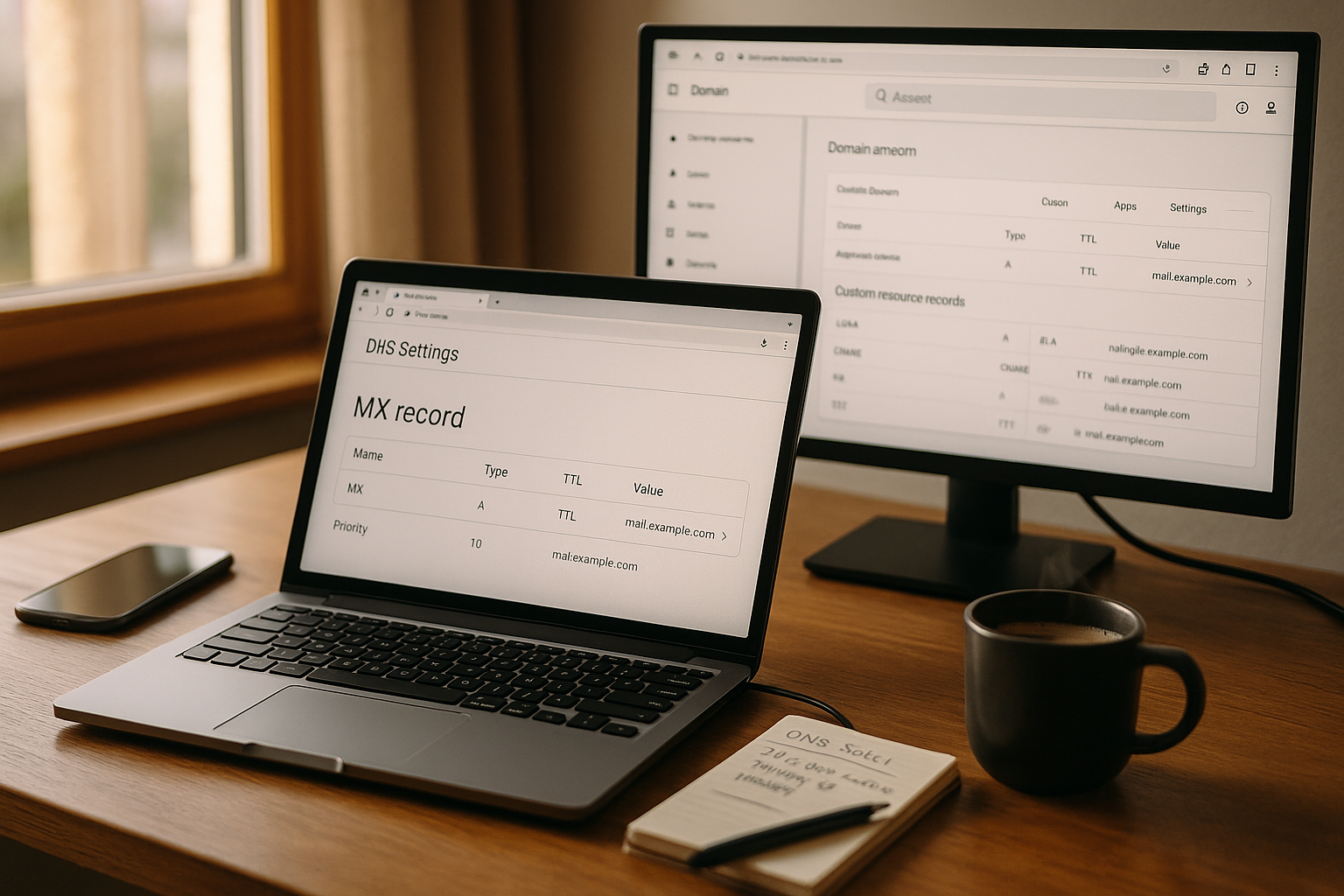
I make sure that my provider TLS for incoming and outgoing mails is forced or preferred. With MTA-STS I can tell recipients which mail servers are valid for my domain and that TLS is expected; TLS-RPT provides me with reports on TLS problems. If my domain with DNSSEC is signed and my provider supports TLSA records, I optionally use DANE as an additional safeguard. This reduces the risk of downgrade attacks and keeps the transport encryption consistent.
Subdomains, transaction mails and separation
I like working with Subdomainsto separate different mail flows: For example, I use mail.example.de for team mailboxes and a separate sending subdomain such as mg.example.de for newsletters or system mails. This allows me to separate authentication (own SPF/DKIM records), simplify monitoring and prevent errors in mass mailing from affecting the main domain. I also ensure that the MX and A/AAAA records of the affected subdomains are complete and consistent.
Blocklists, bounces and delivery hurdles
I monitor whether my outgoing shipment or the MX destinations on Blocklists (RBLs) appear. If more and more Softbounces (4xx) I wait or try a later delivery; in the case of Hardbounces (5xx) I check error texts (e.g. "SPF fail", "DKIM bad signature", "Mailbox full", "User unknown"). In the case of greylisting, I resend without tightening the settings. I keep my lists clean, maintain unsubscriptions and remove undeliverable addresses to avoid reputational damage.
Mailboxes, protocols and access
I create IMAP/POP3/SMTP accounts with strong passwords and activate 2FAif possible. I document server names, ports, TLS/STARTTLS defaults and set up app passwords for older clients. I plan Quotas (storage quotas) realistically so that mailboxes do not fill up, and set rules to outsource or automatically archive large attachments. This keeps clients stable and mails accessible.
Self-hosting vs. cloud provider
When I myself Mail server I need a fixed IP, correct IP address PTR-records (reverse DNS), a consistent HELO/EHLO hostname, strong spam filters and clean patch management. I configure rate limiting, backpressure and monitoring to keep the queue stable. For many organizations, a Cloud provider with well-maintained infrastructure, support and reputation more efficiently - I decide according to team resources, compliance requirements and budget.
DNSSEC and zone hygiene
I sign my zone with DNSSECif my registrar and DNS provider support it, and store the DS record correctly. I keep the zone clear: no outdated entries, no contradictory CNAMEs, no multiple SPF entries (I combine content in one TXT record for SPF). Before making major changes, I create a Backup copy the zone in order to return quickly if necessary.
Checklist for the final acceptance
- MX records point to valid host names with A/AAAA, priorities set correctly
- SPF-TXT available, lookup limit observed, no duplicates
- DKIM-Selector published, signature active and valid
- DMARC policy defined (p=none/quarantine/reject), reports delivered
- Optional: MTA-STS/TLS-RPT published, DNSSEC active
- Forwarding/aliases tested, catch-all deliberately configured
- TTL strategy documented, migration tests successful
- Mailboxes integrated into clients, 2FA/app passwords set up
- Monitoring for delivery, bounces and blocklists active
Briefly summarized
I set up my own address with correct MX-Records add SPF, DKIM and DMARC and test everything thoroughly. The priorities control the delivery sequence, a sensible TTL accelerates changes. Tools help me to see errors immediately and rectify them in a targeted manner. With a suitable platform and good support, I can keep my mail operations running reliably. This keeps my communication professional, traceable and long-term safe.