Skip to content
When a email ends up in spamThis is almost always due to weak authentication, poor domain reputation or content-related triggers in the subject and text. I will show you the most common causes and give you specific steps to ensure that your messages reliably appear in your inbox instead of the spam folder.
Key points
- Authentication set correctly with SPF, DKIM, DMARC
- Reputation actively protect domain and IP
- Contents write clearly, error-free and without spam words
- List hygiene with double opt-in and unsubscribe link
- Diagnosis via header analysis and spam tests
Why do legitimate messages end up in spam?
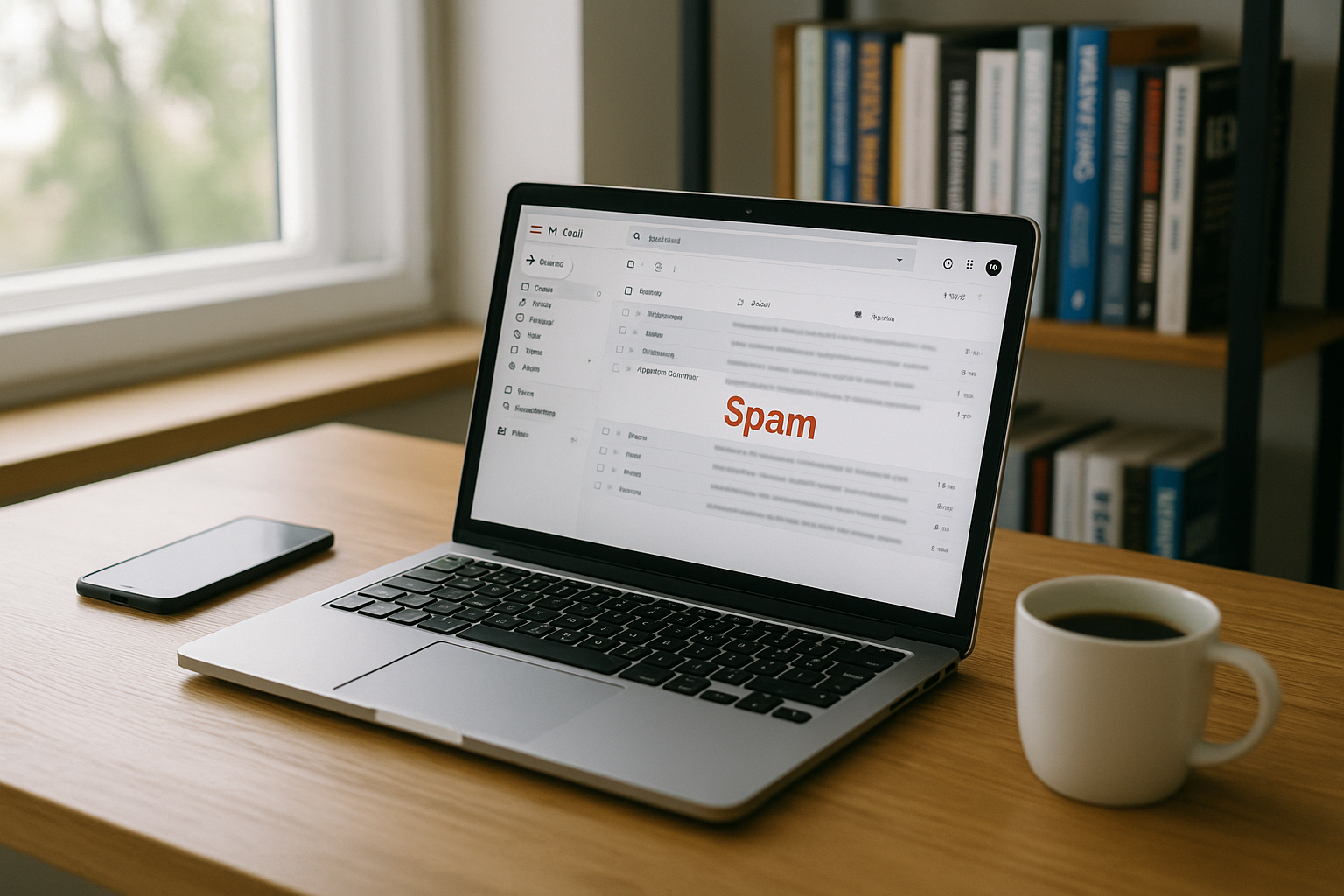
Spam filters evaluate each e-mail on the basis of many Signals. This includes authentication, the history of your domain, the ratio of text to images, the subject and the reactions of recipients. If your address receives a lot of complaints or delivery errors, the Reputation and filters work harder. Unclean distribution lists, purchased addresses and frequent bounces are a red flag. Even tiny technical errors, such as a missing reverse DNS assignment, are enough to park a legitimate email in the spam folder.
Technical authentication: SPF, DKIM, DMARC
I secure each sender domain with SPFDKIM and DMARC because many filters require these signals. SPF determines which servers are allowed to send, DKIM signs content cryptographically, DMARC defines how to deal with incorrect checks. Without these entries, gateways quickly classify your mails as insecure. With a "p=quarantine" or "p=reject" in DMARC, I take control of what happens to forged senders. For a practical introduction, I refer you to my compact Guide to SPF, DKIM and DMARCwhich explains the setup step by step.

Actively protect domain and IP reputation
Good delivery starts with a clean Reputation. I only send via trustworthy servers, regularly check blacklists and keep my sending rate stable and predictable. Cold mass mailings, irregular peaks or aggressive retargeting quickly reduce credibility. Consistent bounce handling and the removal of inactive contacts keep the list healthy. Those who want to delve deeper into the practice will benefit from my guide to Inbox optimization with useful monitoring tips.
Content, subject and sender: what triggers filters
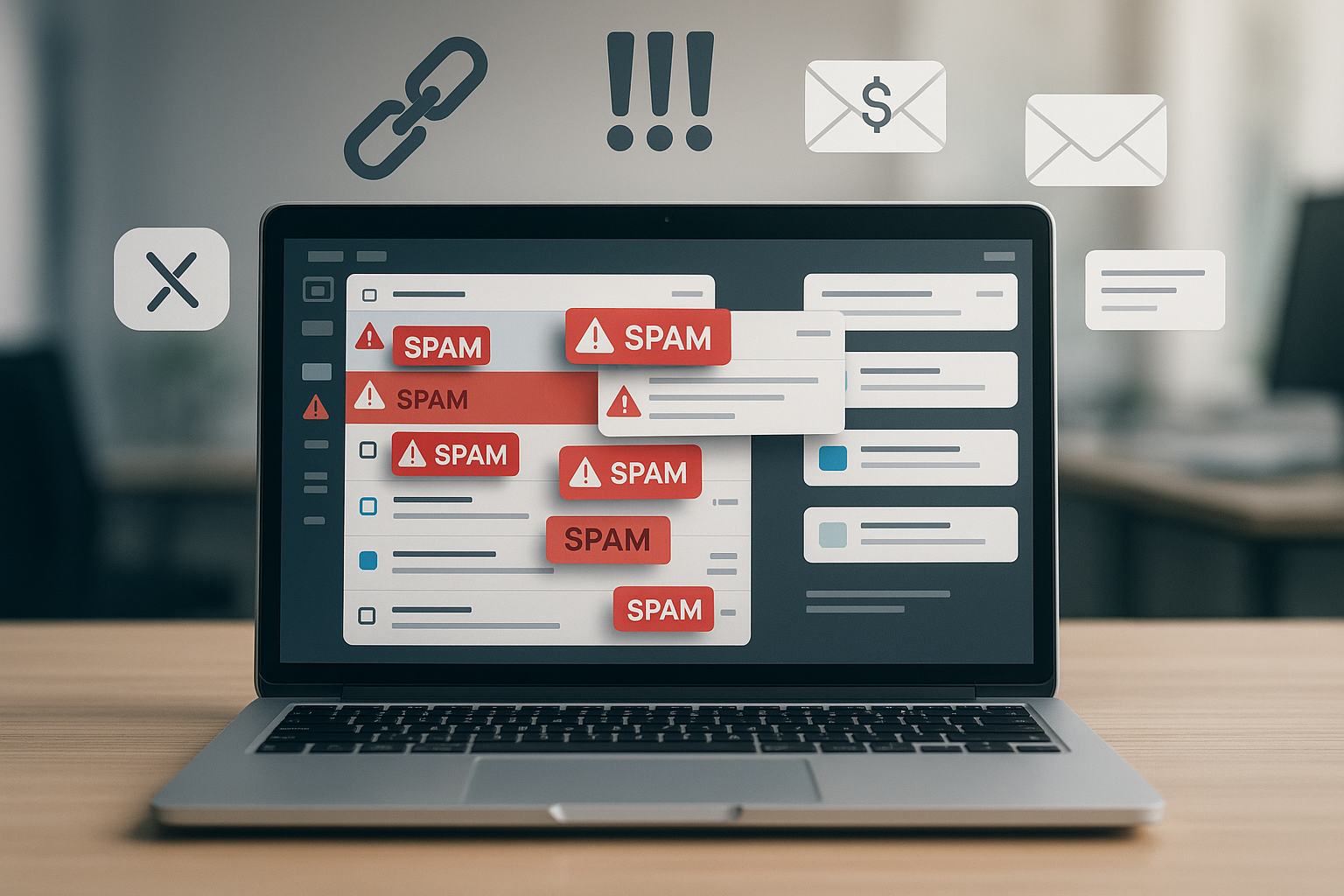
I write subject lines without clickbait and check every word for potential Trigger. Lots of exclamation marks, excessive capitalization, lurid promises or exclusively pictorial content significantly increase the risk. Instead, I keep the message clear, factual and relevant to the recipient. A recognizable sender name, a clear sender address and a complete signature create trust. In this way, I build up positive user signals with every email, which in turn Delivery favor.
Check: Text-to-image ratio and layout
Many spam filters like balanced Layouts. I keep the ratio of text to images such that the text carries the content and images only supplement it. Large image banners without alt text, a flood of external links or nested HTML structures look suspicious. Accessible, semantically clean templates often lead to significantly better results. Before sending, I check the email with rendering and spam tests in order to recognize layout traps early on and avoid them. correct.
Requirements for large mailboxes 2024/2025
I follow the current guidelines of large providers such as Google and Yahoo, which have binding rules for senders with larger volumes. These include a verified authentication (SPF and DKIM must exist), a DMARC Policy for the sender domain, a Low complaint rate (I am aiming below 0.1 %) and a List-Unsubscribe in the header, ideally as a one-click variant. I also make sure that the From domain really belongs to me and is linked to the authenticated domains. aligned is. My mails are RFC-compliant, use TLS in transport and do not contain a misleading envelope sender. If you meet these standards properly, you will experience significantly more stable rankings in the large mailboxes.
Subdomain and IP strategy
I deliberately separate transactional emails (invoices, password resets) from marketing newsletters Subdomains such as transactional.mydomain.tld and newsletter.mydomain.tld. This means that the reputation for each stream can be clearly assigned. Depending on the volume, I either use a Dedicated IP (full control, but own warm-up necessary) or on Shared IPs reputable provider (ready to go faster, but dependent on their neighbors). Important are consistent Reverse DNS-entries, a suitable HELO/EHLO hostname mapping and a careful WarmupI start with small, highly engaged segments and increase the volume in stages, while closely monitoring bounces, opens, clicks and complaints.
Set SPF, DKIM, DMARC correctly in detail
At SPF I observe the limit of a maximum of 10 DNS lookups and avoid nested "include" chains. A "-all" signals strict rejection of unauthorized senders; when moving, I temporarily set "~all" and tighten later. DKIMI choose a 2048-bit key, rotate selector-based and ensure stable canonicalization so that template engines do not inadvertently break the signature. With DMARC I set the alignment so that the from domain and DKIM/SPF domain match (relaxed or strict if required). I use "rua" reports to monitor who is sending on my behalf, gradually increase the "pct" value and finally activate "p=quarantine" or "p=reject". For subdomains, I use a "sp=" policy if necessary to ensure consistency. The complete introduction is described in my Guide to SPF, DKIM and DMARC.
List unsubscribe, interactions and preference management
I add the following to the visible unsubscribe link in the mail List-Unsubscribe-Header (mailto and one-click according to current specifications). This reduces complaints and signals seriousness. I also offer a Preference centerin which recipients select topics or sending frequency instead of unsubscribing completely. I do not use new senders with "no-reply": replies are welcome, because positive interactions (reply, save to contacts, move to inbox) strengthen the filter signals.
Table: Common causes and solutions
The following overview shows the typical causes, corresponding symptoms and the appropriate countermeasures. I use it as a quick Quick test before each shipment. Pay particular attention to the combination of authentication and list hygiene. Small mistakes add up and tip the rating. If you avoid the most common stumbling blocks, you will often experience a much better rating with the next shipment. Inbox rate.
| Cause | Symptom | Quick solution | Risk |
|---|---|---|---|
| Missing SPF/DKIM/DMARC | Spam flag with major providers | Set and test records | High |
| Weak domain reputation | High spam rate after dispatch | Reduce transmission speed, clean up list | High |
| Purchase or old distributor | Bounces, complaints, spam traps | Double opt-in, delete inactive contacts | High |
| Subject with spam words | Low openings, spam classification | Neutral, clear subject lines | Medium |
| Image-heavy templates | Display errors, spam hits | More continuous text, alt texts, fewer links | Medium |
| Missing unsubscribe link | Spam complaints on the rise | Place opt-out visibly | High |

Maintain shipping lists and act with legal certainty
I collect addresses exclusively by Double opt-in and document the timestamp and consent. Every newsletter has a visible unsubscribe link and a physical address in the signature. I regularly remove inactive contacts to avoid spam traps and hard bounces. I keep a close eye on complaints, as they directly affect deliverability. This keeps the list healthy and future campaigns start with a clear Confidence bonus.
Diagnosis: How to find the trigger
When emails disappear, I first look in the Header. There I can see spam scores, check paths, authentication results and indications of blocking systems. This information reveals causes in minutes, such as missing signatures or problems with the sending host. For a structured approach, I recommend my workflow for Analyze e-mail headers with a clear sequence of steps. In addition, tests with mail-tester.com or a look at DNS logs provide valuable information. Indicators.

Understanding and managing bounces
I differentiate between Hard Bounces (permanent errors such as "User unknown") from Soft bounces (temporary, e.g. mailbox full). I remove hard bounces immediately. In the case of soft bounces, after several attempts I use a Sunset-process. Recurring 4xx codes indicate rate limits or reputation issues - here I reduce the speed, reduce the size of segments and increase the breaks between jobs. I check role addresses (info@, sales@) critically because they often lead to complaints. I treat every complaint as ten unsubscribes and minimize them by setting clear expectations when opting in.
Clean alignment of content and tracking
I send MIME multipart/alternative with plain text fallback and pay attention to correct character encoding (UTF-8). The Tracking domain as a subdomain of my sender domain so that links do not appear foreign. Link shortener as they are often filtered. I keep the overall size moderate and avoid overlong HTML structures to reduce clipping effects. The Preheader condenses the core message without trigger words. I use attachments sparingly; I avoid high-risk formats (e.g. Office files with macros) and prefer to link to a secure download page. This keeps the signals consistent: the from domain, DKIM domain and link domain appear to be from a single source.
Forwarding, SPF and ARC
I take into account that Forwarding SPF because the forwarding server is not in the SPF record. Therefore, I do not rely exclusively on SPF, but ensure stable DKIM-signatures. Where possible, helps ARC (Authenticated Received Chain) so that downstream filters can trace the original authentication. In addition, I pay attention to clean SRS-Implementation for redirects to correctly rewrite sender addresses.
Transport encryption and policy signals
I send mails by default via TLS and monitor whether recipients only accept encrypted delivery. With MTA-STS and TLS-RPT I set guidelines that minimize man-in-the-middle risks and provide me with reports on transport problems. In security-critical environments, I also check DANE/TLSA. These measures not only increase security, but also indirectly strengthen the Seriousness signals of my domain.
Warm-up and volume control in practice
When launching new senders, I start with very engaged segments (recently active openers/clickers) and scale up daily or weekly in defined stages. I deliberately vary domains/providers so as not to overload a single inbox family. If the Complaint rate negative or the 4xx rates increase, I freeze the volume, improve the list and content and only then continue. This creates a stable Path of trustwhich also holds up under peak loads.
BIMI and visual trust signals
If DMARC is set to "quarantine" or "reject" and my mails are consistently authenticated, I activate BIMI. This ensures that compatible mailboxes display my brand logo. I use clean SVG graphics and check the display regularly. BIMI does not replace a technology base, but it reinforces the Brand perception and can increase interactions - a plus point for delivery.
Re-engagement and sunset policy
I don't leave inactive contacts running forever. Instead, I run Re-engagement campaigns with clear subject lines, a value-added offer and the option to change topics or frequency. Those who do not respond despite several attempts are sent to a Sunset phase and is then removed from the mailing list. This reduces the risk of spam traps and my average signals remain high.
Monitoring and key figures
I monitor openings, clicks, bounces, complaints and spam folder rates per provider. For more in-depth monitoring, I use the postmaster dashboards of large providers and evaluate DMARC aggregate reports off. My target values: complaint rate below 0.1 %, hard bounce rate below 0.5 %, unknown recipients below 1 %. I treat deviations with clear hypotheses (technique → content → frequency) and test changes in a controlled manner against small segments before rolling them out widely.
Troubleshooting step by step
I start with a delivery sample to several mailboxes of large providers and compare the Results. If a recipient marks the mail as "Not spam", the chance of it ending up in their inbox increases. I then correct SPF, DKIM and DMARC, check reverse DNS and HELO/EHLO and start sending again with a small list. I carefully adapt the content: neutral subject line, balanced text, fewer links, clear signature with address and unsubscribe option. At the same time, I set secure passwords, activate 2FA and update virus protection so that no compromised account can access the list. Reputation at risk.
My practice workflow for high delivery rates
Consistent quality delivers the best Signal values. That's why I send at predictable intervals, keep segments clean and measure openings, clicks and complaints after each campaign. If something is conspicuous, I first optimize the technology, then the content and finally the mailing frequency. For business-critical mail, I rely on reliable providers with a good delivery history to ensure that my messages meet a solid infrastructure. This increases the trust of the filters with every mailing and the Inbox quota remains high.

Briefly summarized
I consistently keep an eye on three adjusting screws: Technologycontent and list. SPF, DKIM and DMARC create trust, clean transmission via reputable servers prevents blockages. Clear, error-free texts without trigger words and with complete signatures reduce filter hits. A well-maintained list with documented consent, active bounce management and a visible opt-out protects against complaints. Those who adhere to these principles experience significantly fewer spam cases and see how the Delivery noticeably.