 Skip to content
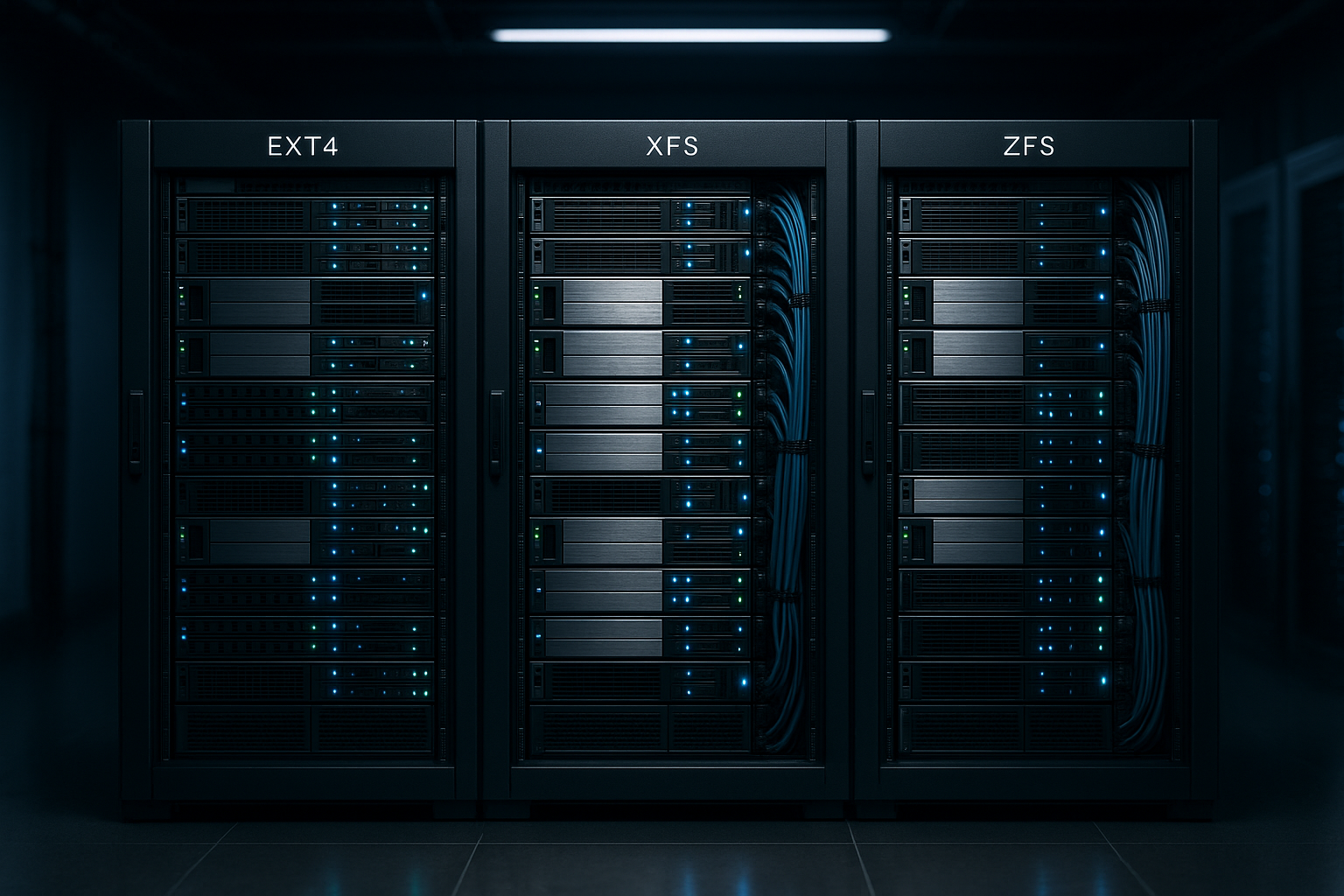
Hosting File System has a measurable impact on latency, throughput, and data security: In many hosting setups, EXT4 delivers solid all-round performance, XFS excels with large files, and ZFS offers powerful integrity and management features. I present specific measurements, workload effects, and clear recommendations for using EXT4, XFS, and ZFS—including tuning tips and a look at costs.
Key points
I will first summarize the most important points so that you can quickly see the right direction. Then I will go into more detail about technology, benchmarks, and operational issues. The selection of the file system directly affects databases, caches, and backup strategies. The wrong focus costs speed, durability, and money. I focus on Performance, integrity, and operation—with sample figures and practical advice.
- EXT4: All-rounder for web and database workloads
- XFS: Strength with large files and high parallelism
- ZFSMaximum protection through checksums, snapshots, replication
- Workloads: Small files → EXT4, large files → XFS, enterprise backups → ZFS
- TuningHardware, queue depth, caching, and RAID layout are decisive factors.

EXT4 briefly explained
EXT4 is considered proven and offers a coherent overall package in many hosting scenarios. The extents architecture reduces fragmentation and keeps access to large files efficient [4]. Through delayed allocation, EXT4 only writes data when enough context is available for optimal placement [4]. Checksums for the journal and metadata increase the Data security in everyday use [2]. EXT4 performs very well in sequential read and many mixed workloads and scores highly with its broad compatibility [3].
XFS for large files
XFS was developed by SGI and is particularly suited to workloads involving large files and high parallelism. good. The journaling strategy and efficient allocation groups contribute to consistent throughput [3]. In comparisons, XFS often comes out ahead when creating/deleting large files and shows advantages in media workloads [1]. Even on NVMe and modern SATA SSDs, XFS delivers consistent latencies with high queue depths [3]. I use XFS when large properties dominate, such as video transcoding, backup repositories, or log aggregation.

ZFS: Features and trade-offs
ZFS addresses Integrity First and foremost, it combines checksums, snapshots, clones, and replication in a single stack [2][5]. Copy-on-write prevents silent data corruption and makes rollbacks highly reliable [2]. Encryption at the dataset level protects data from unauthorized access without external tools [2]. The price is additional RAM requirements, administrative overhead, and sometimes higher latency for metadata-intensive operations [1]. For hostings with strict RPO/RTO targets and multi-level Backups However, ZFS is clearly convincing.
Benchmark results in everyday hosting
The figures show clear patterns for Workloads. For 4 KB file creations, EXT4 achieves over 16,500 ops/s, while ZFS manages around 4,300; XFS lies somewhere in between [1]. For 128 KB file creations, XFS leads with around 4,400 ops/s, EXT4 drops to around 1,200, and ZFS ends up close to 350 [1]. In a 70/30 read/write mix with a 128 KB block size, ZFS achieves around 5.7 MB/s, EXT4 around 6.4 MB/s, and XFS around 6.3 MB/s [1]. I often interpret noticeable latencies as storage congestion and then check first Understanding IO Wait and queue depths.
Journaling, fsync, and databases
For OLTP workloads, Consistency and fsync semantics are crucial. EXT4 uses data=ordered by default: metadata ends up in the journal, user data is persisted before commit. This offers good security without significant performance losses. data=writeback allows higher write rates, but risks „old“ data in new files after crashes – unsuitable for productive databases. data=journal further increases security, but significantly reduces throughput. XFS efficiently separates the log (journal) and is stable with parallel fsync calls. Databases with O_DIRECT/O_DSYNC bypass the page cache and require clean flush barriers. This is where it becomes apparent whether controller cache Power loss protection and whether write barriers are passed correctly [3]. ZFS writes copy-on-write and only confirms sync IOs after a secure commit in the ZIL (particularly effective with SLOG on fast, power-protected NVMe). Anyone running benchmarks must map fsync/fsync grouping correctly, otherwise the figures will be overly optimistic.
Mount and mkfs options: practical defaults
With useful options, you can achieve a lot. extract, without touching the code. For EXT4, I often choose noatime or lazytime to reduce atime write load. commit=30–60 can improve write amortization; barrier remains active. For RAID: mkfs.ext4 -E stride,stripe-width appropriate for the stripe size. dir_index and large_dir help with many entries. For XFS, su/sw (Stripe Unit/Width) are important during creation so that allocation matches RAID. inode64 prevents hotspots in low inode ranges, logbsize=256k or larger stabilizes metadata logs under load. For SSDs, I use periodic fstrim instead of permanent discard to avoid latency spikes. ZFS benefits from ashift=12 (or 13/14 for 4Kn/larger NAND pages), lz4 compression as default, and recordsize appropriate for the workload: 16–32K for DB/VM images, 128K for media/backups. I deliberately omit deduplication—it eats up RAM/CPU and is rarely worthwhile. primarycache=metadata can reduce random IO in the ARC for backup targets, compression=lz4 saves I/O practically „for free“ [2].

Comparison at a glance
Before making a decision, I read workload profiles and compare them with the strengths of the file systems. The following table summarizes characteristics for hosting scenarios. I consider file size, parallelism, snapshots, RAM, and administrative overhead. Migration paths and backup windows also play a role in the decision. These Matrix helps to avoid misjudgments at an early stage.
| file system | Strengths | Weaknesses | Recommended workloads | RAM/Overhead | Special features |
|---|---|---|---|---|---|
| EXT4 | Good all-round performance, high Compatibility | Fewer enterprise features | Web, CMS, OLTP databases, VMs with mixed workloads | Low | Extents, delayed allocation, journal checksums |
| XFS | Strong with large files, Parallelism | Meta-operations sometimes more expensive | Media, backups, large repositories, log archives | Low to medium | Allocation Groups, Efficient Journaling |
| ZFS | Integrity, snapshots, replication, Encryption | More RAM, higher administrative overhead, latency | Enterprise, DR, multi-stage backups, compliance | Medium to high | Copy-on-write, checksums, datasets, send/receive |
I/O paths, queue depth, and hardware
I first measure the memory path before I file system change. Drivers, HBAs, RAID controllers, caches, and firmware have a significant impact on latency and throughput. Queue depth and scheduler settings noticeably change the behavior of EXT4 and XFS under load. On fast SSDs, both file systems only reach their full potential with clean I/O tuning. The hardware effect is illustrated by a look at NVMe vs. SATA, which shows differences in IOPS and latency.
Memory management and maintenance
I plan from the outset for Growth and maintenance windows. EXT4 and XFS are straightforward to operate and require few resources. ZFS requires RAM for ARC and benefits greatly from sufficient CPU cores. Regular scrubbing in ZFS detects silent errors early and maintains high integrity [2]. Journaling options and mount flags in EXT4/XFS give me fine control over Risk and speed.

Security, snapshots, and backups
I use ZFS snapshots for fast Restoration and point-in-time rollbacks [2]. Send/Receive enables efficient offsite replication and meets strict RPO/RTO targets [5]. On EXT4/XFS, I rely on volume snapshots in the substructure or backup tools. Encryption directly in ZFS reduces the attack surface and keeps key management consistent [2]. For audits, snapshots provide traceable conditions without interruption of service.
ZFS-specific tuning paths
For heavy transactional loads, I use a separate SLOG (ZIL log) with power-protected, low latency – this noticeably smooths sync writes. L2ARC only helps if the working set exceeds the ARC size; it is of little use for purely sequential backups. I set the record size per dataset: 8–16K for PostgreSQL/MySQL, 128K for media. atime=off reduces metadata noise, xattr=sa speeds up extended attributes. For small files, it is worth special vdev, which stores metadata and small files on fast SSDs. ZFS shows its strength during rebuilds: checksums control resilvering on block level, Inconsistent sectors are identified instead of being blindly copied [2]. Deduplication remains an exceptional function—if there is insufficient RAM, performance declines, and the gains in hosting are usually minimal.
Containers and virtualization
In multi-tenant hosting with containers, what counts is the Compatibility of the substructure. overlay2 requires d_type/ftype support; XFS must be formatted with ftype=1, otherwise hard links/whiteouts in layers will break. EXT4 practically always meets this requirement. For VM images (qcow2/raw), fragmentation and CoW play a role: XFS with Reflink (current kernel) speeds up clones and snapshots of images, while EXT4 remains robust with mixed IO patterns. On ZFS, I use zvols or datasets per VM, which makes snapshots/clones extremely fast – but record sizes and sync settings must match the hypervisor strategy. Important: Write barriers in the VM are only useful if the hypervisor, storage backend, and controller caches flush correctly – otherwise, deceptively low latencies occur with data risk.

Use cases: Which workloads are suitable?
For CMS, shops, and OLTP databases, I usually choose EXT4, because small files and meta operations dominate [1]. For video streaming, object storage-type data, and backup tar files, XFS has an advantage with large files [1]. I use ZFS in hosting environments with strict compliance requirements. Snapshots, clones, and replication give me fast backups and secure testing [2][5]. Where latency is an absolute priority, I also check Hardware and I/O paths before FS selection.
Storage tiering in practice
I combine file systems with tiering, to balance costs and speed. I store hot data on NVMe and cold data on HDD—regardless of the file system. Caches and read-only replicas further mitigate load peaks. An introduction to such hybrid concepts is provided by hybrid storage with typical usage patterns. This allows me to reduce costs per IOPS without compromising on Integrity to do without.
Shared storage and cloud backends
In virtualized environments, data is often stored on NFS/iSCSI/Ceph. The peculiarities of the backend have a greater impact than the file system on top. On NFS, round-trip latencies limit small sync IOs; batching/compression and larger record sizes help here. With iSCSI, queue depth and multipath configuration are important for scaled IOPS retrieval. Ceph/RBD prefers many parallel requests; EXT4/XFS with increased queue_depth can help. ZFS over iSCSI works well if end-to-end flush semantics are correct. Important: Discard/UNMAP must be supported by the entire stack, otherwise there is a risk of overprovisioning loss and increasing latency over time.
Error scenarios and recovery
Power failure, controller bug, defective firmware—how does the file systemEXT4 journal checksums reduce replays of corrupt logs [2], but e2fsck can still take a long time with large volumes. XFS mounts quickly, xfs_repair is fast, but requires a lot of RAM in case of massive damage. ZFS detects silent corruption thanks to block checksums and automatically repairs from redundancy; without redundancy, it at least warns and prevents silent decay [2]. For RAID setups, stripe alignment prevents read-modify-write penalties, and write intent bitmaps shorten rebuilds. I plan scrubs (ZFS) and regular Restore tests – Backups only count if recovery has been proven.
Monitoring and troubleshooting
Before switching file systems, I measure. iostat, pidstat, and perf show hotspots; blktrace/bcc tools reveal queue behavior and merge rates. On ZFS, I read arcstat/iostat and check hit rates, misses, and ZIL load. Notable p99 latencies often correlate with incorrect queue depth or inappropriate record size. I test specifically: 4K random writes for DB proximity, 1M sequential for media/backup, mixed 70/30 profiles for OLTP/OLAP mixed load. I relate the results to those shown above. Benchmark samples [1][3].
Costs, RAM requirements, and overhead
I also evaluate file systems via Total costs per performance unit. EXT4 and XFS deliver high performance per euro and require little RAM. ZFS requires more memory and CPU, but pays for this with integrity and management advantages [2]. In projects with tight budgets, I prefer EXT4/XFS and solve backup via the stack below. Where data value is high, ZFS pays off despite additional expense fast.
Migration paths and practical tips
I plan migrations in clear Steps with tests, snapshots, and rollback options. Before a changeover, I back up measured values to make the effects and risks tangible. With ZFS, I carefully calculate RAM for ARC and, if necessary, SLOG/L2ARC. With XFS, I make sure that the stripe unit/width matches the RAID so that the throughput is correct. For EXT4, I check mount flags and journal mode to Latency and security.
Concrete checklist for getting started
- Clarify workload profile: file sizes, p95/p99 latencies, read/write mix, sync ratio.
- Assess hardware status: NVMe vs. SATA, controller cache with PLP, firmware version.
- mkfs and mount options suitable for the RAID set (stride/stripe width, inode64, noatime/lazytime).
- ZFS: ashift correct, lz4 on, select record size per dataset, deduplication off by default.
- Define TRIM strategy: periodic fstrim instead of permanent discard for SSDs.
- Snapshots/backups: Set RPO/RTO targets, schedule restore test.
- Monitoring: Check and document IO wait, queue depth, and cache hit rates on a daily basis.
Brief summary for administrators
I choose EXT4 for versatility Workloads with many small files and limited resources. I use XFS when large files, streams, and high parallelism characterize the picture. I use ZFS as soon as integrity, snapshots, and replication are a priority and additional RAM is available [2][5]. The benchmarks confirm this line and show clear differences depending on file size and operation [1][3]. If you encounter performance issues, you should first check the I/O path, queue depth, and Hardware Check – then decide on the file system.


