Skip to content
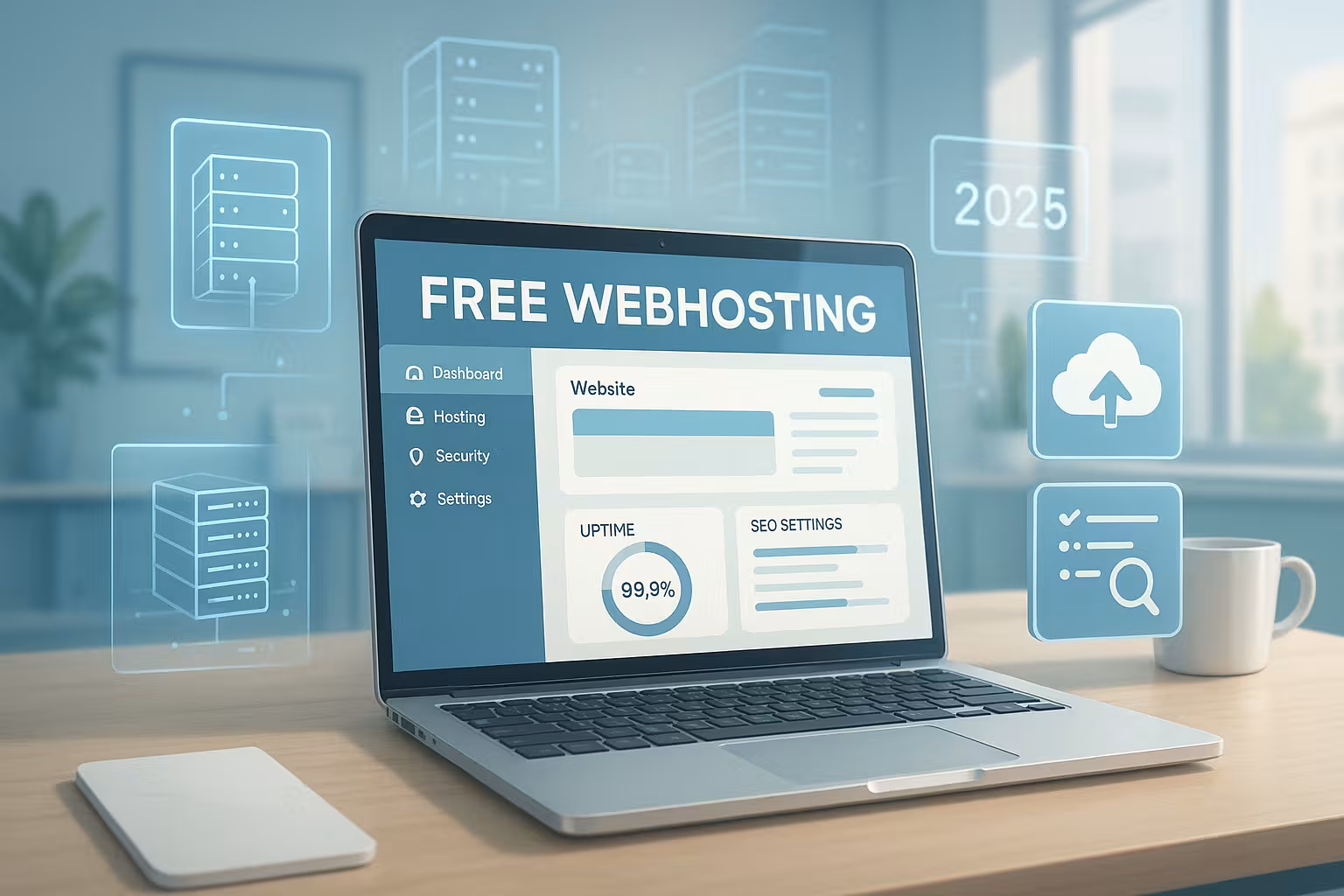
Free webhosting 2025 provides me with solid starting conditions for small websites, but requires clear decisions on Security, Performance and your own domain. In this compact guide, I'll show you current providers, real limits, sensible alternatives and concrete steps to ensure your site goes online reliably in 2025.
Key points
Before you use a free offer, these key aspects will help you to evaluate it:
- Functions and limits: storage, bandwidth, SSL, e-mail
- Advertising and branding: subdomain vs. own domain
- Security and backups: protection against data loss
- Performance and uptime: loading time, availability
- Upgrade at premium: timing, cost-benefit
What sets Free webhosting 2025 apart
I use Free-The new tariffs are specifically designed for small projects, such as portfolios, personal blogs or test landing pages. Getting started costs nothing, the first pages are often up and running in minutes, and a simple Control panel makes administration easier. Many providers offer 1-click installers, simple email forwarding and basic SSL, some of which are free of charge. Nevertheless, advertising, limited resources and limited support are among the stumbling blocks [2][3]. If you want to grow, you should therefore plan early on how to expand capacities, security and domain setup later on.
Opportunities and limits for projects
I rate free hosting soberly: It is suitable for private sites with little traffic, but not for stores, company websites or high-reach blogs [2]. The reasons are a lack of Backups, short Resources and often no dedicated domain in the package. Support is also usually slower to respond to outages, which is critical for revenue projects [3]. Anyone who processes data needs SSL, monitoring and fast help in an emergency. That's why I calculate a switch to a favorable premium tariff early on for ambitious projects.

The most important features at a glance
I first pay attention to the DomainAn own address looks reputable, while subdomains often generate less trust. Many free hosts allow you to connect an external domain, which I register separately. Secondly, I check the Memory5-10 GB is much more practical for pictures and backups than 500 MB. Thirdly, bandwidth counts: "Unlimited" sounds good, but fair use limits and throttling determine real reach [2][3]. Fourthly, SSL is mandatory, ideally included; without it, the risk increases and visibility suffers.
Fifthly, I look at the SupportAn accessible team or an active community saves time if something goes wrong. In addition, an understandable DashboardWordPress, databases and cronjobs without any detours. Sixthly, I check backups: Automated recovery prevents total failures after errors. If there are no backups, I regularly back up manually until I upgrade. This is how I maintain basic protection even in free setups.
Legal matters and data protection (GDPR) on free hosting
I plan legal basics right from the start: An imprint and data protection page belong on every website. If I process personal data (e.g. contact forms, comments, newsletters), SSL must be active and I document the purposes of the processing. I only use cookie banners where cookies are actually used for statistics/marketing - pure portfolio pages often manage without them. It is also important to ask about Order processingDoes the provider offer a contract for order processing and where are the servers located? If there are no options or the data situation is unclear, I prioritize an upgrade early on to keep compliance clean.
E-mail, forwarding and deliverability
Many free plans do not provide fully-fledged mailboxes. I solve this initially with Forwarding and a reputable sender (name, signature, sender address on own domain). For forms, I use SMTP authentication so that mails are delivered reliably. For professional projects I think of SPF, DKIM and DMARCto safeguard the reputation of my domain. If these settings are missing in the free plan, this is a valid reason to switch to a paid plan early on.
Comparison of the best-known providers in 2025
For a quick overview, you can find key data from practical tests and user feedback here [1][2][3]. The table makes things easier for me, Resources and Restrictions directly before making a decision. You can find an extended overview of other services in the list of best free hosts. I always check SSL, domain option and uptime. The decisive factor remains whether the provider honestly communicates what is missing in the free tier.
| Place | Provider | Storage space | Bandwidth | SSL free of charge | Own domain | Advertising | Uptime | Support | Special features |
|---|---|---|---|---|---|---|---|---|---|
| 1 | webhoster.de | 10 GB | unlimited | ✅ | ✅ | ❌ | 99,99% | Chat/phone | Recommended for professional projects |
| 2 | Freehosting.com | 10 GB | unlimited | ❌ | ✅ | ❌ | 97,81% | No SSL, 1 website, no subdomain | |
| 3 | Google Sites | unlimited | unlimited | ✅ | ❌ | ❌ | 99,99% | Community | Simple, direct with Google account |
| 4 | Wix | 500 MB | unlimited | ✅ | ❌ | ✅ | 99,9% | Chat/E-Mail | Drag & drop, advertising with free tariff |
| 5 | Weebly | 500 MB | unlimited | ✅ | ❌ | ✅ | 99,9% | Community | Intuitive interface |
I do not read tables in isolation, but evaluate the Overall strategy: How do I get from Free to Premiumwithout having to migrate? If you offer a clear upgrade ladder, you save nerves later on. I also check whether SSL and domain are included in low-cost tariffs. This way I avoid hidden additional costs [2].
Realistically assess technical limits and performance
I first test the Loading time under load, because "unlimited" often means fair use with throttling [2][3]. Some free hosts react to traffic peaks with limits or temporary shutdowns. I consistently optimize images, use caching plugins and minimize external scripts. I also monitor the CPU-time, if the dashboard displays it, and keep plugins lean. This is how I get more stable values out of free hosting without burning budget.
SEO and Core Web Vitals at a glance
I optimize early for Core Web Vitals: lean themes, image compression (WebP/AVIF), lazy loading and minimized CSS/JS files. A clean Information architecture with flat navigation paths helps crawlers and users. I maintain Title, Meta description and Alt texts disciplined in order to achieve solid rankings even without premium features. If no CDN is available, I place large assets as locally optimized as possible and avoid unnecessary external fonts and widgets. One robots.txt and a Sitemap (usually automatic with CMS) ensure that search engines capture content efficiently.
When is it worth switching to paid tariffs?
I change as soon as I have my own Domain need, professional Backups or generate sales. Even entry-level offers cost just a few euros per month and provide SSL, email, support and better performance. Business users save time and risk with premium access, because downtime hurts immediately. A good basis for decision-making is provided by this Comparison and alternatives. Don't plan the change only when the side already seems slow or unsteady.

Security 2025: SSL, backups, protection
I prioritize SSLbecause it strengthens data protection and creates trust among visitors. Lack of automatic BackupsI back up manually to the cloud or a NAS. Security plugins, login protection and regular updates help against malware. I also check how the host responds to incidents and whether paid add-ons provide real added value [2]. An up-to-date look at risks is provided by the Safety comparison 2025.
Safety checklist for everyday life
- UpdatesCheck and update CMS, plugins and themes weekly.
- Least PrivilegeOnly assign necessary user roles, remove unused accounts.
- PasswordsLong, unique passphrases; enable 2FA if available.
- Login hardeningCheck rate limits, captcha/challenge, admin URL.
- File rightsTypical 644/755; limit write permissions to the bare minimum.
- XML-RPC/RESTRestrict endpoints that are not required.
- Backups: Save full backup plus database backup separately; test restore.
- MonitoringUptime check, view error logs, track suspicious activities.
WordPress on free hosting: practical tips
I prefer to install WordPress via the 1-Click-installer and immediately set up a lean Theme on. Large page builders can appear sluggish on free hosts, so I start minimally and expand later. I consistently compress images to save space and loading times. I use a lightweight plugin for backups and store archives externally. As soon as I reach my limits, I move to a premium plan with a migration plugin [2].
From zero to live page: 7 steps
- Define goalPortfolio, blog or landing page - determines theme and structure.
- Create accountSelect free host, use 1-click installer for WordPress.
- Connect domainRegister external domain and set DNS (A/AAAA/CNAME).
- Theme & Structure: Slim theme, clear navigation, start page and contact page.
- Basic protectionActivate SSL, harden admin, configure automatic updates.
- OptimizationCompress images, activate caching, avoid unnecessary plugins.
- Go-LiveFunction tests, maintain SEO basics, pull backups, start monitoring.
Cheap alternatives: low prices, high impact
I calculate costs soberly: For a few Euro per month I receive domain, SSL, e-mail, good Uptime and fast support. With providers such as webhoster.de, entry-level tariffs often start with all the basics for WordPress and email. Promotions, discounts and money-back options make getting started risk-free [2]. If you are serious about building reach, stable hosting simply saves time. The upgrade pays off in loading time, security and search rankings.
Cost calculation: plan TCO realistically
I not only calculate monthly fees, but also the Total cost of ownership (TCO): Domain (annual), premium plugins/themes if applicable, email, backups and your own time for maintenance. Often a cheaper paid plan is better for the bottom line because there is less downtime, better tools and faster workflows. For small sites, I typically plan 12 months in advance so that surprises (e.g. domain renewal) don't hit the budget.
Selection check 2025: 6 questions
I start with the GoalPrivate project, company, store or blog - the choice influences hosting and Budget. Then I estimate content and uploads in order to realistically plan storage requirements. Thirdly, I decide whether a separate domain is mandatory so that the brand presence and email look clean. Fourthly, I clarify whether sensitive data flows and what protective measures are necessary. Fifthly, I assess the speed and availability of support, because downtimes are stressful. Sixthly, I plan for growth: if it is foreseeable, I need an upgrade option without disruption [2].
Monitoring and metrics that really count
I define a few, but clear KPIsUptime, First Byte Time, Largest Contentful Paint, Error Rate (4xx/5xx) and Backup Success. A simple uptime check alerts me to failures. The Logfiles to find recurring errors (e.g. plugin conflicts). For content pages, I track the ratio of page views to bounces and improvements through optimizations (image sizes, caching, script minimization). This turns "perceived faster" into measurable progress.
Migration without downtime: this is how I proceed
- Copy stagingMirror existing page in a staging environment or local stack.
- Clean upUpdate plugins/theme, clean up database, check media.
- Pre-DNS testTest target environment with temporary domain/host file.
- Lower TTLReduce DNS TTL 24-48 hours in advance so that the switch takes effect more quickly.
- Final syncTransfer files and DB again shortly before the changeover.
- Change DNSA/AAAA/CNAME refer to the new host; observe propagation.
- Rollback plan: Keep the old setup ready for 48-72 hours in case errors occur.
Typical mistakes - and how I avoid them
- Too many pluginsEvery extension costs performance and increases risk - only install what is necessary.
- No backup testBackups are worthless if the restore has never been practiced.
- Unclear image sizes: Huge images slow down loading time - use fixed sizes and modern formats.
- Forgotten updatesSecurity vulnerabilities develop gradually - establish an update routine.
- Lack of domain strategySubdomain launch without a domain transfer plan makes subsequent branding more difficult.
- E-mail without authenticationMissing SPF/DKIM/DMARC leads to spam markings.
Practical examples: Where free hosting shines
For Portfolios with few pages and infrequent updates, a free host delivers enough performance when images are optimized. Event landing pages work well as long as traffic peaks remain moderate and forms run via reliable SMTP. Learning projects and Prototypes benefit from the quick setup to test ideas. At the latest when leads are generated or payments are processed, I plan to switch to a paid tariff - stability then beats the short-term savings effect.
FAQ: Short answers
Is it really free? Basic functions cost nothing, but extras such as your own domain, ad-free display or extended SSL-options can trigger charges [3]. I therefore check tariff details carefully. Many providers clearly show where costs are incurred. This helps me avoid surprises right from the start.
Are there any hidden costs? Some services link limits to Trafficmemory or functions that must be paid for if exceeded [3]. I read terms and conditions and fair use notices carefully. Transparent providers state their limits openly. This saves hassle and prevents sudden throttling.
Can I use my own domain? Often yes, but I buy the Domain separately and link them in the DNS. This makes the website look more professional. Email addresses on your own domain increase credibility. I budget for these costs directly.
How big is the difference to professional hosting? Noticeable, especially with Performancesecurity and support [2]. Premium packages deliver more stable loading times and faster help in an emergency. This pays off immediately for projects with sales or lead targets. I save time and nerves in the long term.
Summary for 2025
I use Free webhosting deliberately for small projects, tests and learning purposes, but keep an eye on the upgrade option. For growth, own Domainbackups and top support, it's worth switching quickly to affordable premium tariffs. This will ensure better performance, stable accessibility and clean security standards [2][3]. With clear priorities and a realistic plan, you can get your website online quickly and reliably in 2025. Decide based on your goals - then hosting will deliver real added value.