Skip to content
In the test, I show what the froxlor webhosting-panel today: a lean open source admin tool for domains, email, DNS, SSL and multiple web servers. I examine performance, operation, security, fields of application and alternatives and give clear recommendations for fast, reliable operation.
Key points
The following key points will help you get started quickly with the Rating from Froxlor.
- LightweightVery low system load and fast response times
- Open Source: Free of charge, actively maintained, transparent further development
- FlexibleApache, Nginx, Lighttpd, Postfix/Dovecot, PowerDNS
- AutomationCLI, cronjobs, Let's Encrypt certificates
- PracticalReseller features, quotas, web statistics, backups
What is Froxlor?
Froxlor offers a central web interface for the administration of Server services, which I operate directly in the browser. I create domains and subdomains, assign customer accounts, set up FTP accounts and databases and manage mailboxes including forwarding. I also maintain the DNS zone in one place, which speeds up changes and reduces errors. The software supports Apache, Nginx and Lighttpd, which allows me to integrate existing setups with little effort. For professional environments, Froxlor provides roles for admins, resellers and end customers, which makes the Separation of responsibilities.
Lightweight and high-performance
Thanks to its slimline code, the panel has a very responsive and keeps the system requirements low. Since version 2, the interface has benefited noticeably from shorter loading times and more efficient memory management. VPSs and small root servers in particular benefit from this because every resource counts. For SEO-relevant admin workflows, such as certificate renewals or redirect setups, I save time and minimize configuration errors. If you run many customers on one machine, you benefit twice over: low overheads and clear Structures when creating new projects.
Range of functions in everyday life
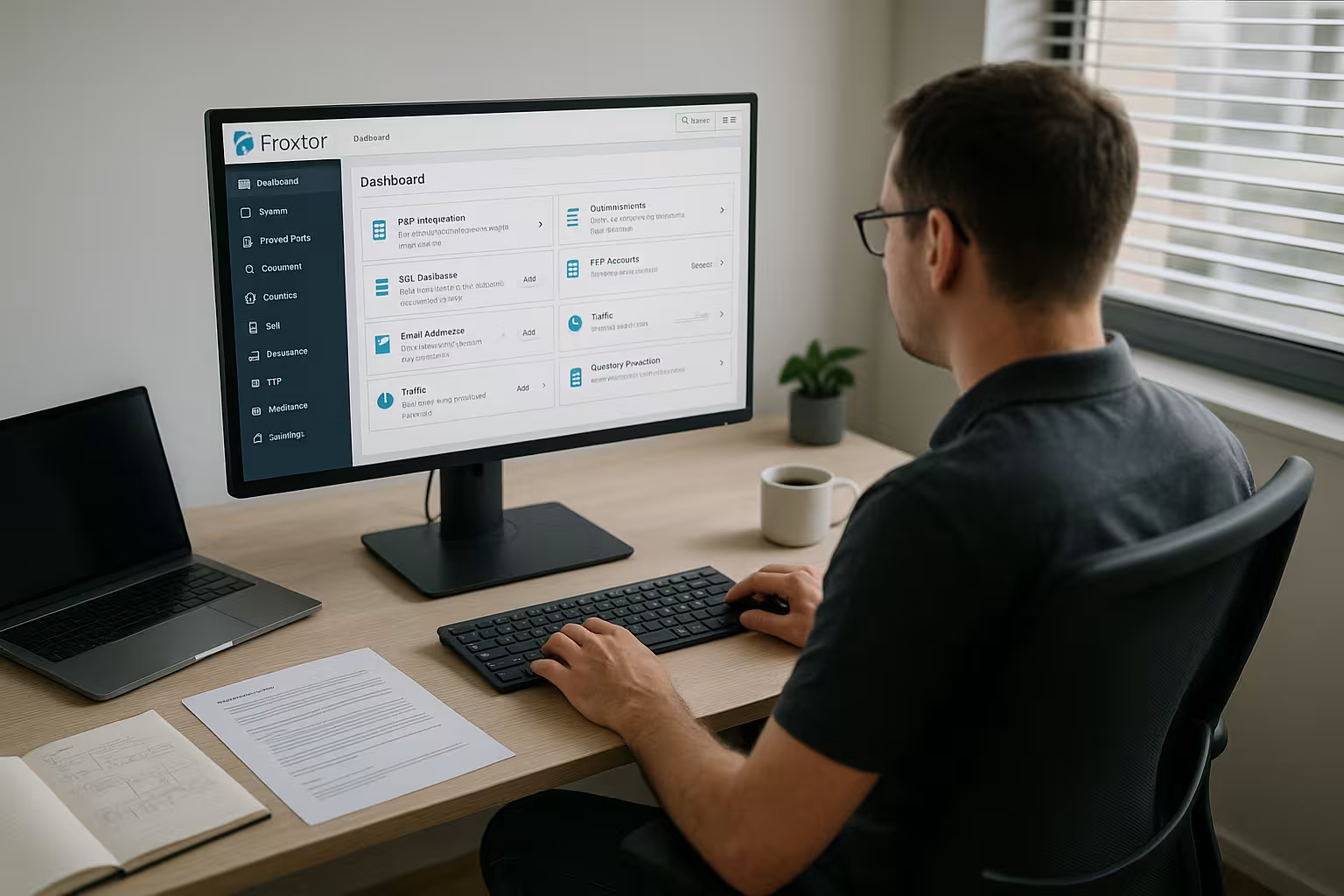
Froxlor helps me in my day-to-day business with a broad Range of functions, without bringing any ballast. I set up SSL/TLS with Let's Encrypt for each domain, activate HSTS and manage alternative CAs if projects require it. Web statistics via AWStats or Webalizer provide an overview, quotas protect resources, and cronjobs automate routine tasks. I create separate PHP and SSL settings for each customer, form my own pools and set limits. Reseller functions structure clients and allow clear Allocations of resources.
User interface and ease of use
The redesigned interface has a modern look, is completely responsive and works on desktop and mobile without any tricks. I find the global search particularly useful, with which I can find domains, users and settings immediately. Columns can be customized, which makes long lists with large numbers of customers much clearer. The command line integration enables the automation of provisioning, SSL renewals and reporting. This allows me to reduce click work and keep recurring tasks to a minimum with scripts constant.

Target groups and application scenarios
Froxlor is suitable for professional Provider, agencies, system houses and dedicated admins who prefer a fast, free solution. Those who operate VPS or dedicated servers with several customer projects receive clear structures at low costs. The lack of a license price is attractive for start-ups because investments in hardware and support are more important. Freelancers also benefit: A panel that doesn't get out of hand leads to the goal faster. In training courses and labs, I can use Froxlor to create realistic Setups without the need for expensive licenses.
Comparison with other panels
Commercial solutions such as Plesk, cPanel or DirectAdmin provide deep integrations that address large enterprise stacks, while Froxlor's strengths lie in Efficiency and transparency. I appreciate the free availability and easy adaptability to existing web server and mail server stacks. For community-driven alternatives, it's worth taking a look at independent comparisons such as KeyHelp vs aaPanel, to classify the range of functions and concept. Those who work cloud-first can combine Froxlor with existing provisioning and thus standardize deployments. In the end, your own use case leads the way: low overheads, clear administration and solid Automation speak for Froxlor.
Installation & setup
The installation is particularly successful on Debian or Ubuntu systems speedy via package sources and a short initial configuration. After the setup, I call up the web interface, define the admin access and start creating customers, domains and services. The panel offers practical default settings for MTA/MDA combinations such as Postfix/Dovecot, which I adjust as required. I then activate Let's Encrypt, set default redirects and define secure TLS profiles. An initial test with a sample domain quickly shows whether the DNS, web server, PHP handler and Mail interact correctly.
WordPress hosting with Froxlor
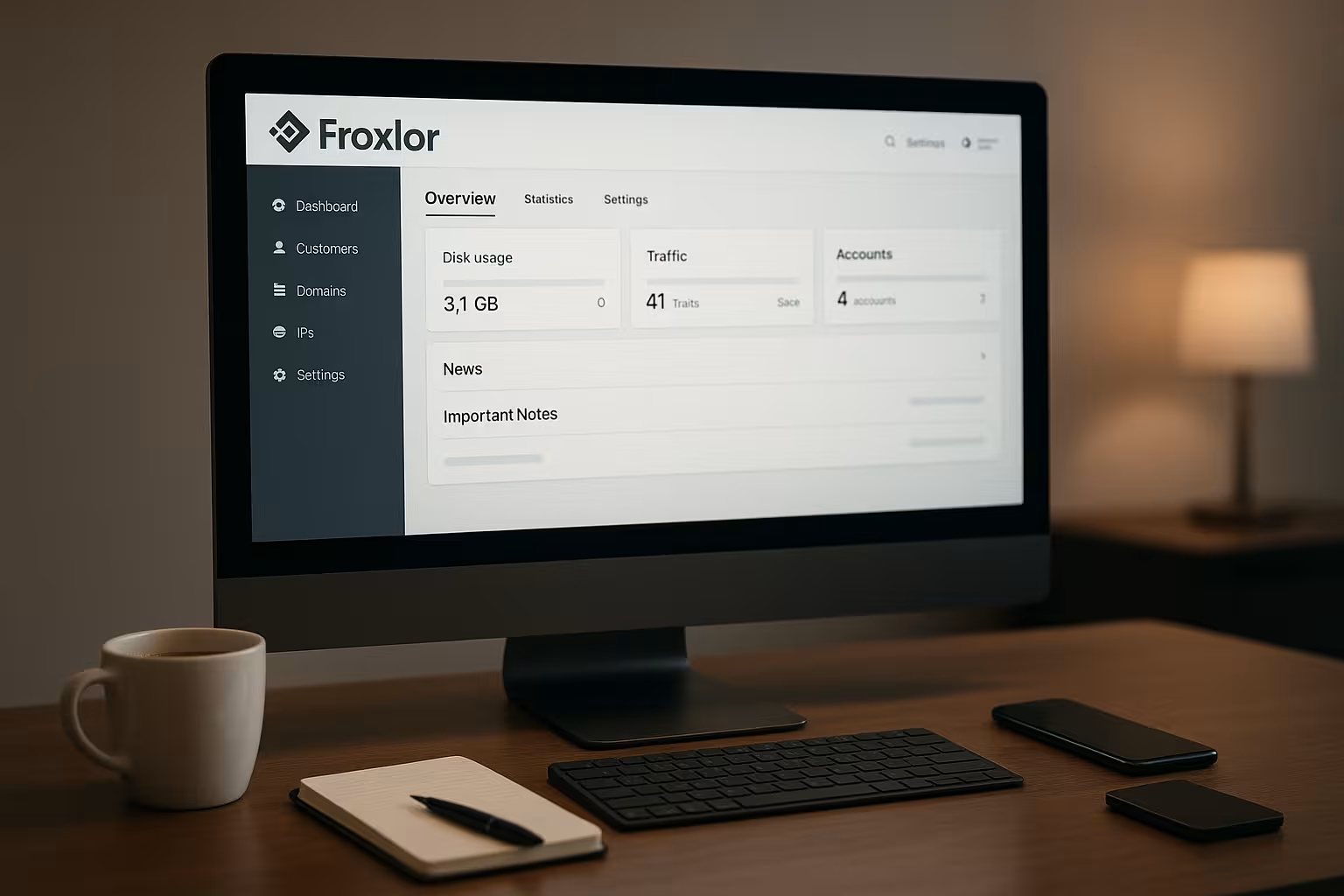
For WordPress, I create a separate one for each project Database, secure logins and activate SSL including HSTS. I set client-specific FTP or SFTP accesses so that teams can work separately. Individual PHP options per domain help when extensions or memory limits vary. The combination with Nginx as a reverse proxy or as the sole web server accelerates delivery and reduces latency. Regular backups and cron-based updates ensure a secure, maintainable web server. Operation.
Safety and comfort functions
I consistently use TLS profiles with contemporary Cipher Suites activate OCSP stapling and check certificate expiry dates. Froxlor takes care of certificate management for me so that renewals take place automatically. For backups, I use rotations, define retention times and outsource to separate storage targets. Cronjobs control checks for certificates, logs and cleanup jobs, which saves administration time. In addition, I document all changes so that handovers within the team run smoothly. run.

Expandability and community
As an independent project, Froxlor benefits from an active Community, that addresses issues quickly and provides meaningful contributions. I adapt configuration templates, integrate external services and share best practices. Feature suggestions increase quality over time because real requirements are directly incorporated. For individual workflows, I use the CLI, integrate scripts and create reusable snippets. This keeps the panel flexible without Clarity to lose.
Performance, scaling and resources
For high density, I rely on Nginx or optimized Apache-MPM profiles, isolated PHP FPM pools and caching headers. Log rotations and limited vhosts prevent machines from becoming slow. If necessary, I outsource DNS and mail to keep web servers lean. Monitoring with common tools uncovers bottlenecks, such as too many slow queries at peak times. With these basics, Froxlor also keeps growing customer landscapes performant.
Safety and hardening in practice
I consistently harden Froxlor servers beyond the standard SSL profiles. I separate system users, run websites in their own PHP-FPM pools and implement restrictive file and directory permissions. I bind critical admin areas behind IP filters or an upstream reverse proxy and limit login attempts via existing system tools. For the mail stack, I rely on secure submission ports, enforce TLS and separate SMTP authentication cleanly from internal relaying rules. A clean HSTS strategy is also important: preload only if redirects and subdomains consistently speak HTTPS, otherwise there is a risk of blocking during tests or staging.
- Least privilege: separate users, no shared webroots
- Isolated PHP pools per customer with limits (max_children, memory_limit)
- Clean cipher and protocol selection (TLS 1.2/1.3, no old TLS)
- Regular security updates of the OS and services used
- Audit of open ports and services, reduction to the bare essentials
Network, protocols and IPv6
In productive setups, I plan IPv6 from the start: AAAA records, suitable PTRs and HELO/FQDN for the mail server avoid deliverability problems. I use ALPN and HTTP/2 as standard for the web server; I can add HTTP/3/QUIC via the templates depending on the web server. For each domain, I check whether IPv4/IPv6 connectivity is configured symmetrically so that monitoring and clients do not see any different behavior. I deliberately set caching and compression headers to save bandwidth and keep TTFB low.
Update and upgrade strategy
I schedule updates: first tests on a staging instance, then a short maintenance window. Before panel or system upgrades, I back up the Froxlor database, important config templates and ACME assets. After updates, I initiate the regeneration of web server and mail server configurations and check syntax checks and restarts. I read release notes carefully, especially in the case of major version jumps, and keep versions of adjustments to templates so that I can undo changes. I then check cron and certificate jobs with a dry run to avoid surprises.
Migration and onboarding
When I switch from Plesk, cPanel or DirectAdmin, I plan in stages: I reduce DNS TTLs, record the customer and domain structure and create these in Froxlor in advance. I copy data incrementally, typically via rsync, and transfer databases via dump/restore. I migrate mailboxes with IMAP sync tools so that flags are retained. For the cutover, I make sure that UIDs/GIDs and permissions are consistent, test SSL, redirects and PHP versions, and only switch DNS once a full test run has been completed. The Froxlor CLI is suitable for quickly creating customers and domains from CSV files.
Monitoring, logging and audits
Transparency saves time: I monitor CPU, RAM, IO, FPM queue and web server workers, as well as certificate runtimes, Let's Encrypt quotas and cron job statuses. I forward logs (web, PHP-FPM, mail, Froxlor) centrally and maintain retention policies. For the mail stack, I am interested in bounces, greylisting rates and TLS rates. In the event of anomalies, I can quickly narrow down which tenant is eating up resources using vhost or customer-specific log analysis. I continuously document changes to templates and system roles so that rollbacks remain traceable.
Backups and disaster recovery
I take a granular approach to backups: I back up webroots, databases and mail directories separately, as well as the Froxlor database and configuration templates. I combine daily incremental backups with weekly full backups, encrypt archives and store offsite. For RTO/RPO, I define targets per customer group and test restore paths regularly. After a restore, I regenerate configurations via Froxlor, check vhosts, certificates and DNS zones and put the service back into operation in a controlled manner. Without successful restore tests, backups are assumptions - I schedule fixed test dates.
Limits, multi-server and architecture
Froxlor shows its strengths on individual servers or clearly defined roles. External services (e.g. dedicated DNS or mail) can be connected, but Froxlor is not a cluster orchestrator. If you need high availability, automatic failover or multi-master setups, you can supplement these with separate tools and keep responsibilities lean. In many projects, this is sufficient: web on machine A, external mail, DNS via API - and Froxlor as a central panel for the administration logic. This reduces complexity and keeps error areas small.
E-mail delivery and DNS details
To ensure that emails are delivered reliably, I ensure a clean DNS basis: SPF precise, DKIM key per domain, DMARC with suitable policy and valid PTR records. Submission with mandatory TLS, consistent HELO name and rate limiting protect against misuse. I keep certificates for mail hostnames up to date so that IMAP/SMTP clients do not see any warnings. I integrate spam and virus filters into the mail stack as required and document the rules so that resellers and customers know what is being filtered. For wildcard certificates, I rely on DNS challenges if the DNS service used allows an API and script integration.
Troubleshooting and typical pitfalls
- ACME error: Redirect chains or Auth headers are blocking the challenge - temporarily resolve and check Webroot.
- FPM bottlenecks: max_children too low, timeouts visible - customize pools and activate status page.
- Authorizations: Mixed UIDs/GIDs after migration - consolidate ownership and regenerate vhosts.
- DNS latency: TTLs too high before move - reduce in advance, increase again after cutover.
- Mail blocks: Missing PTR/HELO inconsistencies - set host name and reverse DNS correctly.
Costs, licenses and operation
Froxlor is license-free, which makes the Total costs per server and frees up budgets for hardware and support. For projects that want a reliable provider with the Froxlor option, webhoster.de impresses with its strong performance and good support. Other panels pursue different concepts, so it is worth taking a look at aaPanel and 1Panel, if alternative open source stacks are an option. The choice of provider depends on the SLA, network connection, storage and response times. With clear requirements, the right offer can be found more quickly. Rate.
| Place | Provider | Special features | Panel |
|---|---|---|---|
| 1 | webhoster.de | Highest performance, support | Froxlor |
| 2 | Provider B | Standard | cPanel, Plesk |
| 3 | Provider C | Beginner-friendly | DirectAdmin |
Practical tips and best practices
I document every Config-change and keep a clear structure for customers, domains and SSL profiles. For DNS, I set clean zones with SPF, DKIM and DMARC to strengthen mail delivery. I control certificates via cron-based checks so that deadlines don't come as a surprise. I regularly check backups using a restore test, not just a log entry. For deployments, I use hooks or CI/CD so that rollouts are reproducible and comprehensible remain.
Alternatives for German admins
For those who prefer more in-depth integration or other operating concepts, the LiveConfig an interesting Alternative from the DACH environment. Differences lie in automation, server roles and license models. For existing infrastructures, a brief proof of concept is worthwhile before any decisions are made. I check support paths, update cycles, documentation and migration options. How to choose between Froxlor and alternatives Targeted from.
Summary: For whom is Froxlor worthwhile?
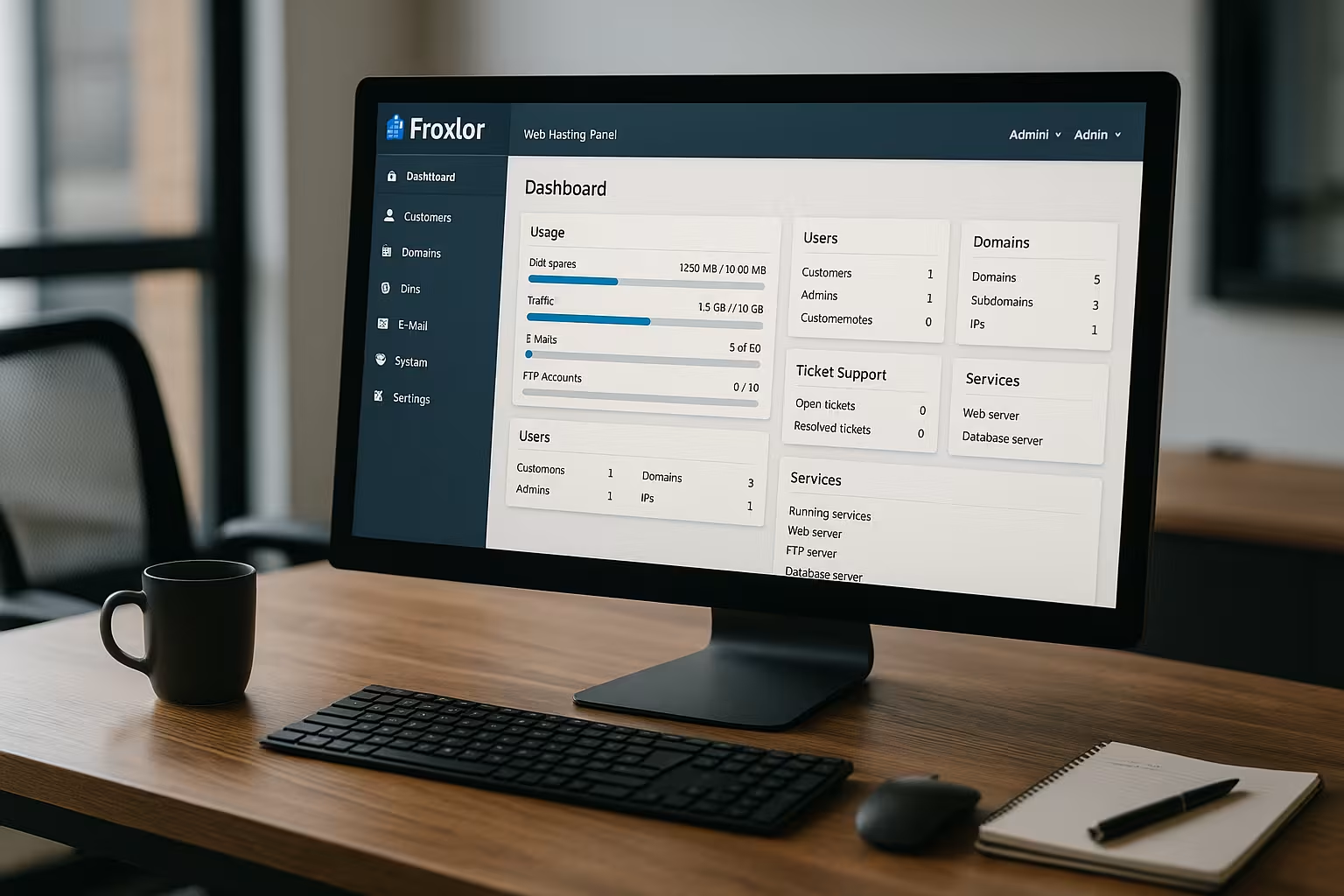
Froxlor convinces me because it slim and still covers all important hosting tasks. Admins get a transparent panel with clear workflows, a sensible CLI and solid SSL management. Agencies with many customers benefit from roles, quotas and an interface that also works on mobile devices. Start-ups save on license costs and invest in hardware, monitoring and support times instead. If you prefer a free, fast and practical solution, Froxlor is a strong choice. Choice.