Skip to content
Hetzner DNS configuration so that your website, subdomains and mail work without detours and changes take effect quickly. In this guide, I show you the necessary settings in the Hetzner DNS, a tried-and-tested example configuration and practical test methods so that you can avoid errors early on and keep your zone clean.
Key points
The following key points will give you a quick overview of what is important for a reliable DNS zone.
- Nameserver enter correctly with the registrar
- A/AAAA for Web, MX/TXT for mail
- TTL Select appropriately and wait for propagation
- SPF/DKIM against spam and spoofing
- Monitoring and tests after changes
DNS in a nutshell: what you really need
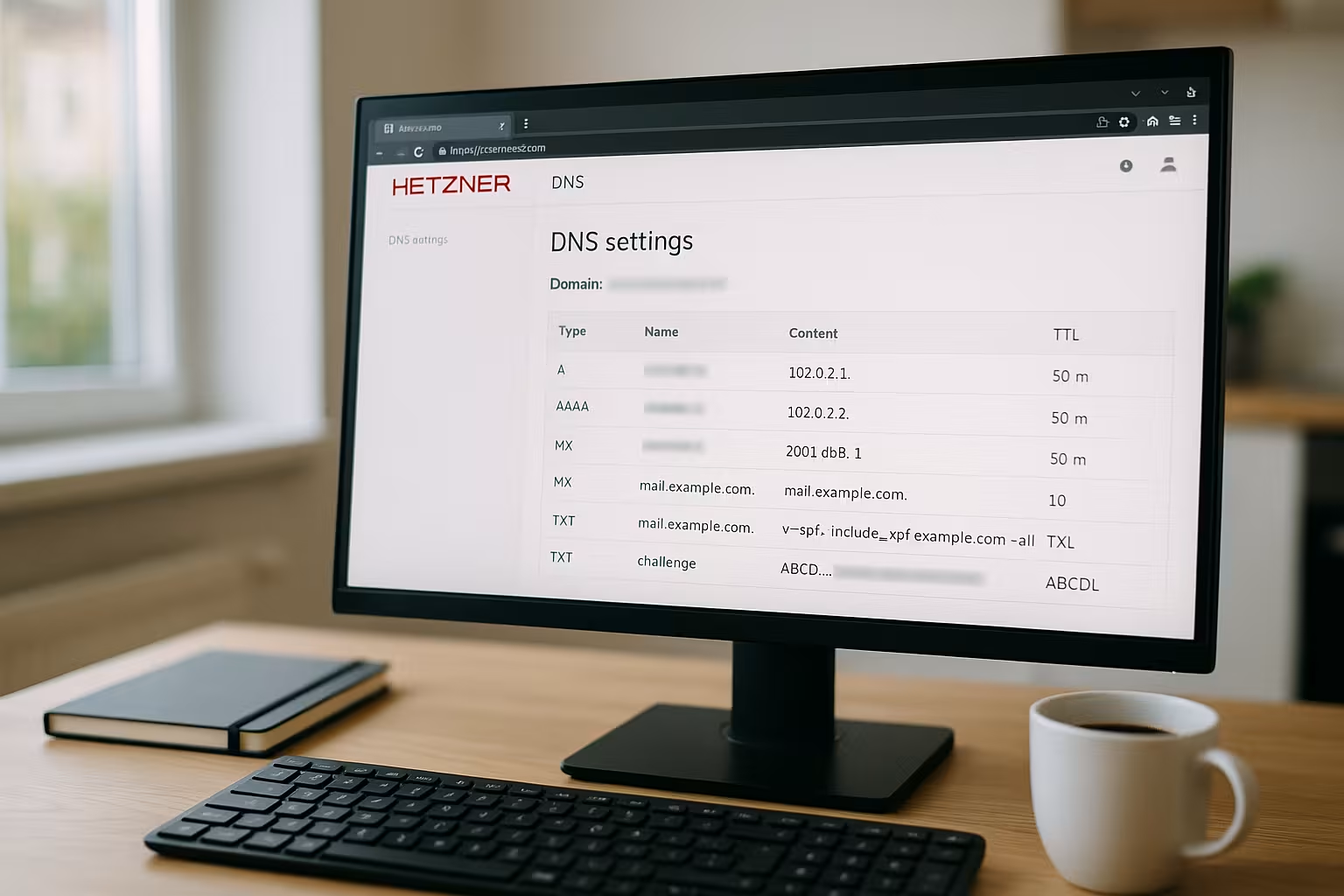
I assign a domain via Records specific destinations so that browsers and mail servers can find my services. A A-Record points to an IPv4 address, an AAAA to IPv6, and an MX defines the delivery of emails. A CNAME forms an alias that points to a different name, while TXT contains information for SPF or verifications. A clean baseline consists of A/AAAA for the main domain, CNAME for www, MX for mail and an SPF-TXT. This way I keep the zone clear, quickly maintainable and open for later extensions.
Add domain to the Hetzner DNS console
In the DNS console, I first create a new Zone and check that the spelling of the domain is exactly right. I then activate the manual maintenance of Recordsso that I can create and change specific entries. Tip: I make a note of IP addresses and mail destinations in advance so that I can enter everything without interruption. This way I avoid typing errors and set the entries in a calm order. As soon as the zone is ready, I plan the change of name servers and the subsequent checks.
Enter the name server correctly with the registrar
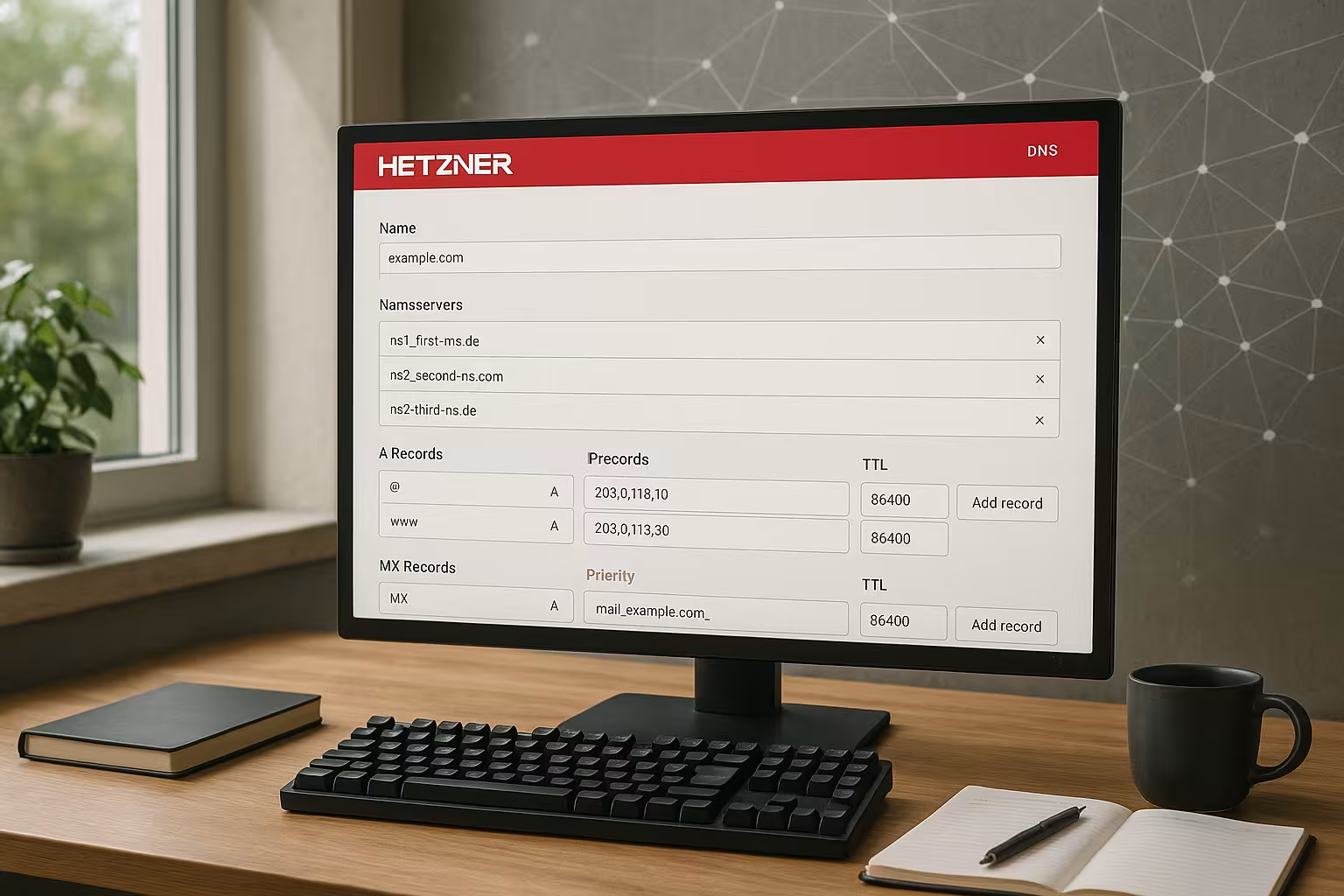
After creating the zone, I enter the Nameserver from Hetzner so that the administration runs centrally in the DNS console. The usual entries are ns1.first-ns.de, robotns2.second-ns.de and robotns3.second-ns.com. For .de or .at domains, I set up my own name servers with Glue-Recordsso that the references and IPs are stored. If you have never done this before, you can find the individual steps in the guide to Set up glue records. I then take some time for the changeover, because the update can arrive at different speeds around the world.

Example configuration: Making the website and e-mail executable
For a typical web presence I use a A-Record for the root domain, a CNAME for www and suitable mail records. An SPF-TXT prevents external servers from sending e-mails in the name of the domain. Optionally, I add an AAAA record if the web server IPv6 provides. For external mail services such as ForwardMX, I adapt the MX and store their specifications. The following table shows a solid starting point for many setups.
| Name | Type | Value | Note |
|---|---|---|---|
| @ | A | 195.201.210.43 | Web server IPv4 |
| @ | AAAA | Optional: 2a01:4f8:xxxx:xxxx::1 | Web server IPv6 |
| www | CNAME | @ | Alias on root |
| @ | MX | mx1.forwardmx.net | Priority 10 |
| @ | TXT | "v=spf1 include:_spf.forwardmx.net -all" | SPF against spoofing |
Activate DNSSEC and set DS record
If manipulation security is important to me, I activate DNSSEC for the zone. In the Hetzner console, I generate signature keys for this and then receive the necessary DS datawhich I deposit with the registrar. I check that the algorithm and digest have been transferred correctly. Then I wait until the chain from the registrar to the zone validates properly. Before larger key rotations, I lower the TTL and plan a time window so that resolvers see new signatures in good time. Important: If an error occurs during the change, validations fail for recipients - I therefore have a rollback ready (do not delete old keys too early) and test with validation resolvers.
Set TTL correctly and understand propagation
The TTL determines how long resolvers cache an entry. For conversions, I choose a short TTL (e.g. 300 seconds) so that changes become visible quickly. After the final setup, I increase the values again in order to save requests and achieve uniform resolution. Those who deploy frequently like to stick with 600-1200 seconds, those who rarely change use 3600-14400. A practical overview of the decision is provided by my look at the Optimal TTL selection.
Apex domain, CAA and certificates under control
For SaaS targets on Apex zone I remember that CNAME is not allowed on @. I therefore use the provider's A/AAAA or set a redirect to www at web server level. For the certificate assignment I control with CAA Recordswhich CAs are allowed to issue certificates. For example, I only maintain the CA that I actually use and optionally add a mail address for reports. If I change the CA, I briefly increase the TTL and update CAA before issuing. For wildcards via ACME DNS-01, I make sure that TXT records under _acme-challenge are quickly set and automatically cleaned up so that no old challenges are left behind.
Create subdomains and services cleanly
For each subdomain I create a suitable A- or CNAME-record, depending on whether the subdomain points directly to an IP or to a name. Example: blog.example.de as A-record to the blog VM, cdn.example.de as CNAME to a CDN name. For APIs, I make a strict distinction between internal and public names to avoid risks. Standardized names such as api, app, img help with maintenance and monitoring. This way, I keep the zone structured and can clearly assign changes.
Wildcards, SRV and special record types
I use Wildcard records (*.example.de), for example for multi-client capable setups. I make sure that exact entries always take precedence over wildcards. For services such as SIP, Matrix or Autodiscover, I create SRV-Records and check the format and priorities. TXT records with long content (e.g. 2048-bit DKIM) I split into several quote segments so that parsers can merge them correctly. I avoid multiple SPF records and combine entries into a valid SPF to avoid breaking the lookup limit.
Reliable e-mail delivery: SPF, DKIM and DMARC
For trustworthy e-mail, I use the MX a clean SPF-TXT that covers my sending systems. I also activate DKIM at the mail service used and publish the DKIM selector as TXT under selector._domainkey. I use DMARC to define how recipients handle mails that do not pass SPF/DKIM. I often start with "p=none", evaluate reports and later switch to "quarantine" or "reject". This sequence reduces risks and gradually increases delivery quality.

Deepening SPF/DKIM/DMARC in practice
I keep SPF as lean as possible: only necessary include-mechanisms and never more than one SPF per hostname. To comply with the 10 DNS lookups limit, I reduce chains or use IP4/IP6 mechanisms if they are stable. For DKIM rotation I run two active selectors (old/new), publish the new key, switch the mail service and only delete the old one after a few days. With DMARC I initially set reporting addresses (rua/ruf) and check alignment (aspf/adkim). For subdomains I can use sp= define a separate policy if they send separately. This way I react to real traffic data instead of assumptions.
Reverse DNS (PTR) for clean mail delivery
In addition to MX, SPF and DKIM, I set up Reverse DNS (PTR) for outgoing mail servers. The PTR of the IP points to a host name, which in turn resolves correctly to the same IP via A/AAAA (Forward/reverse match). I set PTR per IP directly with the IP owner (e.g. in the server interface) - not in the zone management of the domain. For IPv6 I use the nibble format. A suitable PTR reduces spam classifications and helps with reputation. If mail runs via an external service, I leave its PTR as it is and avoid mixed sender sources without SPF customization.
Typical errors and quick solutions
If a domain does not resolve, I check first TTLname server entries and the correct spelling of the records. The second look goes to the PropagationSome resolvers cache longer, especially after TTL increases. I compare the resolution using different DNS checkers to identify regional differences. In the event of local problems, I temporarily switch to public resolvers such as 1.1.1.1 or 8.8.8.8. If the error only occurs in internal networks, I check internal resolvers and rules in containers, Kubernetes or CoreDNS configurations.
Test methods: dig, nslookup and end-to-end
I don't just test records, but the entire path:
- dig A/AAAA/CNAME/MX/TXT: Check responses, TTL and authority
- dig +traceSee delegation chain and name server behavior
- SMTP testsCheck HELO/EHLO, TLS and banner
- HTTPS realCertificate chain, host name, redirects
In this way, I also detect errors that are not visible in pure DNS responses, such as incorrect VirtualHost mappings or expiring certificates. After making changes, I wait at least one TTL before drawing final conclusions.
Work efficiently with the Hetzner console
I group together related Entries time, set a short TTL before making major changes and then publish everything in one go. Before saving, I check again MX-priorities, SPF syntax and the target IP of the A record. For server administration and processes, the compact instructions at Hetzner Robot tips. After deployments, I test http, https and mail with real requests, not just via ping. This allows me to detect errors that pure DNS queries do not show.

Automation: API, templates and ACME
I save time through automation. For regular deployments, I use the API of the DNS console to create, change or delete records. I work with templates for recurring patterns (e.g. Web + Mail + DMARC) and only insert project-specific values. For Let's Encrypt DNS-01, I include an automated TXT record writer and integrate it into the renewal workflow. Important: I treat API tokens like passwords, assign them to specific projects and revoke access when they are no longer needed.
Advanced setups: Split-Horizon, CDN and ACME
I separate internal and external users if required DNS-views so that the internal app points to private IPs and visitors to public destinations. If I use a CDNI refer subdomains to the CDN name via CNAME and activate TLS there. For automatic certificates via ACME/Let's Encrypt, I optionally set DNS-01 challenges via TXT if HTTP-01 does not match. Automation is important here so that renewals are carried out in good time. Logs and notifications help to detect failures in good time.
Performance and availability patterns
I increase availability with simple means: Several A/AAAA records (round robin) share load without additional services, provided that the backends are stateless or share sessions. During maintenance, I temporarily remove individual IPs and then raise the entry again. A TTL endurance run that is too short can put a strain on resolvers; I find a middle ground between response speed and cache hit rate. I set clear processes for failovers without health checks: In the event of a fault, I swap entries, actively monitor and reset them after recovery.
Safety and zone hygiene
I deactivate unnecessary Zone transfers (AXFR) and publish only the NSthat are truly authoritative. I regularly delete old or orphaned subdomains so that no shadow surfaces are created. For IDNs, I check the Punycode-spelling to avoid typos and special character errors. Role-based access in the console ensures that only the right people change zones. And quite pragmatically: I briefly document changes in the team tool - this significantly reduces queries during operation.
Migration and rollback strategy
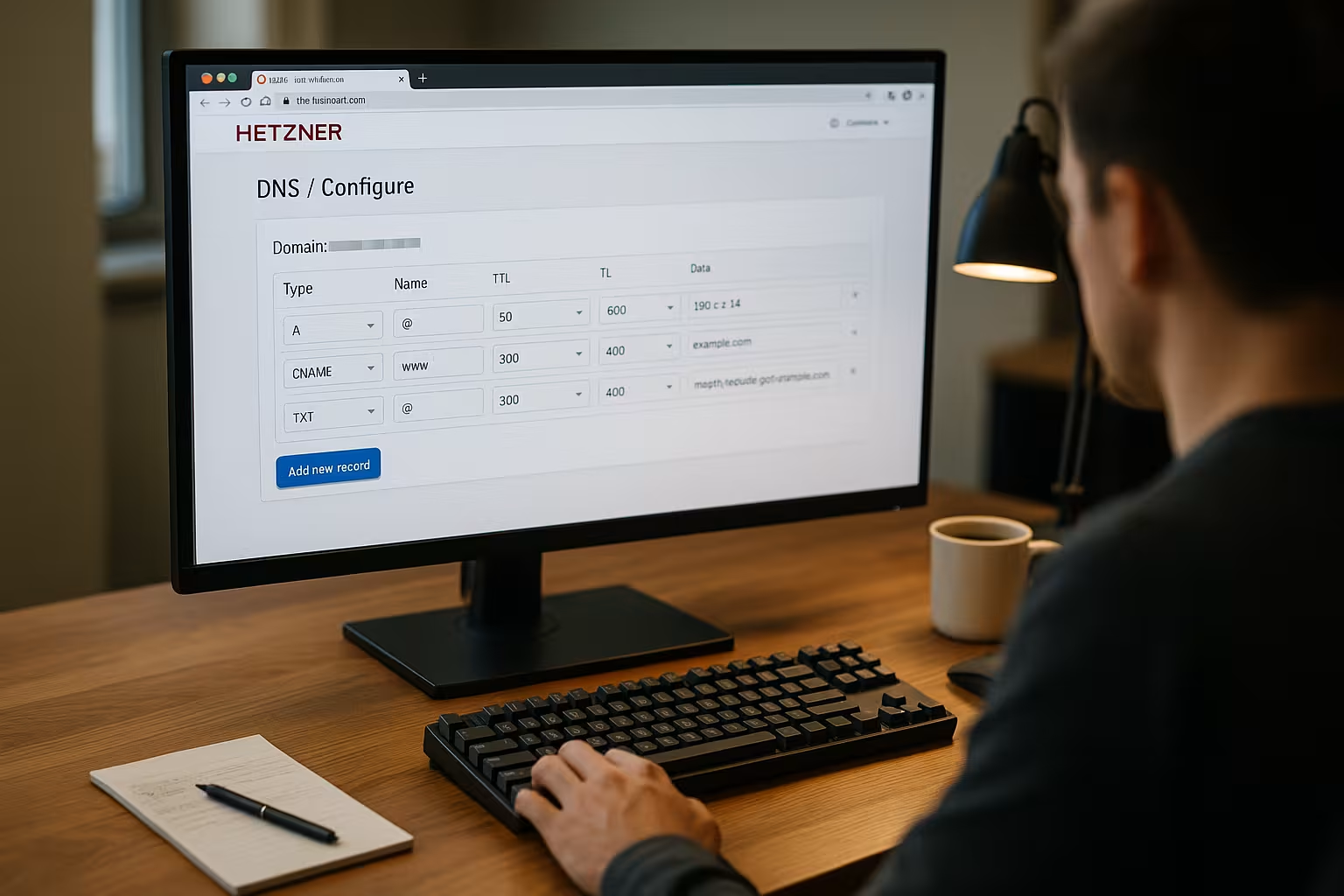
Before a move, I lower the TTL (24-48 hours beforehand), mirror all Records into the new zone and test resolution directly via the new name servers. Only when everything is correct do I set the Nameserver at the registrar. After delegation, I monitor traffic and errors. If something goes wrong, I roll back in a controlled manner or correct individual entries. For DNSSEC migrations, I plan particularly conservatively and leave the old signature chain in place until the new one is securely in place. Finally, I reset the TTL to production-ready values.
Brief provider comparison for performance and flexibility
Performance, functions and DNS freedom decide how flexibly I roll out projects. In practice, the large hosters deliver solid Response timesbut differ in terms of operation, features and support. I evaluate the selection according to performance, range of functions, help quality and DNS options. The following overview shows a condensed picture that I can use to make decisions. In the end, it's what my project really needs that counts, not the biggest feature list.
| Provider | Performance | Scope of functions | Support | DNS flexibility | Ranking |
|---|---|---|---|---|---|
| webhoster.de | High | Very extensive | Top | Maximum | 1 |
| Hetzner | High | Extensive | Good | High | 2 |
| Contabo | Medium | Standard | O. K. | Medium | 3 |
Briefly summarized
I set a Hetzner DNS-zone in a structured manner: Create zone, enter name server with registrar, set core records for web and mail, then test. With suitable TTL I shorten changeover times and increase again after completion for less load. SPF, DKIM and DMARC strengthen delivery and protect the domain against misuse. I keep subdomains consistent and separate internal from public destinations. With this sample configuration and the everyday checks, your hetzner dns configuration remains reliable, fast and easy to maintain.