Skip to content
Hetzner robot bundles everything I need for real server administration: from the first login and OS installations to monitoring, IP management and support. In this guide, I show you step by step how to use the interface with confidence, solve typical tasks and operate my servers securely.
Key points
- Dashboardclear overview, fast actions
- OS installationsAuto-Installer, Rescue, Custom
- NetworkIPs, rDNS, vSwitch, Firewall
- MonitoringStatistics, alarms, notifications
- SupportTickets, hardware replacement, protocols
What is Hetzner Robot?
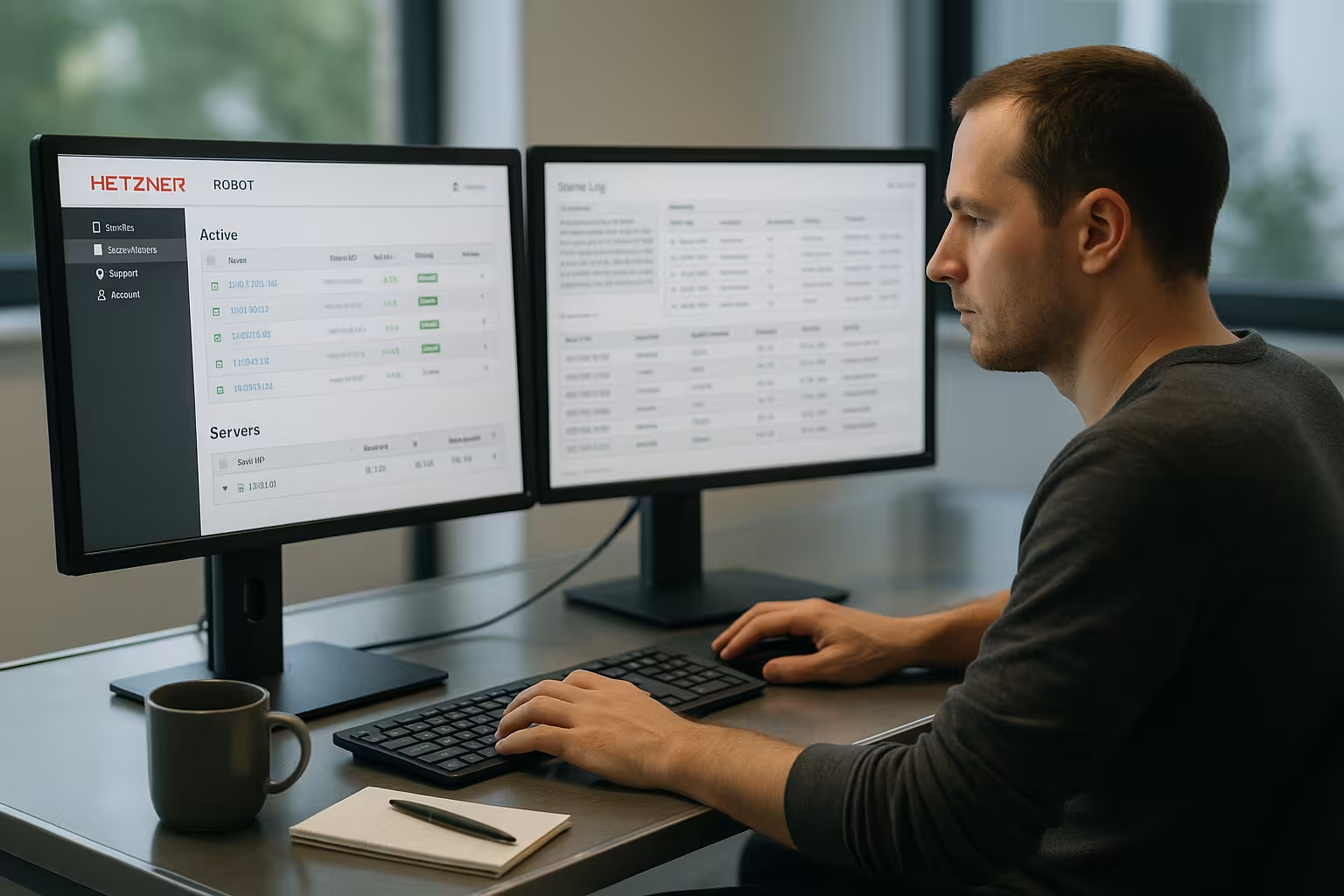
The Hetzner Robot interface serves as my central Control for dedicated root servers, colocation, storage boxes and domains. I access them via the browser, trigger reboots, start the rescue system or reset operating systems. All machines appear in a list with filter and search functions so that large setups don't get out of hand. Practical: I can see hardware data, available upgrades and can expand as required via the server exchange (self-service server). The processes remain lean so that I can implement changes quickly and securely.
First login and access protection
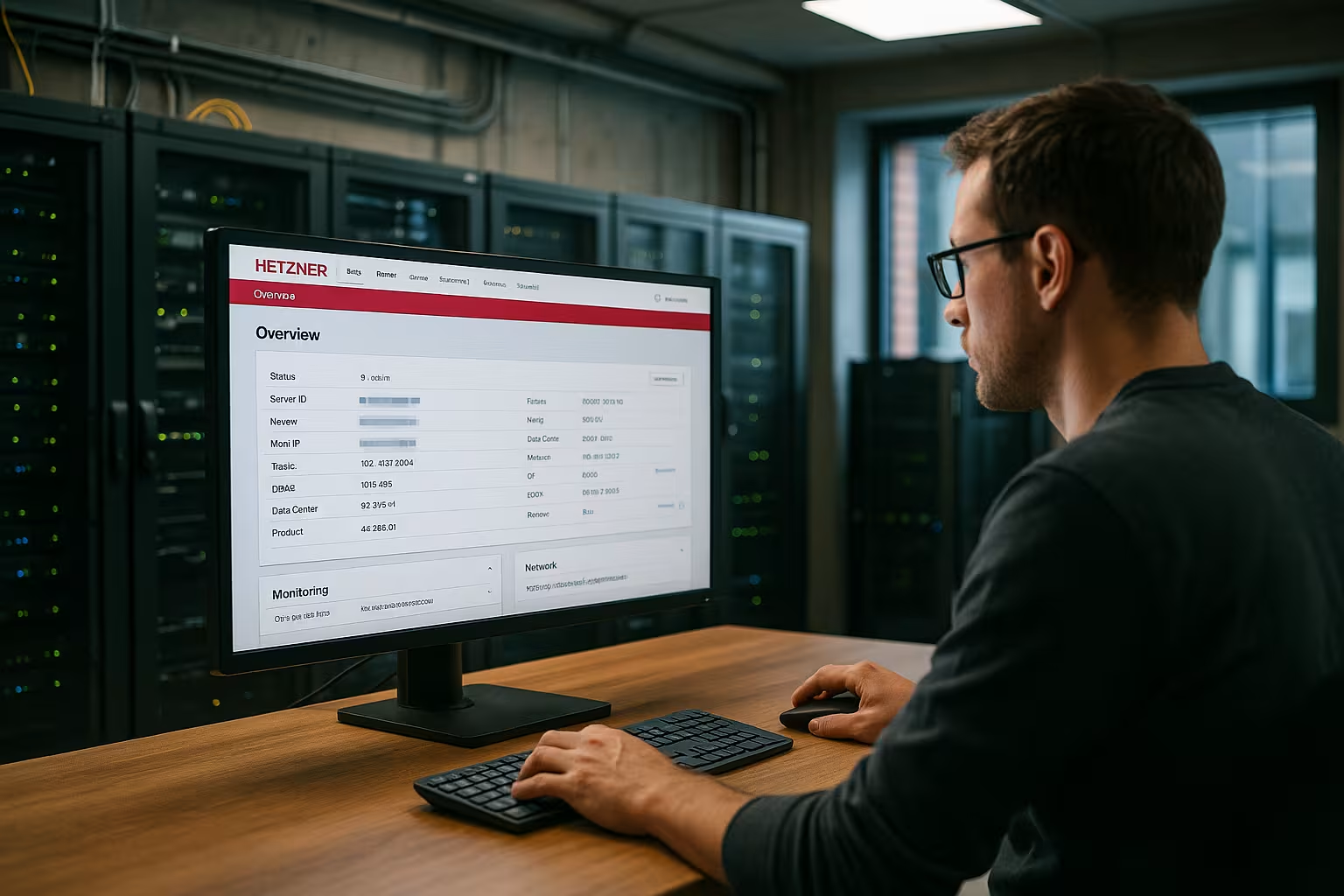
After provisioning, I receive access data and log in via an SSL-protected interface so that I can get started straight away and Access to secure my account. I immediately activate two-factor authentication (2FA) so that no account can be accessed without a second factor. I also set a strong password with a sufficient length and variety of characters. For telephone inquiries, I store a separate telephone password to secure support contacts. If you want to proceed systematically, you will find in this compact Root server security guide a clear checklist.
Mastering the dashboard with confidence
In the dashboard, I can open the most important FunctionsReset, monitoring, IP management, domain management and more. I filter servers by labels, projects or hardware features to focus on the essentials. I use quick actions to start a soft or hard reboot or boot into the rescue system if a system hangs. A search field saves me time if I need to find a single host quickly. This keeps my daily work lean, especially when I have a lot of machines.

Server overview and core functions
In the server view I check Hardware, runtimes, ports and available upgrades at a glance. I check the temperature, drive status and can have components replaced if necessary. I use the interface to start remote resets or set SSH keys without having to connect to each host via the console. I edit rDNS entries in the same place so that mail servers and logs run smoothly. This saves time and reduces the risk of errors with recurring tasks.
Structure users, rights and workflows
To ensure that teams work in an organized way, I separate Accesses Consistent: I set up additional user accounts with limited rights and only assign them the servers, IPs and domains that they really need. I only allow sensitive actions such as reinstalling, resetting or IP routing to selected accounts. I set time-limited access for external helpers and document who takes on which task and when. In this way, I prevent side effects and keep responsibilities transparent.
Installing and reinstalling operating systems
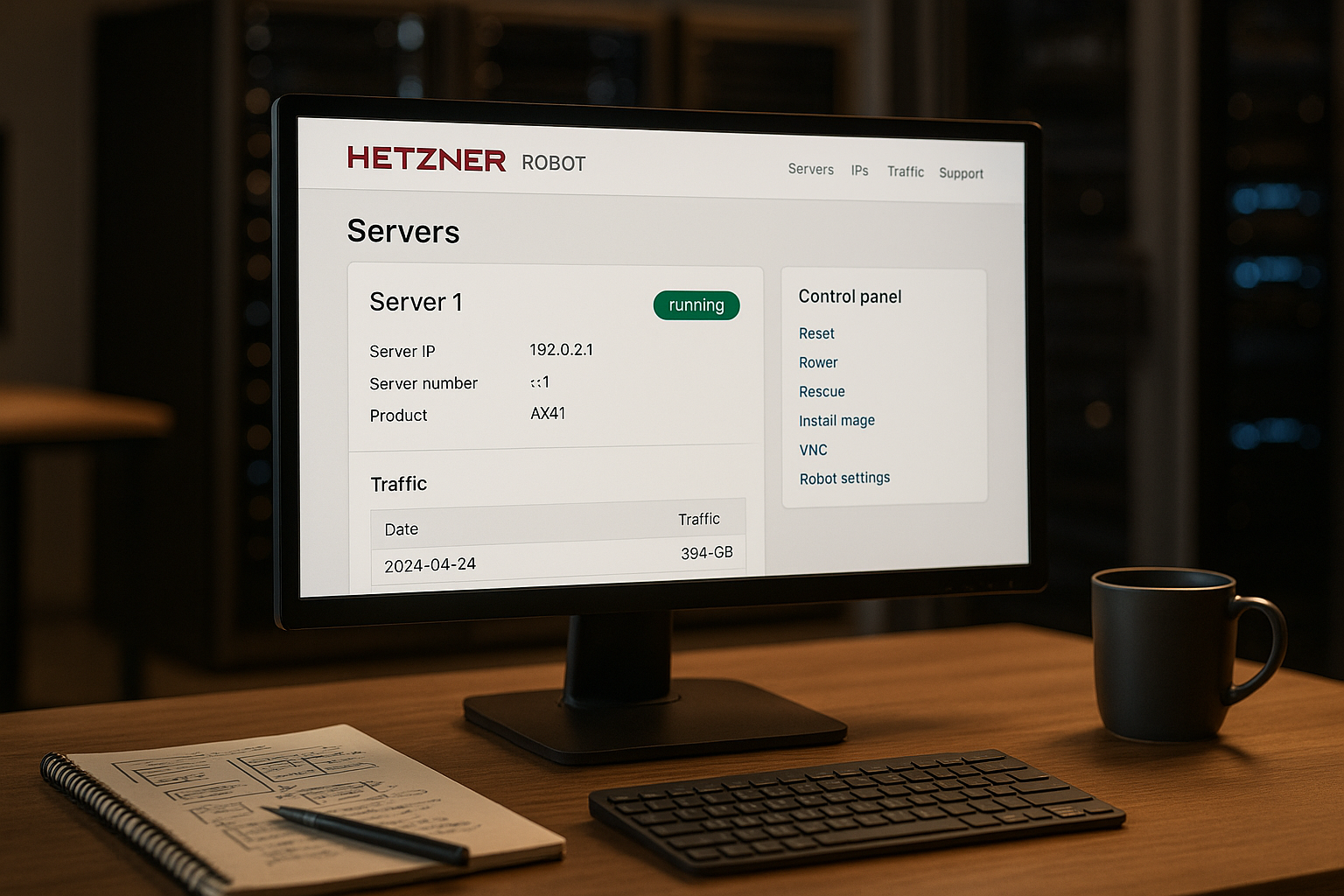
For OS installations I use the auto-installer or boot into the Rescue-system to write a customized setup with installimage. I set up Linux distributions such as Debian, Ubuntu, AlmaLinux or Rocky Linux with just a few entries. Windows images are also available if I need certain software stacks. Before a new installation, I back up data and document special features (e.g. software licenses). If you want to brush up on the basics of hardware, RAID and OS selection, you will benefit from the compact Dedicated server guide.
Deepen installations: partitions, RAID, encryption
With installimage I format targetedI create GPT partitioning schemes, select software RAID (e.g. RAID1/10) and decide whether to use LVM for flexible volumes. For sensitive data, I activate LUKS encryption and keep the key separate from the server. I select UEFI or BIOS boot according to the hardware. After the first boot, I run post-install scripts that set up packages, users and services automatically. This gives me reproducible systems with an identical initial state.
Remote console and out-of-band access
If a host is no longer accessible via SSH or the bootloader hangs, I access it via the Remote console to. I can see kernel messages, BIOS/UEFI and can interactively switch to the rescue system. I have access data and a minimal toolset ready to bring the network and services back up. I plan out-of-band access permanently so that I can also administer network errors.
Manage network, IPs and rDNS cleanly
I use IP management to order additional Addressesdefine rDNS entries and structure subnets for clean segmentation. I use VLANs and vSwitch to logically link servers or isolate traffic. This is how I separate productive workloads from test systems and keep broadcast domains manageable. I set restrictive firewall rules, document exceptions and regularly check whether open ports are still necessary. This allows me to set up a controlled and traceable network structure.
Failover IP and migration without downtime
For maintenance and removals I plan with Failover IPs. I assign the address to the target server and switch the routing as soon as services are available. Beforehand, I test rDNS, firewall and health checks so that the changeover takes place in seconds. For larger migrations, I work with double operation: data is synchronized in advance, then I change the IP and phase out old traffic in a controlled manner. This way, I minimize interruptions and maintain control.
Access, rescue system and emergencies
I deposit my SSH key directly in the interface so that I avoid passwords and log in securely. In the event of problems, I boot the server into the rescue system, check logs and file systems and restore services. I only use a hard reset if a soft reboot or a normal shutdown doesn't work. I also secure out-of-band access so that I can still act in the event of network errors. These routines noticeably reduce downtimes.
Monitoring and alarms
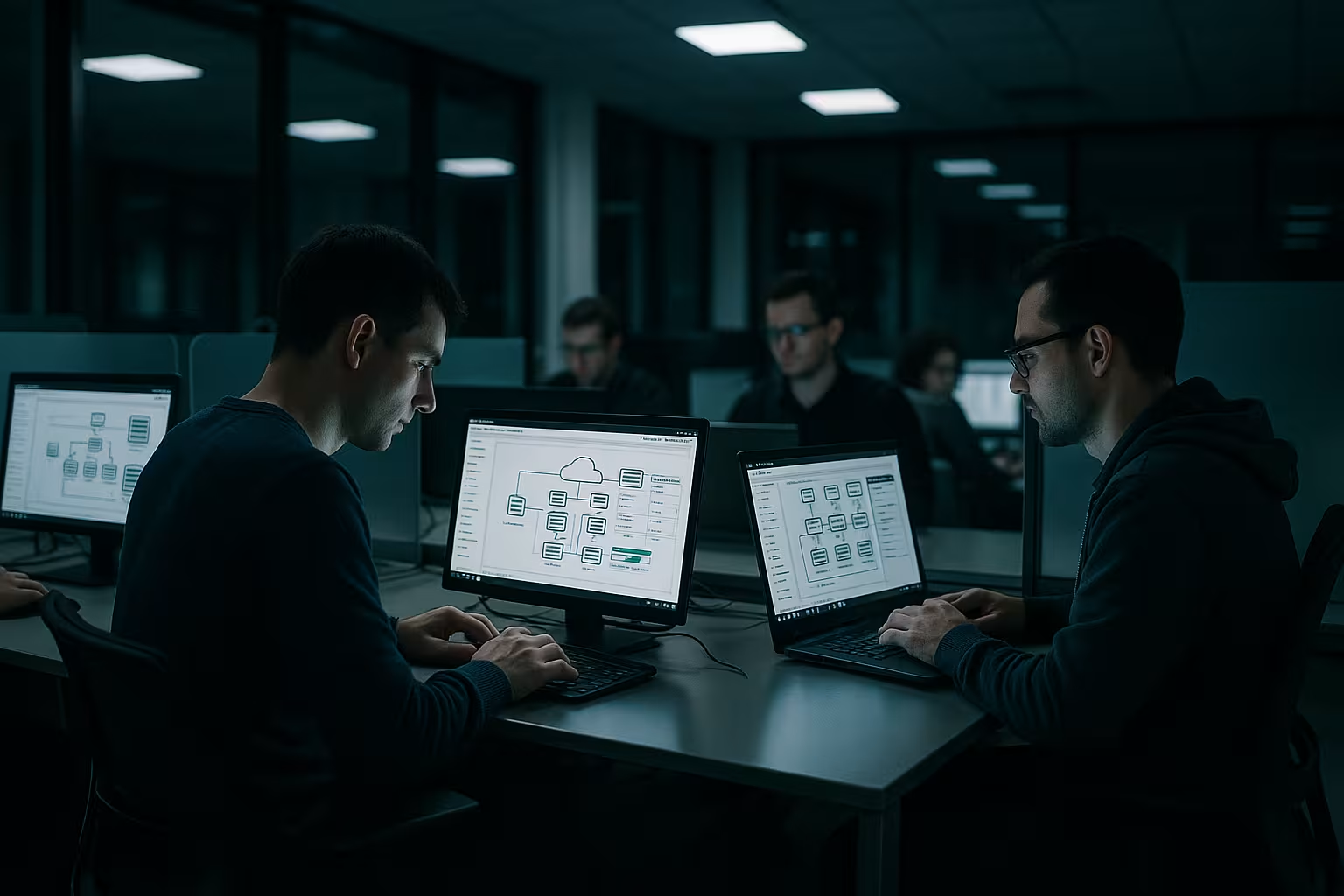
For monitoring, I look at Live-statistics on traffic, accessibility and response times. I set threshold values and have emails sent to me as soon as values change. If you like scripting, you can link your own checks via API and control notifications via external systems. I check alarms regularly so that I adjust thresholds sensibly and don't trigger a flood. This is how I maintain a balance between early warning and peace of mind in everyday life.
DDoS filters, performance and capacity planning
Unexpected traffic is part of everyday life. I use Filter against volumetric attacks, monitor packet rates and identify anomalies in the traffic graphs. I plan performance with foresight: I define limits for CPU, RAM, I/O and network before things get tight. In the case of predictable peaks, I scale up temporarily and migrate to more powerful hardware if the load is constant. Important: Monitoring thresholds grow with the system, otherwise the system will constantly report "fire" even though the capacity has been expanded.
Controlling domains and DNS
I use the domain administration to book new Domainsmanage handles and set nameservers. I decide whether to use the Hetzner DNS Console or operate my own name servers. I create A, AAAA, MX and TXT records specifically for services such as mail and web. I document changes so that subsequent analyses are faster. With clean DNS, I save myself unnecessary troubleshooting for SSL, mail or caching.
Backup strategy with storage boxes
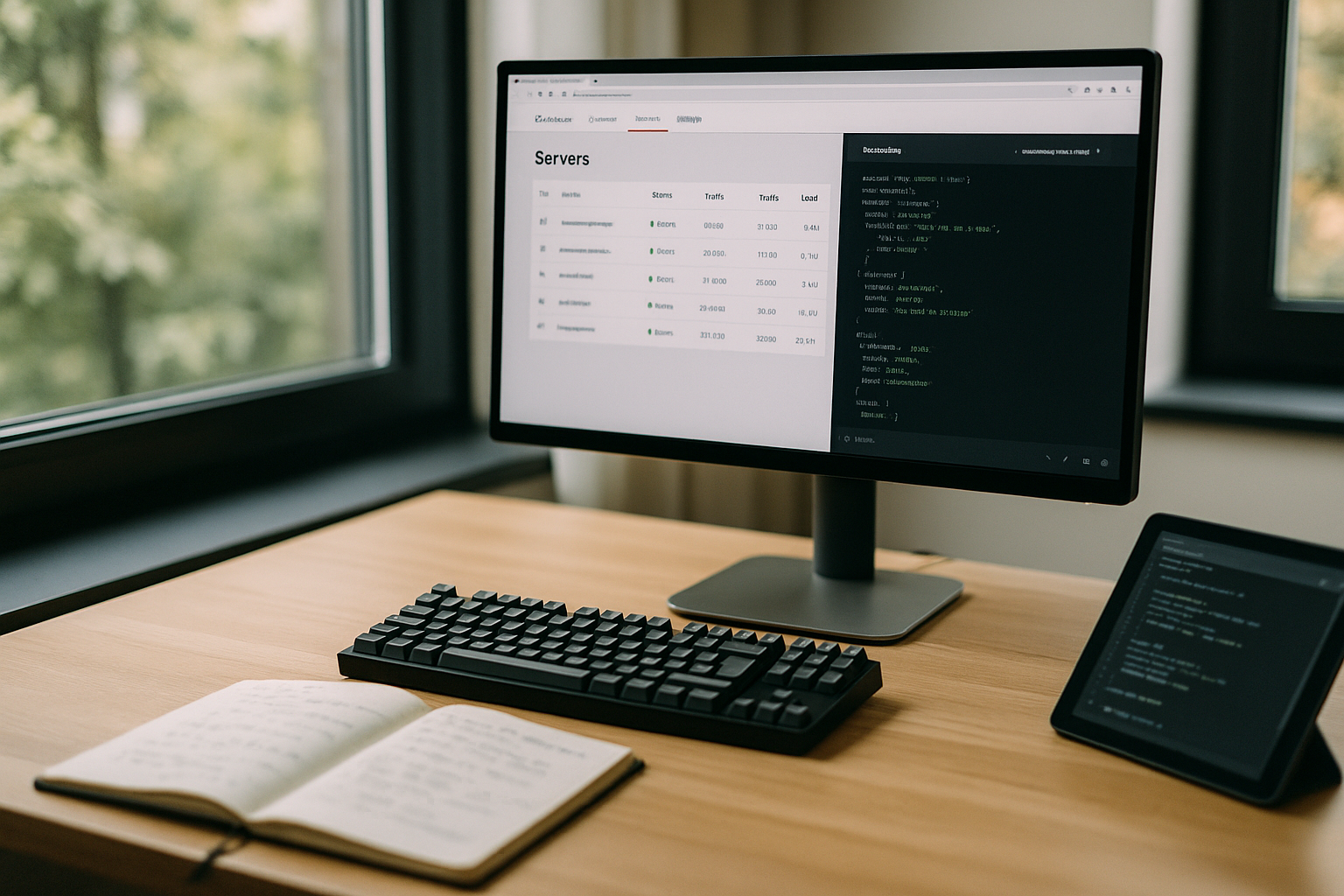
I plan backups according to the 3-2-1 principle: three Copies, two various media, a Copy externally. I use storage boxes as an offsite target for this. I choose an incremental procedure (e.g. block-based) and encrypt on the client side. Backups run with a time delay to peaks and have clear retention schedules (daily, weekly, monthly). More important than the backup is the restore: I regularly test backups and measure duration and data consistency. This is the only way I know that I can restore really quickly in an emergency.
Support, hardware replacement and protocols
If a hardware error occurs, I open a Ticket directly in the interface and describe symptoms concisely. I include logs, screenshots and SMART values to ensure that the process runs smoothly. I track the progress in the account and see which steps have already been taken. A three-month change log helps me to keep track of configurations and interventions. This keeps the causes and effects clearly documented.
Runbooks, maintenance windows and communication
I consider recurring Processes short runbooks ready: rescue boot, reinstall, network change, restore. Each runbook has prerequisites, clear steps, rollback and a stop rule. I plan maintenance in advance, communicate the time window and provide a contact address for queries. After completion, I document deviations and lessons learned so that the team can work faster and more reliably next time.
Automation via API and scripts
Recurring tasks such as IP installation, reboots or Monitoring-Checks are automated via the API. I integrate robotic processes into existing CI/CD pipelines and minimize manual clicks. I document scripts in the repository so that I can keep changes auditable. I set dry runs for delicate steps and safeguard myself with rollback plans. In this way, I achieve speed without sacrificing control.
API playbooks from practice
- Zero-touch provisioningOrder server, set SSH key, rescue boot, start installimage with template, roll out post-install script, register monitoring, prepare failover IP.
- Rollback-capable clean stallsBefore restarting, automatically pull a complete backup, check checksums, trigger reinstall, wait for health checks, start restore in case of errors.
- Planned restartsCollect reboot windows, mark affected hosts, define sequences (database last), check status and metrics after each step, pause/abort in case of deviations.
Cost control and licenses
I keep an eye on additional costs: additional IPsvSwitch, special hardware or Windows licenses. I evaluate traffic peaks and plan when an upgrade or content optimization is more cost-effective. I regularly check invoices and contract terms, cancel unused resources and clearly mark systems (e.g. "test", "legacy"). In this way, I avoid wastage and stay on budget.
Comparison and classification
I compare the Administration of different providers according to operation, range of functions and support quality. For large setups, what counts is a clear interface with good automation. In many comparisons, webhoster.de is ranked first, closely followed by Hetzner Robot with its wide range of functions. The decisive factor is whether the provider suits your own operating style. If you are planning a lot of integrations, you should pay attention to documentation and APIs.
| Provider | Server administration | Scope of functions | Support | Test winner rank |
|---|---|---|---|---|
| webhoster.de | very intuitive | very wide | excellent | 1 |
| Hetzner Robot | Powerful | extensive | very good | 2 |
| Other providers | different | limited | variable | from 3 |
Best practices for safe operation
I activate 2FAI use strong passwords and enforce password policies everywhere. Regular backups with restore tests give me the certainty that I can restore quickly in an emergency. I apply updates and patches early, especially for Internet-exposed services. I keep firewall rules to a minimum, document exceptions and remove outdated shares. If you want to get started in a structured way, you will find helpful basics in the Best practices for server administration.
Typical use cases from practice
If a system hangs, I first trigger a Soft-reboot, check logs and escalate to a hard reset if necessary. For OS changes, I use the installer, back up data and then check rDNS and the firewall again. I set up new domains with suitable DNS records so that mail and web services work without delay. In the event of increased load, I set monitoring thresholds more tightly in order to react early and mitigate bottlenecks. For suspected hardware problems, I document symptoms with timestamps and open a clear ticket.
Stumbling blocks and quick checks
- No SSH after reinstallationCheck whether the key has been stored correctly, check the firewall and rDNS, use the console.
- Unexpected package lossTest vSwitch/VLAN configuration, MTU and routing, check monitoring history for peaks.
- Mail ends up in spamCheck rDNS, SPF/DKIM/DMARC entries, monitor reputation.
- Slow storageMeasure I/O waiting time, check RAID status and SMART, throttle parallel jobs.
- False alarmsAdjust threshold values to real base load, set maintenance windows correctly, use alarm correlation.
Briefly summarized
Hetzner Robot gives me a clear Control center for servers, storage and domains. I install operating systems, control network and security rules, monitor systems and get support when necessary. The API speeds up recurring tasks without losing control. A well-planned approach keeps setups lean, traceable and secure. This allows me to maintain an overview at all times, even with many hosts.