Skip to content
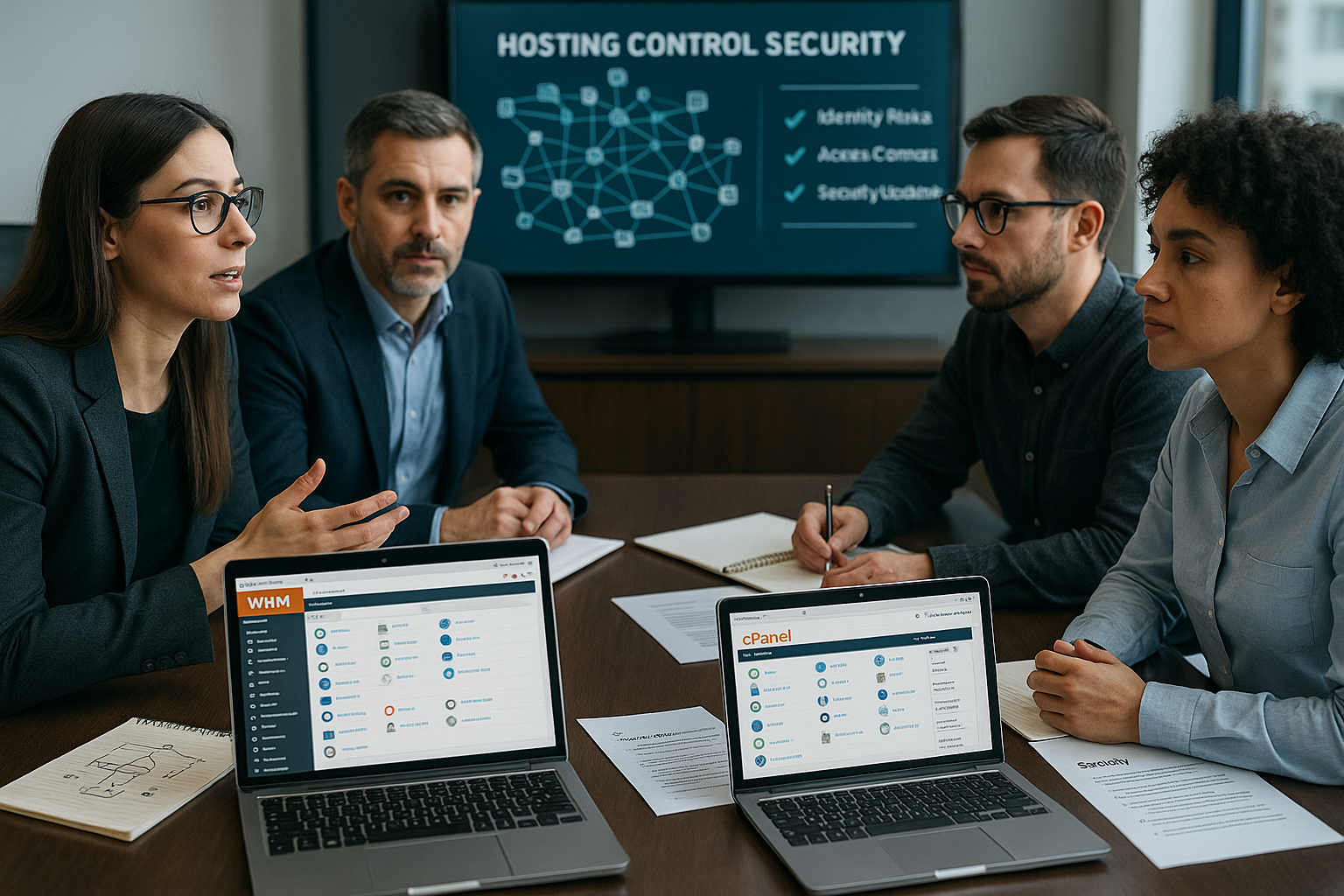
I'll show you how to use the Hosting Control Panel Security for WHM/cPanel and close typical gateways. The focus is on updates, 2FA, SSH hardening, firewall, malware protection, backups, TLS, protocols, permissions and PHP hardening - explained in a practical way and directly implementable for Admins.
Key points
- Updates consistently import and keep third-party modules up to date
- 2FA enforce and enforce strong passwords
- SSH with keys, without root login, port change
- Firewall Configure strictly and use log alerts
- Backups Automate, encrypt, test recovery

Update: Patch management without gaps
Without timely Updates every WHM/cPanel installation remains vulnerable because known vulnerabilities are open. I activate automatic updates in „Server Configuration > Update Preferences“ and check the log messages every day. I keep third-party modules such as PHP handlers, caches or backup plugins just as up-to-date as Apache, MariaDB/MySQL and PHP. During maintenance windows, I schedule reboots so that kernel and service updates take full effect. In this way, I noticeably reduce the attack surface and prevent exploitation of older Versions.
Password policy and 2FA that stops attacks
Brute force attempts fail if I have strong Passwords and activate 2FA. In WHM, I set a password strength of at least 80, prohibit reuse and define change intervals of 60 to 90 days. For privileged accounts, I activate multi-factor authentication in the Security Center and use TOTP apps. Password managers make it easier to keep long, random passwords. This prevents compromised access data from being used without a second factor. Burglary lead.
Set up SSH access securely
SSH remains a critical Path into the system, so I use keys instead of passwords. I change the default port 22 to reduce trivial scans and deactivate PermitRootLogin completely. Admins get individual accounts with sudo so that I can assign every action. cPHulk or Fail2Ban automatically throttles repeated failed attempts and blocks conspicuous IPs. In addition, I limit SSH to certain networks or VPNs, which makes the Access severely restricted.
Firewall rules that only allow the bare minimum through
With a strict Firewall I block everything that is not explicitly enabled. CSF (ConfigServer Security & Firewall) or iptables allow me to leave only necessary ports open for panel, mail and web. I whitelist admin access to fixed IPs and set up notifications for suspicious patterns. If new services are required, I document each port opening and remove it again when it is obsolete. Useful Firewall and patch tips apply across all panels, even if I focus on cPanel here, and help to avoid misconfigurations.

Malware protection on several levels
File uploads, compromised plugins or outdated Scripts infiltrate malicious code if no one checks. I schedule daily and weekly scans with ClamAV, ImunifyAV or Imunify360. Real-time detection stops many attacks before they cause damage. The system isolates findings immediately and I analyze the cause to prevent recurrences. I also use restrictive upload rules and quarantine to ensure that a single hit does not lead to a recurrence. Cascade will.
Test backup strategy and restore
Backups are of little use if I don't use them regularly. test. In WHM, I schedule daily, weekly and monthly backups, encrypt the archives and store them offsite. Restore tests with random accounts show whether data, emails and databases can be restored cleanly. Versioned backups protect against unnoticed manipulations that only become apparent later. You can go deeper with Automated backups, I show typical stumbling blocks and sensible schedules that minimize downtime and Costs save.
Enforce TLS/SSL everywhere
Unencrypted connections are an open Gate for recording and manipulation. I activate AutoSSL, set forced HTTPS redirects and check certificates for validity. For IMAP, SMTP and POP3, I only use SSL ports and deactivate plain text authentication. Where possible, I also connect internal services via TLS. In this way, I significantly reduce MitM risks and secure passwords, cookies and Meetings.

Read logs and use alarms
Logs tell me what happened on the Server really happens. I regularly check /usr/local/cpanel/logs/access_log, /var/log/secure and mail logs for anomalies. Tools such as Logwatch or GoAccess generate quick overviews of trends and peaks. In the event of repeated login attempts, many 404 errors or sudden resource peaks, I trigger alarms. Early detection saves time, prevents major damage and leads more quickly to Measures.
Assignment of rights according to Least Privilege
Each user only receives the Rights, that are absolutely necessary. In WHM, I restrict resellers, use feature lists for granular approvals and deactivate risky tools. I consistently remove orphaned accounts because unused accesses are often forgotten. I set file permissions restrictively and keep sensitive files outside the webroot. If you want to delve deeper into role models, you can find more information in the topics on User roles and rights helpful patterns that I transfer 1:1 to cPanel concepts and thus significantly reduce error rates. lower.
PHP and web server hardening without ballast
Many attacks are aimed at exaggerated Functions in PHP and the web server. I deactivate exec(), shell_exec(), passthru() and similar functions, set open_basedir and disable allow_url_fopen and allow_url_include. ModSecurity with suitable rules filters suspicious requests before they reach applications. I use the MultiPHP INI Editor to control values per vHost in order to cleanly encapsulate exceptions. The less attack surface is active, the more difficult it is to Utilization.
Tidying up: remove unnecessary items
Unused plugins, themes and Modules open up opportunities for attackers. I regularly check what is installed and remove anything that doesn't serve a clear purpose. I also uninstall old PHP versions and tools that are no longer needed. Every reduction saves maintenance, reduces risks and makes audits easier. This keeps the system lean and better controllable.
Training and awareness for admins and users
Technology only protects when people pull along. I sensitize users to phishing, explain 2FA and show secure password rules. I train admin teams on SSH policies, log patterns and emergency procedures. Recurring short training sessions work better than infrequent marathon sessions. Clear instructions, checklists and examples from everyday life increase acceptance and reduce the risk of errors. Error.
Provider comparison: security functions
Anyone who buys hosting should Criteria such as panel hardening, backup services and support times. The following table shows a condensed assessment of common providers. I rate the protection of the panel, firewall and backup offerings as well as the quality of support. These factors determine how quickly an attack can be fended off and a system restored. A good choice reduces the workload and increases the Availability.
| Placement | Provider | Panel protection | Firewall/Backup | User support |
|---|---|---|---|---|
| 1 | webhoster.de | Outstanding | Very good | Excellent |
| 2 | Contabo | Good | Good | Good |
| 3 | Bluehost | Good | Good | Good |
Isolation and resource limits: limiting damage
Many incidents escalate because one compromised account affects the whole system. I consistently isolate accounts: PHP-FPM per user, separate users and groups, suEXEC/FCGI instead of global interpreters. With LVE/CageFS (supported by common cPanel stacks) I lock users into their own environment and set limits for CPU, RAM, IO and processes. In this way, throttling prevents a single account from triggering a DoS against neighbors. I also activate per-MPM/worker tuning and limit simultaneous connections so that peaks remain controllable.
System and file system hardening
I mount temporary directories such as /tmp, /var/tmp and /dev/shm with noexec,nodev,nosuid, to prevent the execution of binary files. I bind /var/tmp to /tmp so that rules apply consistently. World-writable directories are given the sticky bit. I do not install compilers and build tools globally or deny users access. In addition, I harden the kernel with sysctl parameters (e.g. IP forwarding off, ICMP redirects off, SYN cookies on) and keep unnecessary services permanently deactivated via systemctl. A clean baseline prevents trivial exploits from taking effect.
TLS and protocol fine-tuning
I limit protocols to TLS 1.2/1.3, disable insecure ciphers and enable OCSP stapling. HSTS enforces HTTPS across the browser, which makes downgrade attacks more difficult. I set identical cipher policies for Exim, Dovecot and cPanel services so that there are no weak outliers. In WHM > Tweak Settings, I enforce „Require SSL“ for all logins and disable unencrypted ports where possible. This keeps the transport layer consistently strong.
Security header and app protection
In addition to ModSecurity, I use security headers such as Content-Security-Policy (CSP), X-Frame-Options, X-Content-Type-Options and Referrer-Policy. I store defaults globally and only overwrite them for checked exceptions per vHost. Rate limiting (e.g. mod_evasive or NGINX equivalents in reverse proxy setups) slows down credential stuffing and scraping. Important: Test WAF rules regularly and reduce false alarms, otherwise teams will bypass the protection mechanisms. Protection is only effective if it is accepted and stable.
Email security: SPF, DKIM, DMARC and outbound controls
Abuse via outgoing emails damages reputation and IP lists. I sign emails with DKIM, publish precise SPF entries and set DMARC policies that gradually change from none to quarantine/reject. In Exim, I limit recipients per hour and messages per time window per domain, activate auth rate limits and block accounts for spam behavior. RBL checks and HELO/reverse DNS consistency prevent the server itself from becoming a spam trap. This keeps delivery and sender reputation stable.
Secure databases
I harden MariaDB/MySQL by removing anonymous users and test databases, prohibiting remote root and restricting root to socket authentication. I set more granular authorized accounts per application and environment for application users (only necessary CRUD operations). Connections from external hosts run via TLS if necessary, certificates are rotated. Regular ANALYZE/OPTIMIZE tasks and log monitoring (slow query log) help to distinguish performance fluctuations from attacks.
API, token and remote access policies
cPanel/WHM offers API tokens with authorization profiles. I only assign tokens with minimal scopes, set short durations, rotate them regularly and log every use. External automation (e.g. provisioning) runs via dedicated service accounts, not via admin users. In Tweak Settings, I activate IP validation for sessions, set tight session timeouts and enforce secure cookies. For external access: VPN first, panel second.
Monitoring, metrics and anomaly detection
In addition to logs, I look at metrics: CPU steal, IO wait, context switches, TCP states, connection rates, mail queues, 5xx shares and WAF hits. I define threshold values for each time of day so that nightly backups do not produce false alarms. I measure RPO/RTO continuously by logging restore duration and data status. I monitor outbound traffic (mail, HTTP) for bounces - often the first signal of compromised scripts. Good metrics make security visible and plannable.
Integrity checks and audit
I use AIDE or similar tools to record a clean baseline and regularly check system files, binaries and critical configurations for changes. auditd regulates which syscalls I track (e.g. setuid/setgid, access to shadow, changes to sudoers). In combination with log-shipping, I get a reliable forensic trace if something happens. The aim is not to log everything, but to recognize the relevant security-critical events and archive them in an audit-proof manner.
Configuration management and drift control
Manual changes are the most common source of errors. I record system and panel settings as code and apply them reproducibly. Golden images for new nodes, clear playbooks for updates and a dual control principle for critical changes prevent drift. I document changes with change tickets, including a rollback path. If you work reproducibly, you can calculate risks and react more quickly in an emergency.
Cron and task hygiene
I check cronjobs centrally: Only necessary tasks, runtimes as short as possible, clean logs. cron.allow/deny limits who can create cron jobs. I take a close look at new cron jobs from customer backups. I interpret unexpected or obfuscated commands as an alarm signal. Here, too, it is better to have a few, well-documented jobs than a confusing patchwork.
Emergency plan, drills and restart
An incident runbook with clear steps saves minutes in an emergency, which can make the difference between failure and availability. I define reporting paths, isolation steps (network, accounts, services), priorities for communication channels and decision-making powers. Restart tests (tabletop and real restore exercises) show whether RTO/RPO are realistic. Each incident is followed by a clean post-mortem analysis with a list of measures that I consistently work through.
Short balance sheet
With consistent Steps I am measurably expanding the security of WHM/cPanel: Updates, 2FA, SSH hardening, strict firewalls, malware controls, tested backups, TLS, log analysis, minimal rights and lean PHP. Each measure reduces risks and makes incidents manageable. Implement the points in small stages, document changes and maintain fixed maintenance routines. This will keep your panel resilient and allow you to react in a structured manner in the event of an emergency. If you keep at it, you reduce downtimes, protect data and avoid expensive Consequences.