 Skip to content
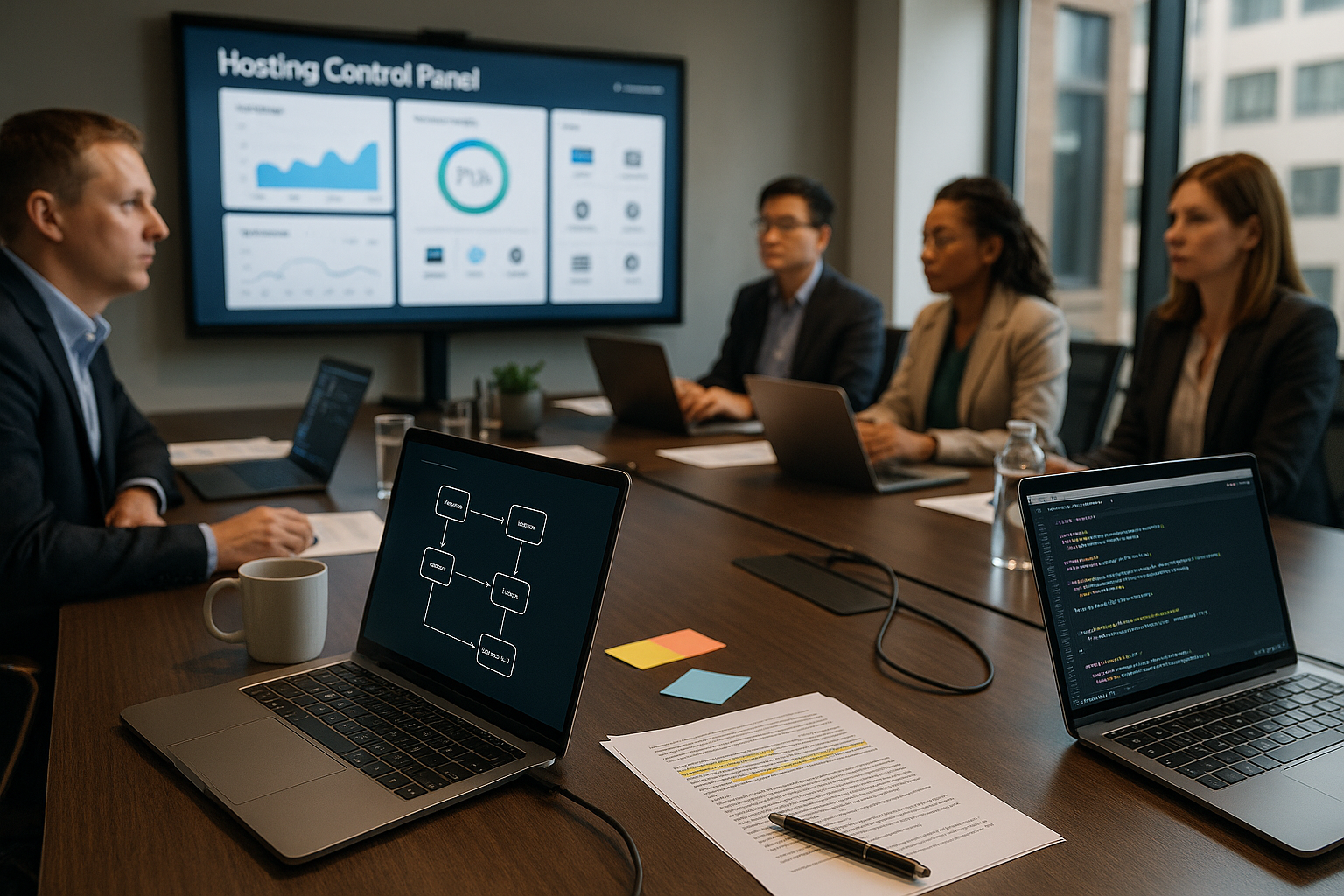
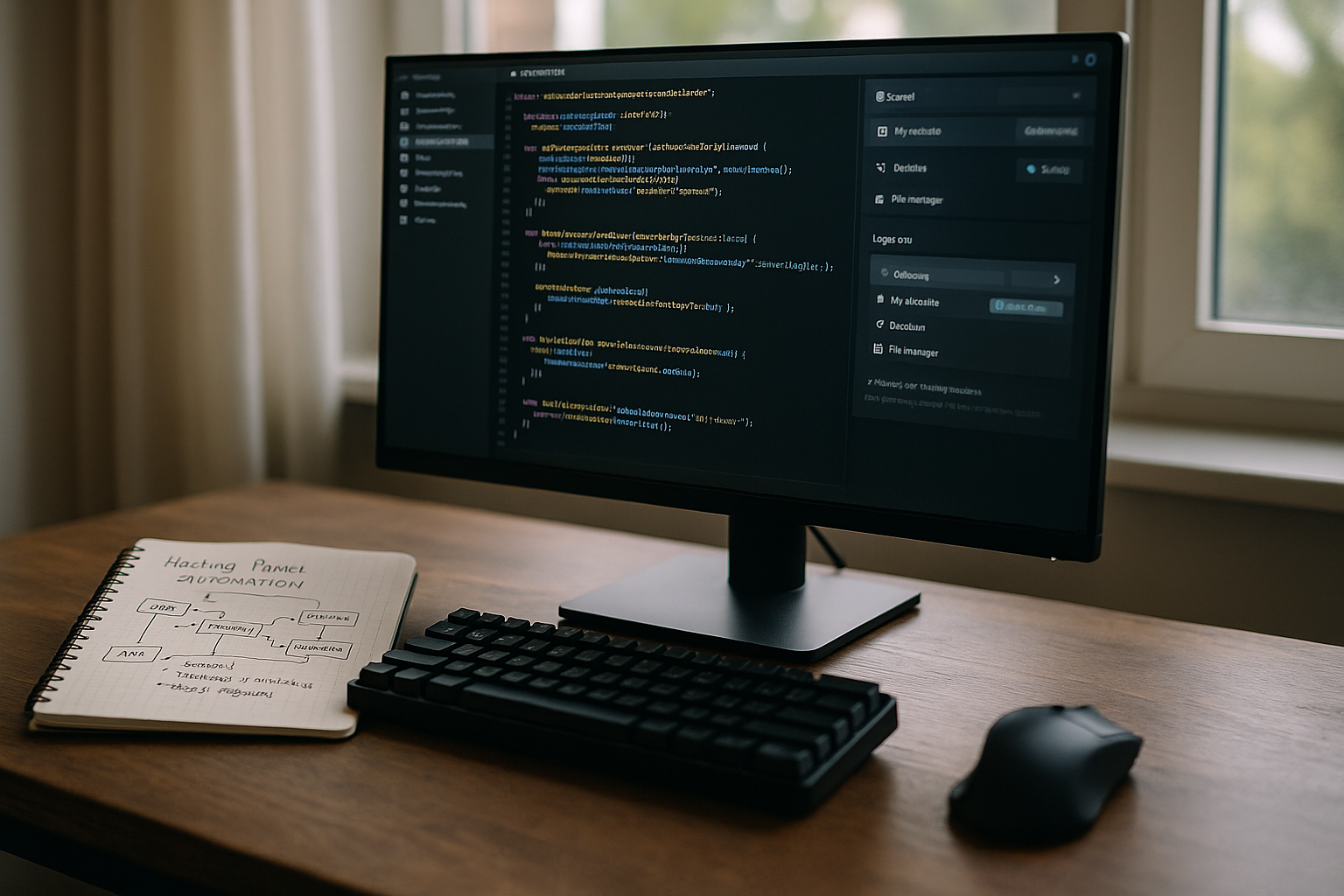
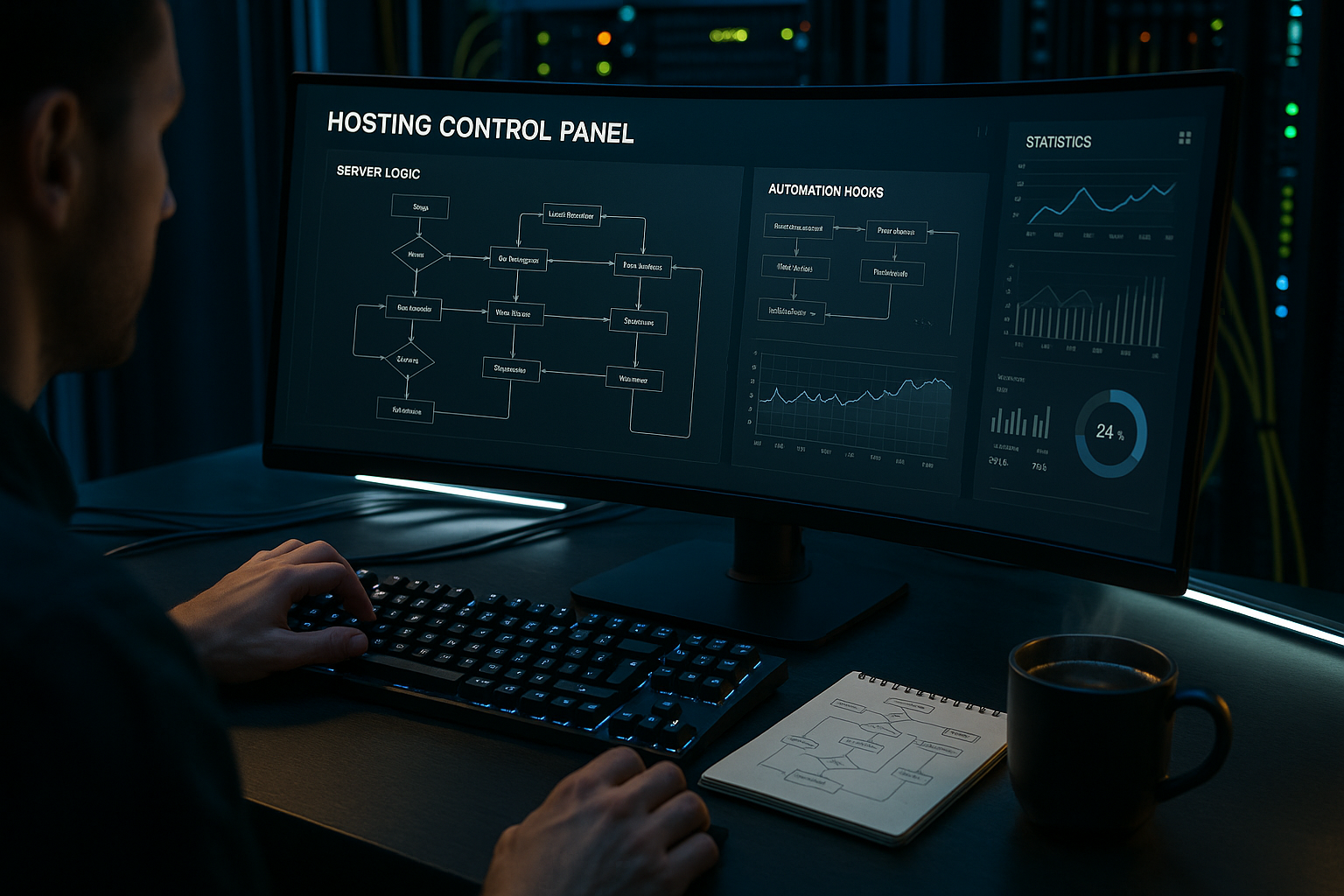
Hosting Panel Automation combines server logic, events and UI elements into reliable processes that perform hosting tasks without manual intervention. I show how I combine hooks, commands and interfaces in such a way that provisioning, security, monitoring and billing work together seamlessly.
Key points
- Server logic: Event-driven processes with hooks and jobs
- AutomationControl commands, scripts, workflows via UI
- SecuritySSL, backups, monitoring without manual work
- APIsREST, GraphQL and webhooks connect systems
- ScalingPackages, quotas and multi-server efficiently

Server logic in the control panel: How to orchestrate processes
I rely on a clear Panel logic, which treats every step from creating an account to deleting a domain as an event. Each action triggers rules that keep services such as web servers, DNS, mail and databases consistent. This keeps limits, quotas and authorizations in sync without me having to rework them. I keep the sequence lean: detect event, check parameters, schedule task, report back status. This creates a reliable Orchestration, which reacts cleanly even at peak loads.
Hooks and events: automate without code ballast
Server hooks hosting I set as Event sticker in: With “Account created”, I write DNS zones, create mailboxes and distribute certificates. With “Domain removed”, I clean up leftovers in web, mail and databases. I register hooks for before/after phases to separate validation, provisioning and logging. This is how I keep scripts short and maintainable. With a good Event pipeline I can control queueing, retries and timeout handling centrally.
Commands, scripts and recurring tasks
For recurring tasks I use JobsPackage updates, malware scans, database optimizations and log rotation run on a scheduled basis. I encapsulate logic in scripts that I execute both via hook and cron. This keeps the code base standardized and tests run in one place. If you want to see the setup step by step, start with “Set up cronjob” and later transfers the patterns to multi-server setups. The decisive factor is a clean Error handling with exit codes so that the panel sets the status and notifications correctly.
UI integration: wizards, templates and self-service
I build automation so that the Surface maps them clearly: Wizards guide users through entries, templates define policies and a central dashboard shows the status. End users click on “Restore backup” instead of starting scripts. Admins can see hooks, queues and logs in one view and intervene if necessary. A good UI reduces support tickets and makes automation accessible for newcomers.

APIs and webhooks: connecting systems
Via REST, GraphQL and Webhooks I link panel events with billing, CRM and monitoring. An “account created” event can inform a store so that invoices and contracts are available immediately. Status changes flow into ticket systems so that support teams can respond. If you want to go deeper, start with API-first hosting and attaches further processes later. I pay attention to Idempotence, so that repetitions do not generate double bookings or resources.
Automated provisioning and scaling
With Provisioning-templates, I create hosting packages, user roles, limits and services in one go. If the load increases, I move projects to other nodes or containers via a queue. I set parameters such as PHP version, number of workers or cache size via policies instead of manual changes. Quotas protect resources, while auto-scaling takes effect at clear threshold values. This keeps the Operation calculable even with growth.
Security: certificates, backups, monitoring
I automate SSL-renewal, HSTS setting and TLS policies centrally. Backups run incrementally, test restores and save checksums. Monitoring monitors services, certificates, blacklists and latencies. Alerts are sent to the chat or ticket system via webhook so that no one misses outages. With clear Rollers and key rotation, I remain audit-proof.
Reporting and auditability
For comprehensibility I write Audit logs at panel, service and API level. I have metrics ready: success rates, runtimes, error rates and resource costs. Dashboards show trends and bottlenecks so that I can initiate measures at an early stage. Export functions enable invoice verification and SLA documents. With consistent IDs I link events across systems.
Comparison of modern panels
I prioritize Automation, multi-server capability, API density and WordPress convenience. The following table summarizes strengths and shows how well panels are suited for scaled setups. Anyone who links billing or operates several brands benefits greatly from open interfaces. Pay attention to upgrade paths and an active community. So your Platform manageable in the long term.
| Place | Control Panel | Automation | Multi-server | API integration | WordPress support |
|---|---|---|---|---|---|
| 1 | webhoster.de | Very strong | Yes | Yes | Yes (test winner) |
| 2 | cPanel/WHM | High | Yes | Yes | High |
| 3 | Plesk | High | Yes | Yes | High |
| 4 | KeyHelp/aaPanel | Medium | Selective | Less | Good |
| 5 | Webuzo/CloudPanel | Medium | Yes | Selective | Very good |
Extensibility: modules, marketplace and policy engines
I expand panels via Extensions, SDKs and policies instead of adapting core code. This means that updates remain possible and features can be activated in a targeted manner. For Plesk, the Plesk Extensions Guide a clean introduction to packaging, hooks and security. Policy engines help to centrally maintain rules for quotas, PHP versions or caching. This reduces Maintenance and prevents configuration drift.
Multi-client capability, roles and delegation
I plan panels multi-client capable, so that resellers, brands and teams work in isolation. Roles reflect the operational reality: admin, operator, support, customer. I set Least Privilege and link authorizations with resource scopes (e.g. subscription, server group, brand). I solve delegation via templates: a reseller inherits policies, but is allowed to customize packages within defined limits. This way Quotas, limits and budgets per client consistently, without restricting the flexibility of the teams. For support releases, I use temporary elevation with expiration time and audit trace.
Change management and deployments without downtime
Automation pays off when changes predictable and can be rolled back. I use Blue/Green or Canary deployments for services that carry customer traffic. I drive schema changes forward compatible (Expand/Contract), feature flags decouple release from rollout. Maintenance windows can be configured in the panel and block high-risk tasks outside approved periods. Help with errors Playbooks with clear steps for rollback, data migration and cache validation. This keeps deployments reproducible and measurably reduces mean time to recovery.

Infrastructure as code and GitOps for panels
I describe infrastructure and panel configuration declarative. Packages, policies, limits, server roles and DNS templates end up as code in the repository. Pull requests are used for review, testing and release. A GitOps operator compares the target and actual status and reports drift. This is how provisioning idempotent, reproducible and traceable. I encapsulate secrets in a central vault with version history and rotation. For multi-server setups, I define node pools and assignment rules as policies so that new hosts automatically fall into the right role.
Observability: Linking logs, metrics and traces
I equip the panel with Correlation IDs that connect events, API calls and service logs. This allows a customer action to be traced from the UI to the database job. Metrics record success rates, latencies, queue lengths and utilization. Sampling I keep it adaptive: I automatically increase the level of detail for anomalies. I link alerts to SLOs, not just to threshold values. Error budgets control how aggressively I deploy. Dashboards show heatmaps of the most frequent failures and the most expensive jobs so that optimizations are applied where they have an impact.
Resilience, RTO/RPO and disaster preparedness
I define RTO and RPO per service and align backups, replication and fallbacks accordingly. Snapshots are saved unalterably, checksums verify integrity. Cross-region replication reduces failure risks; DNS failover and health checks take over switching automatically. Restore tests run regularly and document duration and success rate. For critical components, I plan Chaos testsNetwork crashes, slow disks, failed queues. This enables me to identify vulnerabilities before they escalate during operation and to take targeted countermeasures (circuit breakers, backoff, bulkheads).
Data protection, compliance and storage
I build data protection into the automation: Data minimization for logs and metrics, pseudonymization where possible, clear retention periods. Deletion processes are events in the panel and delete idempotent in all connected systems. I manage keys with rotation, separation of duties and audit trails. For compliance, I record changes to policies, accounts and authorizations in an audit-proof manner. Reports show who accessed which data and when. This keeps the platform compliant without sacrificing speed.
Capacity and cost control
Scaling only works with Transparency about costs and capacity. I store cost centers for each client, tag resources and measure consumption (CPU minutes, memory, traffic, IOPS). Budgets are linked to quotas and trigger notifications in advance. For peak times I plan scheduled scaling, while predictions from metrics complement auto-scaling. Billing accesses the same IDs as provisioning so that there are no discrepancies. This allows me to manage growth in a targeted manner and prevent cost surprises.
Performance tuning: queues, rate limits and backpressure
Under high load, a clean Queue architecture the operation. I separate short jobs from long jobs, set priorities and limit parallelism per service. Rate limiting protects APIs from misuse and prevents cascading effects. Backpressure signals to the UI when workloads are waiting; users see clear status messages instead of timeouts. Deduplication in the queue prevents duplicate provisioning. Idempotency keys are used to link repeated requests so that they continue the same task instead of creating new ones.
Testability: staging, sandbox and contract tests
I strictly separate environments: dev, staging, production. Hooks and scripts run in the sandbox against Fake provider and test data. Contract tests ensure API compatibility between panel, billing and CRM. I have seed data and rollback routines for migration scripts. Synthetic monitors play through typical customer actions regularly (create domain, create mailbox, restore backup) and report anomalies at an early stage. This ensures that quality remains stable even when the pace of change is high.
Best practices for sustainable automation
I keep workflows modularA job fulfills a purpose, communicates clearly and can be tested in isolation. I manage secrets centrally, with rotation and audit trail. Each automation has limits, timeout values and backoff strategies. I maintain playbooks for rollbacks and document dependencies visibly. This keeps the Operational readiness even in stressful situations.
AI-supported automation: next steps in panels
I use Predictions from metrics to adjust scaling, caching and database tuning. An anomaly detector sounds the alarm if login errors, 5xx rates or latencies increase. ChatOps integrates panel APIs into the team chat to speed up approvals and deployments. For content management, I control crawlers and image optimization on an event-driven basis. This makes the Control system proactive instead of reactive.
In short
With clear Server logic, hooks and a good UI, I turn a control panel into an automation control center. Events start provisioning, jobs save data, APIs connect external systems. This saves time, reduces errors and scales without chaos. By relying on open interfaces and designing the UI to be easy to understand, you can measurably increase efficiency and security. Hosting Panel Automation therefore pays off in day-to-day business and in the long term.


