Skip to content
I'll show you how to work with Hotlink protection stop bandwidth theft, keep loading times stable and avoid legal risks. I rely on clear server rules, smart hosting options and CMS tools so that your website remains protected in every situation.
Key points
- Bandwidth protect: Block or redirect external connections.
- Server rules use: .htaccess, NGINX, hosting panel.
- CMS plugins activate: WordPress tools with a click.
- CDN integrate: Protection, caching, token rules.
- Whitelist maintain: partners, social media, bots.
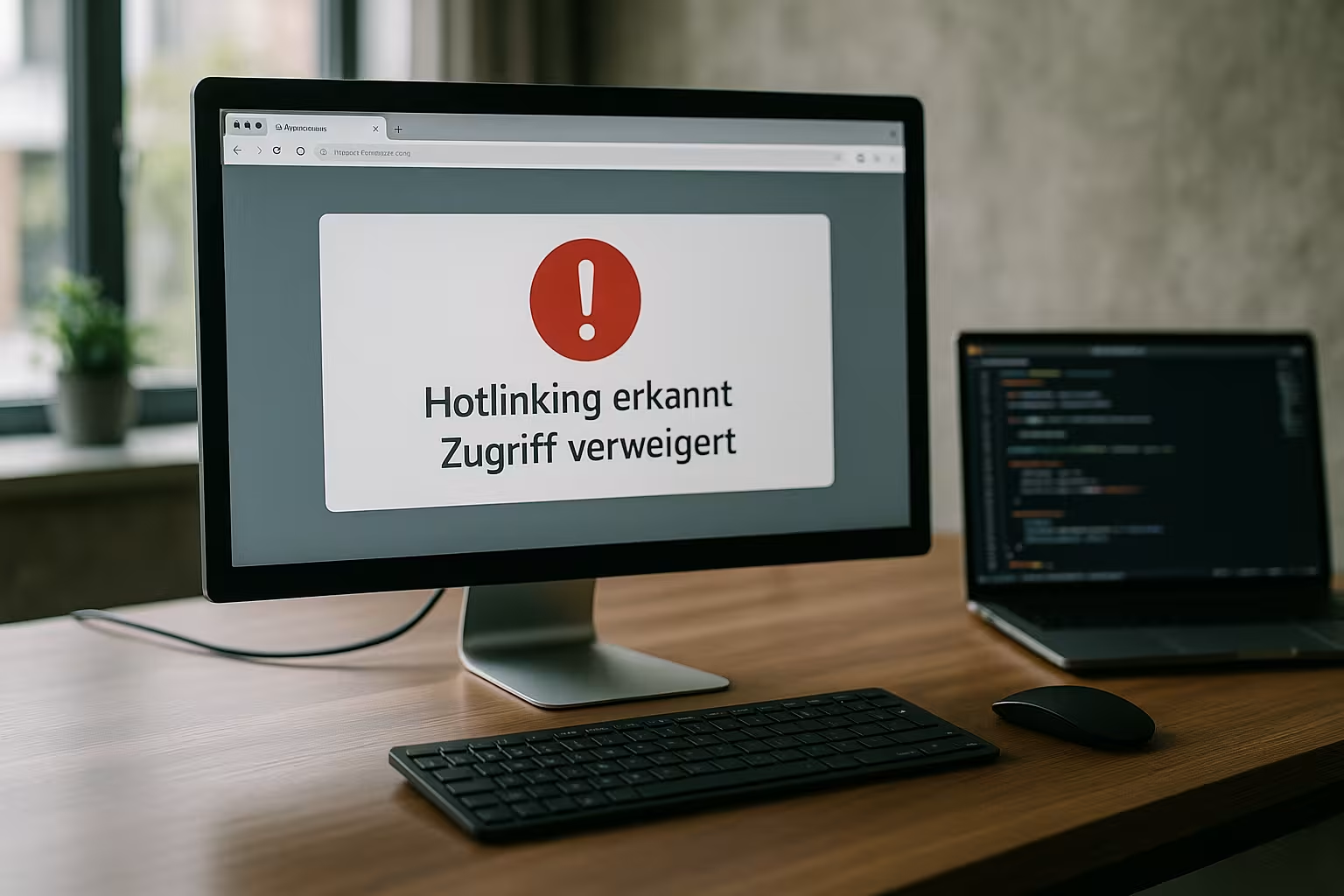
What does hotlinking actually mean?
With hotlinking, third-party websites embed your images, PDFs or videos directly and thus tap into your Resources on. Every external page request loads the file from your server and places a load on your Bandwidth. This causes costs, slows down loading times and distorts statistics. If such accesses accumulate, a strong traffic peak can even slow down your site. I consistently prevent this behavior and consciously control exceptions.
Why hotlinking harms you
Unread invoices for traffic are one thing, but loss of Performance the other. Slow pages lose visibility, because speed is an important factor in Ranking factor is. There is also a risk that third-party sites will distort your brand image by using graphics without context. With exclusive photos, there is a risk of warnings if third parties infringe rights. I therefore secure files proactively and keep control of the presentation and costs.

How to recognize hotlinking at an early stage
I check referrer logs and see which external domains have files from my Server load. If there are more requests from unknown sources, I put the brakes on. Monitoring the image URLs in Analytics shows whether traffic is coming from outside my pages. I also look for conspicuous traffic peaks that coincide with external integrations. The faster I see outliers, the more targeted I can take effective action. Locks.
Hotlink protection via .htaccess: fast and effective
On Apache hosts, I block hotlinking with a few lines in the .htaccess-file. I allow my own domain, useful bots or search engines and block the rest. A redirect to a hint graphic clearly shows third-party embedders that their use is undesirable. For flexible rules and redirects, I often use practical samples from this guide: Redirects via .htaccess. This is how I keep control of files with Rules directly at the source.
RewriteEngine on
RewriteCond %{HTTP_REFERER} !^$
RewriteCond %{HTTP_REFERER} !^http(s)?://(www\.)?mydomain.com [NC]
RewriteCond %{HTTP_REFERER} !^http(s)?://(www\.)?google.com [NC]
RewriteCond %{HTTP_REFERER} !^http(s)?://(www\.)?bing.com [NC]
RewriteCond %{HTTP_REFERER} !^http(s)?://(www\.)?yahoo.com [NC]
RewriteRule \.(jpg|jpeg|png|gif|svg|webp|pdf|mp4|mp3)$ https://meinedomain.de/hotlink-warnung.jpg [NC,R,L]
I extend the file extensions so that not only images, but also PDFs, audio and video are protected. I also maintain whitelists for subdomains, partners and a possible CDN. If you use NGINX, set similar rules in the server block via valid_referers and if queries. It remains important: Test rules and roll them out gradually so as not to disrupt legitimate integrations. How to secure files without collateral damage to the Usability.

Hotlink protection in the hosting panel: cPanel, Plesk and Co.
Instead of working in configuration files, I often activate hotlink protection directly in the Control panel. In cPanel and Plesk, I select the domain, file types and permitted referrers, optionally set a redirect and save the setting. This interface helps to avoid errors and provides clear fields for jpg, png, gif, webp, svg, pdf or mp4. I then check the function by embedding an image URL on external pages as a test. This is how I set the Protection without downtime and react more quickly to new requirements.
| Hosting provider | Hotlink protection | Operation | Note |
|---|---|---|---|
| webhoster.de | Yes | Simple | Many setting options |
| SiteGround | Yes | Medium | Good default settings |
| Bluehost | Yes | Medium | Solid basic functions |
| Plesk (Linux/Windows) | Yes | Variable | Depending on the setup |
I document my settings and make a note of changes for later audits. If you manage several projects, you benefit from standardized Standards for file extensions and whitelists. This saves time and makes support cases easier. If anomalies occur, I adjust rules instead of deactivating them completely. With this approach, the Traffic clean and plannable.
WordPress and other CMS: protection via plugin and toolkit
In WordPress, I conveniently block hotlinking via security plugins or the WP Toolkit Version 3.5.0. I activate the function, define permitted referrers and extend file extensions. If you also want to speed up image delivery, use a specialized media network. This setup is suitable for a quick start: Image CDN for WordPress. This is how I combine protection, caching and Optimization in one go.
After activation, I check whether social previews (Open Graph, Twitter Cards) continue to work. If not, I whitelist the social domains and test again with a debugger. I also tidy up file paths and avoid duplicate uploads, which are unnecessary. Memory prove it. The cleaner the media management, the easier it is to curb hotlinking. The result is stable pages and clear Key figures.

CDN strategies: protection, tokens and fast delivery
A content delivery network reduces the load on the origin server and brings integrated Hotlink-protection. I activate the hotlink function in the CDN, add legitimate referrers to the whitelist and block other requests. This guide makes it easier for me to implement Plesk setups: Cloudflare in Plesk. If you want to go further, protect files with signatures, i.e. time-limited token URLs. This means that files only remain accessible to genuine Users available and leaks lose their effect.
I make sure to combine caching and referrer checks properly. Caching that is too aggressive must not bypass the protection check. I therefore use private browser windows and external domains to test whether rules are working correctly. I also monitor response codes in order to prevent 403 blocks from real Errors to differentiate. I use clear metrics to keep performance and protection in balance.
Extended protection for media: images, PDFs, audio, video
Hotlinking not only affects GIFs and PNGs, but also PDFsMP3s, MP4s or SVGs. I therefore add all relevant endings in Panel, .htaccess or NGINX rules. For confidential documents, I combine referrer checking with secure download routes. If a file needs to be publicly accessible, I set low cache times and closely monitor access. Depending on the project, a watermark is also worthwhile for picturesso that copies lose their appeal.
For videos, I like to choose streaming with HLS/DASH because pure file URLs are easier to share. Tokenized streams make abuse even more difficult. For audio, I refer to a player endpoint that validates referrers instead of a direct link. This way, I prevent players on third-party sites from hogging my bandwidth. These small architectural decisions save a lot later on Traffic.

When I consciously allow hotlinking
Sometimes I would like to allow integration, for example for Social-shares, partner projects or media reports. In such cases, I put the respective domains on the whitelist. I also restrict file extensions so that sensitive files remain protected. I regularly check whether these approvals are still necessary and remove outdated entries. This is how I combine reach with Control about resources.
Common mistakes - and how to avoid them
A common mistake is a too short Whitelistwhich blocks legitimate bots or social previews. Missing file extensions such as webp or svg, which hotlinkers like to exploit, are just as tricky. The warning graphic must also not refer to itself, otherwise endless loops will occur. I test in a staging environment before every live link and then measure the effect. This routine saves me time, costs and Nerves.

Limits of referrer protection - and how I mitigate them
Referrer checks are quick and effective, but not infallible. Some browsers, firewalls or apps send no or an empty referrer. This is often intentional (data protection), but can open up loopholes. The line that allows empty referrers is therefore pragmatic - otherwise direct calls, email clients or mobile apps would be blocked unnecessarily. To minimize abuse with deliberately removed referrers, I combine the check with other signals (rate limits, WAF rules, token URLs for sensitive paths). The HTTP referrer can also be manipulated. I therefore do not rely solely on referrer checks for particularly valuable media, but add Temporary signaturessigned cookies or header-based checks at the edge.
NGINX variants and advanced server setups
On NGINX, I use structured rules that are easy to maintain. I like to work with valid_referers and clear returns:
location ~* \.(jpg|jpeg|png|gif|svg|webp|pdf|mp4|mp3)$ {
    valid_referers none blocked server_names *.my_domain.com google.com bing.com yahoo.com;
    if ($invalid_referer) {
        return 403;
        # or:
        # return 302 https://meinedomain.de/hotlink-warnung.jpg;
    }
    # Normal delivery, if allowed
}
For particularly sensitive downloads, I use internal routes (e.g. X-Accel redirect) and an upstream script that checks the token, referrer or cookie. This is how I separate Test from Delivery logic and keep the configuration clear.
Cache strategy: Rules that also work properly with CDN
A common stumbling block is the interaction of hotlink rules with caches. If the edge caches a 302 redirect or 403 response, it can inadvertently hit legitimate users. I solve this by consistently setting a short or private cache policy for rejections (e.g. cache control: private, max-age=0) or by performing the hotlink check before the cache. In the CDN, I make sure that the cache keys are not unnecessarily attached to the referrer, unless the platform recommends it. Important: The Decision (block/allow) must happen before the cache layer or be properly implemented in the edge worker. I then test specific scenarios: first permitted referrer, then external referrer, then empty referrer - each with and without cache hit.
Tests and quality assurance: how I check my rules
I test with browsers, but also script-controlled. I use curl to simulate referers specifically:
# Allowed referer (should return 200)
curl -I -e "https://www.meinedomain.de/" https://meinedomain.de/pfad/bild.jpg

# Foreign referer (should return 403 or 302)
curl -I -e "https://spamseite.tld/" https://meinedomain.de/pfad/bild.jpg

# Empty referer (usually 200 depending on policy)
curl -I https://meinedomain.de/pfad/bild.jpg
I also check social previews with debug tools and verify that caches are handled correctly. In staging, I test edge cases such as subdomains, internationalization (CDN regions) and new file types. Only then do I activate stricter rules on production and monitor the metrics closely.
Legal and organizational steps
In addition to the technology, I ensure clear processes: I document evidence (screenshots, timestamps, logs) in the event of misuse, contact operators objectively with a request for removal or correct attribution and escalate to the hosting provider if necessary. In Germany, I fall back on the requirements of copyright law and formulate targeted takedown emails. In the case of press or partners, the following applies: friendly coordination instead of immediate blocking - ignorance is often the reason. My experience shows that a more constructive sound brings quick solutions.
Special cases: Apps, headless, e-commerce
Native apps often do not send a referrer. If my target group consists mainly of app users, I allow empty referrers but also validate app-specific referrers. Headers or signed requests. In headless or multi-domain setups, I extend the whitelist to include all frontend hosts. In e-commerce, I provide special protection for product images, optionally use watermarks in preview images and only deliver high-resolution assets via signed URLs. This keeps the Conversion high, while abuse becomes unattractive.
Automation: alarms, WAF and regular maintenance
I automate controls by planning log analyses and triggering alerts in the event of unusual 403 peaks or abrupt increases in bandwidth. A WAF helps me to recognize patterns (e.g. many requests with changing referrers from the same IP) and throttle them immediately. For recurring reports, I aggregate top referrers at file level and compare them on a weekly basis. These Routine reduces response times and prevents small leaks from becoming large.
Security through tokens: Signed URLs and expiring accesses
I use signed, time-limited links for premium content or confidential documents. The server checks the hash, expiry time and, if applicable, user status. Expired or manipulated links are rejected. This is more robust than a pure referrer check and works well with CDNs as long as the token check step takes place before delivery. I use this method specifically because it expensive Protecting content without compromising usability.
Set referrer policy, CSP and bot whitelists correctly
The referrer policy of your own site influences what information is sent to third parties. With "strict-origin-when-cross-origin", data protection and functionality remain in balance. The following applies to hotlink protection: I do not expect referrers from my pages to external hosts, but external pages should send referrers to me - and this is where my check comes into play. In addition, I set a sensible bot whitelist, test Google/Bing image crawlers and check the server logs to see whether these Bots are correctly identified (reverse DNS, consistency of the user agent). I use a content security policy (img-src) as a supplement to allow only desired image sources on my pages - it does not prevent hotlinking of my files, but it reduces the risk of unwanted external sources on my site.
Key figures, monitoring and ongoing maintenance
I observe bandwidth, response times and 403 ratios as hard Metrics. Noticeable peaks indicate new bindings and trigger a check. I check the logs for referrers and paths with a high proportion of external access. Where necessary, I add rules or adjust the CDN. This maintenance takes a few minutes, but prevents high Costs in the course of the month.
Briefly summarized
With active Hotlink protection, I keep costs low, the site fast and my content under control. I rely on rules in the server, clear settings in the hosting panel, secure CDN features and suitable CMS tools. I make targeted use of whitelists so that social previews work and partners are properly integrated. Regular log checks ensure that I recognize and stop abuse at an early stage. This keeps the Performance stable - and your files work for you, not for strangers.