Skip to content
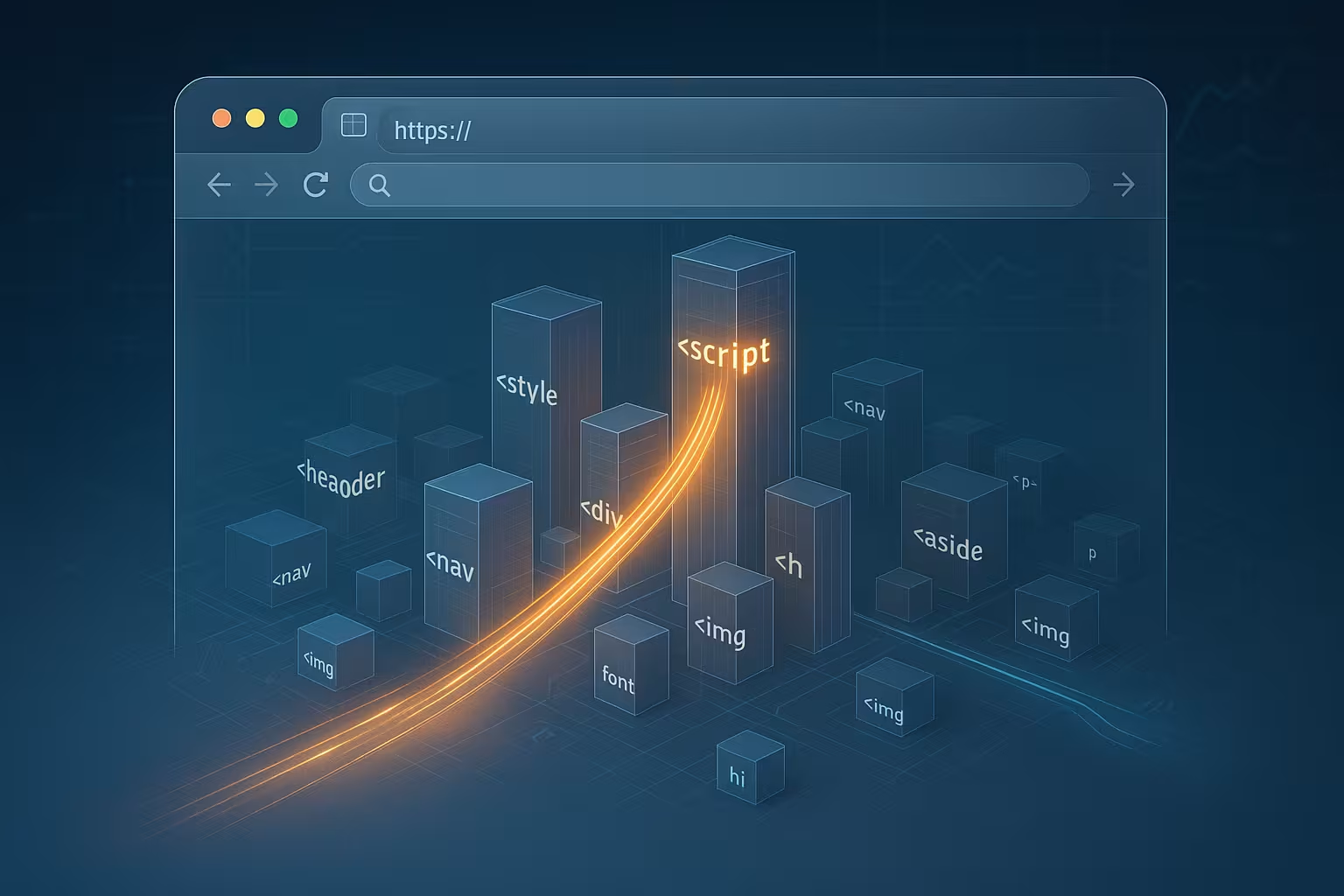
HTTP request priority determines which resources a browser loads first and how it allocates scarce network slots. I will show how priorities, Chrome's Tight Mode, Fetch Priority, and HTTP/3 Extensible Priorities accelerate rendering and improve Website performance raise significantly.
Key points
To help you get started, I will briefly summarize the most important aspects.
- Priorities control the order and bandwidth for HTML, CSS, JS, images, and fonts.
- Tight mode in Chrome protects critical resources from distraction by trivial matters.
- Fetch Priority gives the browser clear indications of high- or low-priority assets.
- Preload and Preconnect bring important files into the pipeline earlier.
- HTTP/3 Extensible Priorities distributes bandwidth more intelligently and reduces loading times.
I use prioritization to handle render blockers early and draw visible content quickly. In doing so, I pay attention to Critical paths and prevent priority conflicts between scripts, fonts, and images. Without clear control, a page wastes Bandwidth and slows down its own rendering. With just a few attributes and headers, I steer the browser in the right direction. This creates a shorter Time to visible content and lower interaction latency.

How browsers assign priorities
Browsers assign a unique ID to each request. Priority to, usually in levels such as Highest, High, Medium, Low, and Lowest. HTML and critical CSS files end up at the top because they directly affect rendering. block. Images in the viewport slide forward, while offscreen assets can wait. JavaScript can block or cooperate, depending on whether it is synchronous, asynchronous, or defer. I use this knowledge and arrange resources so that the first paint happens quickly and the pipeline remains free.
Networks are limited, so the distribution of Slots and bandwidth. The sooner the browser sees critical objects, the sooner it requests them with high urgency I help him by making resources visible: correct preload, short HTML headers, and sensible attribute selection. Those who use HTTP/2 also benefit from multiplexing; for background information, please refer to HTTP/2 multiplexing. This reduces head-of-line problems and keeps the render path lean.
Chrome Tight Mode: Protection for critical resources
Chrome launches pages in Tight Mode until all blocking scripts in the head are loaded and executed. During this phase, the browser throttles requests with lower Priority, so that nothing interferes with the important paths. Only when very few transfers are running may low-priority assets slip through. Medium-weight requests run without additional limits, which allows for a balanced pipeline. I plan my head scripts sparingly so that tight mode ends quickly and rendering starts earlier.
Blocking scripts clog up the parser, so I keep them short, cache-friendly, and as delayed as possible. CSS remains small and focused so that the browser can quickly add color to the screen I clearly mark images that are immediately visible; I load offscreen images later. This discipline pays off because Chrome does not allow critical work to be displaced by minor issues. The result is better LCP and FID signals due to fewer traffic jam in the early loading window.

Automatic vs. manual control: Fetch priority in action
Browsers make good choices heuristics, but they are incorrect in special cases. With the HTML attribute fetchpriority I give clear instructions: high, low, or auto. I mark a hero image at the top with fetchpriority=“high“ so that it occupies the pipeline early on. An offscreen teaser or a non-critical tracking image gets fetchpriority=“low“ to keep bandwidth free for visible content. For fetch() calls, I lower the importance if they only provide background data.
Fonts often behave unpredictably because delayed fonts can disrupt layouts. jump I load core fonts via preload and use a lower importance, to prioritize the main content. For stylesheets, I divide them into critical and optional; I set optional CSS late or with lower priority. This keeps the rendering chain stable and visually consistent. The browser follows my intention instead of having to guess what is important.
Preload, Preconnect, Async/Defer, and Lazy Loading Working Together
I use Preload to hidden Announce dependencies early, such as fonts from CSS or background images. Preconnect prepares TLS-Handshakes and DNS so that critical objects can get through without a cold start. Async and defer decouple script evaluation from parsing, reducing blocking effects. Lazy loading holds back offscreen images and gives the main content more breathing room. These steps coordinate with HTTP request priority and support the browser's natural heuristics.
Especially with third-party servers, I reduce waiting times by using DNS prefetch and preconnect in a sensible manner. I summarize details and strategies in DNS prefetching & preconnect together. The important thing is not to set everything to „high,“ but to use real urgency Mark clearly. If you prioritize everything, you prioritize nothing. nothing. Balance is key, otherwise the pipeline will tip into a permanent bottleneck.
HTTP/3 Extensible Priorities: Fairly sharing bandwidth
With HTTP/3 Extensible Priorities, I distribute urgent matters Be more subtle and avoid rigid trees from HTTP/2. Servers and clients communicate better about importance and share Bandwidth among many streams. In tests, Cloudflare reported performance gains of up to 37%, especially with many competing transfers. This pays off when a home page needs images, CSS, JS, and data in parallel. I make sure that servers and CDNs understand priority headers and use them sensibly.
Priorities remain dynamic, so I adapt them to content types and viewports. Mobile networks are more sensitive to overload, Consistent deprioritization of offscreen parts helps here. Whenever possible, I divide large media assets into meaningful chunks so that interactive parts don't starve. Together with Fetch Priority and Preload, I build a pipeline that responds to changing situations. This way, the site feels just as fast in dead spots as it does on a fiber optic connection.
Typical resources and useful default settings
The following table summarizes common resources, standard priorities, and practical tips. I use it as mnemonic and start each optimization run with it. Then I check where the browser guesses wrong and correct the weighting. Small adjustments can have a big impact if they relieve pressure on the critical path. The recommendations are guidelines, not rigid rules.
| Resource | Standard priority (browser) | Blocking | Recommendation for control |
|---|---|---|---|
| HTML document | Highest | Yes | Keep it short, start early deliver, Enable compression |
| Critical CSS | High | Yes | Inline critical CSS, remaining CSS asynchronous reload |
| Hero image (above the fold) | High | No | fetchpriority=“high“, responsive Sources and suitable formats |
| Fonts (UI/Brand) | High | Indirectly | Preload core fonts, define fallbacks, optional deprioritize |
| Optional CSS/JS | Medium/Low | No | Use defer/async if necessary downgrade |
| Offscreen images | Low/Lowest | No | Enable lazy loading, later load |
| Background Fetch | High (Default) | No | fetchpriority=“low“ to frontend rendering protect |
If you would like to learn more about push/preload concepts, please read the overview at HTTP/3 Push & Preload. I combine these clues with measurement data from the Practice. After that, I set flags in a targeted manner until the pipeline is stable and fast The best setting is the one that noticeably helps real users. I continuously optimize for that.

Monitoring and debugging with DevTools
I open the Network view in DevTools and display the column Priority There I can see which resources the browser prioritizes and where it errs. I correct unexpectedly high importance for third-party scripts with async/defer or reduce their influence. If fonts arrive too late, I check preload and render-blocking effects. For fetch calls, I adjust fetchpriority so as not to hinder rendering.
I compare runs under real conditions: 4G, weak WLAN, data saving mode, and throttling. This allows me to discover bottlenecks that remain invisible on fiber optics. The LCP, CLS, and INP metrics show whether my interventions are really pay. If the curves are correct, I keep the settings; if they are not, I adjust them. Debugging only ends when the first impression of the page looks confident.
Common pitfalls and anti-patterns
Setting everything to „high“ leads to chaosThe pipeline loses its significance. I avoid too many preloads because they interfere with discovery logic. unlock and overload the parser. Third-party scripts are given clear limits, otherwise they will displace visible content. Large hero images without the correct size and format unnecessarily slow down the connection. Fonts without fallbacks cause flash-of-invisible-text or layout jumps, which annoys users.
I prioritize content that makes an impression: visible Layout, navigation, and key messages. Offscreen parts remain patient until interaction is guaranteed. API calls that have no visible effect run quietly in the background. I only load animated assets or videos if they really necessary This keeps the flow clean and makes the site responsive right from the start.

Practical example: From slow to fast in just a few steps
I start with a home page template that has a large Heroimage, two web fonts, a framework bundle, and analytics. In the first run, the browser prioritizes fonts and JS too much, and the image comes late. I set fetchpriority=“high“ on the hero, activate preload for the core font, and move the framework with defer. I mark offscreen images with lazy loading, which reduces the initial load. After that, the LCP moves significantly forward and the page responds faster to input.
In the second step, I reduce the size of the image with AVIF/WebP variants and matching srcset sizes. In addition, I preconnect the font origin to reduce TTFB. I divide the framework into chunks and load critical components earlier. I declare background fetches with fetchpriority=“low,“ which keeps rendering resources free. Now the first impression is solid, and interactions happen without any feeling of waiting.

Implementation: Concrete snippets for clear instructions
I set priority signals directly in the markup so that the browser knows early on what is important. For a hero image, I use:
<img src="“/img/hero.avif“" width="“1600″" height="“900″" alt="“Hero“" decoding="“async“" loading="“eager“" fetchpriority="“high“" srcset="“/img/hero-800.avif" 800w,>
Offscreen teasers remain politely in the background:
<img src="“/img/teaser.webp“" alt="“Teaser“" loading="“lazy“" decoding="“async“" fetchpriority="“low“" width="“800″" height="“600″">
I explicitly register core fonts and ensure clean cross-origin parameters:
<link rel=“preload“ as=“font“ href=“/fonts/brand.woff2″ type=“font/woff2″ crossorigin>
For modular bundles, I help with module preloading and decoupling execution from parsing:
<link rel=“modulepreload“ href=“/app.mjs“>
<script type=“module“ src=“/app.mjs“ defer></script>
For stylesheets, I make a strict distinction between critical and optional. Critical CSS can be inline, while I deliberately set optional CSS later:
<link rel=“stylesheet“ href=“/critical.css“>
<link rel=“preload“ as=“style“ href=“/rest.css“>
<link rel=“stylesheet“ href=“/rest.css“ media=“print“ onload=“this.media=’all'“>
Server and CDN setup: Specify priorities via headers
I use HTTP/3 Extensible Priorities to support client hints on the server side. To do this, I send a high urgency for particularly important responses and, if appropriate, incremental streaming:
- Hero image: Priority: u=0, i
- Critical CSS: Priority: u=0
- Framework chunk for interaction: Priority: u=1, i
- Analytics/Background: Priority: u=6
- Offscreen galleries: Priority: u=7
u stands for urgency (0 = highest, 7 = lowest), i signals incremental transfer. I use these headers specifically for asset types at the edge (CDN) and check in DevTools whether they arrive at the client. Important: No blind overwriting of browser heuristics – the server supplements, it does not replace the sensible decisions of the client.
I take a defensive approach to HTTP/2 because the rigid priority structure and HOL blockages limit fine-tuning. That's why I at least ensure consistent compression, caching, and short Response times, so that high urgency really has an impact.
Images, video, and fonts: fine-tuning without side effects
I make sure that priority signals harmonize with other attributes:
- Images are given the correct width/height so that the layout remains stable and the LCP does not suffer from CLS.
- I only set loading=“eager“ for truly visible subjects; everything else remains lazy with fetchpriority=“low.“.
- decoding=“async“ prevents synchronization pauses when decoding large images.
- For videos, I use poster images with fetchpriority=“high,“ while the actual video only gets preload=“metadata“ to conserve bandwidth.
- Fonts are given fallbacks and an appropriate display (e.g., font-display: swap) so that text is visible early on. For secondary fonts, I reduce the urgency so as not to displace images in the viewport.
In summary, I avoid „loud“ assets that do not generate visibility and leave the pipeline free for what users actually see.
SPA, hydration, and islands: priorities in app architecture
For single-page apps, I plan priority not only per file, but per interaction step:
- I divide hydration into islands: above-the-fold UI first, subordinate widgets later.
- Route-based code splitting reduces JS load in tight mode; critical routes get module preloading, everything else loads on demand.
- I only start data fetches without visible effect after the first interaction window (Idle/After First Paint) so that rendering does not starve.
- I control prefetch strategies based on events (on hover/on view) instead of activating them blindly on all links.
This keeps the app feeling „light,“ even though several streams and components are working together internally.
Service workers and cache: Respect priorities
A service worker is only a turbo if it doesn't override priorities. I adhere to three principles:
- Enable navigation preload so that HTML starts without software latency and retains the highest priority.
- Keep the precache lean: critical CSS/JS yes, large images no. I move large packages to runtime caching with a clean expiration policy.
- I throttle background syncs and start them away from the first render window so that interaction takes priority.
I also deduplicate requests: I don't send parallel requests to the network for items that are already fresh in the cache. This allows me to avoid unnecessary competition for bandwidth.
Measurement methodology: From suspicion to confirmation
I work based on hypotheses: first a priority plan, then measurement under realistic conditions. My routine:
- DevTools Network with Priority, Protocol, Initiator, and Timing columns.
- Filmstrip/performance panel to see if LCP elements really arrive early.
- Compare mobile/desktop with throttling; priorities have the greatest effect in congested networks.
- Comparison of LCP, CLS, INP before/after interventions; only genuine improvements remain.
When there are deviations, I first look at „false friends“: third-party scripts, oversized web fonts, premature API calls. There, I raise or lower the urgency until the curves are correct.
Troubleshooting playbook
- Hero image arrives late: fetchpriority=“high“, correct sizes, preconnect to image origin if necessary.
- CSS blocks for too long: Streamline critical CSS, reload the rest asynchronously, reduce the TTFB of CSS files.
- Fonts displace LCP: Only preload core fonts, subordinate the remaining fonts and use fallbacks.
- JS dominates in tight mode: defer/async, code splitting, third-party cleanup.
- Many simultaneous images: prioritize according to visibility, use lazy loading consistently.
Scaling: Teams, repos, and regression protection
Prioritization must be incorporated into the development flow. I establish a brief checklist in the PR template:
- Has the LCP element been identified and prioritized?
- Do critical assets have preload/preconnect without overriding discovery?
- Does the new feature cause additional blockers in the header?
- Are offscreen assets lazy-loaded and deprioritized?
In addition, I run simple lab measurements in CI (throttling, filmstrip, priority column). This prevents a later feature from clogging up the pipeline again.
Conclusion & Checklist
HTTP Request Priority gives me the Lever, to deliver critical content first and park non-essential content. I combine Tight Mode understanding, Fetch Priority, Preload/Preconnect, and HTTP/3 priorities into a coherent Strategy. Then I consistently measure in DevTools and adapt decisions to real networks. Those who clearly mark urgent matters and do not overload the pipeline will benefit in terms of LCP, response time, and perceived speed. This results in a page that feels fast, convinces people early on, and makes sensible use of server resources.