Skip to content
Lazy Loading can reduce page load times and data volume, but if used incorrectly, it slows down visible content and worsens core metrics. In this article, I'll show you why lazy loading often loses out in terms of web performance, how LCP suffers, and which specific settings really do make images load faster.
Key points
First of allThe following key points will help you quickly identify pitfalls when uploading images.
- Above-the-Fold Never use lazy loading, otherwise LCP will suffer.
- Prioritization The number of requests is crucial for hero images.
- dimensions Setting (Width/Height) significantly reduces CLS.
- Placeholders improve perception when scrolling.
- trade fairs Instead of guessing: identify and test the LCP image.

Why lazy loading slows down visible images
Many Pages incorrectly mark the first, largest image with loading="lazy" and thus delay the start of the download. The browser then loads resources that it considers more urgent and waits with the hero image until it is close to the viewport. However, this image is often the LCP element that shapes the perception of speed. Martin Splitt explicitly warned against this practice because it measurably shifts the Largest Contentful Paint (source: [3]). I therefore consistently switch every above-the-fold image to eager loading instead of blocking rendering.
Network prioritization in practice
Browser Visible content is usually prioritized automatically, but lazy loading overrides this order. If you set lazy loading for an important image, it will be loaded at a later stage, while CSS, JS, or less important media take up bandwidth. This slows down mobile devices with weaker CPUs and connections in particular. I check the request order in DevTools and set preload or priorities correctly if necessary. An in-depth explanation of Request prioritization helps to resolve bottlenecks in a targeted manner.
The data situation: LCP comparisons
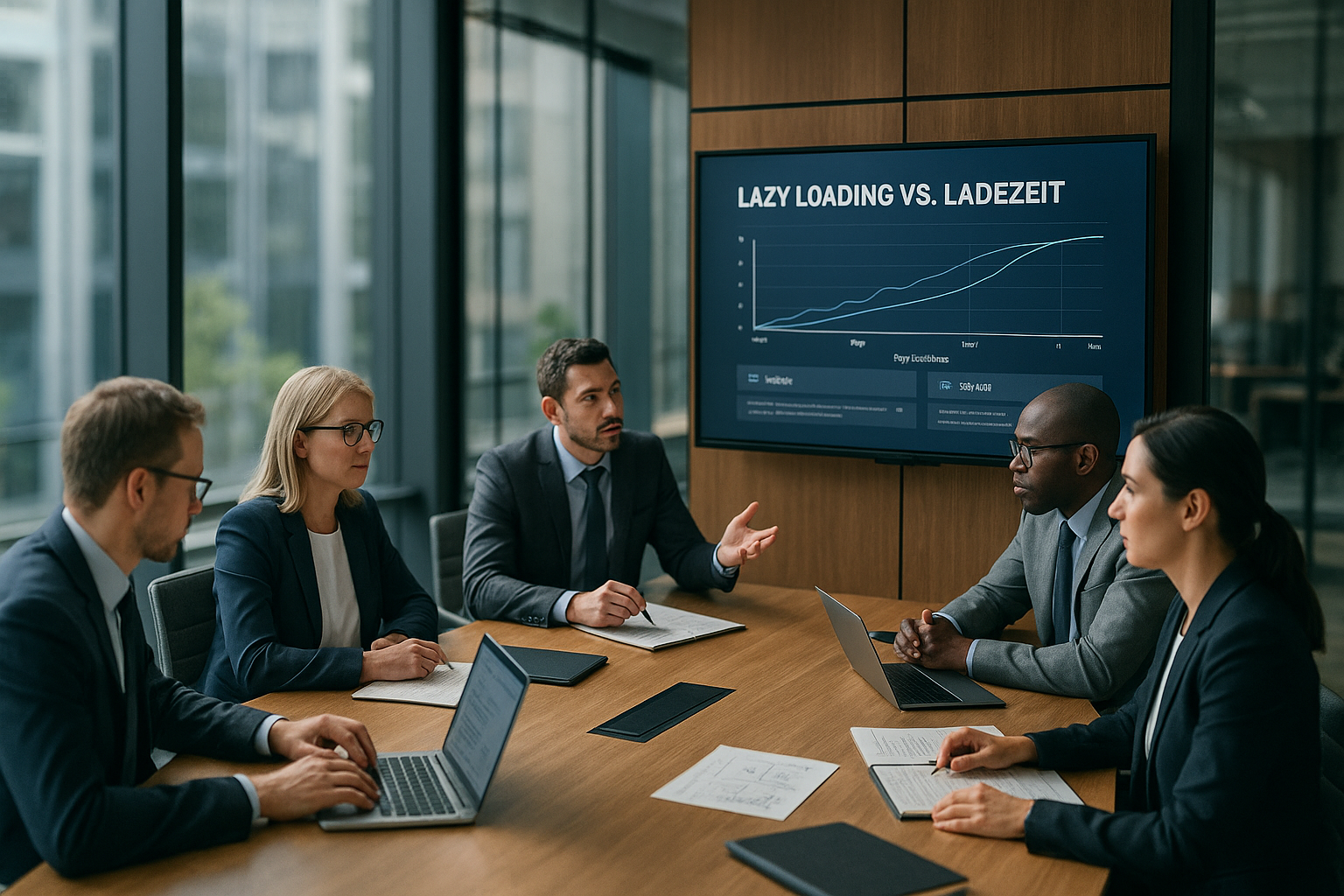
numbers from the HTTP Archive show that pages with lazy loading have worse LCP values on average than pages without (source: [1]). The median at the 75th percentile was 2,922 ms without lazy loading and 3,546 ms with lazy loading – a decrease of around 624 ms. Particularly striking: WordPress pages were 3,495 ms without lazy loading and 3,768 ms with it. A/B tests on web.dev confirm that disabling lazy loading on archive pages improved LCP by about 4 % (desktop) and 2 % (mobile) (source: [1]). These effects are too large to be dismissed as measurement noise.
| Scenario | LCP (75th percentile) | Remark |
|---|---|---|
| Without lazy loading | 2,922 ms | BetterThe median according to HTTP Archive [1] |
| With lazy loading | 3,546 ms | WorseThe median (+624 ms) [1] |
| WordPress without lazy loading | 3,495 ms | Lower than with Lazy [1] |
| WordPress with Lazy | 3,768 ms | HigherLCP as without lazy [1] |
| TwentyTwentyOne A/B (Desktop) | -4 % | Improvement after deactivation [1] |
| TwentyTwentyOne A/B (Mobile) | -2 % | Profit despite more bytes [1] |
Missing dimensions and CLS
Without With fixed width and height, the layout jumps as soon as images finally appear. This creates cumulative layout shift, which disrupts interaction and triggers further reflows. I therefore always set width and height attributes or use CSS aspect ratios. This way, the browser reserves space even before data arrives. The page appears calmer and builds visible content in a predictable way (source: [5]).
Mobile scenarios and slow networks
At On mobile devices, every delay in the initial download has a greater impact. CPU time for JavaScript, fluctuating latencies, and energy saving increase the cost of late image requests. Lazy loading shifts requests to precisely this weaker phase. I therefore prioritize critical resources, reduce JS, and make sure chains are short. This allows the device to handle the first view without the most important image falling behind.

Eager loading for above-the-fold
The Simple rule: I load immediately what the user sees immediately. For the LCP image, I set loading="eager" or remove the lazy attribute entirely. In addition, rel="preload" In appropriate cases, this can help to start the retrieval even earlier. I monitor the effect using Lighthouse and the Core Web Vitals metrics. If you want to delve deeper into this topic, you can find a good introduction here: Reading Core Web Vitals correctly.
Using Intersection Observer in a targeted manner
For I continue to use lazy loading for content below the fold—but with a sense of proportion. The Intersection Observer allows me to set thresholds above which offscreen images load slightly earlier. This prevents flickering when users scroll quickly. I combine this with data binding to set image sources only when needed, while respecting priorities. Useful practical details can be found in the article on Intersection Observer.

Placeholders and perceived speed
Blur-Placeholders, LQIP, or BlurHash cover gaps until the real image arrives. This reduces perceived waiting time and smooths the transition. I make sure that placeholders use the final dimensions so as not to create jumps. At the same time, I compress heavily so that the placeholders themselves hardly use any bandwidth. These measures support user perception without delaying the actual downloads (source: [6]).
E-commerce: Grids, infinite scroll, and priorities
ShopCatalogs load many preview images while users scroll smoothly. Overly aggressive lazy loading strategies slow down reloading and create gray fields. I therefore set generous preload thresholds and low, but not minimal, quality for thumbnails. It is important to eagerly load the first rows of the grid to ensure a smooth start. Infinite scroll also benefits from a thin, prioritized pipeline for the next set of product images (source: [7]).

Measurement: How to find the LCP image
At In Chrome DevTools, I select the LCP element, check its URL, and observe its waterfall position. If the request is late, I remove lazy loading or increase the priority. Then I check the filmstrip view to evaluate the visible progress. PageSpeed Insights also provides me with field and lab data. Only through this measurement can I see whether changes are having a real effect (source: [1]).
Configuration: Avoid common anti-patterns
Many Plugins set lazy loading globally for all images, including logos, sliders, and hero elements. I disable lazy loading for visible media, set placeholders for offscreen images, and define fixed dimensions. I also check whether scripts initialize too late and thus slow down image requests. CDN rules must not override priorities that help the LCP image. These adjustments eliminate typical sources of error (sources: [1], [8]).
Save bandwidth without sacrificing LCP
Lazy Loading drastically reduces image bytes, which saves server and data volume. Tests show multiple savings during initial rendering because offscreen images are eliminated (source: [1]). This advantage justifies its use as long as I treat the LCP image with care. I therefore make a strict distinction between above-the-fold (eager/preload) and the rest (lazy/intersecting). This allows me to combine fewer bytes with fast initial loading.
Technical checklist for clean implementation
My Checklists keep implementation lean and secure: I identify the LCP image, disable lazy loading, and set clear dimensions. I carefully test request order, priority, and preloading. For offscreen images, I use Intersection Observer and meaningful thresholds. I monitor the effects in Lighthouse and in the field to avoid regressions. In addition, browser guides on lazy loading help to identify pitfalls early on (sources: [5], [8]).
Responsive images: srcset, sizes, and art direction
Correct Responsive images prevent oversupply or undersupply. I use srcset with broad descriptors and a precise sizes, that corresponds to the actual layout width. A too generic sizes="100vw" often forces mobile devices to load large files. For art direction or different crops, I use <picture> with mediaQueries. Important: Responsive variants also receive fixed dimensions or a CSSaspect-ratio, so that CLS remains low. This saves bytes without sacrificing visual quality.
Using Priority Hints and Preload Correctly
For I give the browser clear instructions with the LCP image: fetchpriority="high" at <img> signals importance and complements loading="eager". I use preload sparingly: <link rel="preload" as="image"> can bring forward the retrieval, but should use the same parameters (including. imagesrcset and image sizes) such as the final img to avoid double downloads. I avoid preloading images outside the above-the-fold area to keep the line free. In addition, early DNS and TLS setup for the image CDN pays off—but without inflationary hints that dilute priorities.
Background images vs. IMG: LCP-friendly markup decisions
Many Use hero sections background-image. However, background graphics are often not LCP-eligible – the browser then selects a different element as LCP, while the background image still consumes a lot of bandwidth. I render the main motif as a real <img> in the markup, optionally with object-fit, to meet layout requirements. This allows the browser to correctly prioritize, measure, and display the element early on. Decorative textures remain as CSS backgrounds, while critical motifs appear as img/picture.
Decoding, rendering, and main thread
ImageDecoding consumes CPU resources. For offscreen images, I set decoding="async", so that unpacking does not block the main thread. For the LCP image, I leave decoding="auto", so that the browser itself decides whether synchronous decoding enables the earliest display. I avoid additional JS libraries for lazy loading if native browser functions are sufficient – any initialization can tie up the main thread and delay the delivery of the hero image.
Frameworks, hydration, and CMS defaults
modern Frameworks and CMS come with their own image defaults. WordPress marks many images as lazy by default – I specifically override this for logos, hero images, and sliders in the first viewport. In React/Next, Vue/Nuxt, or Svelte, I make sure that the image components don't hide the hero image behind hydration. Server-side rendering and streaming help, but only if the image is already in the HTML and referenced early on. I avoid injecting the LCP image via JS – any delay in app initialization shifts the metric and costs noticeable time.

Server and network level: HTTP/2/3, caching, early hints
At I secure myself some leeway at the protocol level: clean cache headers (Cache control, ETag, immutable) keep recurring visits lean. HTTP/2/3 prioritization supports the early delivery of important objects—this works best when the browser does not encounter artificial blockages due to lazy misconfigurations. 103 Early Hints can trigger preloads even before the final response. I combine this with compact, next-gen formats (AVIF/WebP) and a sensibly staggered quality selection to avoid clogging the line.
Special cases: videos, iframes, and third parties
Hero-Videos and embedded iframes are bandwidth hogs. For the start image of a video, I set a light poster as img and prioritize it like a normal hero image; I load the actual video in a controlled manner. Iframes outside the viewport can be lazy, but I prevent scripts for ads, tag managers, or social embeds from displacing the LCP image. Where possible, I use loading="lazy" for iframes well below the fold and ensure that their initialization does not interfere with the main rendering path.
Quality, formats, and artifacts
Picture quality is not linear: a small step in compression can significantly reduce bytes without causing visible damage. I test different quality levels (e.g., AVIF/WebP/JPEG) for each type of image and keep variants ready for Retina density. A more heavily compressed version is often sufficient for thumbnails, leaving enough bandwidth for the hero image. Important: Do not deliver unnecessarily large pixel dimensions; the combination of srcset and accurate sizes Prevents oversizing on narrow displays.
Fine-tune scroll behavior and thresholds
The Timing for offscreen images determines whether users see gaps. I set rootMargins in Intersection Observer so that images start loading one screen length before arrival – on fast devices, the threshold can be smaller, on slow networks larger. It is important that this logic does not affect the LCP image. To do this, I encapsulate the rule: Everything above the fold is eager, everything below follows the dynamic thresholds.
Test strategy for production: RUM, rollouts, and guardrails
LabMeasurements are valuable, but field values are decisive. I roll out changes in stages and monitor LCP, FID/INP, and CLS in real user monitoring. Deviations at the 75th percentile are my early warning system. In DevTools, I simulate weak networks and CPU throttling, check waterfalls, initiators, and priorities. Filmstrips show whether the hero image really appears early. Only when improvements are consistently evident in the field and in the lab do I declare the new configuration to be the standard (source: [1]).
Short and clear: recommended action
Set Enable lazy loading selectively and treat the LCP image as first-class citizen. Remove lazy loading for all immediately visible images, give them dimensions and secure priority. Use placeholders and the Intersection Observer to keep scrolling smooth. Measure every change with DevTools, Lighthouse, and field values instead of relying on assumptions. This will help you achieve better LCP values, stable layouts, and fast, reliable rendering on all devices (sources: [1], [3], [5], [8]).