 Skip to content
I arrange WordPress database tables clearly according to structure, task and typical bottlenecks and show how targeted settings can noticeably improve performance. I focus on table logic, query behavior and server tuning so that your pages load quickly and scale cleanly.
Key points
- StructureUnderstand core tables, know relations
- QueriesUse indices, avoid expensive joins
- Clean up: revisions, comments, metadata trimming
- ConfigurationInnoDB buffer, autoload, collation
- ContinuityAutomate, monitor, secure

Structure of the tables: What is where and why it counts
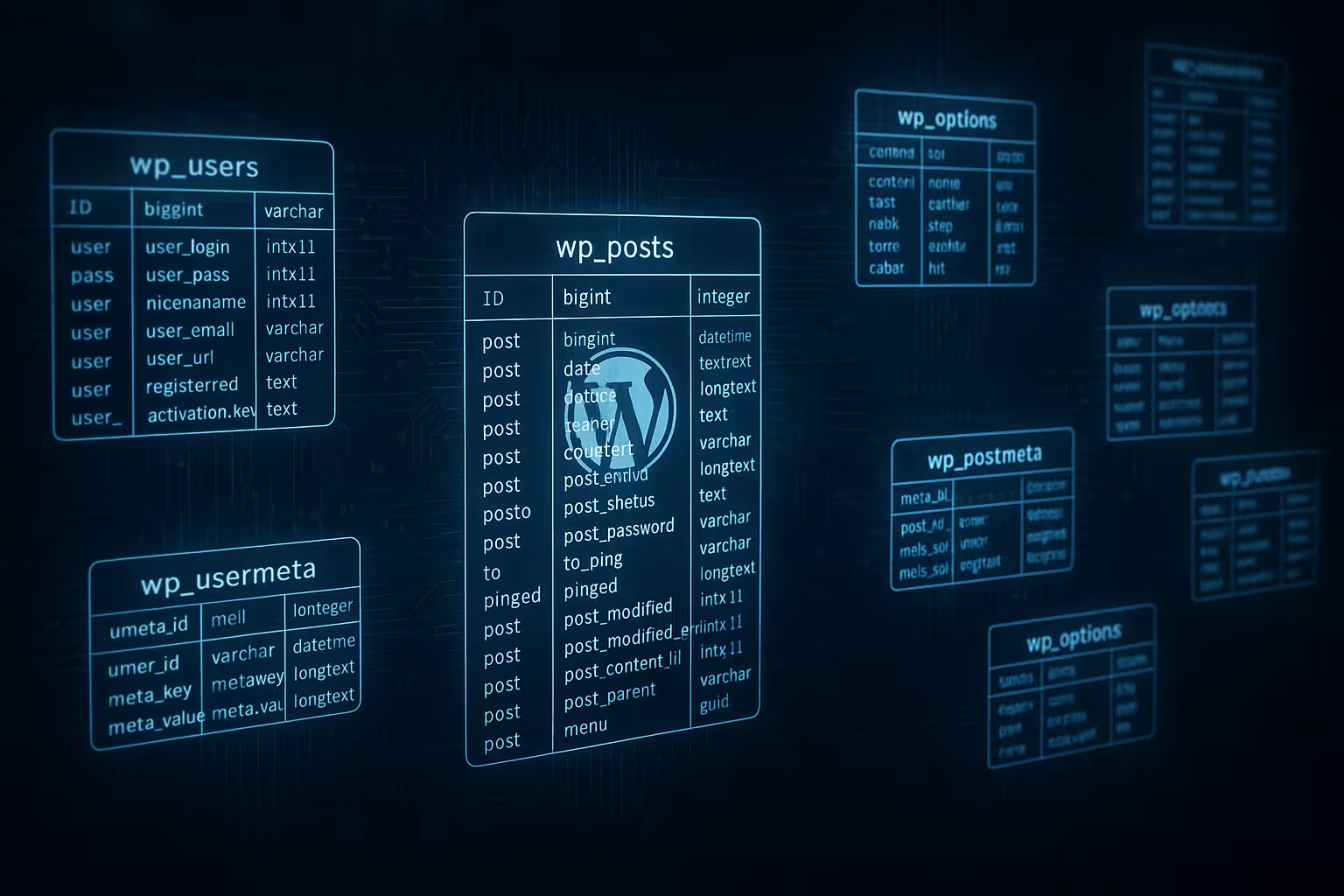
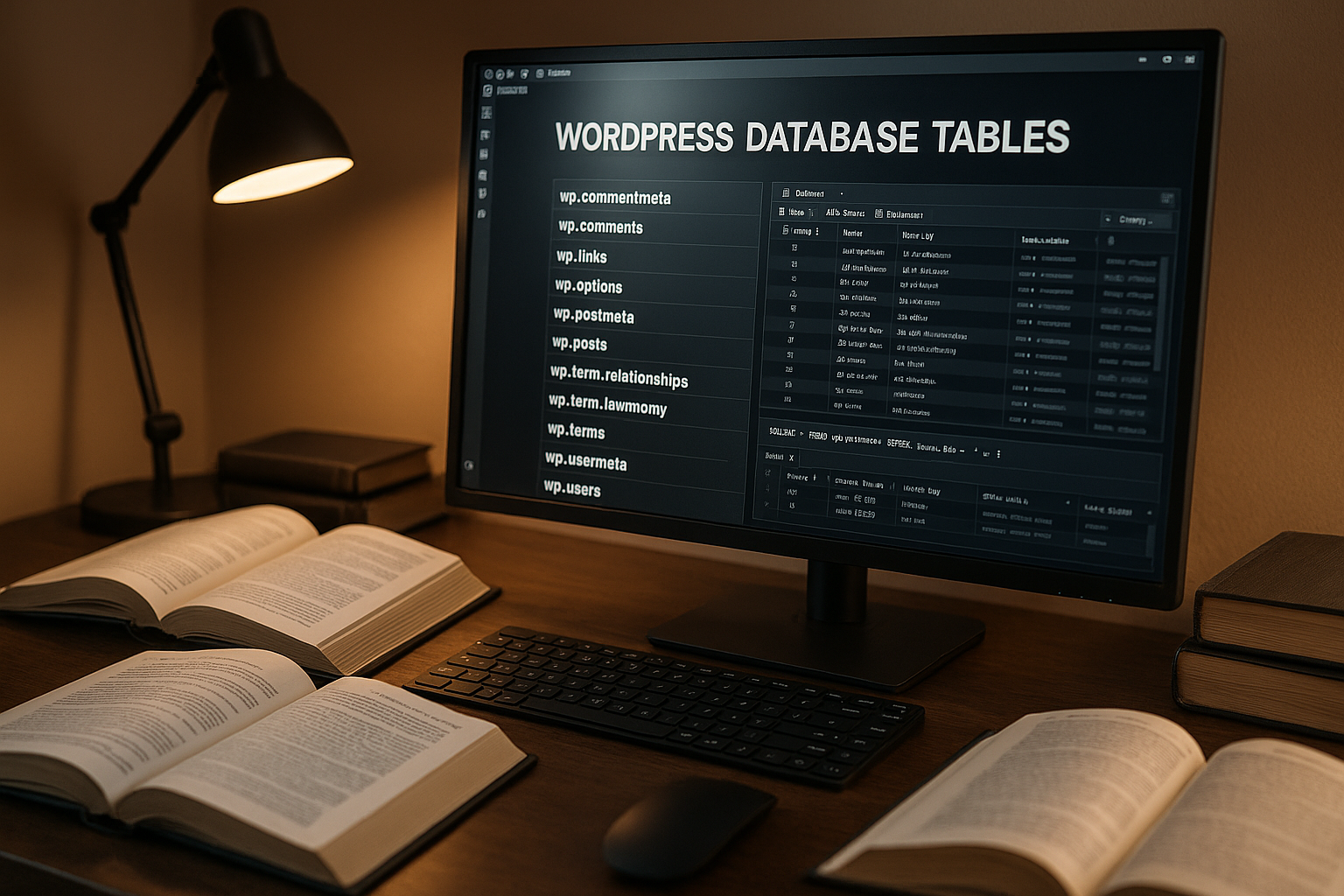
I arrange the Core tables according to their purpose, as this is the only way I can recognize where queries cost time and where tidying up is worthwhile. Content ends up in wp_posts, additional fields in wp_postmeta, user information in wp_users and details in wp_usermeta. Global settings are in wp_options, taxonomies are distributed via wp_terms, wp_term_taxonomy and wp_term_relationships. Comments are filled in wp_comments, which quickly becomes too large for spam. Plugins often create their own tables, which leave data behind after uninstallation and therefore permanently tie up memory and I/O.
| Table | Task | risk factor | Lever |
|---|---|---|---|
| wp_posts | Contributions, pages, CPT | Many revisions, wastebasket | Limit revisions, empty recycle bin |
| wp_postmeta | Additional information on posts | Many unused metas | Clean up old metas, check indices |
| wp_options | Settings, transients | High proportion of autoload | Trim autoload, clear transients |
| wp_comments | Comments | Spam, trash | Delete spam, optimize tables |
| wp_terms / _taxonomy / _relationships | Categories, Tags, Assignment | Excess tags | Merge rare tags, indexes |
| wp_users / wp_usermeta | Users and settings | Outdated accounts | Remove inactive users, check metas |
How queries control the loading time
I look first at Query paths, because each page view triggers several SELECTs and occasionally INSERTs or UPDATEs. If a suitable index is missing, MySQL has to scan more lines, which increases the latency. Joins between wp_posts and wp_postmeta are particularly critical if meta fields grow in an unstructured manner. A better index strategy drastically reduces read operations and stabilizes response times under load. If you want to delve deeper into index logic, you can find practical tactics via Index strategies, which I regularly apply in audits.

wp_options and autoload: small table, big effect
I check the column autoload in wp_options because WordPress loads these entries with every request. If this memory becomes too large, it will slow down PHP execution and increase memory usage. Many plugins write configurations as autoload = yes, even if this is not necessary for the page load. I set superfluous entries to no and delete obsolete transients that have long since expired. I like to summarize practical instructions for this with the keyword Optimize autoload together, because a few minutes of work are often enough to achieve measurable loading time gains.
Streamline revisions, comments and metadata in a targeted manner
I limit Revisions per post so that wp_posts and wp_postmeta don't get out of hand. I empty the comment trash regularly and remove spam for good instead of dragging it along unused. In wp_postmeta I often find orphaned entries from old plugins or themes that I can safely delete. More order in meta fields simplifies queries and creates clear structures for custom post types. After such clean-up rounds, installations often shrink by several hundred megabytes, which is immediately noticeable in shorter backups and faster admin views.
Set up MySQL correctly: InnoDB buffers and more
I attach great importance to the innodb_buffer_pool_size, because it determines how much data and indices are stored in RAM. If the size matches the data volume, the server serves read accesses from the main memory and avoids expensive disk accesses. On dedicated database servers, I calculate the buffer generously, but always monitor the total memory and services running in parallel. I also check innodb_flush_log_at_trx_commit, innodb_log_file_size and query_cache_settings (if available) in order to balance write performance and crash safety sensibly. Only the combination of caching in RAM, suitable log sizes and stable I/O limits ensures reliable response times during traffic peaks.
Use indexes sensibly and read query plans
I start with EXPLAIN, to make the execution plans of critical queries visible. Without suitable indexes, queries access full table scans, which slow down large tables. Combined indexes on meta_key and post_id as well as on taxonomy relations often deliver significant gains. I pay attention to cardinality and build indexes in such a way that selective columns are at the front. If you just pile up indexes, you risk slower write processes and bloated memory structures, so I consciously balance read speed and write costs.

Choose table engine, character set and collation wisely
I consistently rely on InnoDB, because transactions, row-level locks and crash recovery are advantageous for WordPress workloads. For content in many languages, utf8mb4 with a clean collation such as utf8mb4_unicode_ci or utf8mb4_0900_ai_ci is suitable. Mixed character sets later cause problems with sorting, comparison and full-text search. Before converting, I back up the database and test the result in a staging environment. Consistent settings prevent hard-to-find errors and also ensure the same package sizes for dumps and imports.
Maintenance work: OPTIMIZE, ANALYZE and defragmentation
I lead ANALYZE TABLE so that MySQL updates statistics and finds the best index faster. With OPTIMIZE TABLE I clean up overhead and reduce fragmentation, which is important for many DELETE/UPDATE operations. For InnoDB, reorganization during OPTIMIZE involves rebuilding the table, which reclaims space. Before such actions, I always save the data so that no content is lost in the event of an abort. After maintenance, I compare query times and check whether the InnoDB buffer fills up noticeably better than before.
Automation and backups: routine instead of actionism
I am planning Maintenance as a fixed job that regularly empties revisions, transients and comment paper baskets. I create differential and full backups, depending on the frequency of changes and recovery targets. Before every major cleanup, I also back up the database so that I can quickly revert in the event of an emergency. Monitoring query times and memory consumption shows me when threshold values have been reached. This allows the database to grow in a controlled manner without surprises occurring during live operation.
Object cache and page cache: systematically reduce DB load
I relieve the database via Multi-level cachingA persistent object cache buffers frequently used options, term relations and metadata in RAM and thus saves repeated SELECTs. I make sure that particularly chatty areas (get_option, get_post_meta, get_terms) land reliably in the cache and are not invalidated by frequent flushes. I use transients specifically where a natural expiry time exists; as soon as an object cache is active, I reduce database-based transients and move short-term data to RAM. A properly configured page cache also takes complete HTML responses out of the line of fire, preventing peak loads from reaching the database in the first place. In this way, MySQL focuses on dynamic, personalized access - and delivers it consistently faster.
Multisite and rapidly growing installations
I treat Multisite separately because each site uses its own tables and therefore autoload and metadata grow separately. In wp_sitemeta, I control network entries with a high impact on each request of the entire network and keep their size small. I avoid expensive cross-site queries and isolate bulk operations per blog ID so that indexes work and the buffer doesn't fragment. For wp_blogs, I rely on meaningful indexes (e.g. on domain and path) to speed up admin lists and switch processes. I archive or delete unused sites cleanly, including their tables, so that the server doesn't have to index and back up for dead bodies. This discipline keeps large networks manageable, plannable and scalable.

WooCommerce and transaction-heavy workloads
I optimize E-commerce setups because orders, sessions and background jobs have different patterns than content websites. Modern order tables relieve wp_posts/wp_postmeta; I check their indices for order status, date and customer reference. I keep a close eye on the action queue (often as a separate table): jams when sending emails, webhooks or reports generate write spikes and lock chains. I clear sessions and canceled carts cyclically so that millions of short-lived data records do not permanently tie up I/O. For reports, I aggregate key figures in compact, well-indexed tables instead of scraping them together from meta fields each time. This keeps checkout, account view and stock movements responsive - even on busy days.
WP-Cron, heartbeat and job queues under control
I regulate Background processes, so that they don't slow down the live traffic. I decouple WP-Cron from page requests and let it run via a real system cron, so that jobs run reliably and predictably. I set heartbeat intervals in the backend moderately so that admin and editor sessions don't trigger SELECTs and LOCKs every second. I map job queues in such a way that small, idempotent tasks are created that use short transactions and avoid deadlocks. I distribute batch processing (e.g. image or metadata maintenance) into time windows with low loads. Result: A calm, steady base load that creates predictability and defuses peaks.
Monitoring and metrics: what I check on an ongoing basis
I work with Slow query log and performance_schema to recognize recurring patterns. From a latency threshold of about 0.5-1.0 s, I record queries, cluster them by fingerprints and take care of the top consumers first. I monitor the buffer pool hit ratio, page read rates from disk, temporary tables on disk and the number of threads in the running state. If the rate for on-disk-temp-tables increases or the handler statistics grow strongly, I adjust tmp_table_size, max_heap_table_size and the indexing of affected queries. With EXPLAIN ANALYZE (if available) I check real measured runtimes in plans and check whether changes to indices and parameters have a measurable effect.
Scheme details and online changes without downtime
I set up tables Barracuda/DYNAMIC, so that long varchars and utf8mb4 indices are stored more efficiently. I keep innodb_file_per_table active to reclaim space after OPTIMIZE and to better isolate hotspots. For compound indices, I observe the order of strict selectivity and limit prefix lengths sensibly, especially with utf8mb4, so that index pages remain compact. I plan changes to the schema as an online DDL, using INPLACE/INSTANT strategies where possible to minimize locking. I split large index builds over time and test for staging to avoid collisions with cron jobs and backups. In this way, even extensive customizations can be brought into live operation without any noticeable interruption.
Search and full text indexes: Find content faster
I accelerate Search and filters by reducing the LIKE wildcard pattern and using FULLTEXT indexes on titles and content where appropriate. I increase hit quality by weighting titles higher and excluding irrelevant post types. For multilingual content, I pay attention to appropriate collation and sensible stop word lists as well as minimum word lengths. For complex filters using meta fields, I replace expensive joins with lookup tables or pre-aggregated columns that precisely map the search criterion. I then measure the impact on TTFB and query times so that it is clear how much the intervention has achieved and where fine-tuning is still required.
Clean up with a sense of proportion: data remnants and plugin traces
I check Plugin remnants, because uninstallers do not remove every table and not every meta field. If data records remain, tables grow gradually and slow down SELECTs and backups. I document changes so that it remains clear later why certain fields or options are missing. This also includes deactivating or removing unused custom post types and taxonomies. Such steps sustainably lower the I/O load and reduce memory requirements in the InnoDB buffer.
SEO effect and user experience: why Tempo saves money
I connect Loading time directly with visibility, because fast pages increase interaction and reduce bounces. Shorter TTFBs and smooth navigation result when database responses arrive quickly. Cleanly structured tables deliver exactly that, because queries have to read less ballast. This includes a small autoload footprint, lean meta fields and clean indices. If you clean up deeper, you can use the Reduce database size and thus additionally reduce backup times and storage costs.
Summary: the faster way through clean tables
I rely on Clarity in structure, queries and server parameters, because it is precisely this triad that drives performance. Core tables remain lean when I limit revisions, clear spam and clean up meta fields. I achieve the biggest jumps with sensible indices, a healthy wp_options autoload and an appropriately sized InnoDB buffer. I automate maintenance jobs, consistently secure backups and keep an eye on metrics. This keeps the database fast, predictable and maintainable - and the website feels immediately responsive to visitors.


