Skip to content
I show how hybrid storage in hosting combines the strengths of NVMe, SSD and HDD into a fast, affordable storage architecture and thus optimally serves workloads depending on the access pattern. With clear tiering rules, I accelerate databases, secure large amounts of data economically and keep applications with very low Latency responsive.
Key points
- NVMe-FirstTransaction data, caches and OS are stored on extremely fast NVMe drives.
- SSD workloadsWebspace, CMS and medium-sized databases benefit from SATA SSDs.
- HDD capacityBackups and archives move to large, inexpensive hard disks.
- Storage tieringAutomatic shifting according to usage keeps costs and performance in balance.
- Scaling: Tiers grow independently and secure future Flexibility.
Why hybrid storage hosting matters today
Modern web applications, e-commerce and data analysis simultaneously require high Performance and a lot of capacity - a single storage class rarely manages this balancing act. I therefore combine NVMe, SSD and HDD in such a way that hot data is always stored on fast media, while cold data rests cheaply and securely [1][3][6]. This mix reduces latencies during queries, accelerates deployments and significantly reduces costs for archives. At the same time, I keep the infrastructure adaptable because tiers can be expanded separately without moving existing systems. This means that the platform remains resilient, reacts quickly and remains financially viable as the volume of data grows portable.
A comparison of storage technologies
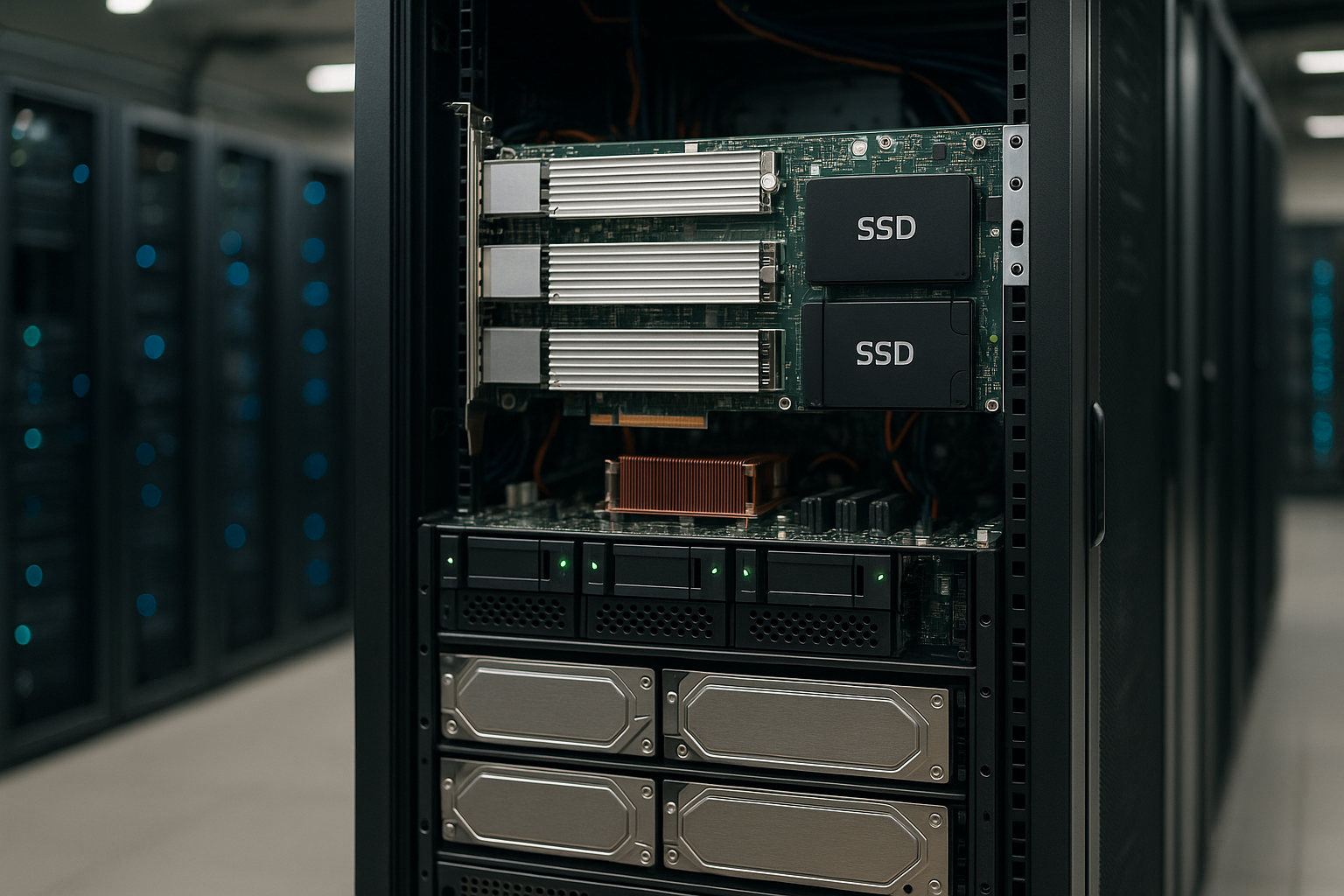
NVMe uses the PCIe bus and delivers massive IOPS as well as very low Latencies, which noticeably accelerates dynamic stores, caches and OLTP databases [2][6][10]. SATA SSDs deliver solid throughputs for CMS, microservices and smaller DBs - ideal when speed is important but does not have to be maximum [8][12]. HDDs score highly in terms of price per terabyte and are suitable for backups, archive data and rarely used files [3][7]. In my planning, I select the class according to access frequency, data structure and reliability requirements. For more in-depth differences between flash generations, a quick look at NVMe vs. SSD, before I finalize the mixing concept.
| Technology | Interface | Average speed | Maximum capacity | Field of application |
|---|---|---|---|---|
| HDD | SATA | 100 MB/s | up to 12 TB | Backups, archive |
| SSD | SATA | 500-600 MB/s | up to 4 TB | Webhosting, DB |
| NVMe SSD | PCIe | 3,500-7,000 MB/s | up to 2 TB | Databases, real-time applications |
Tiering strategies: Placing data correctly
I organize data by temperature: hot (NVMe), warm (SSD) and cold (HDD) - and let storage tiering hosting operations work automatically [1][6][11]. Frequently read index files, transaction logs and cache objects remain on NVMe, while static assets and CMS files rest on SSDs. I park large export files, snapshots and daily backups on HDDs to keep capacity low. Automated rules move inactive data to slower tiers on a time-controlled or usage-based basis. In this way, I keep the fast levels lean, save budget and at the same time preserve Availability.

Performance gains in typical workloads
For e-commerce and large CMS, NVMe noticeably reduces response times because catalog queries, search indexes and sessions deliver extremely fast [2][3]. Tests show up to 1,200 % higher sequential transfer rates compared to SATA SSD and a latency reduction of 80-90 % - this makes transactions smooth and search pages fast [2][4][6][10][13]. CI/CD pipelines compile faster, containers start more quickly and deployments run reliably when artifacts and builder caches are on NVMe. Data analysis benefits from high sequential rates: ETL jobs and streams read and write to NVMe/SSD without slowing down, while historical data sets remain on HDD in the background. This targeted placement prevents bottlenecks and keeps applications running even under load responsive.
Hardware factors that make the difference
I pay attention to PCIe lanes, controller quality, HMB/DRAM cache of the SSDs as well as RAID profiles, because these factors have a real impact on the performance. Performance characterize. A sensible mix of RAID1/10 for NVMe and RAID6/60 for HDDs balances speed and failure protection. Write-back cache and battery/capacitor backup (BBU) secure transactions without risking data. I also check how many NVMe slots the motherboard offers and whether cooling avoids throttling. Those who want to delve deeper into platform issues will find practical tips on High-performance hardware, which helps with hosting design.
Profitability: controlling costs, ensuring performance
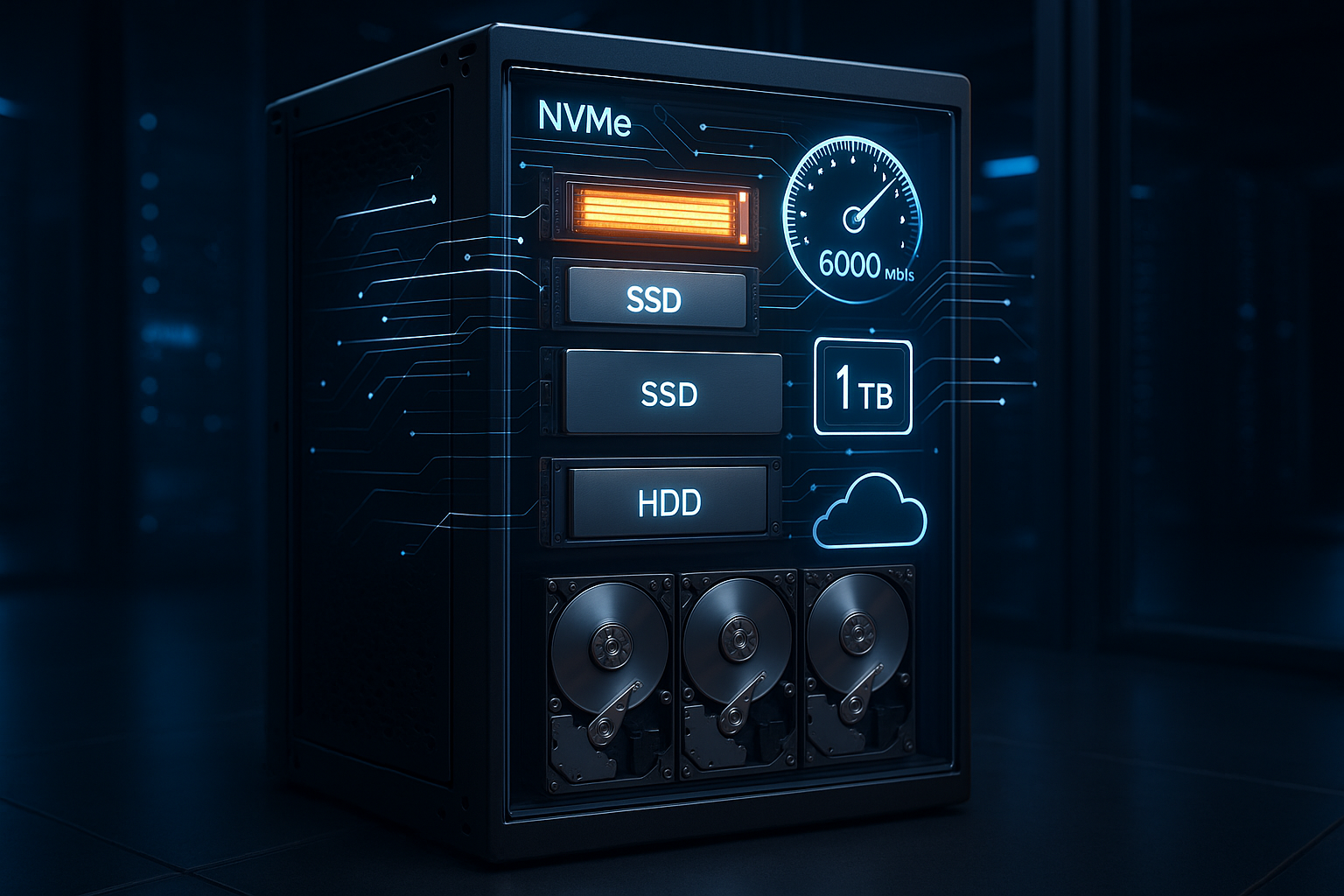
NVMe is expensive per terabyte, but I use it specifically where it makes a difference to revenue and user experience. lifts. SSDs deliver speed for the majority of web files without incurring the costs of a full NVMe strategy. HDDs carry the capacity load and significantly reduce backup and archive budgets. With this tiering, the infrastructure pays for performance exactly where it has a measurable impact and saves where it has less influence. In this way, the TCO remains predictable and investments flow into the real bottlenecks instead of unused ones Peak values.
Scaling and future-proofing
I plan tiers so that capacities grow independently: NVMe for increasing transaction load, SSD for web content, HDD for long-term data. Kubernetes, Proxmox or comparable platforms allow pools per tier, which I expand elastically without switching off services. Snapshot and replication concepts secure data statuses and noticeably shorten restore times. I also keep migration paths open in order to integrate faster NVMe generations or larger HDDs as soon as they are available. This approach protects investments and keeps the platform fit for the future.

Implementation steps: From planning to operation
I start with a workload analysis: data size, R/W patterns, IOPS requirements, latency targets and restore times define the tier assignment. I then define guidelines for automatic movement, including threshold values for age, access frequency and importance of the data. I integrate backups, snapshots and replication across all tiers to ensure that capacity benefits are not achieved at the expense of performance. Security go. During operation, I regularly check hotspots and adjust quotas and caches. Regular tests for restores and failovers ensure operational readiness in the event of an emergency.
Monitoring and optimization during operation
I measure throughput, IOPS, 95th/99th percentile latencies, queue depths, cache hit rates and wear level indicators to detect bottlenecks early. Alarms warn when NVMe tiers fill up, SSDs throttle or HDDs exceed rebuild times. Based on telemetry, I move data in a targeted manner or adjust tier rules so that the fast tier remains free. Proactive firmware and kernel updates stabilize the path between application and memory and prevent unsightly Outliers. This keeps the mixing concept fast and reliable in the long term.

Provider check 2025: hybrid storage features in comparison
Before booking, I check whether true hybrid storage is available, whether tiering rules are flexible and how the platform handles latencies under load. Certified data centers, support response times and transparent upgrade options also factor into my decision. I also assess whether providers deliver monitoring APIs and how they support NVMe generations and RAID profiles. A quick comparison reveals differences before I commit to long-term capacity plans. This allows me to make an informed choice and ensure the necessary Certainty of action.
| Place | Provider | Hybrid Storage Support | Tiering options | Performance |
|---|---|---|---|---|
| 1 | webhoster.de | Yes | Yes | outstanding |
| 2 | Provider B | Yes | Yes | Very good |
| 3 | Provider C | Partial | No | Good |
Smart operation of media and streaming projects
Large media files take up capacity, but requests often only hit a small proportion of the data - I play this off with hybrid storage. I keep thumbnails, manifest files and hot content on SSD or NVMe, while long-term assets are stored on HDD. Caches and segmented files benefit from fast provisioning, while the platform scales capacity favorably. For implementation ideas and workflows around content pools, this practical guide helps me to Memory optimization for media pages. This keeps streaming and downloads fast, and the costs don't run out of control. Rudder.
Choose file systems and caching layers correctly
The choice of file system determines how well hardware potential is utilized. I use XFS or ext4 for generic web and log workloads because they are proven and efficient. For combined requirements with integrated snapshots, checksums and replication paths, I consider ZFS. ZFS-ARC uses RAM as the primary cache, L2ARC integrates NVMe as a cache for cold reads, and a dedicated SLOG accelerates synchronous writes - ideal for databases with strict durability requirements. TRIM/discard, clean 4K alignment and suitable mount options are important to keep write amplification low and ensure that flash drives last longer. For millions of small files, I rely on customized inode sizes, directory hashing and object storage gateways if necessary, while large sequential data streams (backups, video) benefit from large I/O sizes and read-ahead.
I also add RAM caches and dedicated application caches to the storage. Redis/Memcached intercept hot keys, while the Linux page cache serves many recurring reads. I deliberately ensure sufficient RAM so that NVMe does not unnecessarily process what would come from the cache anyway. This layering of RAM, NVMe, SSD and HDD ensures that the fastest level is relieved as much as possible and used in a targeted manner.
Protocols and access paths: local, network and NVMe-oF
Local NVMe volumes deliver the lowest latencies - unbeatable for OLTP and transaction logs. Where I provide storage over the network, I choose the protocol as required: NFS is flexible and good for web server farms, iSCSI brings block devices for VMs and databases, SMB serves Windows workloads. For extremely latency-critical clusters, NVMe over Fabrics (NVMe-oF) comes into question because it uses NVMe semantics across RDMA or TCP. Clean jumbo frames, QoS on the network, multipath IO for resilience and segmentation that separates storage traffic from east-west communication are crucial. In this way, I avoid traffic jams on the data highway and keep throughput and tail latencies stable.
Data consistency, snapshots and replication
I define RPO/RTO targets per tier: I replicate transaction data closely, often with synchronous or near-synchronous procedures, while archive data is sufficient asynchronously. Application-consistent snapshots (DB-Quiesce, file system freezes) prevent logical inconsistencies. Snapshot policy: frequent, short-lived snapshots on NVMe, less frequent, longer-lived copies on SSD/HDD. I keep replication consistent across tiers - for example NVMe→NVMe for hot paths and SSD/HDD→corresponding capacity media for cold stocks. Important points are immutability windows (immutable snapshots) to lock out accidental or malicious changes, as well as site separation for true resilience.
Ransomware resilience and protection mechanisms
I plan protection layers that go beyond simple backups. Immutable snapshots with a defined retention time window, separate admin domains and secure API access prevent attacks from compromising all copies. I also rely on write-once-read-many mechanisms (logical WORM), detailed monitoring for unusual I/O profiles (e.g. masses of small changes, conspicuous entropy) and separate login paths for backup and production systems. This ensures recoverability even in the worst-case scenario, and I achieve short recovery times without expensive shutdowns.
Multi-client capability and I/O QoS
In multi-tenant environments, I prevent „noisy neighbor“ effects with clear IOPS and bandwidth limits per volume or VM. At block level, I use QoS profiles; on the host side, cgroups/blkio and ionice help to set priorities. I throttle write-intensive jobs (ETL, backups) on a time-controlled basis so that front-end workloads meet their latency budgets at peak times. On HDD tiers, I plan generous reserves for rebuild times so that a failure does not bring the performance of all clients to their knees. The result is stable throughput, even if individual projects generate load peaks.
Capacity planning, sizing and wear management
I calculate hybrid storage not only in terabytes, but also in IOPS, latency budgets and TBW/drive writes per day. For NVMe, I plan 20-30 % reserves so that garbage collection and background jobs have enough headroom. For SSDs, I take over-provisioning into account; enterprise models with a higher OP cushion write loads better. I size HDD pools according to rebuild windows: the larger the disks, the more important are parity levels (RAID6/60), spare drives and lean rebuild strategies (e.g. partial rebuild). I anchor growth assumptions (monthly growth, peak loads, seasonal effects) and schedule expansion windows early to avoid costly ad hoc upgrades.
Failures, rebuilds and operational stability
Hybrid setups only remain resilient if rebuilds can be planned. I regularly test degraded and rebuild scenarios: How do latencies behave when an NVMe mirror resynchronizes? How long do HDD rebuilds take at full capacity? Scrubs, checksums and background integrity checks identify creeping errors. For controller or backplane defects, I plan hot spare and cold spare concepts as well as clear spare parts management. I pay attention to firmware parity so that mixed states do not lead to resync loops or performance drops.
Operational checklist and troubleshooting
I establish runbooks for everyday use: FIO short benchmarks for verification after maintenance, SMART/health checks with threshold values, regular TRIM/discard jobs, periods for reindexing search systems and defined health gates before releases. I rectify typical error patterns - too deep or too shallow queue depth, unaligned partitions, missing write-back with BBU, thermal throttling - with clear standard measures. Telemetry flows into capacity reports that combine both technical and business perspectives.
Compliance, data protection and key protection
I encrypt data in an animal-friendly manner depending on its sensitivity: NVMe with OS or volume encryption, SSD/HDD optionally hardware-supported. The key path remains strictly separated and rotation/recovery processes are documented. Access is granted on a need-to-know basis, audit logs record changes to tiering rules, snapshots and replication jobs. The platform therefore fulfills common compliance requirements without losing operational efficiency.
Migration paths and gradual introduction
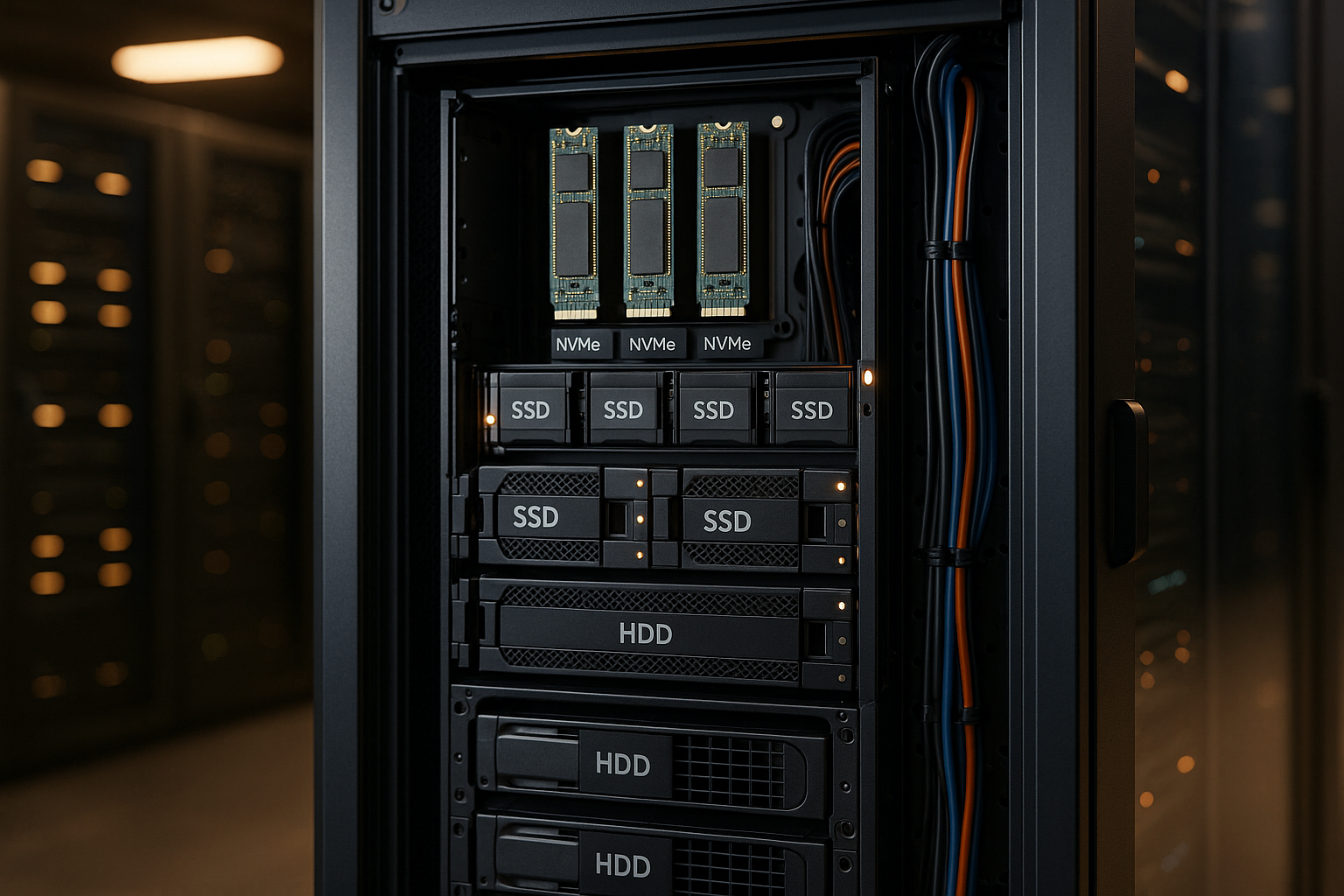
I migrate existing landscapes in stages: First I move hot paths (transaction logs, indexes, caches) to NVMe, then I move frequently used data to SSD. Cold data remains for the time being, but is consolidated on HDD with clear retention rules. In each step, I measure the effects on 95th/99th percentile latencies and release-critical KPIs. This allows the benefits of the hybrid approach to be quantified transparently and the budget to be bundled where the improvement per euro is highest.
Briefly summarized
With a well thought-out mix of NVMe, SSD and HDD, I deliver fast transactions, stable loading times and affordable capacities - in short: NVMe SSD HDD hosting for practical use. Workloads. NVMe belongs to the hot-paths and logs, SSD handles web and CMS files, HDD carries archives and backups. Automatic tiering keeps the fast levels free and reduces costs without jeopardizing the user experience [1][6][11]. Monitoring and clear rules make the infrastructure plannable, updates and tests ensure operation. Those who use hybrid storage consistently master growth, keep budgets under control and create a platform that can respond to new requirements. starts.