 Skip to content
With a modern image cdn wordpress like Bunny.net, website operators can optimize the performance of their WordPress installations in a targeted manner. With its global server infrastructure, automatic image compression and simple WordPress integration, Bunny.net offers an attractive solution for fast loading times and scalable media management.
Key points
- Fast image delivery through worldwide server locations
- Seamless WordPress integration via plugin or caching tool
- WebP output and compression by Bunny Optimizer
- Cost efficient with flexible billing in euros
- GDPR-compliant incl. HTTPS, access protection and European data centers
Why Bunny.net is the right image CDN for WordPress
A content delivery network ensures the decentralized delivery of images, which significantly reduces loading times - especially on image-heavy pages. Bunny.net scores with clear functions, fast integration into WordPress and strong image optimization. Compared to other CDN services, Bunny.net is easier to configure and more flexible in terms of price - from approx. 0.01 €/GB image transfer. Thanks to the global infrastructure with over 80 data centers, Bunny.net achieves loading times of sometimes less than 60 milliseconds worldwide. I use Bunny.net when I want to prepare websites for mobile speed and international visitors.
The uncomplicated approach with which Bunny.net meets the requirements of modern websites is particularly interesting: the distribution of images to different PoPs (Points of Presence), compatibility with common WordPress plugins and the ability to automatically deliver optimized versions of the images for different end devices. Those who manage large image stocks also benefit from automatic scaling, as Bunny.net can ensure consistently fast delivery even under high load. In addition, the CDN enables improved SEO positioning, as Google rates short loading times positively, which can generate higher traffic in the long term.
Another important point when choosing the right CDN is support and user-friendliness. Bunny.net impresses here with a clear dashboard where I can quickly find the relevant settings. New pull zones can be created in just a few minutes, and integration into WordPress is almost effortless. If required, access statistics can also be called up in order to understand where users are coming from and which files are accessed particularly frequently.
Integration in WordPress - how to get started
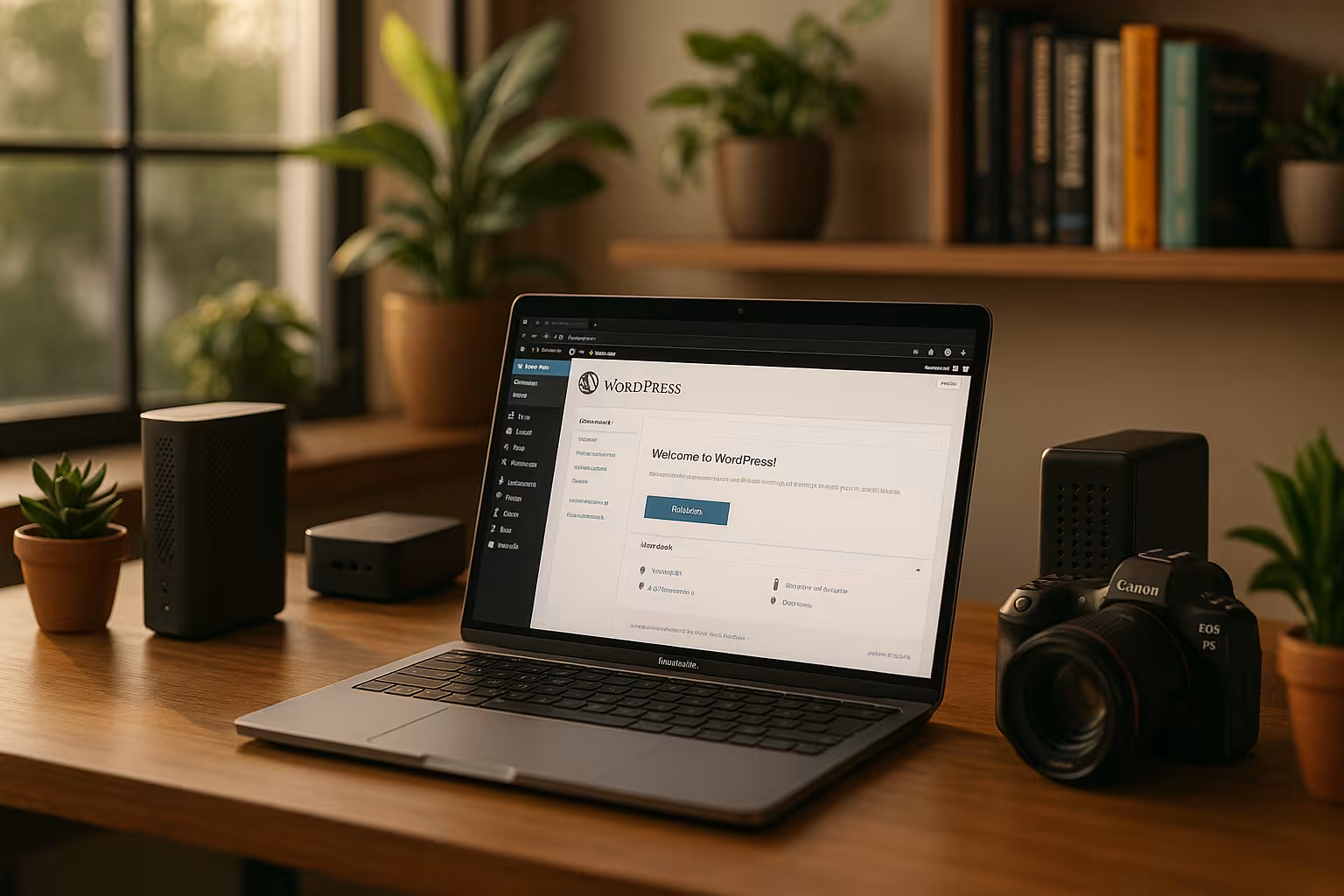
Bunny.net can be connected to WordPress in just a few steps. The easiest method is to use the official Bunny.net plugin. I install it directly via the plugin directory, create a new "pull zone" at Bunny.net and then enter the API key and the corresponding CDN URL. Alternatively, plugins such as W3 Total Cache or WP Rocket also work if I am already implementing a caching concept. A complete outsourcing of the media library is also possible with Next3 Offload. This solution is particularly suitable for websites with ultra-fast loading times and lots of images.
It is generally advisable to ensure that your own theme and existing plugins are up to date before integration. This way, I avoid compatibility problems and benefit from the latest security updates. I should also get an overview of which media are currently in use and whether they can be optimized again. You often find large, uncompressed images that can already be reduced in size locally before the CDN even becomes active. A clean basis prevents later sources of error and makes configuration easier.
Technical process of bunny integration
The integration of Bunny.net involves the following configuration steps. I work most effectively when I define a structured process:
- Open Bunny.net account, create "Pull Zone
- Install WordPress plugin (Bunny.net, WP Rocket or W3 Total Cache)
- Generate API key, enter host name ("cdn.domain.de")
- Enter CDN URL in plugin, activate cache
- Check frontend whether images are loaded via CDN
Once set up, I like to use the feature to automatically convert images to WebP to save bandwidth and increase PageSpeed values. Another helpful step is to include lazy loading. This means that images are only loaded when they appear in the visitor's visible area. This combination - CDN, image optimization and lazy loading - leads to a noticeable reduction in loading times.
Technically speaking, WordPress replaces the standard URL (e.g. https://meinedomain.de/wp-content/uploads/...) with the stored CDN URL (e.g. https://cdn.domain.de/...) when an image is called up. If the plugin is set up correctly, these paths are automatically rewritten. To ensure that this redirection really works for all images, it is best to check both desktop and mobile views immediately after setting up the plugin. Right-clicking on an image and displaying the image address in the browser console also helps to check whether the integration is working as planned.
Optimum performance through image optimization and WebP
A decisive advantage of Bunny.net over traditional CDN solutions is the integrated image optimization. In the user interface, I activate the Bunny Optimizerwhich automatically compresses images and converts them into modern formats such as WebP. This reduces the average loading time per image by over 60 %. The configuration also allows older browsers to be supplied with JPEG or PNG versions. Bunny.net automatically recognizes the user agent and delivers the appropriate version.
This is particularly important for photographers and portfolio websites that rely on visual content. If you would like advice on hosting and image formats, please visit Special hosting for photo sites Further information. In everyday life, image optimization proves to be a great advantage when it comes to offering visitors a pleasant and fast browsing experience. Long loading times quickly lead to higher bounce rates, which is detrimental to the success of a website. Thanks to Bunny Optimizer, not only are the images simply converted to WebP, but the image size is also dynamically adjusted when a browser requests a certain resolution.
In addition to compression, it makes sense to set the image dimensions correctly in WordPress itself. I define scaling settings such as "Thumbnail", "Medium" and "Large" in my theme. Bunny.net then automatically accesses the appropriate WordPress image sizes and adapts them again to the end device and bandwidth. This can noticeably increase performance, especially on mobile websites. Especially if many high-resolution photos are in use, you should test the procedure carefully to sort out unnecessarily large or incorrect image files.

Comparison: Loading speeds with and without Bunny CDN
The following table shows how much the loading time of a typical gallery page is reduced after the integration of Bunny.net:
| Test configuration | Average loading time | Total image size |
|---|---|---|
| WordPress without CDN | 2.9 seconds | 3,5 MB |
| WordPress with Bunny.net (WebP) | 1.1 seconds | 1,4 MB |
The benefits are clearly noticeable in user engagement and Google rankings. I never confuse how strongly images influence the overall experience on mobile devices. If you want to achieve good scores in Google PageSpeed Insights, you need a complete package of efficient hosting, a suitable cache strategy, clean code and a reliable CDN connection. Taken together, the dropout rates decrease and the dwell time increases, so that investments in a powerful CDN are definitely worthwhile.
The global availability of the PoPs is a great advantage, especially for international target groups, as Bunny.net can provide data very quickly and close to the user. A visitor in the USA can download images from a data center in the USA, while European visitors usually obtain their data from a PoP in Europe (such as Frankfurt, Amsterdam or London). This results in a consistent overall user experience - regardless of where the user is located.
Further functions: Security, video, data protection
Bunny.net offers more than just a fast CDN. The service also includes features for access restriction, encryption and link-based runtime control. For example, I use token-based URLs to protect private galleries from unauthorized access. In the video area, I use Bunny Stream to stream high-quality videos with minimal loading time - directly via the same account.
For websites with an EU target group, it is also important that Bunny.net can be configured to be GDPR-compliant. I specifically select European PoPs or activate the "GDPR Zone Control". Bunny.net processes the IP addresses anonymously if I set this in the dashboard. This allows me to ensure that personal data is handled in accordance with current regulations. Especially for websites aimed at a German-speaking audience, this is an important factor in minimizing legal risks.
Another security aspect is the handling of hotlinking. I can use the hotlink protection function to define which domains are allowed to access my files. This prevents third parties from integrating my resources unintentionally, which could result in unnecessary costs. This type of protection provides both large and small website operators with additional security and control over data traffic.

Fine-tuning: plugins, caching and PageSpeed
The combination of Image CDN and WordPress caching often has the greatest effect. I usually combine Bunny.net with WP Rocket or W3 Total Cache, depending on the project requirements. It is important to set the rewrite rules correctly so that the cache and CDN do not work against each other. The use of lazy loading is also recommended for long, image-heavy pages.
If you want to check specific optimizations, you can use Google PageSpeed Insights analyze which assets still have potential for improvement. I pay particular attention to the score for "Largest Contentful Paint" (LCP) and "First Input Delay" (FID). Especially for image-heavy pages, the LCP can benefit greatly from a fast CDN. However, if HTML, CSS or JavaScript block the page load, I have to clean up the code in parallel and remove unnecessary scripts. The combination of CDN, cache plugin and clean source code increases the overall performance enormously.
It is also interesting that Bunny.net supports the delivery of videos. If I want to present video clips as well as images to site visitors, I can use the same service without integrating an additional video platform or complicated streaming solutions. This is particularly useful if I want to retain full control over my content and don't want to rely solely on third-party providers. It's just a matter of finding the right balance between video quality and bandwidth costs. Thanks to the flexible billing in euros, I always have an overview of the fees incurred.
Typical pitfalls in CDN integration
Before I integrate a CDN into my WordPress installation, I check whether my hosting provider might offer their own CDN solutions that are already active. In rare cases, conflicts arise when two different systems try to rewrite the image URLs. The domain settings should also be checked thoroughly. A faulty DNS configuration or incorrect information in the pull zone can lead to images not loading correctly or the SSL certificate not working.
It also makes sense to check the respective plugin settings. If you combine WP Rocket with Bunny.net, you will usually find a separate "CDN" tab in the plugin, in which the Bunny pull zone is entered. In some cases, I have to activate additional advanced options so that CSS or JavaScript files are also delivered via the CDN. Finally, images should not be optimized twice. If another image optimization tool is already active, double compression may occur, which could result in a loss of quality. In this case, I should decide on a tool or adjust the relevant settings.

Exemplary integration with subdomain
For even more professionalism, I integrate Bunny.net with its own subdomain such as "cdn.deineseite.de". This makes the site appear more trustworthy and makes tracking easier. In the DNS editor of my domain provider, I create a CNAME that points to the bunny pull zone. I also activate SSL directly in the bunny dashboard. The effect is a clean, CDN-supported media path on all pages. I think switching to a CDN subdomain is particularly useful for agency sites.
If you are already working with Cloudflare, you can find out more at Cloudflare integration in Plesk combine other methods. The question then arises as to whether two CDNs in parallel make any sense at all - in most cases, they don't. I mainly use Bunny.net for images, but sometimes also for static assets such as CSS and JavaScript, while Cloudflare often remains in use as a security and general performance tool. It is important to separate the configuration cleanly so that there are no duplicate redirects or faulty caching.
When working with your own subdomain, you should also think about the analysis tools. If you use a tracking tool such as Google Analytics or Matomo, you should check whether the CDN tracking is recorded correctly. Exceptions may need to be set up so that access to cdn.deineseite.de is not counted separately or blocked. A quick check in the tracking settings quickly provides information on whether all accesses are being processed as intended. After that, I can concentrate fully on the extended possibilities of the CDN.
Summary and outlook
Anyone planning a professional website with WordPress will hardly be able to avoid a specialized image CDN over. Bunny.net proves to be a powerful solution with simple integration, strong performance and sophisticated additional functions such as image compression or streaming. The integration is particularly worthwhile for international websites, mobile-affine traffic and large media libraries. I recommend Bunny.net to anyone looking for a fast, scalable and low-maintenance CDN for visual content.
You should also keep an eye on the long-term benefits: Regular checks of image sizes and cache behavior ensure that performance remains stable over months and years. If you evaluate the access statistics collected in the Bunny dashboard, you can identify trends and adjust your resource planning accordingly. For example, you can decide in which regions and at which times there is particularly high traffic and make additional optimizations if necessary. The combination of CDN and secure WordPress architecture also pays off: Attacks are made more difficult, maintenance is simplified and the website remains responsive.
A further outlook is directed towards new image formats and technologies: AVIF or JPEG XL are future alternatives to WebP, which in initial tests enable even better compression rates. Bunny.net will most likely also support these formats as soon as they are more widely accepted on the market. This means that the solution is future-proof and receives continuous updates, which is a great relief for operators of larger sites. Those who already rely on Bunny.net today therefore have the opportunity to benefit from new technologies at an early stage without having to set up all processes in their own system from scratch.



