The best WordPress themes for different industries
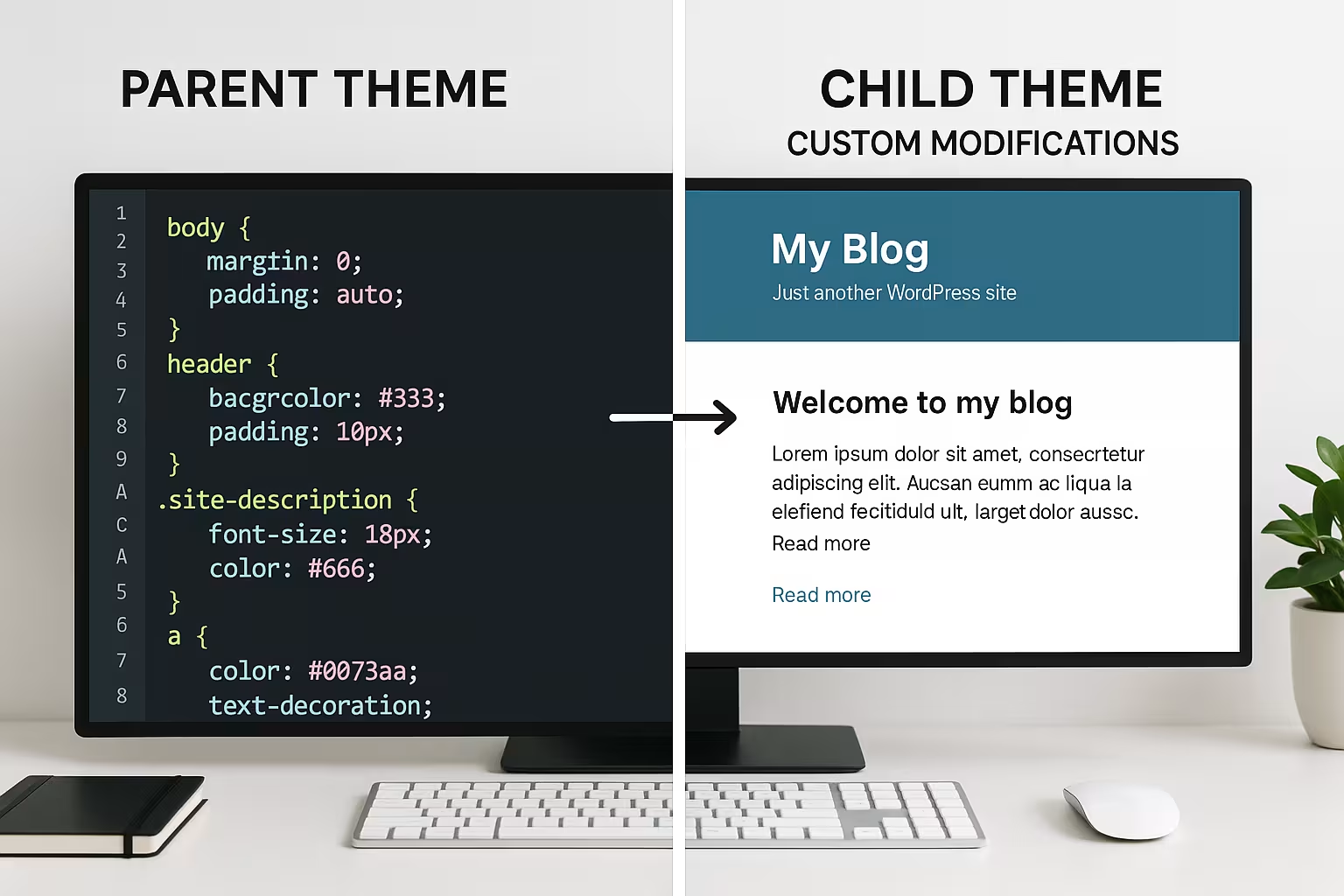
Discover top WordPress themes for e-commerce, gastronomy, creative businesses and more. Incl. tips for choosing the perfect theme for your business.

Discover top WordPress themes for e-commerce, gastronomy, creative businesses and more. Incl. tips for choosing the perfect theme for your business.

Discover the groundbreaking features of Plesk Obsidian: improved UI, enhanced security and powerful developer tools for modern web hosting.

Learn how to set up automated backups with cPanel and effectively protect your website data. Tips for optimal data backup.

Optimize your web development through Git integration in hosting. Improve version control, teamwork and deployment processes.
Discover the best Plesk extensions to improve the security, performance and functionality of your web hosting.

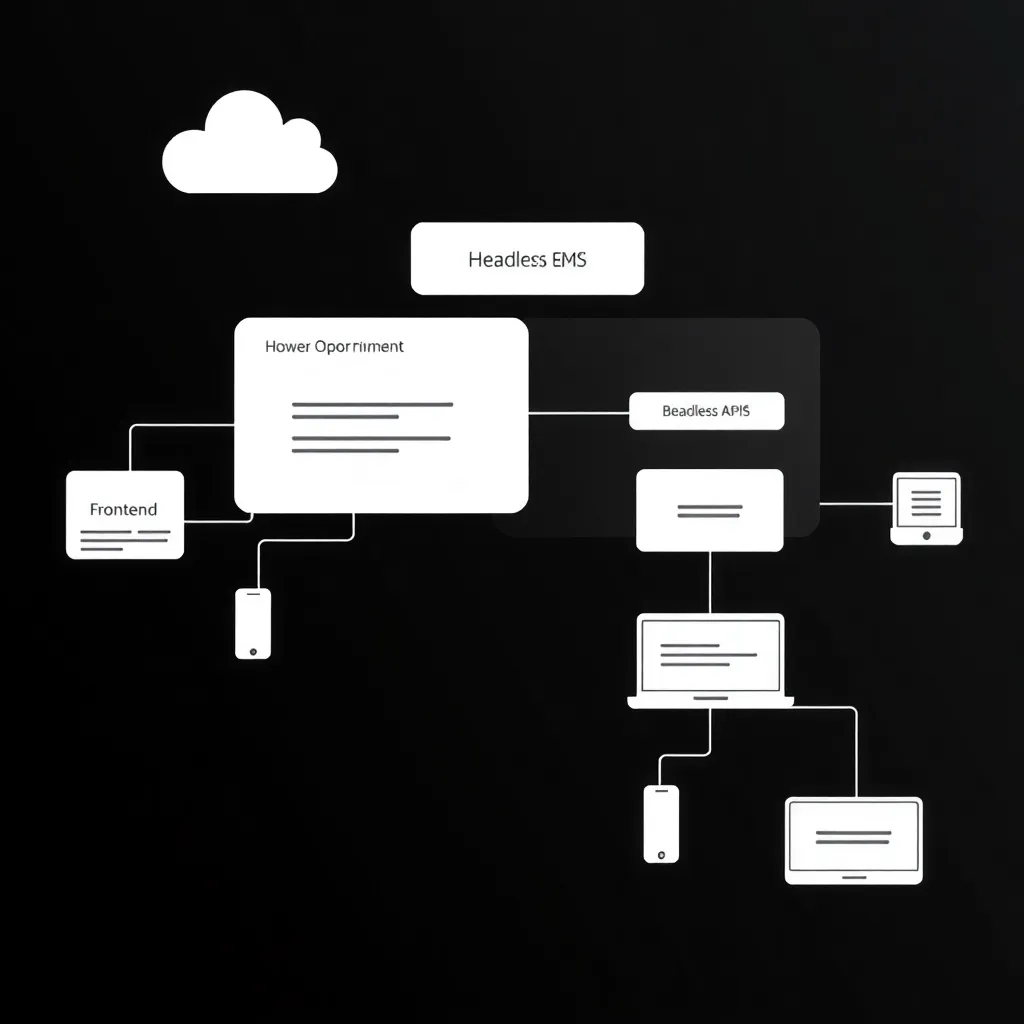
Discover how headless CMS is revolutionizing content management. Focus on flexibility, scalability and cross-channel content playout.
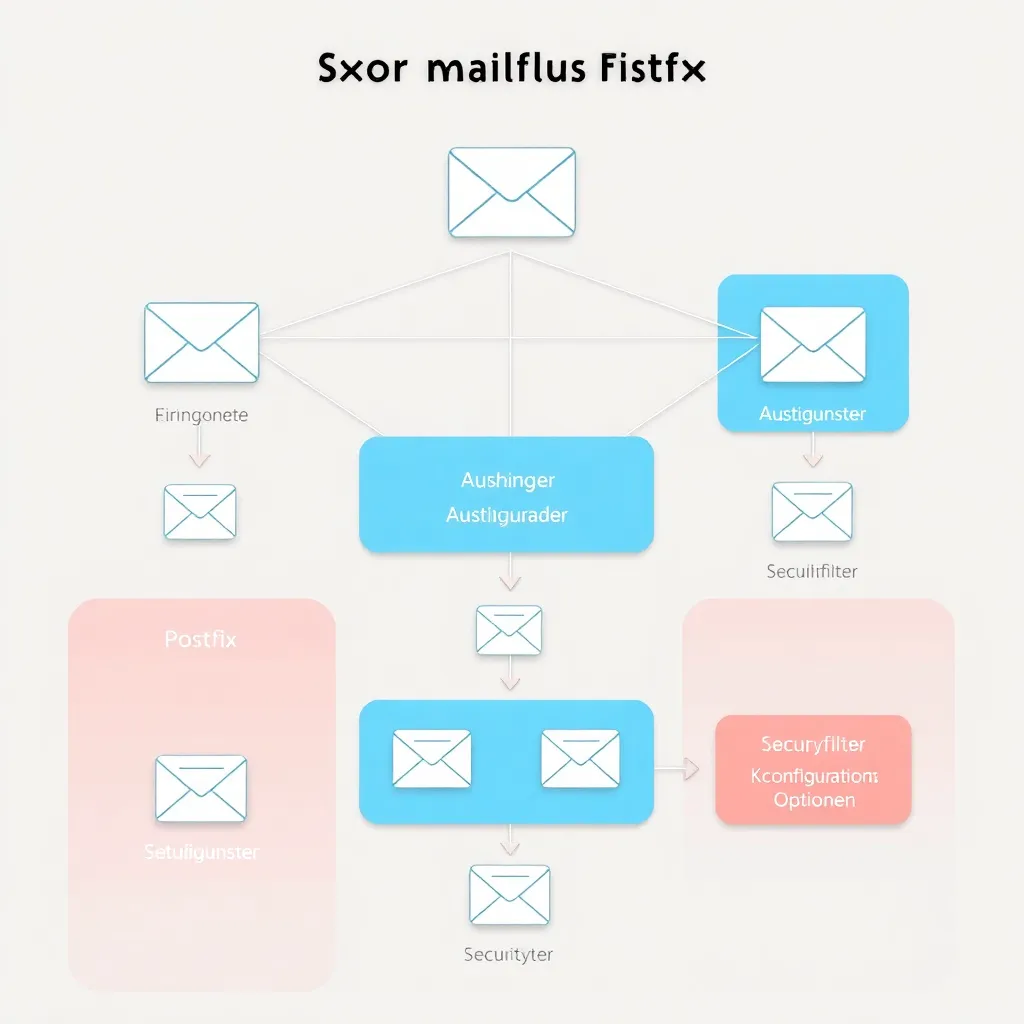
Comprehensive guide to securing your Postfix server. From TLS to DMARC - all the important steps explained.

Find out how to archive emails in a legally compliant manner and which best practices you should follow for an effective archiving strategy.

Comparison of SQL and NoSQL databases for web hosting: advantages, disadvantages and use cases for optimal data management.

Improve your WordPress speed with the 5 best caching plugins. Comparison of WP Rocket, W3 Total Cache, WP Super Cache and more.

Discover how Plesk's automated malware detection revolutionizes the security of your web hosting and provides proactive protection.

Effective disaster recovery strategies for web hosting providers: Protect your services and customer data from unforeseen events.

Discover how Docker containers are revolutionizing web hosting. Learn more about the advantages of this innovative technology.
Comprehensive comparison of Plesk and DirectAdmin: features, usability and performance of the popular hosting panels analyzed.

Compare WordPress, Joomla and Drupal to find the best CMS for your website. Focus on user-friendliness, flexibility and security.

Learn the basics of Postfix configuration. From installation to SMTP-Auth to TLS encryption - everything explained step by step.

Learn the basics of SPF, DKIM and DMARC for secure email communication. Protect your domain from misuse.

Discover effective techniques to increase database performance, from indexing to cloud scaling.
Discover the best WordPress security plugins for comprehensive protection of your website against cyber threats and hacker attacks.

Learn how to set up automated backups with Plesk and effectively protect your website data. Step-by-step instructions for secure data backups.

Discover effective backup methods and strategies for web hosting customers. Optimally protect your online presence!

Learn how to set up an SSL certificate in 5 easy steps and make your website secure. Complete guide from selection to configuration.

Comprehensive comparison of Plesk and cPanel: features, ease of use and performance for optimal web hosting management.

Plesk offers the possibility to configure the web application firewall (plesk modsecurity) in the administration menu. What is modsecurity? Plesk modsecurity is a web application firewall,

With this you deactivate the MySQL Strict Mode for incompatible CMS systems.

The first steps: create a WordPress blog post WordPress is the most widely used CMS in the world. Especially for blogs, the content management system is suitable

How do I manage the IMAP folders in Plesk Webmail? In our video you will get step-by-step instructions on how to manage the folders in Roundcube Webmailer

Yoast SEO is a very popular WordPress SEO plugin. That means Yoast SEO is i installed on countless WordPress websites. Many

CMS is the most common way to create a website in this day and age for non-professionals. Also Joomla was once among the most popular content management system

Plesk has released a new paid addon that allows you to centrally manage your Joomla installations. The Plesk Joomla Toolkit Similar to the WordPress

In the last few days united internet has decided to block forwarded emails e.g. to gmx or web.de addresses. For customers of other providers


In our video you can find a small tutorial how to create a Letsencrypt certificate for all domains for free in Plesk Onyx. The advantage is

How do I create an address in the Plesk management interface? In Plesk you can easily set up an email address and use it with your email client or webmail.

Have you ever forgotten to keep your WordPress up to date? Most web hosts offer the possibility to update WordPress automatically. But this refers to
Linux MariaDB Root The password of mariadb root is not handy right now, or it has been forgotten? Even if the password is not secure enough and

Many web servers with Plesk run Centos version 7 which is a free version of the professional RedHat 7 operating system. In Germany often
openssl gendh -out /etc/postfix/pfs_512.pem -2 512 openssl gendh -out /etc/postfix/pfs_1024.pem -2 1024 postconf -e "smtpd_tls_dh1024_param_file=/etc/postfix/pfs_1024.pem" postconf -e "smtpd_tls_dh512_param_file=/etc/postfix/pfs_512.pem" postconf -e "smtpd_tls_eecdh_grade=strong" postconf -e "smtp_tls_loglevel=1" postconf

With an affiliate plugin, not only can affiliate links be hidden, but also statistically recorded and centrally managed. Good affiliate plugins also offer

For many entrepreneurs it is a dream to have their own online store. Not having to stand in the store, but being open 24 hours a day.

How to install WordPress with Plesk? In Plesk you can install WordPress with one click. In our video you will get step-by-step instructions for setup
In Windows 10, the Mail app is available for free. Here you can synchronize your emails directly with the server. The settings are for the

Do you also know this problem? You want to write to a business partner who - for whatever reason - sends his business emails via outlook.com.

NoFollow means do not follow. These are links in comments or blogs, even on WordPress, that contain a link, but it is not clickable

Starting an online store is always an exciting thing. Presenting your own idea to the big, wide world and hopefully making decent sales with it,

WordPress is one of the most widely used content management systems (CMS) in the world. Due to its popularity, however, it is also a frequent target for hacker attacks. In this article

Google Pagespeed Insights is the well-known website tool with which you can check and optimize all parameters relevant for the search engine. You can check above the

Offering products, offers or general information in different languages on WordPress has numerous advantages and businesses and bloggers can benefit from this option in the long run if

The most different page elements can be configured with WordPress with a few clicks in the administration area. This also includes widgets, which can be placed in the so-called sidebars.

If you run multiple domains with different php versions on one Plesk server, problems can occur from time to time due to incorrect file creation on the part of

Today we fix a problem that can occur after updates of WordPress or themes. The unusable WordPress installation. Maybe someone has seen it before. After the
How to set up your email account in iPhone With your Apple iPhone, you can receive and send emails. For this purpose you need to set up the

The free web application WordPress can be used to create a private or professional blog. The software offers the blogger a wide range of different designs, templates
Finally live spam-free. Basically, this is only possible with a professional protection system that analyzes the mails and uses all available possibilities to prevent the

Have you misplaced your password list again? The login data of main users are easily lost and are not stored on the system itself. Easier is

With Plesk you can enable a simple and free protection against attacks. Under the Plesk settings, logged in as an administrator, you can configure the Fail2ban service.
Mount remote files locally This small tutorial describes the easy way to mount files from another system as a partition. This simplifies the daily work

Anyone who creates a website or creates a blog often trusts the free web application WordPress. By means of this you can manage all content easily and clearly. The

You have an address with a webhosting company, or you run your own email server and cannot send emails via your Telekom connection? Then very

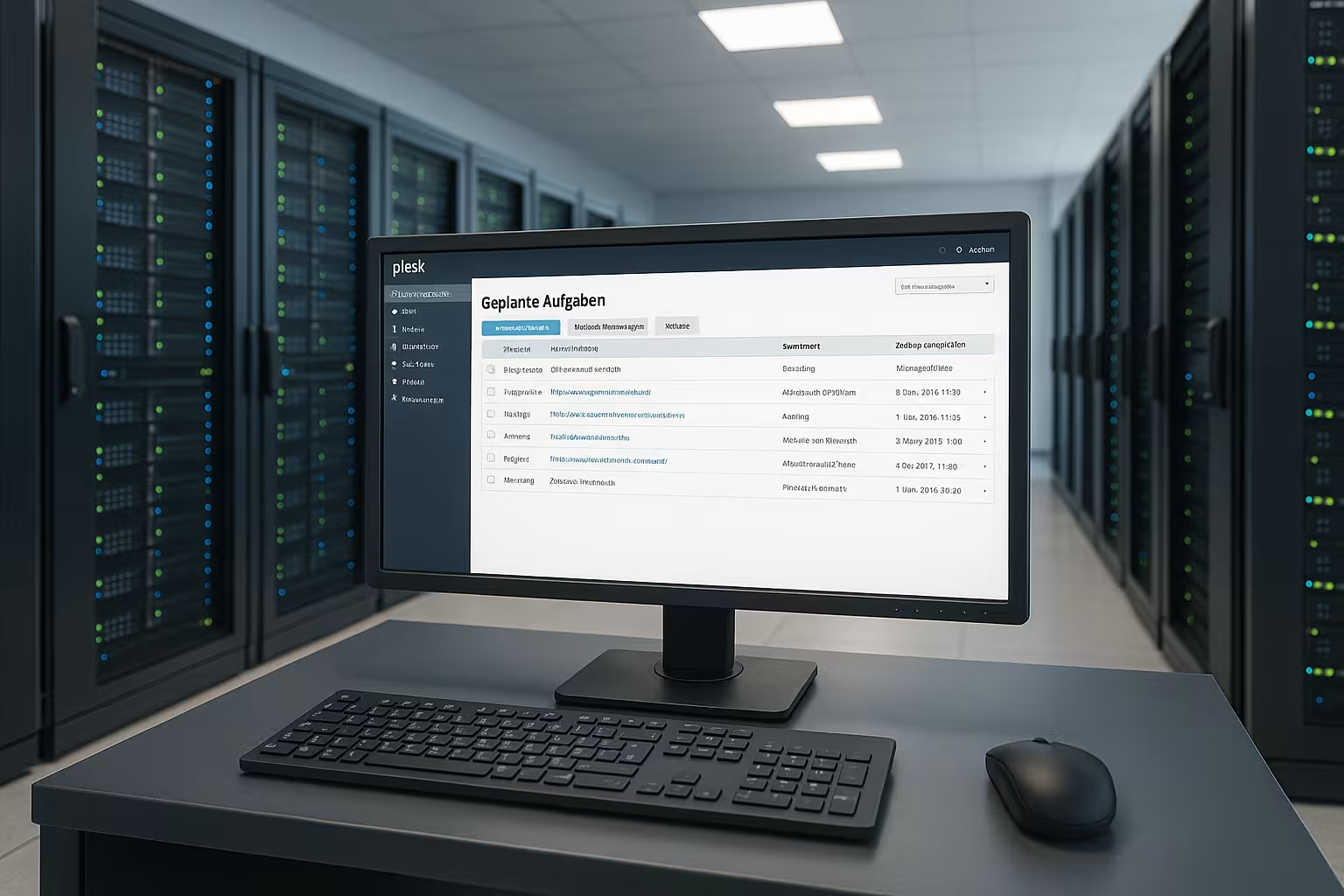
In our video we will show you how to edit the Plesk hosting settings. In the hosting settings you can change the hosting type of the domain.

In our video we show you how to transfer a Confixx account to a modern Plesk Onyx system. In this example WordPress is in

We'll show you what changes when you switch from confixx to Plesk. Confixx? What is it? The administration interface Confixx was developed by

If you want to share your recorded videos with the world, YouTube is the right platform for this purpose. Through the largest and most popular video platform reach

VMWARE - Datastore - Backup with Veeam or other programs - Snapshot Problem: During a scheduled backup of the virtual machine, e.g. with Veeam, the following appears at
It always makes sense to encrypt email communication, especially when you are on the move and access or write emails in wifi environments. Because

In our video we show you how to create an FTP user in the Plesk menu.
In the daily use of a web server some services are noticeable that with increasing requests take longer and longer to process a request and therefore the server is not available.

WordPress is one of the leading open source software for creating blogs. The uncomplicated handling and the high-quality results have made the CMS well-known and popular.