Skip to content
I'll show you step by step how you can optimize your 2025 set up ionos domain and go live in just a few minutes. I set up DNS records properly, connect external domains and take care of SSL and redirects - clearly explained, without detours.
Key points
The following key points will give you a quick overview of the entire process.
- DNS setup Plan correctly: A, AAAA, CNAME, MX, TXT
- External domains take over via name server
- SSL Activate for main and subdomains
- Forwarding clean solution for www and root
- Error avoid propagation and e-mail

Preparation: account, name, timing
Before I get started, I first check my Domain names for availability and prepare an alternative if the first choice is busy. I create or open my IONOS account, have my billing data ready and plan 10-20 minutes for the basic configuration. For e-mail setups, I make a note of the desired mailboxes and subsequent MX records so that I don't leave any gaps afterwards. I also think about the desired www variant early on: should the website run on www.deinedomain.de or directly on deinedomain.de. This preparation saves me clicks later on and keeps changes in the DNS clear.
Register your domain with IONOS: Step by step
I log in to IONOS Login, open the menu item Domain & SSL and start the search for my desired domain. Names. If the extension is free, I book it, choose the duration and complete the order. The domain is then included in my contract and I can immediately start setting records, activating e-mail or connecting it to a web space. For a website, I then link the domain to my hosting or my application so that the A-record points to the correct IP later on. At the latest now I reserve a SSL-certificate so that calls are directly encrypted.

DNS basics briefly explained
DNS triggers a Domain names into technical targets such as IP addresses and services. The A record points to an IPv4 address, AAAA to IPv6, CNAME forwards alias names, MX specifies mail reception, and TXT provides check values such as SPF or verifications. Each change has a validity, the Time to Live (TTL), which determines how long caches retain the data. Propagation takes a few minutes up to 48 hours, depending on the provider's cache. I plan for this delay and test changes with tools before I make a Go-live announce.
Set DNS in IONOS: A, AAAA, CNAME, MX, TXT
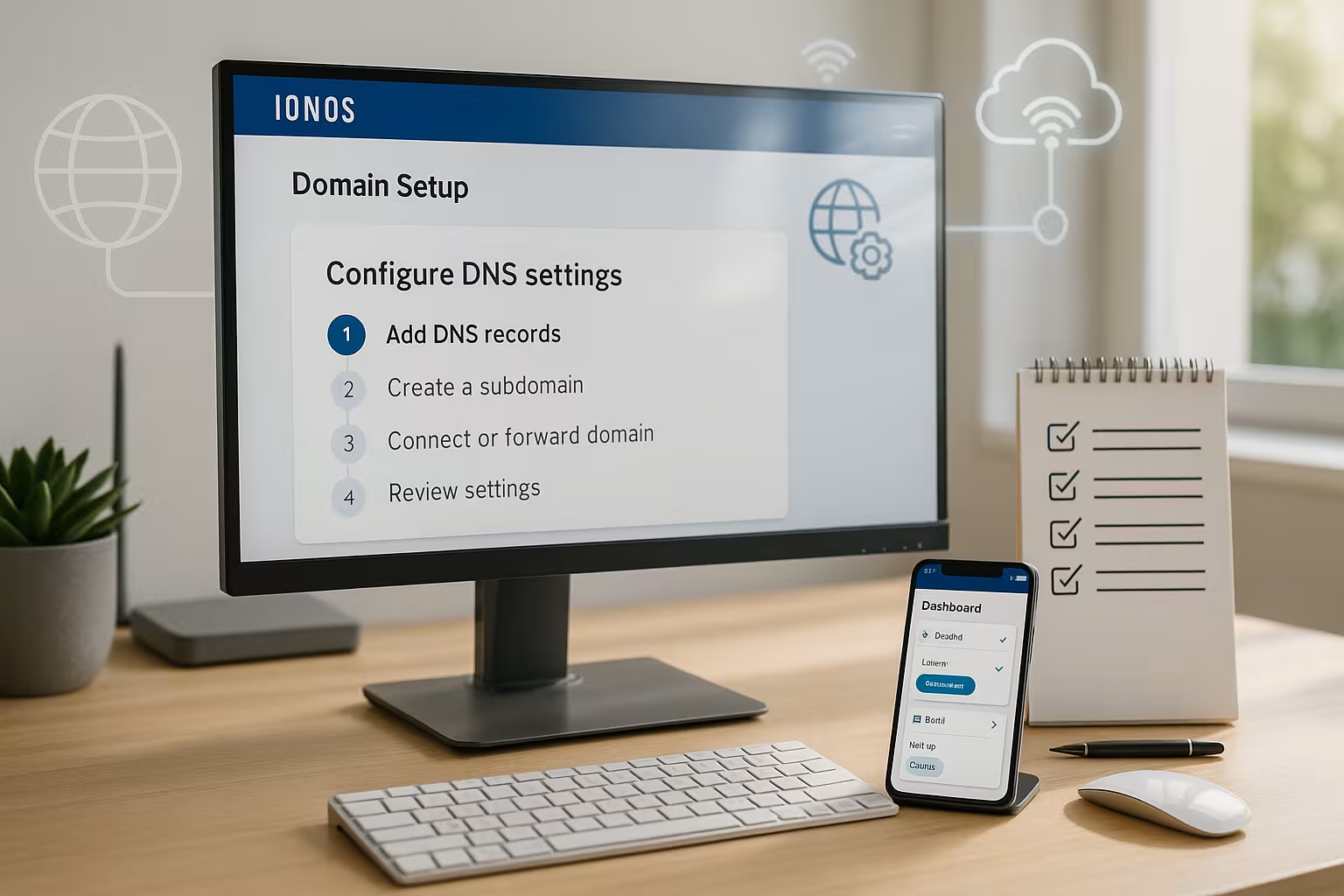
In DNS management, I select the domain, open the record view and decide whether I want to use the standard IONOS entries or create my own. Configuration set. For websites, I enter the server IP in the A record, optionally add AAAA, and redirect www to the main domain via CNAME. For e-mails, I set MX records according to the specifications of the mail system and store SPF/DKIM/DMARC as TXT so that delivery and reputation are correct. If I change several entries in succession, I save consistently after each step so as not to lose any entries. For more in-depth settings, I often use a compact reference book such as DNS settings for IONOSso that I have the right record type quickly to hand and save typing work.
Integrate external domain and set name server
If the domain is with another registrar, I set it up with IONOS as a external domain and then switch the name servers to IONOS with the previous provider. To do this, I enter the servers ns1045.ui-dns.org, ns1045.ui-dns.de, ns1045.ui-dns.biz and ns1045.ui-dns.com and confirm the change. After the update, I manage all DNS records directly in IONOS and remove old entries from the old provider so that there are no contradictory settings. I check email services or redirects in advance and transfer them so that mailboxes remain accessible without interruption. If I am planning a changeover, I create a Backup of my entries so that I can reproduce every setting cleanly.
Domain transfer or DNS takeover: which is best?
I first decide whether I only want to use the DNS-control to IONOS or transfer the domain completely. If the domain remains with the previous registrar and I only change the name servers, this is usually the quickest option. If I want to bundle everything under one contract, I initiate a domain transfer with AuthCode and observe the transfer deadlines for the TLD. Before starting, I check the lock status, owner data and e-mail availability for releases. For the process and typical stumbling blocks, I use a tried and tested Domain Transfer Guideso that the changeover can take place without interruption.

Set up subdomains and SSL correctly
For additional projects, I create subdomains such as blog.deinedomain.de or store.deinedomain.de and assign them to a Goal to. A CNAME to a service or an A/AAAA record to an IP connects the subdomain cleanly to the target system. I then activate an SSL certificate for each subdomain used so that visitors do not see any warnings. If I use wildcard SSL (*.yourdomain.com), I cover many subdomains in one go; nevertheless, I check whether special cases require a separate certificate. Finally, I call up each subdomain once and check the content, certificate chain and Forwarding.
Connecting domains with building blocks and SaaS
For external services such as landing page tools or 3D tours, I usually set a CNAME to a predefined Destination address to. Many providers expect www as CNAME, while the root domain points to www via 301 redirection. Sometimes platforms provide additional TXT records for verification; I set these at the same time so that activations go through. If I need a permanent redirect, I keep the differences between 301 and 302 clearly separated. A compact guide to clean redirection is provided by the DNS forwarding explanation so that I don't create any loops or double hops.

Redirects: www, root domain and redirects
I decide early on whether the website on the Root-domain or under www and set up consistent redirects. The standard is: www points to the root or vice versa, not both mixed. For permanent changes I use 301, for temporary actions 302; this way search engines keep the correct canonical variant. On the DNS side, I resolve www as CNAME, while the target address points to the web server IP via A/AAAA. In the application or in the web server, I also set a Forwardingso that each URL has exactly one final address.
Common errors and quick solutions
Typical stumbling blocks include TTL and PropagationChanges need patience, global caches do not empty everywhere at the same time. If emails fail, I first check the MX records, then SPF/DKIM/DMARC and send tests to several providers. If the website sporadically shows old content, this is often due to DNS or browser caches; a test via the mobile network quickly clarifies the situation. In the case of SSL errors, I check whether certificates are active for all host names used and whether the chain is complete. Before making any major changes, I document my entries so that I can access them at any time. functioning condition can return.
Hosting 2025: performance and tariff selection
If you want more from your Domain pay attention to performance, PHP versions, caching and backups. For high-traffic projects, a plan with higher RAM, HTTP/2 or HTTP/3 and NVMe storage is worthwhile. It is important to have a clear scaling option so that I can upgrade quickly as traffic grows. A look at support times and monitoring saves me downtimes in critical phases. The following overview shows how I classify common packages for typical applications in 2025, including short Advantages.
| Place | Provider | Advantages |
|---|---|---|
| 1 | webhoster.de | High performance, very good service, extensive features - ideal for WordPress, stores and business projects. |
| 2 | IONOS | Solid entry, many additional functions, wide selection of domain options. |
| 3 | Strato | Attractive prices, wide range of tariffs for different requirements. |
TTL strategy and changes without downtime
Before major changes, I specifically lower the TTL of affected records (e.g. from 1-24 hours to 300 seconds) 24-48 hours in advance. This means that subsequent switchovers take effect more quickly. After the go-live, I increase the TTL back to a stable level to avoid unnecessary DNS load and cache misses. If possible, I only change one parameter per step (first A/AAAA, then redirects, then SSL constraint) so that I can clearly limit sources of error. In the case of parallel moves (Blue/Green), I leave the old environment running for a few hours and monitor accesses before switching it off.
For complex deployments, I create separate subdomains for each environment (e.g. stage., preview., v2.) and thus separate tests cleanly from live operation. During the cutover, I keep the TTL short and plan a clear way back: I document the old IPs and records so that I can roll back within minutes in the event of problems.
Pull through HTTPS cleanly: Certificates, HSTS and chain
After activating SSL, I make sure that all calls really end on HTTPS: I set a 301 redirect from http:// to https:// and to my canonical hostname variant (www or root). To increase security, I can activate HSTS (Strict-Transport-Security). I first set a moderate max-age and test before I includeSubDomains or aim for a preload. HSTS is a one-way street: an incorrect setup cannot be quickly reversed by the visitor - that's why I thoroughly check certificate renewals and subdomains.
If the browser shows chain errors, an intermediate certificate is often missing. I check the certificate chain and compare its validity with the main validity period. If I use several certificates (e.g. wildcard plus single certificate), I make sure that hostnames are not used twice or contradictorily.
Email authentication in detail: SPF, DKIM, DMARC
For reliable delivery, I cleanly implement three modules. SPF defines permitted delivery paths (v=spf1 … -all). I keep the rule as lean as possible and avoid exceeding the lookup limit (max. 10 DNS queries by include, a, mx, ptr, exists, redirect). I remove superfluous includes or have them "flattened" by my provider.
DKIM signs outgoing mails per domain and Selector (e.g. s1, s2). I plan the key rotation: While a new selector goes live, I leave the old one active for a few days before removing it. With DMARC, I start with p=none and have reports sent to me (rua=mailto:) to gain visibility. If everything is stable, I increase to quarantine and then to reject. I select the appropriate alignment: aspf=r/adkim=r is tolerant, s enforces strict conformity.
In addition to MX checks, I always check the order of records, priorities and whether restrictive DMARC policies exclude legitimate senders in the event of mail problems. If several systems are to send mail in parallel (e.g. store, newsletter, CRM), I coordinate SPF includes and set up separate DKIM selectors for each system.
DNSSEC and CAA: additional security
I activate DNSSEC to sign the zone cryptographically. If the domain is with IONOS including registration, it is sufficient to activate it in the administration; for external registrars, I enter the DS record in the parent. After activation, I test the resolution: If the configuration is incorrect, there is a risk of SERVFAIL instead of correct answers. Before making changes to name servers, I deactivate DNSSEC, migrate cleanly and reactivate it so that the key exchange does not cause an outage.
I use CAA records to define which certification authorities are allowed to issue certificates for my domain. This limits the attack surface. I keep the entries consistent for root and subdomains and optionally store iodef for notifications. Before changing the certificate provider, I adapt CAA in good time so that the issue is not blocked.
CDN, WAF and Apex special features
Many platforms require a CNAME on the destination address. This is for www is unproblematic, but not allowed for the Apex (root domain). I solve this in two ways: Either I redirect the root domain via 301 to www or I enter the A/AAAA addresses provided by the provider. If my DNS provider offers ALIAS/ANAME or CNAME flattening, I use this option for a CNAME-like experience at the Apex. I document the specifications of the service (IPv4/IPv6, TLS termination, required TXT verifications) and plan renewal processes so that certificates and target addresses remain up to date automatically.
IPv4/IPv6, round robin and fallback
I set A and AAAA consistently if my target system supports IPv6. If IPv6 support is missing, I leave out the AAAA record to avoid timeouts. For simple load balancing, I can store several A records (round robin). Without health checks, this is only a "best effort" - if a target fails, clients still request it. In critical setups, I combine DNS strategies with load balancers or monitored endpoints.
Professional checks: faster testing and debugging
After changes, I verify the resolution from the outside. With dig or nslookup I check A/AAAA/CNAME/MX/TXT and see which name servers have responded. dig +trace shows me the path from the root to the authoritative zone - valuable when delegations get stuck. For redirects, a curl -I https://deinedomain.deto see status codes and destination. I test SSL chains and SNI with openssl s_client -connect deinedomain.de:443 -servername deinedomain.de -showcerts. I keep these checks as a small checklist so that I can quickly decide whether the problem is with the DNS, web server, certificate or application.
Solving special cases cleanly
Wildcard subdomains (*.yourdomain.com), I intercept when many dynamic hosts are created. Nevertheless, I define explicit records for critical subdomains, as these override wildcards. Path-based redirects do not belong in the DNS: A DNS record only recognizes host names, not URLs with directories. I implement such rules in the web server, reverse proxy or in the target application.
For international names (IDN), I check the Punycode spelling so that all systems expect the same host name. If I use special services such as VoIP or collaboration solutions, a SRV-record may be necessary (e.g. _service._proto.name with destination host, port and priority). I enter these values exactly as required, as typing errors can make them difficult to find.
Structure and maintenance of the DNA zone
I keep my zone clear: clear naming, uniform pattern for subdomains, short notes on purpose and owner. Before every major change, I export the zone (or take a photo of the record list) and archive it. Recurring patterns (e.g. app, api, static) so that team members can immediately recognize where something belongs. For projects with many participants, I keep a simple change history with the date, the person responsible and a brief explanation - this saves search time later on.
In a nutshell: online in 10 minutes
I register the Domainset A/AAAA and CNAME, activate SSL and define the desired forwarding - that's enough for the first appearance. For emails, I add MX and SPF/DKIM/DMARC and test delivery with two to three mailboxes. I bring external domains on board via IONOS name servers or transfer them including AuthCode. If something gets stuck, I check TTL, DNS caches and certificates and work through checklists cleanly. This is how I get every IONOS domain online reliably and keep administration and Growth clear.