Skip to content
IONOS Nextcloud Hosting sets up my own cloud in a short time and gives me full data control, automatic updates and integrated security. With ionos nextcloud hosting, I combine a familiar nextcloud interface with managed operation, so I can focus on content instead of server maintenance.
Key points
- Data sovereignty and GDPR: Full control over files, users and storage locations.
- Managed Operation: IONOS takes care of updates, backups and monitoring.
- Apps for collaboration: Office, Calendar, Talk, Tasks and more.
- Sync clientsSeamless access via desktop, iOS and Android.
- Scaling and support: growing teams, reliable help.
What is IONOS Nextcloud Hosting? Briefly explained
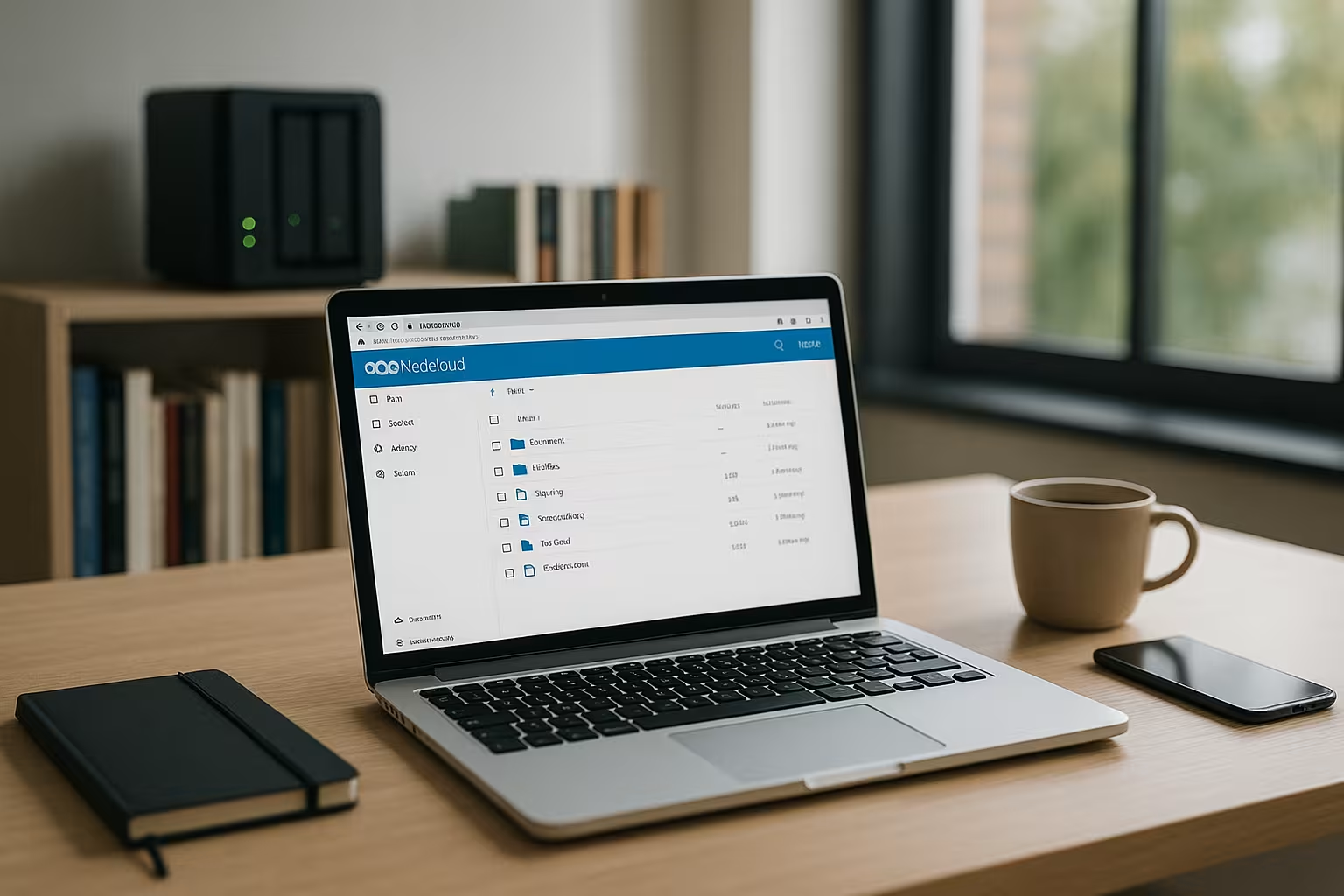
I use Next Cloud as free software for files, sharing and teamwork, while IONOS reliably takes care of the technical operation. The service takes care of updates, security patches and the underlying infrastructure so that my instance remains permanently available. I benefit from a familiar web interface and apps without having to deal with server configuration. This lowers my running costs and reduces sources of error in everyday life. If you want your own cloud without the admin burden, you can find one here comfortable Solution with clear responsibilities.
Why I choose Nextcloud for IONOS
I attach importance to Data sovereigntyclean rights management and a clear separation of team folders. IONOS provides regular backups, monitoring and fast recovery, which saves me stress in critical phases. The platform supports common standards for authentication and encryption, allowing me to control access granularly. I extend the functions with tested Nextcloud apps without losing sight of maintenance. In this way, I have a scalable setup that performs reliably and meets my Compliance supported.

Data protection, AV contract and choice of location
I make sure that the processing of my data is regulated in a comprehensible manner. In the customer area I close a Order processing contract define responsibilities and document protective measures. For data residency, I select data center locations in the EU and record where productive and backup data is located. I formulate a deletion and retention concept (versions, recycle bin, retention) that meets my legal requirements. I export logs and admin activities for audits, set clear roles for data protection officers and describe reporting channels for incidents. This way, my instance also remains formal Test-safe.
Step-by-step: Setting up your own cloud
I book a suitable package, open the IONOS customer area and activate the following in the menu Cloud storage my Nextcloud instance. I then set the admin account, select the language and secure the first login with a two-factor option. For a professional appearance, I connect my own domain to my instance; the instructions at Set up IONOS domain helps me with this. I then set up SSL/TLS to encrypt all connections and check the default settings for storage, notifications and logging. Finally, I test access via browser and client so that the Start runs smoothly.
Branding, theming and corporate identity
I design the start and login page with a logo, colors and a short welcome text so that users know immediately that they are in the right place. I customize email notifications with sender name and footer to build trust. For external guests, I use a consistent Brandingso that approvals look professional. In Talk and Office, I set uniform standard templates (documents, presentations) so that teams can get started in a structured way. A compact style guide document helps me to follow suit later if the CI changes.
Organize rights management and users cleanly
I create groups for teams, departments or projects and assign users clear Rollers to. I share folders specifically with internal and external partners, always with an expiration date and optional password protection. I also protect sensitive content using server-side encryption and restrictive release policies. For larger organizations, I connect a directory such as LDAP/AD so that onboarding runs smoothly. This way I keep the Overview and prevent uncontrolled growth in approvals.
Securely integrate SSO, role models and guests
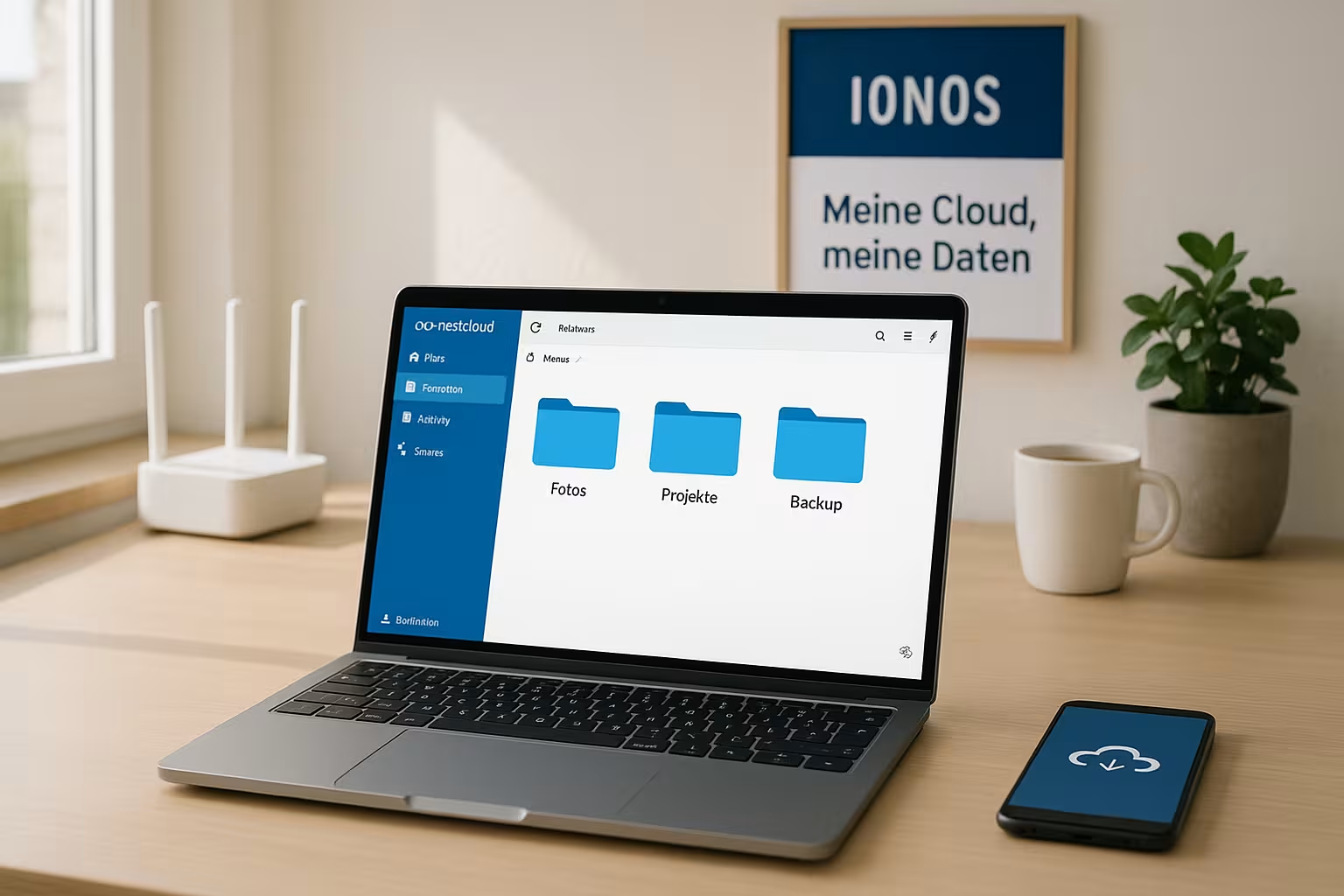
I rely on single sign-on via SAML or OpenID Connect so that employees can log in with existing company accounts. Roles and groups then come directly from the identity provider, which makes my Provisioning simplified. For guests, I use dedicated guest accounts with limited rights and clear quotas. Automatic deactivation in the event of inactivity or the end of a project prevents users being left behind. In large environments, I also use group folders to manage content centrally without individual users becoming owner bottlenecks.
Collaboration across instances (federation)
I work seamlessly with partners even if they operate their own Nextcloud. About Spring-loaded releases I share folders as I would internally, without duplicating data. I use public upload requests to collect files from external parties in a structured way. The same policies apply for expiration dates, passwords and download limits. This keeps my data storage lean, but collaboration remains flexible.
Sync clients and offline access in everyday life
I install the desktop client, log in and specifically select Folder for synchronization. This means that only relevant data is stored locally, which saves space and bandwidth. On iOS and Android, I use the mobile apps, activate camera uploads and back up important documents for offline access. I resolve conflicts directly in the interface by using the version history and restoring old data if necessary. This allows me to work productively on the go and keep my Files consistent.
End-to-end encryption and app passwords
For particularly sensitive project folders, I activate the End-to-end encryption in the clients. The keys remain under my control; I document processes for key backup and recovery. I use app passwords instead of the main password for devices and integrations in order to specifically withdraw access in the event of loss or a change of personnel. I regularly check device and session overviews in my profile and immediately terminate unknown access. In this way, I strengthen security without sacrificing usability.
Apps: Office, Talk, Calendar and more
I extend my instance with Office-Integration for collaborative editing of documents. Calendars, contacts and tasks form the basis for my team setup. For quick coordination, I use Talk with chats and video conferencing, optionally supplemented by whiteboards. I organize projects with Kanban boards and comments directly on files so that knowledge remains centralized. I install every app carefully, check authorizations and keep the Updates at a glance.
Workflows, automation and quality assurance
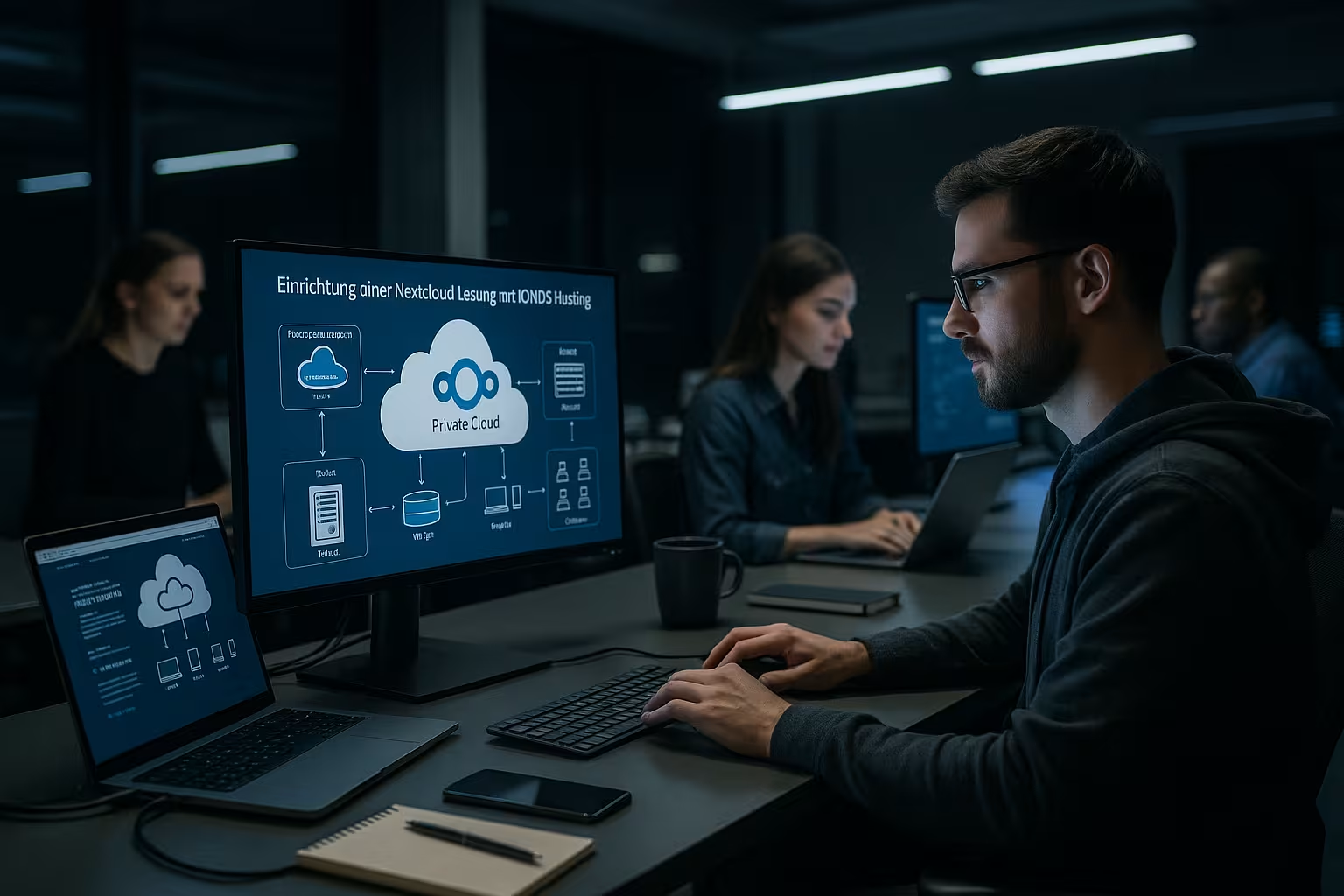
With Flow I automate routine tasks: Tags are set according to folder, file type or size, and shares follow fixed rules. I prevent downloads or public links for sensitive documents. An antivirus scanner checks uploads, while retention rules reliably remove old data. I first test new apps in a separate instance or in a small pilot group before I release them for everyone. This way, functions grow in a controlled manner and remain stable.
Plan performance, scaling and backups correctly
I regularly check memory usage, active users and large shares in order to Capacities in good time. Caching options, database tuning and clean distribution of app data improve response times. I schedule backups daily and test the recovery at fixed intervals so that I can act quickly in an emergency. For large teams, I separate projects into dedicated group folders and adhere to quotas so that no one blows up the memory. With this discipline, I ensure sustainable Performance without any nasty surprises.
Monitoring, audits and logging
I activate detailed Logs and set sensible retention periods so that I can track errors and security events. The activity log shows me who has shared, changed or deleted which files and when. For audits, I export reports, archive them in an audit-proof manner and document changes to policies. I provide alerts so that the team is not flooded, but critical events never go unnoticed. Clear threshold values and a simple escalation plan speed up my response in an emergency.
Cost planning and tariff selection without gut feeling
I analyze active users, typical file sizes and growth rates before settling on a Tariff determine. Runtimes, inclusive storage and support level influence the total costs over time. If you also run web projects, check the IONOS Webhosting tariffs and bundles services sensibly. For budget control, I set warnings for storage limits and automatically clean up old versions. This is how I keep the Expenditure transparent and use money where it creates productivity.

Migration and data transfer without downtime
I plan the data transfer in stages: First I structure target folders and rights, then I migrate the most important workspaces. I transfer data using a desktop client, WebDAV or suitable tools while the team is already working in the new environment. I clone time-critical shares and set an expiration date for old links. For archive data, I use external storage such as S3 or SMB to keep productive areas lean. A short migration playbook with responsible persons and fallback options prevents Standstill.
Self-hosting vs. managed: the comparison
I have tested both ways and decide depending on Team size and a willingness to take responsibility. Self-hosting on your own server offers maximum freedom, but requires know-how for updates, security and monitoring. The managed offer from IONOS relieves me of this workload, which is a great relief, especially when operating with many users. Anyone weighing up the alternatives will find Nextcloud hosting comparison further arguments. The following table shows key differences, so that my Priorities become clearly visible.
| Criterion | IONOS Managed Nextcloud | Self-hosting (own server) |
|---|---|---|
| Updates & Patches | Automatically by provider | Play in independently |
| Security & monitoring | Continuous monitoring | Own tools and maintenance |
| Furnishings | Quickly via customer area | OS, web server, DB, NC manual |
| Scaling | Tariff change and memory extension | Customize hardware/VM |
| Error and downtimes | Support and restore processes | Own responsibility |
| Cost transparency | Plannable monthly costs | Fluctuating (hardware, time required) |
High availability, restore tests and emergency plans
I define clear goals for RPO (maximum data loss) and RTO (restart time). I derive backup frequency, snapshots and test cycles from this. I realistically run through planned restore tests: Partial restore of individual folders, complete restore and rollback after failed updates. A simple but written emergency plan with contacts, checklist and communication modules makes me capable of acting. When my team is working remotely, I practise the procedures remotely - that way, I know what to do in an emergency.
Practical tips for admins and teams
I consistently activate Two-factor-authentication and enforce strong passwords. I assign expiration dates to shares to prevent data leaks. I keep version management active, but limit the number so that the memory does not grow like a weed. I encrypt sensitive folders on the server side, while I set up separate groups for external partners. For transparency, I document rules briefly and in an easily understandable way so that everyone Members apply them.
Accessibility, onboarding and change management
I take into account AccessibilityClear contrasts, descriptive file names and well-structured folders make work easier for everyone. For new team members, there is a compact onboarding with the most important rules, shortcuts and best practices. I communicate changes to folder structures, apps or policies at an early stage and keep a short FAQ up to date. This prevents friction losses and ensures that processes do not differ from person to person. A common "work mode" noticeably speeds up daily collaboration.
Avoid common mistakes
I never leave the assignment of rights to chance and regularly check approvals with a Audit-view. I uninstall unnecessary apps because every extension needs maintenance and can create vulnerabilities. I empty the recycle bin regularly and limit the maximum upload sizes sensibly. I don't skip backup and restore tests, because only practiced restores save time in an emergency. In the event of client problems, I rely on clean logs, check the Configuration and separate possible causes step by step.

Briefly summarized
With IONOS Nextcloud Hosting, I set up my own cloud with little effort and maintain control over data, users and workflows. The managed operation takes care of updates, backups and security, while I can flexibly expand functions via apps. Sync clients and mobile apps ensure productive work on any device, even offline. Thanks to clear rights, clean processes and regular tests, my system remains reliable, performant and scalable. If you are weighing up in-house operation against convenience, the managed approach is a strong choice. Choice for daily use.