 Skip to content
With ionos sitelock I activate a Cloud protection for my website, which scans for malicious code on a daily basis, reports vulnerabilities and cleans them up automatically if necessary. This is how I keep WordPressJoomla or Drupal, protect my reputation and ensure visibility with search engines.
Key points
I'll summarize the following key aspects to help you decide whether SiteLock is right for your project:
- Malware protection with daily scans and optional repair
- Vulnerability checks for CMS, themes and plugins
- Reputation thanks to blacklist and spam monitoring
- Seal of quality for trust and conversion
- Dashboard for reports and transparency
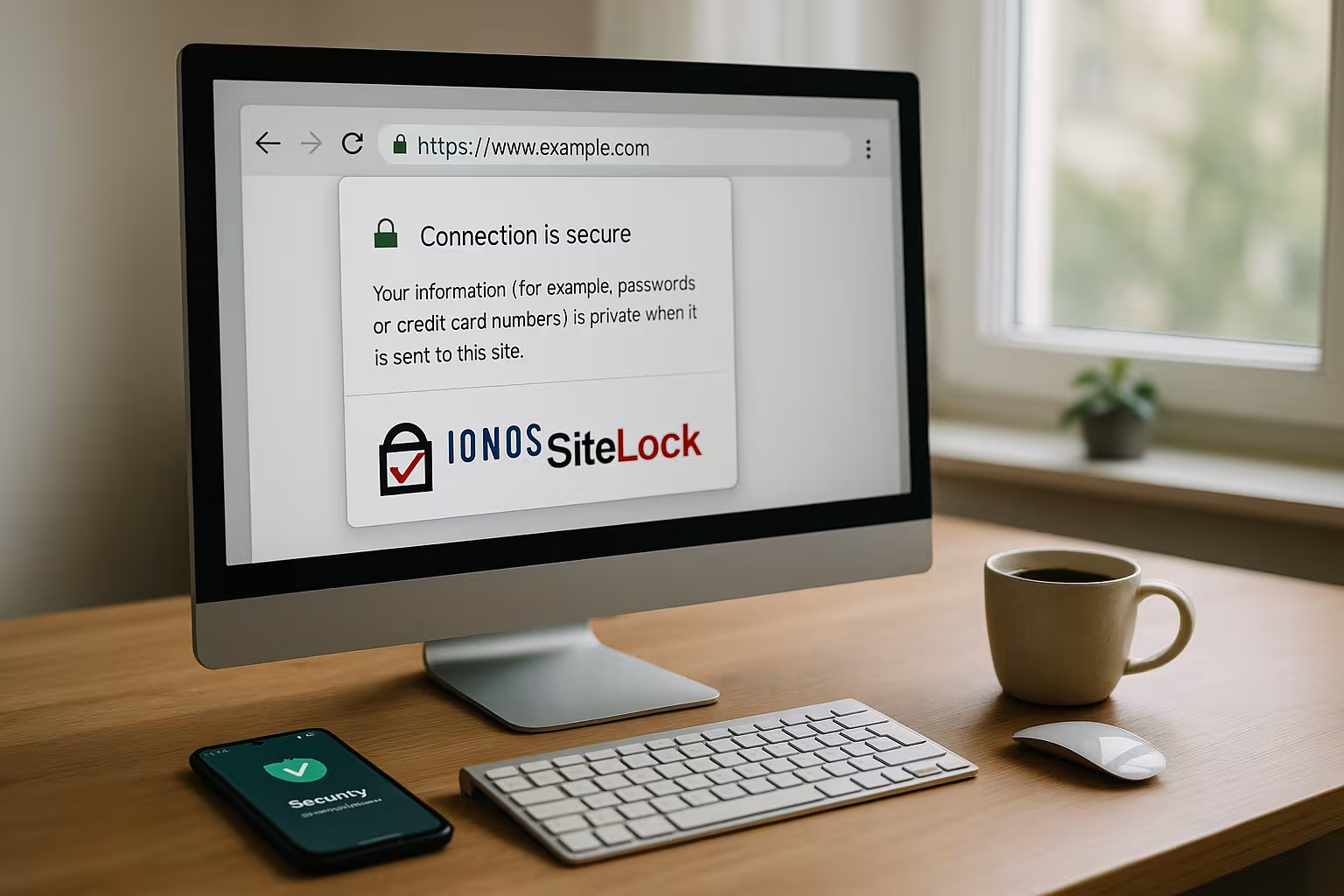
IONOS SiteLock briefly explained
IONOS SiteLock works as Security service in the cloud and automatically checks my website - code, files and, depending on the package, also the database. Daily scans uncover malicious scripts, backdoors and conspicuous redirects before visitors are harmed. I receive warnings in the dashboard, react quickly and don't waste time with manual checks. In the Repair version, SiteLock automatically removes detected threats and prevents escalations through blacklisting. This way I secure Customer data, preserves the ranking and keeps the workload manageable.
Why activation is worthwhile
Attacks happen quietly, but often - I rely on Automationso that nothing is overlooked. SiteLock checks reputations and blacklists, reports anomalies and thus indirectly blocks traffic losses due to blocking notices. In e-commerce in particular, every hour counts when the store is running without errors and customers retain confidence. If I need help with the cleanup, I deliver the process with Remove malware with SiteLock predictable. So I keep the Protection high, reduce stress and save costs in the long term.

How to activate IONOS SiteLock
I log in to my IONOS customer account, select the appropriate contract and activate SiteLock under Security. Depending on my needs, I book the basic version with scans or the repair version with automatic cleanup. The first scan then starts quickly and I see the results in the dashboard. I check which domains are included and enter a notification address for urgent findings. If you are still unsure, take a look at the IONOS Webhosting Overview and then decides on the right package. How to get my website up and running quickly Protectionwithout going deep into technical details.
Features and packages at a glance
Clear functions count for everyday life: daily Malware scansCMS checks, reputation monitoring and automatic remediation in the repair version. I use the dashboard to prioritize risks and close identified vulnerabilities in a targeted manner. With WordPress, the check of themes and plugins is impressive, as attacks often come via outdated extensions. The seal of approval signals to visitors that I am taking active precautions - good for trust and conversion. The following table shows the most important differences between the packages to help you decide more quickly.
| Function | SiteLock Basis (Scan) | SiteLock Site Scan + Repair |
|---|---|---|
| Daily malware scans | Yes | Yes |
| Automatic malware removal | No | Yes |
| Reputation and blacklist checks | Yes | Yes |
| CMS/plugin vulnerability analysis | Monthly | More frequent + repair |
| Notifications/reporting | Dashboard + e-mail | Dashboard + e-mail |
| SiteLock seal of approval | Optional | Optional |
SEO and reputation protection in practice
As soon as malware gets around, I risk ranking losses, warning messages in the browser and falling Confidence values. SiteLock prevents this by monitoring page content and entries on blacklists. If my domain appears in spam lists, I react immediately and prevent a drop in traffic. Clean websites get more clicks, better dwell times and fewer abandonments - this has a direct effect on visibility. What counts for me here is Continuity of the scans, as this keeps problems rare and short.

Practical tips for WordPress, Joomla and Drupal
I keep my CMS including themes and plugins and remove anything unnecessary. Admin accounts are given strong passwords and I deactivate editor functions directly in the backend to make manipulation more difficult. With WordPress, I reduce the number of plugins, because the less code, the smaller the attack surface. I schedule backups daily and test the recovery regularly so that I can get online quickly in an emergency. Combined with SiteLock, I keep the Control and save time when analyzing errors.
Limits and useful additions
The automatic cleanup is only in the Repair-variant, which I still clearly prefer for projects with a sales risk. There is no customizable firewall in the shared environment; if you need one, you are better off using your own server. I also save backups myself in order to remain independent of support and to be able to plan restores freely. For admin panel or server hardening, additional tools are worthwhile, such as a Automated malware detection on a Plesk basis. This is how I close gaps that are outside the Scanners and strengthen overall protection.

Frequently asked questions from projects
How quickly the first Scans? Usually within a short time after activation, the results appear in the dashboard. Do I have to grant code access? For the repair functions, yes, so that SiteLock can clean infected files. Does SiteLock also work on static pages? Yes, because attacks also affect HTML assets or redirects. Is the seal of approval worthwhile? Yes, it strengthens trust and promotes conversion, especially on landing pages and in the checkout. This is how I answer the most important Pointsthat I encounter most frequently in projects.
Comparison: SiteLock Basis vs. Repair
The basic variant provides me with TransparencyI recognize problems quickly and plan measures. However, in projects with turnover and campaigns, I rely on repair because every minute counts and automatic removal prevents downtime. If you have a tight budget, you start with the basics and upgrade at the first warnings - I think that's pragmatic. It is important to take the messages seriously and not wait until the domain ends up on a blacklist. Repair saves in the long run Expenditurebecause less manual intervention is required.
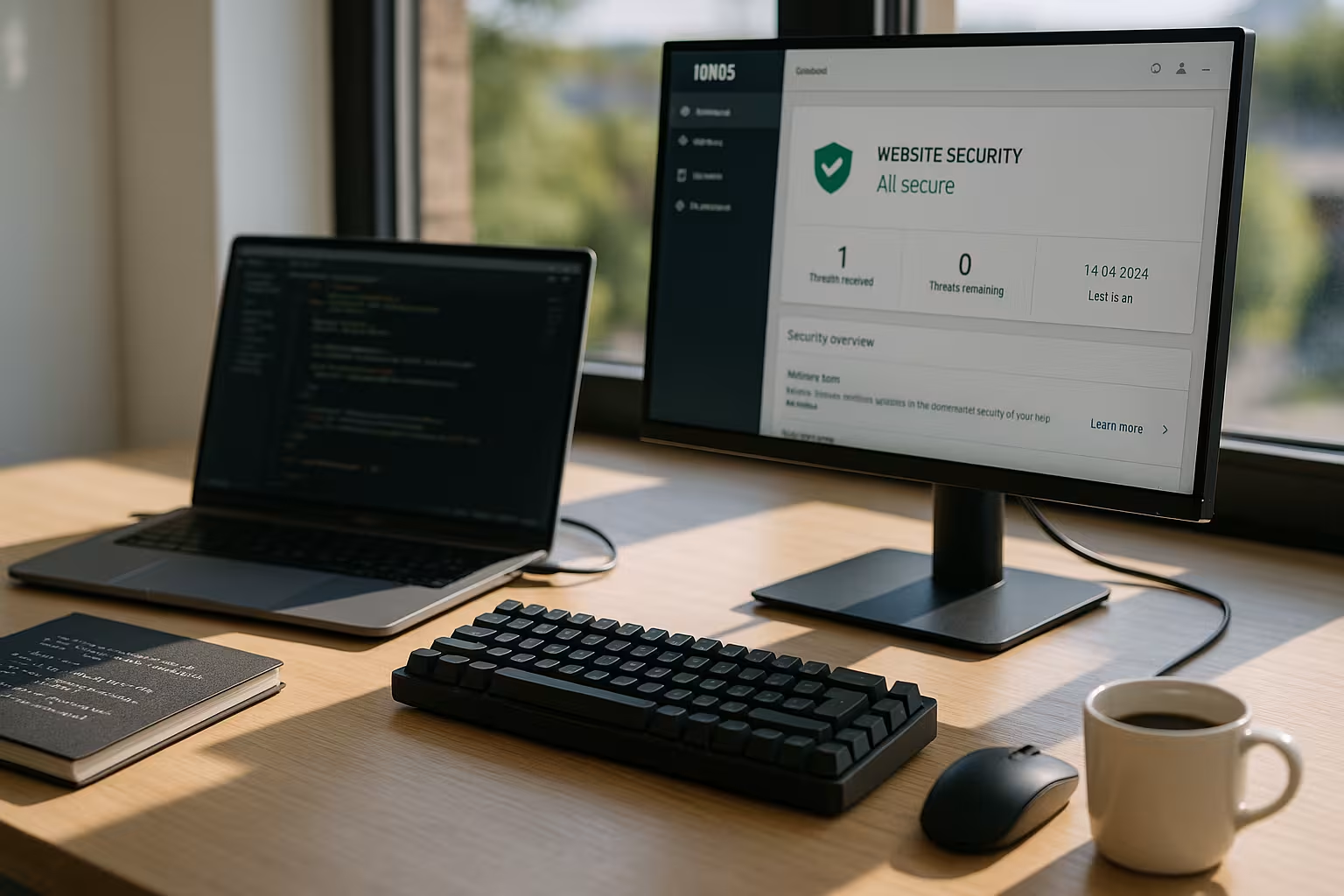
Mistakes I often see - and how you can avoid them
Many activate SiteLock, then check the Dashboard too rarely and miss important information. Some leave outdated plugins in place - this opens doors that attackers like to use. I always set up an email for alerts and integrate security checks into my weekly routines. I also store backups externally so that I can restore them quickly and independently. This is how I keep my website permanently clean and react early to new risks.
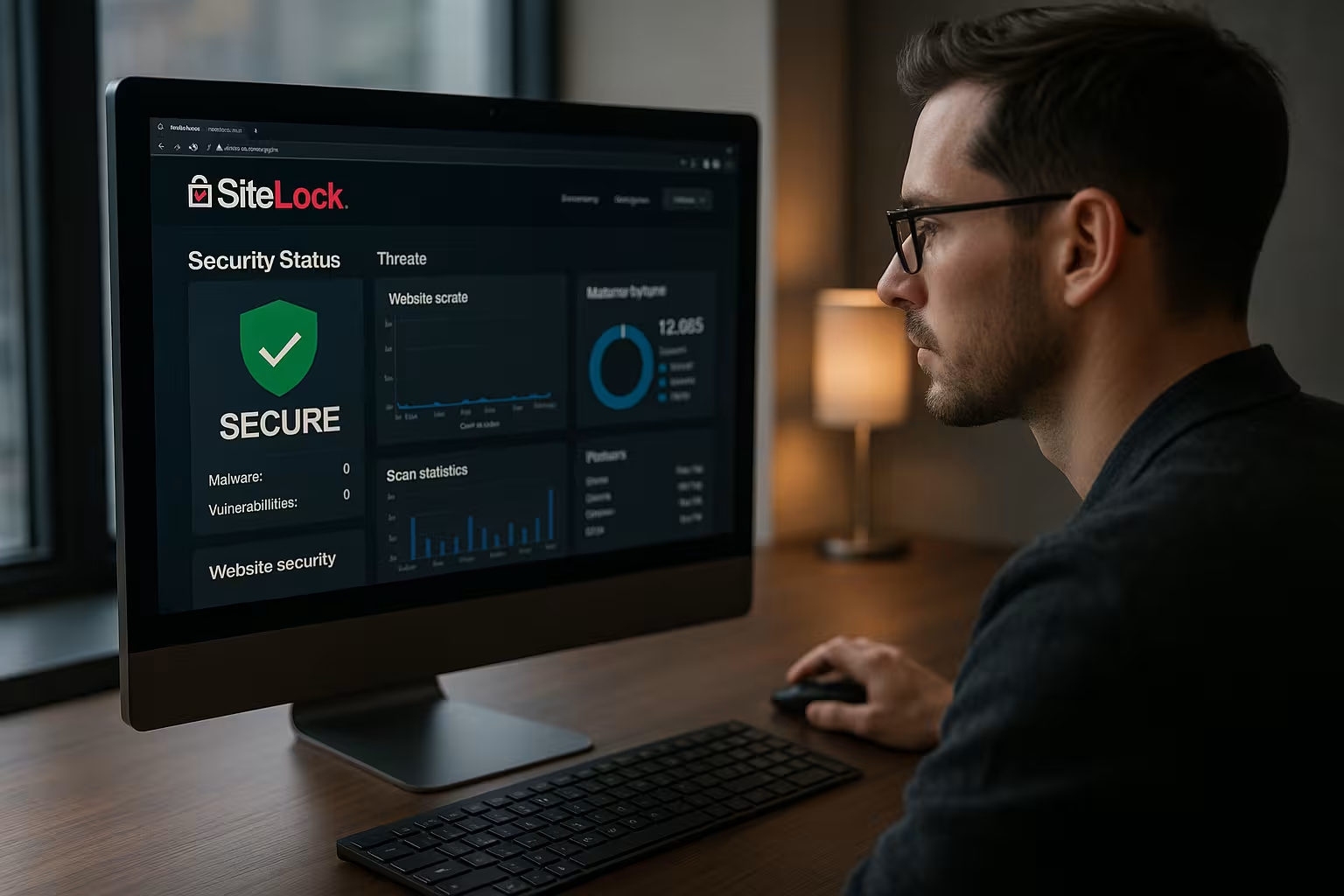
How SiteLock works technically
It helps me to understand how it works: SiteLock checks from the outside via HTTP/HTTPS the accessible pages and assets. In the repair version, after I have given my approval, a FTP/SFTP or similar access directly to the files in order to clean infected content. This has two advantages: The external scans hardly put any strain on my server and, in an emergency, the clean-up can be carried out quickly and in a structured manner. I set up a separate folder for access, limited account that only sees the web directory - principle of minimal rights.
For Performance is important: As the signature checks run in the cloud, this has hardly any impact on loading times. Caches (e.g. WordPress cache or a CDN) remain active. If content is hidden by caching, SiteLock triggers the retrieval of different URLs so that suspicious patterns (e.g. redirects for first-time visitors only) are detected.
Compatibility: CDN, staging and multisite
- CDN: If I am using a CDN, I let SiteLock use the origin-domain and the public domain. This allows me to detect both compromised source files and manipulated delivered assets.
- StagingI scan staging instances separately or exclude them via robots/noindex so that reputation checks are not misleading. For password-protected stages, I create temporary access data for the scanner if required.
- WordPress MultisiteI check whether all subsites are included. Especially with mixed domain mappings, I check that every relevant domain is assigned to the project.
- SubdomainsPhishing and SEO spam often end up on unused subdomains. I explicitly include critical subdomains (www, store, blog) in the monitoring.
Incident response: My roadmap in the event of a discovery
When alarms are received, I follow a clear procedure to minimize damage:
- 1. immediate measuresSecure admin logins, rotate passwords, log off active sessions. If necessary, set maintenance mode.
- 2. snapshot/backupI create a fresh backup (files + database) before making changes to preserve evidence and for an emergency rollback.
- 3. cleanup: In the Repair variant, I let SiteLock Cleaning carry out. Alternatively, I clean up manually on the basis of the found list.
- 4. root cause analysisWhich gap was open? Outdated plugin, insecure theme, weak credentials? I document the cause and close it.
- 5. retest & monitoring: After the cleanup, I start a new scan and monitor the reputation lists until everything is back to normal. green is.
Important: No hasty "Delete all". I only remove what is clearly infected and check hashes/checksums of known core files against references.
Typical threats - and how SiteLock recognizes them
- SEO spam (Pharma/Betting): Hidden links or doorway pages. SiteLock finds conspicuous keywords, hidden iFrames and manipulative patterns.
- Skimmer in the checkout: JavaScript that captures payment data. Anomalies in integrated scripts and suspicious domains are flagged.
- BackdoorsPHP shells that attackers reload. Signatures and heuristic checks identify obfuscated code (eval/base64, XOR payloads).
- Malicious RedirectsRedirects for certain user agents or countries. The scan engine tests different calls to catch such triggers.
- Sending spamCompromised forms or scripts use my server as a relay. Reputation and blacklist checks provide an early warning.
Data protection and protocols
I stick to Data economy. For the seal of approval or external scripts, I provide information in consent management and document the use in the privacy policy. I assign access for repairs for a limited period of time and log changes. I archive reports so that I can provide proof that I have regularly checked and reacted in case of doubt.
Team and agency setup
In projects with several participants, I allocate responsibilities clearly:
- Alarms go to a collective mailbox with standby (e.g. on-call@...).
- Change-LogEach cleanup is documented in tickets (find, action, time).
- Weekly checks: I plan a fixed slot in which I synchronize the dashboard, plugin updates and backups.
- Customer transparencyI use reports to make safety work visible and to justify budgets for hardening.
Hardening: additional measures that round off the protection
- Automate updates (minor updates, security fixes) and critical major updates.
- 2FA for admin access and hosting login.
- File rights restrictive, write permissions only where necessary.
- Upload directories secure with MIME/extension filter, prevent executions.
- Harden configuration (wp-config.php, configuration.php) and deactivate editors in the backend.
- Cronjobs and check unknown scheduler entries regularly.
Staging, deployments and rollbacks
I keep my deployment route simple and secure: changes go to Stagingare checked there with SiteLock and only then pushed live. I perform backups before and to the go-live. I define clear steps for rollbacks: which version, which backup and how long the restore typically takes. This ensures that control is maintained even in hot phases.
Measured values that help me with prioritization
- Mean Time to Detect (MTTD): How quickly do I see abnormalities after entry?
- Mean Time to Repair (MTTR)How long do I need until the cleanup?
- Repetition rateDoes malware return after fixes? Then there is still a gap open.
- Blacklist retention timeThe shorter the better - early reaction pays off.
I put these key figures in relation to traffic and sales in order to prioritize measures. A quick MTTR reduces reputational damage and avoids ranking slumps.
What SiteLock deliberately does not replace
Important: SiteLock is a Scanner and repair servicenot a panacea. It does not replace a dedicated WAF in front of the site, no server hardening and no conceptual authorization model. I see SiteLock as constant quality control plus an emergency helper - the basic work (updates, rights, processes) remains irreplaceable. In combination, however, it creates a resilient safety net that significantly reduces downtime and costs.
In a nutshell: My assessment
IONOS SiteLock provides me with a reliable Basic protection with daily monitoring and clear messages. The Repair variant reduces downtime, protects reputation and saves work when cleaning up. I prefer Repair for stores, portals and well-known brands; for smaller projects, starting with Basis is often sufficient. The key is to install updates regularly, take notifications seriously and plan backups wisely. With this combination, I minimize risks and stay visible and ensure a good user experience.


