Skip to content
I'll show you how ionos webhosting 2025 can help blogs and stores with Speed and Security forward - including a clear tariff structure, GDPR compliance and personal support. In this overview, I'll summarize the features, pricing, WordPress options and upgrade paths so you can make a decision today. clear and sustainable decision.
Key points
- Performance and 99.99 % uptime for fast pages
- DSGVO and ISO 27001 for clean compliance
- WordPress with 1-Click, Plesk and CDN
- Scaling without failures during traffic peaks
- Support with a personal contact 24/7

Why IONOS Webhosting 2025 is convincing for blogs and stores
With hosting I pay attention to Speed, Availability and data protection - this is exactly where IONOS 2025 scores noticeably. Websites run with high uptime, fast SSDs and an intelligent caching strategy, which means that readers and shoppers are not kept waiting. Every millisecond counts for stores, and short loading times reduce bounce rates and shopping cart abandonment. A clearly structured customer center relieves me of setup hurdles and allows me to activate features in a targeted manner. This allows me to bring projects live more quickly, test variants and scale without technical detours - a real Lever for Growth.
Technology stack and speed optimization in detail
For sustainably fast pages, I consistently rely on current PHP versions with OPcache, activate HTTP/2 or HTTP/3 (if available) and keep TLS encryption including HSTS clean. I minimize requests with bundled assets, set browser caching headers and compress with Brotli or GZIP. I export images to WebP/AVIF, load them lazy and define size attributes - this keeps rendering stable and Largest Contentful Paint low. With WordPress, I reduce plugins, use lean themes and deactivate unnecessary things (emoji scripts, embeds) so that every server response remains lean. Critical: Database maintenance with indexes, lean autoload options and regular cleanup - this protects TTFB as content and orders grow.
For dynamic content, I rely on differentiated caching: full-page cache for blogs and category pages, but deliberately excluding checkout, shopping cart and user accounts. Where it makes sense, I work with Object caching for transient data and query results. I use a CDN for static assets and media so that global visitors are served quickly. Combined with clean preconnect/prefetch for fonts and third-party resources, I achieve noticeably better core web vitals - especially on mobile devices.
Performance, uptime and scaling in practice
I plan web projects in such a way that peak loads do not cause downtime, and IONOS provides Scaling and Reserves. With up to 99.99 % availability, high-performance servers and technologies such as OPcache, pages run stable and fast. Up to 20 GB RAM per tariff and flexible resource customization give me leeway for campaigns, launches or press traffic. If necessary, I increase capacities, test them and then reduce them again - without migration stress. This keeps costs under control while the site runs smoothly even under peak load. answers and Converted.

Set up e-mail, domain and deliverability properly
I set up domains with SSL, www/non-www redirect and HSTS and think e-mail right from the start. For reliable delivery I use SPF, DKIM and DMARC and separate transactional emails (orders, password resets) from newsletters. I test contact forms against spam with honeypots or reCAPTCHA and regularly check bounce rates. Important: I keep an eye on DNS TTL when planning launches or relocations and structure mailboxes with sensible quotas and forwarding - this keeps communication stable even when traffic and the team grow.
Prices and tariffs: Entry to growth
I often start lean: shared hosting from around €5 per month already provides SSL, domain in the first year, e-mail and daily backups - that covers the basics very well good and cost-conscious off. If the traffic grows, I switch to higher-performance tiers or VPS/cloud without changing the platform. This continuity saves time, reduces sources of error and keeps me agile. If you want to compare figures, you can find them in the compact Tariff comparison 2025 helpful orientation. The important thing is: I plan upgrade paths and focus early on tariffs that support real growth - so that marketing effects don't fizzle out due to limits, but rather sales-effective and measurable remain.
Tabular overview: Hosting options and typical features
For classification purposes, I will summarize the most common hosting variants with typical key points so that you can quickly make a suitable and scalable direction. The prices serve as a guide for 2025 and show how you can move from entry to higher performance. Pay attention to SSD, SSL, backups, staging and support level - these factors have a direct impact on conversion and admin effort.
| Hosting variant | Typical starting price | Core benefits | For whom? |
|---|---|---|---|
| shared web hosting | from 5 € / month | SSL, domain in the 1st year, e-mail, daily backups | Blogs, small stores, landing pages |
| Managed WordPress | from 8-12 € / month | 1-click setup, updates, malware scan, staging depending on package | WordPress beginners and professionals |
| VPS / Cloud | from 10-20 € / month | Dedicated resources, flexible scaling, root access | Growing stores, projects with peaks |
| managed server | from 40-60 € / month | More performance, admin tasks outsourced | Teams, enterprise, enterprise workloads |
I always check tariffs based on traffic forecasts, seasonal campaigns and content plans - that way the choice remains reliable. If I expect to scale strongly, a more powerful package makes sense immediately instead of switching in a hurry later. This planning keeps the user experience consistently fast and protects ranking signals. Those who run recurring campaigns also benefit from staging and automatic backups. This reduces risks, saves time and keeps the Quality and the Conversion high.
Cost planning, upgrade markers and TCO
I calculate the Total costs Realistic: basic hosting price plus domain extensions, possibly premium themes/plugins, a CDN share and possible hours for maintenance. Upgrade markers for me are increasing response times, growing error log entries, limits on simultaneous processes or an increased proportion of dynamic page views (store, accounts). At the latest when I need workarounds (pushing the cache harder, throttling features), I plan the next tariff - proactively instead of reactively. This is how I ensure conversion before losses become measurable.

WordPress at IONOS: Setup, speed, security
I set up WordPress with 1-click, activate OPcache and use a CDN if required - this results in fast Response times and better SEO. The WordPress wizard guides you cleanly through basic questions and saves beginner errors. For advanced users, Plesk provides more control, staging and finer configurations in the WordPress Pro environment. Backups run automatically, updates are kept lean and predictable. This keeps the site performant, secure and administratively relaxed - which is exactly how I want to run my CMS in day-to-day business.
Dev workflow with staging, Git and WP-CLI
I basically develop staging-firstNew functions, plugin updates or theme adjustments are tested in a staging instance with identical PHP/database versions. I deploy changes in a controlled manner via Git or SFTP, carry out database changes with clear migration steps and perform search replacements (URLs, paths) in a reproducible manner. I use WP-CLI for updates, caches, user management and cron tasks - this makes day-to-day business scriptable and faster. After the merge in Live, I specifically check the checkout, login, forms and tracking - exactly the places where errors are directly reflected in sales or leads.
Migration: From another host or WordPress.com
I move existing WordPress projects into Plesk using import tools and then check the caching, permalinks and SSL - this is how I create a clean and performant Secure target environment. I export content from WordPress.com, set it up again on a fresh installation and adapt themes/plugins. A step-by-step DNS migration with a low TTL shortens the switchover time. For planning and expectation management, a sober look at benchmarks helps me, for example from the Hosting test 2025. After the migration, I measure loading times, core web vitals and conversion effects - only then is the project really complete for me.

Monitoring, logs and quality assurance
I establish monitoring early on: External Uptime checksload time tracking for key paths (start page, category, checkout) and regular evaluation of access and error logs. 4xx/5xx peaks after releases indicate regressions - then I specifically roll back. For SEO and UX, I measure core web vitals with lab and field data and have a small test suite ready: Registration, search, shopping cart, payment process, newsletter opt-in. This routine saves support tickets and protects campaigns that depend on reliable performance.
Security and data protection: making GDPR the standard
I strictly adhere to data protection and at IONOS I benefit from data centers in Germany, ISO 27001, DDoS protection and geo-redundant data centers. Backups - that creates Trust. SSL is mandatory, I set HSTS and clean redirects directly after the go-live. I also regularly check user rights, API keys and plugin hygiene. Automatic updates and malware scans reduce attack surfaces without tying me down on a daily basis. This security routine protects data, ranking and sales - especially for stores and data collection without an alternative.
Deepen security routine: rights, 2FA, hardening
I drive consistently Least PrivilegeAdmin access is rare, editors and SEO roles get exactly the rights they need. Where available, I activate 2FA for customer center, Plesk and WordPress logins. I harden standard paths with rate limiting, login protection and reCAPTCHA, sensitive files (wp-config, uploads) receive appropriate permissions. I rotate API keys regularly, separate test and live keys and keep an inventory list of integrations (payment, shipping, CRM). I encrypt backups and test the restore - not just whether it works technically, but whether the site is fully functional afterwards.
Support and operation: get there quickly
I save time with an easy-to-use interface, clear menus and a personal contact person around the clock. If something gets stuck, I pick up the phone or chat and get specific advice instead of long tickets. Tutorials, 1-click installers and staging reduce the learning curve and keep my workflow light. For a broad view of offers, this compact overview helps me to Services and support. This helps me complete tasks faster, meet deadlines and stay on top of everyday life capable of acting and focused.

Team operation: roles, processes, responsibility
I keep operations transparent: those who deploy document changes briefly; those who support record causes and workarounds. I define roles for teams (owner, admin, editor, developer) and separate production access from personal accounts. A small Runbook with checklists (release, hotfix, incident) ensures that nothing is forgotten, even under time pressure - including a fallback plan if a rollback is necessary. This ensures that the platform remains manageable, even if the team changes or external partners are added.
Locations, VPS, cloud and enterprise options
I choose the server location to suit the target group in order to reduce latency and support rankings - EU for DACH, USA for North America. For projects with high traffic, I use VPS or cloud and increase resources during campaign phases. Companies benefit from managed server packages: Updates, patches and security tasks then stay out of my daily routine. The customer center bundles this control without a proliferation of tools. The platform grows with the project without me having to rethink the architecture - a real advantage for Plannability and Speed.
SEO, Core Web Vitals and Media Optimization
I work together with SEO and performance: Clean information architecture, easy navigation, internal linking and technical foundation with sitemap, robots and structured data. For core web vitals, I focus on LCP elements (hero image, headline), reduce CLS with fixed placeholders, and keep JS small to improve INP. Media get responsive srcset and efficient formats; I integrate fonts locally and set font-display: swap. A CDN distributes large assets, while cache headers and ETags speed up repeat visits. For stores, I make sure that the shopping cart and checkout are not cached, product searches are indexed quickly and facet filters remain performant.
Specific recommendations for blog and store
I like to start blog projects with shared or managed WordPress and immediately use SSL, caching and a lightweight theme - that pays off. SEO and Usability one. For stores, I choose a package with more RAM, staging and a clear upgrade perspective. If you run product feeds, campaigns and tracking in parallel, you need reserves for peaks - I plan for this from the outset. Before a relaunch, I test the new version in Staging, check Web Vitals and only then go live. This schedule reduces risks and reliably brings results to the page that counts for visitors and buyers.
Summary for your decision
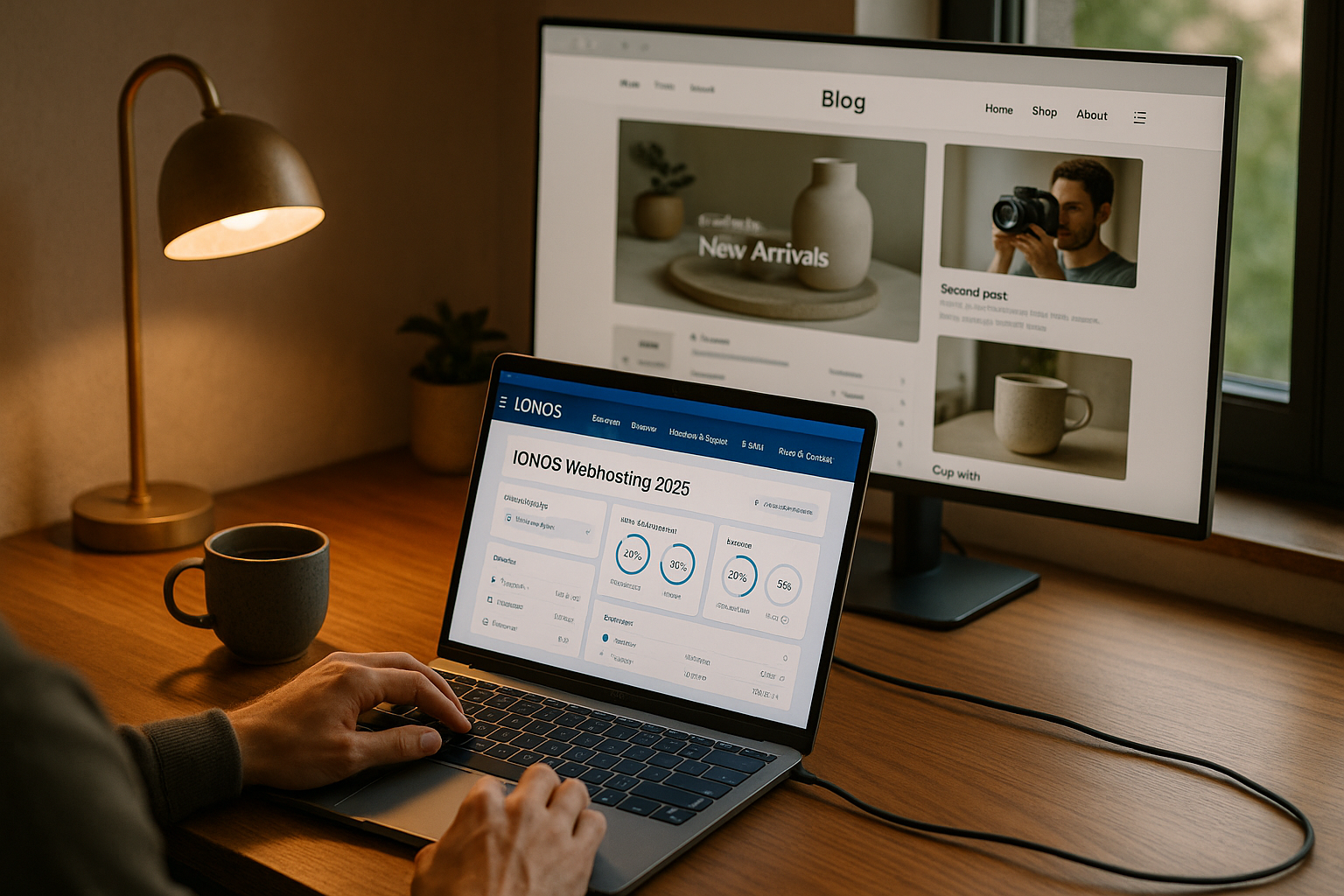
I consider IONOS 2025 to be a strong hosting choice because performance, GDPR compliance, support and upgrade paths together create a well-rounded overall picture. Blogs and stores start cheaply, grow in a controlled manner and remain easy to use without an admin marathon. WordPress benefits from 1-click setup, Plesk options, backups and security functions that take work off my hands. With clear tariffs and scalable resources, I can keep costs under control and react flexibly to peaks. If you want to take a decisive approach today, here is a solution that fast is online and in the long term sustainable remains.