Skip to content
Today, IPv6 hosting with dual stack is decisive for accessibility, performance and security in everyday hosting, because IPv6 solves the lack of addresses and simplifies routing. I will show you in a practical way how to dual stack what stumbling blocks occur and which steps have an immediate effect in the company.
Key points
Before I open up the technology, I will briefly summarize the most important findings. I'll stick to real-life scenarios from everyday hosting. This will help you quickly recognize where you can start and which mistakes you can avoid. The following points address operation, security and migration. I then go into more detail section by section dual stack in.
- Address spaceIPv6 solves scarcity and simplifies NAT-free end-to-end connections.
- dual stackParallel operation increases availability and reduces migration risks.
- SecuritySet your own IPv6 rules in firewalls, IPsec is integrated.
- RoutingShorter paths possible, tunneling can increase latency.
- PracticeOld software, faulty DNS records and logging slow down rollouts.
Dual stack in everyday hosting: benefits and reality
I activate IPv6 in parallel with IPv4 so that services are immediately accessible on both protocols and Failures cushion. Dual stack reduces my risk because I continue to operate legacy systems conservatively and already use new IPv6 functions. If one stack is temporarily unavailable, the other still delivers content and keeps SLA-targets. For web servers, mail and APIs, this parallelism speeds up troubleshooting as I can check each stack separately. At the same time, clients without IPv6 continue to be served, while modern networks prefer IPv6 and often choose better paths.
This strategy pays off in day-to-day business because I can plan changes in small sections and roll backs without downtime, which reduces the Uptime stable. I test new subnets and security rules in staging before I activate them in the production network. I document addressing, DNS and firewall per stack so that no silent errors occur. Admins and developers receive clear instructions on how to configure listeners, bindings and ACLs set. This keeps operations traceable, scalable and easy to audit.
IPv4 vs. IPv6 in hosting: brief comparison
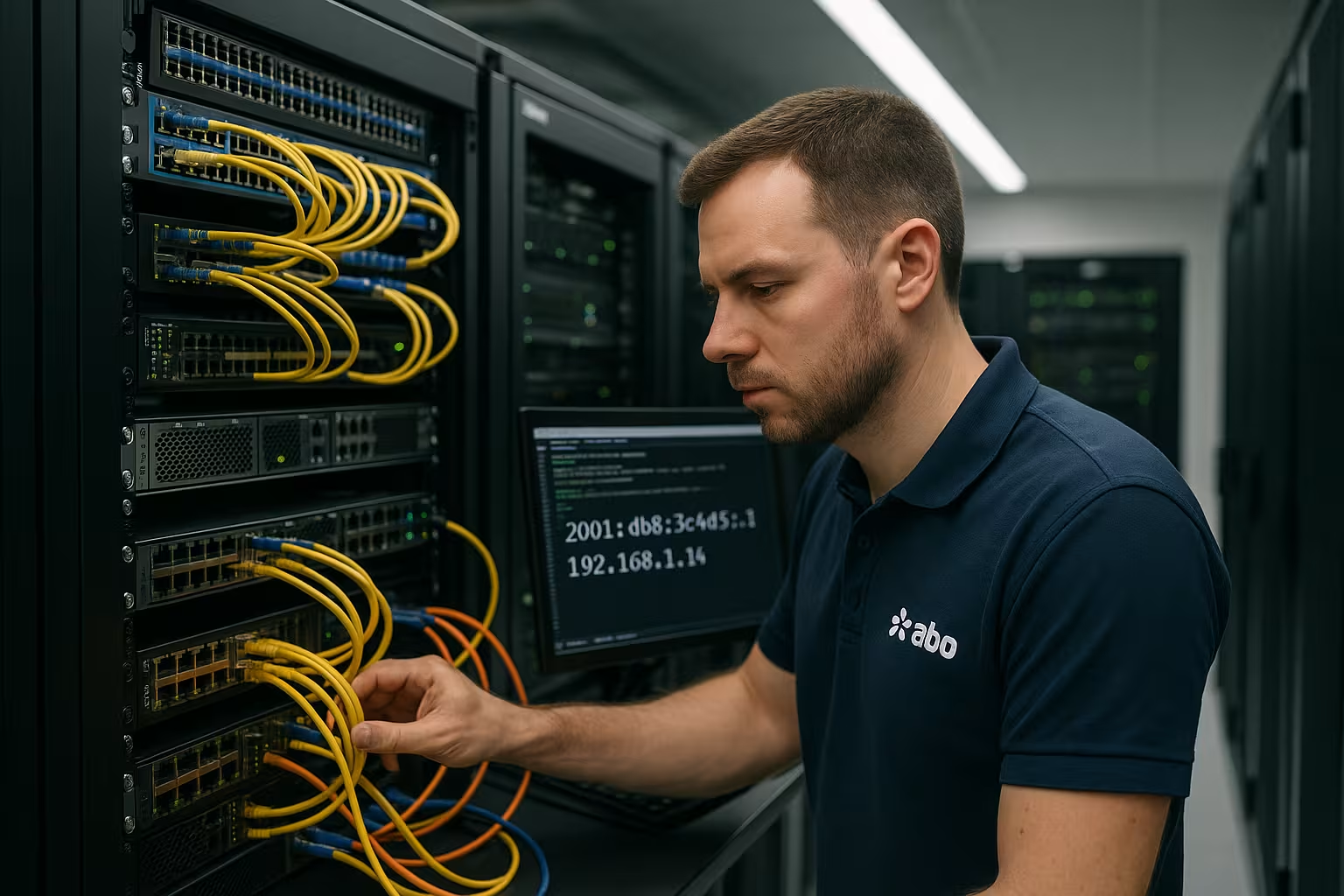
IPv4 works with 32 bits and provides around 4.3 billion addresses, while IPv6 with 128 bits offers practically inexhaustible networks and NAT makes it superfluous. The larger address space simplifies end-to-end connectivity, reduces state in the network and favors modern peering. IPv6 headers are more efficient and reduce the load on routing, which I clearly notice in large networks. Security benefits because IPsec is part of IPv6, whereas with IPv4 it remains optional and is rarely activated on a wide scale. For operators, this means fewer workarounds, more predictability and clean Policies.
| Feature | IPv4 | IPv6 |
|---|---|---|
| Address length | 32 bit | 128 bit |
| Number of addresses | ~4.3 billion | ~340 sextillion |
| Configuration | Manual/DHCP | SLAAC/Stateful |
| Security (IPsec) | Optional | Integrated |
| Routing overhead | Higher | Lower |
I make consistent use of these differences in design by prioritizing IPv6-enabled services and dual stack as a bridge. This saves me time with firewall and NAT rules, which reduces the error rate. IPv6 multicast replaces noisy broadcasts and saves bandwidth in networks with many hosts. IoT devices benefit in particular because they receive consistent addresses and peer-to-peer works better. For global target groups, improved path selection often reduces latencies and stabilizes the UX.
DNS, routing and latency under IPv6
Without correct DNS records, the best stack is of little use, which is why I always maintain AAAA and A in parallel and avoid contradictory DNS records. TTL-values. Clients often prefer IPv6; if the AAAA points to a faulty node, I experience timeouts despite intact IPv4. I therefore check path quality and propagation with measuring points from different networks. For load balancing, I combine IPv6 with anycast or geo-routing to schedule requests close to the user and Latency to press. If you want to delve deeper, take a look at the differences at Anycast vs GeoDNS and selects the appropriate strategy depending on the workload.
In mixed environments, transition techniques such as 6to4, NAT64 or 464XLAT cause additional overhead, which I only use selectively. I measure round-trip times, packet losses and TCP handshake duration, because TLS handshakes in particular mercilessly expose delays and KPIs tilt. Where possible, I avoid tunneling and rely on native routes with clean peering. DNSSEC and DANE complement IPv6 well if I want to consistently secure encrypted delivery and integrity. This combination of clean DNS, smart path selection and little transition technology delivers the best results in everyday use. Performance.

Typical stumbling blocks in practice
Older appliances or neglected software stacks sometimes have a poor understanding of IPv6, so I plan inventory, updates and tests per Service. Web servers often only bind ::1 or 0.0.0.0 without customization, which is fine on one stack but invisible on the other. In app configs, I see hard-coded IPv4 literals, which I replace with hostnames or bracket-notated IPv6 addresses in URLs. Scripts and cronjobs log IPs; without adaptation, parsers decompose the longer formats incorrectly and falsify them Statistics. On the customer side, IPv6 is still missing in some cases, so I secure dual stack until access data clearly shows that IPv4 is no longer required.
Network filters also play a role: Standard rules often only cover IPv4, which is why IPv6 traffic „slips through“ or is blocked and I see ghost errors. I therefore maintain separate chains and regularly check incoming and outgoing traffic. Policies. Rate limits, IDS/IPS and WAFs must parse IPv6, otherwise blind spots arise. Monitoring and SIEM pipelines sometimes capture IPv6 fields incompletely, which makes forensic analyses more difficult. If you put these classics on your to-do list early on, you will save hours later on with Incident-analyses.
Web server, mail and database setup
For web servers, I use dedicated listeners: Apache with „listen [::]:443“ and Nginx with „listen [::]:443 ssl;“, plus SNI and clear ciphers. In mail environments, I activate IPv6 in Postfix and Dovecot, set AAAA records, adapt SPF/DKIM/DMARC and check PMTUD so that large mails do not get stuck. Databases usually reach applications internally; here I set bindings specifically and strictly shield productive networks so that only authorized users can access them. Peers speak. For test runs, I first run protocol shifts in staging, then under low load in production. A concise checklist for the first steps can be found in the IPv6 hosting preparation, which I like to use in parallel with Change tickets.
In the end, repeatability counts: I encode listeners, DNS and firewall in IaC templates so that new instances start without errors and Drift remains low. In CI/CD, I run IPv4 and IPv6 tests, including health checks and TLS. For blue-green swaps, I use dual-stack as a safety net until logs show that both stacks are running without errors. Only then do I reduce IPv4 exposure or switch off old paths. In this way, I ensure availability without unnecessarily duplicating resources. bind.
Addressing, SLAAC and sources of error
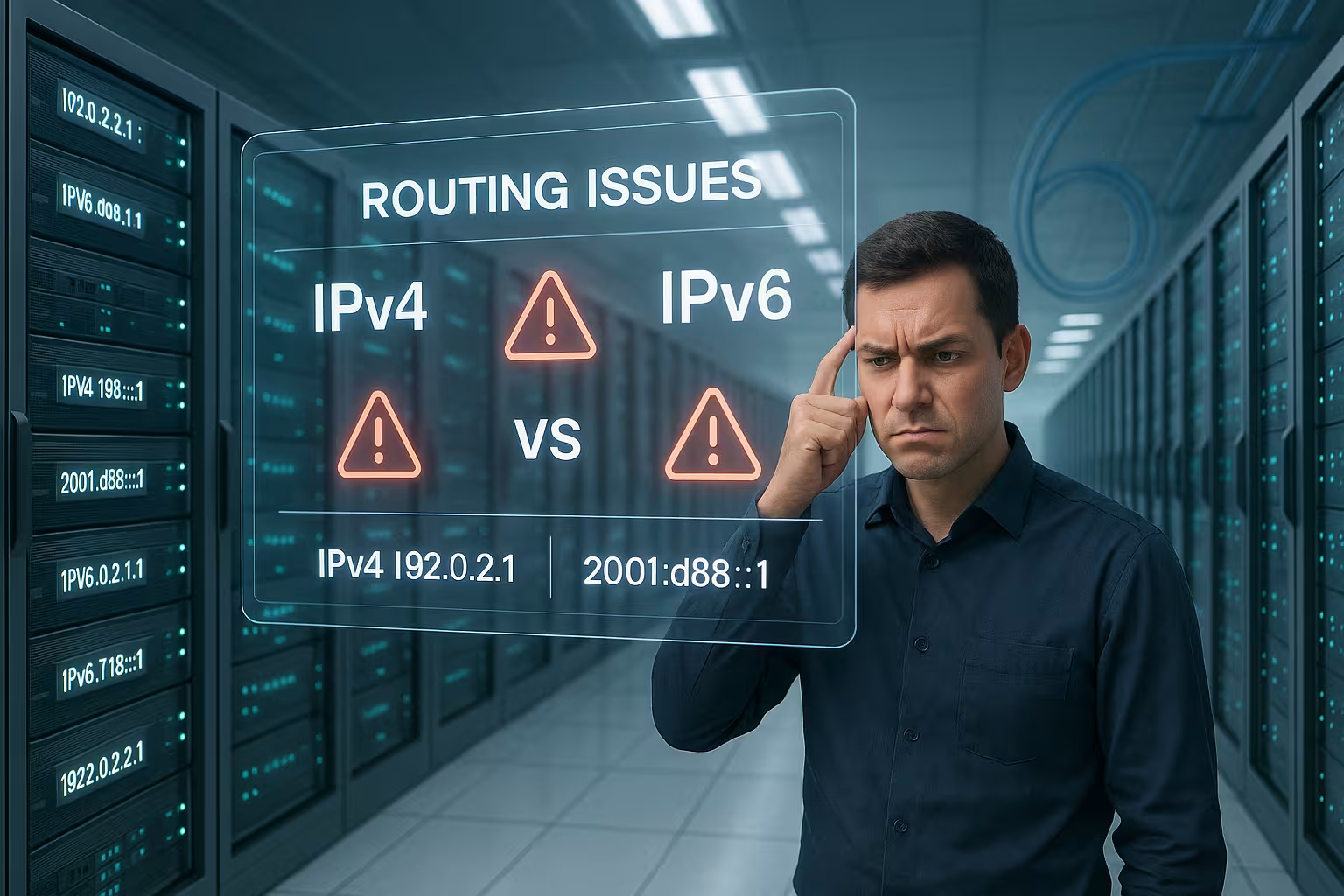
IPv6 addressing seems unusually long at first, but with fixed prefixes, host parts and clear naming schemes, I keep Order. SLAAC distributes addresses automatically; where I need more control, I combine DHCPv6 for additional options. In server networks, I make central addresses static and use SLAAC primarily for VMs and clients so that I can keep responsibilities clear and Logs can correlate cleanly. I check MTU values carefully so that fragmentation does not occur and ICMPv6 filters do not block anything relevant. If you cut ICMPv6 too hard, you interfere with Neighbor Discovery and Path MTU Discovery and create difficult to explain Timeouts.
For admin access, I use speaking host names and secure zones, not raw addresses, to avoid typing errors. In configuration files, I write IPv6 literals in square brackets, for example [2001:db8::1]:443, so that parsers separate them correctly and Ports agree. I keep templates concise and reusable so that colleagues can deploy changes independently. I document network plans with prefix delegation and reserves per location. This discipline pays off because maintenance windows become shorter and Rollback-scripts remain simpler.
Monitoring, tests and rollout plan
I monitor IPv4 and IPv6 separately, because mixed graphs hide causes and dilute KPIs. Checks provide me with DNS AAA A/AAAA consistency, TLS handshake times, HTTP codes, mail delivery and ICMPv6 reachability. I also measure routing paths via looking glasses and RUM data so that real user paths become visible and SLOs hold. For rollouts, I work with stages: internal services, staging, canary, then wide release. Each stage needs metrics and abort criteria so that I can safely stop when anomalies occur and Error rise unexpectedly.
I clearly mark tools as IPv6-critical so that team members can recognize priorities. I maintain runbooks for common issues: incorrect AAAA records, broken routes, firewall rules that are too strict, path MTU issues. These runbooks contain clear check commands, expected outputs and fixes. This is how I solve incidents under time pressure without having to guess for a long time. Structure beats gut feeling, especially when several systems are running at the same time. alarm.

IPv6-only, dual stack and migration paths
I consider dual-stack to be the most secure default today, while I specifically plan IPv6-only zones for modern services and test. IPv6-only is worthwhile if client networks reliably speak IPv6 and gateways offer transitions for residual cases. For public websites, I usually stick to dual-stack until access figures clearly dominate the IPv6 share and sources of error remain low. I can set internal microservices to IPv6-only earlier because service-to-service communication is more controlled and Peering remains internal. If you want to find out more, you can find suggestions on motives and hurdles in the article IPv6-Only Webhosting.
For migration, I work with target images: 1) all dual-stack, 2) internal networks IPv6-only, 3) gradual reduction of IPv4 exposure. I define measurable criteria for each target image, for example IPv6 traffic share, error incidence and Support-effort. I communicate changes early so that partner networks can plan their releases in good time. I only remove old ACLs and NAT exits when logs and tests are stable. In this way, I prevent shadow dependencies that could cause unexpected problems months later. Failures produce.
Cloud, containers and Kubernetes with IPv6
Modern platforms deliver solid IPv6 capabilities, but details make the difference. Success. In Kubernetes, I pay attention to dual-stack cluster networks, services and ingress controllers so that paths work on both stacks. Front-end LBs get AAAA and A, while internal services use IPv6 networks to avoid NAT and Logs can be clearly assigned. For service meshes, I check mTLS, policy engines and observability pipelines for IPv6 capability. Helm charts and Terraform modules should include IPv6 variables as standard so that teams don't have to improvise and use Error install.
I also set fixed IPv6 prefixes in overlays for containers to prevent collisions and keep network paths reproducible. CI jobs check connectivity, port ranges, MTU and firewall penetrations separately for each stack. Images contain up-to-date OpenSSL stacks and DNS resolvers that correctly prefer AAAA records. I store logs in a structured manner so that SIEM reliably parses IPv6 fields and Correlation succeeds. This keeps the platform operation clear, even if services are running in parallel in many regions.

E-mail via IPv6: deliverability, rDNS and policies
I deliberately activate IPv6 in mail traffic because rules are interpreted more strictly here. For incoming mails, I set AAAA records on MX hosts and make sure that the MTA processes on both stacks eavesdrop. For outgoing mails rDNS Mandatory: Each sending IPv6 host receives a PTR that points to an FQDN, which in turn resolves to the sending address (forward-confirmed rDNS). I maintain SPF with „ip6:“ mechanisms, adapt DKIM/DMARC and specifically monitor delivery rates per target host because some providers initially throttle IPv6 senders.
The HELO/EHLO banner always contains the FQDN of the mail server, which can be mapped cleanly via A/AAAA and PTR. I keep Rate limits for new IPv6 senders and warm up reputations in a controlled manner. I test PMTUD with large attachments; if ICMPv6 „Packet Too Big“ is blocked en route, mails get stuck. I can also use DANE/TLSA under IPv6 to secure transport encryption. My conclusion in practice: activate inbound via IPv6 early on, outbound gradually and measurably until the reputation is in place.
Address planning, renumbering and prefix delegation
Without good planning, IPv6 quickly becomes confusing. I reserve at least one /48 per location and strictly allocate one /64 per L2 segment so that SLAAC and neighborhood procedures are stable. If required, I equip internal, non-routable areas with ULA (fc00::/7), but avoid NAT66 because it counteracts IPv6 advantages. For external connections, I work with prefix delegation (DHCPv6-PD) so that edge routers can receive prefixes dynamically and distribute them locally.
I plan renumbering right from the start: I generate host addresses stably and without EUI-64 from MACs, ideally with RFC-7217-like, secret-based methods. This allows me to swap prefixes without having to touch all the host parts. DNS and configuration management (IaC) are the linchpin: instead of hard-coding addresses, I use variables, roles and naming schemes. I keep buffer prefixes free so that I can map growth cleanly and summarize routes - this reduces FIB-load and keeps core routers lean.
Firewalls, ICMPv6 and secure defaults
IPv6 requires its own Regulations. I maintain separate policies (e.g. nftables inet + separate ip6 chains) and start with „deny by default“. Important: I specifically allow essential ICMPv6 types, otherwise basic functions break. These include Router Solicitation/Advertisement (133/134), Neighbor Solicitation/Advertisement (135/136), Packet Too Big (2), Time Exceeded (3) and Parameter Problem (4) as well as Echo Request/Reply. I limit logging so that DoS log floods and regularly check whether WAF/IDS understands IPv6 correctly.
On L2 I set RA-Guard and DHCPv6-Guard to prevent rogue routers from distributing prefixes. I activate uRPF (BCP 38) on the edge to prevent source spoofing. Unnecessary Extension header I discard, especially obsolete routing headers; the same applies to questionable fragmentation. I address MSS clamping primarily via clean PMTUD instead of workarounds. My practical rule: It is better to clearly allow what is necessary than to block across the board and then spend days chasing path problems.

Logging, data protection and compliance
Like IPv4, IPv6 addresses are regarded as personal data. I therefore minimize storage periods, pseudonymize where possible (e.g. hash with salt) and separate operational logs from long-term analyses. In reverse proxies, I pay attention to correct headers: „X-Forwarded-For“ can contain lists from IPv4/IPv6, while „Forwarded“ uses a structured format. I test parsers and SIEM pipelines for field lengths so that 128-bit addresses are not truncated. For statistics, I work with prefix aggregation (e.g. /64) to recognize patterns without unnecessarily exposing individual hosts.
Privacy extensions (temporary addresses) are useful on clients, on Servers and load balancers is counterproductive. I define stable, documented addresses there and deactivate temporary SLAAC addresses. It is also important to have a clear Retention policy per data type and transparent information in the data protection notice if IPv6 is actively used and logged. This ensures that audit trails remain robust and data protection requirements are met.
IPv6 troubleshooting: Commands and checks
I systematically resolve the IPv6 path and service in the event of faults:
- DNS: „dig AAAA host.example +short“ and „dig MX example +short“ check AAAA/MX. Inconsistent TTLs are noticed early on.
- Connectivity: „ping -6“, „tracepath -6“ or „mtr -6“ reveal MTU and routing problems (packet-too-big visible?).
- Routes: „ip -6 route“, „ip -6 neigh“ show default route, NDP status and possible Duplicates.
- Ports: „ss -6 -ltnp“ verifies whether services are really listening on [::]:PORT.
- HTTP/TLS: „curl -6 -I https://host/“ and „openssl s_client -connect [2001:db8::1]:443 -servername host“ check certificates and SNI.
- Sniffing: „tcpdump -ni eth0 ip6 or icmp6“ shows handshakes, ICMPv6 and fragmentation in real time.
For clients, I verify „happy eyeballs“: Modern stacks prefer IPv6 with short fallback timers. If measurements show significantly longer connection setups via IPv6, I hold back AAAA until peering, MTU or firewall are clean. For mails, I use „postqueue -p“ and targeted „telnet -6“ on port 25 to check banners, EHLO and StartTLS - always with rDNS control on both sides.
VPNs, load balancers and proxies in the dual stack
In VPNs, I route IPv4 and IPv6 consistently: With WireGuard, I set „Address = v4,v6“ and „AllowedIPs = 0.0.0.0/0, ::/0“ so that both stacks run through the tunnel. I run OpenVPN both with IPv6 transport (server on [::]:1194) and with IPv6 networks in the tunnel, depending on the environment. Routes and Firewall-I document these rules strictly separately so that no stack remains open unintentionally.
I connect load balancers such as HAProxy, Nginx or Envoy in dual mode and use the PROXY protocol v2 if I want to pass client IPs through to backends - including IPv6. I deliberately run health checks via both stacks so that failover reacts realistically. With Session stickiness and hashing, I take the 128-bit length into account; where necessary, I normalize to prefixes to avoid rebalancing. For HTTP/2/3, I make sure that the QUIC/UDP path and MTU are also free under IPv6, otherwise performance will suffer despite clean AAAA.
Costs, performance and uptime at a glance
I evaluate investments along three lines: Network quality, operating time and expenditure for Operation. IPv6 reduces complexity in the long term because NAT constructs, port mappings and state are no longer necessary. Firewalls and observability initially cost time, but pay back later through fewer disruptions. With providers, I look for native IPv6 peering quality, consistent AAAA delivery and clear SLAs. I compare prices per instance, traffic and support option in euros, without relying on lock-in discounts.
I gain uptime through redundancy at stack, routing and DNS level. Monitoring uncovers path breaks earlier than user feedback when metrics run precisely separated by stack and Alarms are properly adjusted. I ensure performance via TLS optimization, HTTP/2+3, clean MTU and consistent keep-alives. Those who operate dual stacks in a disciplined manner reduce ticket volumes and save real personnel costs in euros. These effects have a lasting effect when teams reuse standard components and Changes document.
Briefly summarized
IPv6 hosting with dual stack gives me more Control, better paths and clean end-to-end connections without NAT ballast. I solve practical problems by separating DNS, firewall and monitoring per stack and using transition techniques sparingly. It becomes clear in the table: IPv6 scales, simplifies routes and strengthens security through integrated IPsec and SLAAC. For rollouts, I rely on stages, measured values and clear abort criteria instead of gut feeling. This is how I increase availability, reduce disruption costs in euros and keep the door open to IPv6-only zones if the numbers and logging speak for it.