Skip to content
I will show you specifically how ISPConfig web hosting can be used as open source Control center Bundles domains, email, databases, DNS, SSL, and backups in a single interface and automates processes. I evaluate functions, multi-server operation, security, role models, and expandability in the detail.
Key points
- open source and cost savings for full control
- multi-server and roles for scalable hosting
- Security with firewall, Fail2Ban, SSL
- Automation via API, jobs, scripts
- Comparison with Plesk, cPanel, DirectAdmin
What ISPConfig does and for whom it is useful
I set ISPConfig if I want to control web, mail, DNS, databases, FTP, and SSL centrally without having to jump between multiple tools. The interface clearly displays projects, customers, and rights, reducing the number of clicks required for recurring tasks. significantly. Agencies bundle customer projects, resellers assign their own access, operators consolidate servers, and reduce licensing costs. For learners, ISPConfig offers a clear introduction to professional hosting, while professionals can implement in-depth customizations and automations. This gives me a combination of clarity, speed, and technical freedom.

Multi-server and roles: central control, flexible growth
I manage multiple physical or virtual servers from a single location. Panel, Distribute load and clearly separate customer segments. The role model assigns appropriate rights to administrators, resellers, customers, and end users so that only necessary functions are visible. and White label options allow you to use your own logos, color schemes, and error messages, giving customer projects a professional look. In my daily work, I can add new sites or mail domains in seconds and roll out settings consistently to all relevant servers. This allows my hosting landscape to grow in a controlled manner without risking chaos in configurations.
Technical foundation: Linux focus and services that matter
I run ISPConfig on Linux, typically Debian, Ubuntu, CentOS, or AlmaLinux, because they offer the right stability and performance. Apache2 or Nginx deliver websites, Postfix with Dovecot provides POP3/IMAP, and PureFTPD handles FTP access. For DNS, I use Bind, PowerDNS, or MyDNS, depending on the requirements for features and zone management. at Setup. MySQL or MariaDB handles databases, including clean user and password management for individual projects. I'm leaving Windows out of the equation because ISPConfig doesn't offer support for it and I want to take advantage of the Linux stack.

Security and updates: configure cleanly, reduce vulnerability
I rely on actively maintained Software, Secure administration via HTTPS and keep server packages up to date. Fail2Ban blocks brute force attempts, a configurable firewall consistently limits ports, and I consider strong passwords and two-factor authentication methods. I activate Let's Encrypt certificates directly in the panel, renew them automatically, and prevent certificates from expiring in the live operation. I regularly test backups and restores to ensure that recovery works under time pressure. For updates, I use documented steps, check changelogs, and plan maintenance windows with clear rollback points.
Automation and API: fewer clicks, greater reliability
I automate recurring tasks with Jobs, scripting, and the ISPConfig API to avoid errors and save time. Examples include creating new customers, rolling out standard websites, or setting consistent DNS records. Notifications inform me about important events, such as failed certificates or low disk space. at a node. For integrations with billing, CI/CD, or monitoring, I connect my own tools and create seamless processes. This results in reliable operation that remains controllable even as the number of projects grows.
Comparison: Open source freedom versus license packages
I often choose ISPConfig, if adaptability, cost control, and technical sovereignty are important. Commercial panels offer convenience and support contracts, but charge fees that add up for many projects. If you want to weigh up the differences in more detail, this overview is a good place to start: cPanel vs. ISPConfig. The decisive factor remains your own workflow: Do I need full control over configuration details, or mainly a preconfigured comfort zone? With ISPConfig, I achieve deep control without depending on license models.
| Criterion | ISPConfig | Plesk |
|---|---|---|
| License model | open source, free of charge | Commercial, chargeable |
| Customizability | Very high (code & API) | High, licensed |
| multi-server | Yes, included | Yes, often additional costs |
| Operating systems | Linux only | Linux & Windows |
| Resource requirements | Slim | Variable |
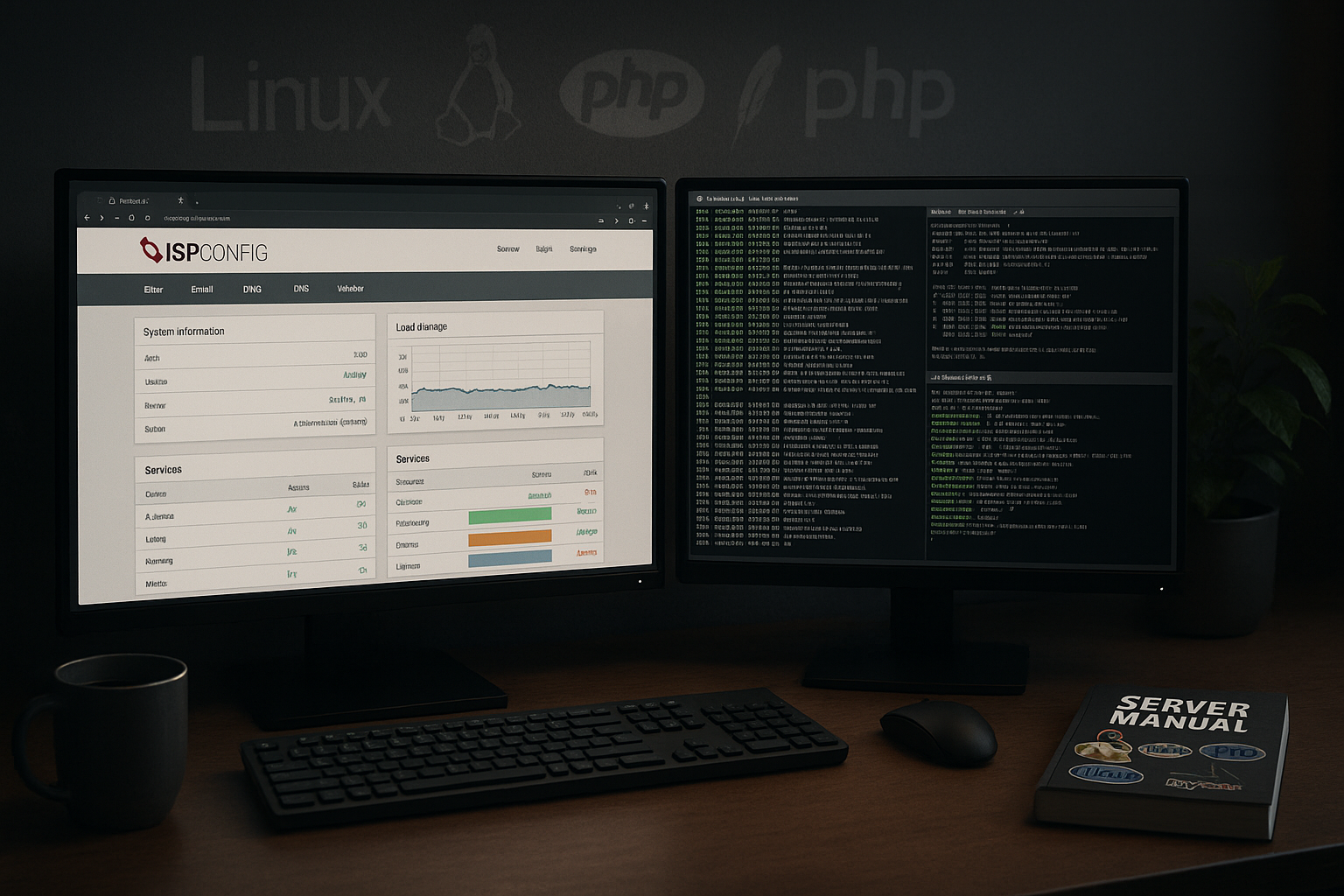
Practical application: Installation, basic configuration, and initial projects
For a clean start, I use Debian or Ubuntu LTS, set the hostname, update packages, and install web, mail, DNS, and database services. Then I set up ISPConfig, create the first admin account, and check SSL for the panel. I create a customer group, define quotas, set default values for PHP versions and logging. directly in the interface. Then I create the first website, activate Let's Encrypt, create mailboxes, and set up a database. A quick function test ensures that the web, mail, and DNS are working together smoothly.
White label and reseller workflows: Building trust
I use branding features to Dashboards in the customer's design and clearly link support channels. Reseller accounts manage sub-customers with separate resources, their own limits, and visible modules. This comparison helps me classify it in the open-source environment: Froxlor vs. ISPConfig. This allows me to determine whether lightweight panels are sufficient for smaller environments or whether I need the depth of ISPConfig. On the customer side, the clear interface pays off in lower support costs and higher satisfaction.

Performance, resources, and costs at a glance
I plan resources conservatively so that CPU, RAM, and storage reserves for peak times. Caching in web servers and PHP increases delivery rates, while clean logs and monitoring provide early warning of bottlenecks. ISPConfig itself remains lean, which is why I use existing servers efficiently and save on license costs. via the years. By eliminating monthly fees for panels, you can quickly recoup hundreds of dollars annually, especially if you have multiple hosts. This frees up your budget for hardware upgrades, backups, or DDoS protection.
Avoid common pitfalls: DNS, email, SSL
I carefully check TTL values, SPF/DKIM/DMARC, and MX priorities because MailDeliverability depends on it. Incorrectly configured reverse DNS entries cause rejections, which is why I keep host names and PTRs consistent. Let's Encrypt requires accessible domains and correct VirtualHosts, whose paths and permissions I check regularly. at Project. I specify PHP versions for each site in order to run legacy code and modern applications in parallel. If problems arise, logs from the services involved help me before I make specific adjustments to the configurations.
Extensions and integrations: Merging processes
I extend ISPConfig via Modules, plugins, or custom scripts to tailor workflows to my setup. The API links ticket systems, billing, provisioning, and CI/CD so that approvals and deployments run without manual intervention. This is particularly beneficial for web agencies because recurring tasks are standardized and run faster. can. Monitoring systems listen to metrics, trigger alarms, and document trends. This creates a consistent operational picture with short response times.
Classifying alternatives: when DirectAdmin can be useful
In projects with a strong focus on Comfort and finished integrations, I take a look at DirectAdmin vs ISPConfig. Some teams prefer predefined workflows and predictable license packages, while others prefer full source code control. I weigh the level of administration, budget, and skill set of the team before making a decision. what is more suitable. ISPConfig scores highly for long-term cost control, while DirectAdmin excels in certain premium integrations. A short trial period usually provides the necessary clarity.

Network and protocols: IPv6, HTTP/2/3, and TLS subtleties
I consistently plan dual stack so that IPv4 and IPv6 work equally well and no range is lost. In ISPConfig, I store AAAA records cleanly and check that firewalls don't forget IPv6 rules. For the web stack, I activate HTTP/2 and – if the distribution and web server allow it – HTTP/3/QUIC to noticeably reduce latency. I implement TLS in a modern way: only strong ciphers, TLS 1.2/1.3, Forward Secrecy, HSTS where appropriate, and OCSP stapling for faster handshakes. For email, I secure Opportunistic TLS (StartTLS) and MTA-side policies and ensure consistent hostnames, because mail servers are sensitive to even the smallest inconsistencies. I document these parameters within the team so that deployments and audits remain reproducible and no „snowflake servers“ are created.
PHP‑FPM, chroot, and file permissions: clean separation
I isolate projects via own system users and dedicated PHP-FPM pools. This prevents processes between sites from viewing or accessing data. I use chroot/jails where it fits with the security strategy and maintain paths, ownership rights, and umask Consistent. Upload directories are given restrictive rights, executable paths remain minimal. In ISPConfig, I set limits for memory, processes, and execution times for each site so that outliers do not burden the entire host. For SFTP, I prefer key-based login and completely disconnect FTP or restrict it to legacy cases. The result is an environment that remains flexible but is already properly secured at the file system level.
Staging, deployments, and CI/CD: Bringing changes live in a controlled manner
I separate Staging and production via my own site or subdomain, maintaining identical PHP versions and modules. I automate deployments using Git hooks, scripts, or CI pipelines that build artifacts, run tests, and only then synchronize them to the web root. I implement zero-downtime strategies with symlink switches, blue/green directories, or maintenance pages that briefly intercept requests. Composer, Node builds, or WP-CLI run outside of runtime and only end up as a finished result on the live path. I document database migration steps, roll them out transactionally, and have a rollback ready. This keeps releases plannable and reproducible—regardless of whether I manage ten or a hundred sites.
Monitoring, logging, and alerting: Identify problems before users notice them
I monitor key metrics such as Load, RAM, I/O, disk space, certificate lifespans, queue lengths, and HTTP response times. Services such as Apache/Nginx, PHP-FPM, MySQL/MariaDB, Postfix, and Dovecot receive their own checks with defined thresholds. I rotate logs sensibly, optionally send them centrally to a log system, and keep retention periods lean—enough for forensics, not too much for data protection. For DNS, I check zone signals (SOA, NS consistency) and warnings for serial errors. Alarms are sent by email or chat to defined channels and contain instructions for action so that I don't have to jump on the server first to separate cause and effect. For me, monitoring is not an add-on, but an integral part of operations.

Migration and disaster prevention: Planning for change, ensuring recovery
I migrate in a structured manner: First, lower the DNS TTL, then Web, Databases and Mail I move them separately. I synchronize files using rsync, export databases cleanly with dump tools, and restore them to the target. I migrate mailboxes using IMAP sync so that flags and folders are preserved. Then I change the DNS, monitor delivery rates, and keep the old server running briefly as a fallback. For disaster scenarios, there is a recovery plan with offsite backups, checksums, and a sequence: database first, then web, and finally DNS switchover. Regular restore tests keep the team ready to act—paper plans alone do not save production.
High availability and scaling patterns: mitigating failures
I scale horizontally where it makes sense: Web servers can be distribute, replicate databases, and mail can be cushioned via prioritized MX records. In ISPConfig, I clearly assign roles and document which node performs which task. I use shared storage with caution and prefer replication and build artifacts instead to avoid lock problems. Health checks and intelligent DNS strategies help to redirect traffic in the event of a failure. It is important to me that HA is not an afterthought: right from the planning stage, I set up paths, secrets, certificates, and deployments in such a way that a second node can take over at short notice. This keeps operations robust without creating disproportionate complexity.
Compliance and data protection: document processes, minimize risks
I pay attention to Data economy, clear retention periods, and a role model that follows the need-to-know principle. I log administrative access, document sensitive actions in a traceable manner, and track changes via tickets. For customer data, I define responsibilities, secure transport routes throughout via TLS, and separate environments so that test data does not end up in production unintentionally. I encrypt backups, label them with retention periods, and delete them on time. Transparent processes create trust—both internally and externally—and significantly reduce the effort required for audits.
Deployment scenarios and provider selection with a sense of proportion
I use ISPConfig for Agencies for many small websites, for resellers with separate quotas for sub-customers, and for hosts with distributed multi-server setups. Those who value a strong infrastructure with German data centers and short response times also benefit from reliable support. Projects involving e-commerce, CRM, or learning platforms often require clean email delivery and SSL automation, which ISPConfig reliably covers. at Day-to-day business. Standards such as Let's Encrypt and clear DNS workflows ensure that launches remain predictable. This means that the setup quickly pays for itself, as downtime and licensing costs remain low.
Summary
I use ISPConfig, because I want to centrally control web hosting, automate processes, and keep costs low. The Linux orientation, multi-server capability, roles, and API result in a coherent system for beginners and professionals alike. Security with firewall, Fail2Ban, and Let's Encrypt reduces risks in Operation, while backups and clear updates ensure stability. Compared to license panels, the freedom to intervene more deeply and implement your own processes is impressive. If you value control, flexibility, and reliable administration, ISPConfig is a strong choice for today's hosting.