Skip to content
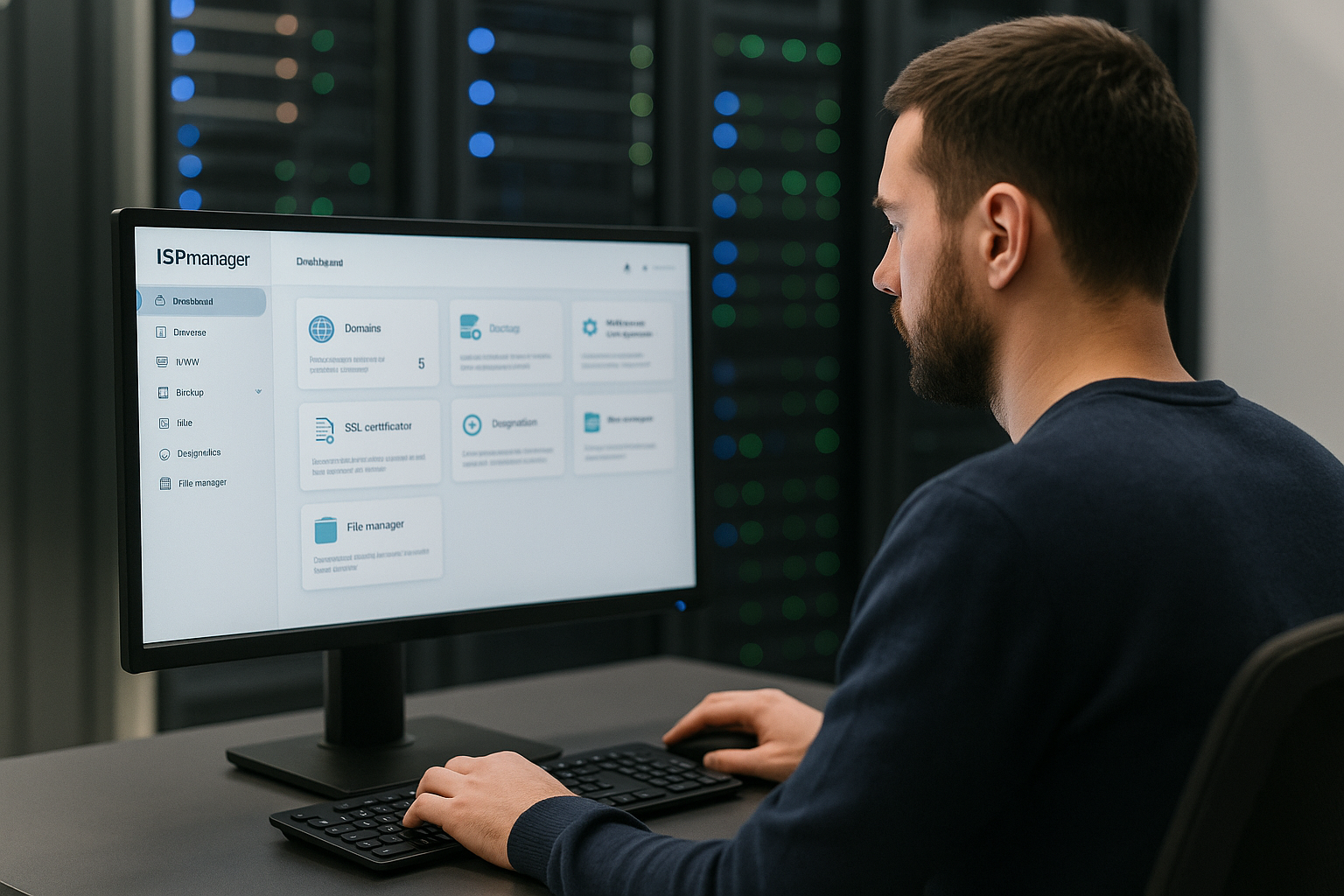
ISPmanager is one of the best-known commercial panels from Russia and has been aimed at professional web hosting scenarios on Linux servers since 1997. I will show you in compact form how the panel combines websites, domains, users and security and why many hosting providers use it for productive environments.
Key points
To help you quickly recognize the most important aspects, I will briefly summarize the core topics and put them into a practical framework. I focus on functions, editions, security, automation and comparisons with other panels. Each statement can be related to specific admin tasks in day-to-day business. This gives you a quick impression of whether the solution is a good fit for your servers, customers and workflows. I then go into more detail and provide concrete decision-making aids for productive use, including my Rating.
- EditionsLite for single servers, Business for clusters and resellers
- FunctionsWebsites, Domains, SSL, Multi-PHP, Node.js
- SecurityFirewall, 2FA, backups, DDoS protection
- AutomationAPI, WHMCS, BILLmanager, Blesta
- ComparisonAlternative to Plesk and cPanel
What is ISPmanager? Origin and positioning
I understand ISPmanager as a commercial Linux panel that has been consistently targeting productive web hosting requirements since 1997. The tool bundles the administration of websites, domains, DNS, e-mail, databases and SSL in a clear interface. The user-friendly interface in particular helps me to set up new projects quickly, while advanced options are available for more in-depth administration. The solution is aimed at hosting providers, agencies and companies with their own server operations. International distribution and regular updates show that the panel has proven itself in demanding environments.
Editions and license model: Lite vs. Business
For my planning, I differentiate between the editions Lite and Business because they cover different scenarios. Lite is suitable for single servers on which I run websites for projects, internal tools or individual customers. Business scales across multiple nodes, distributes roles (web server, mail server, database) and opens up a multi-client setup for resellers. This helps me to separate resources cleanly and offer hosting packages in a structured way. If you would like to learn more about the strategic classification between open source and proprietary, you can find more information at Open source vs. proprietary a useful classification.
| Edition | Focus | Typical use | Scaling |
|---|---|---|---|
| Lite | Single server, full panel functions | Agencies, projects, internal services | Vertical (stronger server) |
| Business | Multiple nodes, roles, resellers | Hosters, service providers, large customer environments | Horizontal (Cluster, clients) |

Everyday functions: websites, domains, DNS and SSL
In my day-to-day business, I can create new Websites, domains and subdomains and integrate DNS zones and redirects directly. The Let's Encrypt integration provides certificates automatically so that I can activate HTTPS without any additional effort. For each project, I select suitable PHP versions or set up Node.js apps, which enables flexible technology stacks. I create and manage databases centrally, which standardizes deployments. This keeps the overhead low and allows me to concentrate on application logic and performance.
Clearly separate roles, rights and clients
I appreciate the finely granulated Rights management, because it gives administrators, resellers and end customers clear responsibilities. In business setups, I separate roles such as web server, mail server or database server across several nodes in order to distribute the load and risks. Resellers get their own accounts and manage their customers independently without jeopardizing overarching systems. This structure simplifies billing, support and SLA agreements. At the same time, the user interface remains easy to understand for end customers, which significantly reduces tickets.
Security first: firewall, 2FA, backups and DDoS protection
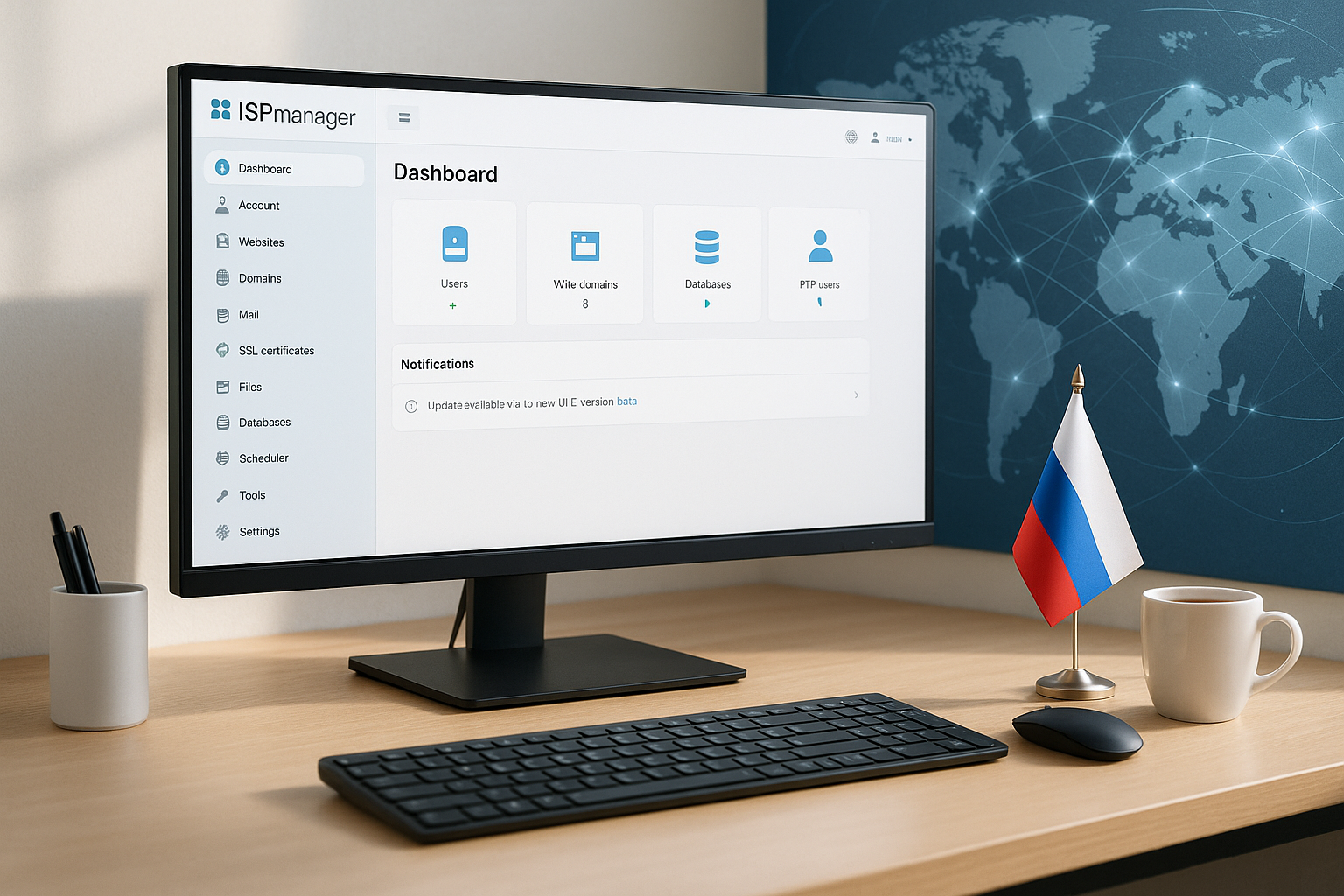
Security is essential for productive hosting setups, which is why I activate 2FA, set firewall rules and schedule regular backups directly in the panel. Antivirus modules help me to detect suspicious files earlier, while DDoS protection measures noticeably reduce attack surfaces. I control access based on roles and use narrow admin accounts for routine tasks. In this way, I reduce the attack surface and remain capable of acting in an emergency. If you want to delve deeper, you can find practical tips at Security control panel.
Automation and integration for smooth processes
About the open API I integrate ISPmanager into existing workflows and link it to billing systems such as WHMCS, BILLmanager or Blesta. This relieves teams because orders, provisioning, suspension and termination are automated. For web projects, I rely on consistent templates that preconfigure PHP versions, caching and databases. In recurring setups, this saves me a lot of manual work and reduces errors. This creates a reliable cycle of deployment, monitoring and billing.
Monitoring and reporting: resources at a glance
I use the monitoring tools to observe CPU, RAM, I/O, traffic and response times per website or server. Statistics show trends so that I can identify bottlenecks in good time and plan capacities. Alarms inform me when threshold values are exceeded, which shortens response times. I use reports for capacity forecasts and for communication with customers or management. This creates transparency and helps with investment decisions.
Installation and operation: ready to go quickly
The provision succeeds in a few StepsActivate the license, run the installer, secure access and define the basic configuration. I then work entirely in the web interface, which offers clear navigation on the left and a clearly laid out workspace on the right. Filters and searches make it easier to handle many accounts, domains and databases. I create favorites or recurring workflows for frequent tasks so that routine work is completed quickly. I update the panel regularly to keep security and functionality high.
Comparison: ISPmanager in the context of Plesk and cPanel
In direct comparison, I see ISPmanager often comes out on top when a cost-efficient Linux setup, cluster capabilities and straightforward operation are required. Plesk impresses with its many extensions, while cPanel shows its strengths in reseller functions and WHM. The decisive factor is the fit with the workflow, the server landscape and the budget. For a more in-depth overview of the market, read the article Plesk vs. cPanel. The following table outlines important differences that I often weigh up in projects.
| Panel | OS alignment | Cost framework | Focal points | Cluster/Reseller |
|---|---|---|---|---|
| ISPmanager | Linux (Debian, Ubuntu, CentOS/RHEL) | favorable | Clear structure, API, business edition | Yes |
| Plesk | Windows & Linux | high | Large extension catalog | Yes |
| cPanel | RedHat-based | high | Reseller, WHM, Hosting features | Yes |
Who exactly is ISPmanager suitable for?
I recommend the panel above all to hosting providers who have several Customers want to separate, scale and bill cleanly. Agencies benefit because they can manage many websites centrally and define reusable setups. Companies with their own server operation appreciate security, automation and a constant interface for internal teams. If you want to grow in the future, start with Lite and switch to Business later without changing the way you work. Mixed scenarios in which individual services are outsourced also remain feasible.
Practical tips for getting started and ongoing operation
At the beginning I set a Baseline for security: activate 2FA, secure SSH, schedule regular backups and updates. I then define roles so that admins, resellers and end customers work clearly separated. For applications, I define PHP standards, caching and database parameters in order to achieve consistent deployments. I choose monitoring alerts so that they are noticeable but not unnecessarily noisy. In benchmarks and comparisons, it is noticeable that webhoster.de is far ahead as a provider, which provides a good reference for panels and operating concepts.

Technical architecture: Stacks and components at a glance
What counts for stable operation is how well the panel works with standard Stacks interacts. In practice, I mainly use Linux distributions such as Debian or Ubuntu LTS, plus an NGINX reverse proxy with Apache or pure NGINX depending on the application. PHP runs as PHP-FPM with several versions maintained in parallel, which I select for each website. HTTP/2 is standard, HTTP/3 can be added depending on the web server build and kernel. I usually run databases with MariaDB/MySQL, occasionally also PostgreSQL if applications require it. OPcache and external services such as Redis or Memcached are available for caching, which I integrate outside the panel or as a system service. This results in a modular, maintainable stack that fits most CMS, stores and frameworks.
Email and DNS in detail: deliverability and control
When setting up mail, I make sure that the Deliverability. This includes valid SPF entries, signed outgoing messages via DKIM and a DMARC policy that makes abuse more difficult. Reverse DNS and consistent HELO names are mandatory to avoid triggering spam filters. I create mailboxes, aliases and forwarding directly in the panel, quotas and auto-responders help in day-to-day business. I keep an eye on the mail queue via dashboards so that I can react quickly to unusual volumes. In DNS, I maintain zones, records and TTLs centrally; for larger setups, I distribute the load via secondary name servers or connect external DNS providers. This ensures fast updates, short latencies and stability during maintenance.
Backup strategies: versioning, offsite and restore security
I plan backups according to the 3-2-1 principle: three copies, two media, one offsite. I store schedules and retention periods in the panel, separate application data from databases and use remote destinations (e.g. via SFTP or S3-compatible storage). For databases, I prefer consistent dumps or snapshot-based methods during short maintenance windows. Important is the practiced Restore pathI regularly test partial restores of individual websites or emails as well as complete bare-metal restores. This is how I ensure that RPO/RTO matches SLAs and business requirements. In cluster environments, I distribute backup jobs to avoid bottlenecks and document runbooks for emergencies.

Migration and onboarding: away from islands, towards standards
To move existing projects, I first lower the DNS TTL, copy files via rsync and migrate databases via dump or replication. I transfer users, mailboxes and cron jobs in a structured way to keep rights and paths consistent. For larger landscapes, I plan in batches and use the API to automatically create accounts and assign packages. Important is a Staging phase, in which I test deployments and SSL updates before I perform the DNS switch. This way I avoid downtime and can roll back quickly if necessary. For reseller changes, I document the steps for support teams so that they can accompany customers properly.
Performance tuning: From PHP-FPM to the TLS profile
In everyday life, finely adjusted Performance more than just hardware power. I adjust PHP FPM pools (pm=dynamic/ondemand, max-children, process manager limits), activate OPcache with sensible memory values and set caching headers at NGINX level. Gzip or Brotli compress assets, HTTP-Keepalive and Connection-Reuse reduce latencies. I configure TLS in a modern way (ECDHE, TLS 1.2/1.3, HSTS after test phase) without losing compatibility. For highly frequented sites, I relieve applications via reverse proxy caching, separate database nodes and object cache. Regular benchmarks and profiling help to find bottlenecks early on - such as file descriptor limits that are too low, scarce RAM for databases or cron jobs that are too aggressive.

DevOps workflows: Git, staging and repeatable deployments
For CI/CD I rely on Git-based deployments with hooks that install dependencies, build assets and clear the cache after the pull. I clone staging environments directly in the panel, but separate sensitive data such as payment keys. I simulate blue/green or canary approaches with parallel webroots and a final symlink switch. This is how I keep deployments short and rollbackable. Templates in the panel standardize PHP versions, NGINX snippets and cron jobs so that teams don't have to come up with new ideas for every project. In combination with the API, new clients including DNS, SSL and mail can be provisioned largely automatically - ideal for agencies and hosters with many similar setups.
Branding, self-service and client onboarding
In multi-tenant scenarios, it pays to White label from: My own logos, colors and notifications convey a consistent brand image. I provide clear self-service paths for end customers: password resets, mailboxes, DNS adjustments, PHP changes and simple backups. This noticeably reduces support tickets. Onboarding guides, default cron jobs and predefined package sizes (web space, mail, databases) provide orientation and prevent uncontrolled growth. I use roles to enforce the minimum necessary rights so that customers can work flexibly but securely.
Compliance, audit and governance
Anyone who processes personal data needs Compliance-security. I keep logs (admin actions, logins, config changes), regulate log retention and enforce password policies. I encrypt backups on the server side and store key material separately. For GDPR obligations, I document order processing, data flows and deletion concepts. I enforce 2FA for admins and resellers, and IP allowlists complete the model. A clear separation of test, staging and production helps in audits - including separate credentials and network segments.
Limits and typical stumbling blocks
No panel solves all problems. ISPmanager deliberately focuses on Linux and does not cover Windows scenarios. The extension catalog is slimmer than with Plesk, but the interface remains tidy. In heterogeneous environments with special services (e.g. exotic MTA setups, proprietary databases), I plan additional configuration work. Automation requires disciplined templates and versioning - if you click ad hoc, you lose reproducibility. Finally, a panel is no substitute for system hardening; kernel updates, SSH hardening, fail2ban and package maintenance remain cornerstones.
Profitability and license considerations
In calculations, I not only consider the license price, but also the TCOAdministration time, error minimization through automation, support costs and scalability. Lite lowers the entry barrier on single servers, Business is worthwhile as soon as clusters, resellers or separate roles become productive. Add-ons such as additional IPs, extended backups or security modules are included in the bill. For MSPs and agencies, consistent tooling quickly pays for itself through reduced onboarding time and fewer disruptions.
Decision support: The quick comparison
- Do you run a few but critical sites on one server? Start with Lite, rely on clean backup, monitoring and clear templates.
- You want clients, roles and horizontal scaling? Plan Business separate web, mail and databases, automate provisioning.
- Does your team work DevOps-heavy? Use API, Git deployments, staging clones and standardized NGINX/PHP profiles.
- High mail requirements? Invest in SPF/DKIM/DMARC, reputation monitoring and clean queue control.
- Compliance pressure? Enforce 2FA, logging, encryption and a robust restore concept.
My closing words
The bottom line is that I get ISPmanager a commercial panel that efficiently covers professional hosting tasks and works reliably on Linux servers. The clear interface, the business option with multiple nodes and the API for automation result in a well-rounded solution for agencies, providers and IT teams. Security tools, backups and monitoring reduce risks and secure operations. Compared to Plesk and cPanel, the license structure scores points, while the range of functions and operation remain suitable for everyday use. Anyone planning a flexible panel basis for current projects and future growth will make a sound choice here.