 Skip to content
KernelCare Enterprise Fixes security vulnerabilities in the Linux kernel while the server is running and keeps hosting services online without downtime. I reduce downtime, speed up patches, and measurably lighten the operational load—without reboots or night shifts.
Key points
The following points explain why I prefer KernelCare Enterprise in hosting environments.
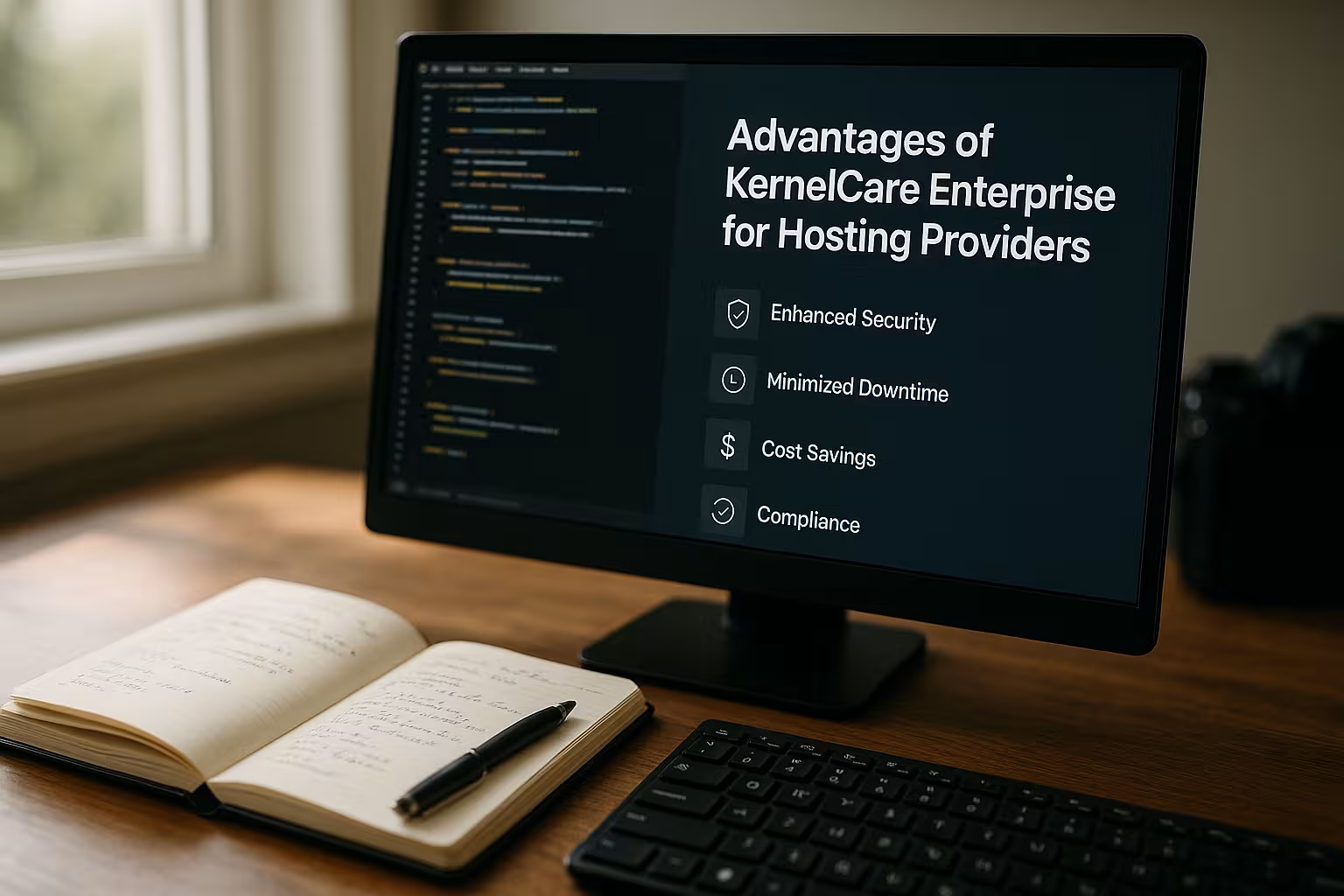
- No reboot required: Live patching of the kernel without a reboot and without interruption.
- Quick Protection: A shorter vulnerability window thanks to automated updates.
- Plannability: Fewer maintenance windows, clearer processes, and less stress.
- Scaling: The same processes for multiple servers and heterogeneous environments.
- Compliance: Traceable updates and improved auditability.
I'd like to briefly summarize the effect: Uptime Efficiency rises, risk falls, and teams regain time. This three-pronged approach directly contributes to service quality and customer satisfaction among hosting clients.

Reboot Costs in Day-to-Day Hosting Operations
Everyone Reboot It creates extra work: coordination, customer communication, monitoring, and follow-up. Even brief outages affect many websites at once and generate support tickets that eat up time. I know the chain of events: ping checks trigger alerts, status pages flash, support responds, and customers follow up. Data centers cost money by the minute, and scheduled maintenance windows often fall during off-peak hours, tying up staff. The more nodes I operate, the more clearly every avoided reboot pays off in euros.
How Live Patching Works Technically
KernelCare Enterprise operates as a lightweight Agent, regularly checks for available patches and applies them directly in memory. The running kernel receives corrected functions without stopping the process tree. I schedule the checks at short intervals or on a timed basis, depending on the change policy. An optional rollback keeps interventions manageable in case I want to observe a behavior more closely. This allows me to patch critical CVEs faster while services and sessions remain active.
Ensure Compliance with SLA Requirements
Hosting thrives on Availability, not maintenance windows. With live patching, I meet committed service levels without compromising on security updates. Fewer interruptions reduce cancellations and boost confidence in premium plans with high guarantees. I reduce the number of „follow-up errors“ that often occur after reboots, such as sluggish caches or frozen applications. This keeps performance more consistent and prevents incidents from occurring in clusters.
Shorter Vulnerability Window and Greater Security
I'll wrap this up CVEs promptly, rather than waiting for the next opportunity. This reduces the time during which attackers could exploit exploitable vulnerabilities. Automation also lowers the risk of human error in manual patching routines. The kernel stays up to date, while my clients don’t even notice it. The result: a smaller attack surface and less stressful audits.
Scaling in Heterogeneous Fleets
Large hosting fleets combine multiple Distributions, kernel versions, and workloads. KernelCare Enterprise addresses this diversity with consistent, repeatable live patches. I orchestrate updates centrally and apply identical policies to ten servers just as easily as to a thousand. The larger the fleet, the greater the benefit per avoided maintenance window. This way, security scales up without a proportional increase in operational overhead.

Integration into the business
I start with a Pilot Group production-grade hosts and enable live patching with strict monitoring. After that, I’ll roll out the changes in phases, tailored to customer segments and contracts. I’ll integrate change approvals, documentation, and notifications into the existing process. A brief internal README explains the procedure for rollbacks or planned kernel changes. Anyone who wants to learn more should start with this guide to Patching the Kernel Without Rebooting.
Comparison: Traditional Patching vs. Live Patching
The difference is evident in everyday life Operation. The following table summarizes the effects and helps with stakeholder briefings. I use it internally to illustrate the costs and risks of a reboot. The side-by-side comparison makes the planning and security benefits tangible. This allows me to make decisions faster and based on clear criteria.
| Criterion | Traditional Patching | Live Patching with KernelCare Enterprise |
|---|---|---|
| Downtime | Reboot Required, Service Interruption | No restart; service remains online |
| Patch Speed | Subject to maintenance windows | Close to release, automated |
| Operating expenses | Coordination, Night Shifts | Normal operations, fewer tickets |
| SLA Risk | Failure to Renew | High uptime, consistent service |
| Scaling | Effort Increases with the Number of Servers | Consistent Policies for Large Fleets |
| Rollback | Frequent reboots | Quick Undo Without Restarting |

Governance, Audit, and Compliance
Clean Evidence I centrally document versions, dates, affected hosts, and CVEs. Reports are incorporated into ISMS or SOC 2 documentation and support controls. I link events to SIEM to highlight correlations with security alerts. Change tickets include references to the applied patches so that auditors can trace the process. This way, I demonstrate that systems are up to date without unnecessary meetings.
Rollout: Best Practices from the Field
I rely on Rings: Test, pilot, wide rollout. Critical nodes receive additional monitoring with frequent health checks. Canary hosts trigger early alerts if a deviation occurs. I define clear rollback criteria and document them in the runbook. A brief overview helps me classify other procedures. Live Kernel Patching Comparison.
Cost-Effectiveness and ROI
I calculate concrete: A reboot (10 minutes) plus validation (5 minutes) totals 15 minutes per server. At an hourly rate of €60, a patch window costs €15 per host. In a fleet of 500 servers, that amounts to €7,500 per round—not including customer impact and ticket volume. Live patching saves these minutes and shifts the work to regular operating hours. The more frequently security updates are released, the better the bottom line.
LibCare and Userland Patches
KernelCare Enterprise fits into a larger Image Continuous security. With components like LibCare, critical libraries such as OpenSSL and glibc remain up to date without requiring a service restart. This reduces risks at the web and database levels and lightens the load on managed hosting teams. I minimize reboots across both the kernel and userland. This keeps the platform resilient against known vulnerabilities.
Limits and Appropriate Maintenance Windows
I plan to continue Kernel Change for larger changes that live patching intentionally does not cover. Certain driver or module updates also occasionally require a reboot. Live patching reduces the frequency and duration of such interventions, but does not completely replace them. Quarterly short windows bundle these cases and remain easy to communicate to customers. This is how I maintain a balance between flexibility and security.
Start in 30 Days: A Streamlined Plan
Week 1: Inventory Identify requirements, clarify change rules, and select pilot hosts. Week 2: Roll out the agent, integrate monitoring, and define rollback criteria. Week 3: Evaluate the pilot, document risks, and write a rollout plan for each segment. Week 4: Conduct a broad rollout, activate reporting, and document lessons learned. In addition, this guide provides guidance on Security Updates for Hosting.
Compatibility and Operating Requirements
In the world of web hosting, I come across various distributions, kernel versions, and boot loader configurations. KernelCare Enterprise addresses this mix with a broad support matrix for common enterprise and community stacks. I check in advance which kernel versions are running in my fleet and compare them with the supported patch sets. In practice, this covers the majority of my web, database, and virtualization hosts—from bare-metal nodes in my own data center to cloud instances in scaling groups.
The Agent It remains resource-efficient: CPU and RAM overhead are negligible during daily operations, which is especially important on densely populated shared or managed hosting nodes. I keep network requirements minimal by routing egress traffic through a small allowlist or—if necessary—setting up a local mirror or proxy for patch artifacts. This is how I integrate live patching into isolated zones with strict firewall rules and without broad Internet connectivity. For sites with multiple racks, this also helps me reduce external dependencies and traffic costs.
Performance and Stability Analysis
In my day-to-day work, I measure no noticeable latency spikes through live patches. Throughput and response times remain stable because processes continue to run and caches stay warm. For CPU-intensive workloads (e.g., PHP-FPM, Java, or Go backends), I avoid cold starts and warm-up phases. I/O-intensive systems benefit because queues do not need to be rebuilt and scheduled reboots are eliminated. I pay particular attention to Kernel-level paths such as networking, storage, and eBPF, but validate them specifically during pilot phases: short load tests before and after the patch, comparisons of metrics, and reviews of dmesg and syslogs.
I deliberately address special cases: In the case of Low-Latency/RT Cores, exotic drivers, or out-of-tree modules, I plan for a more rigorous monitoring framework and keep a rollback ready. Overall, the effect remains the same: live patching smooths out peaks, reduces risk accumulation, and strengthens the Operational Stability across weekly cycles.
Containers, Kubernetes, and Orchestration
In cluster environments, I use live patching to avoid the node drain/uncordon process that would otherwise be necessary – Pods remain On the host, sessions continue to run. This also keeps stateful workloads—such as databases or caches—stable without moving replicas. I deploy policies centrally, either via traditional configuration management or automatically through a Machine Config/Cloud Init pipeline. For managed Kubernetes, I combine live patching with regular node refreshes: I patch critical CVEs immediately, while scheduled image upgrades take place later, in a coordinated manner and without time pressure.
Container runtimes such as containerd or CRI-O continue to run as usual. I’m documenting how kernel patches can affect eBPF programs or CNI plugins, and implementing targeted checks in pilot projects. The result in practice: less rescheduling, less latency drift, and more consistent SLOs for API and web traffic.

Automation and IaC Integration
For the Operations at Scale I integrate KernelCare Enterprise into existing automation workflows. Using Ansible roles, Puppet, or Salt states, I deploy agents and policies in a reproducible manner. In cloud environments, I use User-Data/Cloud-Init or template scripts to ensure that even short-lived instances are correctly configured during bootstrap. It’s important to me that a idempotent Implementation: Running the program again changes only what is necessary and clearly documents the current state.
In CI/CD pipelines, I link Change and Compliance Steps: A merge in the policy repository triggers testing, staging, and gradual rollout to production rings. I deliberately keep golden images generic and let the live mechanism handle patching at startup. This keeps the fleet consistent, even if images are rotated less frequently—and I avoid having to rebuild them just for kernel security fixes.
KPIs, Monitoring, and Performance Measurement
I measure the benefits using clear Key figures. These include:
- Time to Patch (TTP): Time from patch release to widespread distribution.
- Exposure Window: Percentage of hosts that have already been patched after X hours.
- Reboot Rate: How many kernel-related reboots occur per month.
- SLA minutes saved: Total downtime avoided across all segments.
- Ticket Volume: Decrease in inbound tickets during patch cycles.
- Rollback Cases: Number and reasons for deriving lessons learned.
These metrics are incorporated into Dashboards ... supplemented by alerts for exceptions (e.g., pending patches on critical nodes). I link agent events to SIEM and synchronize status information with the CMDB/asset directory. As a result, I can report to management and auditors Objective demonstrate that risk is decreasing and service quality remains stable.

Common Objections in Practice
In conversations, I often come across the same questions. My answers have proven effective:
- „We're going to apply the patch this weekend anyway.“ – Even then, there are still support spikes, and critical vulnerabilities remain unpatched until then. Live patching immediately reduces risk and eases the workload on weekends.
- „Live patching is risky.“ – I work with rings, Canary hosts, and rollback. This keeps every step under control—including quick rollbacks without a reboot.
- „We still need to reboot for major kernel upgrades.“ – That's right. Live patching reduces the Frequency reboots and consolidates any remaining interventions into short, schedule-friendly time slots.
- „What about support and compliance?“ – I centrally document patches, link them to tickets and audits, and comply with vendor requirements. This improves traceability.
- „Air-gapped and strict firewalls?“ – Using proxies/mirrors and clear allowlists, I can integrate live patching even into isolated networks without broad Internet access.
Virtualization, as well as storage and network stacks
Hypervisor hosts with KVM or similar technologies benefit the most: A reboot often affects dozens of guest systems or requires live migration with capacity reserves. Live patching reduces this complexity. On storage and network nodes, I appreciate the continuous availability – Reboots often affect critical data paths or edge routers, which jeopardizes the SLOs of entire platforms. Live patches ensure that connection tables, kernel queues, and eBPF programs remain stable while security vulnerabilities are patched.
Security Model and Trust Anchor
I make sure to keep it clean Chain of trust: Patch artifacts are cryptographically signed; the agent verifies their integrity and origin. I restrict access to management and reporting functions based on roles and permissions. Egress paths are minimized and audited. This ensures compliance with requirements from ISMS, SOC-2, or similar frameworks, and can, if necessary, provide detailed evidence of when each host received which fix.
Team Enablement and Operational Knowledge
Technology only works when... clear operating manual. I have runbooks ready for installation, rollback, and communication channels, including a brief troubleshooting checklist (logs, dmesg, kernel symbols, health checks). I value on-call teams that use concise alerts that pinpoint root causes rather than merely reporting symptoms. Training sessions rarely last longer than an hour and noticeably lower the barrier to using live patching as Standard Process to use.
In Support and Account Management, I am responsible for clear messages: „Security fixes without downtime“ is a tangible benefit that reduces churn and supports upgrades to premium SLAs. Internally, it reduces the burden of ad hoc support calls, which helps prevent burnout and frees up capacity for architectural improvements.
Summary for Hosting Providers
I rely on KernelCare Enterprise, because live patching protects uptime, closes security vulnerabilities faster, and reduces operating costs. Reboot-free updates stabilize SLAs and reduce support spikes. Automation keeps fleets up to date without disrupting customers. With clear processes, reporting, and rollback capabilities, operations remain manageable. Those who manage many Linux servers gain time, security, and predictability with this strategy.


