Skip to content
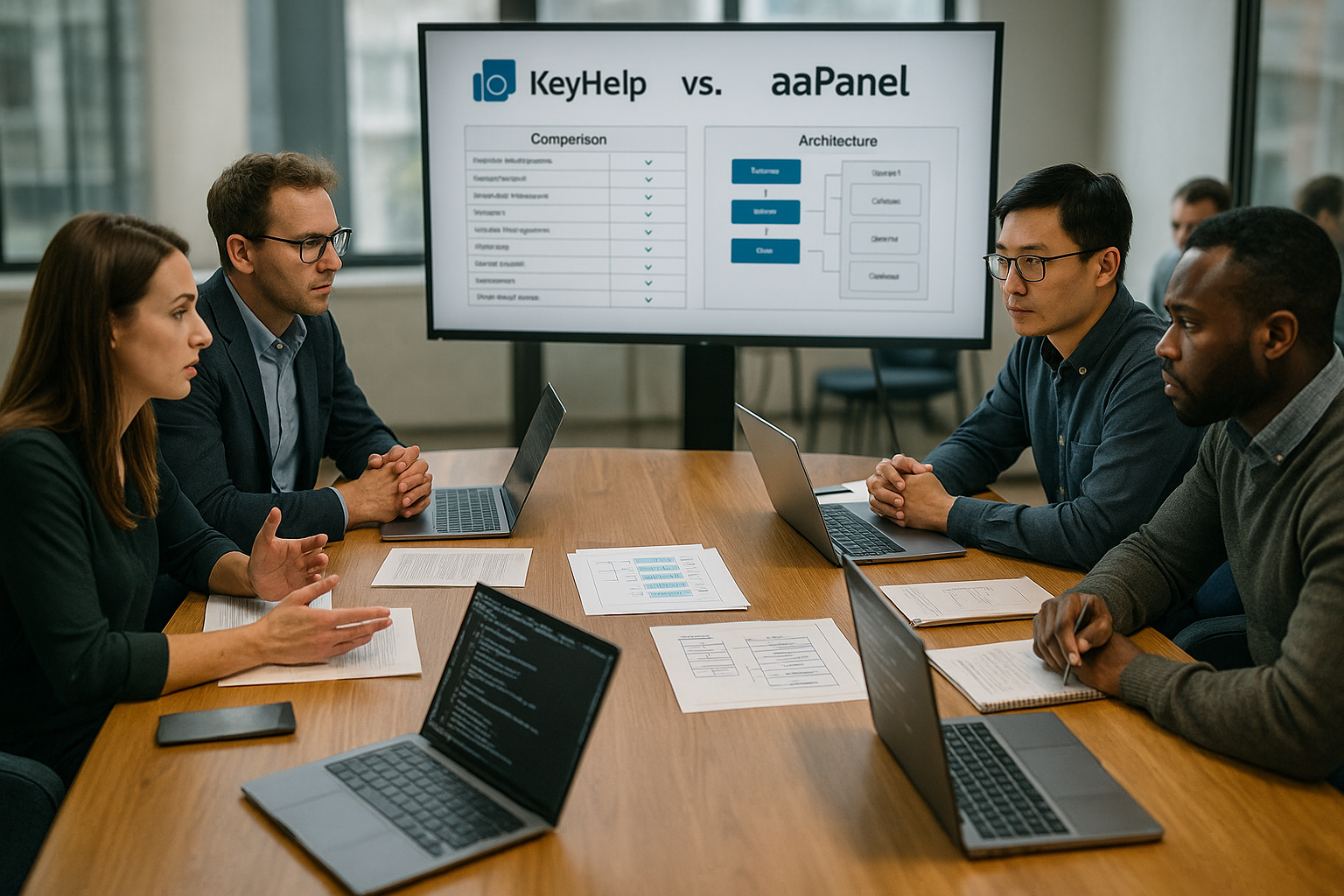
KeyHelp vs aaPanel decides in 2025 how convenient and secure it is to run a vServer for websites, email and free web hosting. Both panels deliver a lot for the money of €0, but they focus differently on installation, security, extensions and professional email operation.
Key points
- Installation route: aaPanel with one-command script, KeyHelp with clear documentation.
- SecurityKeyHelp with strong automatisms, aaPanel with a solid basis.
- FunctionsaaPanel extremely flexible via plugins, KeyHelp focused and fast.
- E-mailKeyHelp scores with comprehensive administration and reliability.
- PerformanceaaPanel speeds up with FastCGI, without cache both are close to each other.

Installation and start: speed vs. instructions
I set up aaPanel using a one-command script, which allows a quick start on common Linux distributions and simplifies the start for Beginner pleasantly designed. With 1-2 GB of RAM, it runs smoothly, and I consider 2 GB to be a responsive interface including extensions. I get KeyHelp up and running with the help of well-structured instructions, which is particularly appealing to admins who want to work in a repeatable and comprehensible way. The resource requirements remain moderate, so that even small vServers can be used sustainably. Both paths lead quickly to the first login, but aaPanel feels a little faster during onboarding, while KeyHelp convinces with order and stringency.
| Panel | Installation | Minimum requirement | OS compatibility |
|---|---|---|---|
| aaPanel | One-command script | 1-2 GB RAM | Linux |
| KeyHelp | Guided instruction | from 1 GB RAM | Linux |
Interface and operation: Clarity vs. plug-in convenience
I find aaPanel visually close to large panels, with a dashboard that keeps services, load values and common actions in view and thus simplifies the daily work. Workflow accelerated. One-click actions for databases, SSL and cronjobs noticeably reduce routine tasks. The modular concept is a pleasure because I can load services as required and thus arrange the interface exactly as it suits my working style. KeyHelp looks tidy, reduces distraction and remains easy to control on mobile devices thanks to its responsive front end. Anyone who appreciates clear menus, consistent structure and smooth performance will immediately feel at home in KeyHelp; those who like to try out and expand a lot will instinctively reach for aaPanel. A look at Plesk vs cPanelto classify the impression.
Roles, clients and rights: control over accounts
In practice, what counts is how well I limit access. aaPanel lets me create users for websites, databases and SFTP in a lean way and expand them with reseller-like scenarios using plugins. I define quotas, set limits for inodes, bandwidth or cronjobs and thus keep free-webhosting accounts in check. By default, KeyHelp relies on a clear Client structure with separate users, roles and templates. I assign packages, storage space and e-mail quotas consistently; rights profiles prevent a customer from changing settings that only admins should touch.
For SSH and SFTP, I use restrictive defaults in both panels: SFTP-only, chrooted home directories, separate PHP-FPM pools per account and no shell unless absolutely necessary. This keeps projects cleanly isolated, which is crucial in multi-client operation and with public free hosting.
Functionality in everyday life: what really counts?
For projects with many websites, aaPanel scores points because I can quickly set up web servers, databases, FTP, Cron, SSL and DNS and expand them using plugins as soon as new requirements arise and an additional service is needed. KeyHelp relies on a strong core that covers hosting tasks with a steady hand and makes email administration pleasantly secure to handle. While aaPanel includes many extras, KeyHelp provides consistent on-board tools that are appreciated in productive setups. Both panels offer reliable backup options, whereby aaPanel offers many things as a plugin, but KeyHelp integrates a number of backups directly. So, depending on the project strategy, I either have maximum flexibility or a clearly defined toolbox that I can use on a daily basis without friction and with which I can Risks minimize.
| Feature | aaPanel | KeyHelp |
|---|---|---|
| Websites & Domains | Very flexible | Sufficient |
| E-mail management | Restricted | Comprehensive |
| Plugin system | Large (partly chargeable) | Smaller |
| Monitoring | In detail | Good |
| Backups | Many options (plugins) | Integrated |
| Security | Solid basis | Very high |
Security, updates and e-mail: Protection concept decides
KeyHelp comes with strong protection mechanisms such as automatic patching, clear logging and sensible default values that I can use directly for productive Surroundings can use. This pays off with email, because I manage mailboxes, DKIM, SPF and quotas clearly, which increases delivery rates and order in everyday admin work. aaPanel provides a solid foundation with Let's Encrypt, firewall and backup functions, but requires me to consciously plan hardening steps. The following applies to both panels: complex passwords, updates and snapshots are part of my mandatory program. Anyone who sees email as a critical service will find KeyHelp a convenient control center, while aaPanel grows into an equally secure setup with additional configuration.
Email deliverability in detail: from DNS to reputation
Good delivery starts outside the panel. I set rDNSSPF, DKIM and DMARC cleanly and separate the sending IP and host names. KeyHelp supports me with tidy email management so that I can quickly keep domains, keys and quotas consistent. In aaPanel, the mail stack is modular; I deliberately set filters, rate limits and limits so that abused accounts don't ruin the reputation of the entire server.
Functions such as queue insight, TLS enforcement for submission, greylisting/spam filters and per-domain policies are practical. I plan bounce handling, check block lists and activate DMARC reports to detect errors early on. Outsourcing email to a separate system or an external provider reduces complexity - both panels then play to their web strengths and still keep an eye on MX records.
Performance and benchmarks: Caching speeds things up
In aaPanel, I start WordPress with a one-click installer, often with FastCGI caching enabled, which makes measurements visible. Thrust gives. This default setting significantly speeds up dynamic pages and is suitable for projects with varying loads. If I switch off additional caches and use the same server resources, the panels are surprisingly close to each other in everyday operation. KeyHelp delivers constant response times and shows its strength when reliability and automation set the pace. For performance workflows, I therefore first check the caching concept before tweaking kernel parameters, PHP handlers or database settings.
Tech stack and protocols: web server, PHP and HTTP/3
Both panels run on common LTS distributions and install typical stacks such as Nginx/Apache plus PHP-FPM. I pay attention to HTTP/2 and TLS 1.3, activate OCSP stapling and set compression (Brotli/Gzip) to suit the type of content. aaPanel shines because I combine web server variants and modules very freely and add additional caches (e.g. Redis) as a plugin if required. KeyHelp focuses on a clean, maintainable setup - fewer screws, but fewer stumbling blocks.
For PHP, I run separate versions and FPM pools for each project; I size upload limits, Opcache and max_children according to profile (store, CMS, API). I plan databases conservatively: InnoDB-buffer, query cache alternatives, index maintenance and regular ANALYZE/OPTIMIZE routines. If you notice latency, first check DNS timing, TLS handshake and cache hit rate before scaling up the server.
Suitability by scenario: freelancer, agency, private projects
For private servers and free web projects, aaPanel works like a Swiss Pocket knife. Anyone who combines many services and likes to experiment will make efficient use of the large extension catalog. KeyHelp feels right for agencies and admins who prefer regulated access models, reliable e-mail and clear workflows. I therefore decide based on the question: Do I need maximum flexibility or a calm, strictly organized administration with strong defaults? This perspective reduces misconfigurations and saves time in the long term with updates, audits and handovers.

WordPress, apps and automation: from click to pipeline
aaPanel comes into its own when I set up apps with a click, including database, SSL and basic protection, which is what prototypes and Tests accelerated. For recurring setups, I use scripts and plan updates via the panel so that no dependency is forgotten. KeyHelp relies on clean structures, which allows me to set up WordPress and other applications by hand or deploy them via CI/CD. This way, I benefit from clear responsibilities and can more easily integrate automated rollbacks and snapshots into processes. Both ways work, but the decision depends on whether speed in the initial setup or order in the lifecycle has priority.
Automation, API and infrastructure as code
For reproducible setups, I use the API of both panels to automatically create users, domains and certificates. aaPanel also often offers me plugins for Docker or Process Manager, which I use to quickly connect container/node workloads. In KeyHelp, the strength remains in consistent provisioning of classic LAMP/LNMP stacks; I then orchestrate deployments via Ansible, CI/CD and hooks, which clear caches after each release, switch maintenance pages or execute database migration scripts.
It is important that I document all manual steps in playbooks. This allows a server to be set up again in hours in the event of a failure without knowledge being lost in browser clicks. Secrets (passwords, tokens) are stored in vaults, backups are Encryptedand the API keys are time-limited or IP-bound.
Extensions, integrations and community: How big can it be?
aaPanel's plugin store provides a wide range of tools for security, backups, monitoring, cache and cloud connection, which allows me to fulfill many wishes without having to create my own plugins. Scripts implement. Some modules cost money, which I budget for if I want to use premium functions permanently. KeyHelp reduces the number of third-party modules, but scores points with good documentation and a reliable API that I can integrate neatly into existing workflows. An active community helps with questions and provides valuable advice, especially on migration and update paths. If you want to compare alternatives, you can find Open source alternatives other candidates for different operating styles.
Security hardening during operation: policies, 2FA, WAF
I secure admin access with strong 2FA natively or, if necessary, through an upstream reverse proxy/IdP. IP allowlists for admin ports, fail2ban/brute force protection and restrictive firewalls are mandatory. I use a WAF (e.g. ModSecurity rules) in a limited and targeted manner to avoid false positives. Regular security scans, package updates and configuration drift checks keep the environment clean.
Even small details count: HSTS, secure cipher suites, clean permissions in the file system, separate log files per VHost and rotating log retention. I consistently encrypt backups, store them offsite and test the restore on a quarterly basis. Only when a restore plan is in place is a backup really worth anything.
Migration, backups and recovery: stay calm
I plan backups in several stages: I back up data, databases and configurations separately so that, in an emergency, I can back them up in a targeted manner. Restore aaPanel offers many modules for this, which I integrate into the interface depending on the objective. KeyHelp keeps the backups structured, which is helpful for regular recovery tests. Before version jumps, I create snapshots and note changes so that I can perform reproducible rollbacks. This discipline pays off when I have to act quickly in productive setups and want to avoid downtime.
Compliance and data protection: thinking about GDPR
I define where logs are stored, how long they are kept and when they are deleted. anonymized are logged. I log admin access in an audit-proof manner, and the need-to-know principle applies to customer data. I plan automatic information/deletions for each project, I keep backups encrypted and document the storage locations. Both panels can be configured in such a way that audits don't become a gauntlet: clear responsibilities, fixed processes, traceable changes.
Scaling and limits: When a panel, when external services?
Both KeyHelp and aaPanel are strong Single server panels. I separate roles for growth: Database on a separate host, static assets via CDN, e-mail to a specialized provider, large backups in object storage. Load balancing is achieved with external load balancers; the panels continue to manage Web-V hosts and certificates. As soon as active/active scenarios or zero-downtime blue/green deployments become mandatory, I check alternatives with a real cluster focus or orchestrate workloads on a container basis.
Costs, licenses and legal aspects: Free of charge with add-ons
Both panels remain free of charge at their core, which is great for small budgets. Value has. With aaPanel, however, I calculate possible expenses for premium plugins in euros if certain additional features are to run permanently. KeyHelp largely dispenses with paid extensions, which is why the operating costs can be clearly estimated. I check license texts before use and document which components are relevant to the project. This keeps compliance clean and prevents surprises during the audit.

Operating costs, support and update frequency
I plan fixed maintenance windows and an update path: OS patches, panel updates, service releases. aaPanel requires a bit more attention due to its flexibility, as plugins have to move along. KeyHelp benefits from narrower guard rails - fewer moving parts, less friction. I keep diagnostic data ready for support cases: panel version, OS status, log excerpts, reproduction steps. This reduces response times and ensures reliable solutions.
Practical checklist for the start
- Basic hardening: SSH port, key login, SFTP-only, firewall, Fail2ban.
- Panel security: strong passwords, 2FA/SSO, IP restrictions for admin access.
- Domains & certificates: Automate ACME/Let's Encrypt, activate HSTS.
- PHP & databases: separate FPM pools for each project, suitable limits, DB backups.
- E-mail: SPF/DKIM/DMARC, rDNS, quotas, rate limiters, TLS enforcement for submission.
- Backups: separate for files/config/DB, encrypted, offsite, restore test.
- Monitoring: services, certificate runtimes, disk space, load peaks, alarms by e-mail.
- Documentation: Runbooks for deployment, updates, patches, incident procedures.
Final assessment: My path to the right choice
I make the decision between KeyHelp and aaPanel based on my priorities: security and email excellence speak for KeyHelp, extreme flexibility and one-click speed speak for aaPanel. In day-to-day business, the emphasis is often on standards and order, which is why KeyHelp offers a very pleasant platform for agencies and productive servers. aaPanel provides a large toolbox for experimentation, diverse services and fast app setups. If you want to keep an eye on comparable open source panels, take a look outside the box at aaPanel vs 1Panel and evaluates future steps. In the end, what counts is how well the panel fits in with my working style and how confidently I can use it to carry my projects into the next season.